
Your Browsing History
BEST SELLERS


BEST SELLERS
In Desktop CPU Processor
Our most popular products, based on sales and updated frequently.Shop Department
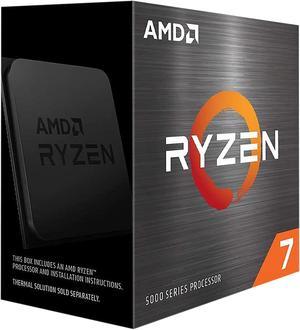
AMD Ryzen 7 5700X - Ryzen 7 5000 Series Vermeer (Zen 3) 8-Core 3.4 GHz Socket AM4 65W None Integrated Graphics Desktop CPU Processor - 100-100000926WOF
- Series: Ryzen 7 5000 Series
- L3 Cache: 32MB
- L2 Cache: 4MB
- Cooling Device: Cooling device not included - Processor Only
- Model #: 100-100000926WOF
- Item #: 9SIC3U4KR56981
- Return Policy: View Return Policy
$283.99
Very fast processor Large L3 cache Productivity work is a breeze General use is lighting fast! Price to performance.
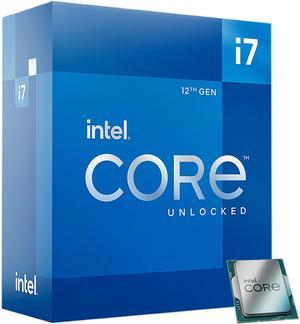
Intel Core i7-12700K - Core i7 12th Gen Alder Lake 12-Core (8P+4E) 3.6 GHz LGA 1700 125W Intel UHD Graphics 770 Desktop Processor - BX8071512700K
- Series: Core i7 12th Gen
- L3 Cache: 25MB
- L2 Cache: 12MB
- Cooling Device: Cooling device not included - Processor Only
- Model #: BX8071512700K
- Item #: N82E16819118343
- Return Policy: Replacement Only Return Policy
$399.99
$549.99
Free Shipping
It runs great and if needed I can overclock it.
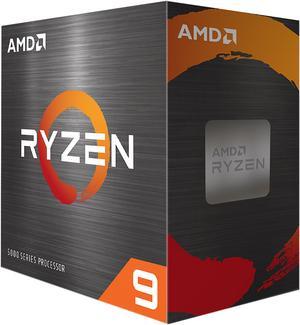
AMD Ryzen 9 5900XT - Ryzen 9 5000 Series Vermeer (Zen 3) 16-Core 3.3 GHz Socket AM4 105W None Integrated Graphics Desktop CPU Processor - 100-100001581WOF
- Series: Ryzen 9 5000 Series
- L3 Cache: 64MB
- L2 Cache: 8MB
- Cooling Device: Cooling device not included - Processor Only
- Model #: 100-100001581WOF
- Item #: N82E16819113845
- Return Policy: Replacement Only Return Policy
$414.99
$499.99
Free Shipping
I hit 45000 on cpu benchmark Huge difference compared to my old Ryzen5 5600g

AMD Ryzen 9 9900X3D - Ryzen 9 9000 Series Granite Ridge (Zen 5) 12-Core 4.4 GHz Socket AM5 120W AMD Radeon Graphics Processor - 100-100001368WOF
- Series: Ryzen 9 9000 Series
- L3 Cache: 128MB
- L2 Cache: 12MB
- Cooling Device: Cooling device not included - Processor Only
- Model #: 100-100001368WOF
- Item #: N82E16819113886
- Return Policy: Replacement Only Return Policy
$719.99
$899.99
Free Shipping
good chip. low watts. high threads. 1-2 day shipping from new egg.
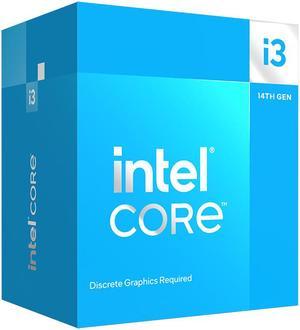
Intel Core i3-14100F - Core i3 14th Gen Raptor Lake 4-Core (4P+0E) LGA 1700 58W None Integrated Graphics Processor - BX8071514100F
- Series: Core i3 14th Gen
- L3 Cache: 12MB
- L2 Cache: 5MB
- Cooling Device: Intel Laminar RM1 included
- Model #: BX8071514100F
- Item #: N82E16819118492
- Return Policy: Replacement Only Return Policy
$124.99
$199.99
$29.99 Shipping
- Cheap - Meet requirements of pretty much everything
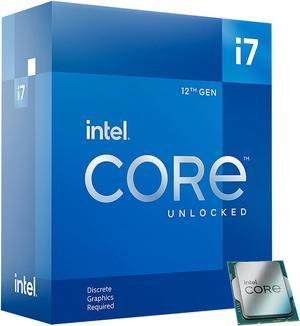
Intel Core i7-12700KF - Core i7 12th Gen Alder Lake 12-Core (8P+4E) 3.6 GHz LGA 1700 125W Desktop Processor - BX8071512700KF
- Series: Core i7 12th Gen
- L3 Cache: 25MB
- L2 Cache: 12MB
- Cooling Device: Cooling device not included - Processor Only
- Model #: BX8071512700KF
- Item #: N82E16819118345
- Return Policy: Replacement Only Return Policy
$359.99
$529.99
Free Shipping
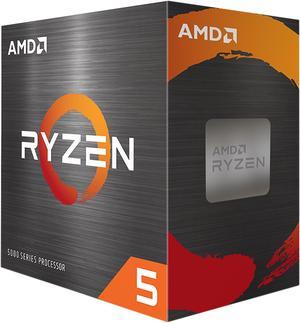
AMD Ryzen 5 5600X - Ryzen 5 5000 Series Vermeer (Zen 3) 6-Core 3.7 GHz Socket AM4 65W None Integrated Graphics Desktop CPU Processor - 100-100000065BOX
- Series: Ryzen 5 5000 Series
- L3 Cache: 32MB
- L2 Cache: 3MB
- Cooling Device: Wraith Stealth Cooler
- Model #: 100-100000065BOX
- Item #: 9SIAA4YCTK6771
- Return Policy: View Return Policy
$259.99
$269.99
Free Shipping
-faster than the 10900k -a big upgrade from my 2600
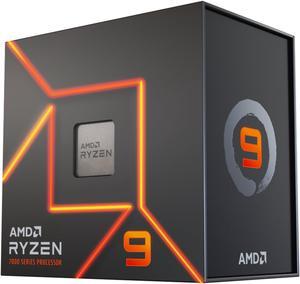
AMD Ryzen 9 7900X - Zen 4 12-Core 4.7 GHz - Socket AM5 - 170W Desktop Processor (100-100000589WOF)
- Series: Ryzen 9 7000 Series
- L3 Cache: 64MB
- L2 Cache: 12MB
- Cooling Device: Cooling device not included - Processor Only
- Model #: 100-100000589WOF
- Item #: N82E16819113769
- Return Policy: Replacement Only Return Policy
$449.99
$799.99
Free Shipping
- Amazing CPU - Performs great
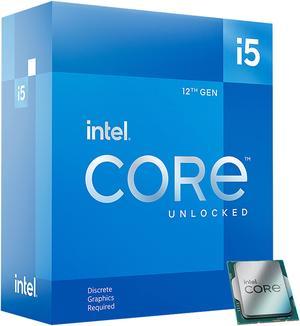
Intel Core i5-12600KF - Core i5 12th Gen Alder Lake 10-Core (6P+4E) 3.7 GHz LGA 1700 125W Desktop Processor - BX8071512600KF
- Series: Core i5 12th Gen
- L3 Cache: 20MB
- L2 Cache: 9.5MB
- Cooling Device: Cooling device not included - Processor Only
- Model #: BX8071512600KF
- Item #: N82E16819118349
- Return Policy: Replacement Only Return Policy
$239.99
$29.99 Shipping
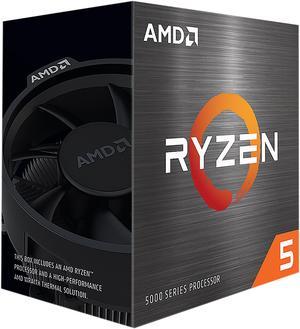
AMD Ryzen 5 5600 - Ryzen 5 5000 Series Vermeer (Zen 3) 6-Core 3.5 GHz Socket AM4 65W None Integrated Graphics Desktop CPU Processor - 100-100000927BOX
- Series: Ryzen 5 5000 Series
- L3 Cache: 32MB
- L2 Cache: 3MB
- Cooling Device: Wraith Stealth
- Model #: 100-100000927BOX
- Item #: 9SIC3U4KR56983
- Return Policy: View Return Policy
$218.99
So with those added settings performance looks to be better than stock and almost on par with an OC. Would rather save energy where i can enable a few settings and let the hardware decide. Sold the old cpu.
AMD Ryzen 5 5600XT - Ryzen 5 5000 Series Vermeer (Zen 3) 6-Core 3.7 GHz - AM4 65W Desktop CPU - 100-100001585BOX
- Series: Ryzen 5 5000 Series
- L3 Cache: 32MB
- L2 Cache: 3MB
- Cooling Device: AMD Wraith Stealth
- Model #: 100-100001585BOX
- Item #: N82E16819113878
- Return Policy: Replacement Only Return Policy
OUT OF STOCK
Sold Price: $249.99
Free Shipping
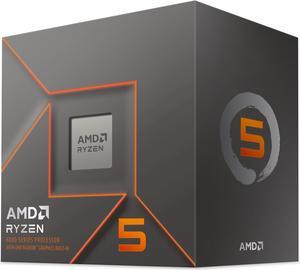
AMD Ryzen 5 8500G - Ryzen 5 8000-G Series Phoenix (Zen 4) 6-Core 3.5 GHz Socket AM5 65W AMD Radeon 740M Desktop CPU Processor - 100-100000931BOX
- Series: Ryzen 5 8000-G Series
- L3 Cache: 16MB
- L2 Cache: 6MB
- Cooling Device: Wraith Stealth Cooler
- Model #: 100-100000931BOX
- Item #: 9SIAA4YKMT2148
- Return Policy: View Return Policy
$259.99
Free Shipping
Super fast and reasonably priced on sale.
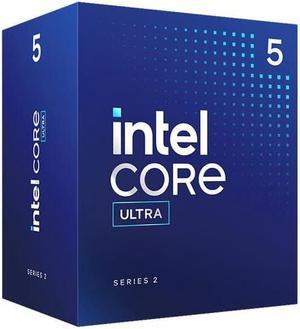
Intel Core Ultra 5 225 - Core Ultra 5 (Series 2) Arrow Lake 10-Core (6P+4E) Performance-core Base Frequency: 3.3 GHz Efficient-core Base Frequency: 2.7 GHz LGA 1851 65W Intel Graphics Desktop CPU Proc
- Series: Core Ultra 5 (Series 2)
- L3 Cache: 20MB
- L2 Cache: 22MB
- Cooling Device: Intel Laminar RM2
- Model #: BX80768225
- Item #: 9SIADGEKFH8218
- Return Policy: View Return Policy
$259.99
$10.99 Shipping
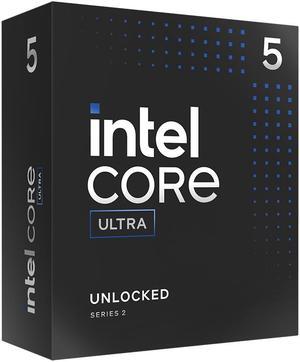
Intel Core Ultra 5 245K, Arrow Lake 14-Core (6P+8E), LGA 1851, 125W Desktop Processor - BX80768245K
- Series: Core Ultra 5 (Series 2)
- L3 Cache: 24MB
- L2 Cache: 26MB
- Cooling Device: Cooling device not included - Processor Only
- Model #: BX80768245K
- Item #: N82E16819118508
- Return Policy: Replacement Only Return Policy
$289.99
$449.99
Free Shipping
-Fast for web browsing. Especially watching livestreams like Twitch.tv and Youtube. -Faster than I thought for gaming -Runs cool with water cooling
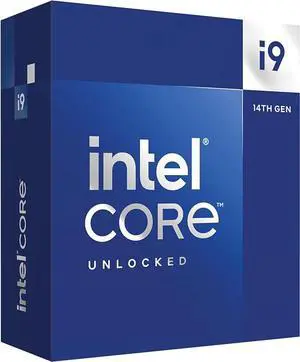
Intel Core i9-14900K - Core i9 14th Gen 24-Core (8P+16E) LGA 1700 125W Intel UHD Graphics 770 Desktop Processor - Boxed - BX8071514900K
- Series: Core i9 14th Gen
- L3 Cache: 36MB
- L2 Cache: 32MB
- Cooling Device: Cooling device not included - Processor Only
- Model #: BX8071514900K
- Item #: N82E16819118462
- Return Policy: Replacement Only Return Policy
$659.99
$999.99
Free Shipping
Phenomenal performance, scores great on Cinebench and Windows feels extremely snappy.
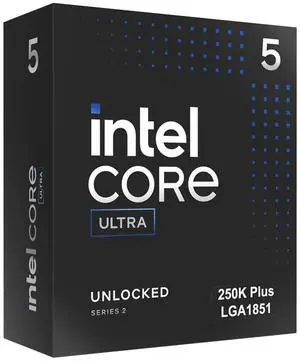
Intel Core Ultra 5 250K Plus Processor 18 cores (6 P-cores + 12 E-cores) up to 5.3 GHz BX80768250K
- Series: Core Ultra 5 (Series 2)
- L3 Cache: 30MB
- L2 Cache: 30MB
- Brand: Intel
- Model #: BX80768250K
- Item #: N82E16819118629
- Return Policy: Replacement Only Return Policy
$299.99
$309.99
Free Shipping
Not only has my FPS and overall gaming performance improvedespecially in older titles like World of WarcraftI went against popular opinion and sold my underwhelming AMD system, upgrading to this one. I originally aimed for the 270K, but when it sold out, this model popped back in stock, and I decided to take the chance. I run multiple LLMs, game, stream, do light video editing, and experiment with AI and video generationbasically a little bit of everything. I already had a 5080 and 64GB of RAM, but wowthis machine is a beast. I was worried Id lose 1015% performance, and in some games I did lose about 5%, but what truly matters is that I can now use my PC however I wanteven while gaming. No more shutting down my LLMs just to play casually. The best part? My 1% lows jumped up massivelyby around 35% in MMOs. Thats far more important to me than raw FPS. No more micro-stutters, OBS crashes, or rubberbanding. I used to spend hours tweaking settings just to get games good enough to enjoyand I always felt I fell short. Im not claiming to be a hardware guru, just a hobbyist whos built PCs for over a decade (RIP 1080 Ti). Long story short: if youre chasing every last frame and dont care about AI, 1% lows, or multitasking, this is an incredible bargain at $200.
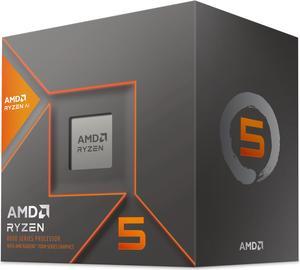
AMD Ryzen 5 8600G - Ryzen 5 8000-G Series 6-Core 4.3 GHz Socket AM5 65W AMD Radeon 760M Desktop CPU Processor - 100-100001237BOX
- Series: Ryzen 5 8000-G Series
- L3 Cache: 16MB
- L2 Cache: 6MB
- Cooling Device: Wraith Stealth Cooler
- Model #: 100-100001237BOX
- Item #: N82E16819113814
- Return Policy: Replacement Only Return Policy
$259.99
$369.99
Free Shipping
Its pretty powerfull
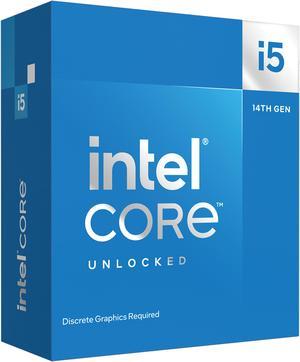
Intel Core i5-14600KF - Core i5 14th Gen 14-Core (6P+8E) LGA 1700 125W None Integrated Graphics Desktop Processor - Boxed - BX8071514600KF
- Series: Core i5 14th Gen
- L3 Cache: 24MB
- L2 Cache: 20MB
- Cooling Device: Cooling device not included - Processor Only
- Model #: BX8071514600KF
- Item #: 9SIC514KTB1752
- Return Policy: View Return Policy
$369.23
$39.99 Shipping
I built 2 duplicate machines other than hard drives, and ended up doing one I7- 14700 & the other a I9- 14900. For the money the 14700k is probably the best CPU out there! Download the latest BIOS and flash the thing! The chip will run cool while you in BIOS or at idle! Start by changing to "advanced mode" then go thru all the menu settings. In order to run at the speeds I have, the cooler changes to 240 AIO, but I am running a Be Quiet Dark Rock 5 PRO / 270-TDP. I set the BCLK to "Locked 100mhz" set the AVX2 offset to 2 or 4, set LoadLine to 3 or 3.5. I set "Base Frq Boost" to 125, set P-core ratio to 4.8 AT LEAST to start, set Ecore Ratio to around 3.4. Don't be TOO greedy! I run "ALL CORE" which I would rather have all cores running the same speed, even thou you won't get quite as high a speed! PLL-1 set to 240, PLL-2 set to 250 and 280A ----The factory setting after BIOS update are 253, 253, 301A - SO I am running on the cooler side rather than trying to fry my CPU! I think I am running my P-core at 4.8ghz & E-core at 3.4. I'm getting ready to try to bump Pcores to 5ghz. I have the same voltage setting on the I9-14900k & I am running P-cores at 5ghz. Couple other things - IMPORTANT set a hard voltage limit of 1.4v too! 240, 250, 280A and 1.4v you should run around 29c idle, and not much more than that when web browsing, watching video etc! Under extreme stress running mid 50s to mid 60s. ANOTHER thing I did was to set a "Hard Throttle" at 82c and "Max Temp" of 84c. I use the Intel XTU utility to stress test, I DO NOT USE IT TO MAKE SETTINGS!!! Don't use any overclock program to do your overclocking, if your setting are "non bootable" you will have to go in safe mode a delete the program! If BIOS changes are unbootable the BIOS will try to make adjustment to allow you to get back in a make changes! The XTU will show your temp, and your TDP at the bottom left, so scroll down so it is visible! If your "Thermal Throttling" there is a problem! Do a "Max-Temp" of 95c (to dial in) and run the test(s) for JUST 1minute, if the TEMP starts to climb, don't run the whole minute - STOP - SHUT DOWN & boot into Bios to change settings or shut down and re-install your cooling device! I used Liquid Metal - You don't want to overdo it, but you should put it on the heatsink FIRST AWAY from any electronics, because it will short stuff out! Then put the stuff directly on the CPU. I was lucky, but when first trying to gently squeeze it out, the first bit wants to "shoot out" so keep that in mind! That's why I say put it on heatsink FIRST! There is an option for "extra Voltage" for AVX & I didn't feel safe letting the BIOS decide, so I took it off "AUTO" and entered 1 (the number is multiplied by .05 to the AC-LoadLine) The AC & DC Load Line Should be the same, since .05 was added to the AC load line, I set the load line to .40AC & .45DC! When you increase these values the help VDROOP, BUT increase the TEMPs the higher you go! Actually the .40 & .45 are on the i9, the i7 is in mid to upper 50s. I am thinking I can lower them slightly and go from 4.8ghx to 5ghz. ALL THIS IS DONE WITHOUT AN UNDER-VOLT!!!!! I keep "Under-Volt Protection" ENABLED! The easiest & best way to start out is to set your speed manually by setting BCLK to 100mhz & set the multiplier to 40 P-core & 28 e-core, go up slow. Be patient and don't be greedy! ONE MORE THING - Get the CPU with onboard video, and set everything up right, before you add a video card to the mix! If video card ever goes bad, it will be a blessing to both trouble shoot, and allow you to get online temporarily until you get a new card!
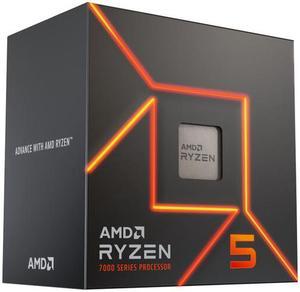
AMD Ryzen 5 7600 - Ryzen 5 7000 Series Zen 4 6-Core 3.8 GHz - Socket AM5 65W - AMD Radeon Graphics Processor - 100-100001015BOX
- Series: Ryzen 5 7000 Series
- L3 Cache: 32MB
- L2 Cache: 6MB
- Cooling Device: Wraith Stealth Cooler
- Model #: 100-100001015BOX
- Item #: N82E16819113787
- Return Policy: Replacement Only Return Policy
$239.99
$349.99
Free Shipping
For gamming more than 6 cores isnt really used, unless you play Cities: Skylines 2. More likely youll need better GPU so got this and no issues.
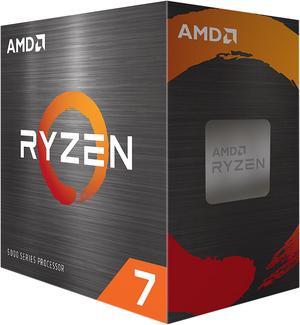
AMD Ryzen 7 5800X - Ryzen 7 5000 Series Vermeer (Zen 3) 8-Core 3.8 GHz Socket AM4 105W None Integrated Graphics Desktop CPU Processor - 100-100000063WOF
- Series: Ryzen 7 5000 Series
- L3 Cache: 32MB
- L2 Cache: 4MB
- Cooling Device: Cooling device not included - Processor Only
- Model #: 100-100000063WOF
- Item #: 9SIAA4YCYG6995
- Return Policy: View Return Policy
$309.99
$312.99
Free Shipping
Upgraded from a 3700x which was a great chip and I know it's most likely in my head but my system "feels" faster. Won't get to game on it until this weekend but everything is just... Quicker. Just remember to update your bios before you swap chips.