


- $549.99
- Free 91-day Returns
$419.99
Add to PC build list
Sold by Newegg
Shipped by Newegg
Add to Wish List(Found on 1632 wish lists)
Best Sellers
 Top Rated
- $633.99
- + FREE SHIPPING
- $603.74
- + $29.99 Shipping
 Hot Seller
- $654.89
- + FREE SHIPPING


Get Educated
Make informed decisions with expert advice. Learn More

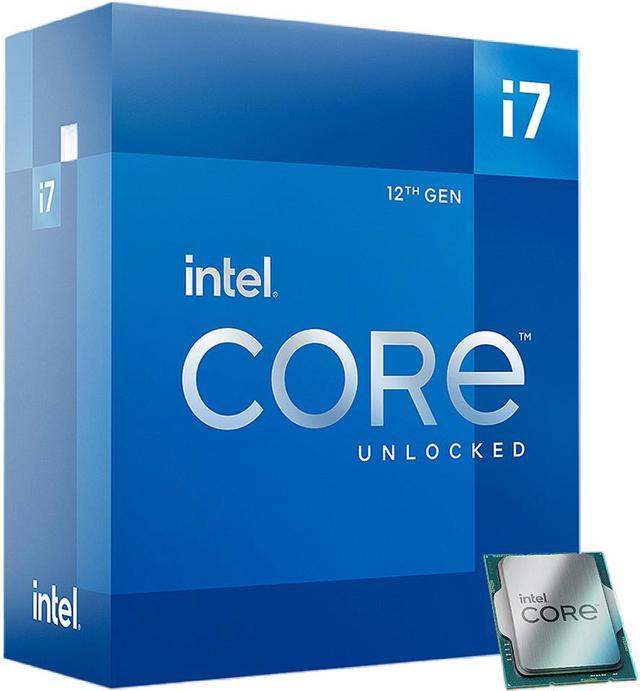

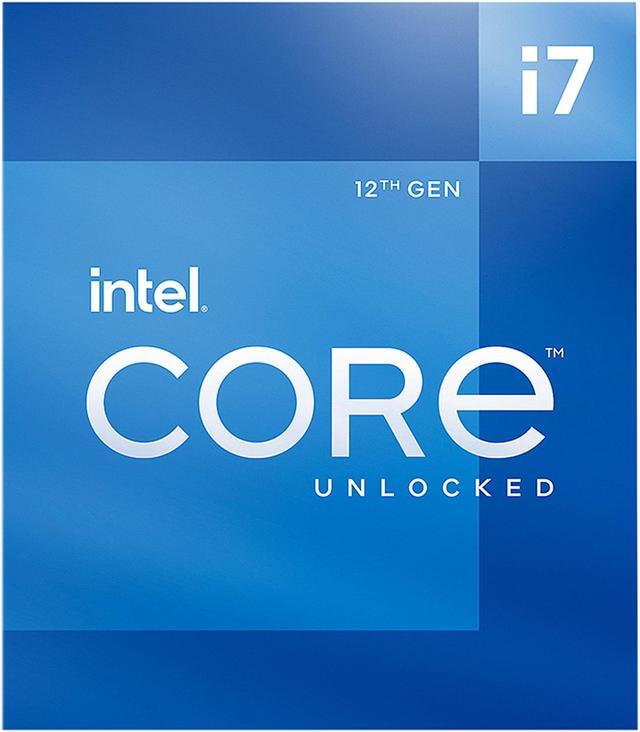
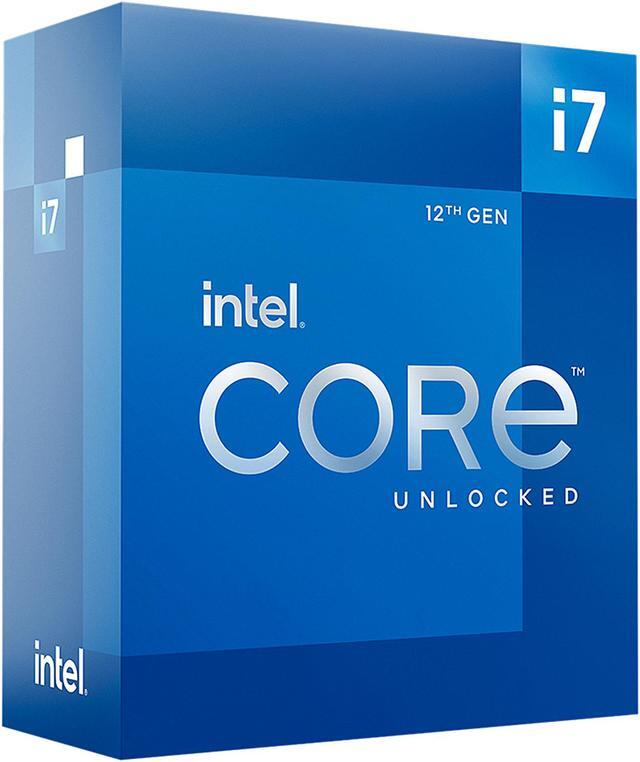


Intel Core i7-12700K - Core i7 12th Gen Alder Lake 12-Core (8P+4E) 3.6 GHz LGA 1700 125W Intel UHD Graphics 770 Desktop Processor - BX8071512700K
An Alternative Item Is Available:
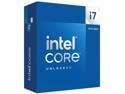
- Intel 7 Processor Base Power: 125W
- Maximum Turbo Power:
- 25MB L3 Cache
- 12MB L2 Cache
- Intel UHD Graphics 770
+
+
Overview
Specs
Reviews (529)
INTEL I7-12700K UP TO 5.00 GHZ, RTL.
Warranty & Returns
Warranty, Returns, And Additional Information
Warranty
- Limited Warranty period (parts): 3 years
- Limited Warranty period (labor): 3 years
- Read full details
Return Policies
- Return for refund until: January 31, 2027
- Return for replacement until: January 31, 2027
- This item is covered by Newegg.ca's Extended Holiday Return Policy.
- Read full return policy for details.
We want to ensure your holiday shopping this year is hassle-free. That’s why we’re automatically extending our return policies on almost every product! For purchases placed between November 1st, 2026 and December 31, 2026 you will have until January 31, 2027 to return your product.
Manufacturer Contact Info
- Manufacturer Product Page
- Manufacturer Website
- Support Phone: 1-916-377-7000
- Support Website
- View other products from Intel
LOADING...
LOADING...
The Intel Core i7-12700K is a 12-core, 20-thread LGA 1700 desktop processor with 8 Performance-cores and 4 Efficient-cores, boosting up to 5.0 GHz. It suits desktop builders seeking strong performance for gaming, multitasking, and demanding workloads; a cooling device is not included.
Recommended For
- PC gamers pairing a discrete graphics card with the CPU who also keep other apps open; reviews found strong gaming performance alongside capable application performance.
- Creators and developers who regularly run CPU-heavy tasks such as Blender rendering, compiling, or content-production applications and want a desktop CPU with substantial multi-core capacity.
- Desktop builders choosing between DDR4 and DDR5 memory for an LGA1700 system; the processor supports either memory type, depending on the motherboard.
- Video editors and desktop users who want integrated graphics as a backup display output or want to use Intel Quick Sync Video alongside a discrete graphics card.
- Enthusiasts interested in CPU tuning who have a compatible motherboard and are prepared to provide suitable cooling; the K-series chip is unlocked, and reviews tested overclocking.
Real-World Use Scenarios
- Gaming with a discrete graphics card: When playing demanding PC games, the i7-12700K can keep pace with high-end gaming systems in CPU-focused testing; the graphics card, game settings, and resolution still largely determine frame rates.
- Editing video in Adobe Premiere Pro: For timelines, effects, and exports, the processor handles demanding editing work efficiently for a mainstream desktop; playback and render times also depend on the graphics card, footage, and project settings.
- Managing a large photo library in Lightroom Classic: Culling images and exporting batches are practical fits for this CPU, with review testing showing responsive performance in both active and export workloads.
- Developing or iterating on an Unreal Engine project: Compiling code and baking lighting are CPU-intensive tasks the i7-12700K is suited to; actual wait times vary with project size and settings.
- Running compatible video encoding or troubleshooting a PC without a graphics card: The integrated UHD Graphics 770 includes Quick Sync for supported media workflows and can provide display output, but it is not a substitute for a gaming graphics card.
Spec Summary
| Attribute | Value |
|---|---|
| Best For | Desktop PC builds needing a 12-core hybrid processor with integrated graphics |
| Cores And Threads | 12 cores (8 performance + 4 efficiency) and 20 threads, with Hyper-Threading support |
| Clock Speeds | P-core base: 3.6 GHz; E-core base: 2.7 GHz; maximum turbo: 5.0 GHz, with single-core turbo up to 4.9 GHz for P-cores and 3.8 GHz for E-cores |
| Cache And Power | 12 MB L2 cache, 25 MB L3 cache, and 125 W processor base power |
| Socket And Platform | LGA 1700 socket, Alder Lake architecture, Intel 7 process, 64-bit instruction set, virtualization support, and Windows 11 support |
| Memory Configuration | Supports DDR4-3200 or DDR5-4800 memory, up to 128 GB across 2 channels, with up to 76.8 GB/s bandwidth and ECC support |
| Integrated Graphics | Intel UHD Graphics 770 with a 300 MHz base frequency and up to 1.50 GHz dynamic frequency |
| PCI Express Connectivity | Supports PCIe 5.0, 4.0, and 3.0, with up to 1x16+4 or 2x8+4 lanes |
| Cooling | Cooling device not included |
| Model Identifiers | Intel Core i7-12700K; model BX8071512700K |
Reference Q&A
Q: Should I get the Core i7-12700K or the Core i7-13700K?
A: Choose the Core i7-13700K for heavier multicore workloads: it has 16 cores and 24 threads versus the 12700K’s 12 cores and 20 threads, and review testing found it faster in several productivity benchmarks. The 12700K may suit a lower-cost LGA 1700 build or upgrade when its performance is sufficient; its rated maximum turbo power is also lower (190 W versus 253 W).
Q: Is the i7-12700K worth choosing over the i5-12600K?
A: Choose the i7-12700K for workloads that benefit from extra CPU threads, such as multitasking and content creation: it has 8 P-cores and 4 E-cores, totaling 20 threads, compared with the 12600K’s 6 P-cores, 4 E-cores, and 16 threads. For a gaming-focused build, the 12600K can be a sensible lower-tier option; Tom’s Hardware found it remained competitive for gaming in its Alder Lake testing. Both support DDR4 or DDR5, depending on the motherboard.
Q: How does the i7-12700K compare with the Ryzen 7 5800X?
A: For a new build where CPU performance is the priority, the i7-12700K is the stronger choice in the cited review’s tested workloads and adds integrated Intel UHD Graphics 770. The Ryzen 7 5800X may make more sense if you already have a compatible AM4 motherboard and want to reuse that platform; compare results for your specific games and applications, since performance varies by workload.
Q: Should I choose the i7-12700K or the higher-tier i9-12900K?
A: Choose the i9-12900K for heavily threaded productivity workloads: it has 16 cores and 24 threads, compared with the 12700K’s 12 cores and 20 threads. For a system used mainly for gaming, the 12700K can be the more practical choice when its lower core count is sufficient; Tom’s Hardware reported similar gaming performance in its testing. The 12900K has a higher rated maximum turbo power, so account for cooling and power needs when selecting it.
Q: Does the Core i7-12700K come with a CPU cooler?
A: No. The cooler is not included, so plan to buy a separate cooler that supports the LGA 1700 socket.
Q: Will the Core i7-12700K work with my current motherboard?
A: It requires an LGA 1700 motherboard with a compatible chipset. Check your motherboard’s CPU-support list and BIOS requirements before buying; a different socket is not compatible.
Q: Does the Core i7-12700K have integrated graphics?
A: Yes. It includes Intel UHD Graphics 770, which can provide graphics without a separate graphics card when the motherboard has a display output. A dedicated graphics card may still be needed for demanding graphics workloads.
Q: Can I use either DDR4 or DDR5 memory with this processor?
A: The processor supports DDR4-3200 and DDR5-4800, but the motherboard determines which memory type you can install. Choose a motherboard that supports your chosen RAM; DDR4 and DDR5 are not interchangeable in the same memory slot.
Q: Is the i7-12700K a suitable choice for both gaming and productivity?
A: It can suit a PC used for gaming alongside work such as music production, video editing, or rendering: it has 12 cores (8 performance and 4 efficiency cores) and 20 threads. Whether it is a good buy depends on the total build cost and your workload; it is not a guarantee of a particular gaming performance.
Q: Can I use DDR4 or DDR5 memory with the i7-12700K?
A: The processor supports either DDR4-3200 or DDR5-4800, but the motherboard determines which memory type you can install. Check the specific motherboard before buying; DDR4 and DDR5 are not interchangeable on a single board.
Q: Does the i7-12700K need a separate CPU cooler?
A: Yes. The product information says a cooler is not included. Plan for a compatible LGA 1700 cooler, especially if you expect sustained heavy workloads; Reddit discussions note that cooling can matter under demanding CPU loads.
Q: Is the i7-12700K a worthwhile upgrade mainly for 1440p gaming?
A: It depends on whether your current CPU is limiting performance. Reddit discussions point out that at 1440p the graphics card can be the limiting component, so a CPU upgrade may have less impact than a GPU upgrade in some systems. Check your current CPU and GPU workload before deciding.