
Your Browsing History
BEST SELLERS


BEST SELLERS
In Desktop CPU Processor
Our most popular products, based on sales and updated frequently.Shop Department
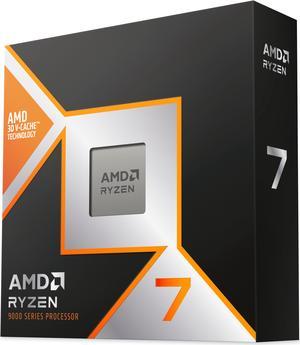
AMD Ryzen 7 9800X3D - Ryzen 7 9000 Series Zen 5 8-Core 5.2 GHz - Socket AM5 120W - AMD Radeon Graphics Desktop Processor - 100-100001084WOF
- Series: Ryzen 7 9000 Series
- L3 Cache: 96MB
- L2 Cache: 8MB
- Cooling Device: Cooling device not included - Processor Only
- Model #: 100-100001084WOF
- Item #: N82E16819113877
- Return Policy: Replacement Only Return Policy
$629.99
$799.99
Free Shipping
Bought this guy 30 min early (Thanks Newegg lol!!) and have no regrets over the 14700k. I've benched several games and noticed anywhere from a 10% all the way to about a 25% increase in performance in a couple of games. It has reasonable production performance but I do think the 14700k was a slight bit better in that regard but I decided to pivot to an X3D chip because I hardly do any production work anymore and this processor perfectly acceptable performance for all the tasks I do now. Other machine stats: MSI X870E Carbon Wifi (fantastic board btw, BIOS flashback was super simple) Asus Tuf 4090 Cooling Solution: DeepCool Assassin IV RAM: 64GB Corsair Dominator Titanium CL 30 PSU: Corsair RX 1200 Shift 1200W Case: Be Quiet! Lightbase 900
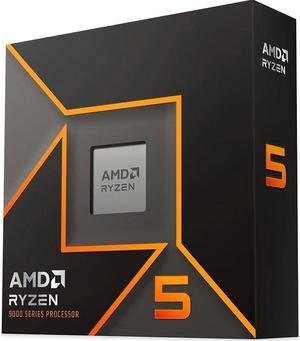
AMD Ryzen 5 9600X - Ryzen 5 9000 Series Granite Ridge (Zen 5) 6-Core 3.9 GHz - Socket AM5 65W - Radeon Graphics Processor - 100-100001405WOF
- Series: Ryzen 5 9000 Series
- L3 Cache: 32MB
- L2 Cache: 6MB
- Cooling Device: Cooling device not included - Processor Only
- Model #: 100-100001405WOF
- Item #: N82E16819113844
- Return Policy: Replacement Only Return Policy
$284.99
$449.99
Free Shipping
Goes on sale a lot
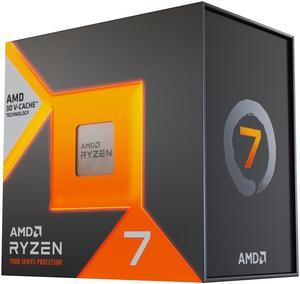
AMD Ryzen 7 7800X3D - Ryzen 7 7000 Series Zen 4 8-Core 4.2 GHz - Socket AM5 120W - AMD Radeon Graphics Desktop Processor - 100-100000910WOF
- Series: Ryzen 7 7000 Series
- L3 Cache: 96MB
- L2 Cache: 8MB
- Cooling Device: Cooling device not included - Processor Only
- Model #: 100-100000910WOF
- Item #: N82E16819113793
- Return Policy: Replacement Only Return Policy
$549.99
$649.99
Free Shipping
Fast Postage to the UK and very well packaged. Thank you!
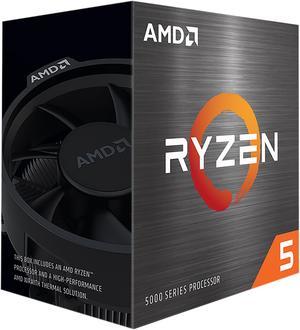
AMD Ryzen 5 5500 - Ryzen 5 5000 Series Cezanne (Zen 3) 6-Core 3.6 GHz Socket AM4 65W No Integrated Graphics Desktop CPU Processor - 100-100000457BOX
- Series: Ryzen 5 5000 Series
- L3 Cache: 16MB
- L2 Cache: 3MB
- Cooling Device: Wraith Stealth
- Model #: 100-100000457BOX
- Item #: 9SIADGEHT88297
- Return Policy: View Return Policy
$123.99
Free Shipping
Multi threading easy overclocking Newer am4 chip 6 cores! Noticing faster than 3400g
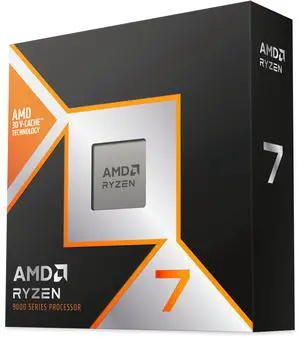
AMD Ryzen 7 9850X3D - Ryzen 7 9000 Series 8-Core 5.6GHz - Socket AM5 120W - AMD Radeon Graphics Desktop Processor - 100-100001973WOF
- Series: Ryzen 9000 Series
- L3 Cache: 96MB
- L2 Cache: 8MB
- Cooling Device: Cooling device not included - Processor Only
- Model #: 100-100001973WOF
- Item #: N82E16819113934
- Return Policy: Replacement Only Return Policy
$699.99
Free Shipping
Unreal performance. The 3d vcache really helps games Cools a lot easier than my previous 5950x TDP is amazing for performance
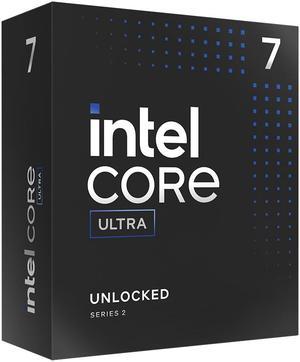
Intel Core Ultra 7 265K, Arrow Lake 20-Core (8P+12E), LGA 1851, 125W Desktop Processor - BX80768265K
- Series: Core Ultra 7 (Series 2)
- L3 Cache: 30MB
- L2 Cache: 36MB
- Cooling Device: Cooling device not included - Processor Only
- Model #: BX80768265K
- Item #: N82E16819118506
- Return Policy: Replacement Only Return Policy
$429.99
$599.99
Free Shipping
Smooth, cool running and powerful CPU Good value at 399.00

AMD Ryzen 9 9950X3D - Ryzen 9 9000 Series Granite Ridge (Zen 5) 16-Core 4.3 GHz Socket AM5 170W AMD Radeon Graphics Desktop CPU Processor - 100-100000719WOF
- Series: Ryzen 9 9000 Series
- L3 Cache: 128MB
- L2 Cache: 16MB
- Cooling Device: Cooling device not included - Processor Only
- Model #: 100-100000719WOF
- Item #: N82E16819113884
- Return Policy: Replacement Only Return Policy
$929.99
$1,049.99
Free Shipping
-Fast -Reliable
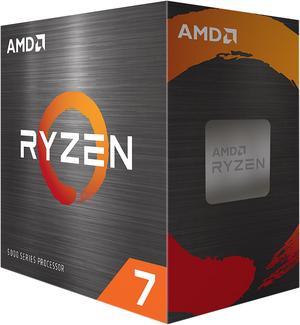
AMD Ryzen 7 5800XT - Ryzen 7 5000 Series Vermeer (Zen 3) 8-Core 3.8 GHz Socket AM4 105W None Integrated Graphics Desktop CPU Processor - 100-100001582BOX
- Series: Ryzen 7 5000 Series
- L3 Cache: 32MB
- L2 Cache: 4MB
- Cooling Device: AMD Wraith Prism
- Model #: 100-100001582BOX
- Item #: N82E16819113846
- Return Policy: Replacement Only Return Policy
$324.99
$359.99
Free Shipping
Great performance to cost ratio!
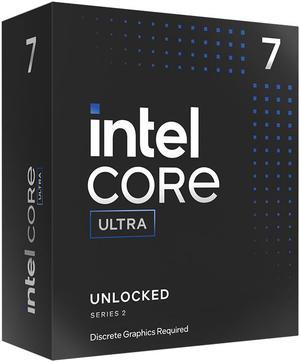
Intel Core Ultra 7 265KF, Arrow Lake 20-Core (8P+12E), LGA 1851, 125W Desktop Processor - BX80768265KF
- Series: Core Ultra 7 (Series 2)
- L3 Cache: 30MB
- L2 Cache: 36MB
- Cooling Device: Cooling device not included - Processor Only
- Model #: BX80768265KF
- Item #: N82E16819118507
- Return Policy: Replacement Only Return Policy
$399.99
$569.99
Free Shipping
- Good performance in gaming - Good performance as workstation - Runs way cooler than previous generations (35 C idle, 60 C gaming) - Has an NPU - Price (at the time of review)
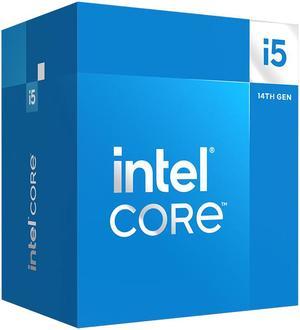
Intel Core i5-14400 - Core i5 14th Gen Raptor Lake 10-Core (6P+4E) LGA 1700 65W Intel UHD Graphics 730 Processor - BX8071514400
- Series: Core i5 14th Gen
- L3 Cache: 20MB
- L2 Cache: 9.5MB
- Cooling Device: Intel Laminar RM1 included
- Model #: BX8071514400
- Item #: 9SIAA4YK6F4304
- Return Policy: View Return Policy
$325.99
Free Shipping
Low thermals - very good performance - pretty fast
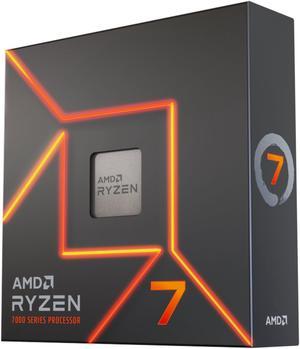
AMD Ryzen 7 7700X - Zen 4 8-Core 4.5 GHz - Socket AM5 - 105W Desktop Processor (100-100000591WOF)
- Series: Ryzen 7 7000 Series
- L3 Cache: 32MB
- L2 Cache: 8MB
- Cooling Device: Cooling device not included - Processor Only
- Model #: 100-100000591WOF
- Item #: 9SIA92GKSY0794
- Return Policy: View Return Policy
$339.95
$19.99 Shipping
Runs fast Got a water cooler on it maybe 43 deg C DDR5 ram is great.
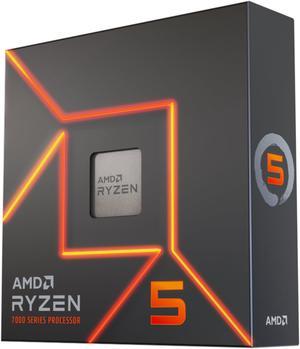
AMD Ryzen 5 7600X - Zen 4 6-Core 4.7 GHz - Socket AM5 - 105W Desktop Processor (100-100000593WOF)
- Series: Ryzen 5 7000 Series
- L3 Cache: 32MB
- L2 Cache: 6MB
- Cooling Device: Cooling device not included - Processor Only
- Model #: 100-100000593WOF
- Item #: 9SIADGEJAU9245
- Return Policy: View Return Policy
$258.99
$259.98
Free Shipping
easy to OC with good cooling
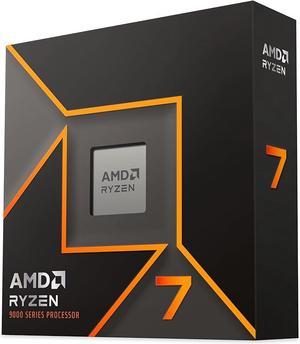
AMD Ryzen 7 9700X - Ryzen 7 9000 Series Granite Ridge (Zen 5) 8-Core 3.8 GHz - Socket AM5 65W - Radeon Graphics Processor - 100-100001404WOF
- Series: Ryzen 7 9000 Series
- L3 Cache: 32MB
- L2 Cache: 8MB
- Cooling Device: Cooling device not included - Processor Only
- Model #: 100-100001404WOF
- Item #: N82E16819113843
- Return Policy: Replacement Only Return Policy
$454.99
$549.99
Free Shipping
I'm normally an Intel kind of guy but I thought I'd try an AMD chip for a change. So far it is working very nicely.
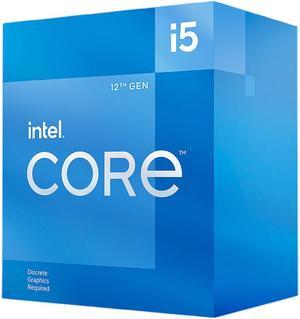
Intel Core i5-12400F - Core i5 12th Gen Alder Lake 6-Core 2.5 GHz LGA 1700 65W Desktop Processor - BX8071512400F
- Series: Core i5 12th Gen
- L3 Cache: 18MB
- L2 Cache: 7.5MB
- Cooling Device: Intel Laminar RM1
- Model #: BX8071512400F
- Item #: N82E16819118360
- Return Policy: Replacement Only Return Policy
$189.99
$259.99
Free Shipping
Nothing comes close at this pricepoint performance-wise.
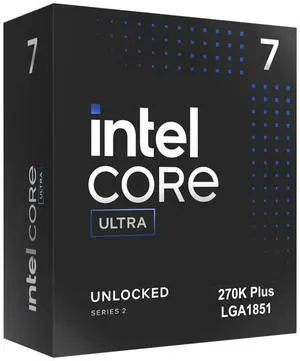
Intel Core Ultra 7 270K Plus Processor 24 cores (8 P-cores + 16 E-cores) up to 5.5 GHz BX80768270K
- Series: Core Ultra 7 (Series 2)
- L3 Cache: 36MB
- L2 Cache: 40MB
- Brand: Intel
- Model #: BX80768270K
- Item #: N82E16819118628
- Return Policy: Replacement Only Return Policy
$499.99
$29.99 Shipping
24 cores at this price in unreal. The other guys give you 6 and 8 cores for this price lol. Boots fast, and breezes through everything I throw at it without a hitch. Gaming and multi tasking are a dream. CPU runs very cool despite being a multicore beast. Compatible with my older AIO, no need for any adapters, just worked. New Intel APO and IBT features are cool, but hope they support them long term. Overclocks really, really well. I am running at E cores at 5.1Ghz, P cores at 5.6Ghz and D2D at 4.0Ghz, Cache at 4.1GHz, and NGU at 3.4Ghz. These are well above stock, and it has zero issues. Tuned my DRAM to 8667 CL38 and get huge bandwidth and low latency now.
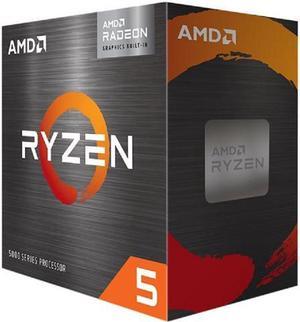
AMD Ryzen 5 5500GT - Ryzen 5 5000 Series 6-Core 3.6 GHz Socket AM4 65W AMD Radeon Graphics Desktop CPU Processor - 100-100001489BOX
- Series: Ryzen 5 5000 Series
- L3 Cache: 16MB
- L2 Cache: 3MB
- Cooling Device: Wraith Stealth Cooler
- Model #: 100-100001489BOX
- Item #: N82E16819113817
- Return Policy: Replacement Only Return Policy
$179.99
$199.99
Free Shipping
My first AMD processor works as expected. Discrete graphics available It is nice to have the CPU cooler present in the box.
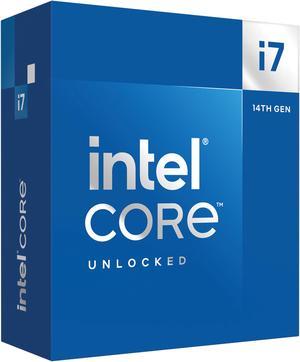
Intel Core i7-14700K - Core i7 14th Gen 20-Core (8P+12E) LGA 1700 125W Intel UHD Graphics 770 Processor - Boxed - BX8071514700K
- Series: Core i7 14th Gen
- L3 Cache: 33MB
- L2 Cache: 28MB
- Cooling Device: Cooling device not included - Processor Only
- Model #: BX8071514700K
- Item #: N82E16819118466
- Return Policy: Replacement Only Return Policy
$479.99
$699.99
Free Shipping
I built 2 duplicate machines other than hard drives, and ended up doing one I7- 14700 & the other a I9- 14900. For the money the 14700k is probably the best CPU out there! Download the latest BIOS and flash the thing! The chip will run cool while you in BIOS or at idle! Start by changing to "advanced mode" then go thru all the menu settings. In order to run at the speeds I have, the cooler changes to 240 AIO, but I am running a Be Quiet Dark Rock 5 PRO / 270-TDP. I set the BCLK to "Locked 100mhz" set the AVX2 offset to 2 or 4, set LoadLine to 3 or 3.5. I set "Base Frq Boost" to 125, set P-core ratio to 4.8 AT LEAST to start, set Ecore Ratio to around 3.4. Don't be TOO greedy! I run "ALL CORE" which I would rather have all cores running the same speed, even thou you won't get quite as high a speed! PLL-1 set to 240, PLL-2 set to 250 and 280A ----The factory setting after BIOS update are 253, 253, 301A - SO I am running on the cooler side rather than trying to fry my CPU! I think I am running my P-core at 4.8ghz & E-core at 3.4. I'm getting ready to try to bump Pcores to 5ghz. I have the same voltage setting on the I9-14900k & I am running P-cores at 5ghz. Couple other things - IMPORTANT set a hard voltage limit of 1.4v too! 240, 250, 280A and 1.4v you should run around 29c idle, and not much more than that when web browsing, watching video etc! Under extreme stress running mid 50s to mid 60s. ANOTHER thing I did was to set a "Hard Throttle" at 82c and "Max Temp" of 84c. I use the Intel XTU utility to stress test, I DO NOT USE IT TO MAKE SETTINGS!!! Don't use any overclock program to do your overclocking, if your setting are "non bootable" you will have to go in safe mode a delete the program! If BIOS changes are unbootable the BIOS will try to make adjustment to allow you to get back in a make changes! The XTU will show your temp, and your TDP at the bottom left, so scroll down so it is visible! If your "Thermal Throttling" there is a problem! Do a "Max-Temp" of 95c (to dial in) and run the test(s) for JUST 1minute, if the TEMP starts to climb, don't run the whole minute - STOP - SHUT DOWN & boot into Bios to change settings or shut down and re-install your cooling device! I used Liquid Metal - You don't want to overdo it, but you should put it on the heatsink FIRST AWAY from any electronics, because it will short stuff out! Then put the stuff directly on the CPU. I was lucky, but when first trying to gently squeeze it out, the first bit wants to "shoot out" so keep that in mind! That's why I say put it on heatsink FIRST! There is an option for "extra Voltage" for AVX & I didn't feel safe letting the BIOS decide, so I took it off "AUTO" and entered 1 (the number is multiplied by .05 to the AC-LoadLine) The AC & DC Load Line Should be the same, since .05 was added to the AC load line, I set the load line to .40AC & .45DC! When you increase these values the help VDROOP, BUT increase the TEMPs the higher you go! Actually the .40 & .45 are on the i9, the i7 is in mid to upper 50s. I am thinking I can lower them slightly and go from 4.8ghx to 5ghz. ALL THIS IS DONE WITHOUT AN UNDER-VOLT!!!!! I keep "Under-Volt Protection" ENABLED! The easiest & best way to start out is to set your speed manually by setting BCLK to 100mhz & set the multiplier to 40 P-core & 28 e-core, go up slow. Be patient and don't be greedy! ONE MORE THING - Get the CPU with onboard video, and set everything up right, before you add a video card to the mix! If video card ever goes bad, it will be a blessing to both trouble shoot, and allow you to get online temporarily until you get a new card!
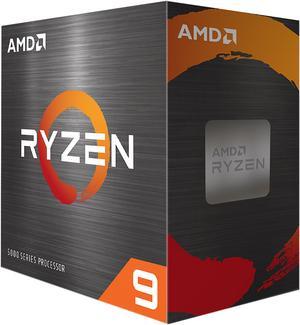
AMD Ryzen 9 5900XT - Ryzen 9 5000 Series Vermeer (Zen 3) 16-Core 3.3 GHz Socket AM4 105W None Integrated Graphics Desktop CPU Processor - 100-100001581WOF
- Series: Ryzen 9 5000 Series
- L3 Cache: 64MB
- L2 Cache: 8MB
- Cooling Device: Cooling device not included - Processor Only
- Model #: 100-100001581WOF
- Item #: N82E16819113845
- Return Policy: Replacement Only Return Policy
$414.99
$499.99
Free Shipping
- Didn't lag on Fortnite
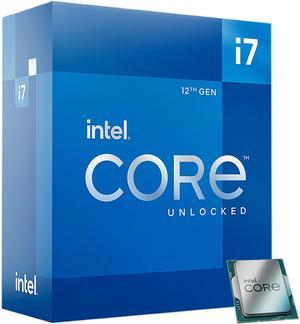
Intel Core i7-12700K - Core i7 12th Gen Alder Lake 12-Core (8P+4E) 3.6 GHz LGA 1700 125W Intel UHD Graphics 770 Desktop Processor - BX8071512700K
- Series: Core i7 12th Gen
- L3 Cache: 25MB
- L2 Cache: 12MB
- Cooling Device: Cooling device not included - Processor Only
- Model #: BX8071512700K
- Item #: N82E16819118343
- Return Policy: Replacement Only Return Policy
$399.99
$549.99
Free Shipping
Cool temperature Low cost
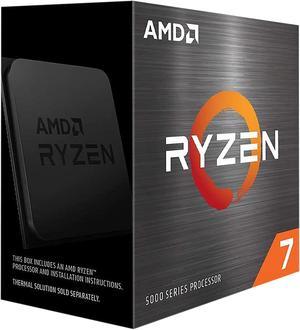
AMD Ryzen 7 5700X - Ryzen 7 5000 Series Vermeer (Zen 3) 8-Core 3.4 GHz Socket AM4 65W None Integrated Graphics Desktop CPU Processor - 100-100000926WOF
- Series: Ryzen 7 5000 Series
- L3 Cache: 32MB
- L2 Cache: 4MB
- Cooling Device: Cooling device not included - Processor Only
- Model #: 100-100000926WOF
- Item #: 9SIC3U4KR56981
- Return Policy: View Return Policy
$279.99
Massive single thread performance increase coming from Ryzen 7 1800X. Games are as smooth as silk. Typically consumes 30 watts or less during my gaming sessions.