
Your Browsing History
BEST SELLERS


BEST SELLERS
In Gaming Headsets
Our most popular products, based on sales and updated frequently.Shop Department
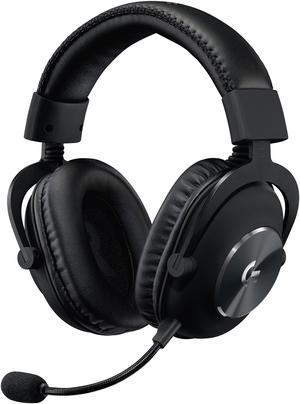
Logitech G PRO X Gaming Headset with Blue Voice, DTS Headphone 7.1 and 50 mm PRO-G Drivers, for PC - Black
- Brand: Logitech
- Part Number: 981-000817
- Color: Black
- Connection Type: Wired
- Model #: 981-000817
- Item #: N82E16826197345
- Return Policy: Standard Return Policy
$119.99
$159.99
Free Shipping
Sound quality, comfort and versatility
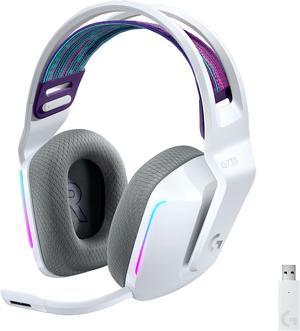
Logitech G733 LIGHTSPEED Wireless Gaming Headset with suspension headband, LIGHTSYNC RGB, Blue VO!CE mic technology and PRO-G audio drivers - White
- Brand: Logitech
- Part Number: 981-000882
- Color: White
- Operating Time: No lighting: 29 hours Default lighting: 20 hours
- Model #: 981-000882
- Item #: 9SIBP4ZM5T6869
- Return Policy: View Return Policy
$239.99
Free Shipping
Works great. Great range.
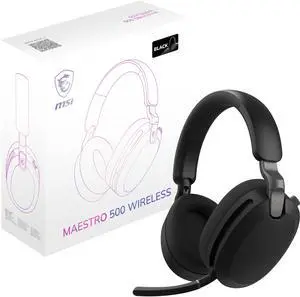
MSI MAESTRO 500 WIRELESS Gaming Headset, 40mm Drivers, Foldable Design, Active Noise Cancellation, Multi Platform Compatible, Black
- Brand: MSI
- Compatibility: PC, Mac, PS4 / PS5, Xbox (3.5 mm via Controller), Nintendo Switch, Android, iOS
- Color: Black
- Connection Type: 2.4GHz dongle (Type C); Bluetooth 5.4; 3.5mm Wired (Audio Only)
- Model #: MAESTRO500WB
- Item #: N82E16826554092
- Return Policy: Standard Return Policy
$99.99
$3.99 Shipping
Purchased this headset for my son since one of his classmates has the same headset. He recommended that we should try. It is very comfortable and lightweight. The battery life is really convenient and charges pretty fast. According to my son he also likes the microphone since he talks to his classmates after school on the google meet. Overall I am happy with this purchase.
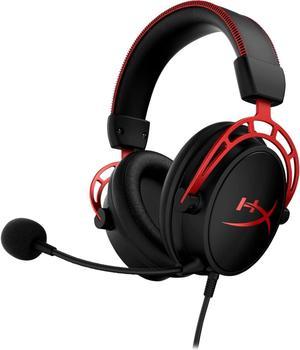
HyperX Cloud Alpha - Gaming Headset, Dual Chamber Drivers, Legendary Comfort, Aluminum Frame, Detachable Microphone, Works on PC, PS4, PS5, Xbox One/ Series X|S, Nintendo Switch and Mobile – Red
- Part Number: 4P5L1AA#ABL
- Electrical Outlet Plug Type: Plug Type “A” (USA, Canada, Mexico, Japan)
- Model #: 4P5L1AA#ABL
- Item #: 9SIC02XKT76955
- Return Policy: View Return Policy
$199.99
Free Shipping
I use my Cloud Alphas for gaming, streaming movies, and listening to music. They perform beautifully for each. Exactly what I was hoping for in a headset. Directional sounds in games are clear. The mic provides a clear sound and masks background sounds - per friends and family I asked when using the headset for the first time. I like that the mic is removable, so it is not in my way when watching movies or just listening to my favorite playlists. And I can wear the headset for hours of game play without feeling the discomfort I experienced with my old headset. Movie sounds from dialog to explosions are sharp. But, more important for me, is that the headset also shines when listening to music. I listen to a range of music from classical to blues to rock to metal, and the headset holds its own from highs to lows.
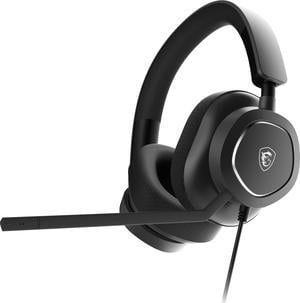
MSI MAESTRO 300 Wired Gaming Headset, USB-C, 40mm Neodymium Drivers, Detachable Unidirectional (Cardioid) Mic, Lightweight, PC/Mac/PlayStation®/Nintendo Switch™/Android & iOS
- Brand: MSI
- Part Number: MAESTRO 300
- Compatibility: Android / iOS / Mac / Nintendo Switch / PC / PlayStation / PlayStation 4 / PlayStation 5
- Color: Black
- Model #: MAESTRO300
- Item #: N82E16826554074
- Return Policy: Standard Return Policy
$49.99
$79.99
Free Shipping
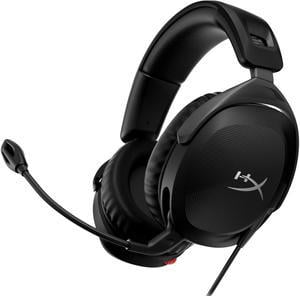
HyperX Cloud Stinger 2 – Gaming Headset, DTS Headphone:X Spatial Audio, Lightweight Over-Ear Headset with mic, Swivel-to-Mute Function, 50mm Drivers, PC Compatible, Black
- Brand: HyperX
- Series: HyperX Cloud Stinger 2
- Model: HyperX Cloud Stinger 2
- Part Number: 519T1AA
- Model #: 519T1AA
- Item #: N82E16826700401
- Return Policy: Standard Return Policy
$59.99
Free Shipping
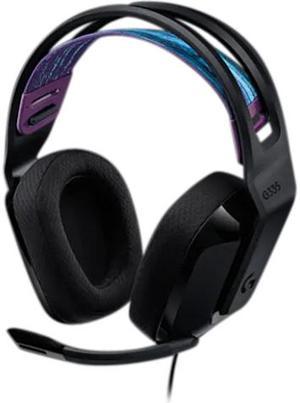
Logitech G335 Wired Gaming Headset, with Flip to Mute Microphone, 3.5mm Audio Jack, Memory Foam Earpads, Lightweight, Compatible with PC, PlayStation, Xbox, Nintendo Switch – Black
- Brand: Logitech
- Compatibility: Nintendo Switch / PlayStation 4 / PlayStation 5 / Xbox One / Xbox Series S / Xbox Series X
- Color: Black
- Connection Type: Wired
- Model #: 981-000977
- Item #: N82E16826197478
- Return Policy: Standard Return Policy
Great sounds and you can adjust settings with the logitech app.
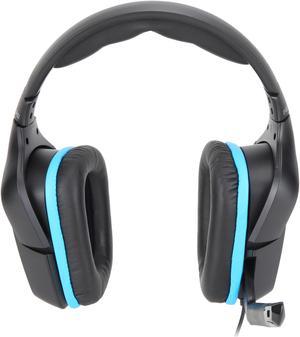
Logitech G432 Wired Gaming Headset, 7.1 Surround Sound, DTS Headphone:X 2.0, Flip-to-Mute Mic, PC (Leatherette) Black/Blue
- Brand: Logitech
- Part Number: 981-000769
- Color: Black
- Connection Type: Wired
- Model #: 981-000769
- Item #: N82E16826197332
- Return Policy: Standard Return Policy
$49.99
$69.99
$3.99 Shipping
i love it and it works really good.
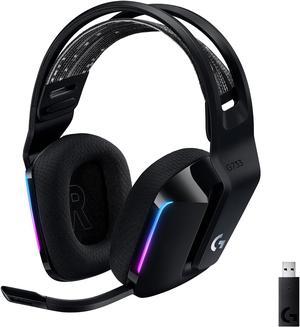
Logitech G733 Lightspeed Wireless Gaming Headset with Suspension Headband, Lightsync RGB, Blue VO!CE mic technology and PRO-G audio drivers - Black
- Brand: Logitech
- Part Number: 981-000863
- Compatibility: PC with Windows 7 or later, macOS X 10.12 or later, or PlayStation 4 gaming console (Optional) Internet access for Logitech G HUB Software
- Color: Black
- Model #: 981-000863
- Item #: 9SIA7BBKGB5673
- Return Policy: View Return Policy
$244.22
Free Shipping
* There is most definitionally an improvement over my old Logitech G930s I had since I first got into PC Gaming, over 6 years ago. * Improvements imo are the ear cuffs (they are memory foam), the headband, volume control switch, mute button, and detachable 6mm line into the microphone. Light-weightlessness * Battery charging and output has been improved can go as of this review 20+ hours and I still have plenty of power left, 22% aprrox. * Microphone is a drastic improvement, I'm clear and crisp to others. * Range is about the same if not better on these headphones, 20 meters or 60 feet approx, w/o a cut off.
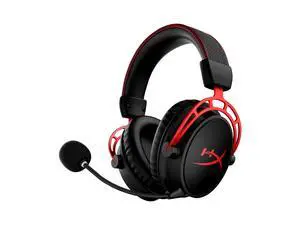
HyperX Cloud Alpha Wireless - Gaming Headset for PC, 300-hour battery life, DTS Headphone X Spatial Audio, Memory foam, Dual Chamber Drivers, Noise-canceling mic, Durable aluminum frame (Black-Red)
- Brand: HyperX
- Series: 305582662
- Part Number: 4P5D4AA
- Compatibility: PC
- Model #: 4P5D4AA
- Item #: 3EE-0025-00012
- Return Policy: Standard Return Policy
$259.99
Free Shipping
im on week 3 and im only at 60% battery!
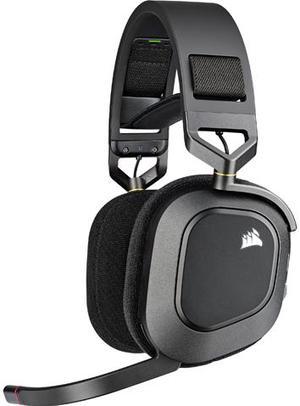
Corsair HS80 RGB Wireless Gaming Headset, Dolby Atmos Spatial Audio, Low Latency Wireless, Broadcast-Grade Mic, PC/PS5
- Brand: Corsair
- Compatibility: PC / PlayStation 4 / PlayStation 5
- Color: Carbon
- LED: RGB
- Model #: CA-9011235-NA
- Item #: N82E16826816177
- Return Policy: Standard Return Policy
$224.99
Free Shipping
-Comfortable, not too tight, not too loose. -Great sound quality -Adobe atmos included, definitely worth it! -They don't look outrageous- and if you don't like the glowing corsair logo you can turn the LED off with iCUE. -High-quality mic, if a bit quiet. -Material feels sturdy and durable, definitely NOT some cheap plastic.
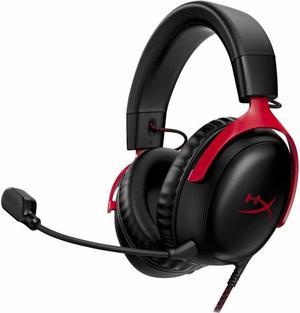
HyperX Cloud III – Wired Gaming Headset, PC, PS5, Xbox Series X|S, Angled 53mm Drivers, DTS Spatial Audio, Memory Foam, Durable Frame, Ultra-Clear 10mm Mic, USB-C, USB-A, 3.5mm – Black/Red
- Brand: HyperX
- Series: 727992
- Part Number: 727A9AA
- Compatibility: PC, PS5, PS4, Xbox Series X/S, Xbox One, Nintendo Switch, Mac, Mobile.
- Model #: 727A9AA
- Item #: 3EE-0025-00019
- Return Policy: Standard Return Policy
$139.99
Free Shipping
It was fast one clean delivery process thanks a alot.
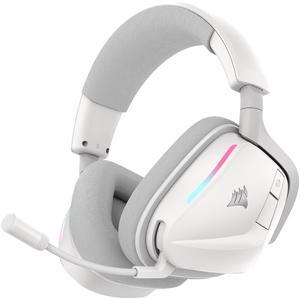
Corsair Void V2 Wireless Gaming Headset w/ Bluetooth for PC, PS5, PS4, Switch, Mobile – Dolby Atmos, 70hr Battery, Dual Wireless, Lightweight, Fast Charging – White
- Part Number: CA-9011380-WW
- Compatibility: Nintendo Switch / PC / PlayStation 5
- Color: White
- Operating Time: Up to 70 hours
- Model #: CA-9011380-WW
- Item #: N82E16826816224
- Return Policy: Standard Return Policy
$166.99
Free Shipping
Light weight Long battery life Hear well in games
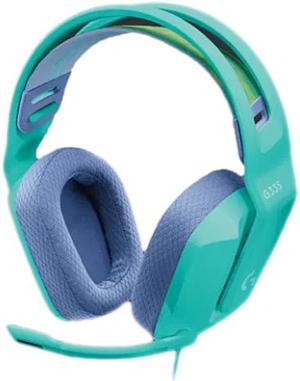
Logitech G335 Wired Gaming Headset, with Flip to Mute Microphone, 3.5mm Audio Jack, Memory Foam Earpads, Lightweight, Compatible with PC, Playstation, Xbox, Nintendo Switch – Mint
- Compatibility: Nintendo Switch / PlayStation 4 / PlayStation 5 / Windows / Xbox One / Xbox Series S / Xbox Series X
- Color: Mint
- Connection Type: Wired
- Wireless Type: Bluetooth
- Model #: 981-001023
- Item #: 9SIA7BBKGC8142
- Return Policy: View Return Policy
$108.84
$11.99 Shipping
uses the headset with discord and works perfectly also extremely comfortable. looks great.
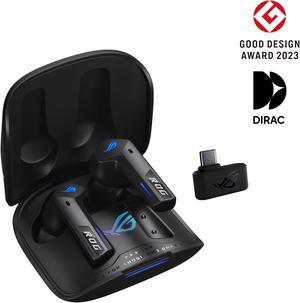
ASUS ROG Cetra True Wireless Gaming Headphones (2.4 GHz & Bluetooth 5.3, ROG SpeedNova, 24-bit 96 kHz audio, Dirac Opteo, Bone-Conduction AI Microphones, Adaptive ANC, 46-Hour Battery Life) - Black
- Brand: ASUS
- Part Number: 90YH03Y0-BTAA00
- Compatibility: Android / iOS / Mac / Nintendo Switch / PC / PlayStation 4 / PlayStation 5
- Color: Black
- Model #: 90YH03Y0-BTAA00
- Item #: N82E16826785264
- Return Policy: Standard Return Policy
$289.99
Free Shipping
comes with instructions
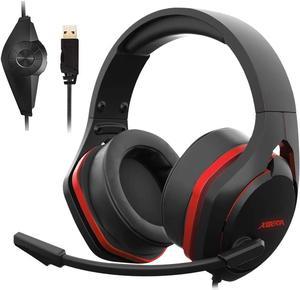
XIBERIA V22 Gaming Headset for PC- Strong Bass Virtual 7.1 Sound- USB Headphones with Noise Cancelling Microphone RGB Lights Plug & Play for Laptops Computers
- Model #: BEVC05QYZ
- Item #: 9SIBKNJK0K8625
- Return Policy: View Return Policy
$99.00
Free Shipping
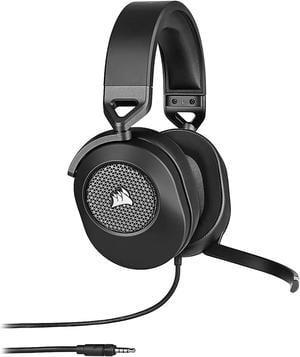
Corsair HS65 SURROUND Circumaural Wired Gaming Headset - Carbon
- Brand: Corsair
- Part Number: CA-9011270-NA
- Compatibility: PC, Mac, PlayStation 4/5, Xbox One / Series X S, Nintendo Switch, Mobile devices
- Color: Carbon
- Model #: CA-9011270-NA
- Item #: N82E16826816195
- Return Policy: Standard Return Policy
$109.99
Free Shipping
- Adjustable and fits well enough with my head - Connects to phones and console controllers with headphone jack - Comes with USB adapter - Great Microphone - Flip the mic to mute it seems interesting
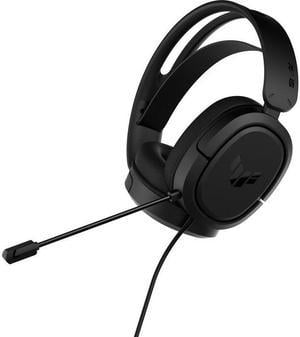
ASUS TUF Gaming H1 Wired Headset | Discord Certified Mic, 7.1 Surround Sound, 40mm Drivers, 3.5mm, Lightweight, for PC, Switch, PS4, PS5, Xbox One, Xbox Series X | S, and Mobile Devices – Black
- Model #: 90YH03A1-B1UA00
- Item #: 9SIA7BBGZ54604
- Return Policy: View Return Policy
$77.96
$91.72
Free Shipping
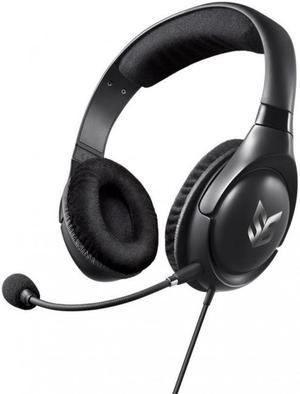
Creative Labs Blaze V2 Gaming Over-ear Headset w/ Detachable Noise-Cancelling Microphone
- Cord Length: 2.5m / 8.2 ft
- Part Number: 70GH032000001
- Headphone Frequency Response: 20Hz-20KHz
- Headphone Input Impedance: 32 ohm
- Model #: 70GH032000001
- Item #: N82E16826158278
- Return Policy: Standard Return Policy
$19.99
$3.99 Shipping
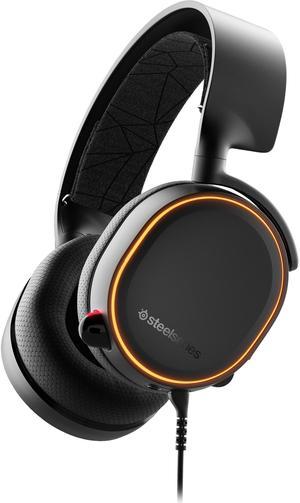
SteelSeries Arctis 5 - RGB Illuminated Gaming Headset with DTS Headphone: X v2.0 Surround - for PC and PlayStation 4 - Black
- Part Number: 61504
- Color: Black
- Cord Length: 10.0 Feet
- Wireless Type: IR
- Model #: 61504
- Item #: 9SIADDZBSK9678
- Return Policy: View Return Policy
$199.99
$29.99 Shipping
Very comfortable, clear audio, mic isn’t too short or too long, volume and different audio ports is very beneficial. Very affordable so you don’t have to break the bank.