







Filter
in 30 Days
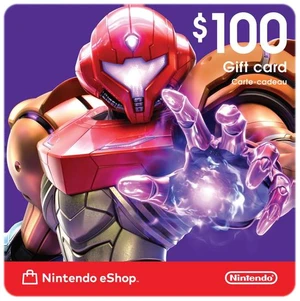
Nintendo eShop $100 Gift Card (Email Delivery)+ $12.50 off w/ promo code CBNWF62, limited offer
$100.00
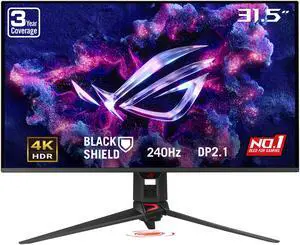

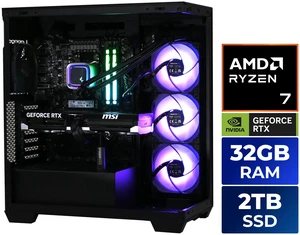
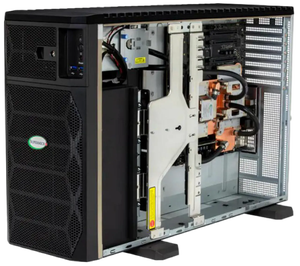
Stoneforged Cleaver Gaming PC, AMD Ryzen 7 7800X3D, NVIDIA GeForce RTX 5070 Ti, 32GB DDR5 6000, 2TB SSD NVMe, 850W 80+ Gold
$3,699.99
$4,099.99
$29.99 Shipping
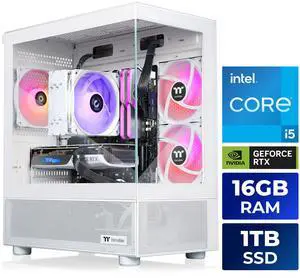

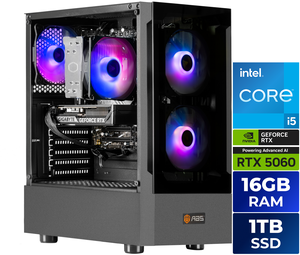
ABS Flavonius Aqua Prebuilt Gaming PC - Windows 11 - Intel Core i5-14400F - GeForce RTX 5060 8GB - DLSS 4 - 16GB DDR4 - 1TB NVMe SSD

$1,399.99
$1,899.99
$29.99 Shipping

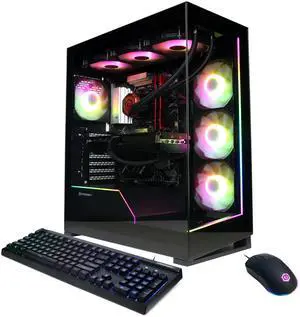
CyberpowerPC Gaming Desktop PC GM70928 AMD Ryzen 7 7800X3D 32GB DDR5 1TB NVMe SSD GeForce RTX 5070 12 GB GDDR7 Windows 11 Home

$2,999.99
$3,299.99
$29.99 Shipping
in 30 Days
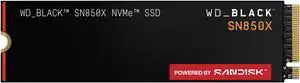
WD_Black SN8100 8TB NVMe SSD - PCIe 5.0x4, M.2 2280, Up to 14,900MB/s Read Speed, up to 13,200MB/s Write Speed, Best for AI Applications, Gaming, and Video Editing - WDS800T1X0M+ $100 off w/ promo code CBNWF79, limited offer

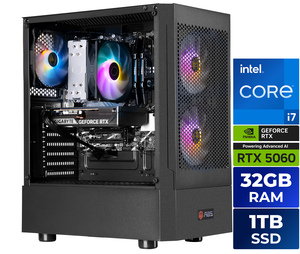
ABS Flavonius Aqua Prebuilt Gaming PC - Windows 11 - Intel Core i7-14700F - GeForce RTX 5060 8GB - DLSS 4 - 32GB DDR4 - 1TB NVMe SSD
$1,699.99
$2,099.99
$29.99 Shipping
in 30 Days
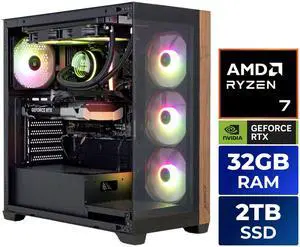
AZZA Gaming Desktop PC CYRUS EXTREME AMD Ryzen 7 7800X3D 32GB DDR5 2TB SSD GeForce RTX 5060 Ti Windows 11 Home$2,399.99
$2,699.99
$29.99 Shipping


AZZA Carmel Gaming Desktop PC, AMD Ryzen 7 7800X3D, AMD Radeon RX 9070 XT, 32GB DDR5, 2TB M.2 SSD, Windows 11 Home
$2,999.99
$3,699.99
$29.99 Shipping












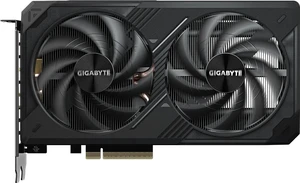
GIGABYTE WindForce GeForce RTX 5060 Ti Graphics Card GV-N506TWF2OC-8GD

Save even more w/ promo code CBNWF92, limited offer







Free Intel AI Software w/ purchase, limited offer





HP 14-em0085cl 14" HD Laptop AMD Ryzen 7 7730U 32GB Memory 1 TB NVMe SSD Windows 11 Home AMD Radeon Graphics
$889.99
$1,199.99
$31.78 Shipping


in 30 Days
MSI Gaming Gear Bundle FRIEREN Edition, Wireless Mouse and Keyboard, Mechanical Linear Switches, TKL, Long-Range 2.4Ghz Wireless, Rechargable Power, Optical Sensor, 26000 DPI+ $50 off w/ promo code CBNWF75, limited offer


in 30 Days
Xbox $100 Gift Card (Email Delivery)
+ $12 off w/ promo code CBNWF52, limited offer
$100.00

in 30 Days
Sony PlayStation Store $250 Gift Card (Email Delivery)+ $25 off w/ promo code CBNWF65, limited offer
$250.00

in 30 Days
Stoneforged Lance Gaming PC, Intel Core i5-14400F, NVIDIA GeForce RTX 5060, 16GB DDR5, 1TB NVMe SSD, Windows 11 Home$1,599.99
$1,999.99
Free Shipping
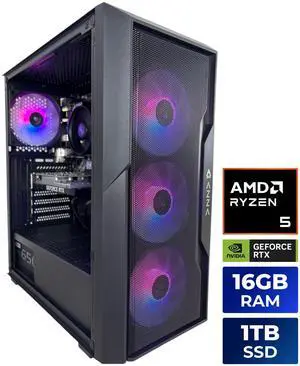
AZZA Gaming Desktop PC GIDEON PRO AMD Ryzen 5 5500 16GB DDR4 1TB NVMe SSD GeForce RTX 3050 Windows 11 Home
$999.99
$1,399.99
$29.99 Shipping
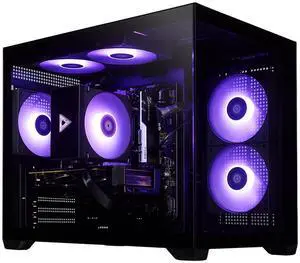
in 30 Days

$2,399.99
$3,499.99
$29.99 Shipping

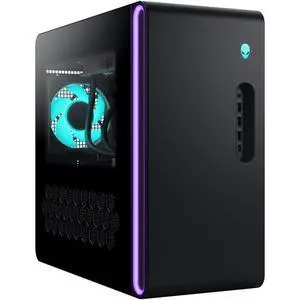
Alienware Gaming Desktop PC Alienware Aurora Intel Core Ultra 9 285 32GB 1TB SSD GeForce RTX 5070 Ti Windows 11 Home - DACT1250-9216BLU-PUS

Free gift w/ purchase, limited offer
$3,899.99
$4,599.99
$39.99 Shipping
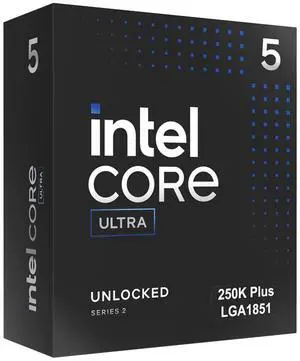
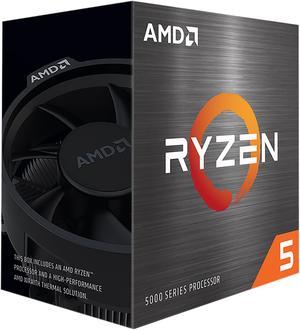
Intel Core Ultra 5 250K Plus Processor 18 cores (6 P-cores + 12 E-cores) up to 5.3 GHz BX80768250K

Free Intel AI Software Bundle, limited offer
$319.99
Free Shipping
Black November Deals & Black Friday Deals at Newegg Canada
Black November is Newegg Canada's holiday sales event, bringing Black November deals and early Black Friday deals together in one place. Browse PC components, gaming PCs, laptops, monitors, storage, gaming gear and more, with many listings shipping from Canada. It is built for Canadian shoppers who want to compare sale options across categories before they buy.
How to Choose Black November Deals
What to Compare Across Black November Deals
- Performance for the price: compare the parts that decide speed, such as the CPU / Processors and graphics cards, rather than the size of the discount.
- Platform fit: check that motherboards match your processor socket and memory type before you commit to a deal.
- Storage: weigh capacity against interface speed when you compare internal SSDs.
- Seller, shipping and warranty: confirm who sells the item, where it ships from and what warranty comes with it.
Look Beyond the Discount Percentage
A bigger percentage is not always the better deal. Compare the full product details: a higher-priced item with a newer platform, more memory or a longer warranty can be better value than a deeper discount on older hardware. During Black November and Black Friday it also helps to compare similar models side by side, since several are often on sale at once.
Black November Deals for Builders and Power Users
If you build or upgrade your own PC, start with the platform: pick the processor and motherboards, then match memory, internal SSDs and a power supplies with enough headroom. Builders who want a ready-made system can compare gaming desktop PCs, and those who need portability can look at gaming laptops. Planning the full parts list first makes it easier to spot which Black Friday deals actually fit your build.
Performance and Setup Tips
- Update the BIOS and drivers as soon as new hardware is installed.
- Enable the memory profile (XMP or EXPO) in the BIOS so memory runs at its rated speed.
- Install the operating system and drivers on a fresh SSD for the best responsiveness.
- Check case airflow and cable routing before you close up a new build.
- Keep your order confirmation and product manuals in one place for warranty questions.
Newegg shopping tip: Make a short list of the parts or products you actually need before you start browsing. It is much easier to recognize a good Black November deal when you already know the specs you are looking for.
Explore Black November Deals & Related Categories
Bundle deals on components and accessories.
More deals and coupons across Newegg.
Prebuilt gaming desktops for shoppers who would rather not build their own.
Black November Deals for First-Time Shoppers
New to holiday sales? Start with the category you need most, then use the filters on this page to narrow by brand and price. Read the product details and recent reviews before you add anything to your cart, and compare at least two or three similar items. The Newegg Deals page is a useful next stop for more deals and coupons.
Black Friday Deals for Gaming Setups
A gaming upgrade usually comes down to the graphics card, the display and storage. Compare graphics cards for the resolution you play at, pair them with a monitors that matches the refresh rate you want, and make sure your power supplies can handle the extra load.
Black November Deals for Home Office and Work
For work-from-home and productivity setups, look at monitors, keyboards and mice, networking gear and storage. A second monitor, a faster SSD or a better router can improve a daily workflow without replacing the whole computer. Browse the Combo Deals page for bundles that cover several items at once.
Before You Buy
- Confirm compatibility: socket, memory type, form factor and power connectors.
- Check who sells the item, where it ships from, the shipping cost and the warranty and return information.
- Compare the item against similar models, not only against its own previous price.
- Read recent customer reviews for reliability or noise issues.
- Look at the listing for badges such as Lowest Price in 30 Days.
Research more: Not sure where to start? Newegg Insider buying guides explain how to choose between models in each category, which helps when several Black Friday deals look similar.
Last Updated: November 2026 | Newegg Black November Deals Buying Guide
Black November Deals FAQs:
How are Black November deals different from Black Friday deals?
Black November is Newegg's November holiday sales event, while Black Friday deals are the sale pricing around Black Friday itself. On this page you can browse both together and compare similar products side by side.
Should I buy PC parts or a prebuilt gaming PC during Black November?
Parts give you control over every component and are ideal if you enjoy building or upgrading. A prebuilt gaming PC saves time and arrives ready to use, so compare the full spec list of each option.
What can I find in Newegg Canada's Black November event?
The event covers PC components such as CPUs, graphics cards, motherboards, memory and SSDs, plus gaming PCs, laptops, monitors, peripherals and more.
Do Black November items ship from Canada?
Many listings on this page are shown as shipping from Canada, while some ship from other countries. Check the shipping line on each listing and the product page for the exact cost and delivery details.
Is it better to buy now or wait for Black Friday?
If a deal fits your budget and the product is in stock, buying now avoids the risk of it selling out. If you can be flexible, compare listings and look for badges such as Lowest Price in 30 Days on the listing.
How do I decide which Black November deals are worth it?
Compare the full specs, warranty and seller rather than only the discount. A deal is worth it when the product matches what you need and the total price, including shipping, fits your budget.
Are Black Friday deals sold by Newegg or by marketplace sellers?
Listings can be sold and shipped by Newegg or by marketplace sellers. Check the seller and shipping details on the product page, and read the warranty and return information before you buy.
What should I check before buying a heavily discounted item?
Compare it with similar models, read recent customer reviews, confirm the warranty and make sure the specs match your needs. A large discount on older hardware may not be better value than a smaller one on a newer model.
How can I narrow the deals to the category I need?
Use the category list and the filters on this page to narrow results by brand and price. You can also open a category page such as graphics cards or monitors for a deeper product comparison.
How do I check that PC parts are compatible before ordering?
Match the processor socket to the motherboard, confirm the memory type, check the case size and make sure the power supply has the right wattage and connectors. Compare the specifications on each product page before you order.