


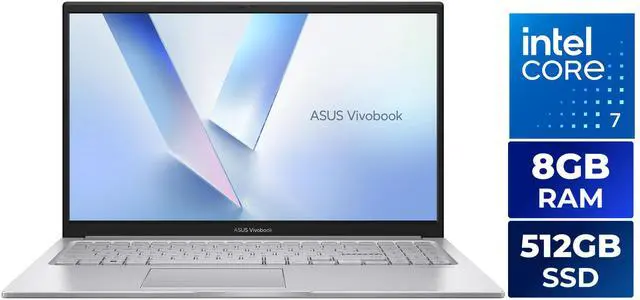
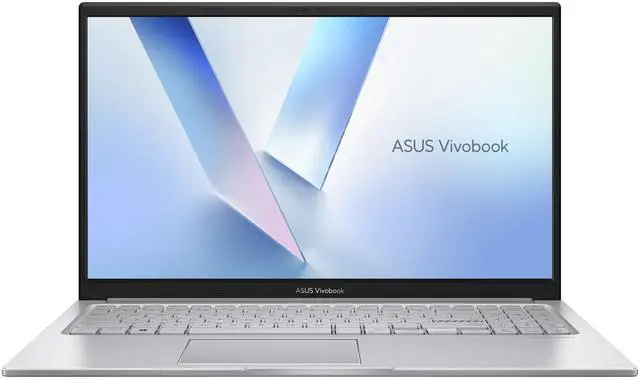
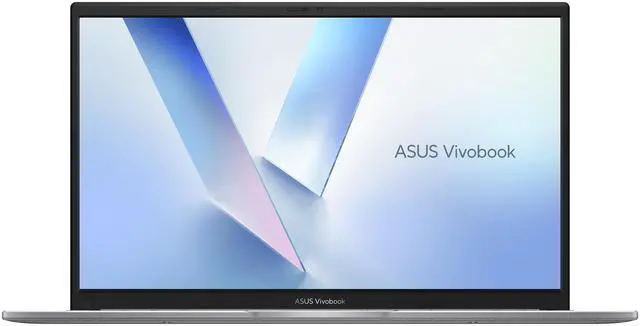
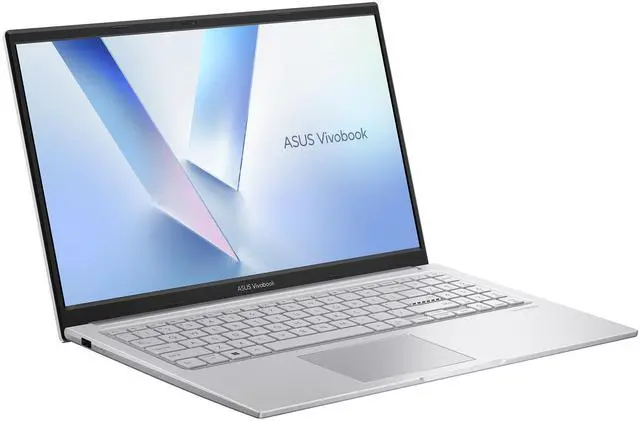
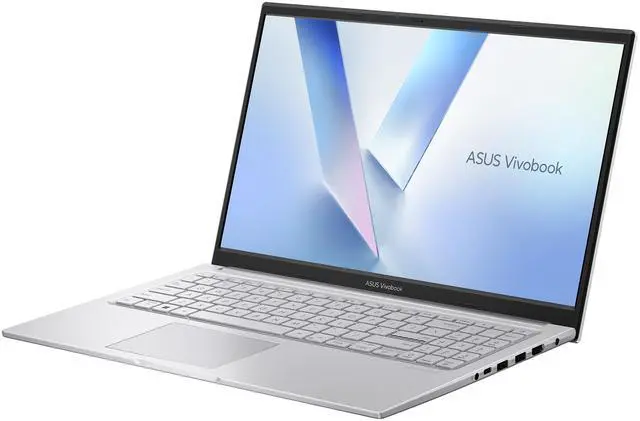
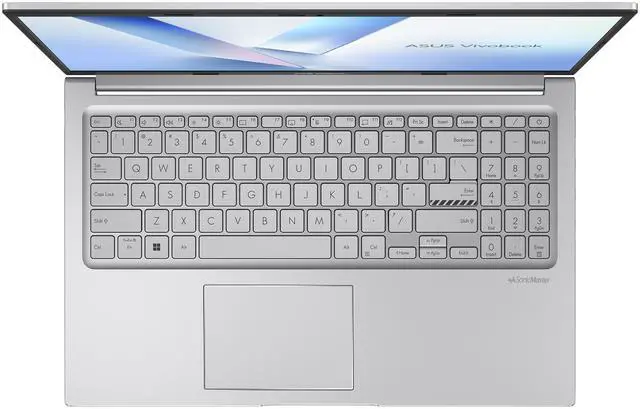

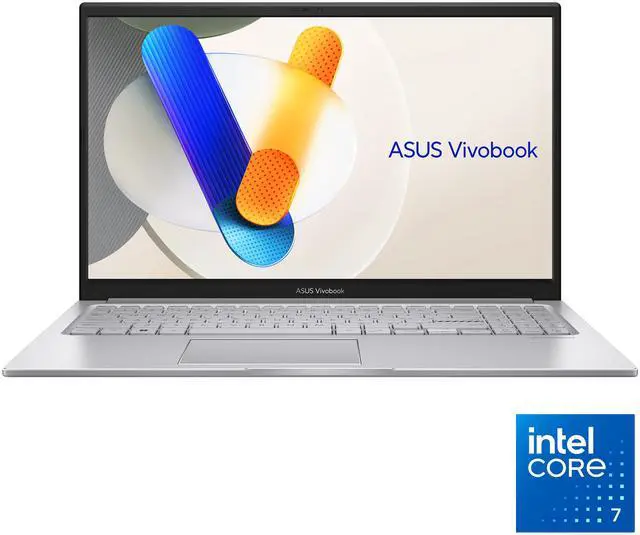
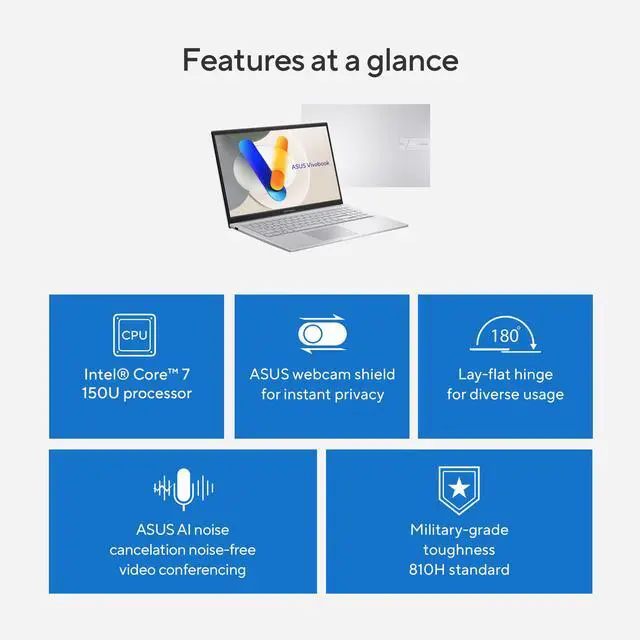
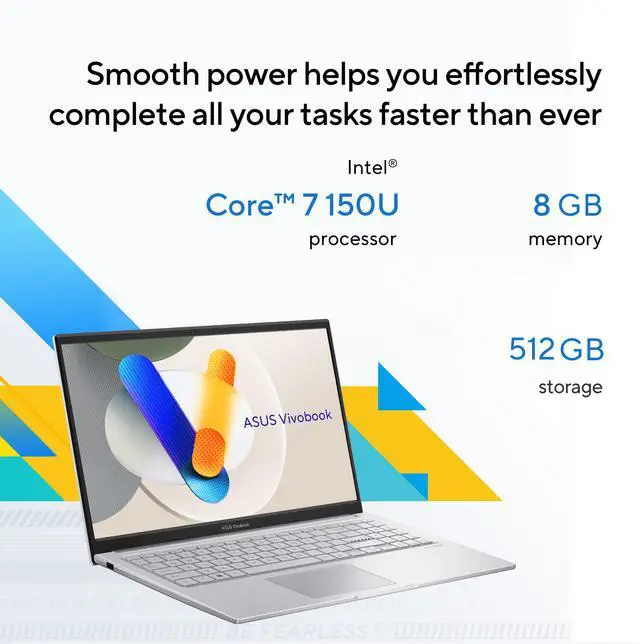
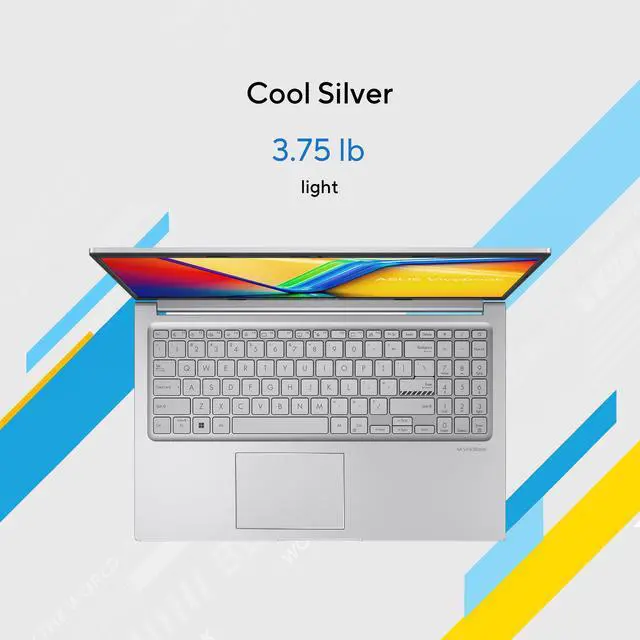
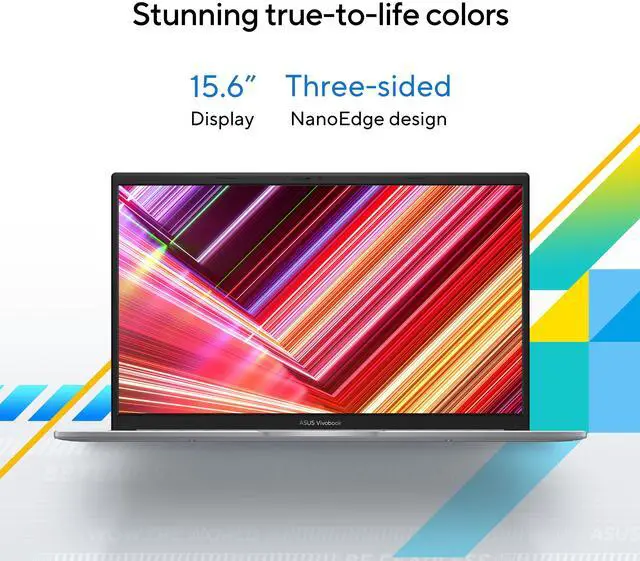
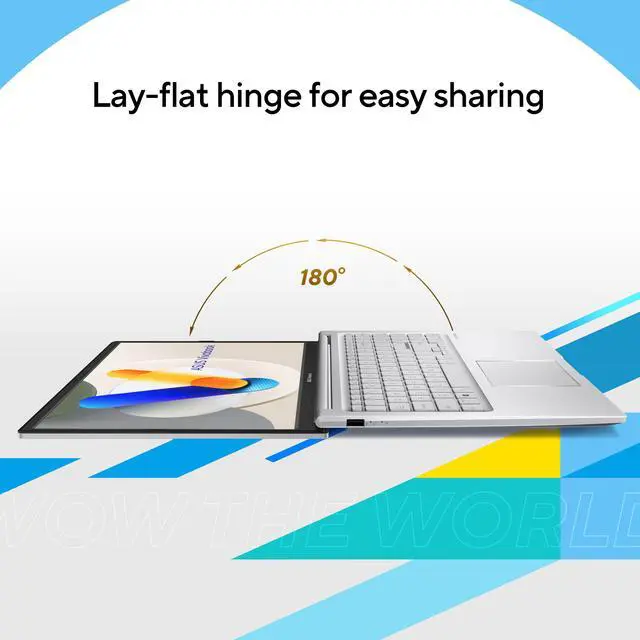

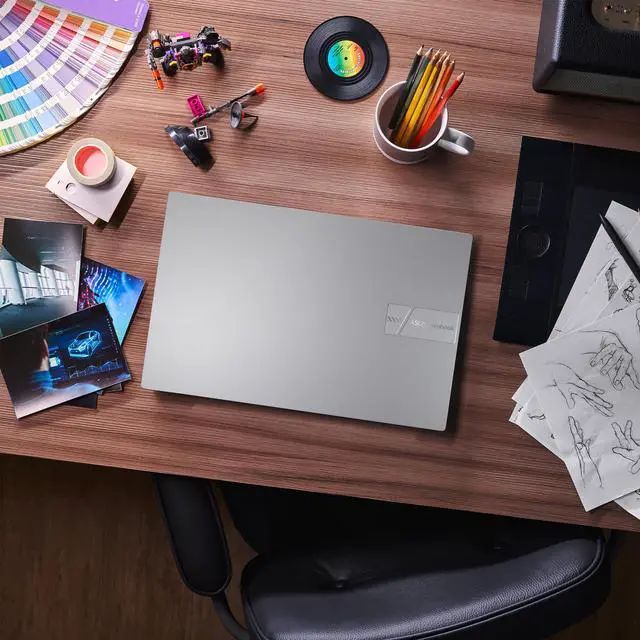
The ASUS VivoBook 15.6-inch Touch Screen Laptop is a thin-and-light Windows 11 notebook with an Intel Core 7 150U, 8GB RAM, and 512GB SSD, best suited for students, home users, and everyday professionals who want smooth productivity, web use, and media tasks on a full HD IPS touch display.
| Attribute | Value |
|---|---|
| Best For | Home and personal everyday productivity, web browsing and media on a 15.6" FHD touchscreen; suited to touch-enabled workflows and general productivity with integrated graphics |
| Processor And Core Count | Intel Core 7 150U (Raptor Lake) with 10 cores (2 performance + 8 efficiency) and 12 MB L3 cache |
| GPU And VRAM | Integrated Intel Graphics using shared system memory (integrated card) |
| Display Spec | 15.6" FHD (1920 x 1080) IPS touch display, 60 Hz |
| Memory Configuration | 8 GB DDR4 onboard with one memory slot total and one slot available for expansion |
| Storage And Expansion | 512 GB PCIe SSD installed; 1 x M.2 2280 PCIe 4.0x4 slot for internal expansion or replacement |
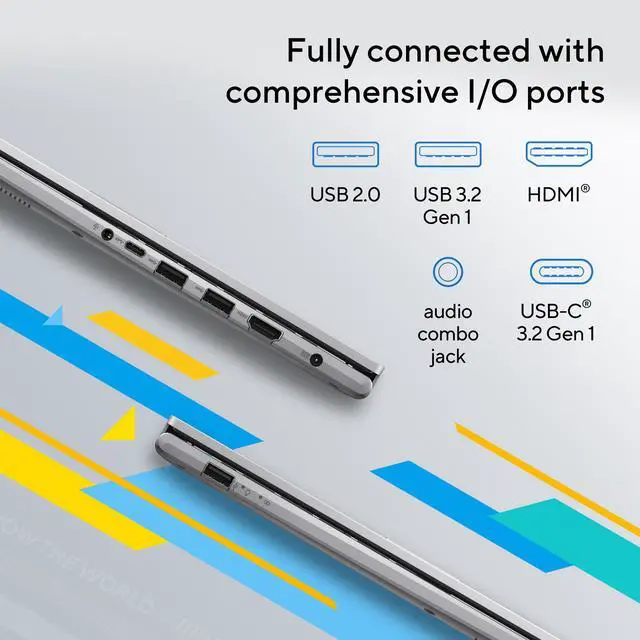
| High Speed I O | Ports: 1 x USB 3.2 Gen 1 Type-C, 2 x USB 3.2 Gen 1 Type-A, 1 x USB 2.0 Type-A, 1 x HDMI 1.4, 1 x combo headphone/microphone jack; no card reader |
| External Display And Docking Fit | Supports external displays via HDMI 1.4; includes a USB 3.2 Gen 1 Type-C port for data/peripherals (no USB-C video mode specified) |
| Battery And Power | 42 WHrs (3S1P, 3-cell Li-ion) battery rated up to 12.68 hours; 45W AC adapter (Output: 19V DC, 2.37A; Input: 100~240V AC 50/60Hz) |
| Wired And Wireless Networking | 802.11ax (Wi‑Fi 6) wireless LAN and Bluetooth 5.2 |
| Webcam And Privacy | 720p HD webcam |
| Keyboard And Control | Chiclet keyboard with a precision touchpad |
| Audio Setup | Built-in speaker with SonicMaster and built-in array microphone |
| Portability | Thin-and-light design; dimensions 14.16 x 9.15 x 0.70 inches, weight 3.75 lbs |
| Model Identifiers | ASUS VivoBook F1504VAP-NB71T (Part 90NB13Y2-M01JN0), Cool Silver; Windows 11 Home; home/personal consumer model |
Q: Should I choose this ASUS VivoBook 15 Core 7 150U model or a Core 5 120U VivoBook 15?
A: Choose the Core 7 150U version if you want more headroom for heavier multitasking, larger spreadsheets, and longer-term everyday use while keeping the same general thin-and-light VivoBook positioning. ASUS lists both chips in the same VivoBook 15 family, and both are 10-core, 12-thread 15W-class processors, but the Core 7 150U carries higher boost clocks. In practice, this usually makes the Core 7 model the better fit for users who keep many browser tabs, office apps, and background tasks open at once. The trade-off is that the Core 5 120U version is often the better value when your workload is mostly web, documents, streaming, and light schoolwork.
Q: Is this VivoBook 15 a better choice than a Core Ultra 7 155H laptop?
A: Choose this VivoBook 15 if battery-conscious everyday productivity matters more than peak performance. The Core 7 150U is a lower-power U-series chip aimed at mainstream thin-and-light use, while the Core Ultra 7 155H is a higher-tier H-series option that delivers much stronger multi-core performance and a clearly faster integrated GPU class in many benchmarks. That makes a 155H laptop the better fit for frequent photo work, heavier content creation, coding workloads, or lighter gaming without a discrete GPU. This VivoBook 15 is the more sensible choice for office work, browsing, video calls, and general home use where lower heat and lower power draw matter more than maximum speed.
Q: How does this VivoBook 15 compare with a Ryzen 7 7730U laptop?
A: This VivoBook 15 is the better choice if you want a current Intel-based everyday laptop with touch support and familiar VivoBook mainstream features, but a Ryzen 7 7730U laptop can be the stronger option if graphics performance matters more than CPU branding. Across review databases and community discussions, Ryzen 7 7730U systems are commonly treated as direct competitors to Core 7 150U laptops, with broadly similar productivity positioning. A Ryzen 7 7730U model often makes more sense for light gaming and graphics-leaning use, while this Core 7 150U VivoBook remains a practical fit for office work, web use, media consumption, and general household computing.
Q: Is this a better buy than an older VivoBook 15 with 12th- or 13th-gen Intel chips?
A: Choose this Core 7 150U VivoBook 15 if you want a newer refresh of the same mainstream 15.6-inch formula rather than a major category change. In Intel's lineup, the Core 7 150U is widely viewed as an incremental update to earlier low-power Raptor Lake and late Core i7 U-series parts, so the biggest reasons to pick this model are the exact configuration, price, touch display, and storage rather than expecting a dramatic generation-to-generation jump. An older VivoBook 15 can still be a reasonable alternative if it offers 16GB RAM or a stronger screen at a similar price, because those upgrades may matter more in daily use than the CPU refresh alone.
Q: Should I buy this VivoBook 15 for portability and office work, or get a performance-first laptop instead?
A: Buy this VivoBook 15 if your priority is a straightforward 15.6-inch laptop for office apps, web use, classes, remote work, and media, especially if you value touch input and a lighter-duty design. Its 45W charger, integrated graphics, 42Wh battery, and 3.75 lb weight place it in the mainstream portable category rather than the performance-laptop category. A performance-first laptop is the better choice if your workload includes sustained video editing, engineering apps, heavier code compilation, or gaming, because those systems usually pair higher-power processors with stronger cooling, and often with better graphics.
Q: Is this ASUS VivoBook 15 a good fit for office work, online meetings, and school tasks?
A: Yes. This configuration is well suited for web browsing, Microsoft Office or Google Docs, video calls, email, note-taking, and general multitasking. The Intel Core 7 150U is more than enough for everyday productivity, and the 15.6-inch FHD touch display is useful for navigation and light note use. The main limit is memory: 8GB RAM is fine for normal office workloads, but it is less ideal if you keep many browser tabs, large spreadsheets, or multiple apps open at once.
Q: Is it worth buying as a travel or portable work laptop?
A: It can work well for light travel if your priorities are a full-size screen, reasonable weight, and everyday battery life rather than maximum portability. At 3.75 lb with a 15.6-inch chassis, it is portable enough for commuting, coffee shops, and business trips, but it is not especially compact compared with 14-inch models. It is a better choice for users who want a larger screen for work than for buyers who want the lightest carry-around laptop.
Q: Can you upgrade the RAM later, or is 8GB a long-term limitation?
A: For this specific model, 8GB is not necessarily the ceiling. Your product data shows 8GB onboard memory plus one available memory slot, which means there is upgrade headroom. That makes this VivoBook safer to buy than many budget ASUS models where the 8GB is fully soldered and not expandable. In practice, that matters because 8GB is acceptable for basic use, but 16GB is the more comfortable target for heavier multitasking over time.
Q: Is this a good choice for Photoshop, Adobe apps, or creative work?
A: It is fine for light photo editing and basic creative tasks, but it is not a strong choice for demanding Adobe workloads. The main trade-offs are integrated Intel graphics and 8GB RAM, which are enough for casual editing but not ideal for heavier Photoshop, Illustrator, or video projects. If creative software is a primary use case, a laptop with 16GB RAM and stronger graphics will be the better long-term buy.
Q: What are the main trade-offs versus a similar 15-inch laptop with 16GB RAM or a 14-inch alternative?
A: The advantage of this VivoBook is a practical mainstream setup: a current Intel Core 7 processor, touch display, 512GB SSD, and a full 15.6-inch screen for everyday work. The trade-offs are that 8GB RAM is modest for 2026, integrated graphics limit creator and gaming use, and the 15.6-inch size is less travel-friendly than a 14-inch laptop. Compared with a similar model that has 16GB RAM, the biggest real-world difference will usually be smoother multitasking and better longevity, not basic speed in simple tasks.
Q: Is this ASUS VivoBook 15 a good buy for everyday work or school?
A: Yes, if your use is mainly web browsing, documents, video calls, streaming, and light multitasking. The Core 7 150U, 512GB SSD, 15.6-inch FHD touch display, and Wi‑Fi 6 fit general home, office, and student use well. The main trade-off is memory: 8GB is enough for basic productivity, but it is a weaker fit for heavier multitasking or demanding software.
Q: Is 8GB RAM enough on this model, or should I plan to upgrade it?
A: 8GB is acceptable for light daily use, but many buyers should plan for an upgrade if they expect heavier multitasking, programming workloads, or longer-term use. This model lists 8GB onboard DDR4 plus one memory slot total with one slot available, which strongly suggests upgrade headroom. In practice, the laptop makes more sense as a buy if you are comfortable adding RAM later.
Q: Who is this laptop suitable for, and who should skip it?
A: It is best for buyers who want a straightforward 15.6-inch Windows laptop for home use, schoolwork, office apps, note-taking with touch, and travel without needing strong graphics performance. It is not a strong choice for gaming, video editing, 3D work, or users who regularly keep many heavy apps and browser tabs open at once. The integrated Intel graphics and 8GB starting memory define those limits.
Q: What are the main trade-offs of choosing this VivoBook 15?
A: The main trade-offs are entry-level memory, integrated graphics, a basic 720p webcam, no card reader, and older-style connectivity limits. For example, it has HDMI 1.4 and a USB-C port that should not be assumed to support display output or full docking features. In exchange, you get a relatively light 15.6-inch laptop with a touch IPS display, modern wireless support, and a 512GB SSD.