


BEST SELLERS


BEST SELLERS
In Office Equipment & Furniture
Our most popular products, based on sales and updated frequently.Shop Department
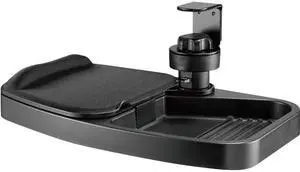
Tripp Lite DMUDSC Under-Desk Clamp-On Storage Tray with Built-In Mouse Pad and Wrist Rest
- Type: Desk Accessories & Organizers
- Color: Black
- Sizes/Dimensions: 13.70" x 7.50" x 1.20"
- Specifications: Material of Construction: Plastic
- Model #: DMUDSC
- Item #: 9SIAH2MM5M0151
- Return Policy: View Return Policy
$37.70
Free Shipping
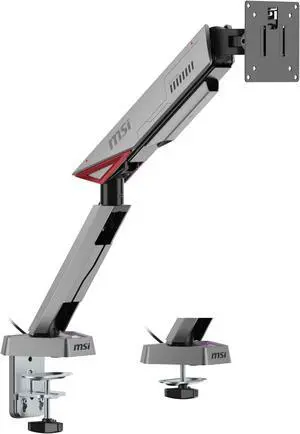
MSI MPG MT161R - Premium RGB Single Monitor Stand Arm, Supports 17-45" Screens and 35.2 lbs, VESA Compatible, Adjustable Spring Assisted Mount, Clamp & Grommet, Quick Release Plate - Black
- Brand: MSI
- Part Number: 306-3BA9540-LAX
- Type: Single Monitor Arm
- Color: Iron Gray
- Model #: MPG MT161R
- Item #: N82E16824960032
- Return Policy: 15-Day Return Policy
$91.99
$164.99
$18.67 Shipping
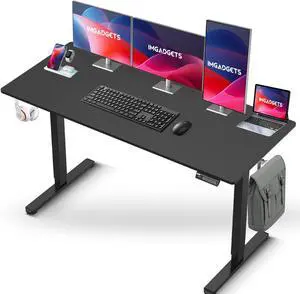
IMGadgets Standing Electric Adjustable Desk | Large Workspace with 2 hooks | Ergonomic Sit-Stand Desk | 3-Memory Settings | Scratch-Resistant & Waterproof | Quiet Operation <55dB 55" x 24" Black
- Sizes/Dimensions: 55" x 24"
- Model #: 55black
- Item #: 9SIAC37KEY9531
- Return Policy: View Return Policy
$299.99
Free Shipping
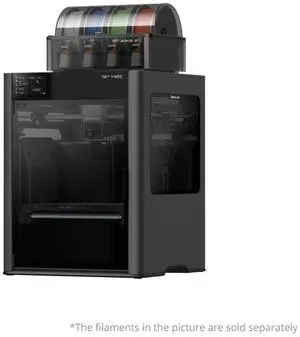
Bambu Lab X2D Combo Dual Nozzle CoreXY 3D Printer w/ AMS 2 Pro, Built-in Heater
- Brand: Bambu Lab
- Series: X2D
- Part Number: PF004-P+SA007-US
- Type: 3D Printer
- Model #: PF004-P+SA007-US
- Item #: 9SIAATCKX27028
- Return Policy: View Return Policy
$1,399.99
$82.99 Shipping
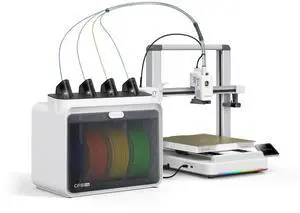
Creality SPARKX i7 3D Printer Color Combo w/ CFS Lite
- Brand: Creality
- Series: SPARKX i7 3D Printer Color Combo w/ CFS Lite
- Part Number: 1001010495
- Type: 3D Printer
- Model #: 1001010495
- Item #: 9SIAATCKX19097
- Return Policy: View Return Policy
$699.99
$40.99 Shipping
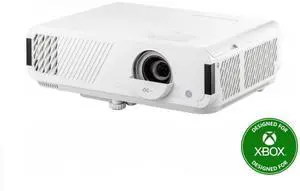
ViewSonic PX749-4K 4000-Lumen 3D UHD 16:9 White Gaming & Home Theater DLP Projector
- Brand: ViewSonic
- Cabinet Color: White
- Type: DLP
- Aspect Ratio: Native: 16:9 Supported: 4:3
- Model #: PX749-4K
- Item #: N82E16824117181
- Return Policy: Manufacturer Only Return Policy
$1,707.99
Free Shipping
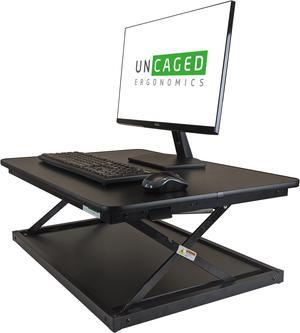
CHANGEdesk Mini Desktop Standing Desk Converter - Adjustable Height Standing Desk Riser for sitting or standing Portable Standing Desk extender Stand Up Desk Riser Sit Stand Desk Converter for laptops
- Type: Desks & Laptop Stands
- Color: Black
- Specifications: DESCRIPTION: Simple, Fast Stand Up Conversion for Laptops & Desktops. # Height Settings: 4 Heights (3, 6, 10, 14") Top Panel Dimensions: 27.5x19.5" Min Height: 3" How Does It Adjust?: Single Locking Lever w/ Spring-Assisted Height Adjustment Max Height: 14" Material: Steel & Premium MDF Product Weight: 21 lbs Features: 4 Non-Skid & Non-Scratch Feet
- Model #: CDMM-b
- Item #: 2T4-01BW-00038
- Return Policy: Standard Return Policy
$149.99
Free Shipping
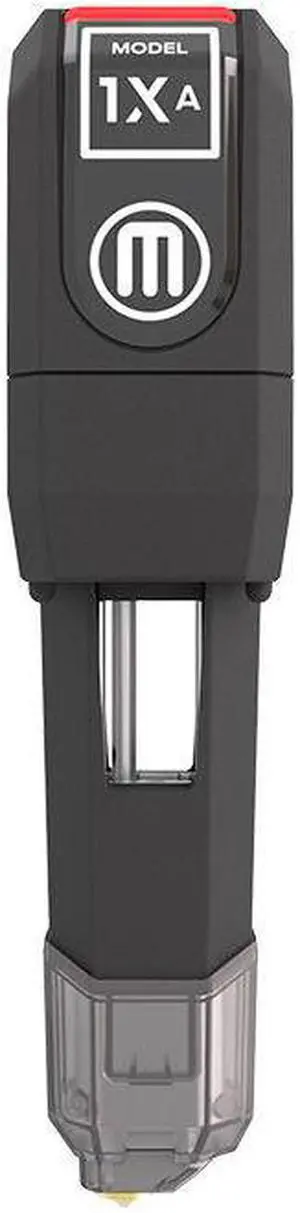
MakerBot 3D Printer Extruder Unit 9000061A
- Type: Extruder
- Model #: 9000061A
- Item #: 288-0018-00035
- Return Policy: Standard Return Policy
$154.99
Free Shipping
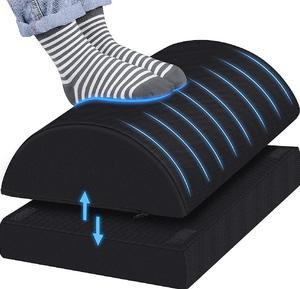
Foot Rest for Under Desk at Work-Versatile Foot Stool with Washable Cover-Comfortable Footrest with 2 Adjustable Heights for Car,Home and Office to Relieve Back,Lumbar,Knee Pain-Black
- Type: Foot Rest
- Model #: DZ-FootRest-001
- Item #: 9SIADDZK7F8872
- Return Policy: View Return Policy
$49.99
$29.99 Shipping
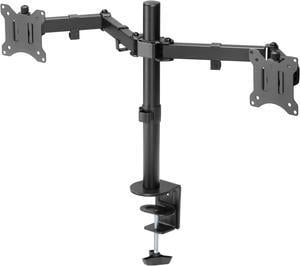
Amer Networks, Inc 2EZCLAMP Tilting Dual Mount Clamp Base
- Type: Multi-Monitor Stand
- Color: Matte black
- Dimensions (H x W x D): 19.6" x 35.2" x 5" (498 x 127 x 893mm)
- Parts: 3 Year
- Model #: 2EZCLAMP
- Item #: 9SIA70MBBZ0398
- Return Policy: View Return Policy
$59.99
Free Shipping
Its a very nice product, easy to adjust and move around.
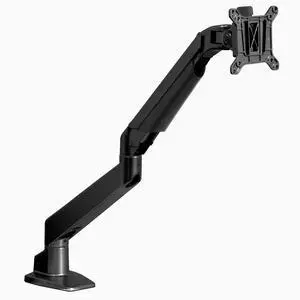
Desky Single Monitor Arm - Black
- Type: Monitor Arm
- Model #: 1281
- Item #: 9SIBXK7KPG3932
- Return Policy: View Return Policy
$159.85
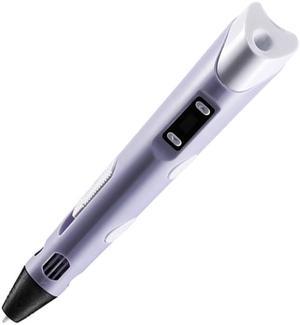
3D Printing Pen DIY 3D Pen With ABS/PLA Filament Refills Arts 3D Drawing Pen Creative Gift For Kids Design Painting Drawing
- Technology: FDM (Fused Deposition Modeling)
- Type: 3D Printing Pen
- Brand: Dewang
- Number of Extruders: 1
- Model #: HQ207PP
- Item #: 9SIAZG9EV69518
- Return Policy: View Return Policy
$24.99
Free Shipping
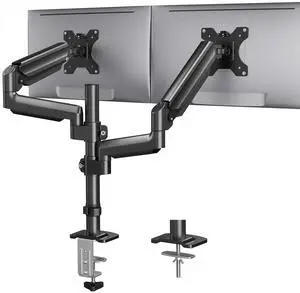
HUANUO Dual Monitor Mount up to 32 inches Screens, Taller Monitor Stand Hold 19.8lbs, Dual Monitor Arm Desk Mount Easy Adjustable with Tilt, Swivel, Rotation, VESA 75/100mm
- Model #: 904465586355
- Item #: 9SIC784KZ66411
- Return Policy: View Return Policy
$202.30
Free Shipping
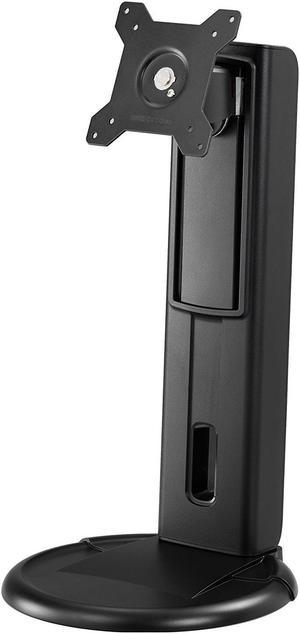
Amer Mounts Height Adjustable Monitor Stand. Supports 24" monitors weighing up to 17.5 lbs. Industry Standard Mounting Pattern 75x75 / 100x100
- Model #: Amr1s
- Item #: 9SIA70M2C50019
- Return Policy: View Return Policy
$64.99
Free Shipping
Excellent quality, even if a bit pricey.
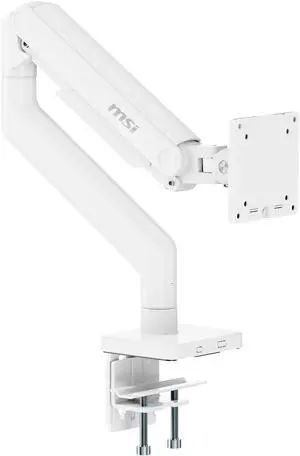
MSI MAG MT201W - Premium Heavy Duty Single Monitor Stand Arm, Supports 17-49" Screens and 44 lbs, VESA Compatible, Adjustable Spring Assisted Mount, Clamp & Grommet, Quick Release Plate - White
- Brand: MSI
- Part Number: 306-3BA9210-LAX
- Type: Monitor Arm
- Specifications: Arm Type: Single VESA Compatibility: 75 x 75mm / 100 x 100mm Weight Capacity: 2~20kg (4.4 ~44 lbs) Fits Screen Size: 17"~49" Grommet Installation: Yes Clamp Installation: Yes Desk thickness: Maximum 10 ~ 85mm (Clamp) / Maximum 10 ~ 35mm (Grommet) Adjustment (Tilt): +50°~-20° Adjustment (Swivel): +90°~-90° Adjustment (Pivot): +180°~-180°
- Model #: MAG MT201W
- Item #: 9SIA9H5KUY6944
- Return Policy: View Return Policy
$149.99
$15.99 Shipping
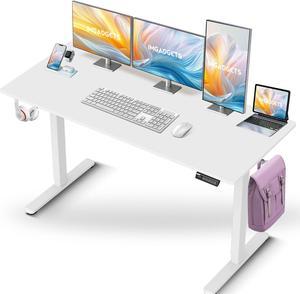
IMGadgets Standing Electric Adjustable Desk | Large Workspace with 2 hooks | Ergonomic Sit-Stand Desk | 3-Memory Settings | Scratch-Resistant & Waterproof | Quiet Operation <55dB 55" x 24" White
- Sizes/Dimensions: 55" x 24"
- Model #: 55white
- Item #: 9SIAC37KEY9535
- Return Policy: View Return Policy
$299.99
Free Shipping
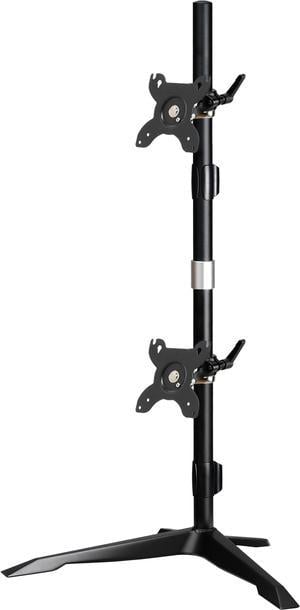
Amer Mounts AMR2S30V | Dual Monitor Stand Vertical | Supports 17 - 32" Monitors
- Model #: AMR2S30V
- Item #: 9SIA70MBBE3488
- Return Policy: View Return Policy

StarTech ARMPIVOTV2 Single Monitor Mount - Heavy Duty Steel - Monitors up to 32" - VESA Mount - Desk Monitor Arm - Monitor Desk Mount
- Type: Mount
- Specifications: # of Displays Supported: 1 VESA Hole Pattern(s): 75 x 75mm, 100 x 100mm Display Rotation: 360 Degree Height Adjustment: Yes Maximum Arm Extension: 3.5" [88 mm] Maximum Display Size: 32" Maximum Height: 17.4" [443 mm] Minimum Display Size: 13" Swivel / Pivot: 180 Degree Tilt: + 45 / - 45 Degree Enclosure Type: Steel and Plastic
- Dimensions (H x W x D): 19.25" x 4.72" x 4.33"
- Model #: ARMPIVOTV2
- Item #: 9SIAH2MM830254
- Return Policy: View Return Policy
$105.61
Free Shipping

Indo Board IB_ProRoller Pro Roller
- Type: Roller
- Color: Black
- Model #: IB_ProRoller
- Item #: N82E16848446034
- Return Policy: Standard Return Policy
$149.99
Free Shipping
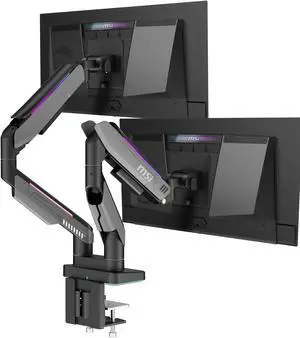
MSI MPG MT201DR V2 - Premium RGB Dual Monitor Stand Arms, 17-35" Support, VESA Compatible, Adjustable Heavy Duty Gas Spring Mount, 44 lbs per Screen Capacity, Clamp & Grommet, Quick Release Plate-Gray
- Brand: MSI
- Part Number: 306-3BA9550-LAX
- Type: Dual Monitor Arms
- Color: Iron Gray
- Model #: MPG MT201DR V2
- Item #: 9SIA9H5KMV8910
- Return Policy: View Return Policy
$249.99
$23.99 Shipping
Base fits snug to my Progressive desk. It is quite sturdy and well made. Mostly metal and a few plastic parts. Easy to adjust tension with an allen wrench. Whole process took me 30 minutes once out of box. I have 2 27" monitor and both fit perfect in my setup.