






ATEN See Product Details USB KVM Adapter Cable (CPU Module) KA7570
- Keyboard and mouse emulation - keeps your server functioning smoothly when it is disconnected from the switch's KVM port or relocated to different KVM port
- Lifetime firmware upgrades
- Superior video
+
+
Overview
Specs
Reviews
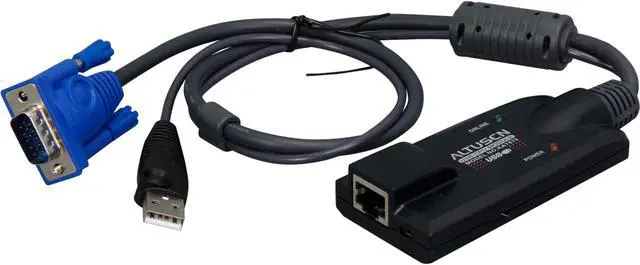
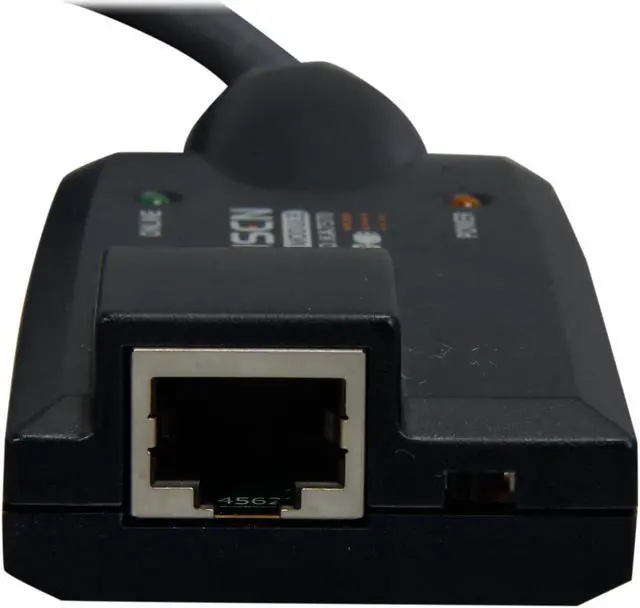
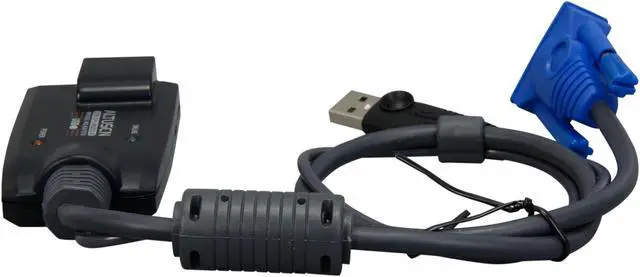
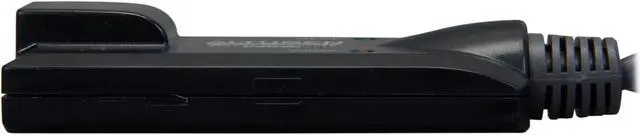
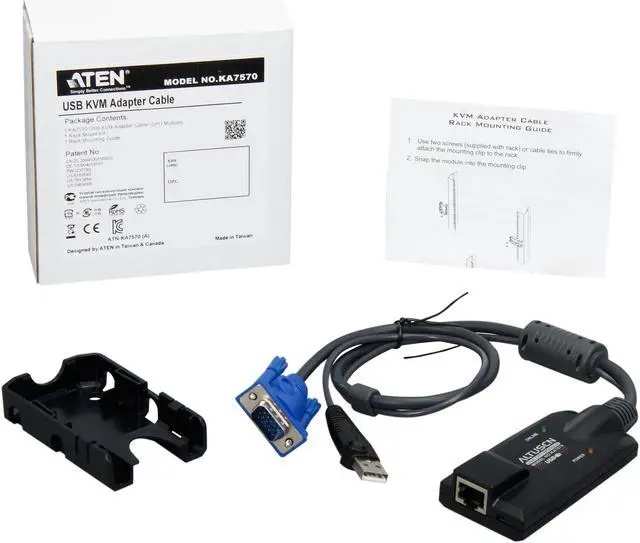
The KA7570 USB KVM Adapter Cable connects the KVM switch to the video and USB ports of the target computer through Cat5 cable. With its small form factor and light weight design, it fits perfectly into most of the rack-mount or desktop servers.
MAIN OVERVIEW FEATURES: Connector on First End: 1 x RJ-45 Female NetworkConnector on Second End: 1 x Male USB,1 x 15-pin HD-15 Male VGADevice Supported: KVM Switch,Keyboard/Mouse,Network DeviceColor: BlackWeight (Approximate): 4.80 ozPackage Contents: KA7570 KVM CableRack Mount KitRack Mounting GuideCompatibility: ATEN KVM Switch:KH15xxAKH25xxAKL15xxAEnvironmentally Friendly: YesEnvironmental Certification: WEEE,RoHSLimited Warranty: 3 Year
Warranty & Returns
Warranty, Returns, And Additional Information
Warranty
- Limited Warranty period (parts): Lifetime
- Limited Warranty period (labor): Lifetime
- Read full details
Return Policies
- Return for refund until: January 31, 2027
- Return for replacement until: January 31, 2027
- This item is covered by Newegg.ca's Extended Holiday Return Policy.
- Read full return policy for details.
We want to ensure your holiday shopping this year is hassle-free. That’s why we’re automatically extending our return policies on almost every product! For purchases placed between November 1st, 2026 and December 31, 2026 you will have until January 31, 2027 to return your product.
Manufacturer Contact Info
- Manufacturer Product Page
- Manufacturer Website
- Support Phone: 1-888-999-2836
- Support Website
- View other products from ATEN
LOADING...
The ATEN KA7570 is a compact USB KVM adapter cable that connects a KVM switch to a computer’s video and USB ports, making it suitable for server and desktop setups that need keyboard-and-mouse emulation, hot-plugging, and video up to 1600 × 1200 over distances up to 130 feet (40 m).
Recommended For
- Rack-server administrators connecting a USB-and-VGA server to a compatible ATEN KVM switch, especially in multi-server setups that use Cat 5e/6 runs between the switch and computer modules.
- IT operators who need keyboard and mouse emulation to keep a connected server functioning when its KVM connection is moved between switch ports.
- Data-center or server-room staff who need to add or remove a connected computer without powering down the KVM switch.
- Administrators fitting computer-side KVM hardware into tight rack or desktop-server spaces, where a compact, lightweight adapter is useful.
Spec Summary
| Attribute | Value |
|---|---|
| Best For | Connecting a PC or server to a KVM switch for keyboard, mouse, and video access |
| Compatibility And Connectivity | USB KVM adapter cable with 3 connectors, compatible with PCs and servers |
| Video Support | Supports resolutions up to 1600 × 1200 over distances up to 130 ft (40 m); 1680 × 1050 and 1920 × 1200 reduced-blanking modes are not supported |
| Operation And Features | Keyboard and mouse emulation maintains server operation when disconnected from or moved between KVM switch ports; hot-pluggable for adding or removing computers without powering down the switch; lifetime firmware upgrades |
| Physical Specifications | Black; 0.22 lb; item dimensions 9 × 4.3 × 2.3 cm |
| Model Identifiers | ATEN KA7570 |