
Your Browsing History
- Free 15-day Returns
$49.78
Ships from China.


Meet Your Seller

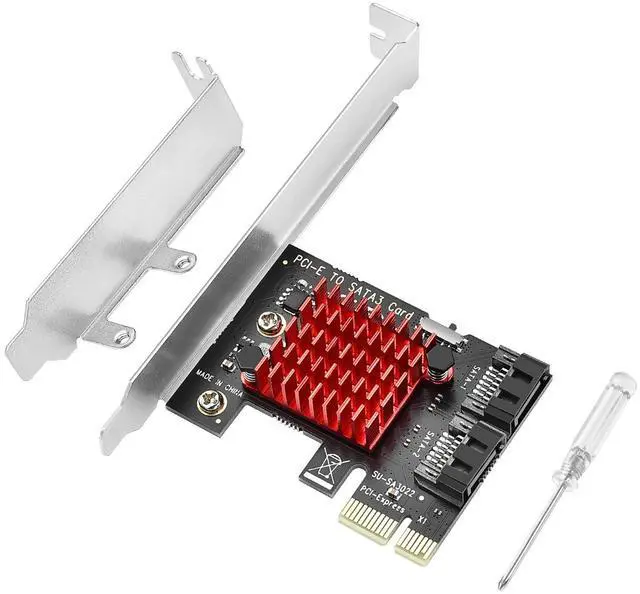


BUCIER PCIE SATA Expansion Card 2 Port PCIE to SATA Card 6Gbps SATA 3.0 Controller PCI Express X1 Expansion Card with Low Profile Bracket for Desktop PC Support SSD HDD
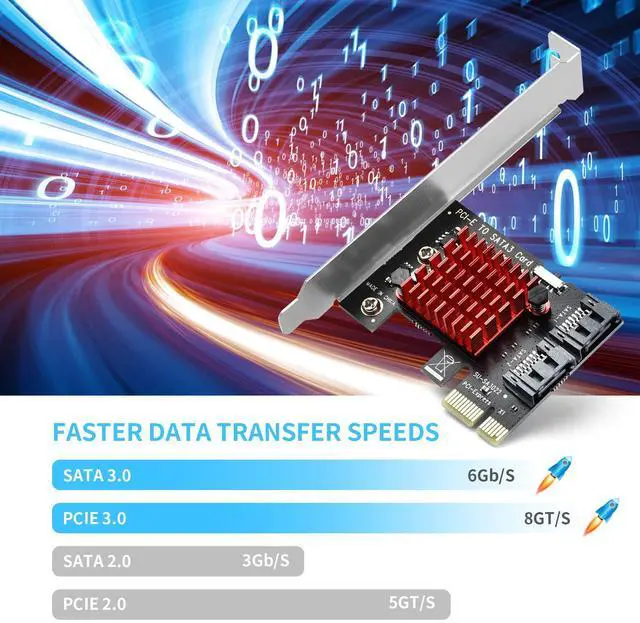
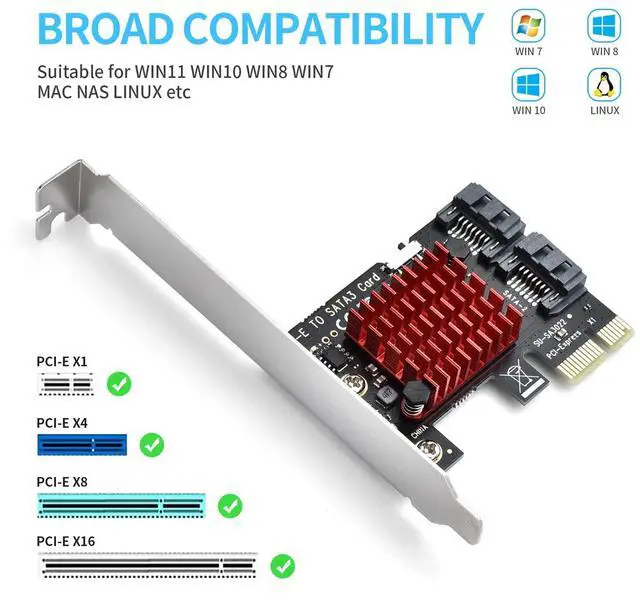
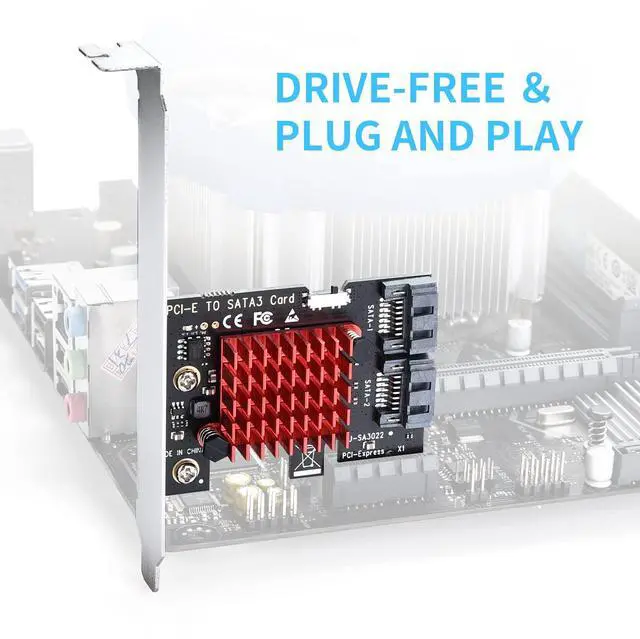
- [SATA expansion card 2 ports]This PCIE SATA card has two SATA 3.0 ports with 6Gbps transfer speed, suitable for both large/small PC cases, compatible with Windows 11 /10 /8 /7 /Vista /MAC / NAS / Linux OS etc, for PCI Express X1 X4 X8 X16. Note: Only MBR boot is supported, UEFI boot is not supported.
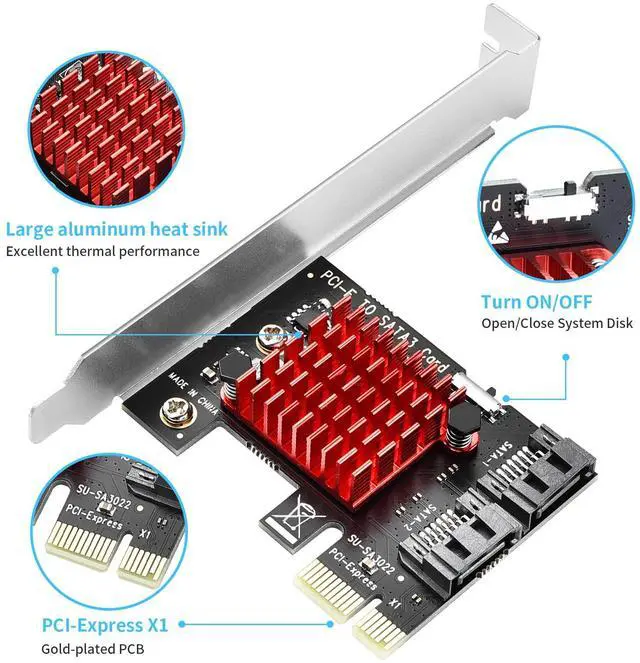
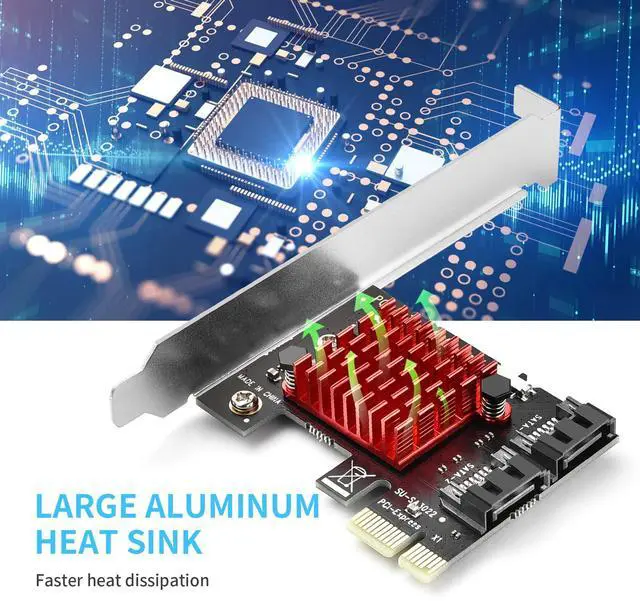
- [Excellent heat dissipation]The PCIE SATA expansion card built-in alloy material heatsink with large area to effectively dissipate excess heat, so that the two SATA ports are always at room temperature and work more stably.
- [High Efficiency Performance]Supports AHCI mode and NCQ capabilities, this sata expansion card allowing you to increase the overall performance of your hard disk by 5-20%. Supports hot-swapping and IDE mode (programming interface)
- [Durable and Stable]15U gold-plated conductor improves conductivity and reduces wear and tear, ensuring faster and more stable transmission. Thick PCB board resists high and low temperatures and will not deform after prolonged use.
+
+
Overview
Specs
Reviews
PCIe X1 to 2 SATA 3.0 ports controller card offers a simple connection between a host computer and SATA 3.0 devices(SATA hard drive or SATA device), which allows 2 SATA devices at the speed up to 6Gb/s.
Additional Features
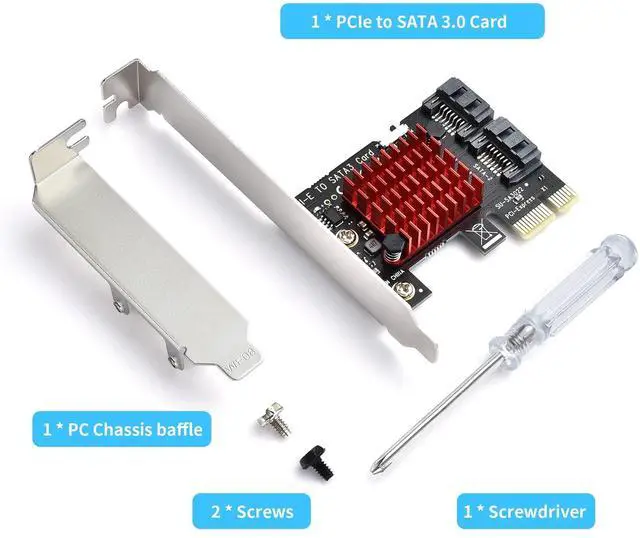
- [Support System] Compatible with Windows 7/8 (32/64 bit), Vista/11/10/MAC/linux. Does not support XP/Server 2003. Equipped with a replaceable bezel to support 4U/2U chassis. Windows(R) XP/Server2003Note: Please make sure the product is compatible with your computer before purchasing. For products with SATA interface, WIN10/11 does not need to install the system, and if you use WIN7, WIN8 and blue screen happens, you need to reinstall the system
Warranty & Returns
Warranty, Returns, And Additional Information
Warranty
- Please contact the Seller directly for warranty information. Warranty information may also be found on the Manufacturer's website.
- CONTACT
Return Policies
- Return for refund within: 15 days
- Return for replacement within: 30 days
- This item is covered by Electronics store Return Policy
Manufacturer Contact Info
- For a directory of all our manufacturers, please click below.
- Manufacturers Directory
LOADING...