
Your Browsing History

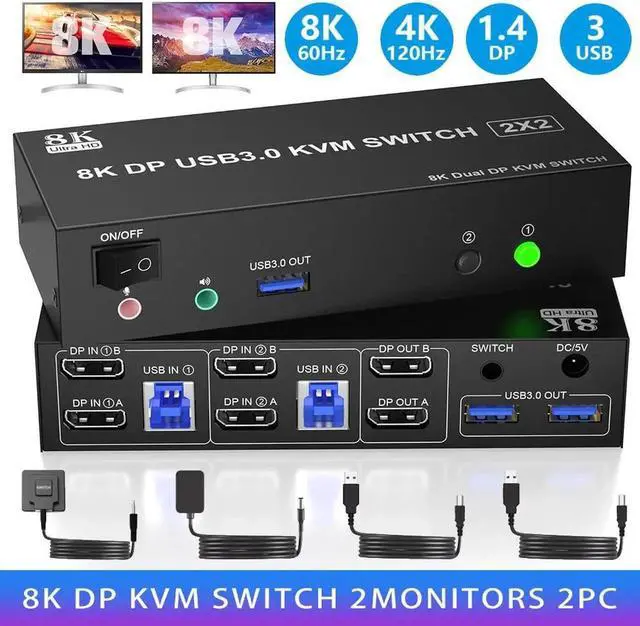
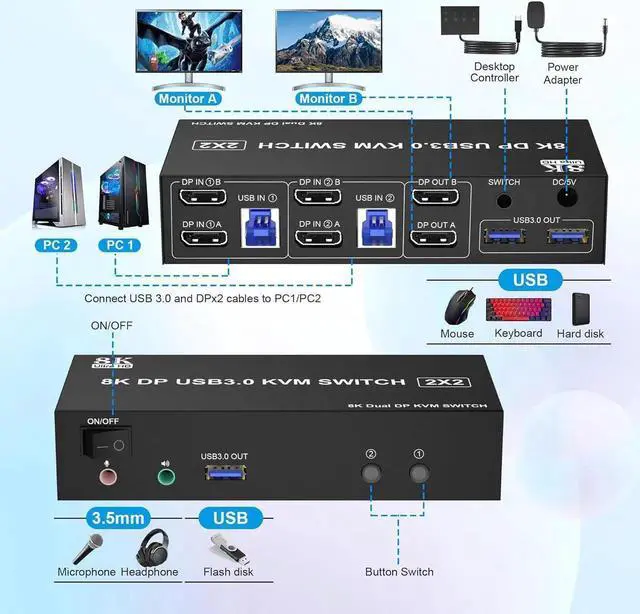



Connection steps:
1. Insert the adapter into the KVM ;.
2. Connect 2*DP cables+1*USB-A cable between PC 1 and KVM (USB IN 1, DP IN 1 A, DP IN 1B).
3. Connect 2*DP cables+1*USB-A cable between PC 2 and KVM (USB IN 2, DP IN 2A, DP IN 2B).
4. Connect 2*DP cables between the KVM (DP IN 1 A, DP IN 1 B) and your 2 monitors.
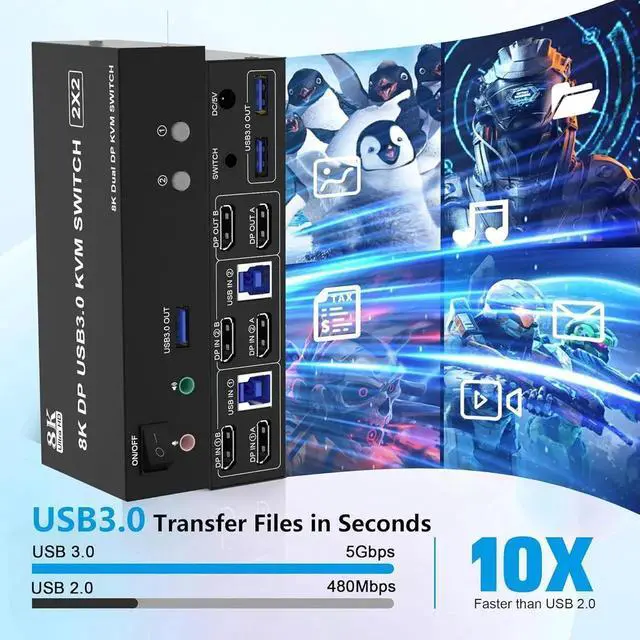
5. Insert your USB devices(keyboard mouse and U disk) into the USB port on the KVM.
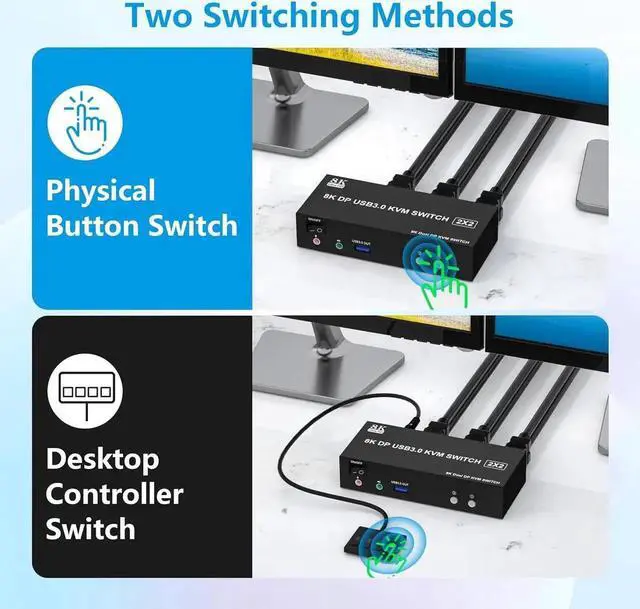
6. Insert the Wired Remote into the "SWITCH" port to remotely switch between PC1 and PC2