
Your Browsing History

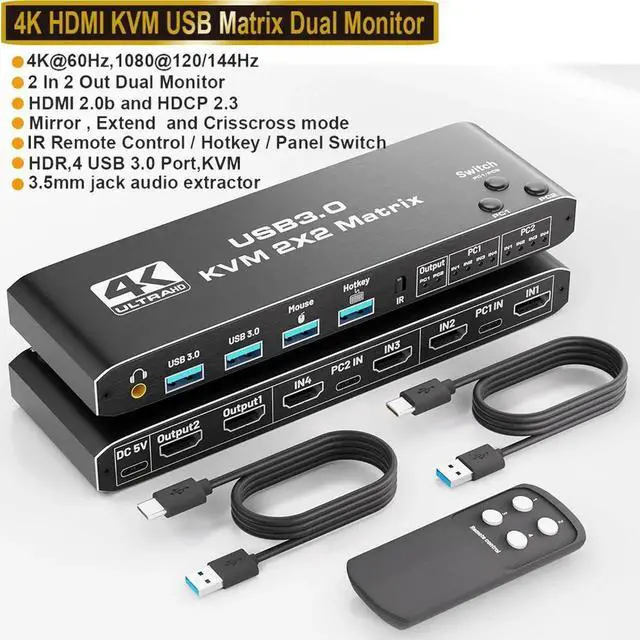
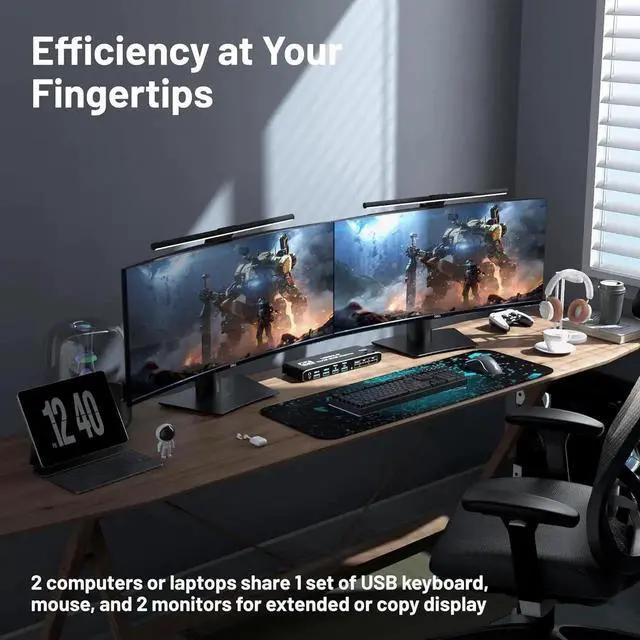
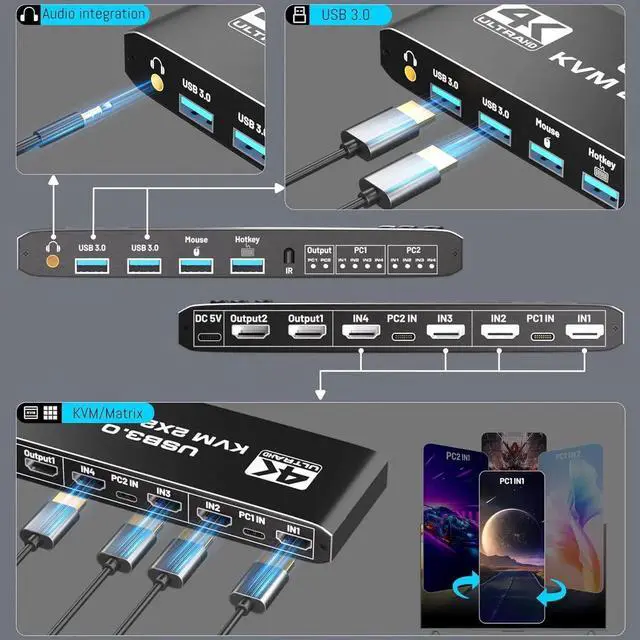
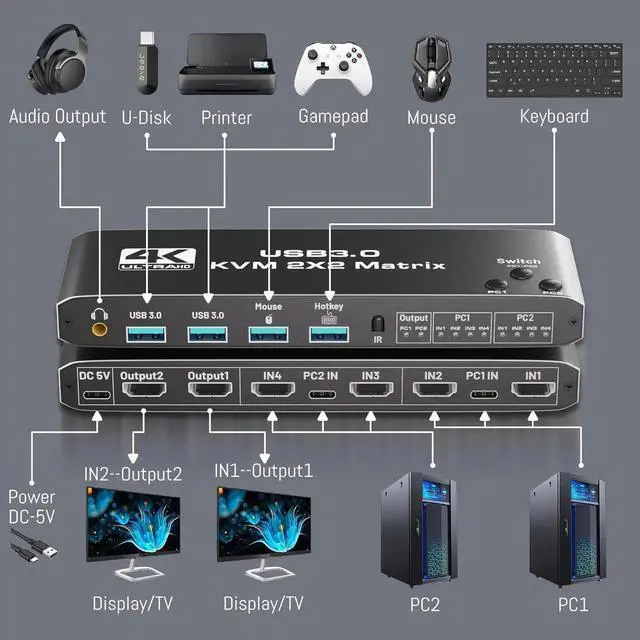
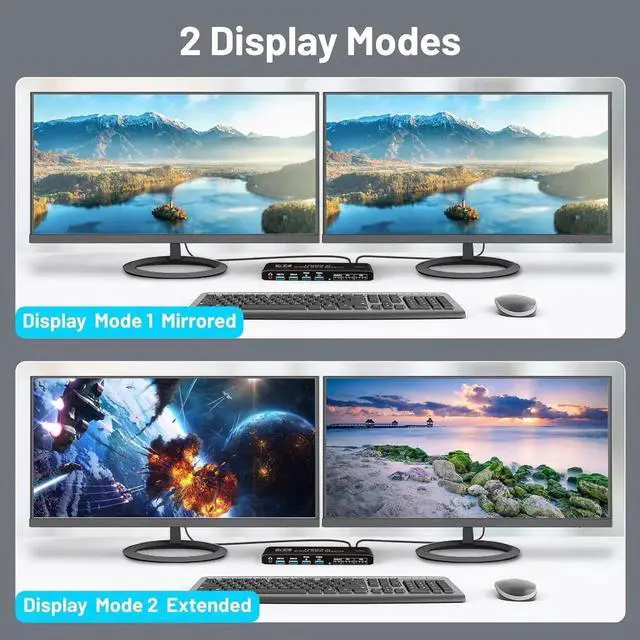



1. To get dual monitor display, each computer / laptop needs 2 video connections to correspondent HDMI Input A and Input B port on the KVM Matrix.
2. To get
L/R output: Select HDMI audio output in sound settings.
3. Please install AAA battery before use (battery not included).
4. please do not use any USB HUB to USB port
5. when use this KVM Matrix, please power on it firstly, and use our USB-C to USB 3.0 data cable.
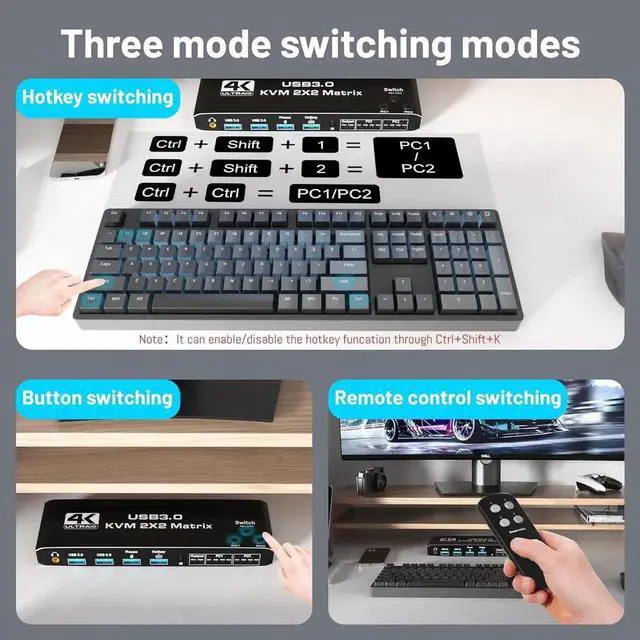
6. when you want to display PC 1 to monitor 1 and display PC 2 to monitor 2, please you IR control or panel switch(Press "PC 1" or "PC 2") to control Matrix mode.