
Your Browsing History




High Standard Dual DisplayPort KVM Switch 2 PC Share 2 Monitors
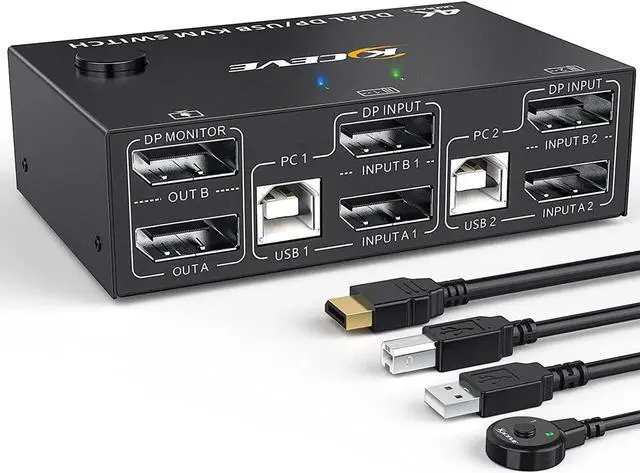
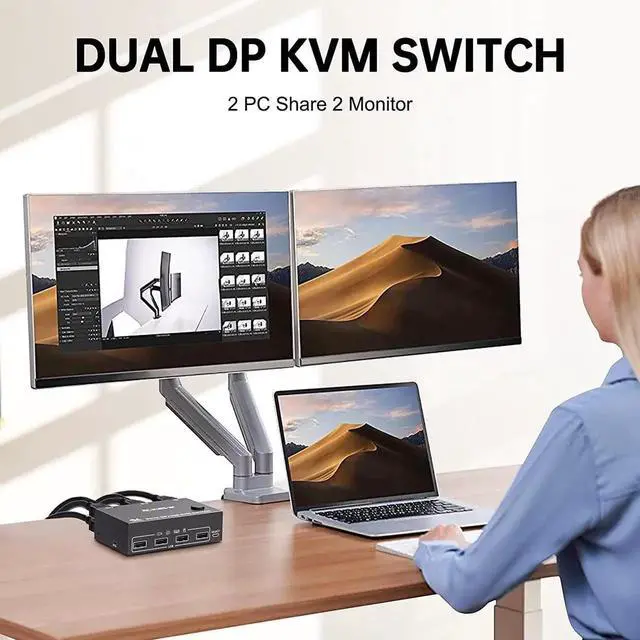
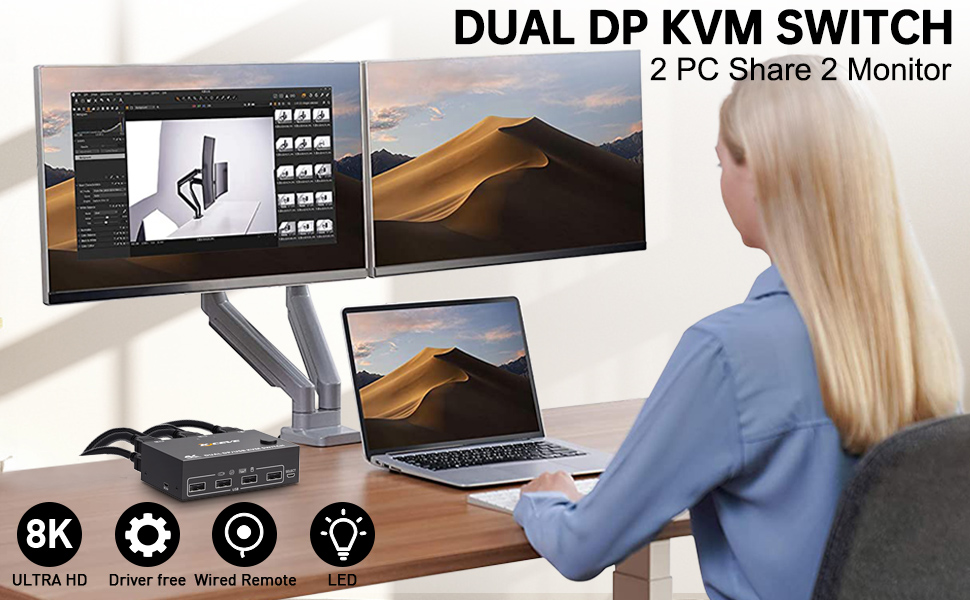
DisplayPort KVM Switch 2 computers share 2 monitors and 4 USB devices
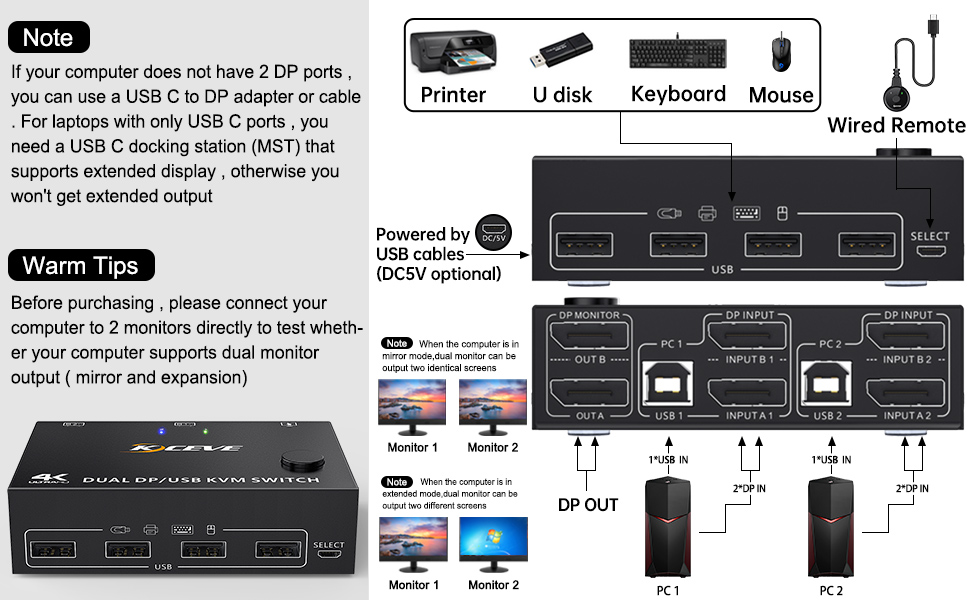
Dual-Monitor DisplayPort KVM Switch Connection Steps
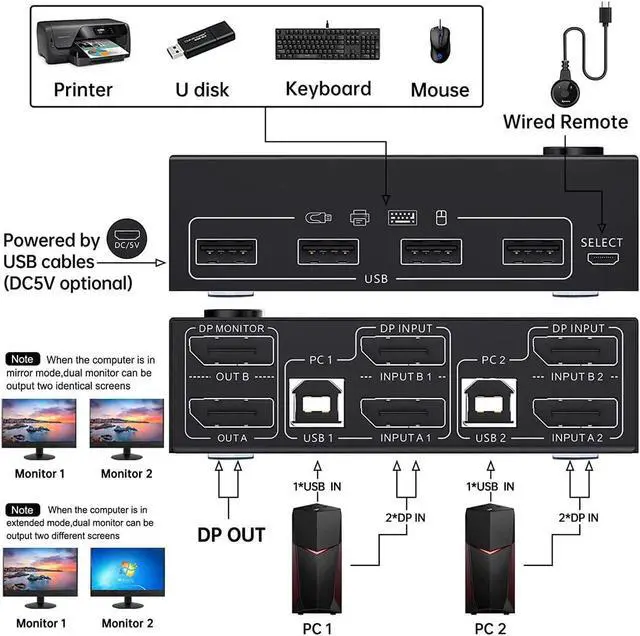
This DP KVM switch has 2 port sets for 2 PCs. Each computer requires 2 DisplayPort cables + 1 USB-B cable to connect KVM switches.
In order not to interfere with the functions of the extended and mirrored display, the USB cable and 2 DisplayPort cables must be fully plugged in.
Step 1: Connect 2 DisplayPort cables and 1 USB-B cable between Computer 1 and KVM (USB 1, INPUT A1, INPUT B1).
Step 2: Connect 2 DisplayPort cables and 1 USB-B cable between Computer 2 and KVM (USB 2, INPUT A2, INPUT B2).
Step 3. Connect 2 DisplayPort cables between the KVM (OUT A, OUT B) and 2 monitors.
Step 4. Connect your USB device (keyboard and mouse) to the USB port on the KVM. You can connect up to 4 USB 2.0 devices at the same time. Compatible with USB 2.0/1.1 devices.
Step 5. Plug the wired remote control into the "SELECT" port to switch between PC1 and PC2 freely.
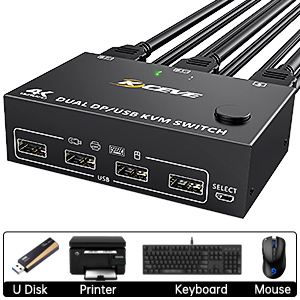
2 PC-Share 4 USB 2.0 devices
The 4 USB ports of the DisplayPort KVM switch can be connected to USB devices such as mouse, keyboard, printer, U disk, scanner, webcam
Visual enjoyment in 8K/4K UHD resolution
Our KVM switch supports connection to high-resolution 8K and 4K displays, 8K@30Hz, 4K@144Hz, 4k@60Hz, 3D 1080P backward compatible with lower resolutions. Also works with Ultra Wide Monitor
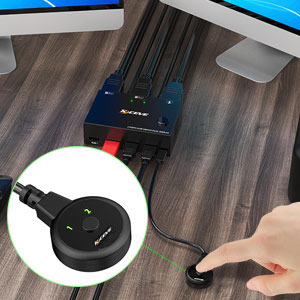
Wired remote control & button switch
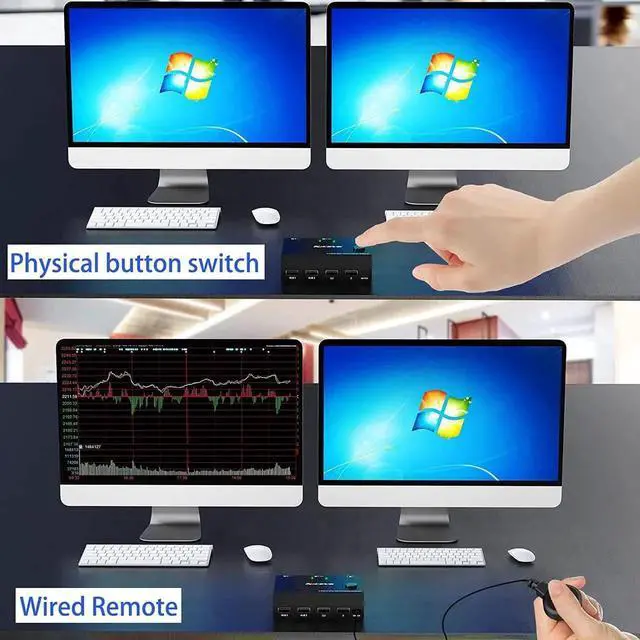
The DisplayPort KVM switch can be switched with this 1.5m wired control cable, even with a click of the button on the toggle panel
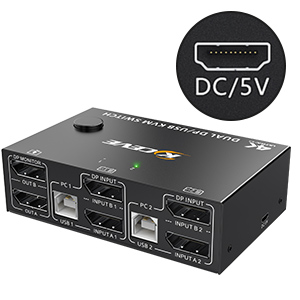
5 V DC interface (micro USB port)
If you are using high-power USB devices, please connect the 5V DC power adapter to provide enough power (not included)
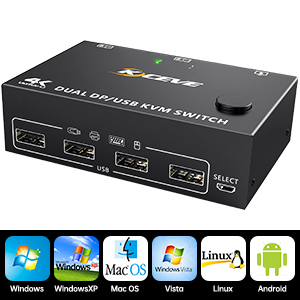
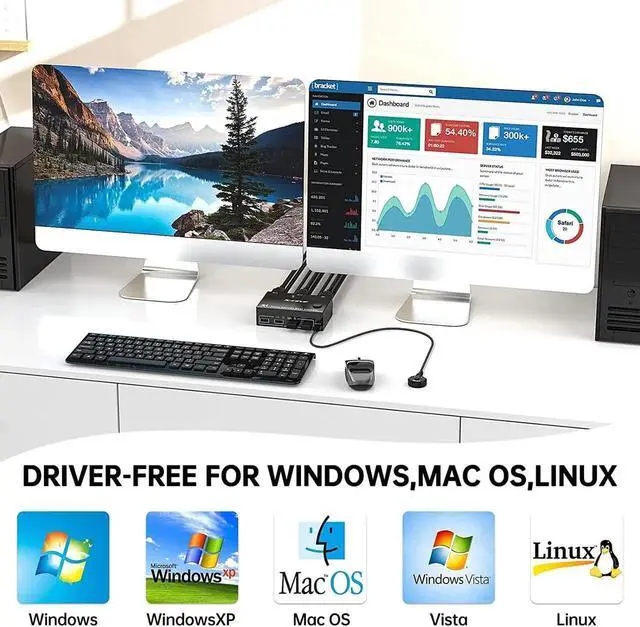
Compatible with most systems
This KVM switch is suitable for Windows, Windows XP, Mac OS, Vista, Linux, Android, etc
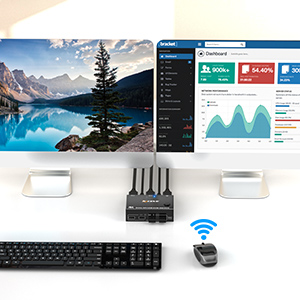
Supports wireless keyboard and mouse
Supports keyboard and mouse with 2.4GHz wireless technology (no Bluetooth support)
Specification:
Packing list:
A friendly reminder:
Please make sure that the 2 DisplayPort cables and USB cables of PC1 are connected to USB 1, Input A1, Input B1 of the KVM switch.
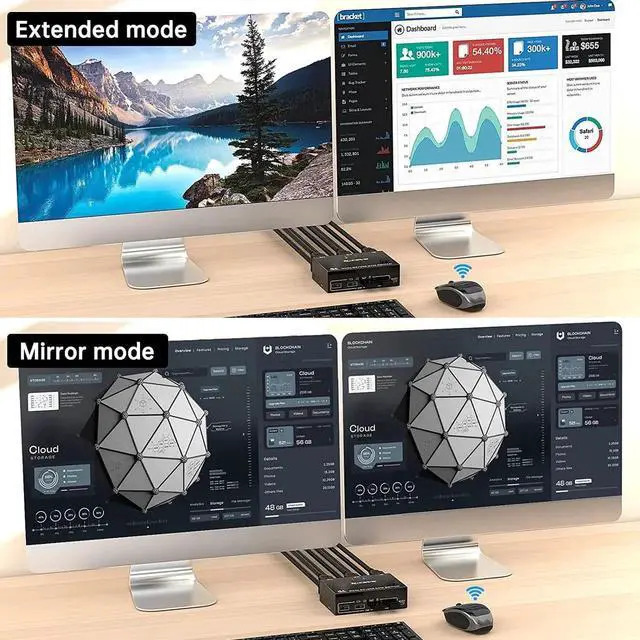
The two monitors can only output the video source of one computer (mirror mode or extended mode) and cannot simultaneously output the signal sources of PC1 and PC2.
The Windows system can expand 2 different screens while the MAC system can only expand 2 identical screens.
Please make sure your computer is connected directly to the monitor and can output images normally.
The premise of this dual-monitor KVM switch for achieving a dual-screen display is that every PC you connect has the ability to support dual-screen or multi-screen display. Detection method: The computer can be connected directly to 2 monitors (not via KVM). Your computer supports multiple monitors when the screen is displayed on both monitors.
Specification:
Product Name: DisplayPort KVM Switch 2 Monitors
Input: Each PC (DisplayPort A+B), 1 x USB Type-B
Video output: 2 x DisplayPort (monitor)
Down input: 4 x USB A, supports USB HUB; Connect to a wireless keyboard, mouse, and printer
Pack size: 20x15x5, 5cm
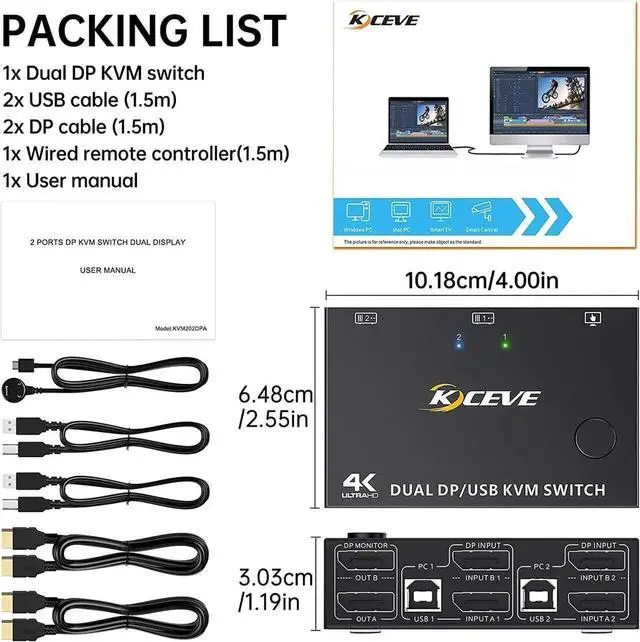
DisplayPort switch size: 10.18 x 6.48 x 3.03 cm
DP / USB 2.0 / wired control cable length: 150 cm (50 inches)
Package weight: 600 g, DisplayPort
KVM switch weight: 200 g
HDCP: 2.2
YUV: 4:4: 4
Built-in: ESD protection system
Surface: black oxidation treatment
Shell material: metal, drop-resistant, high temperature resistant
Powered by USB cable or 5V charger.
Packing list:
1 x DisplayPort KVM Switch
2 x DisplayPort cable 1.5 m
2 x USB cable 1.5 m
1 x wired remote control cable 1.5 m
1 x User Manual