
Your Browsing History
- Free 15-day Returns
$69.99
Ships from China.



Meet Your Seller

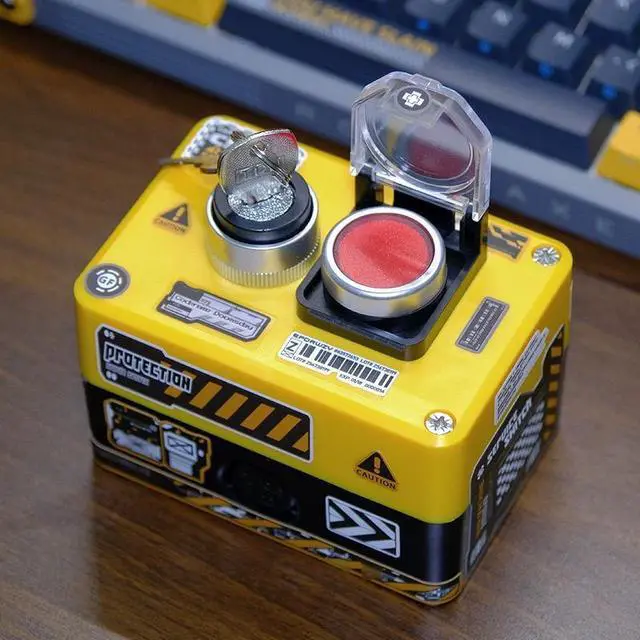
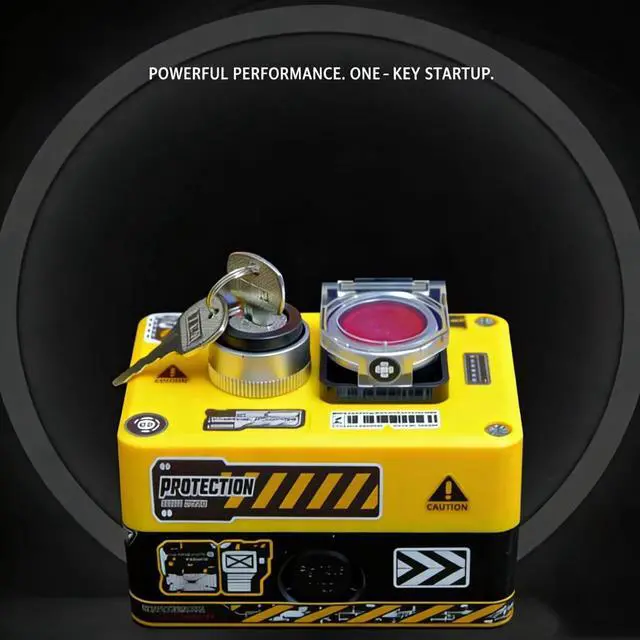
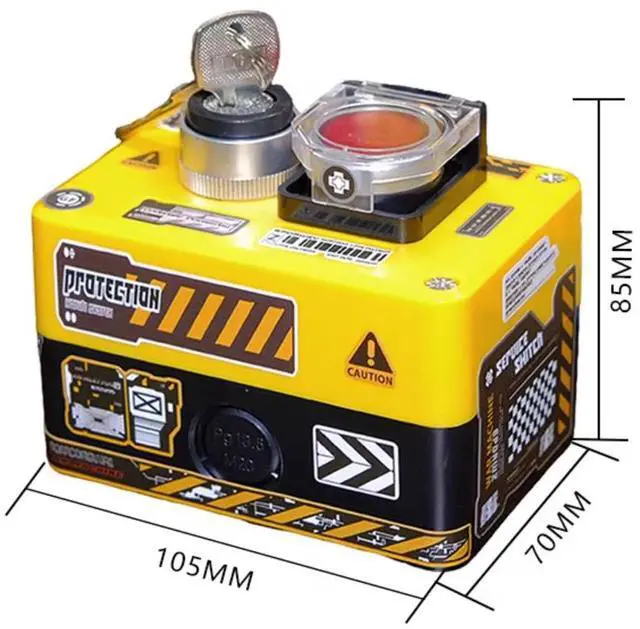
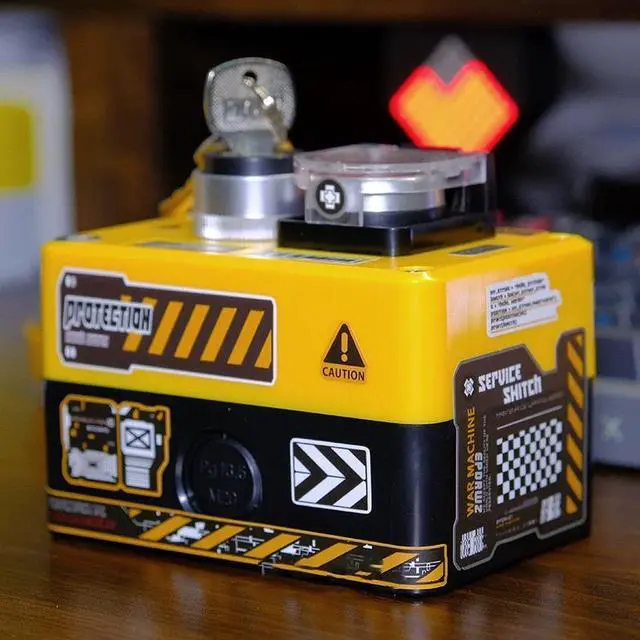
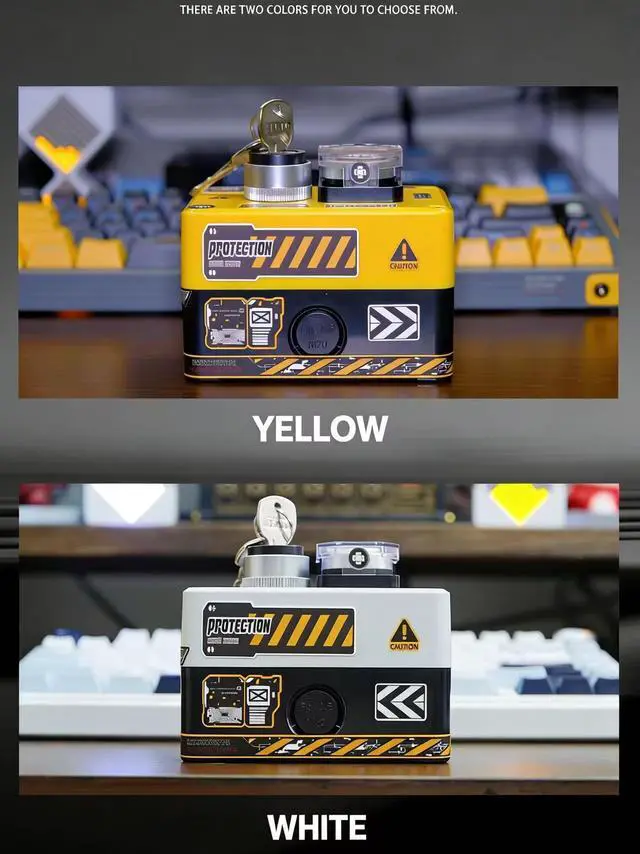


Wireless Desktop Power Button for PC (Laptop Incompatible) , Atomic Nuclear Bomb Rocket Launch, Big Red Button (Yellow)
- Cool and trendy creative table set: simple and fashionable design style, extremely practical, and comfortable visual experience.
- Comfortable and exquisite grip: The design of this product is unique, the delicate material fits the hand shape, and the grip feels comfortable.
- Double-open linkage for easy control: double-switch design, first turn the key to the right to open and then press the reset switch to start with one click, giving a full sense of ritual.
- Creative sticker DIY: 1 free sticker, use your imagination, start your creative journey, and use stickers to DIY your own exclusive works.
- Battery powered, lasts for half a year to a year.
- Easy to operate, no need to install drivers.
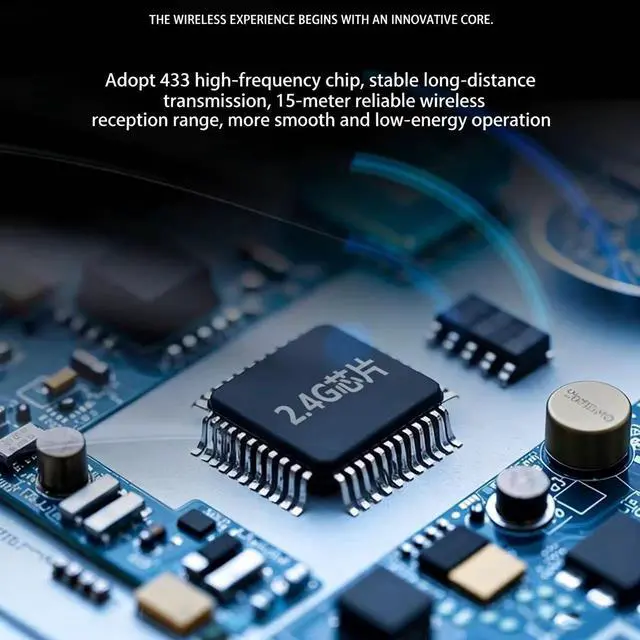
- 15 meters reliable wireless reception range.
- Using 2.4G high frequency chip.
- If you have installation problems, please feel free to contact us and we will provide you with technical support.
+
+
Overview
Specs
Reviews
Compatible with PCIE and USB installation methods
Installation instructions:
How to match the code between the power switch and the receiving board: Press the small silver button on the receiving board until the blue light is always on, and then press the switch.
Installation method (1):
a.Pwsw connecting cable is inserted into the receiving board (pay attention to the direction)
b. Insert the receiving board into the motherboard PCI-E slot
c. Plug the pwsw cable without pins into the red pin in the upper right corner of JFP1 (that is, the motherboard POWER switch pin)
Installation method (2):
a. Insert the wireless boot pwsw pin into the chassis boot pin
b. Connect to USB
c. Note that installation method 2 requires setting the shutdown USB uninterruptible power supply on the motherboard.
Warranty & Returns
Warranty, Returns, And Additional Information
Warranty
- Please contact the Seller directly for warranty information. Warranty information may also be found on the Manufacturer's website.
- CONTACT
Return Policies
- Return for refund within: 15 days
- Return for replacement within: 30 days
- This item is covered by B-IN Electronics Return Policy
Manufacturer Contact Info
- For a directory of all our manufacturers, please click below.
- Manufacturers Directory
LOADING...