
Your Browsing History

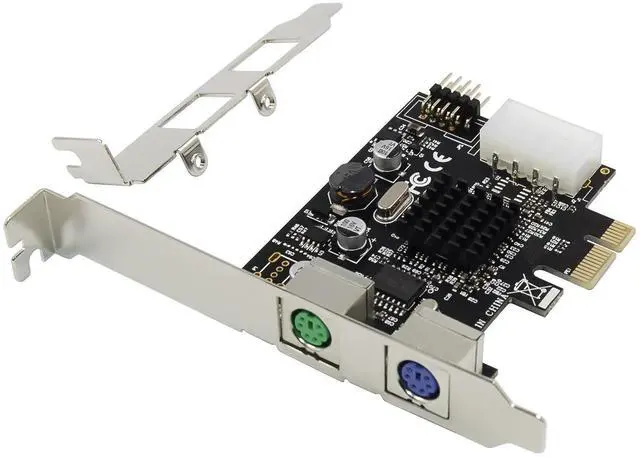
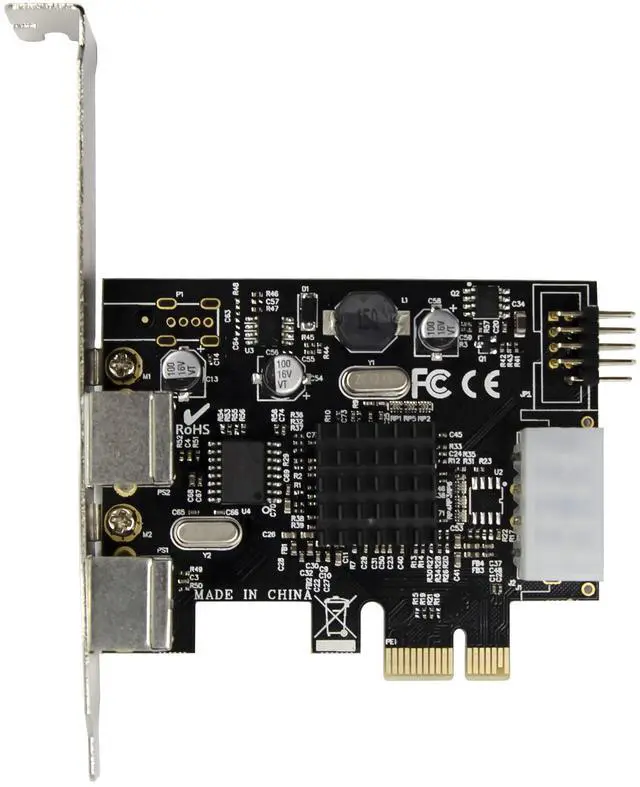
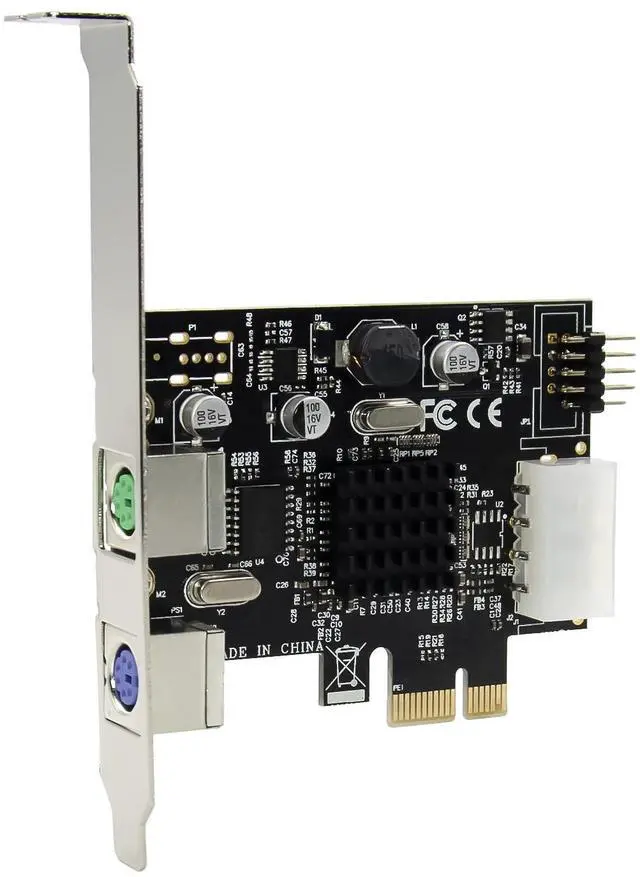



Single-lane(x1) PCI Express endpoint controller with integrated PHY
Compliant with PCI Express base specification revision1.1
Compliant with PCI Express Card specification
Conforms to USB HID specification,version1.1
Supports multiple DMA transactions
Support Message TLP generation
Supports PCIe Power Management with ASPM support
Two USB2.0 host ports with on-chip transceivers can handle high-speed(480Mbps),Full-speed(12Mbps) and Low-speed(1.5Mbps)transactions
Four dedicated Enhanced Host controller interface (ECHI)controllers
Four dedicated Companion Open Host controller interface(OHCI)controllers
Compatible with Bulk, Interrupt and isochronous type USB devices.
Supports USB power Management
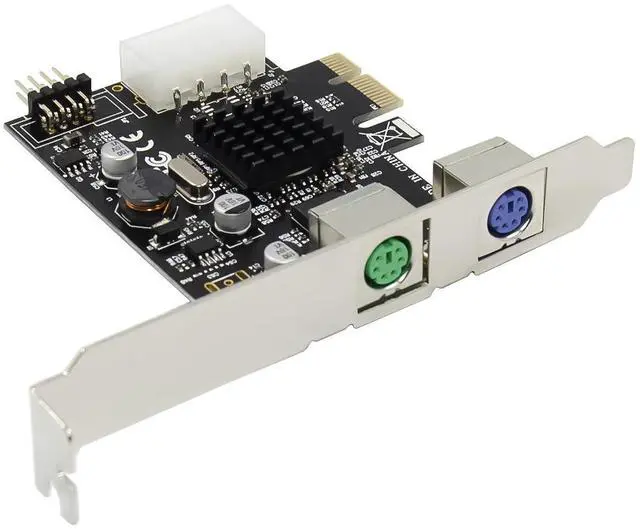
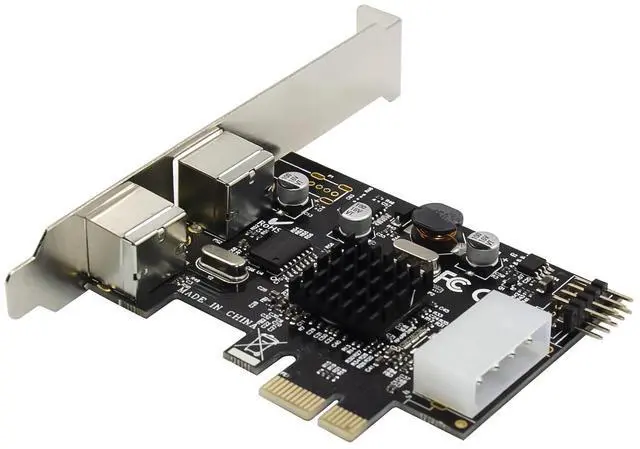
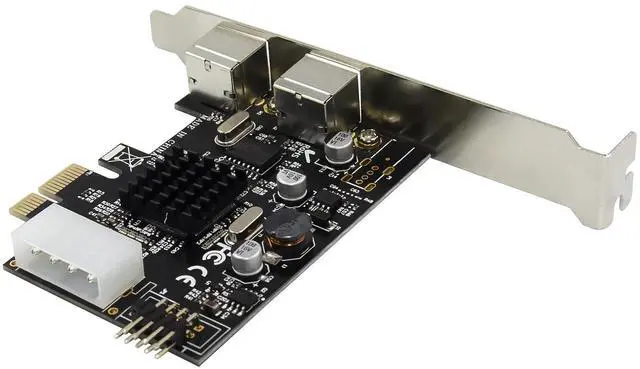
Support 2x PS/2 ports and 2xUSB2.0 Ports
Each USB2.0 Port support power current max 5V/500mA
Standard PS/2 Keyboard with Multimedia function
Standard PS/2 3D/3Keys mouse
Mice or keyboard can be used in either port
Chipset:MCS9990+CSC0101A
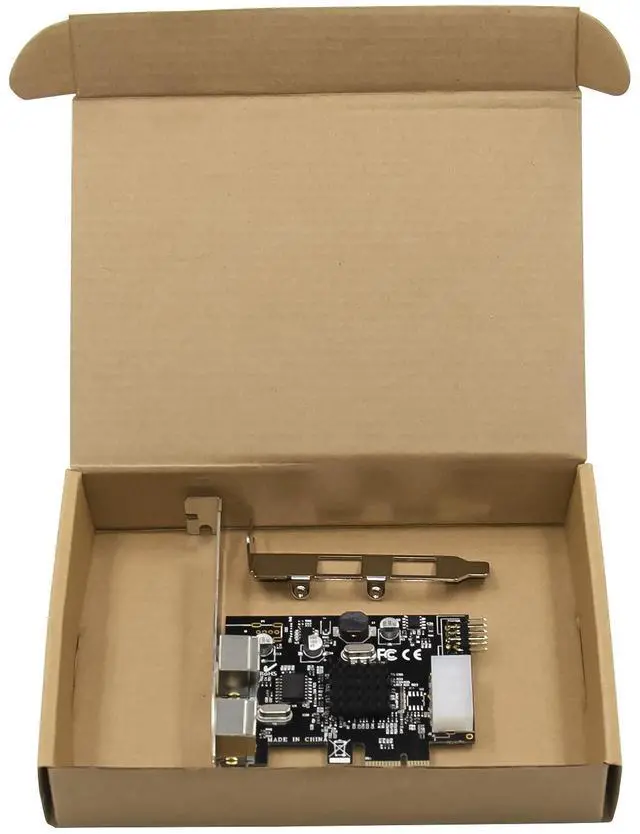
Package content
1 x PCIe MCS9990 PS/2&USB2.0 Expansion card
1 x Users Manual
1 x CD
1 x Low profile bracket
Accessories
System Requirements
Operation Systems: Linux, Microsoft Windows2000.XP/Vista/Win7/Win8/Win10 32 or 64bit
An available PCI Express x1/x4/x8/x16 slot
Hardware Description
Hardware installation
1.Turn off the computer and unplug the power cord.
2.Remove the computer cover and the adapter slot cover from the slot that matches your adapter.
3.Insert the adapter edge connector into the slot and secure the bracket to the chassis.
4.Plug your computers front USB cable into the built-in USB port.
5.Replace the computer cover ,then plug in the power cord.
6.Power on the computer.
Install Drivers
Windows Operating Systems
no need additional driver, plug and play.
Support
More information and settings, please refer to the Intel Adapter User Guides or you can contact us.