
Your Browsing History
- Free 30-day Returns
$72.94
Ships from China.

Meet Your Seller

Get Educated
Make informed decisions with expert advice. Learn More
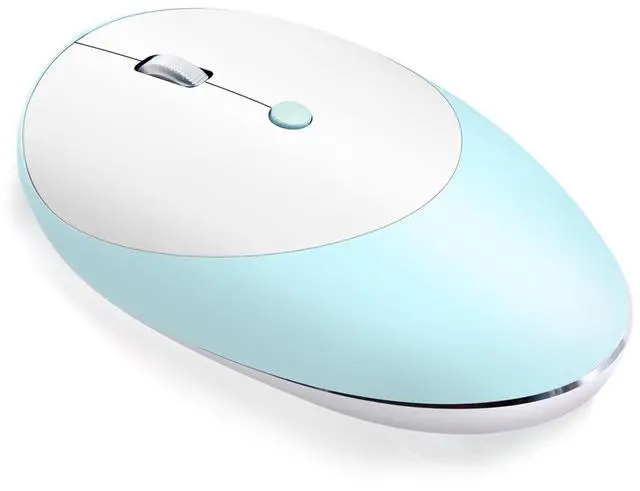
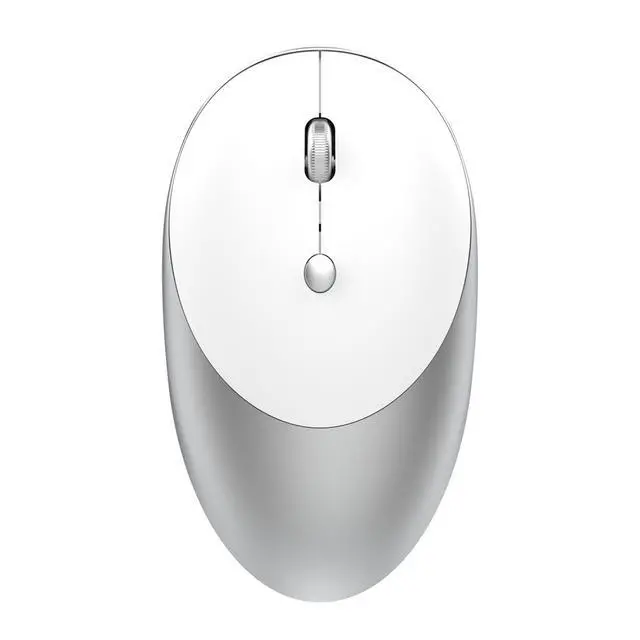
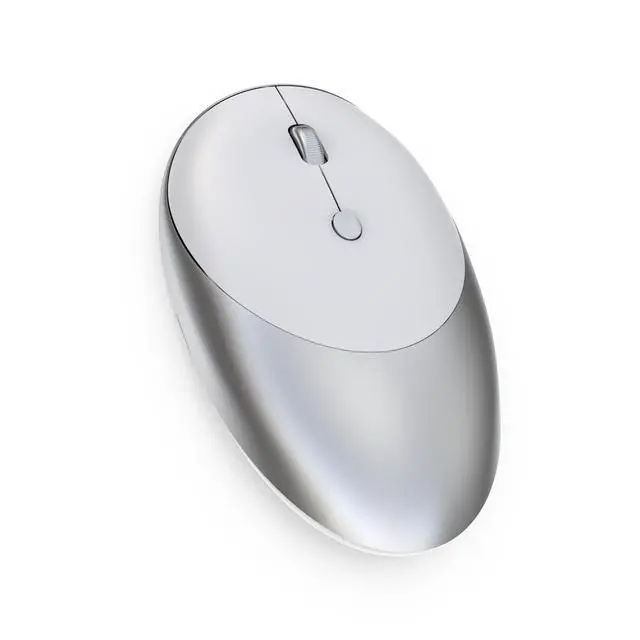
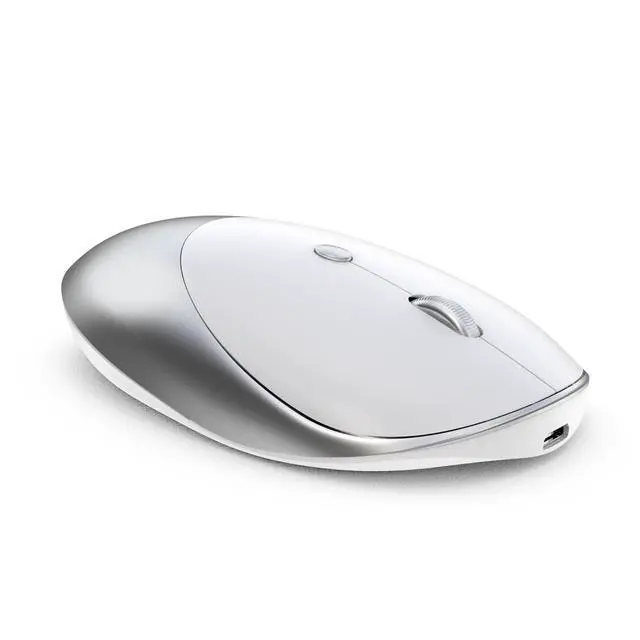
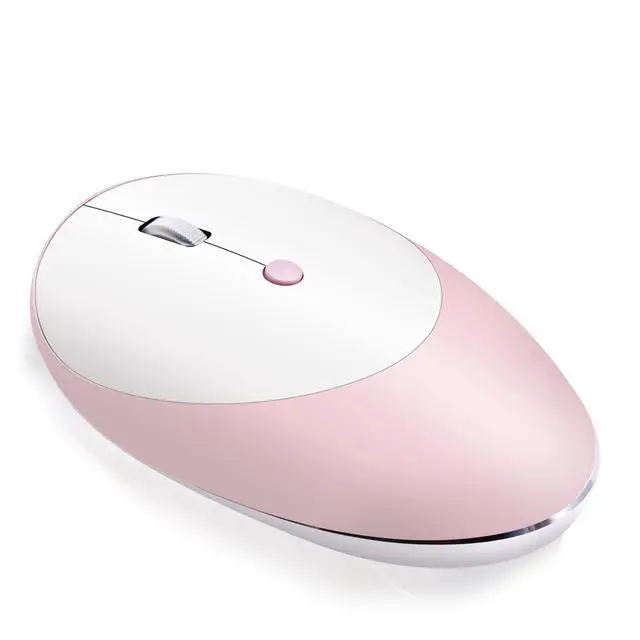
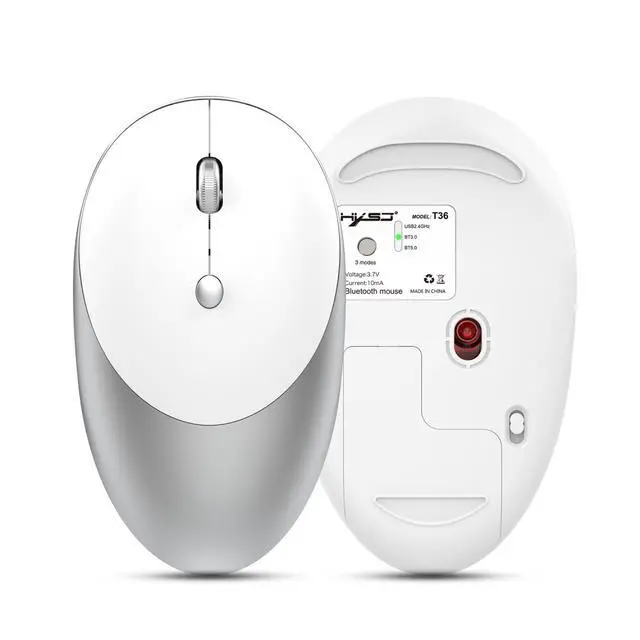
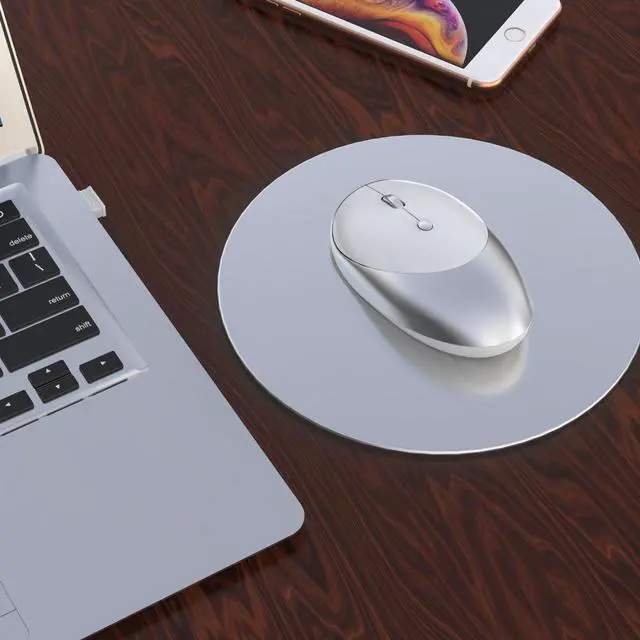


HXSJ T36 Wireless Rechargeable Mouse bluetooth 3.0+5.0+2.4G 3 Modes 1600DPI Mute Button Mouse for PC Laptop Computer
+
+
Overview
Specs
Reviews
Dear customer: If the product has different styles, colors or models, please Email us after placing the order.
Feature: ? 3
Modes: bluetooth 3.0 + 5.0 + 2.4 G wireless?
Rechargeable: Built-in rechargeable 500mAh battery?
Accurate tracking: Professional IC positioning accuracy?
Silence key: Optional click silence?
High resolution: Max1600 DPI high resolution for fluid motion?
Fashionable slim design: Slim design for sleek look and portable use
Specification: -
Brand/Model: HXSJ/T36-
Color: Black-
Material: ABS+Metal-
Key life: 5 million times-
Wireless distance: 10m-
Work: photoelectric-
Battery capacity: 500mAh-
Charging cable length: 80cm-
Project Type: Ergonomics
Optical Mouse- Resolution: 1600dpi(Default)-
Operation Mode: photoelectric+bluetooth 3.0 / 5.0 -
Rated voltage / current: 3.7V / 10mA-
Power Type: Rechargeable-
Type: 2.4G hz Wireless+bluetooth 3.0 / 5.0 (Three
Modes)- Buttons: 2 Buttons and 1 Round (Middle Mutton) and Mouse mode key(Bottom of the mouse)-
System requirements: Windows 98 / Me / 2000 / XP / Vista / Win 7 / Win8 / 10/Vista Mac or latest.
- Product weight: 75g-
Item size: 10.9 * 6.4 * 2.8 cm-
Packing weight: 132g-
Package Size: 12.6 * 8* 4.2 cm
Package List: 1 * Wireless Rechargeable Mouse1 * USB Receiver1 * USB Charging Cable (80cm) 1 * English manual How to
Use: For 2.4G
Wireless Mode: Click mouse mode keygt; Mode indicator red light on gt; plug receiver into computer USB port gt; con net ed1. Set the mouse switch to ON and the optical sensor to red. 2. Plug the receiver into the computer's USB port. Press the mode button once. The red LED flashes and the installation is done automatically For bluetooth
Mode: bluetooth
3.0 mode connection steps: 1. Turn on the bluetooth icon on your computer, the second mode light turns green and flashes quickly. 2. Turn on the mouse power switch, press the mode switch 2 times, 3. Enter BT 3.0 bluetooth connection mode for pairing. bluetooth 5.0 mode connection steps: 1. Turn on the bluetooth icon on your computer. 2. Turn on the mouse power switch, press the mode switch 3 times, the third mode light turns blue Flashing quickly. 3. Enter BT 5.0 bluetooth connection mode to select pairing. bluetooth mode connection needs to pay attention to the problem:
1: bluetooth 3.0 and bluetooth 5.0 are dual-channel, according to the version of bluetooth of your computer, to automatically switch the connection, the green light does not mean bluetooth 3.0, the blue light does not mean bluetooth 5.0.
2: When connecting to bluetooth, you must search for bluetooth when the green light or blue light flashes quickly. Otherwise, you cannot connect. If the green or blue light is flashing slowly, press and hold the mode button for 5 seconds, then the light will be Fast flashing.
Feature: ? 3
Modes: bluetooth 3.0 + 5.0 + 2.4 G wireless?
Rechargeable: Built-in rechargeable 500mAh battery?
Accurate tracking: Professional IC positioning accuracy?
Silence key: Optional click silence?
High resolution: Max1600 DPI high resolution for fluid motion?
Fashionable slim design: Slim design for sleek look and portable use
Specification: -
Brand/Model: HXSJ/T36-
Color: Black-
Material: ABS+Metal-
Key life: 5 million times-
Wireless distance: 10m-
Work: photoelectric-
Battery capacity: 500mAh-
Charging cable length: 80cm-
Project Type: Ergonomics
Optical Mouse- Resolution: 1600dpi(Default)-
Operation Mode: photoelectric+bluetooth 3.0 / 5.0 -
Rated voltage / current: 3.7V / 10mA-
Power Type: Rechargeable-
Type: 2.4G hz Wireless+bluetooth 3.0 / 5.0 (Three
Modes)- Buttons: 2 Buttons and 1 Round (Middle Mutton) and Mouse mode key(Bottom of the mouse)-
System requirements: Windows 98 / Me / 2000 / XP / Vista / Win 7 / Win8 / 10/Vista Mac or latest.
- Product weight: 75g-
Item size: 10.9 * 6.4 * 2.8 cm-
Packing weight: 132g-
Package Size: 12.6 * 8* 4.2 cm
Package List: 1 * Wireless Rechargeable Mouse1 * USB Receiver1 * USB Charging Cable (80cm) 1 * English manual How to
Use: For 2.4G
Wireless Mode: Click mouse mode keygt; Mode indicator red light on gt; plug receiver into computer USB port gt; con net ed1. Set the mouse switch to ON and the optical sensor to red. 2. Plug the receiver into the computer's USB port. Press the mode button once. The red LED flashes and the installation is done automatically For bluetooth
Mode: bluetooth
3.0 mode connection steps: 1. Turn on the bluetooth icon on your computer, the second mode light turns green and flashes quickly. 2. Turn on the mouse power switch, press the mode switch 2 times, 3. Enter BT 3.0 bluetooth connection mode for pairing. bluetooth 5.0 mode connection steps: 1. Turn on the bluetooth icon on your computer. 2. Turn on the mouse power switch, press the mode switch 3 times, the third mode light turns blue Flashing quickly. 3. Enter BT 5.0 bluetooth connection mode to select pairing. bluetooth mode connection needs to pay attention to the problem:
1: bluetooth 3.0 and bluetooth 5.0 are dual-channel, according to the version of bluetooth of your computer, to automatically switch the connection, the green light does not mean bluetooth 3.0, the blue light does not mean bluetooth 5.0.
2: When connecting to bluetooth, you must search for bluetooth when the green light or blue light flashes quickly. Otherwise, you cannot connect. If the green or blue light is flashing slowly, press and hold the mode button for 5 seconds, then the light will be Fast flashing.
Warranty & Returns
Warranty, Returns, And Additional Information
Warranty
- Please contact the Seller directly for warranty information. Warranty information may also be found on the Manufacturer's website.
- CONTACT
Return Policies
- Return for refund within: 30 days
- Return for replacement within: 90 days
- This item is covered by VoltSync Return Policy
Manufacturer Contact Info
- For a directory of all our manufacturers, please click below.
- Manufacturers Directory
LOADING...