


shippingWe‘re shipping as usual! The Canada Post strike only affects certain remote deliveries and PO Boxes. Details
shipping Holiday Shipping Details & Extended Holiday Returns
  • $60.00
  • Free 30-day Returns
Ships from China.
Price alert
Shop it at NeweggBusiness.

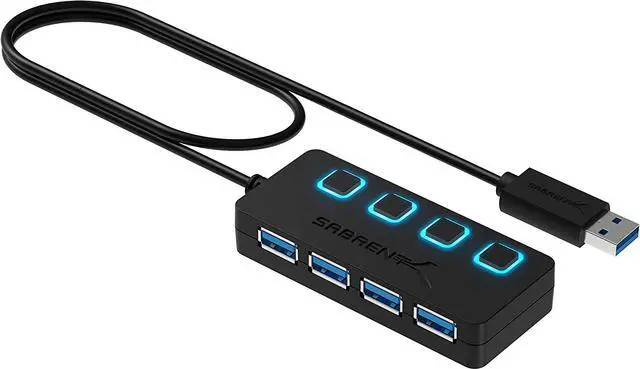
USB HUB, 4-Port USB 3.0 Hub with Individual Power Switches, LED Indicators Each Port , USB HUB Transfer Speeds up to 5Gbps, Compatible USB 2.0 / 1.1,Plug & Play and Hot Swappable

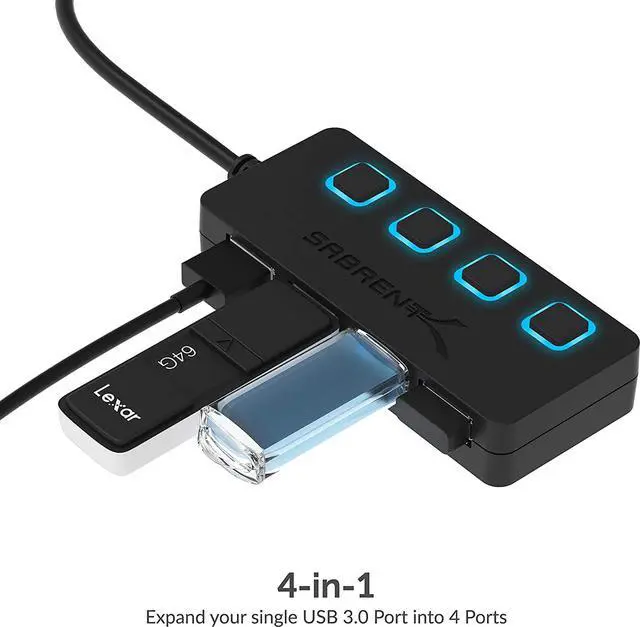
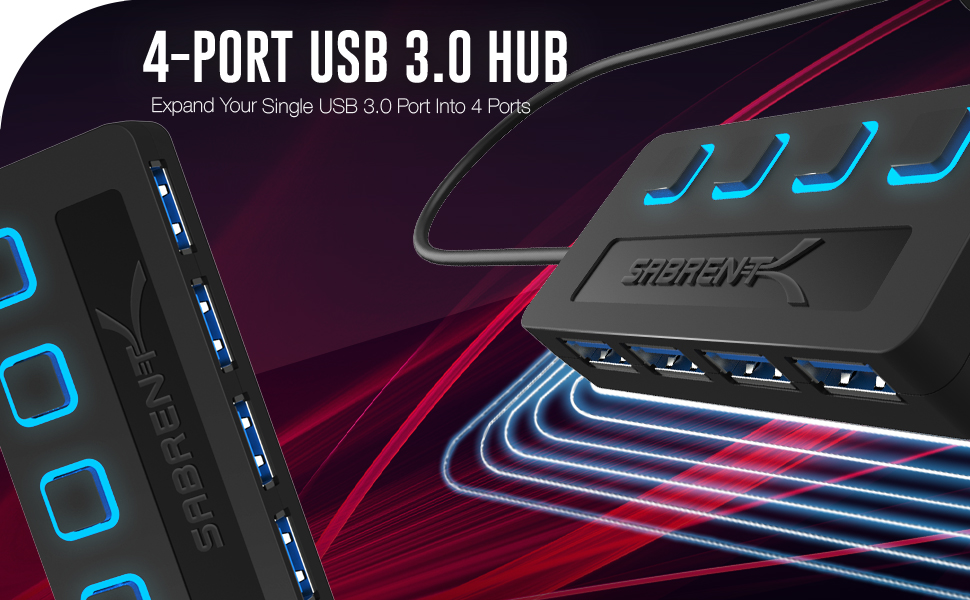
  • Expansion: Instantly add 4 USB 3.0 Ports to Any compatible device. Transform a single USB port into a full work station. The extended 2 ft cable allows for the perfect set up and easy access to out of the way ports.
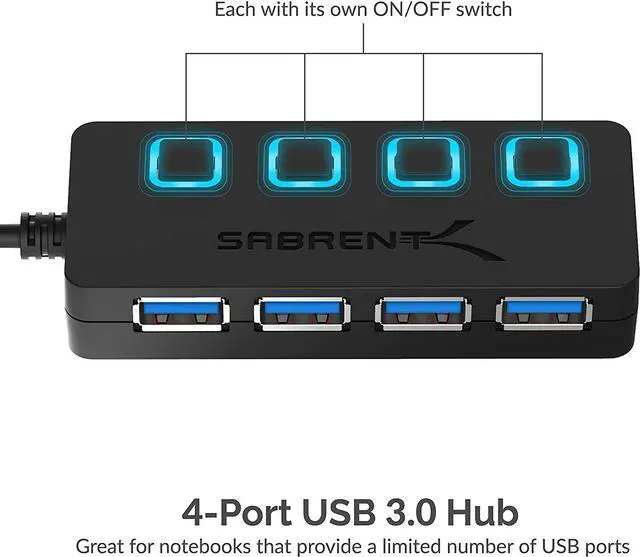
  • Convenience: LED Indicators display power status for each port. Individual on/off switches enable you to easily connect and disconnect your devices with the push of a button.
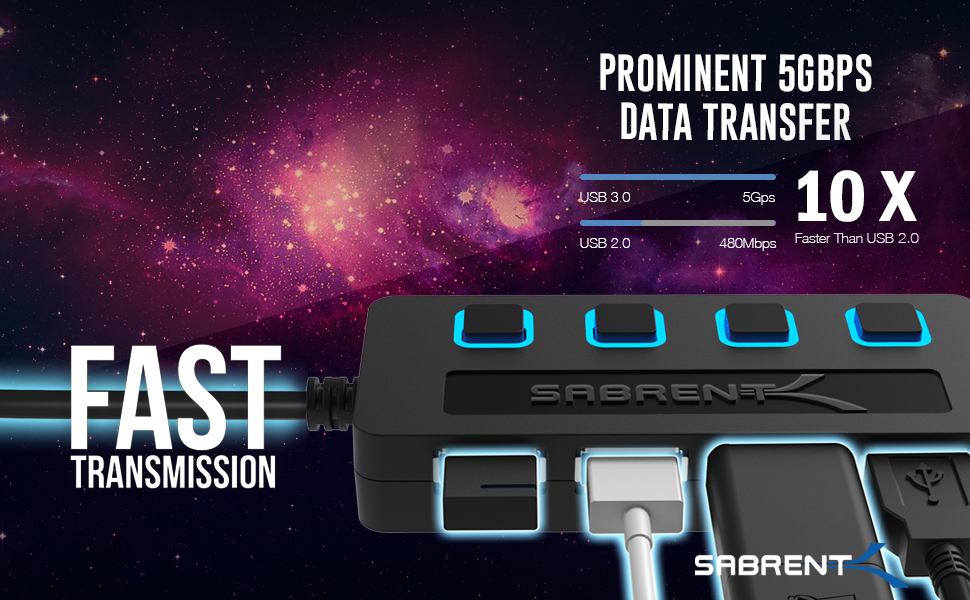
  • Speed: Supports transfer speeds of up to 5Gbps (USB 3.0), 480Mbps (USB 2.0), & 12Mbps (USB 1.1).
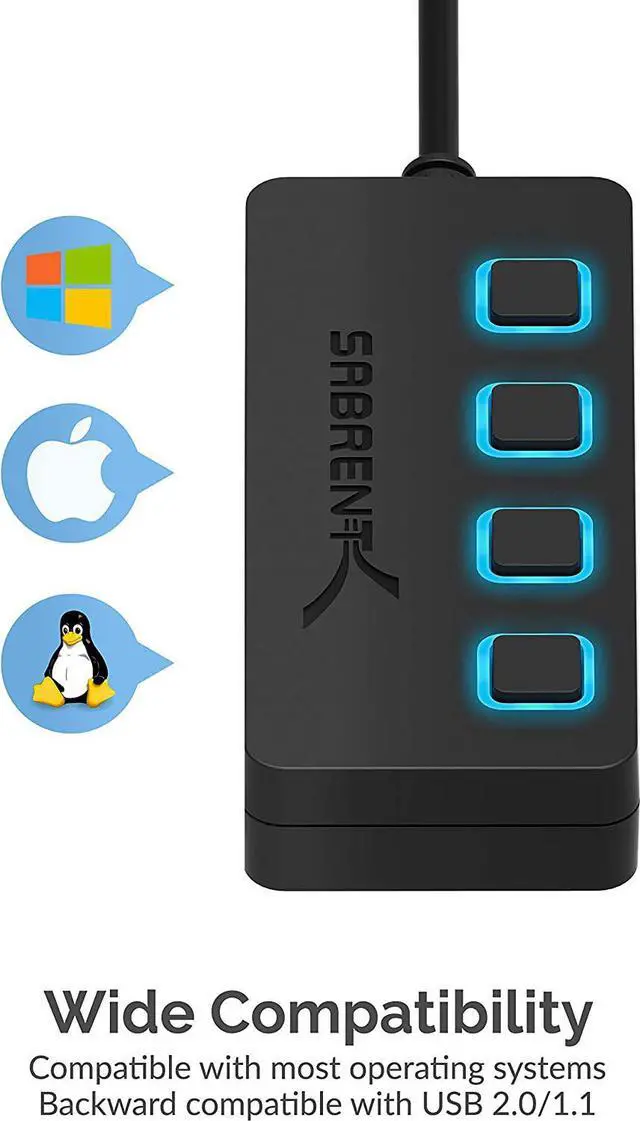
  • Compatibility: Reverse compatible with USB 2.0 and USB 1.1 devices. Use with PC, MacBook, iMac, Mac mini, XPS, Flash Drives, & any other USB compatible devices.
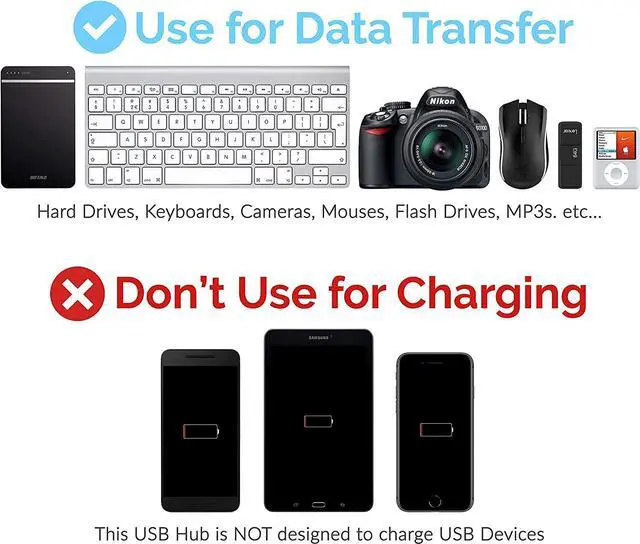
  • Easy Setup: No driver installation required; Plug & Play and Hot Swappable. Does NOT support charging.
+
+
Overview
Specs
Reviews
image for this item
image for this item
image for this item
image for this item
SABRENT 4-Port USB 3.0 Hub, Slim Data USB Hub with 2 ft Extended Cable, for MacBook, Mac Pro, Mac Mini, iMac, Surface Pro, XPS, PC, Flash Drive, Mobile HDD (HB-UM43)

Features:

  • Add up to 4 peripherals quickly and easily with the SABRENT 4-Port USB 3.0 Hub.
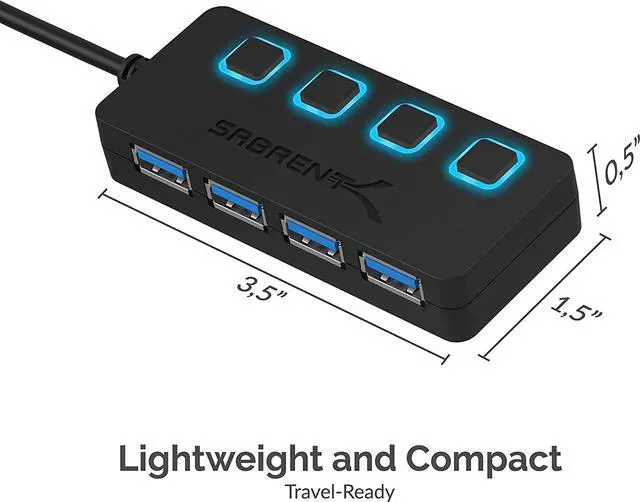
  • The thin, lightweight design makes this hub a great travel companion to expand one USB 3.0 port into four.
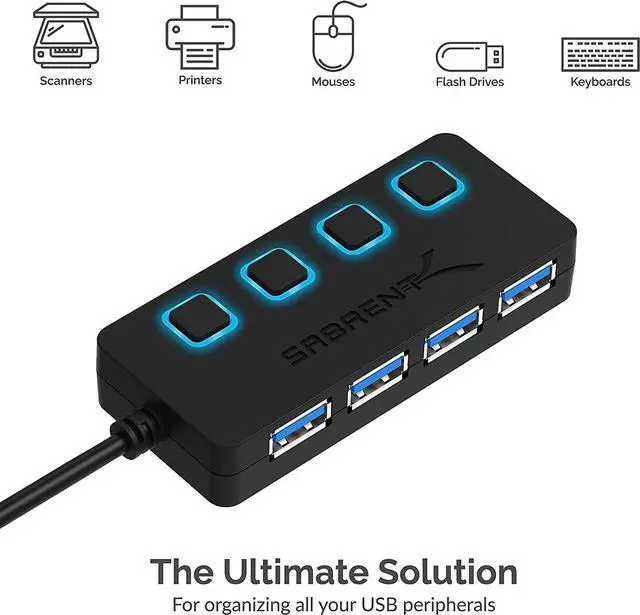
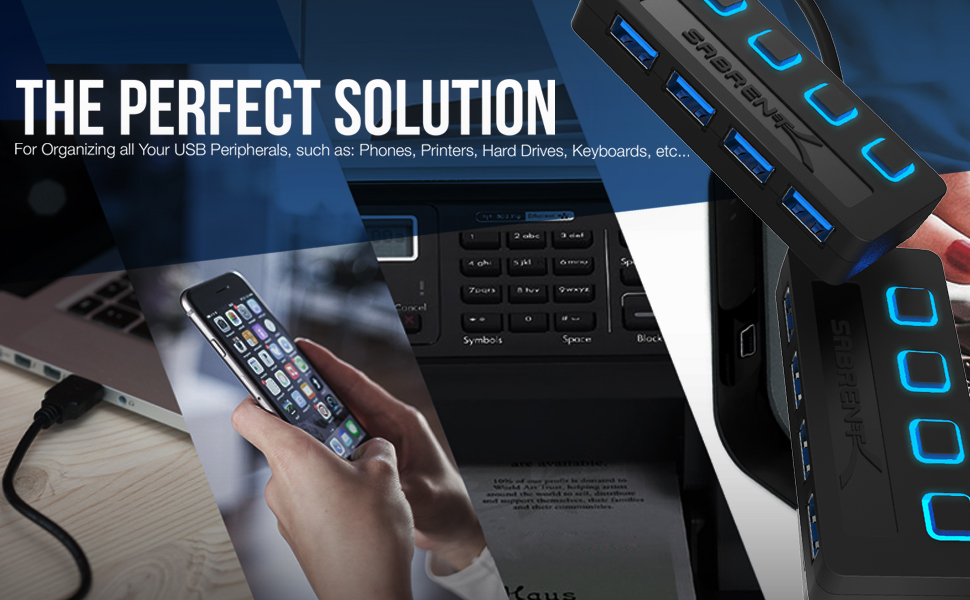
  • Especially great for notebooks which come with only a few ports in an era when you need to attach many USB devices at once, such as a printer, card reader, cell phone, iPod, thumb drive, mouse, keyboard, or an external hard drive.
  • Fully backwards compatible with the USB 2.0/1.1 products. Plus, each port has its own separate power switch so you can control each port independently.
  • Technology seems to advance at ever increasing speeds.
  • With the recent release of SuperSpeed USB 3.0, you can now transfer data at up to 10 times the speeds of the older USB 2.0 standards!
  • Speeds of 5Gbps are a vast improvement over USB 2.0 that only supports up to 480Mbps.
  • The SABRENT USB 3.0 Hub is a great tool to expand a single USB 3.0 port into 4 ports, so now you can connect all of your USB devices at one time.

System Requirements:


  • Windows 11
  • Windows 10
  • Windows 8.1/8
  • Windows 7
  • Windows Vista
  • Windows XP
  • Linux 2.4 or Above
  • Mac OS 8.6 or above


Please Note: 2.4Ghz wireless devices, such as wireless keyboard and mouse adapters, may not work in close proximity to USB 3.0 devices or hubs. Connecting to a USB 2.0 port is recommended. For a stable connection, the devices connected to the 4-Port USB 3.0 Hub must not exceed a combined current of 5 volts 900 mAh. External hard-drives should be connected to an external power source. This 4-Port USB 3.0 Hub will not charge an iPad (it will only sync).


  • SABRENT 4-Port USB 3.0 Hub
  • User Manual
Expansion: Instantly add 4 USB 3.0 Ports to Any compatible device. Transform a single USB port into a full work station. The extended 2 ft cable allows for the perfect set up and easy access to out of the way ports.
Convenience: LED Indicators display power status for each port. Individual on/off switches enable you to easily connect and disconnect your devices with the push of a button.
Speed: Supports transfer speeds of up to 5Gbps (USB 3.0 ), 480Mbps (USB 2.0 ), & 12Mbps (USB 1.1 ).
Compatibility: Reverse compatible with USB 2.0 and USB 1.1 devices. Use with PC, MacBook, iMac, Mac mini, XPS, Flash Drives, & any other USB compatible devices.
Easy Setup: No driver installation required; Plug & Play and Hot Swappable. Does NOT support charging.

Warranty & Returns

Warranty, Returns, And Additional Information

Warranty

  • Please contact the Seller directly for warranty information. Warranty information may also be found on the Manufacturer's website.
  • CONTACT

Return Policies

Manufacturer Contact Info

LOADING...