shippingWe‘re shipping as usual! The Canada Post strike only affects certain remote deliveries and PO Boxes. Details
shipping Holiday Shipping Details & Extended Holiday Returns
  • $47.82
  • Free 30-day Returns
Volume Discounts Available
  • $46.82 ea.
  • $45.82 ea.
  • $44.82 ea.
Ships from China.
Price alert

Best Sellers

Top Rated
4.7 (36 total ratings)
  • $49.99
  • + FREE SHIPPING
Shop it at NeweggBusiness.

Meet Your Seller

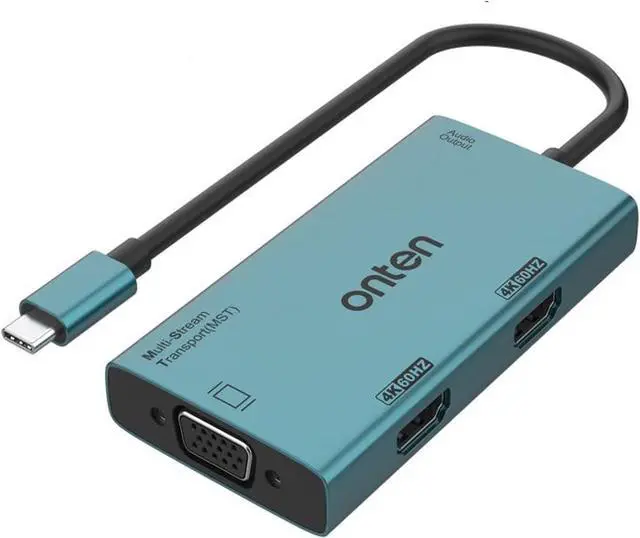
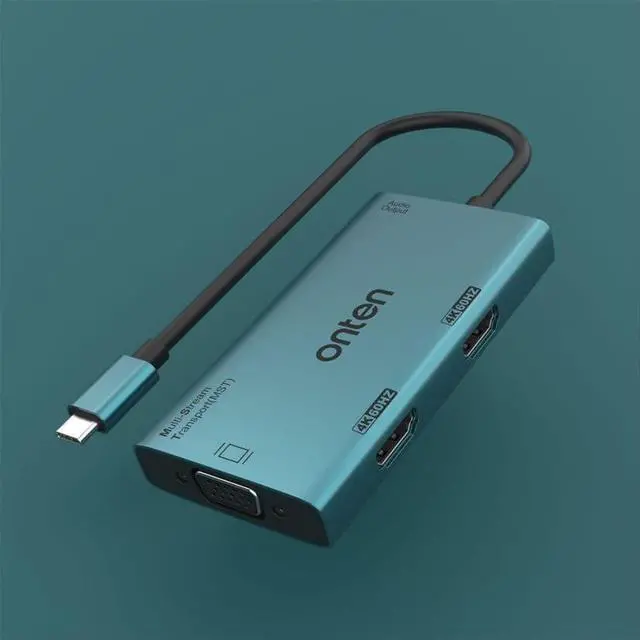
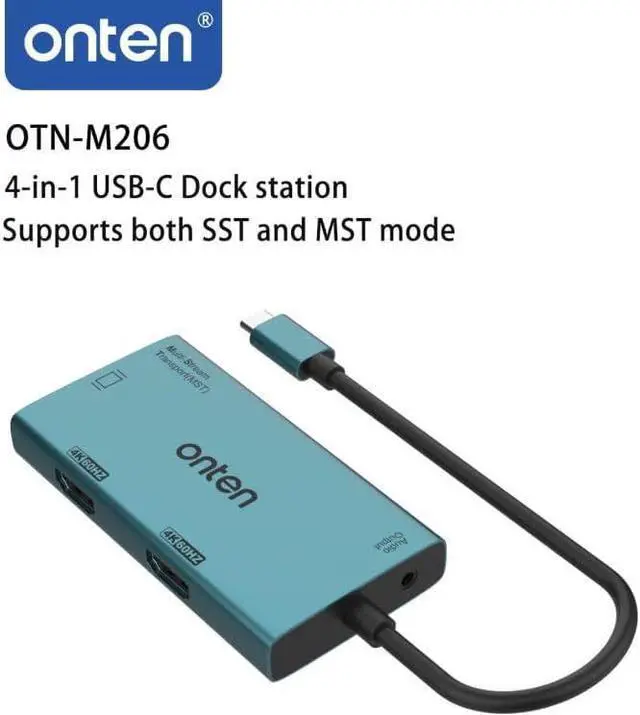
ONTEN USB-C to Dual HDMI and VGA Adapter

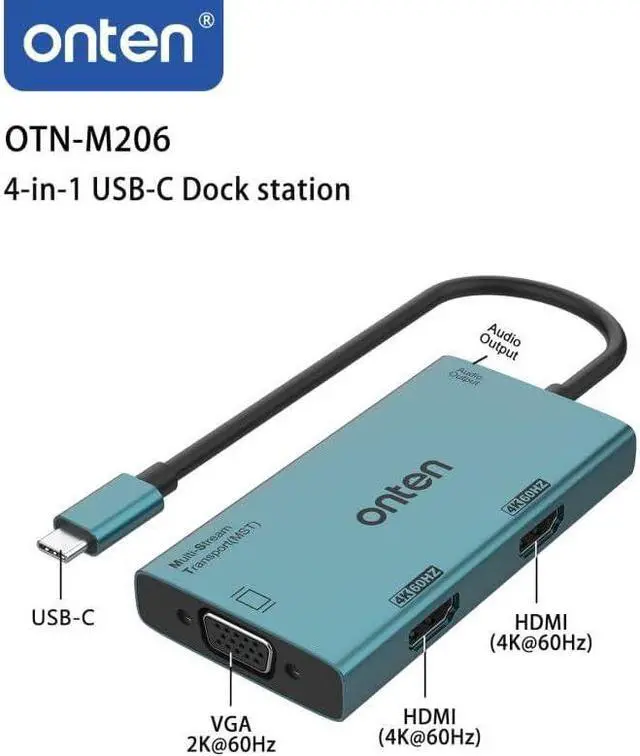
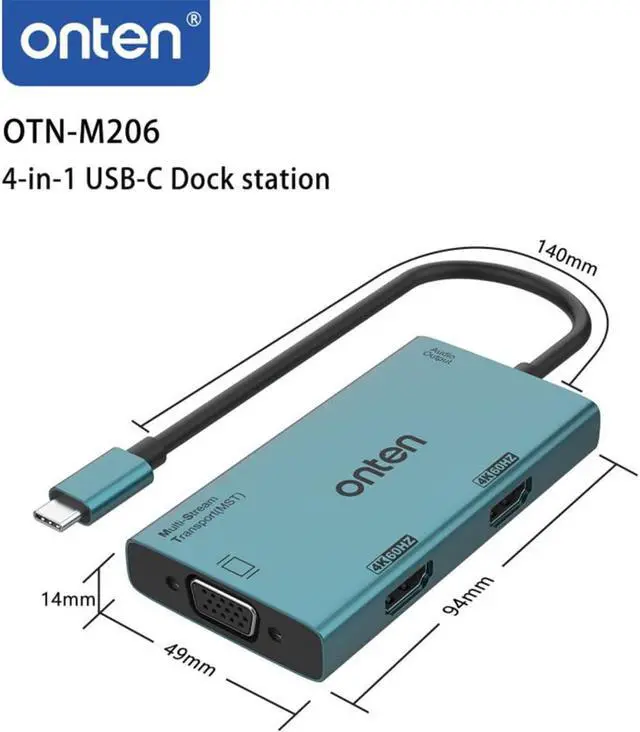
  • 4-in-1 USB C AdapterUSB C to Dual HDMI and VGA Adapter. HDMI*2, VGA*1, and 3.5 mm audio output.
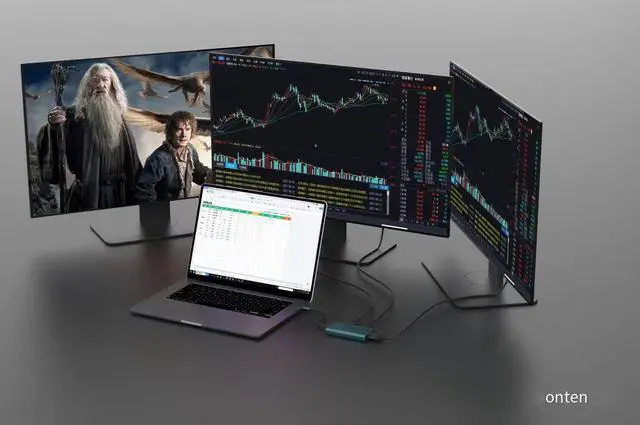
  • Triple Display and Ultra HD 4K OutputWindows system support MST and SST(Mirror & Extend Mode).Connect 1*HDMI can up to 4K 60Hz under DP1.4 source.2*HDMI can up to [email protected] connected to the VGA interface, the resolution will be 1080P
  • Wide Compatibility:Compatible with Mac OS, Windows, Linux, Android system with USB-C port which supports "DisplayPort Alternate Mode" (not all USB-C ports/systems support Alternate Mode functionality). Compatible with Mac-Book Pro 2016-2020, Mac-Book Air 2018-2020, iPad Pro 2018 2020, M1, M2. Note: Mac OS Support Display SST . Windows OS Support Display MST (A-B-C-C / A-B-B-B )
  • Plug and Play: USB C HDMI Adapter offers an easy setup by natively working on device that supports DP Alt Mode over USB Type-C, plug and play, No need any driver.no external power cords are necessary. Please you may need to change the settings of "the default audio output device"
+
+
Overview
Specs
Reviews
Product Description

Onten USB C to dual HDMI & VGA triple monitors display. single HDMI 4K@60HZ, dual hdmi 4K@30HZ, If connected to VGA interface, the resolution will be 1080P. USB C Dock station for windows and mac os. For Windows, it can be mirrored and expanded, and two different screens can be expanded. For Mac OS, it can also be mirrored and expanded, but the two expanded screens are the same

Mirror and Extend Modes
It supports mirror mode on both Windows and macOS computers.
It supports dual extend mode A-B-C-C (MST) on Windows PC to display different images on two external monitors.
It supports single extend mode A-B-B (not MST) on macOS to duplicate the same image on two external monitors.

How to set up multiple screens on Windows?
STEP 1: select Start > Settings > System > Display. Your PC should automatically detect your monitors and show your desktop. If you don't see the monitors, select Detect.
STEP 2: in the Multiple displays section, select an option from the list to determine how your desktop will display across your screens.
STEP 3: once you've selected what you see on your displays, select Keep changes.
STEP 4: you can change the resolution of your displays. However, we suggest using the recommended resolution to get the most out of your displays.

Warranty & Returns

Warranty, Returns, And Additional Information

Warranty

  • Please contact the Seller directly for warranty information. Warranty information may also be found on the Manufacturer's website.
  • CONTACT

Return Policies

  • Return for refund within: 30 days
  • Return for replacement within: 60 days
  • This item is covered by Goldendisk Return Policy

Manufacturer Contact Info

LOADING...
LOADING...