
Your Browsing History
100%

Make informed decisions with expert advice. Learn More

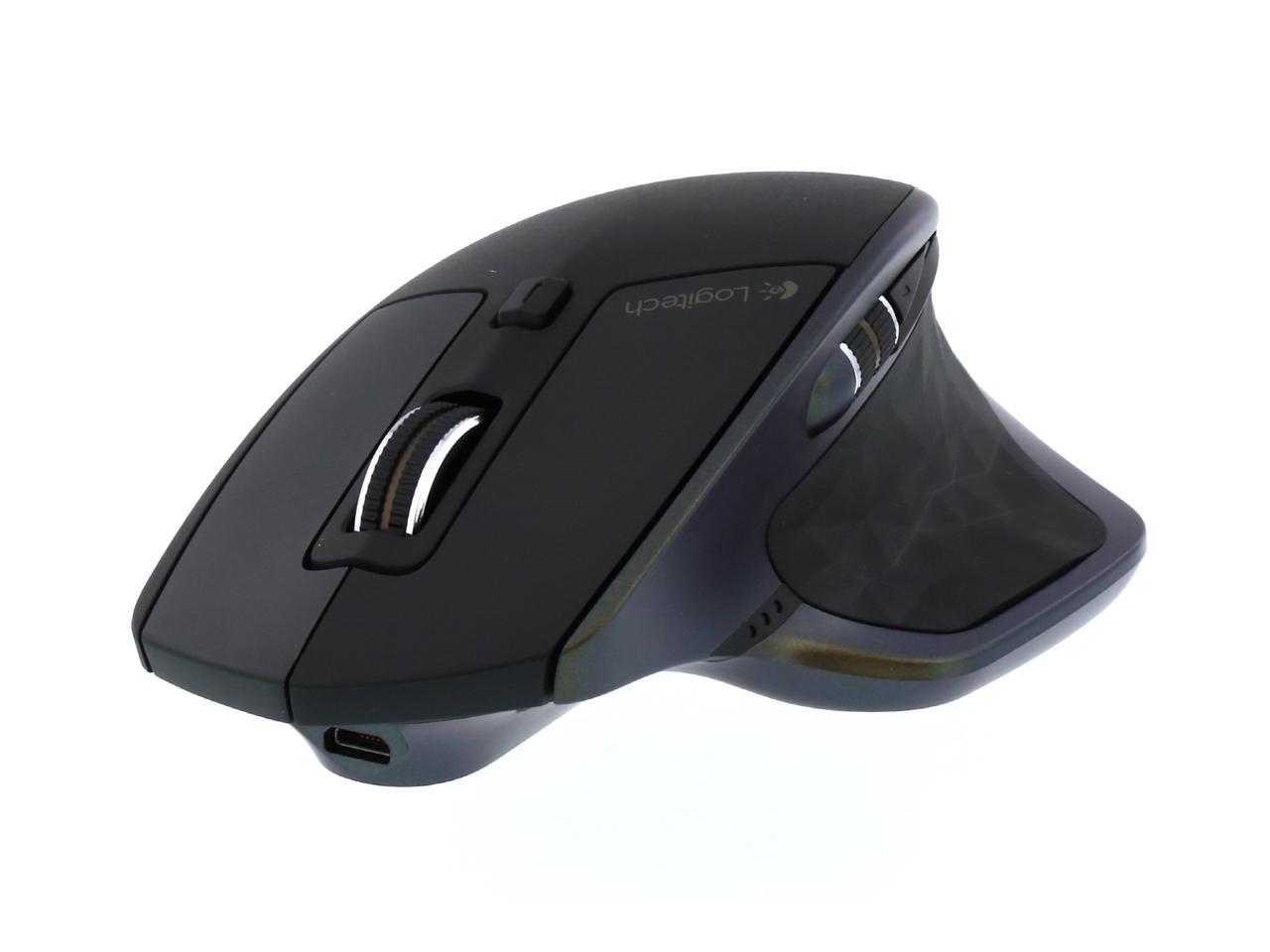


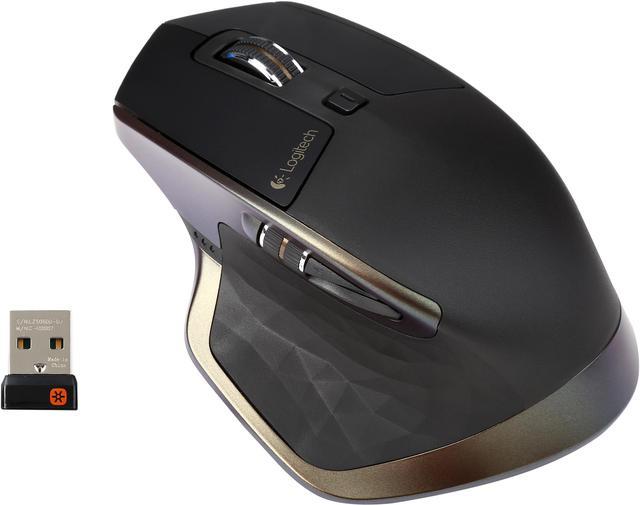
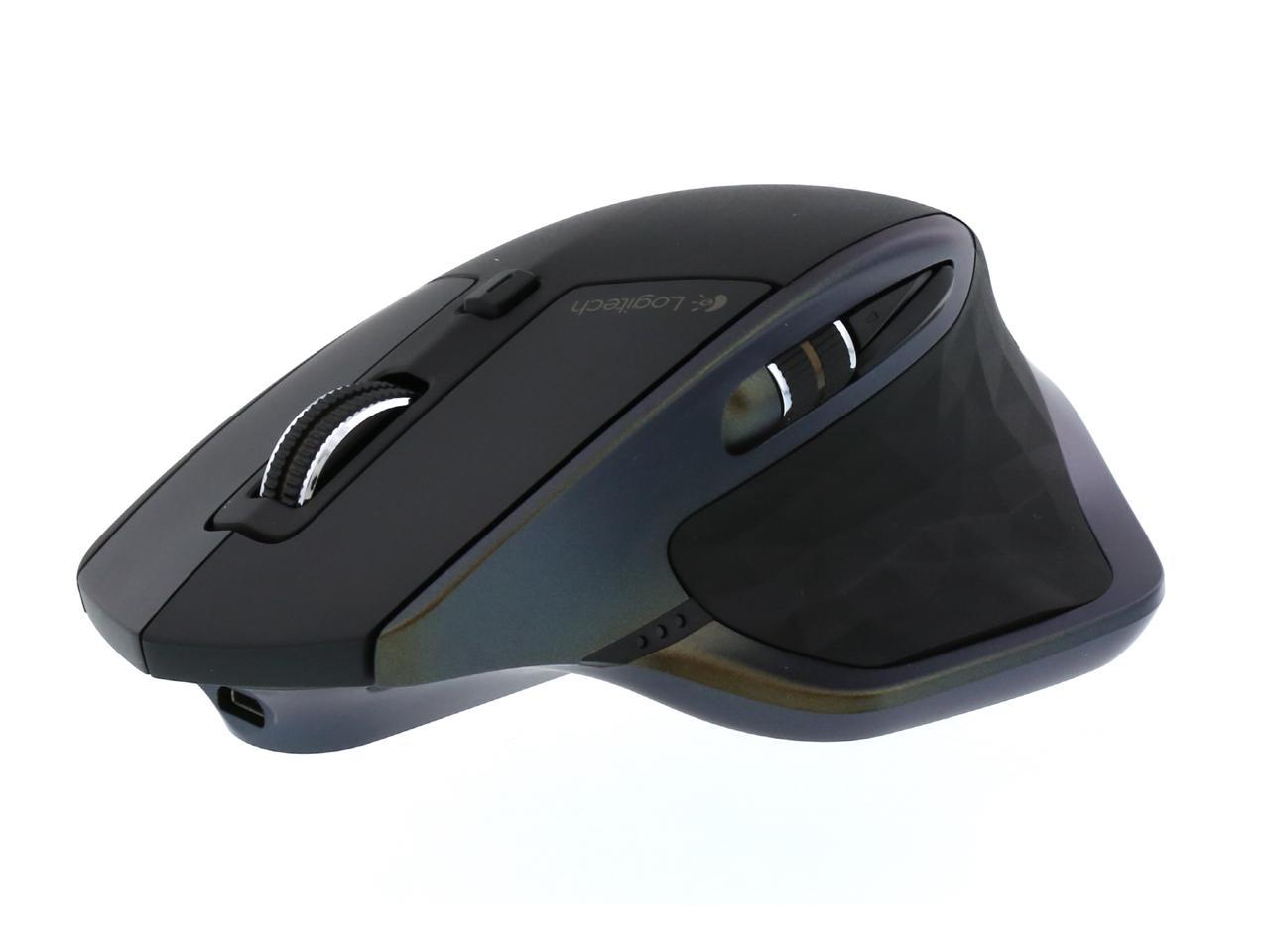
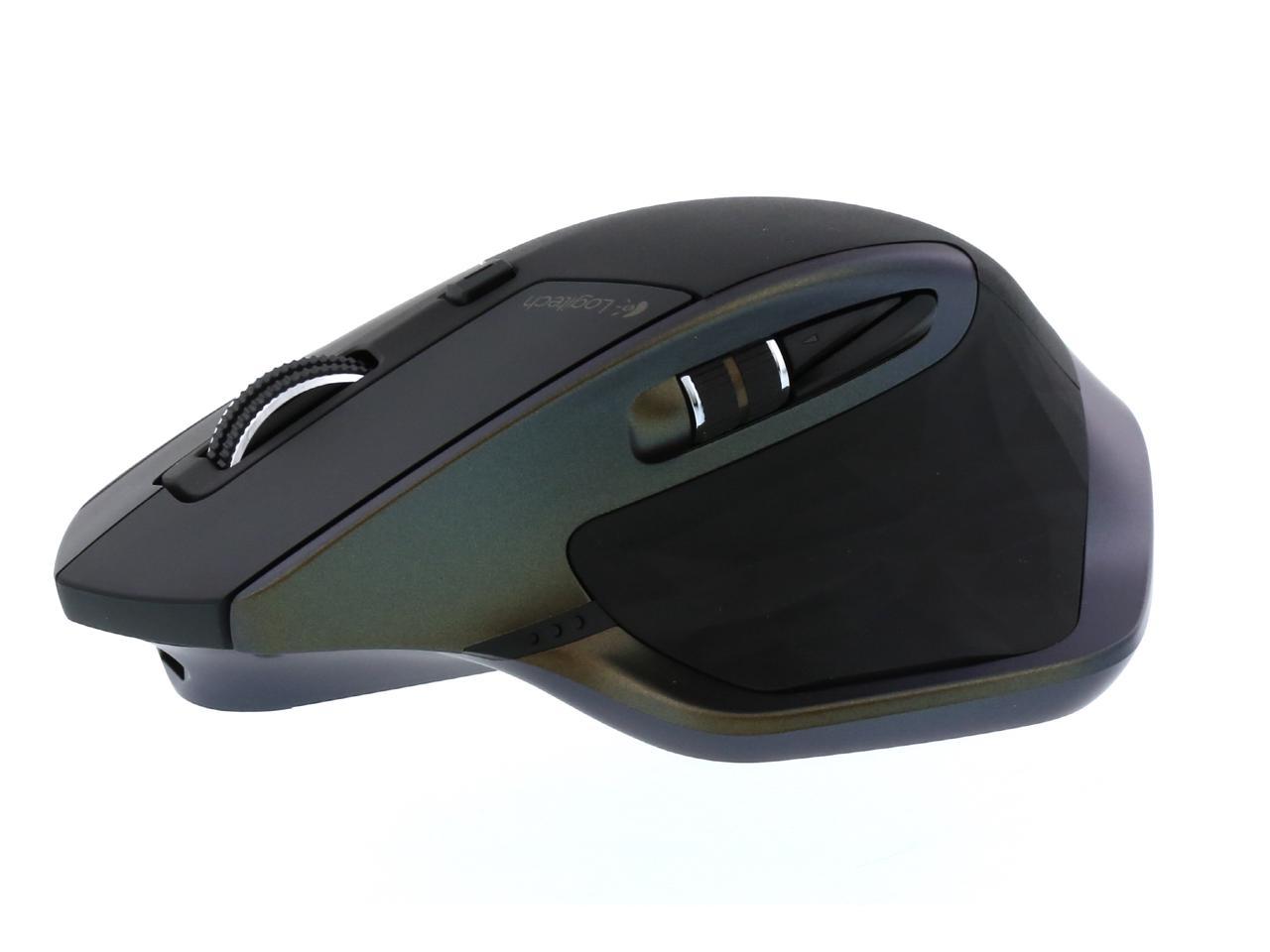
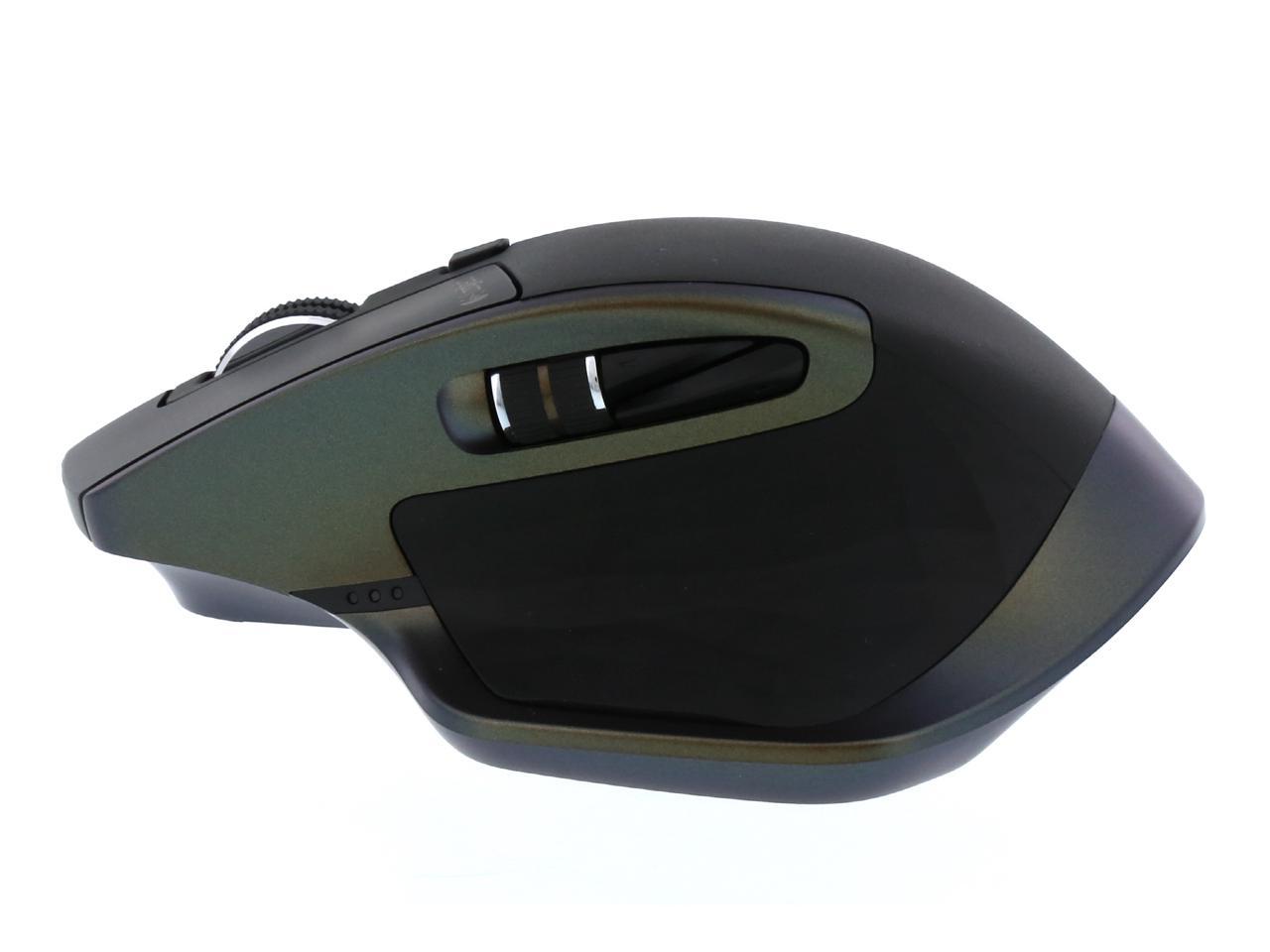
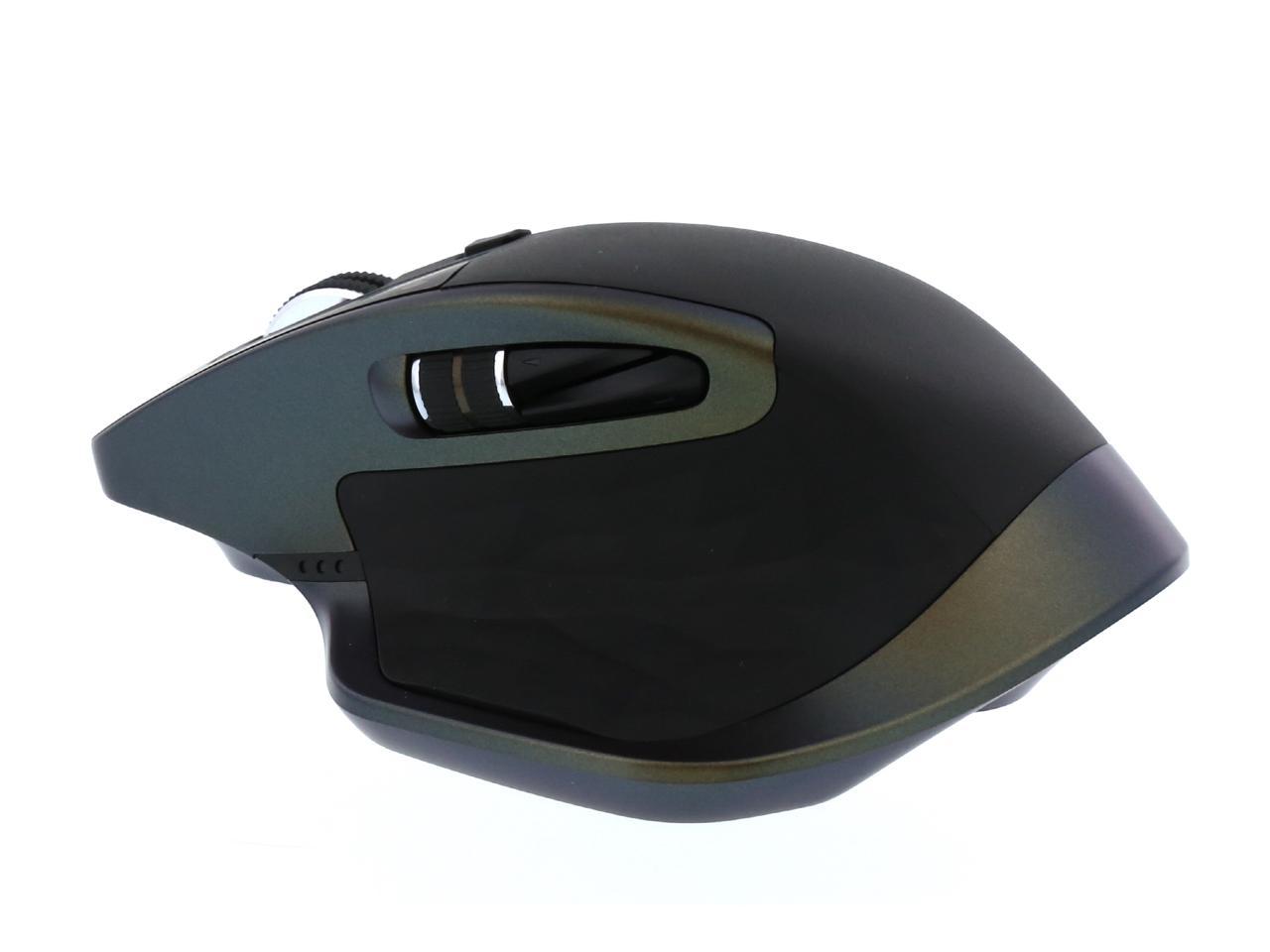
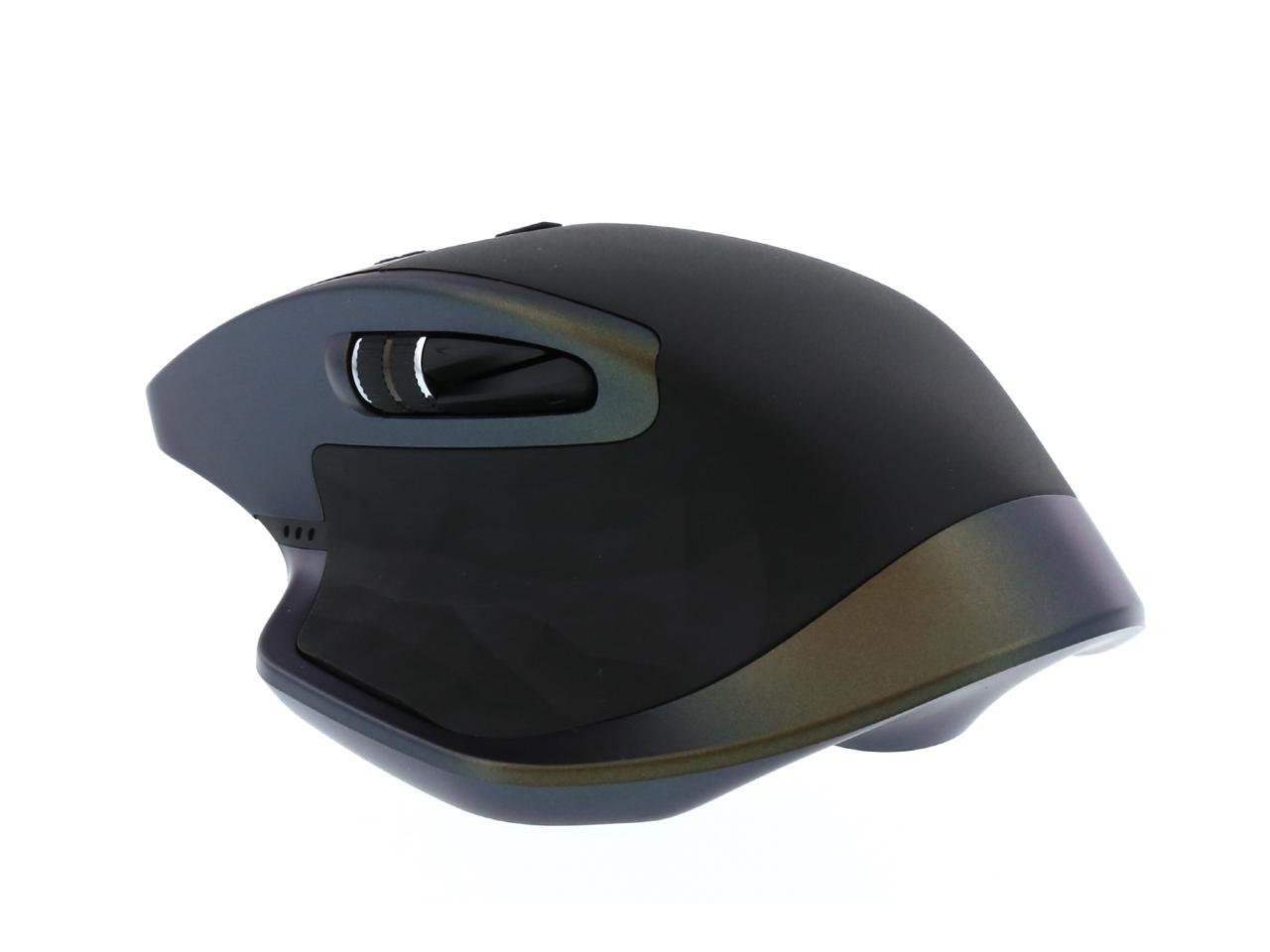
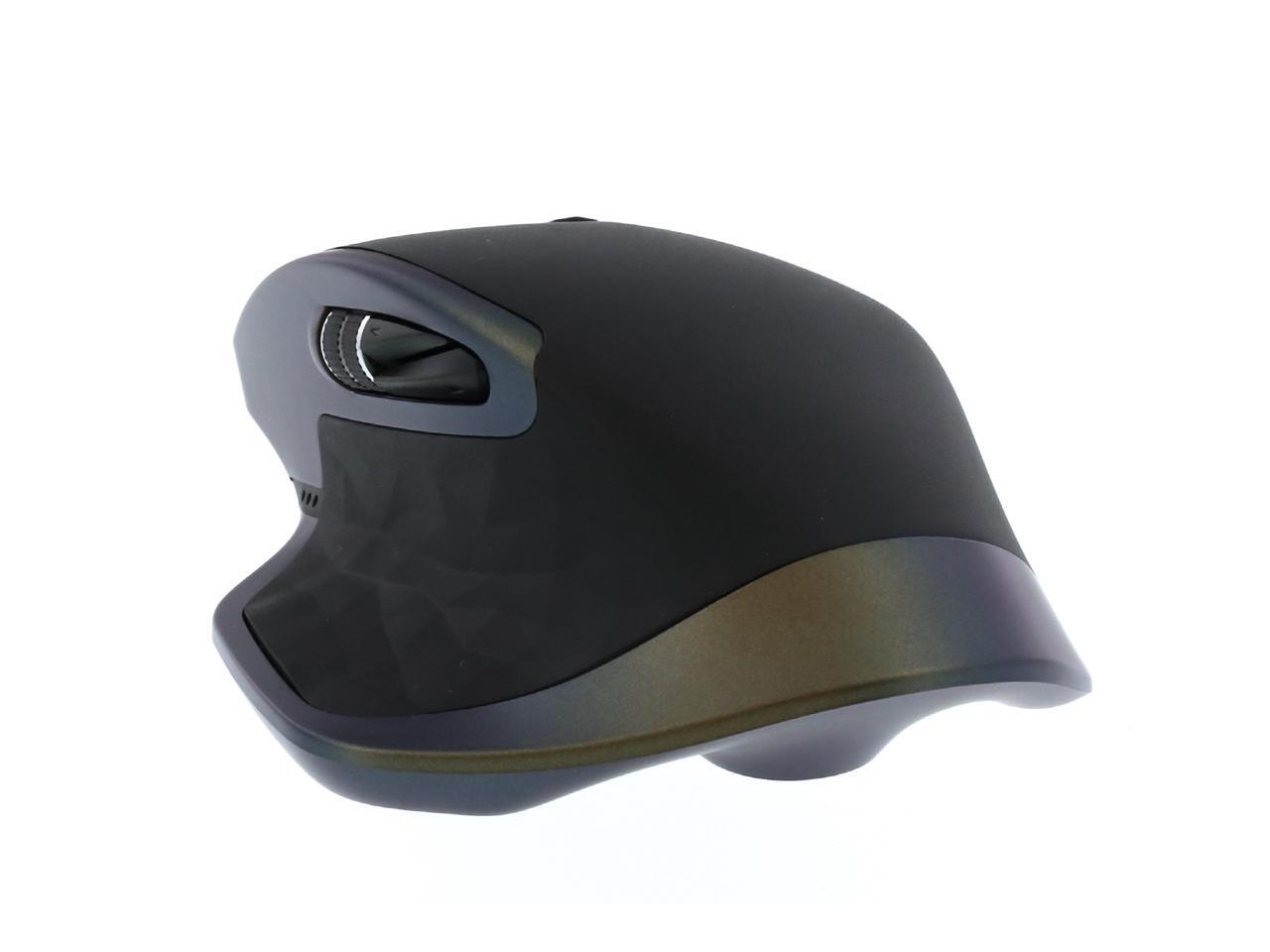
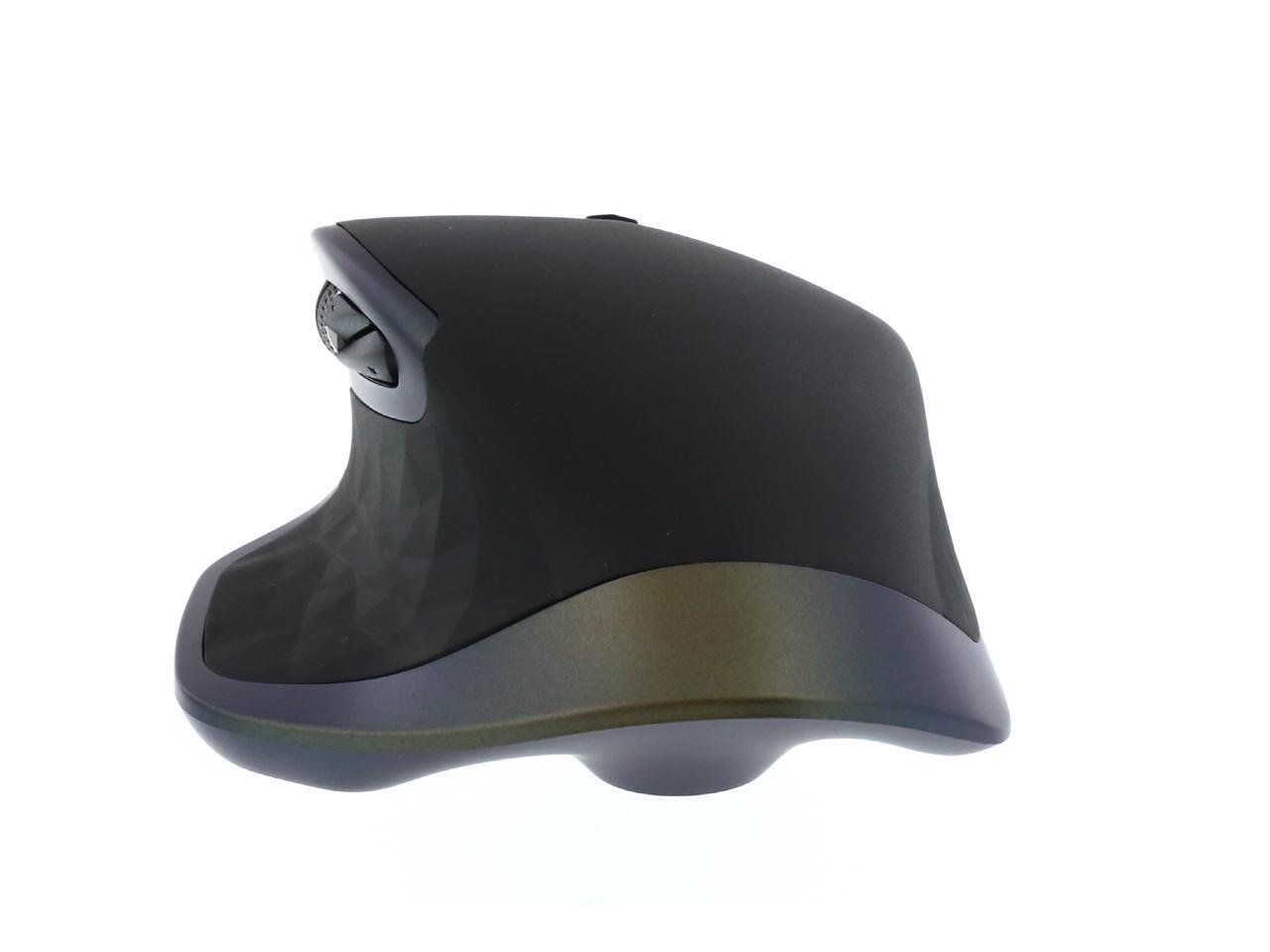
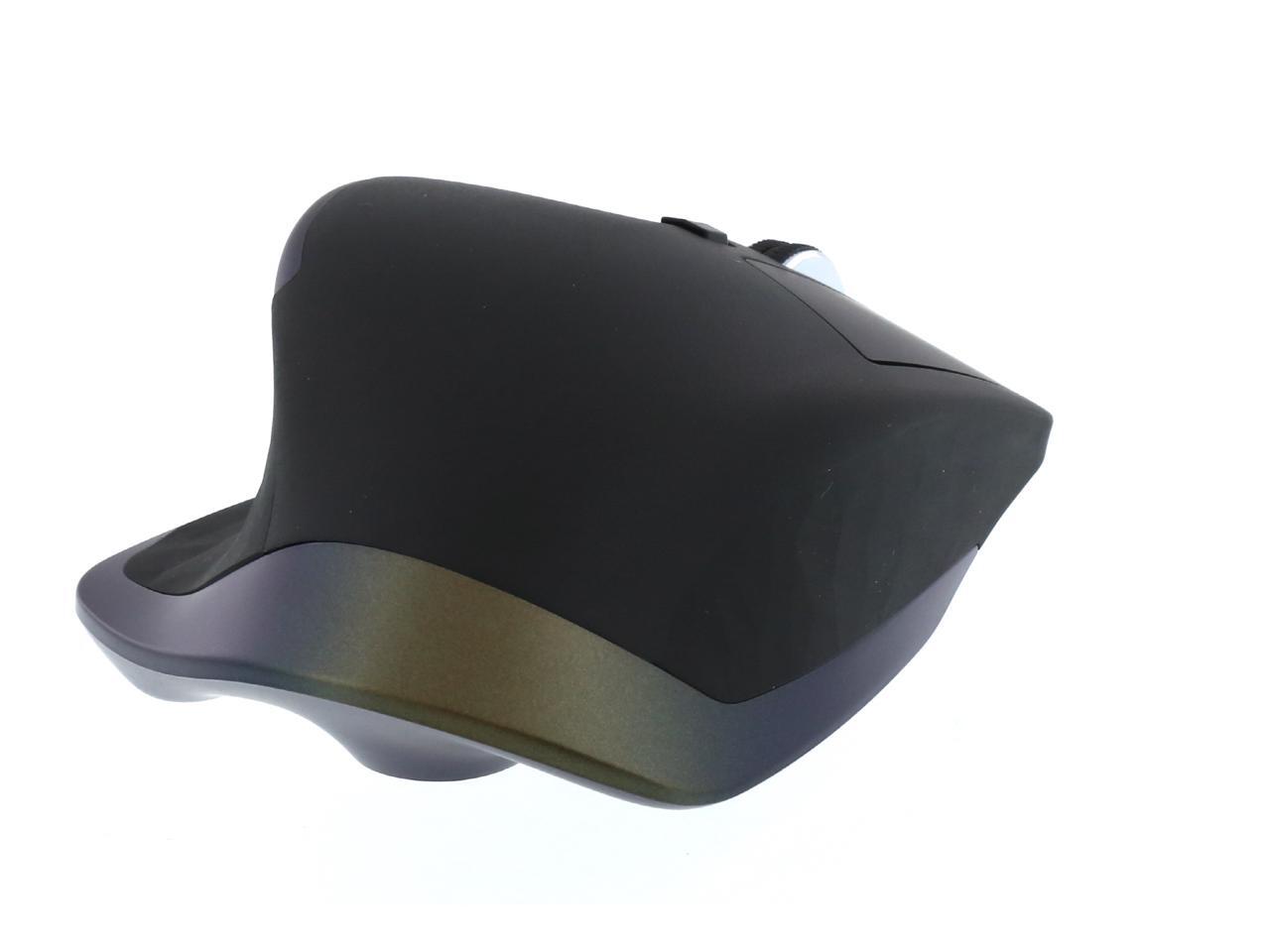
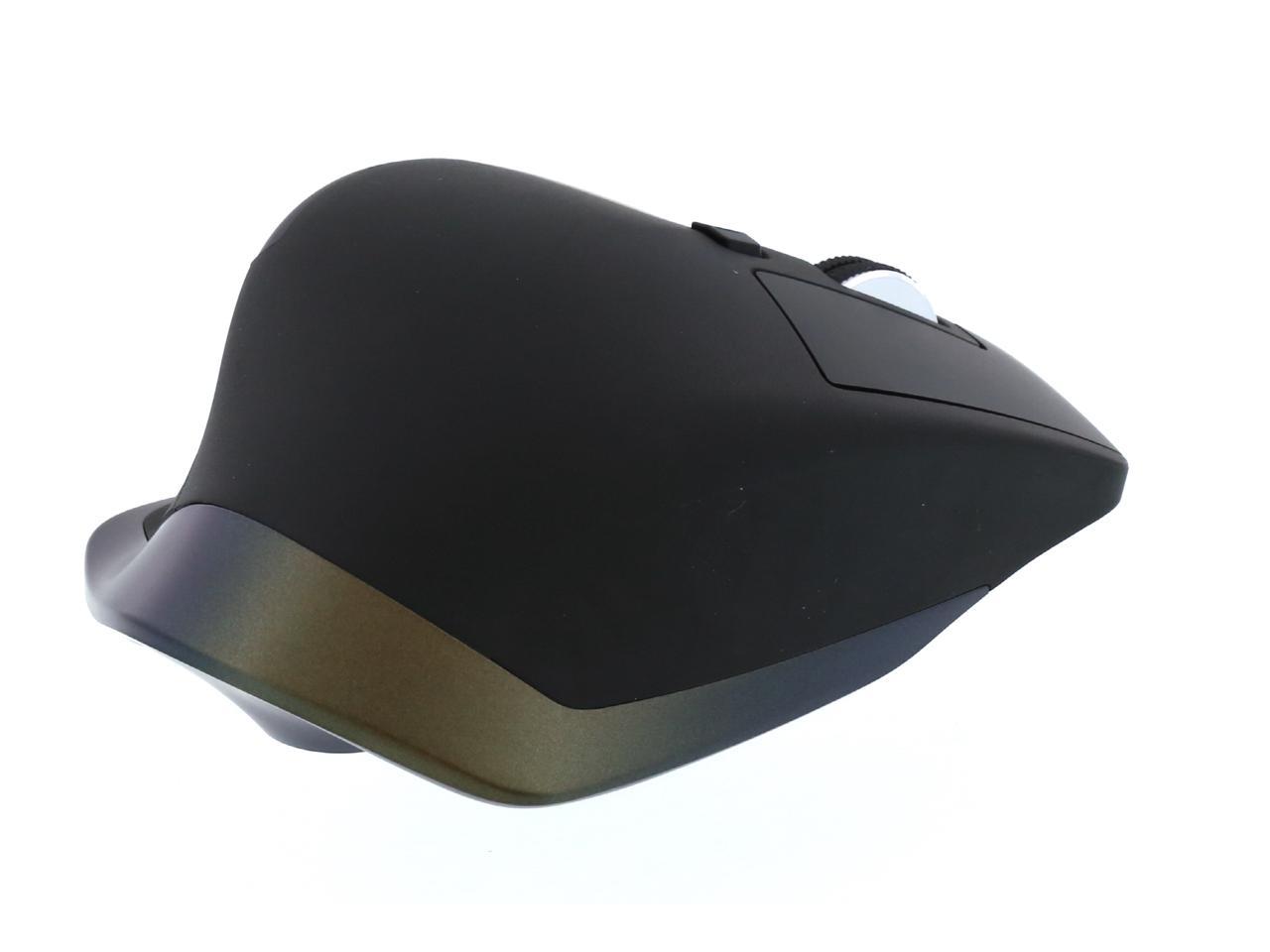
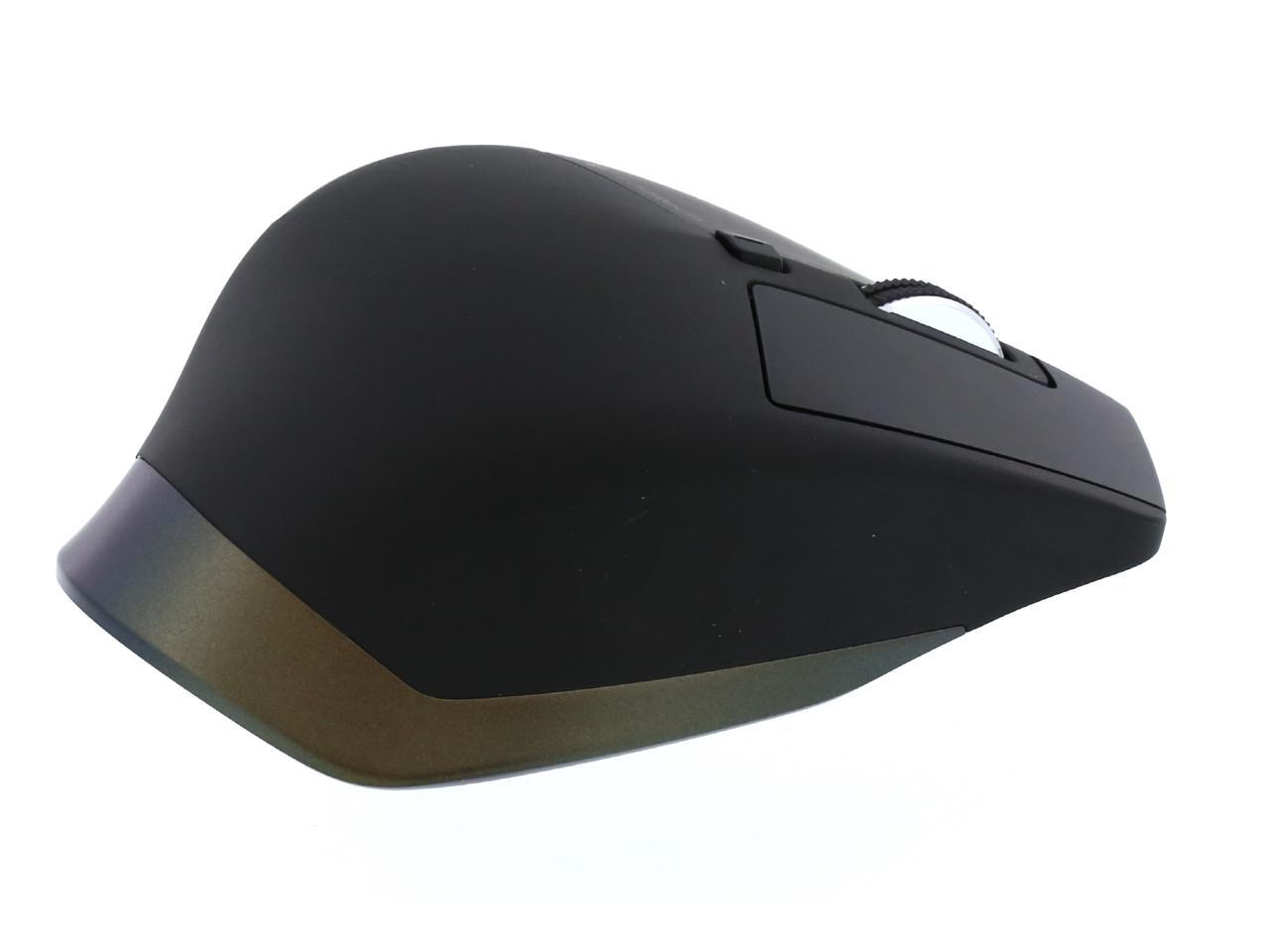
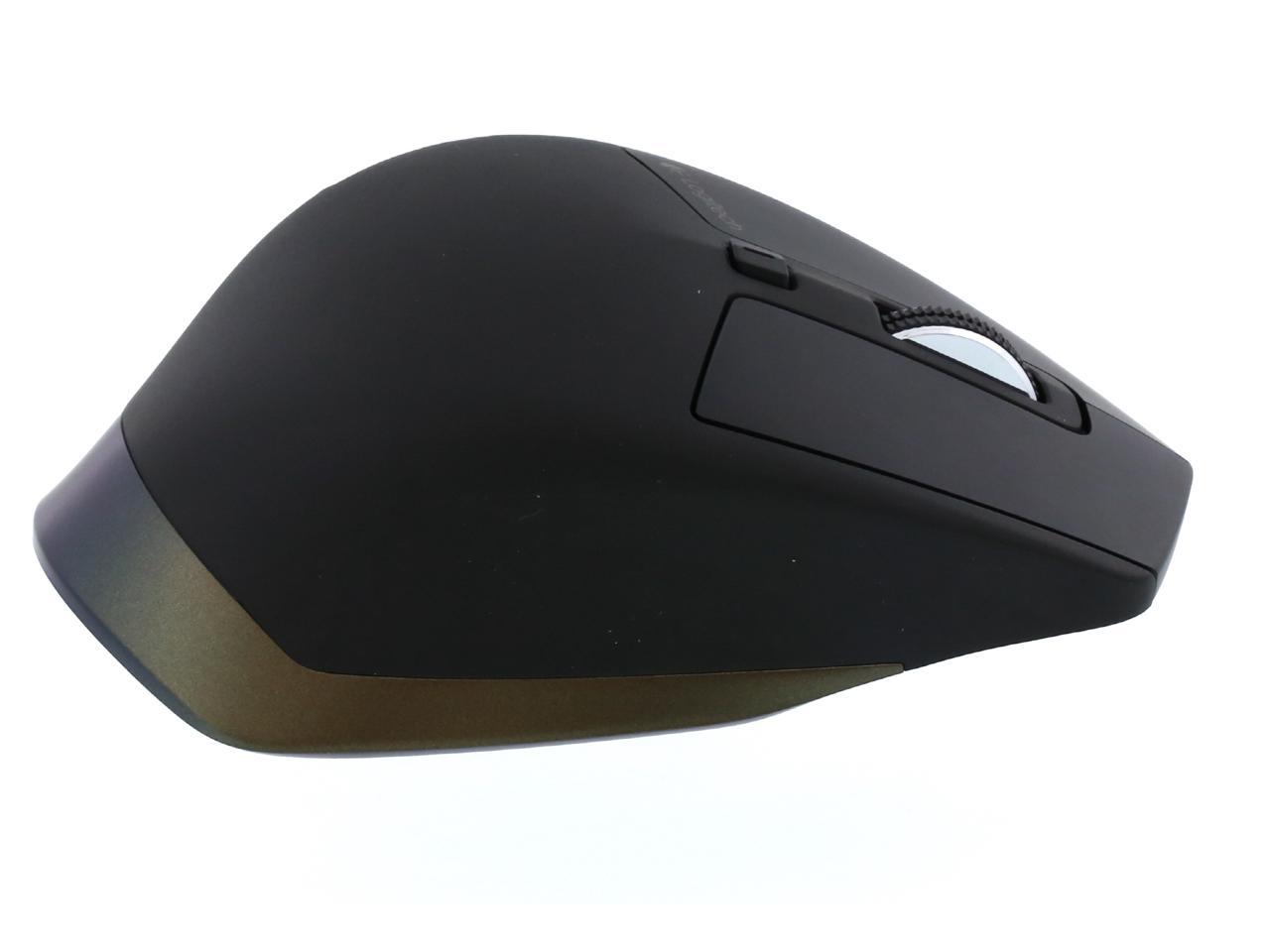
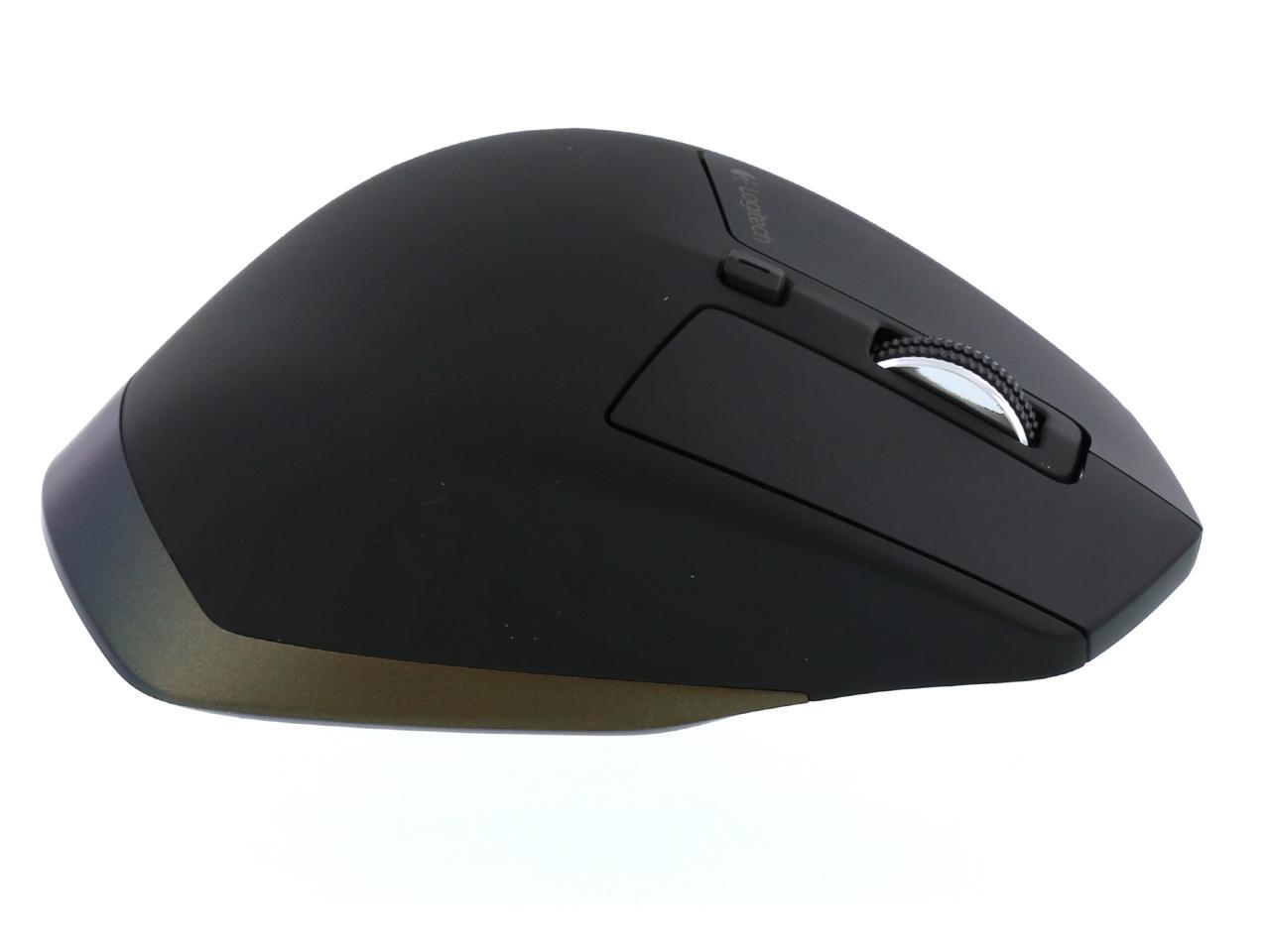
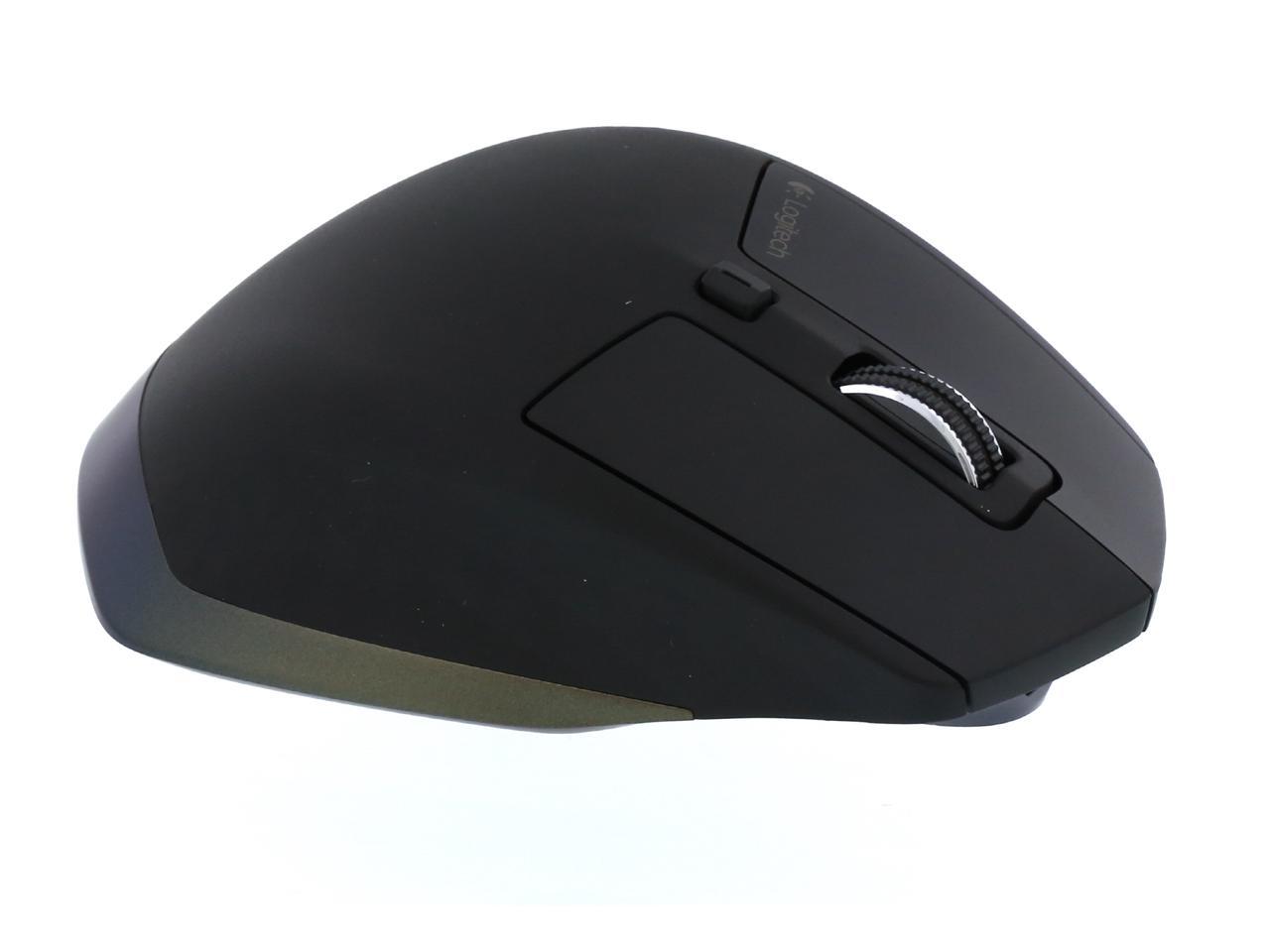
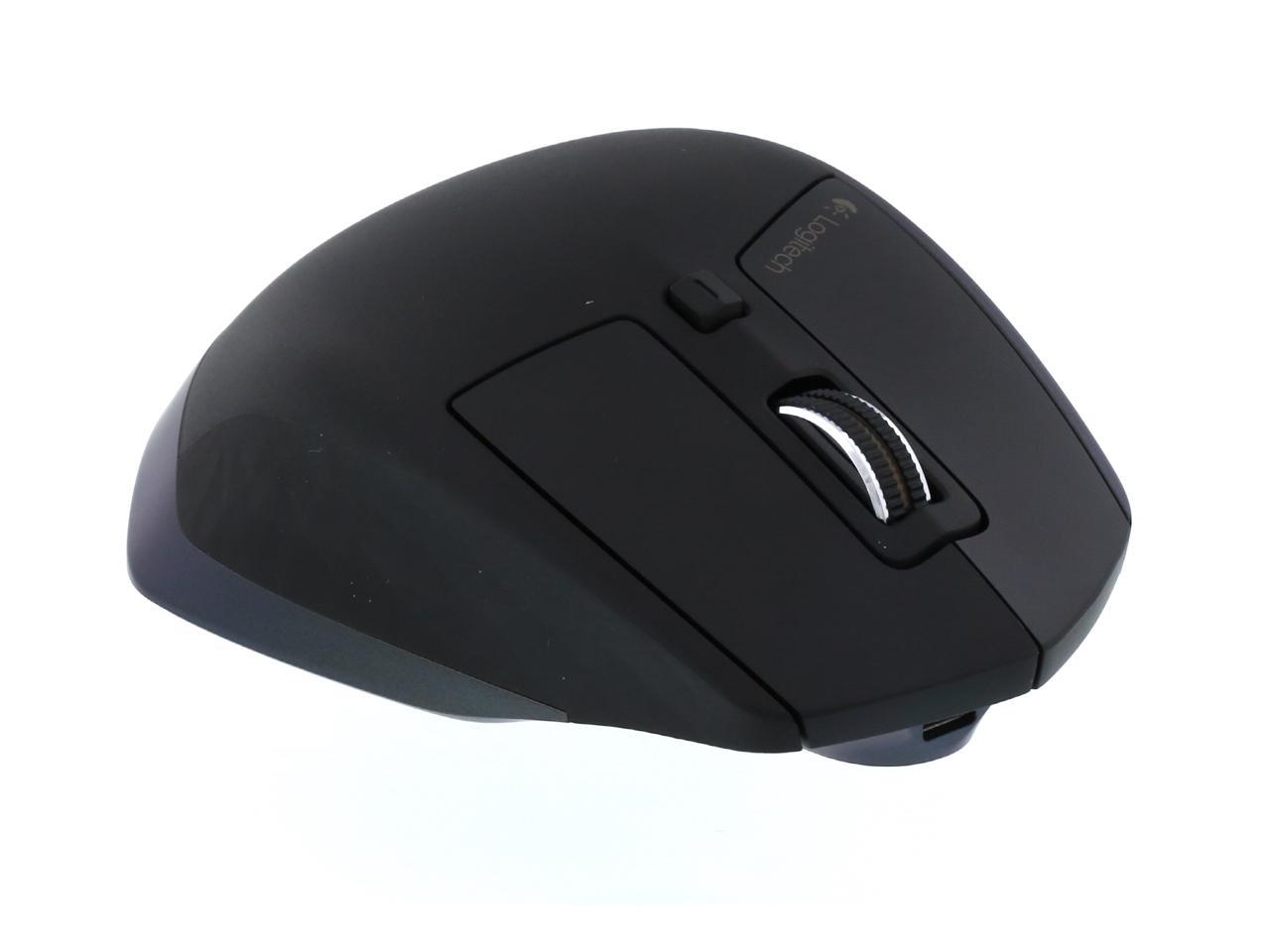
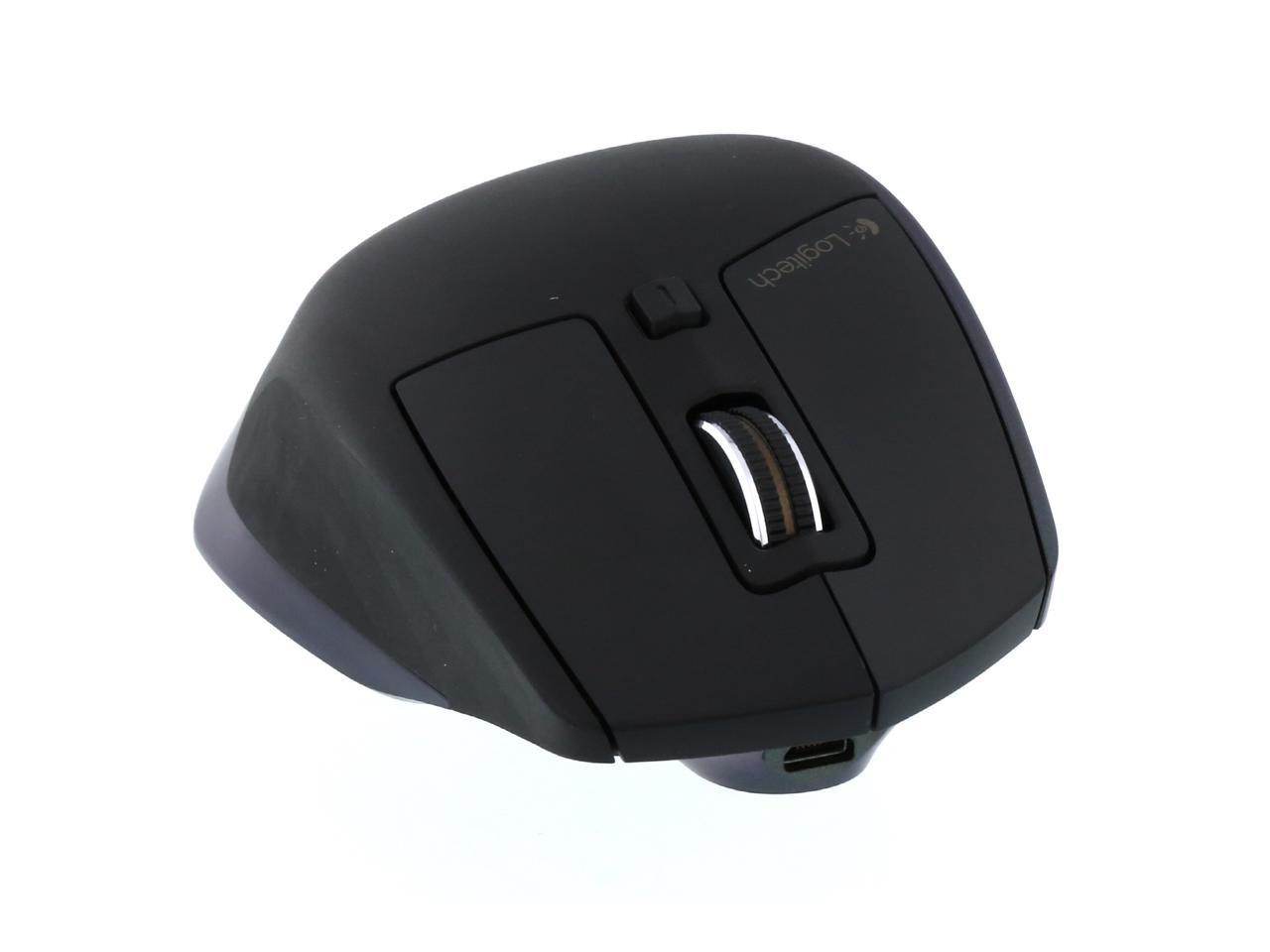
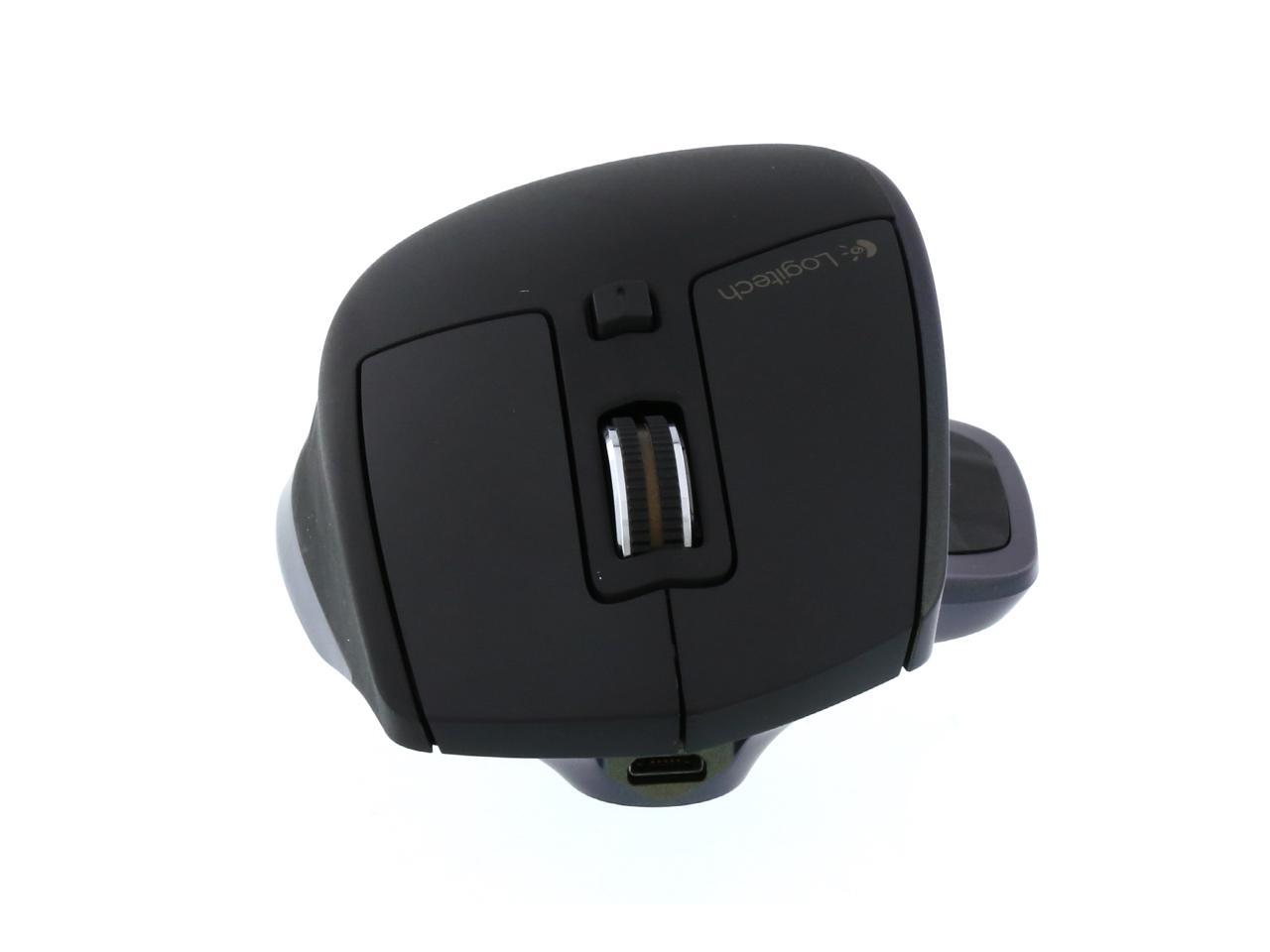
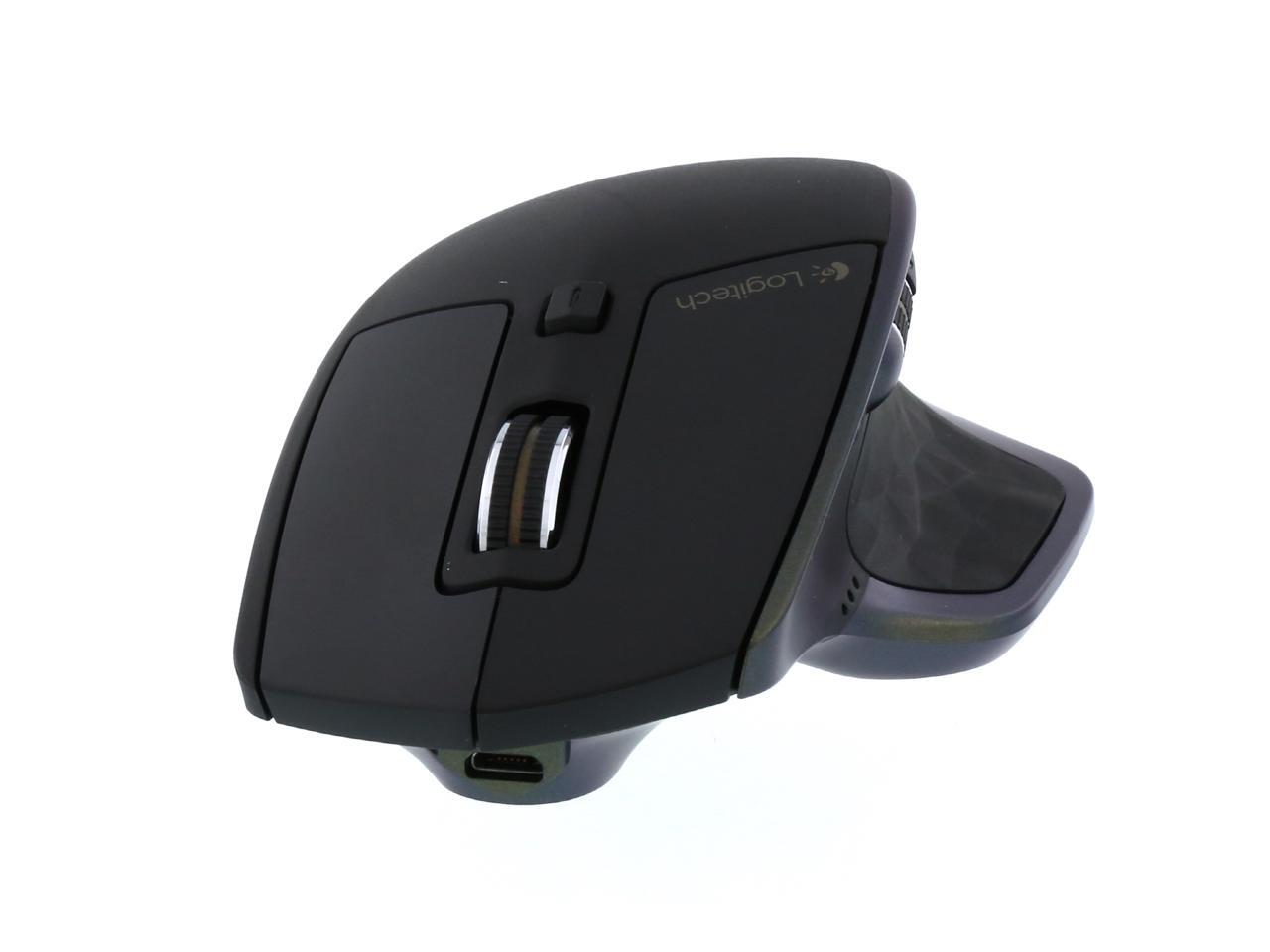
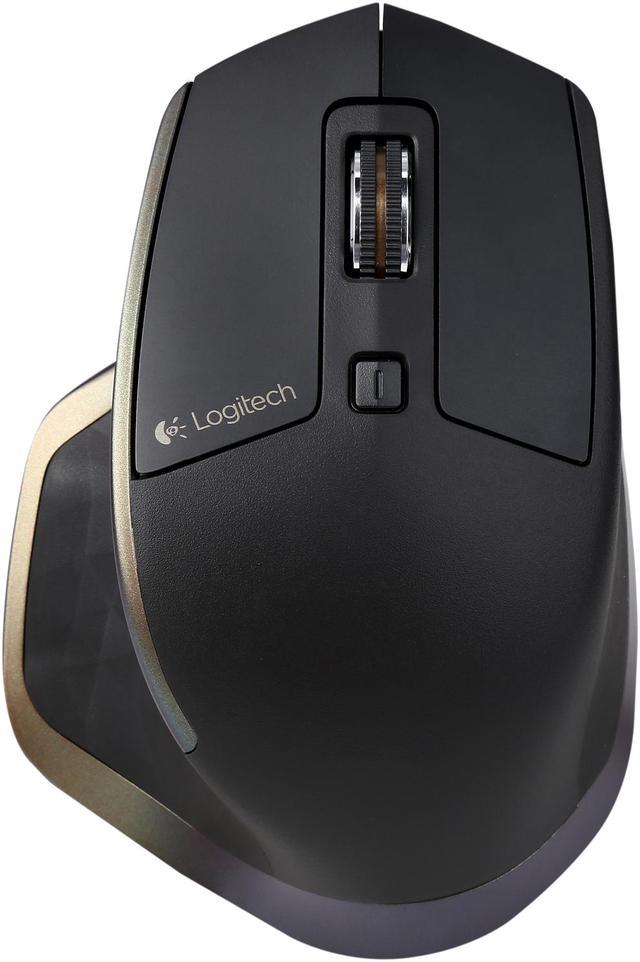
Speed-adaptive scroll wheel
Scroll through long documents or web pages faster and easier. The precision wheel auto-shifts from click-to-click to hyper-fast scroll.
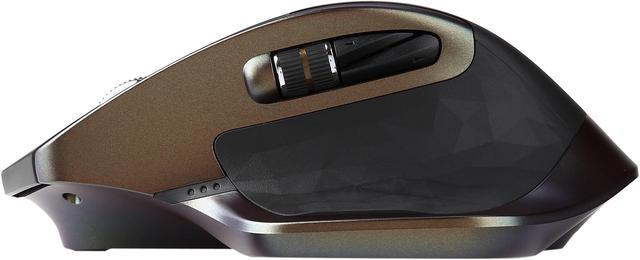
Logitech Options™ software lets you customize this experienceUnique thumb wheel
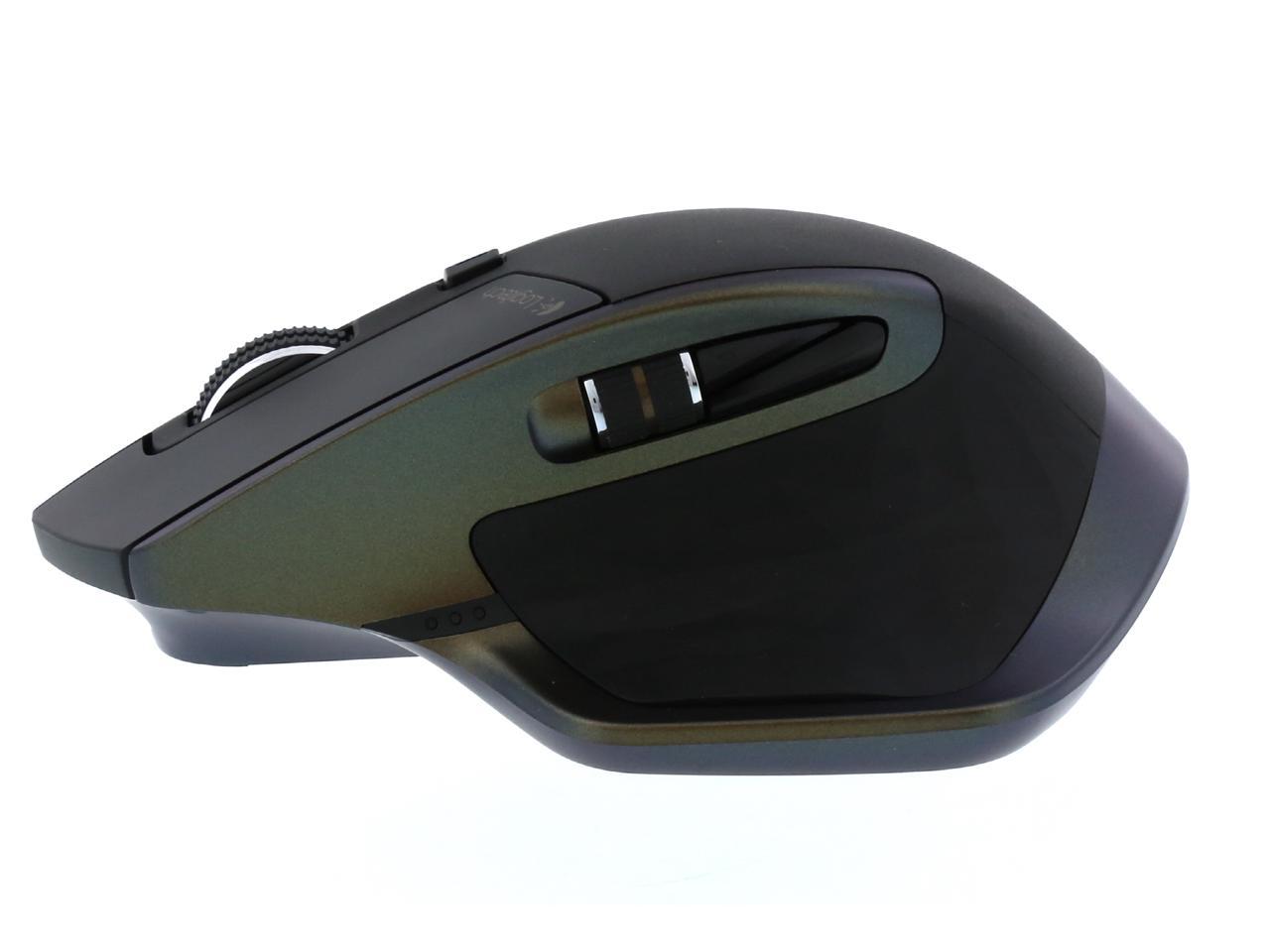
Experience side-to-side scrolling with a stroke of your thumb. To unlock the full range of thumb wheel possibilities, install Logitech Options™ software.
Turn pages, switch applications, reassign buttons, and much more using Logitech Options software.
Darkfield Laser Tracking
Darkfield™ Laser Sensor tracks flawlessly virtually anywhere, even on glass* and high-gloss surfaces.
Dual connectivity
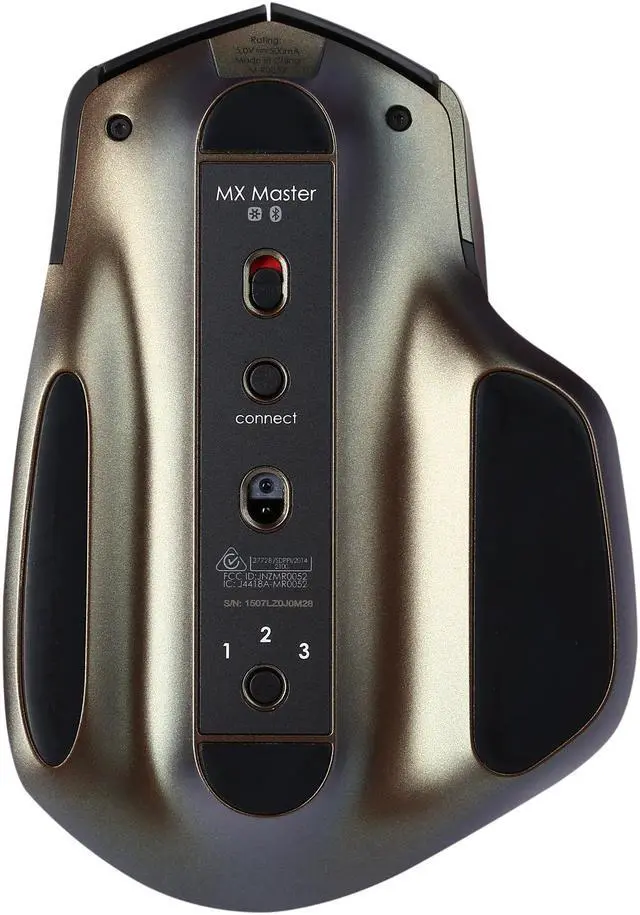
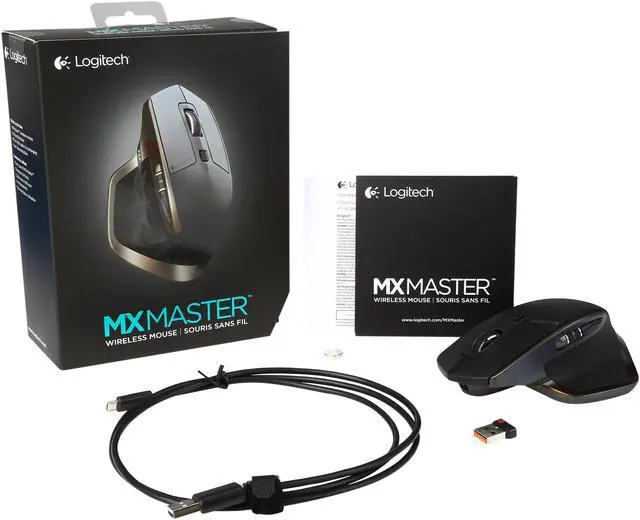
Connect this performance mouse via included Logitech Unifying™ Receiver or via Bluetooth Smart wireless technology.
Easy-Switch technology
Pair up to 3 devices and easily switch between them with the touch of a button.
Rechargeable battery
Charge quickly. You can get enough power for a full day of usage in 4 minutes only, with no down time while recharging. A full charge can last up to 40 days*.
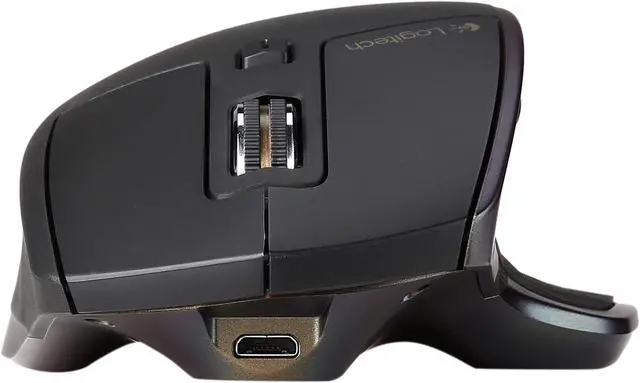
When the battery gets low, an indicator light lets you know. Recharging is fast and easy. Just plug MX Master into your computer using the micro-USB charging cable. Continue using your mouse while it charges.
*Based on a 6 hour daily office use. Battery life may vary based on user and computing conditions.
Unlock the possibilities
Install Logitech Options™ software to experience a full range of possibilities of this advanced mouse. Customize buttons and actions to your needs.
Set up and assign tasks to buttons with step-by-step instructions and Setup Guide available to help answer your questions.