




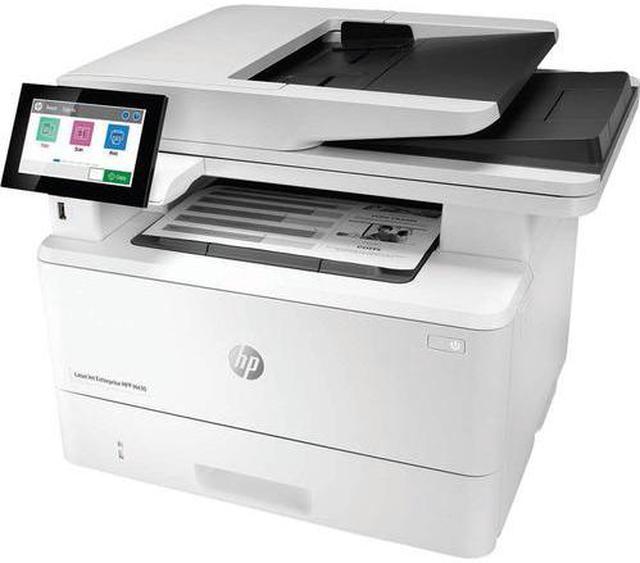
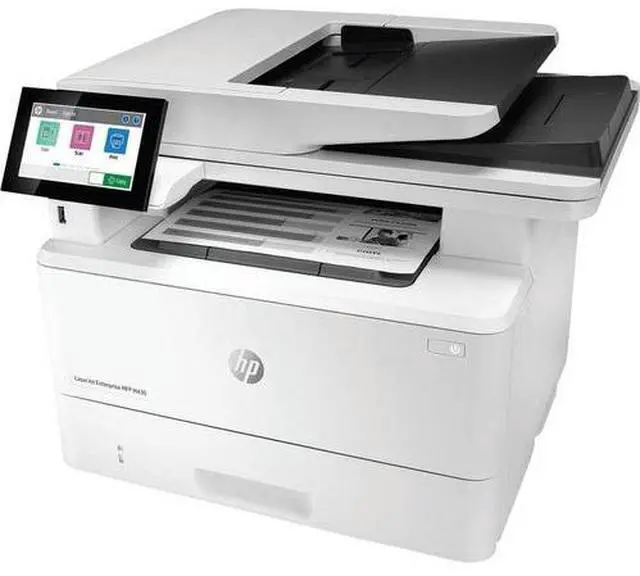
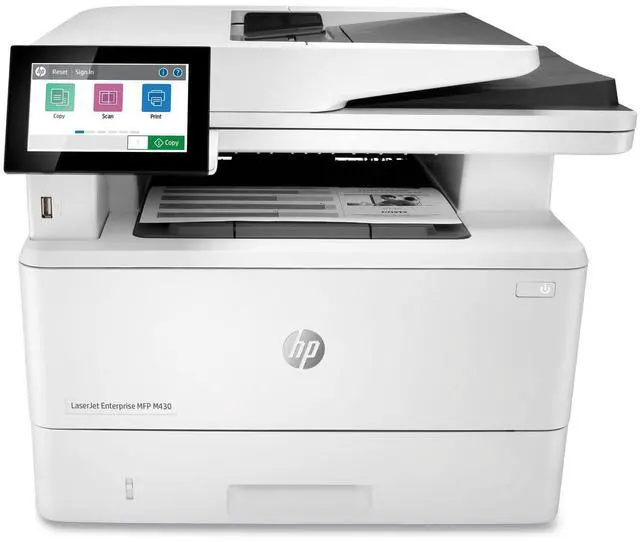
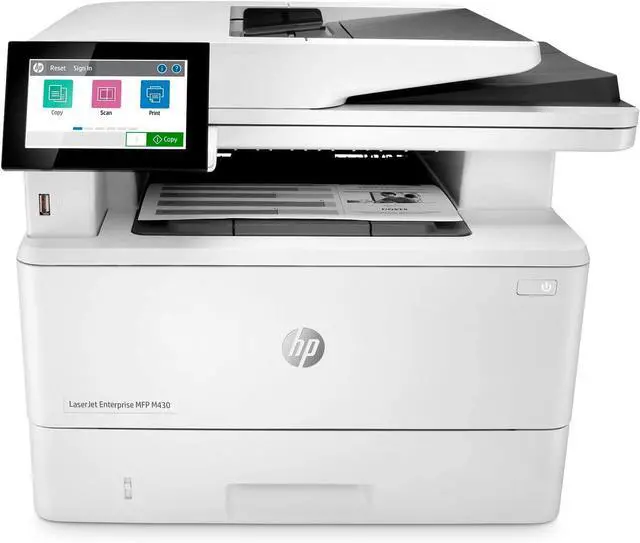
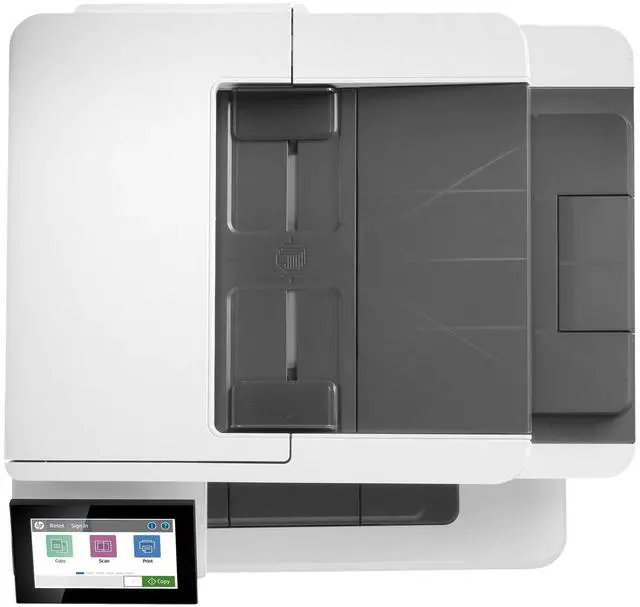
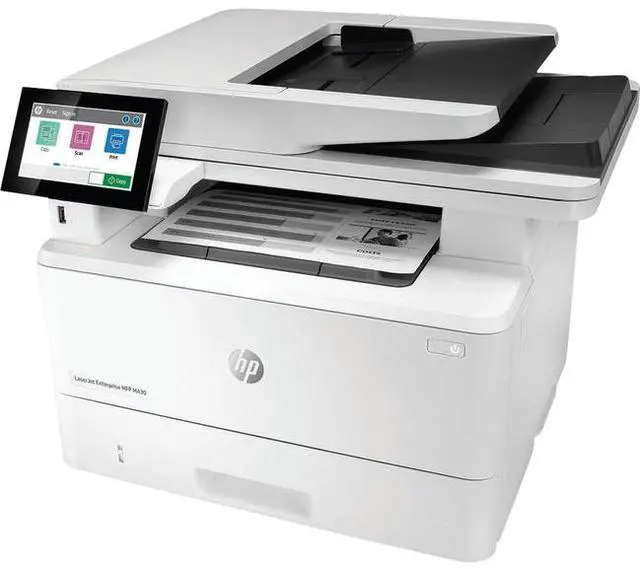
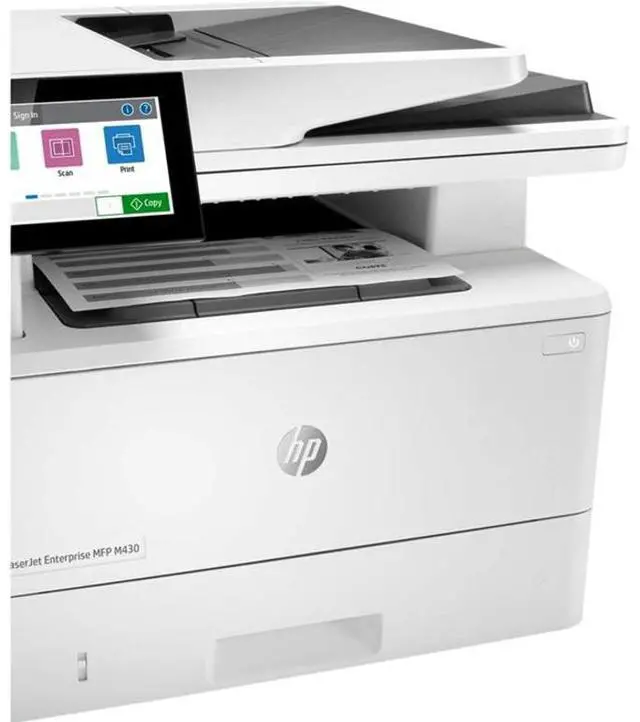
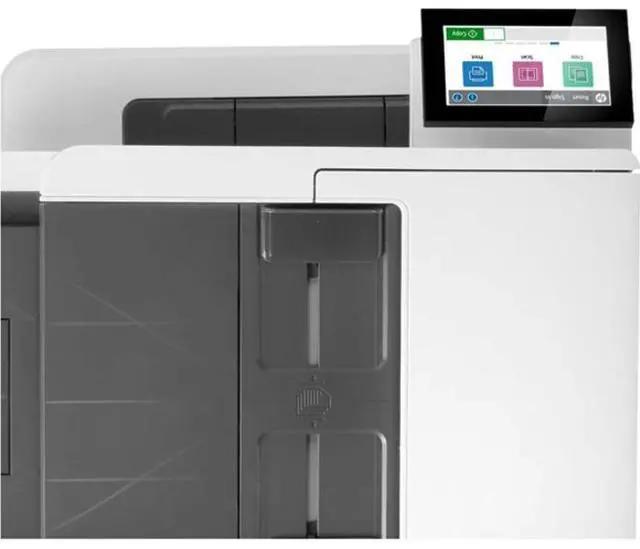
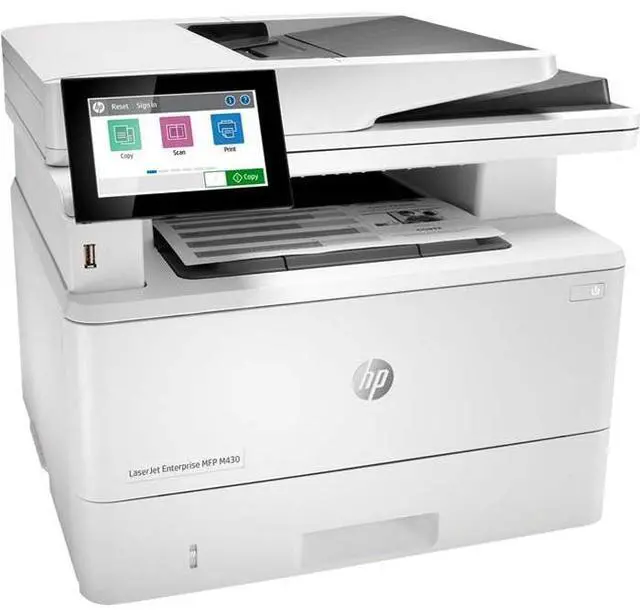
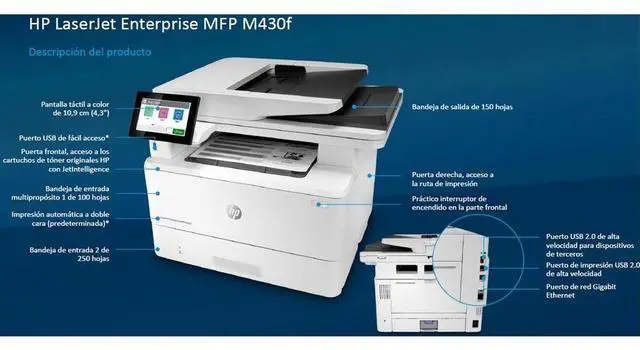
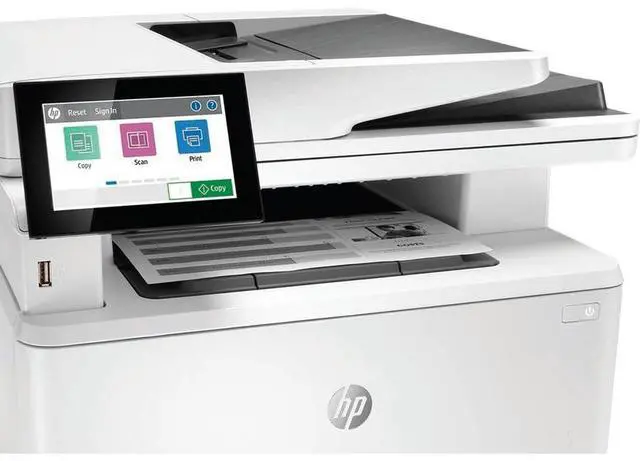
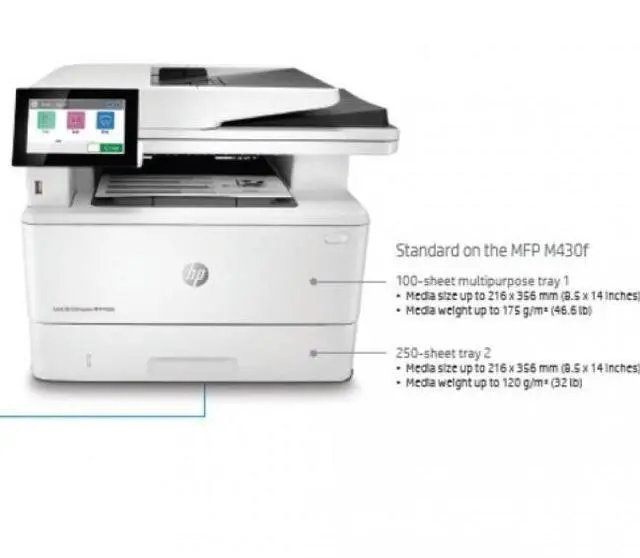
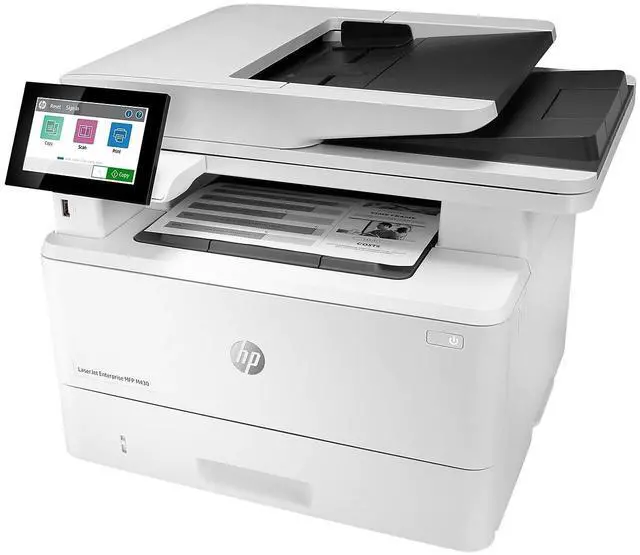
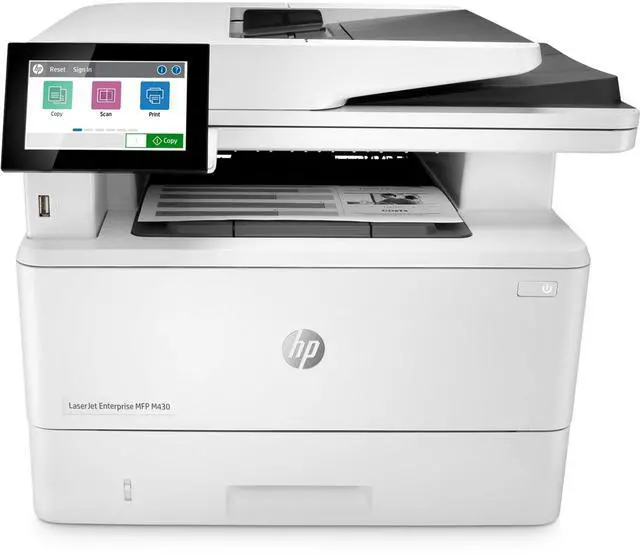
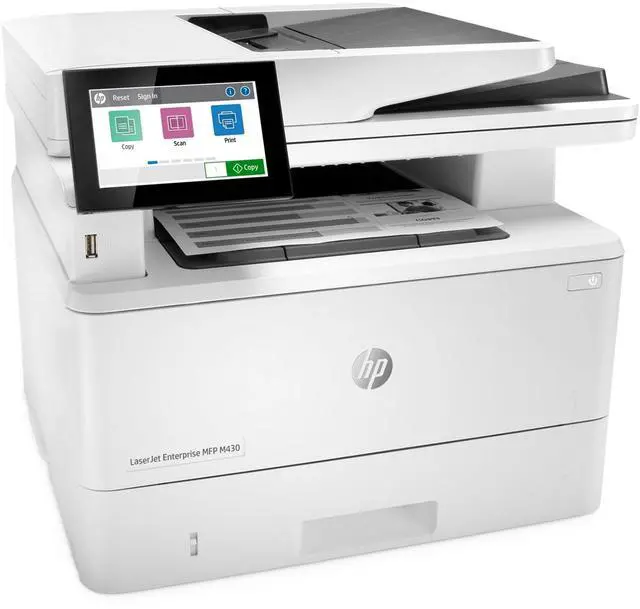
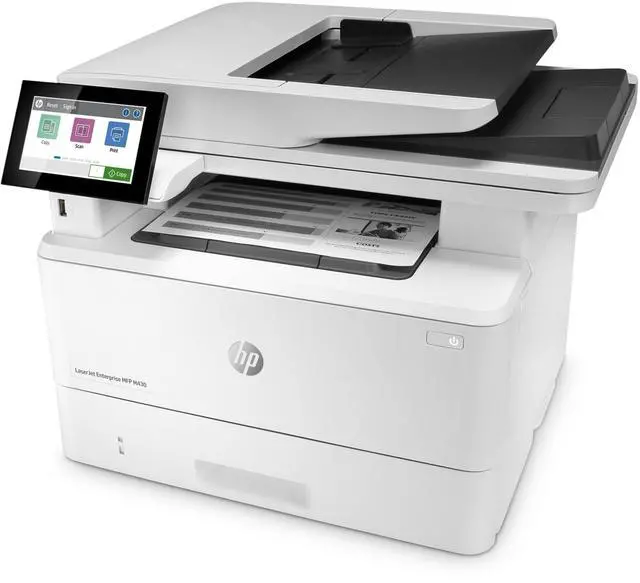
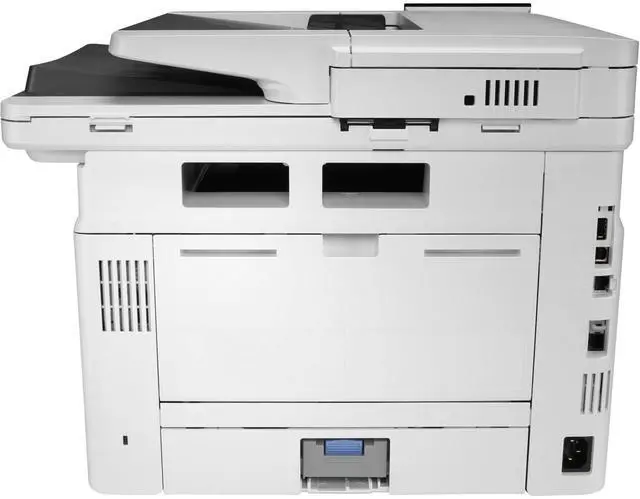
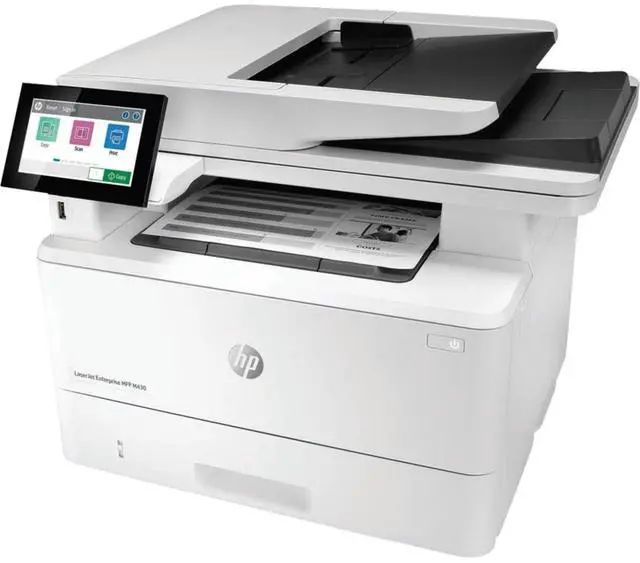
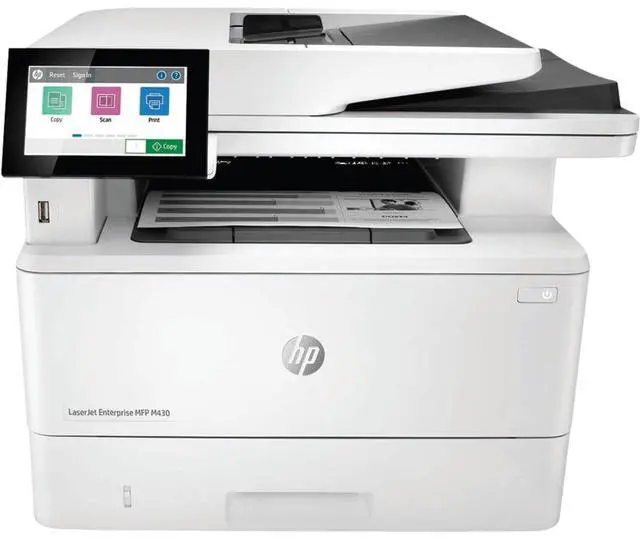
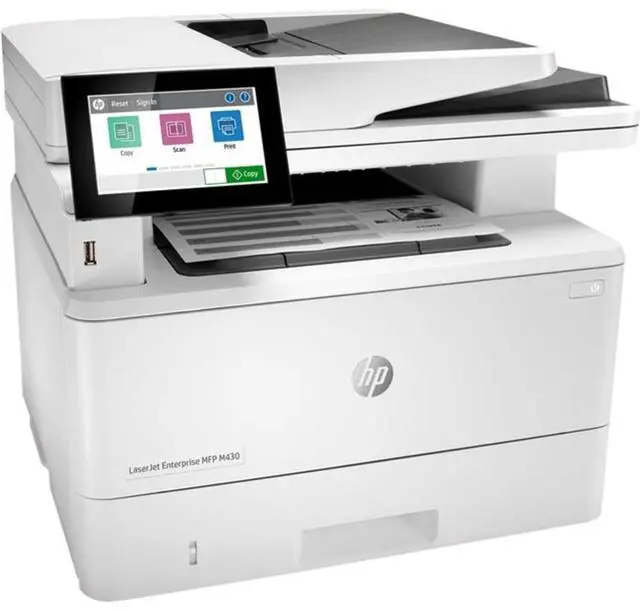


HP LaserJet M430f Multifunction Monochrome Laser Printer 3PZ55A
- Manufacturer: HP
- Manufacturer Part Number: 3PZ55ABGJ
- UPC: 193905205493
+
+
Overview
Specs
Reviews
OverviewHP Office Laser Multifunction Printers are designed for SMBs and small workteams in larger companies, delivering enhanced productivity, simplified workflows and reduced costs. This printer is intended to work only with cartridges that have a new or reused HP chip, and it uses dynamic security measures to block cartridges using a non-HP chip. Periodic firmware updates will maintain the effectiveness of these measures and block cartridges that previously worked. A reused HP chip enables the use of reused, remanufactured, and refilled cartridges.
More at:
http: //www. hp. com/learn/dsFeaturesEasy to use, simple to manageHP FutureSmart firmware can be updated with the latest features to optimize your investment for years to come. The worlds most secure printingThe operating code (BIOS) is automatically checked during startup and repairs itself if compromised. Enhanced productivity to empower work teamsGive workgroups what they need to succeed with hundreds of HP and third-party solutions and card reader support. Sustainability is smart businessHelp save paper right out of the box. Two-sided (duplex) printing is set at default for automatic savings. Minimum system requirements2 GB available hard disk space Internet connection or USB port Internet browser. For additional OS hardware requirements see microsoft. comWhat's in the box? HP LaserJet Enterprise MFP M430f printer; HP Black Original LaserJet Toner Cartridge (~3, 000 pages); Getting started Guide; 1 Power cordDisclaimers HPs most advanced embedded security features are available on HP Managed and Enterprise devices with HP FutureSmart firmware 4.5 or above. Claim based on HP review of 2019 published features of competitive in-class printers. Only HP offers a combination of security features to automatically detect, stop, and recover from attacks with a self-healing reboot, in alignment with NIST SP 800-193 guidelines for device cyber resiliency.
For a list of compatible products, visit hp. com/go/PrintersThatProtect. For more information, visit hp. com/go/PrinterSecurityClaims Some features enabled by future HP FutureSmart firmware upgrades may not be available on older devices, if for example, physical product characteristics limit the functionality of the new feature. HP Web Jetadmin is free and available for download at hp. com/go/webjetadmin Third-party certification based on Common Criteria Information Technology Security Evaluation ISO/IEC 15408 Standard requirements as of May 2019. Certification applicable to HP Managed and Enterprise devices running HP FutureSmart Firmware version 4.5. 1 and later.
For more information:
https: //www. commoncriteriaportal. org/files/epfiles/Certification%20Report%20-%20HP%20Intrusion%20Detection. pdf Use of the HP Trusted Platform Module may require a firmware upgrade. Wireless performance is dependent on physical environment and distance from access point and may be limited during active VPN connections. Dependent upon country setup specifications. HP Secure Print is optional and requires a license.
Warranty & Returns
Warranty, Returns, And Additional Information
Warranty
- Limited Warranty period (parts): 1 year
- Limited Warranty period (labor): 1 year
- Read full details
Return Policies
- Return for refund until: January 31, 2027
- Return for replacement until: January 31, 2027
- This item is covered by Newegg.ca's Extended Holiday Return Policy.
- Read full return policy for details.
We want to ensure your holiday shopping this year is hassle-free. That’s why we’re automatically extending our return policies on almost every product! For purchases placed between November 1st, 2026 and December 31, 2026 you will have until January 31, 2027 to return your product.
Manufacturer Contact Info
- Manufacturer Website
- Support Phone: 1-800-474-6836
- Support Website
- View other products from HP
LOADING...
The HP LaserJet Enterprise M430f is a monochrome laser multifunction printer for offices and workgroups that need fast black-and-white printing, copying, scanning, and faxing, with print speeds up to 42 pages per minute and automatic duplex printing.
Recommended For
- Small office teams that print frequent black-and-white reports and forms, and want print, copy, scan, and fax in one Ethernet-connected machine with automatic two-sided printing.
- Workgroups that regularly digitize batches of two-sided paperwork; the 50-sheet automatic document feeder supports duplex scanning, and the printer can send scans to destinations such as email or network folders.
- Organizations already using HP LaserJet Enterprise printers that want a multifunction model aligned with their existing enterprise firmware, security, and device-management approach.
- Offices with a steady, moderate-to-high volume of monochrome documents that benefit from fast printing, a 50-sheet document feeder, and optional higher-yield toner for fewer cartridge changes.
Real-World Use Scenarios
- In a small workgroup printing everyday reports, forms, and invoices, the M430f handles black-and-white print jobs from a shared office setup, with automatic two-sided printing helping reduce paper use.
- When staff need to digitize a stack of two-sided paperwork, they can use the document feeder to scan both sides in one pass and send files to destinations such as email or a network folder, reducing manual page handling.
- For routine front-office paperwork, employees can copy or fax monochrome documents on the same device they use for printing, avoiding the need to move originals between separate machines.
- In an office that prints confidential forms, users can send jobs to the printer and retrieve them using HP’s PIN or pull-print options, helping keep documents from sitting unattended in the output tray.
- For recurring batches of business documents, the M430f’s monochrome laser output and automatic duplexing suit teams that mainly need printed text and do not need color on every page.
Spec Summary
| Attribute | Value |
|---|---|
| Best For | Business users needing a monochrome all-in-one printer for printing, copying, scanning, and faxing |
| Print Technology And Performance | Monochrome laser printing at up to 42 ppm, with up to 1200 × 1200 dpi black print quality and a 6.3-second first-page time |
| Duplex And Duty Cycle | Automatic duplex printing; rated for up to 4,000 pages monthly |
| Copying | Up to 42 pages per minute, with a maximum of 40 copies per run |
| Scanning | CIS scanning with flatbed and ADF options, 24-bit color depth, and support for documents up to 8.5 × 11.7 inches |
| Faxing | Monochrome fax with 6 MB of fax memory |
| Paper Handling And Media | Two trays; 250-sheet standard input and output capacity, expandable input capacity up to 820 sheets. Supports 3 × 5-inch media and paper, cardstock, envelopes, labels, and transparencies |
| Connectivity And Controls | Ethernet and USB 2.0 connectivity, with two USB ports; 4.3-inch touch display |
| Memory | 64 MB standard and maximum memory |
| Operating System Compatibility | Compatible with Windows 7, 8, 8.1, 10, and 11; macOS 10.12–10.15; Android; and iOS |
| Power | 525 W |
| Dimensions And Weight | 14.33 in W × 12.83 in H × 9.06 in D; 28.68 lb |
| Model Identifiers | HP LaserJet Enterprise M430f; model M430f; part number 3PZ55A#BGJ |