
Your Browsing History
- Free 30-day Returns
$2,019.99
Ships from United States.


Meet Your Seller

100%
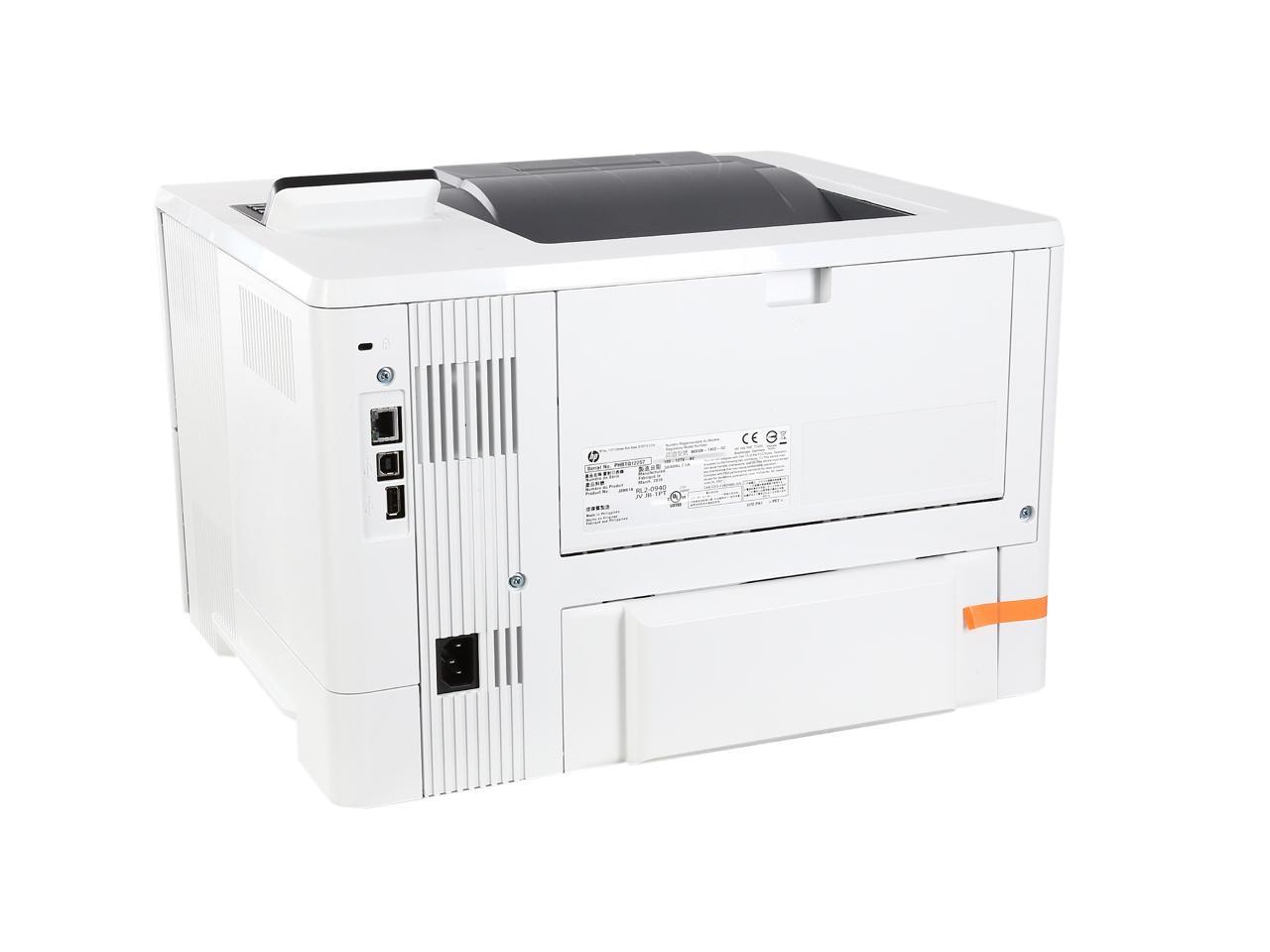
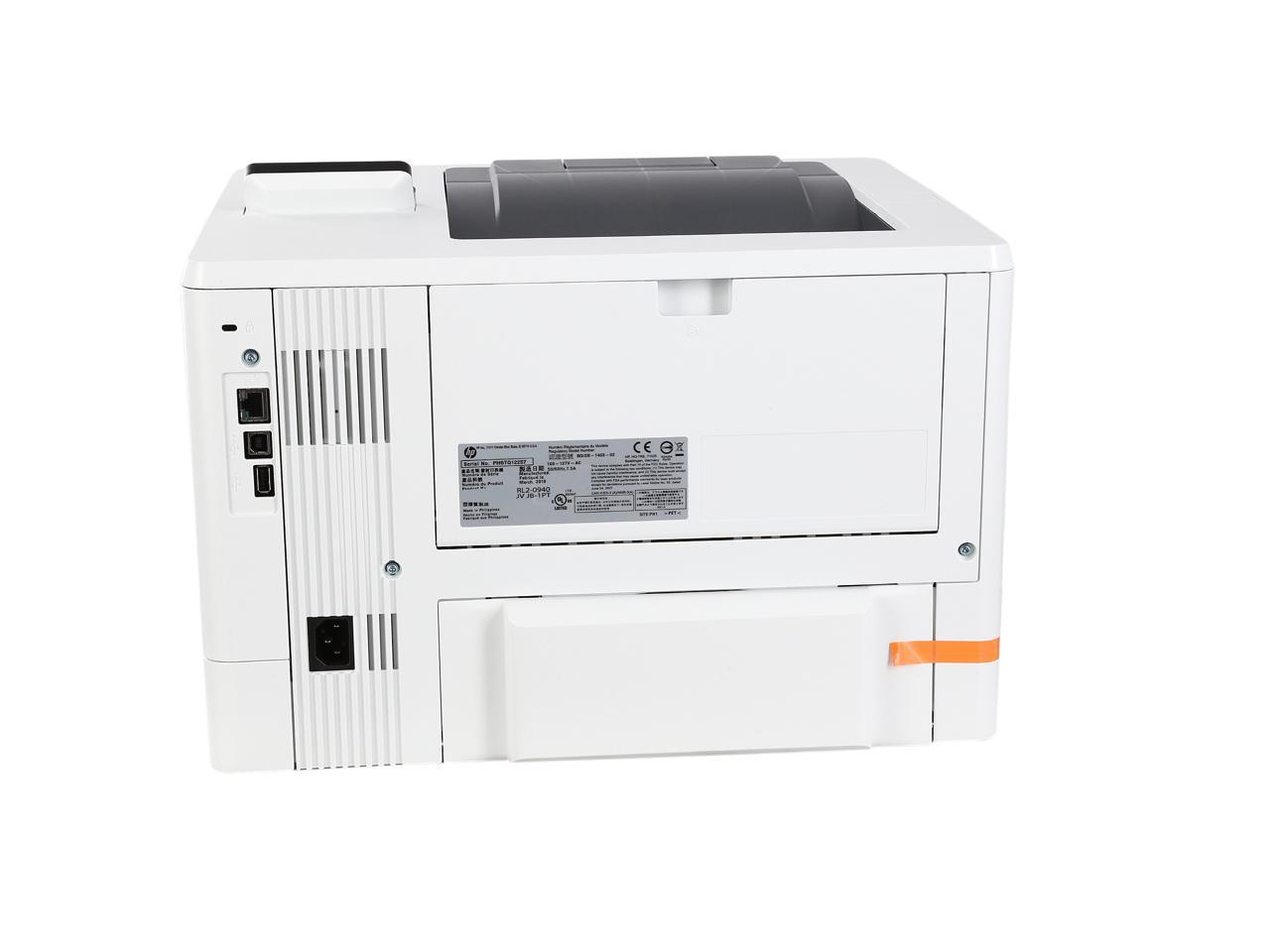
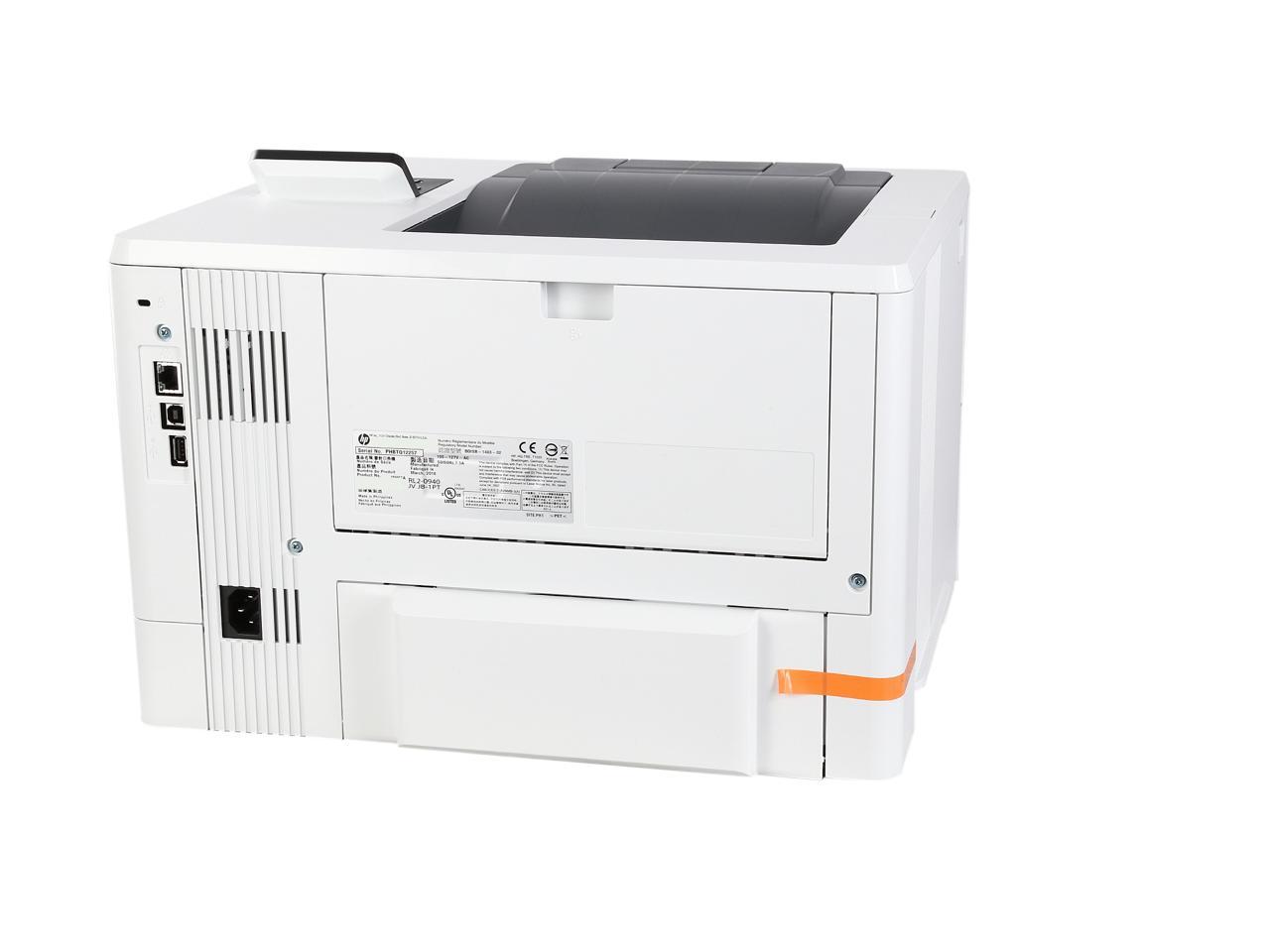
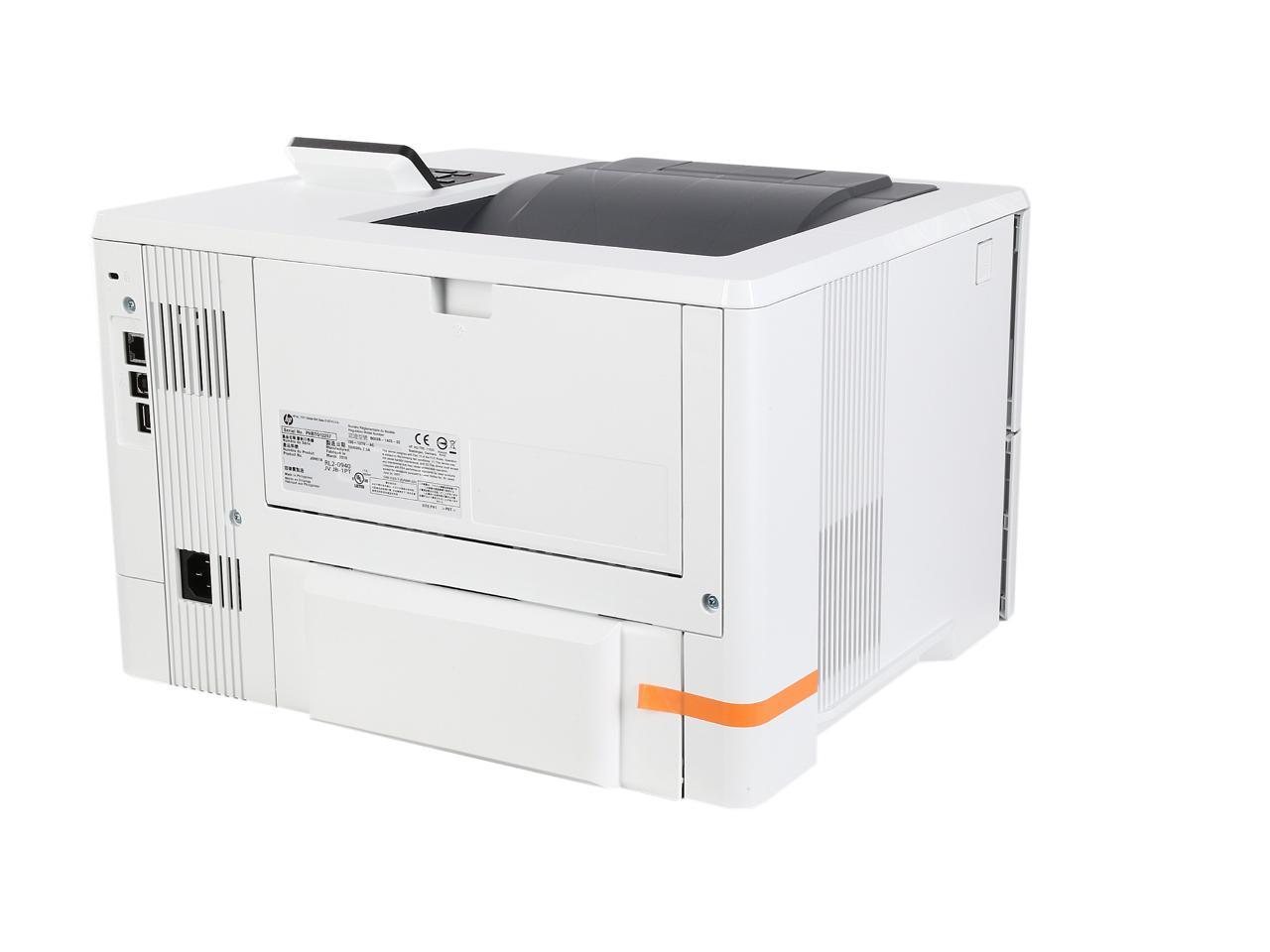
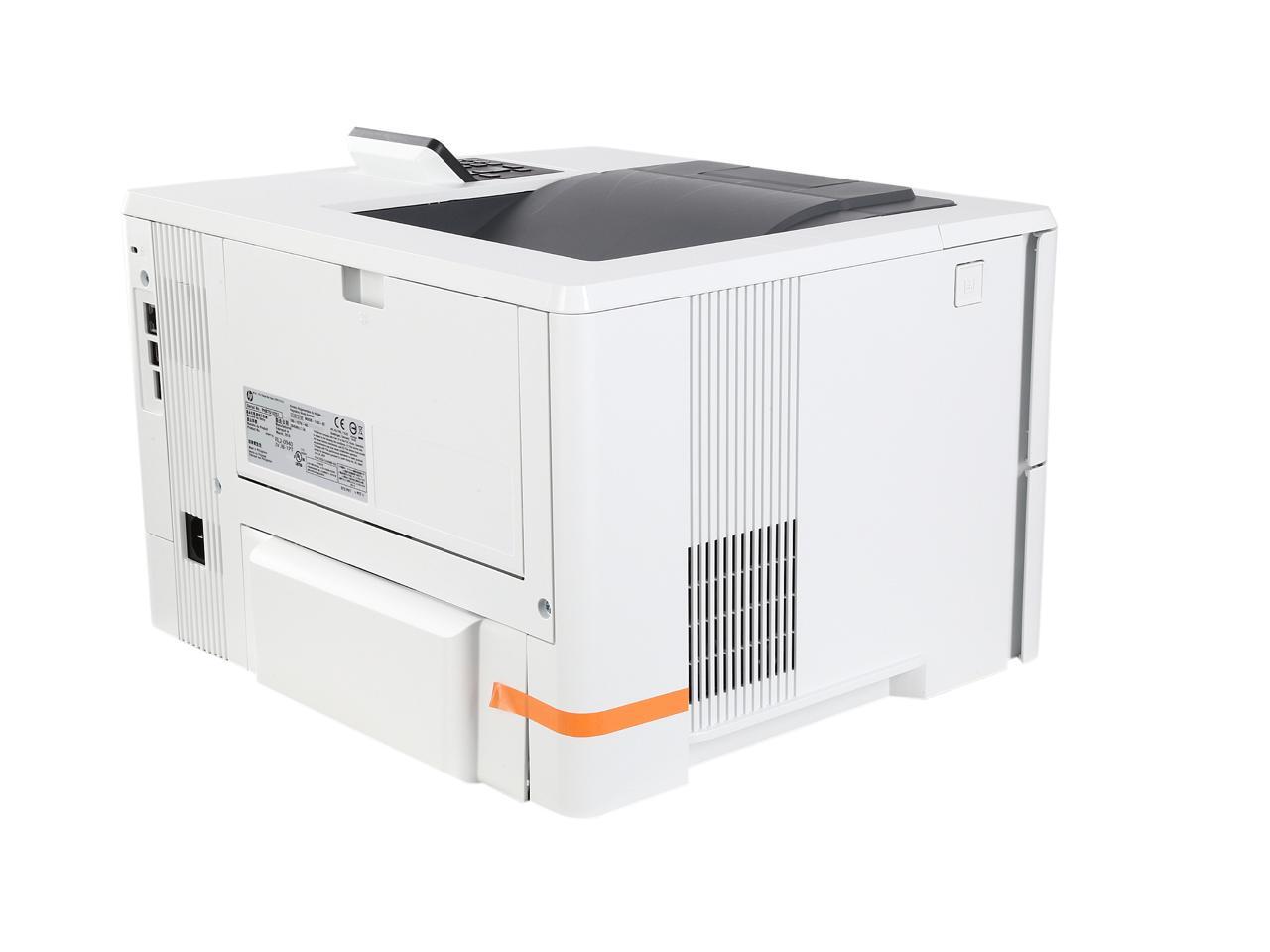
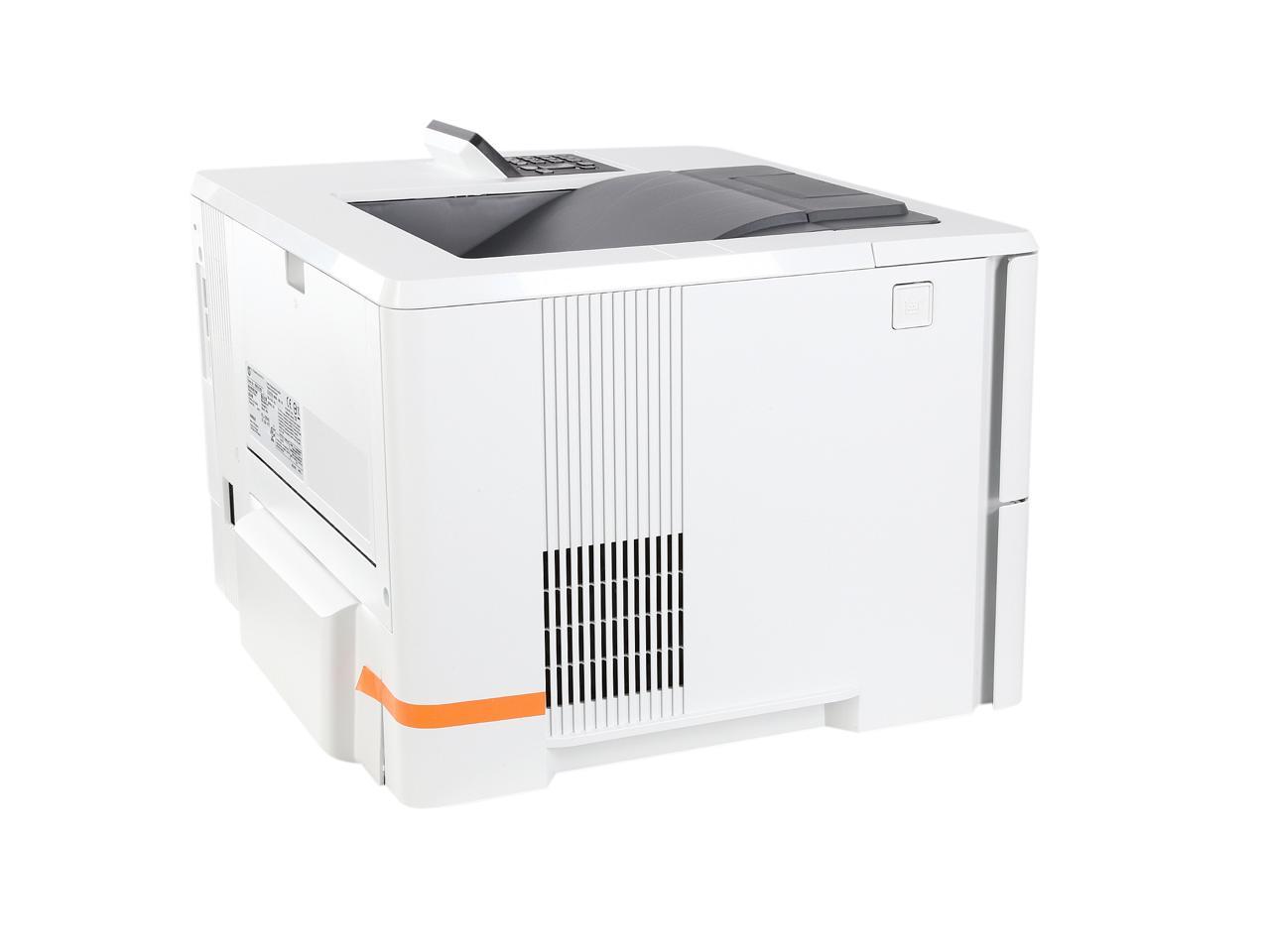
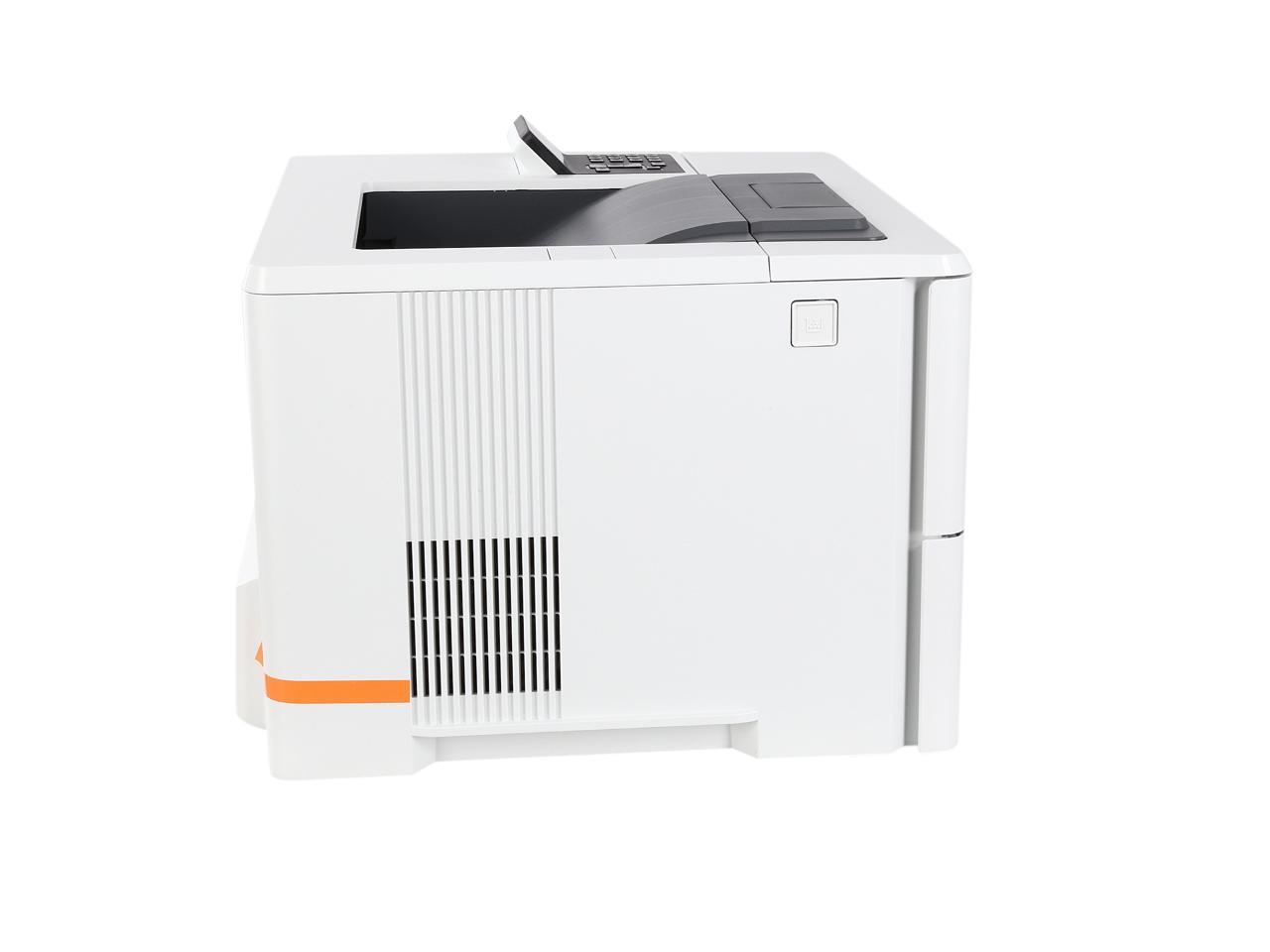
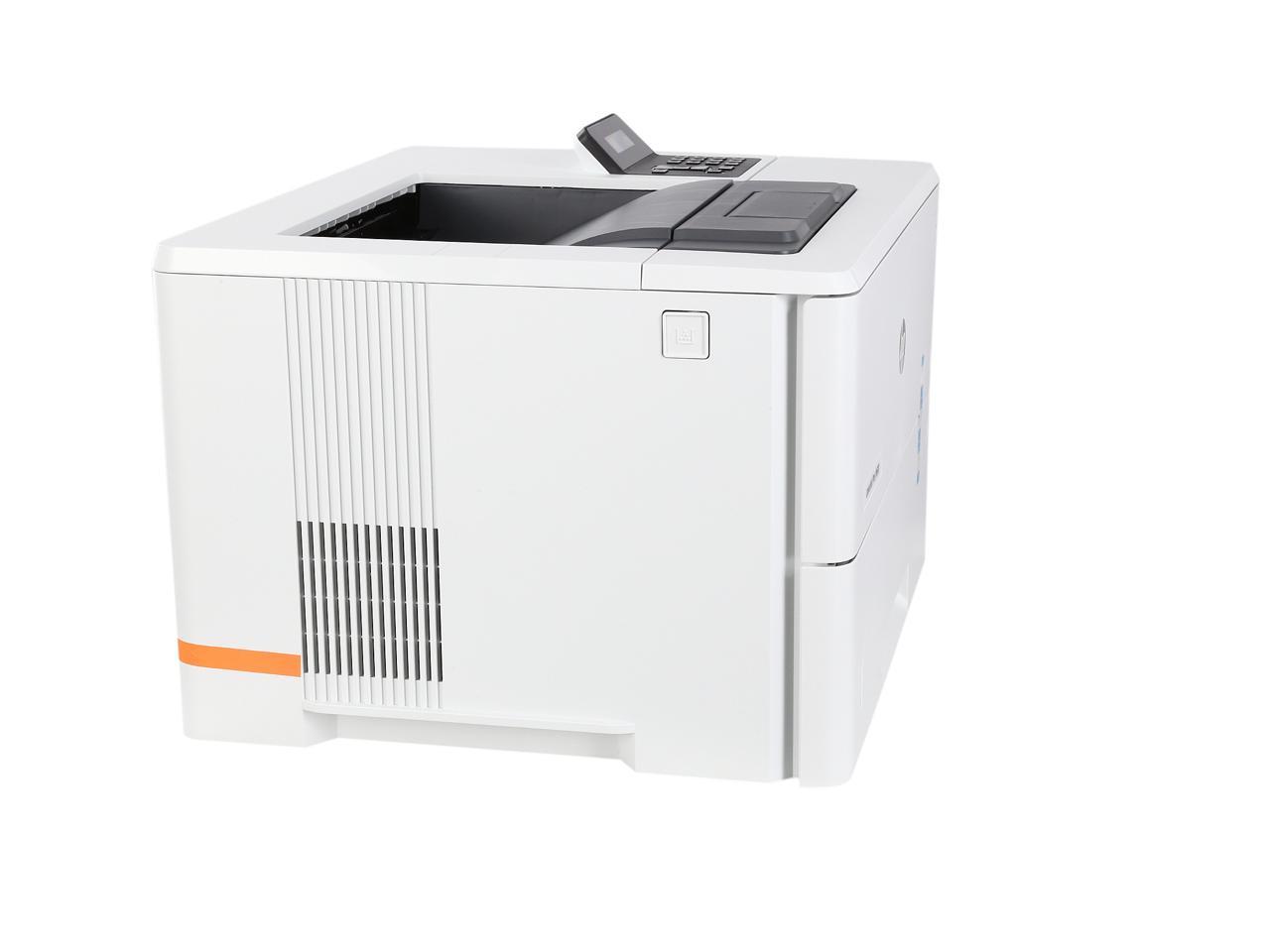

360°


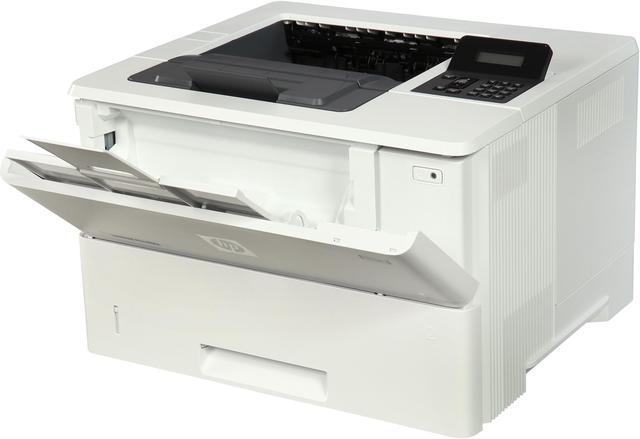
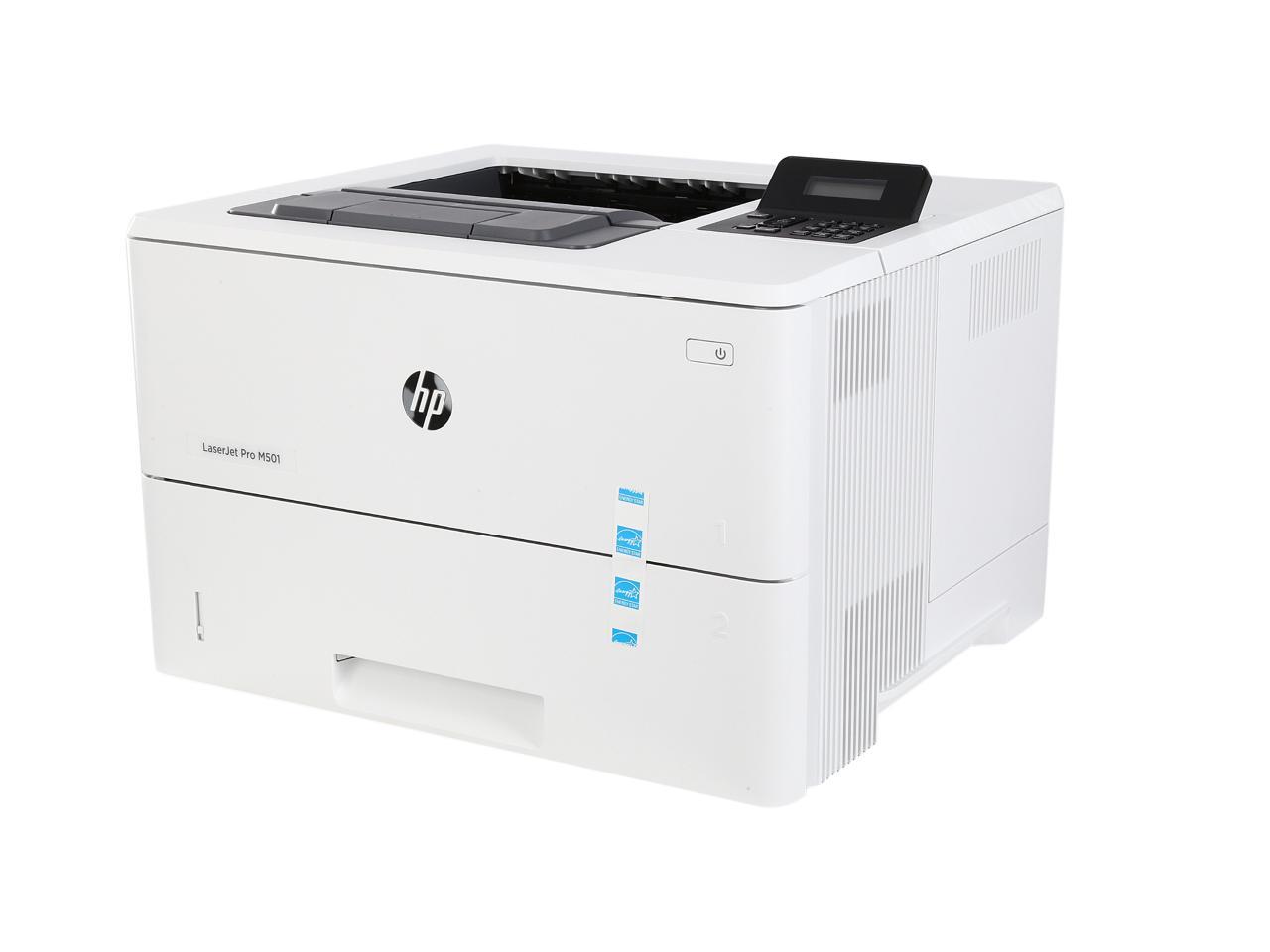
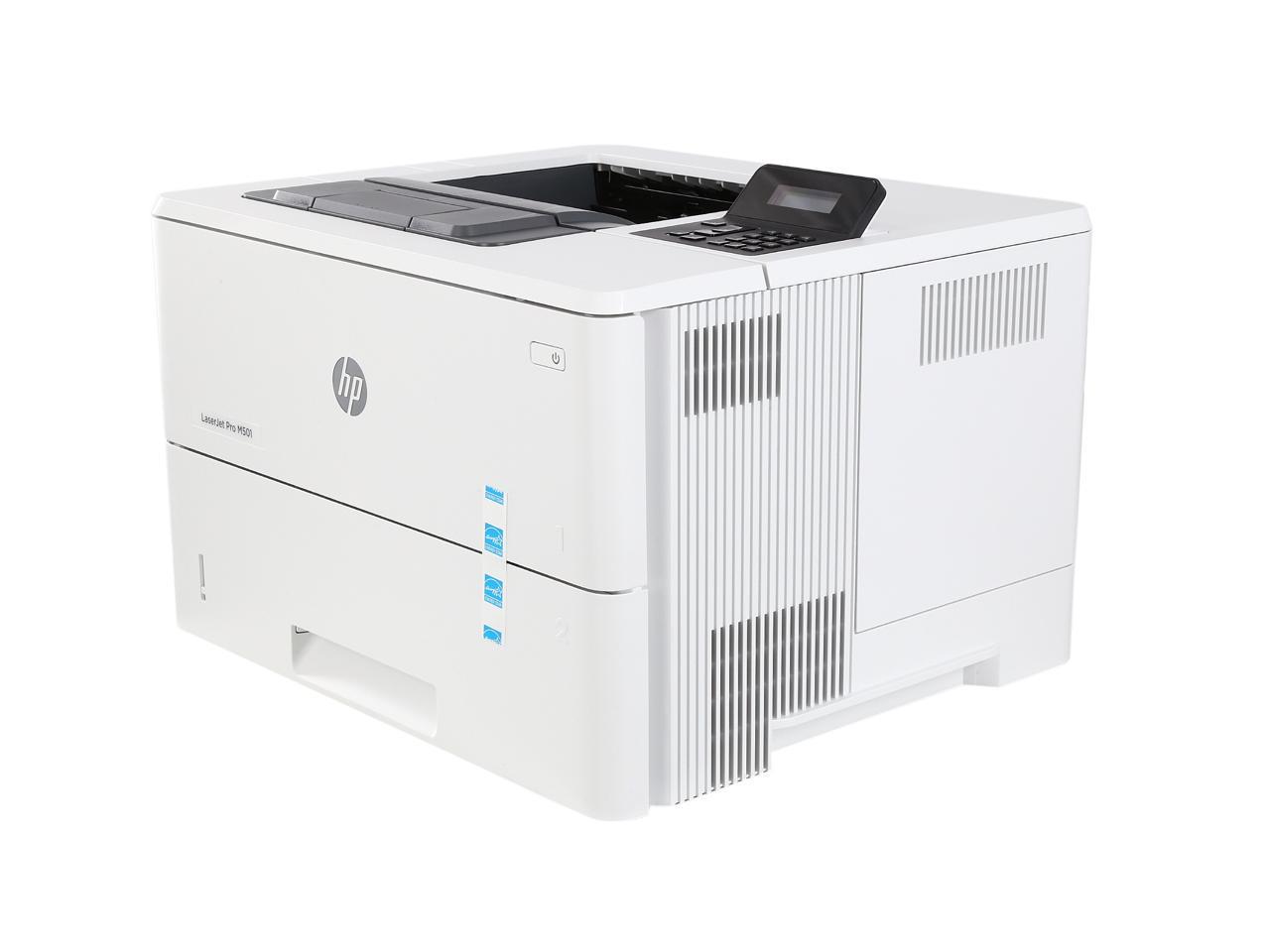
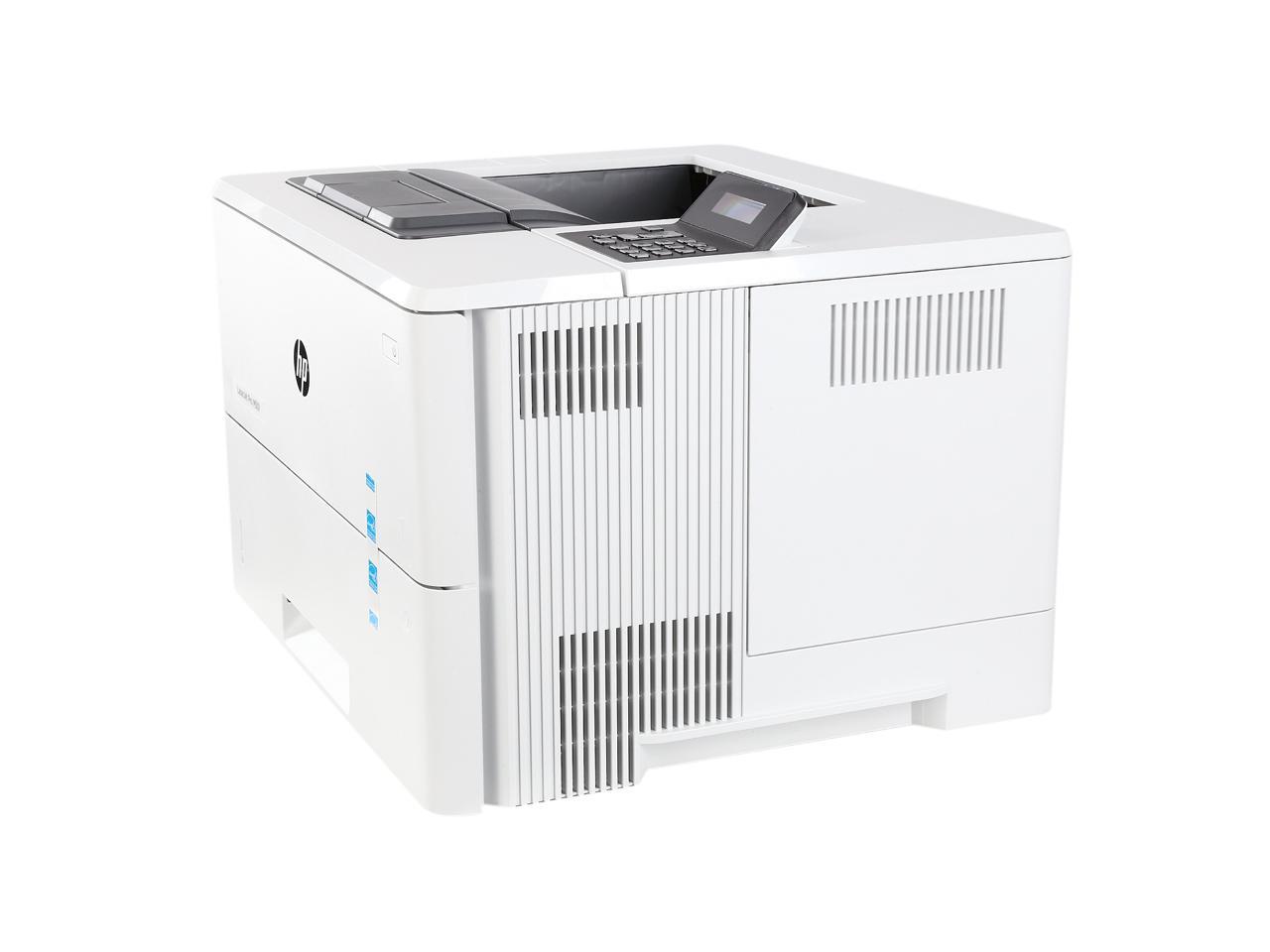
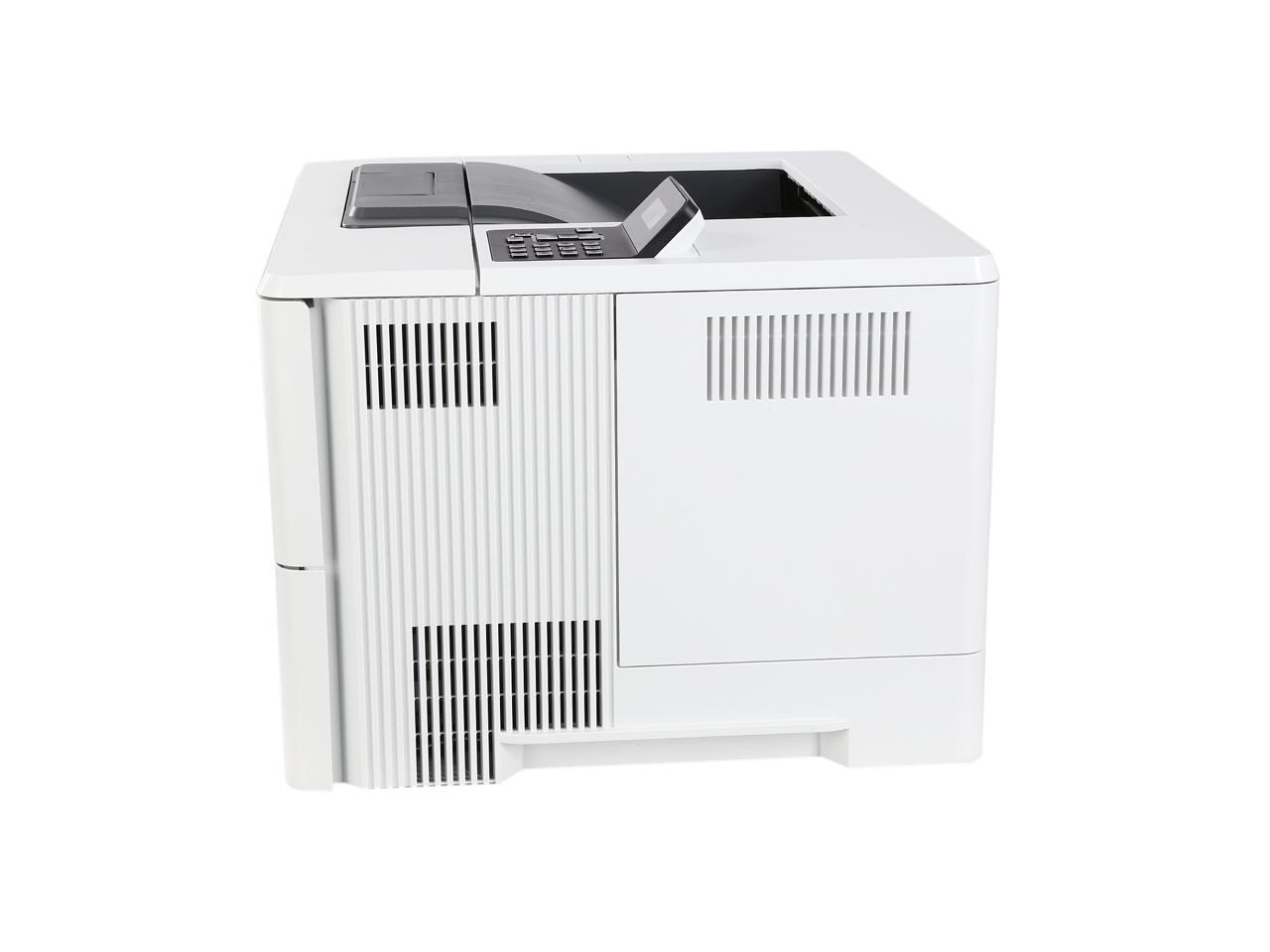
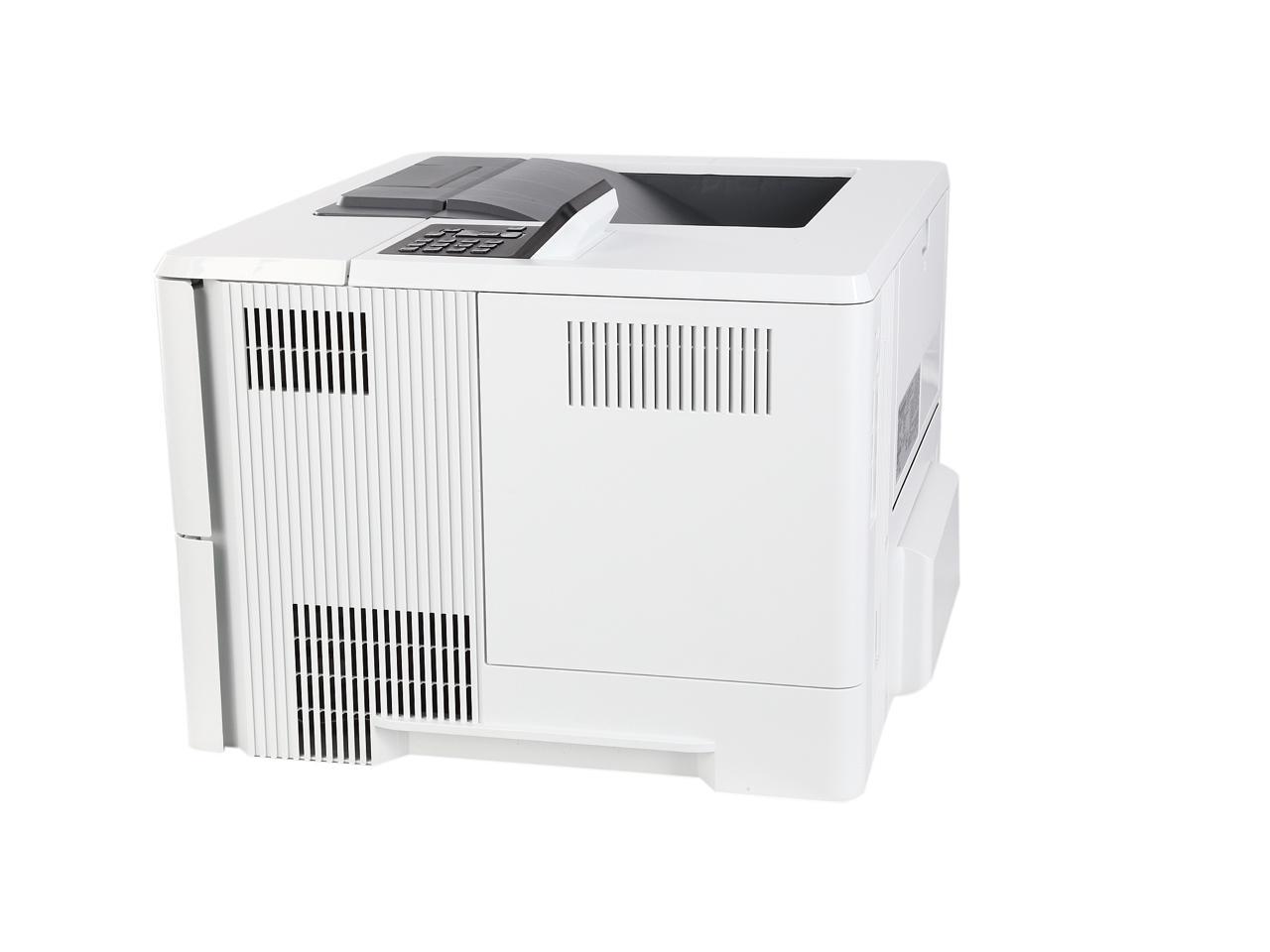
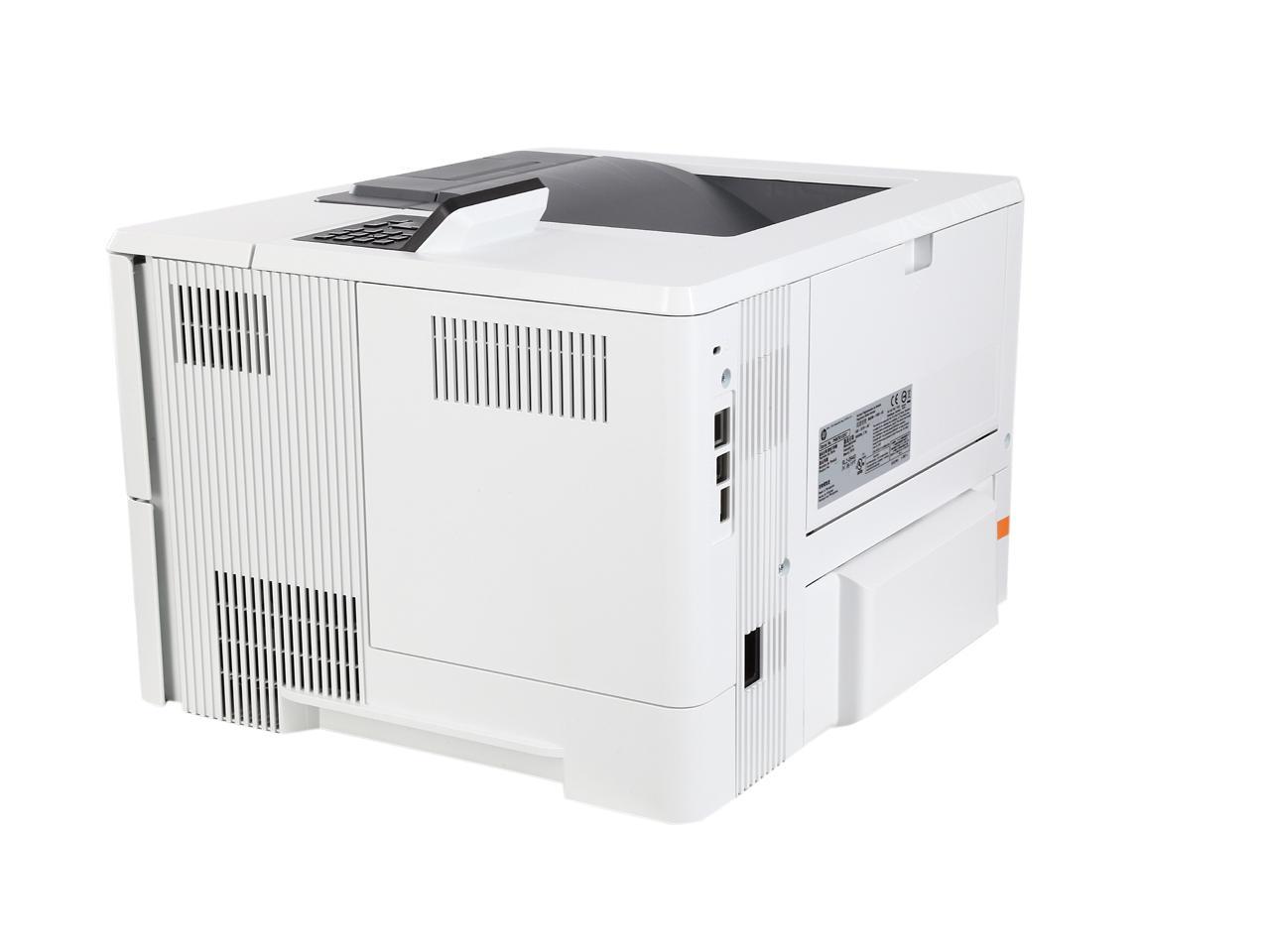
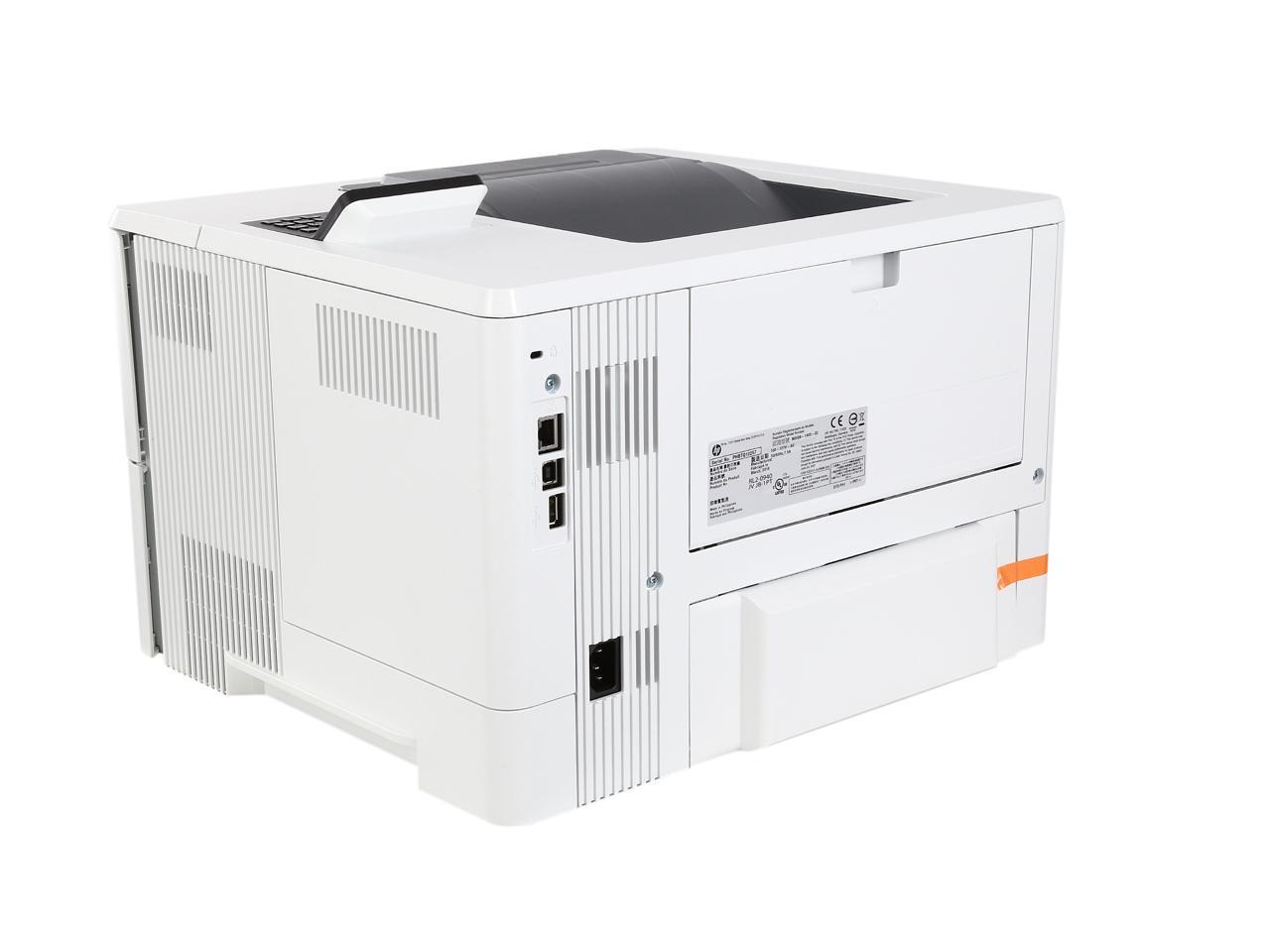
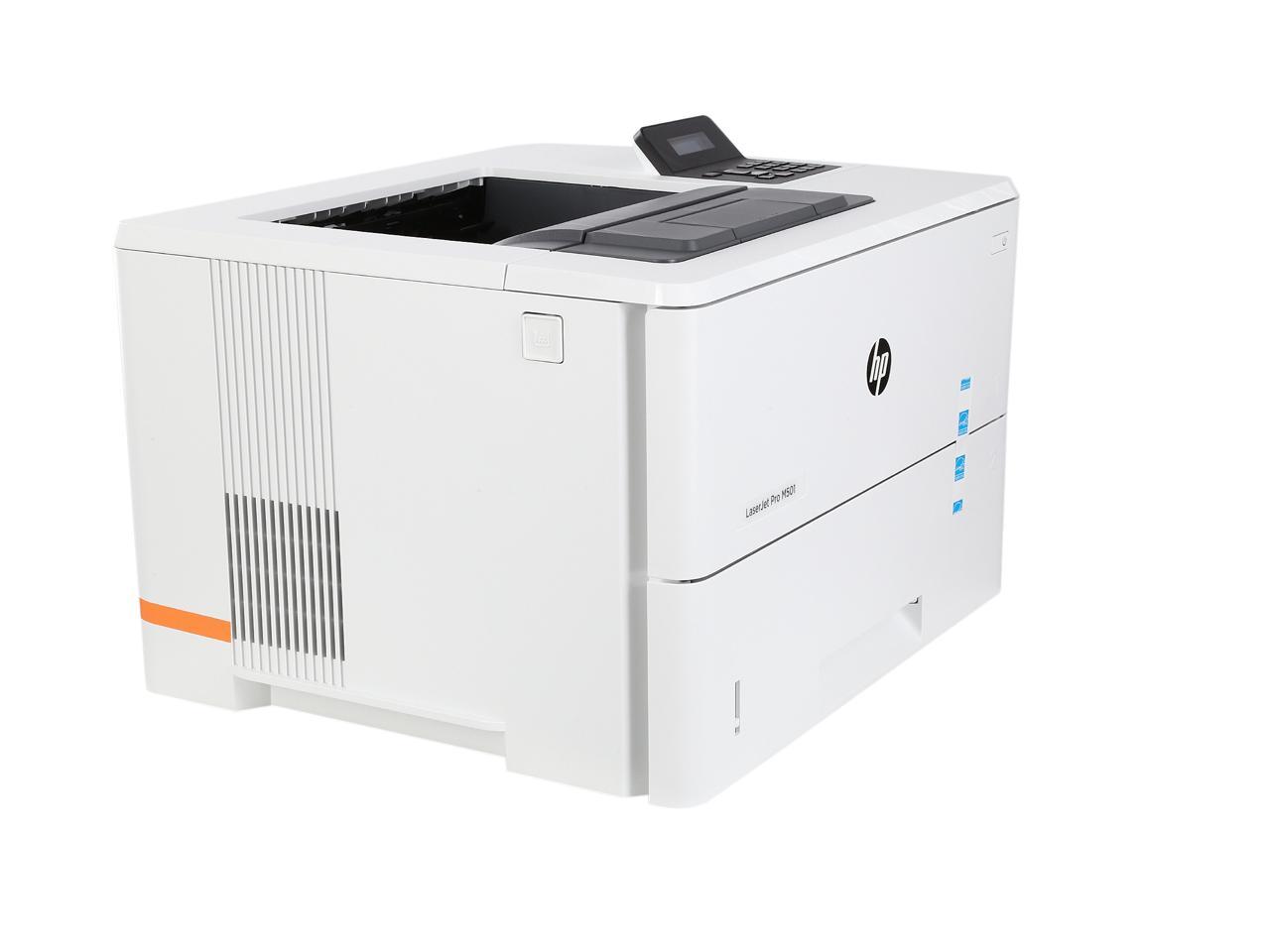
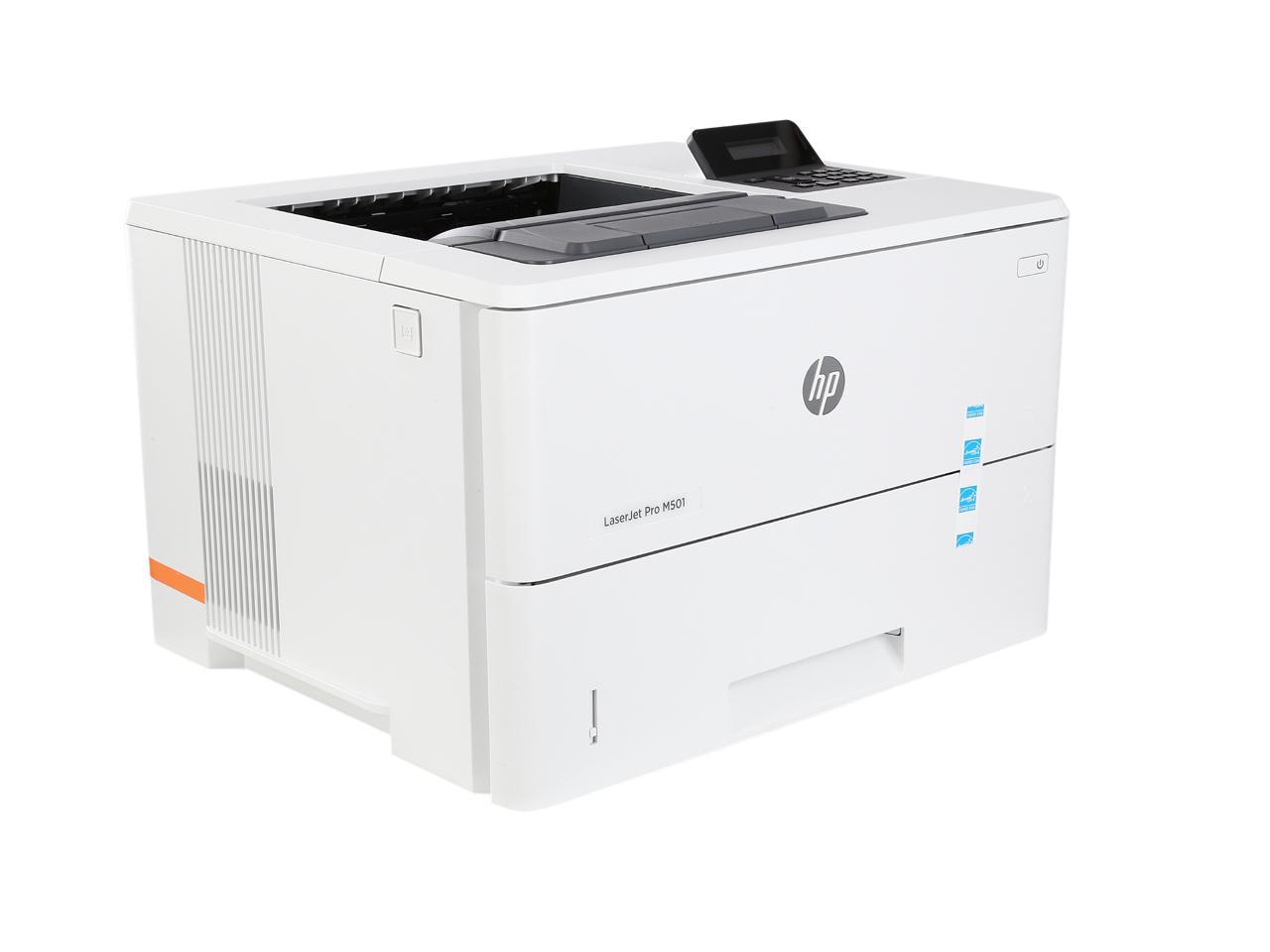
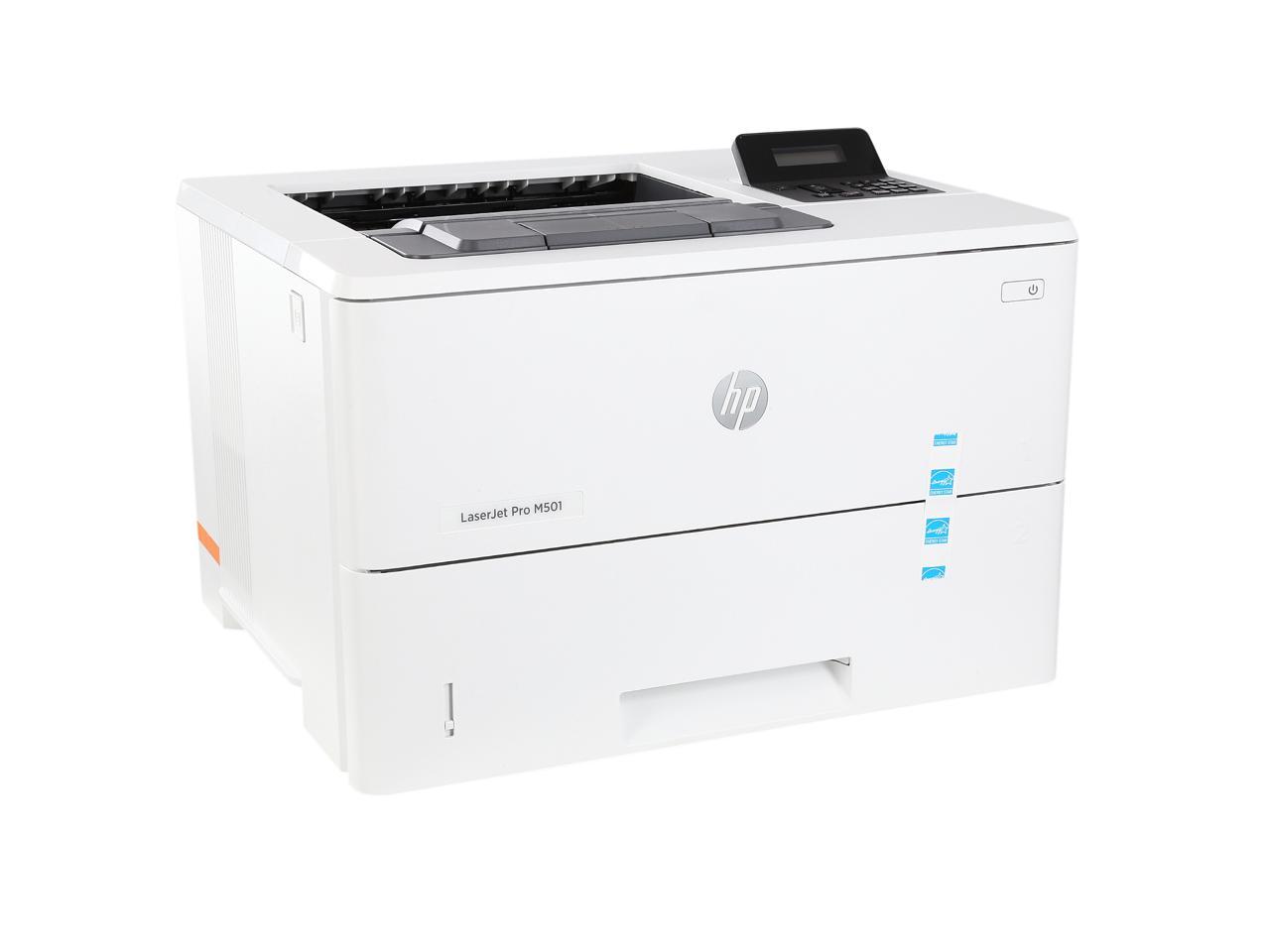
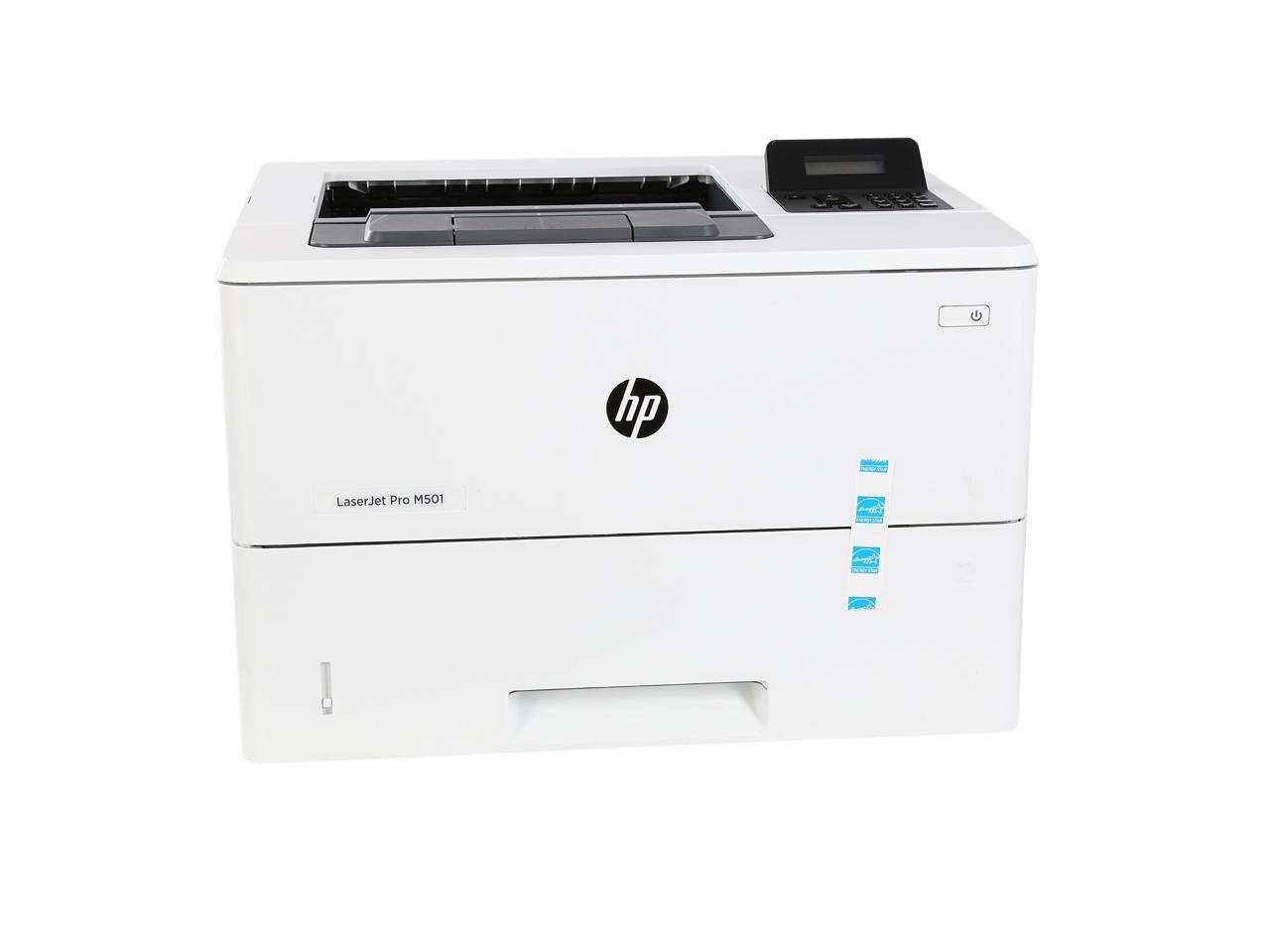
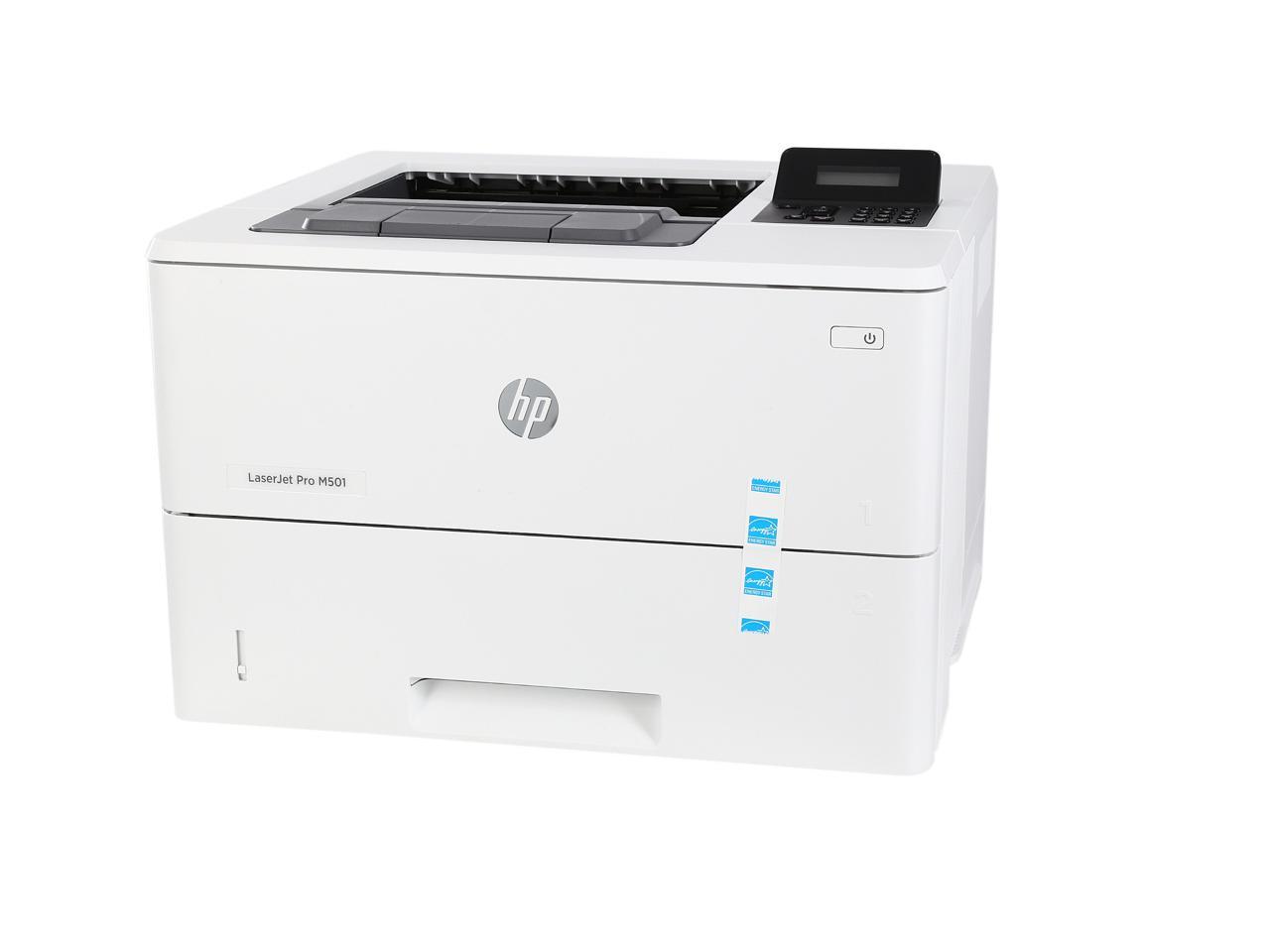
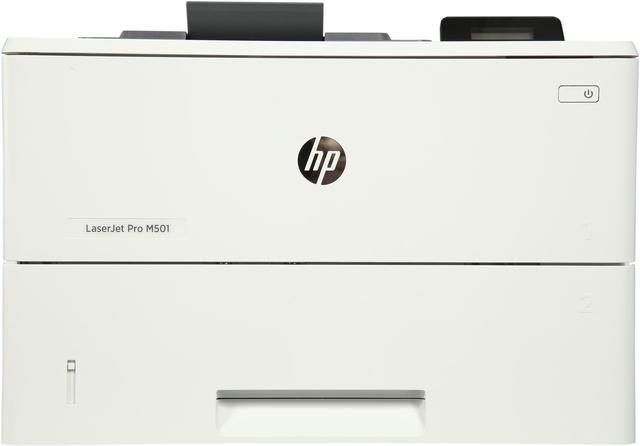
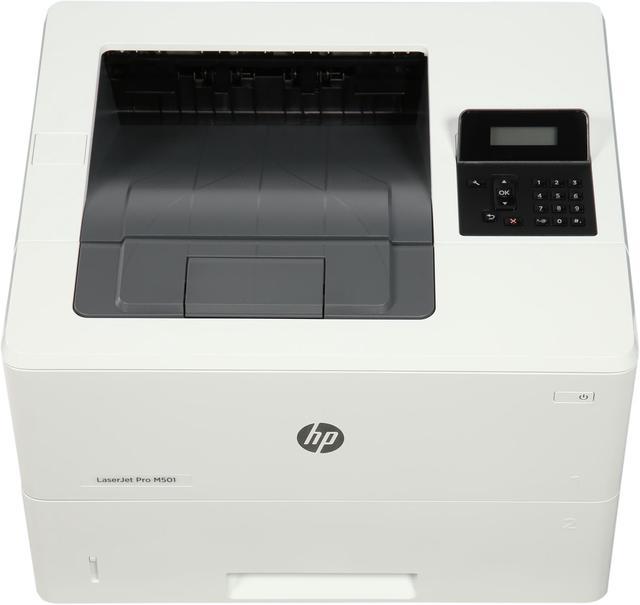
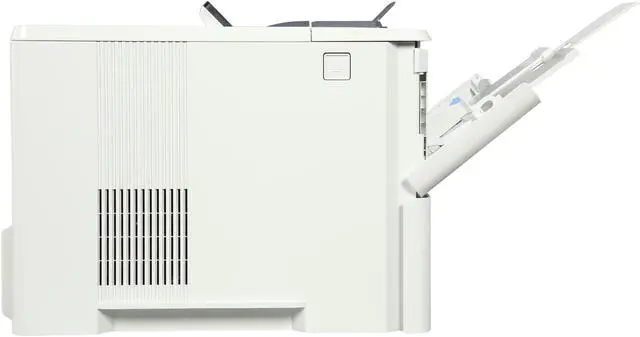
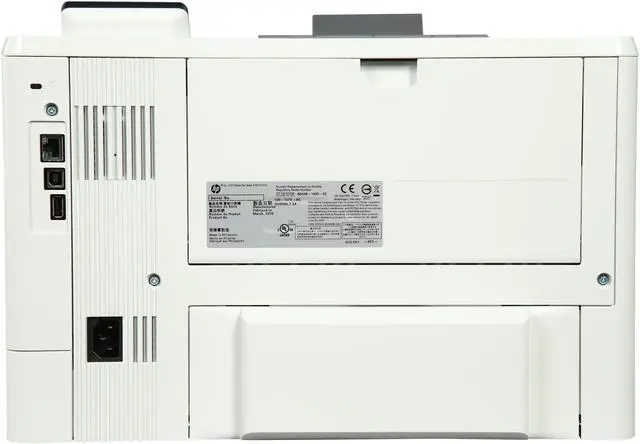
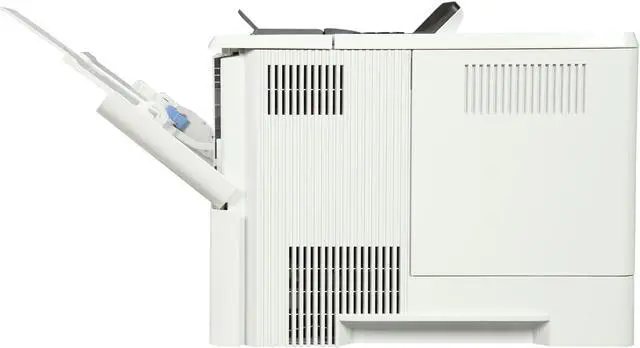
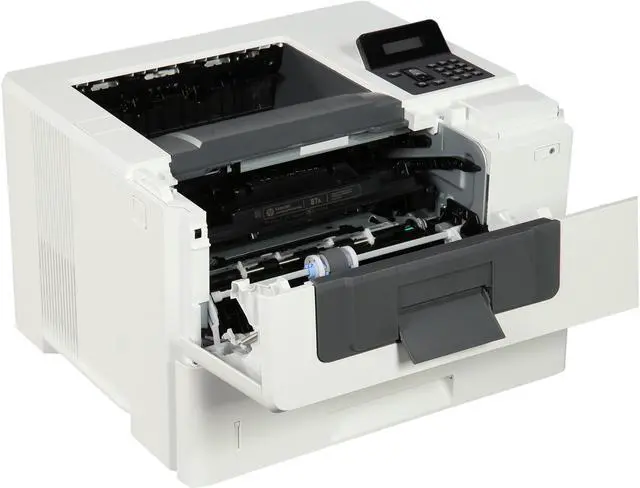
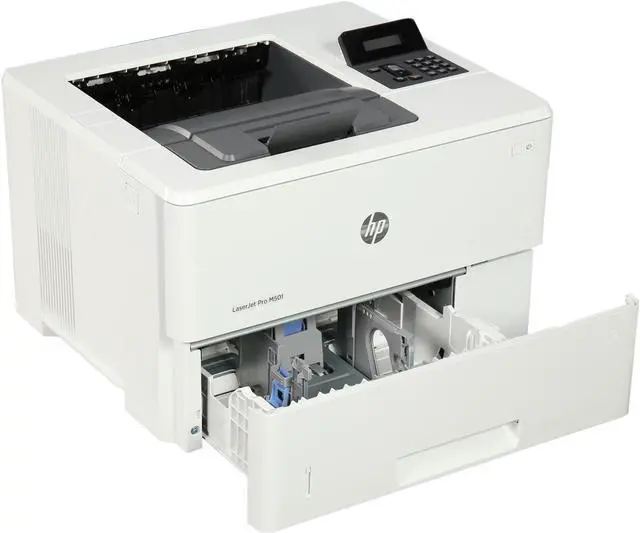
HP LaserJet Pro M501dn Monochrome Airprint and ePrint Laser Printer
- Up to 45 ppm
- Up to 4800 x 600 enhanced dpi
- USB, Ethernet
- Duplex
+
+
Overview
Specs
Reviews (2)
OverviewPut impressive print speeds and performance to work in your office. This energy-saving printer starts faster and delivers security features to help guard against threats. Original HP Toner cartridges with JetIntelligence produce more pages. Workteams excel with HPs black-and-white office LaserJet printers, which pack extra punch with high-quality results, extra power, and more features. FCC Class A emissions - for use in commercial environments, not residential environments FeaturesBig results, small footprintDont wait for documents. Print your first page in as few as 7.3 seconds from energy-efficient sleep mode. Get strong protection and easily manage your fleetHelp keep printing safe from boot up to shutdown with security features that guard against complex threats.
More. Pages, Performance, and Protection. Produce sharp text, bold blacks, and crisp graphics with precision black toner. Compatible Supplies CF287A HP 87A Black Original LaserJet Toner Cartridge; CF287X HP 87X High Yield Black Original LaserJet Toner CartridgeMinimum system requirementsCompatible OS (see "Compatible Operating Systems"); CD-ROM drive or Internet connection (for software installation); dedicated USB connection or a network connection (wired or wireless); 1 GB available harddisk space; (For operating system minimum hardware requirements, see the OS manufacturer, such as microsoft. com)What's in the box? HP LaserJet Pro MFP M501dn; preinstalled introductory
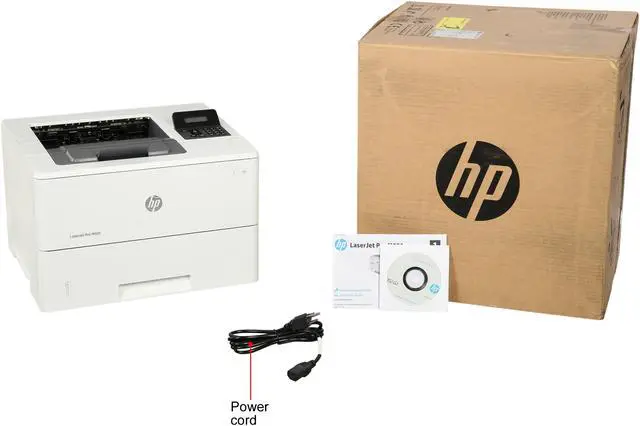
HP LaserJet Toner cartridge (Black: ~6000 pages); In-box documentation (Installation Guide, Getting Started Guide, User's Guide, Support Flyer, Warranty Guide); Printer documentation and software on CD-ROM; Software drivers and documentation on CD-ROM; Power cordDisclaimers Based on HP internal testing of top three leading competitors first page out from sleep mode and duplex print speed completed 12/2015. Subject to device settings. Actual results may vary. For details, see
http: //www. hp. com/go/Ljclaims More pages versus predecessor cartridges claim based on page-yield comparison of HP 55X High Yield Black Original LaserJet Toner Cartridges with HP 87X High Yield Black Original LaserJet Toner Cartridges. For more information, see
http: //www. hp. com/go/learnaboutsupplies Based on comparisons of TEC (Typical Electricity Consumption) data reported on energystar. gov for mono laser printers with > 1% worldwide market share as reported by IDC as of Q3 2015, available worldwide and with print speeds of 4050 ppm (A4). Actual results may vary.
Learn more at http: //www. hp. com/go/ljclaims Requires purchase of separate USB flash drive with at least 16 GB capacity. Measured using ISO/IEC
17629. For more information, see
http: //www. hp. com/go/printerclaims. Exact speed varies depending on the system configuration, software application, driver, and document complexity. Measured using ISO/IEC 24734 Feature Performance Test; excludes first set of test documents. For more information, see
http: //www. hp. com/go/printerclaims. Exact speed varies depending on the system configuration, software application, driver, and document complexity. Purchase of optional paper trays required to reach maximum input capacity. HP Web Jetadmin is available for download at no additional charge at http: //www. hp. com/go/webjetadmin Based on HP internal secured data (Device Security Comparison January 2015), and Solutions Report on HP JetAdvantage Security Manager 2.1 from Buyers Laboratory LLC, February
2015. Requires separate purchase. For details, see
http: //www. hp. com/go/securitymanager HP 87X High Yield Black Original LaserJet Toner Cartridges not included; please purchase separately.
More. Pages, Performance, and Protection. Produce sharp text, bold blacks, and crisp graphics with precision black toner. Compatible Supplies CF287A HP 87A Black Original LaserJet Toner Cartridge; CF287X HP 87X High Yield Black Original LaserJet Toner CartridgeMinimum system requirementsCompatible OS (see "Compatible Operating Systems"); CD-ROM drive or Internet connection (for software installation); dedicated USB connection or a network connection (wired or wireless); 1 GB available harddisk space; (For operating system minimum hardware requirements, see the OS manufacturer, such as microsoft. com)What's in the box? HP LaserJet Pro MFP M501dn; preinstalled introductory
HP LaserJet Toner cartridge (Black: ~6000 pages); In-box documentation (Installation Guide, Getting Started Guide, User's Guide, Support Flyer, Warranty Guide); Printer documentation and software on CD-ROM; Software drivers and documentation on CD-ROM; Power cordDisclaimers Based on HP internal testing of top three leading competitors first page out from sleep mode and duplex print speed completed 12/2015. Subject to device settings. Actual results may vary. For details, see
http: //www. hp. com/go/Ljclaims More pages versus predecessor cartridges claim based on page-yield comparison of HP 55X High Yield Black Original LaserJet Toner Cartridges with HP 87X High Yield Black Original LaserJet Toner Cartridges. For more information, see
http: //www. hp. com/go/learnaboutsupplies Based on comparisons of TEC (Typical Electricity Consumption) data reported on energystar. gov for mono laser printers with > 1% worldwide market share as reported by IDC as of Q3 2015, available worldwide and with print speeds of 4050 ppm (A4). Actual results may vary.
Learn more at http: //www. hp. com/go/ljclaims Requires purchase of separate USB flash drive with at least 16 GB capacity. Measured using ISO/IEC
17629. For more information, see
http: //www. hp. com/go/printerclaims. Exact speed varies depending on the system configuration, software application, driver, and document complexity. Measured using ISO/IEC 24734 Feature Performance Test; excludes first set of test documents. For more information, see
http: //www. hp. com/go/printerclaims. Exact speed varies depending on the system configuration, software application, driver, and document complexity. Purchase of optional paper trays required to reach maximum input capacity. HP Web Jetadmin is available for download at no additional charge at http: //www. hp. com/go/webjetadmin Based on HP internal secured data (Device Security Comparison January 2015), and Solutions Report on HP JetAdvantage Security Manager 2.1 from Buyers Laboratory LLC, February
2015. Requires separate purchase. For details, see
http: //www. hp. com/go/securitymanager HP 87X High Yield Black Original LaserJet Toner Cartridges not included; please purchase separately.
Warranty & Returns
Warranty, Returns, And Additional Information
Warranty
- Please contact the Seller directly for warranty information. Warranty information may also be found on the Manufacturer's website.
- Read full details
- CONTACT
Return Policies
- Return for refund within: 30 days
- Return for replacement within: 30 days
- This item is covered by Hot Deals 4 Less Return Policy
Manufacturer Contact Info
- For a directory of all our manufacturers, please click below.
- Manufacturers Directory
LOADING...
LOADING...