
Your Browsing History
BEST SELLERS


BEST SELLERS
In Gaming Monitor
Our most popular products, based on sales and updated frequently.Shop Department
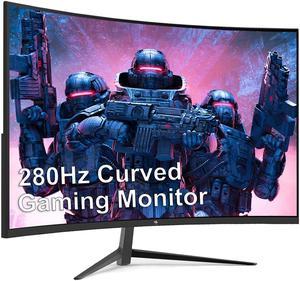
Z-EDGE UG27P 27" 1080P Curved Gaming Monitor, 280Hz, 1ms, 350cd/m², HDR10, FreeSync Compatible, 2 x HDMI 2.0, 2 x DP 1.2, Support Wall Mount
- Screen Size: 27"
- Refresh Rate: 280Hz
- Resolution: 1920 x 1080
- Response Time: 1 ms
- Model #: UG27P
- Item #: 9SIBUTHK711358
- Return Policy: View Return Policy
$259.99
Free Shipping
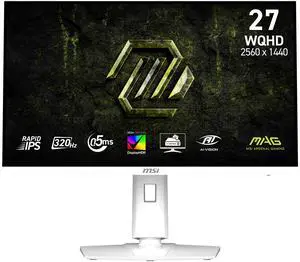
MSI 27" QHD 2K 1440P 320Hz IPS with FreeSync (Adaptive Sync) HDR400 Ai Vision with Height Adjustable, Pivot, Swivel & Tilt stand white color Gaming Computer Monitor MAG 274QRFW X32
- Screen Size: 27"
- Refresh Rate: 320Hz
- Resolution: 2560 x 1440 (2K)
- Response Time: 0.50 ms
- Model #: MAG 274QRFW X32
- Item #: N82E16824475504
- Return Policy: 15-Day Return Policy
OUT OF STOCK
Sold Price: $428.99
Free Shipping
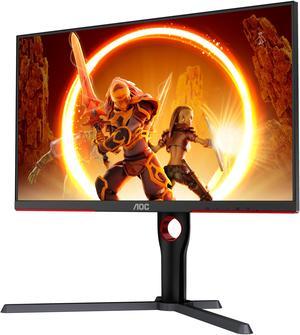
AOC Q27G3XMN 27" Mini LED Gaming Monitor, 2K QHD 2560x1440, 180Hz 1ms, 2X HDMI 2.0, 2X Display Port, Height Adjustable, Xbox/PS5/Switch Ready, 3-Year Zero-Bright-dot
- Screen Size: 27"
- Refresh Rate: 180 Hz (Using DP 1.4), 144 Hz (Using HDMI 2.0)
- Resolution: 2560 x 1440 (2K)
- Response Time: 1ms (GtG)
- Model #: Q27G3XMN
- Item #: N82E16824160516
- Return Policy: 15-Day Return Policy
$449.99
$16.03 Shipping
Compared to the hp2511x (on left in photo) this is a huge step up. The blacks look great without even engaging the local dimming features. I find it great for office work (text is clear) and great for gaming. I don't feel like I'm missing out on anything having chosen this over an OLED. It looks as good as my OLED TV.
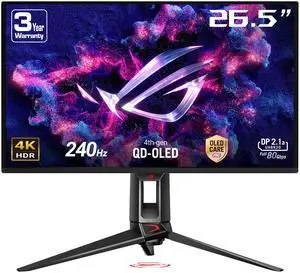
ASUS ROG Swift 27" UHD 4K 240Hz with FreeSync Premium & G-Sync Compatible 0.03ms HDR400 Semi-Glossy OLED Gaming Computer Monitor with Height Adjustable, Pivot, Swivel & Tilt Stand PG27UCDM
- Screen Size: 27"
- Refresh Rate: 240Hz
- Resolution: 3840 x 2160 (4K)
- Response Time: 0.03 ms
- Model #: PG27UCDM
- Item #: 9SIAMW5KK15807
- Return Policy: View Return Policy
$2,572.94
- Tuning. I like how I can EASILY tune this monitor to my needs. - Just feels/performs like a premium product. I dont normally say that about monitors. - OLED care has not been intrusive nor annoying - I like the 4 blue light settings. After an injury my eyes became VERY sensitive. My eyes have not experienced fatigue or discomfort/actual pain. I personally use setting 2 on this monitor to help "protect" my eyes. (Some monitors literally hurt my eyes. This one doesnt) - I am enjoying working on my daily Database / ERP system deliverables simply because the text is SO clear, and even with blue light filter on, the colors are incredible. - The colors are fantastic - deserves its own call out. - Input detection is flawless. Exponentially better than the Samsung Neo monitors and Odyssey Arc 2 monitor. (I have owned and tried a lot of Samsungs.) I dont have to sit there and unplug and replug the power cable, disconnect and reconnect inputs, and etc in order to get the right input detected. Auto input detection actually WORKS. - PBP/PIP is something I use here and there. No issues at all. -Ports are labeled clearly on the back and are not in a microscopic font size. I dont know why this is something that isnt normalized across the industry. -The RGB on the back of the monitor looks pretty cool and not overdone. By overdone, I mean there is a small ACCENT of RGB, not an entire side of the monitor or more of RGB. Too much RGB drives up the cost of a monitor needlessly, but that is my opinion and to each his own... -If you arent mounting the monitor, the stand itself is pretty cool with the image it projects on the desk. -It is just a monitor. A great monitor. No bloatware or streaming services or "connect me to the cloud" setup steps. Plug it in, toggle refresh rate and your resolution to what you need in your settings, and you can literally just get to work/play games. It took me longer to open up the box than to install the monitor to the stand, connect cables, and start using it.
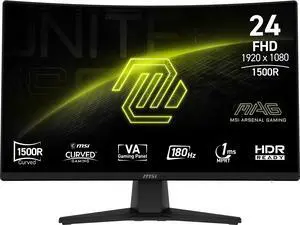
MSI 24" 180Hz VA FHD Gaming Monitor Adaptive Sync 89.9% ADOBE RGB / 91.5% DCI-P3 / 115.8% sRGB MAG 242C
- Screen Size: 24"
- Refresh Rate: 180Hz
- Resolution: 1920 x 1080
- Response Time: 1ms (MPRT) / 4ms (GTG)
- Model #: MAG 242C
- Item #: N82E16824475473
- Return Policy: 15-Day Return Policy
$166.99
$179.99
$13.27 Shipping
-Easy setup -HDMI and DP
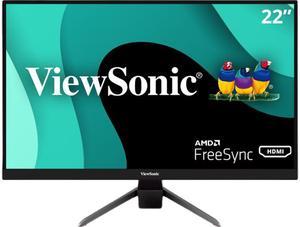
ViewSonic VX2267-MHD 22 Inch 1080p Gaming Monitor with 75Hz, 1ms, Ultra-Thin Bezels, FreeSync, Eye Care, HDMI, VGA, and DP
- Screen Size: 22" (21.5" Viewable)
- Refresh Rate: 75Hz
- Resolution: 1920 x 1080
- Response Time: 1 ms (MPRT)
- Model #: VX2267-MHD
- Item #: N82E16824117091
- Return Policy: 15-Day Return Policy
$139.99
$169.99
$9.99 Shipping
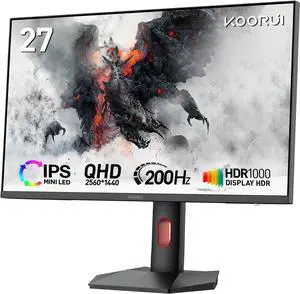
KOORUI 27" 2K QD-MiniLED Gaming Monitor - 200Hz 1ms, 97% DCI-P3, HDR1000, 300,000:1 Contrast, Adaptive Sync, HDMI 2.1/DP1.4 (Cables Included), VESA 100x100, Height Adjustable - Black
- Screen Size: 27"
- Refresh Rate: 200Hz
- Resolution: 2560 x 1440 (2K)
- Response Time: DIC 1ms
- Model #: S2721PM
- Item #: N82E16824685010
- Return Policy: 15-Day Return Policy
$329.99
$429.99
$17.95 Shipping
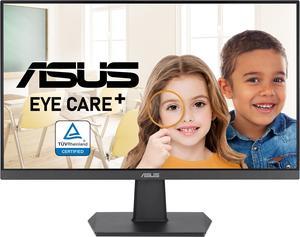
ASUS 24" (23.8-inch viewable) 1080P Eye Care Monitor (VA24EHF) - IPS, Full HD, Frameless, 100Hz, 1ms, Adaptive-Sync, for Working and Gaming, Low Blue Light, Flicker Free, HDMI, VESA Mountable, Tilt
- Screen Size: 24"
- Refresh Rate: 100Hz
- Resolution: 1920 x 1080
- Response Time: 1 ms MPRT
- Model #: 90LM0560-B031B0
- Item #: 9SIA92GKTF9868
- Return Policy: View Return Policy
$94.95
$19.99 Shipping
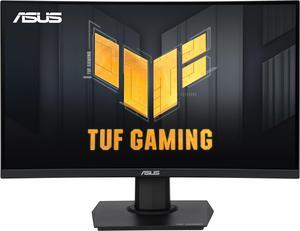
ASUS TUF 24" (23.6" viewable) Full HD 180Hz with AMD FreeSync (Adaptive Sync) 1ms HDR10 Curved Gaming Computer Monitor VG24VQER
- Screen Size: 24" (23.6" Viewable)
- Refresh Rate: 180Hz
- Resolution: 1920 x 1080
- Response Time: 1ms MPRT
- Model #: 90LM0AF0-B011B0
- Item #: N82E16824281322
- Return Policy: 15-Day Return Policy
$193.99
$15.99 Shipping
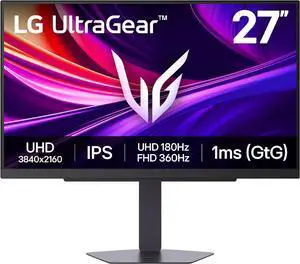
LG UltraGear 27" DUAL MODE UHD 4K 180Hz Full HD 360Hz IPS AMD FreeSync Premium & G-Sync Compatible 1ms HDR400 Gaming Computer Monitor with Height Adjustable, Swivel, Pivot & Tilt Stand 27G810A-B
- Screen Size: 27"
- Refresh Rate: 180Hz
- Resolution: 3840 x 2160 (4K)
- Response Time: 1 ms
- Model #: 27G810A-B
- Item #: N82E16824026518
- Return Policy: 15-Day Return Policy
$499.99
$649.99
Free Shipping
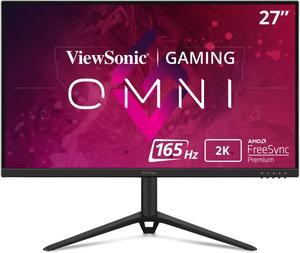
ViewSonic OMNI VX2728J-2K 27 Inch Gaming Monitor QHD 2560 x 1440 (2K) 165Hz 1ms IPS w/ FreeSync Premium, Advanced Ergonomics, HDMI, DP
- Screen Size: 27"
- Refresh Rate: 165Hz
- Resolution: 2560 x 1440 (2K)
- Response Time: 2.5ms
- Model #: VX2728J-2K
- Item #: N82E16824117161
- Return Policy: 15-Day Return Policy
$249.99
$349.99
$17.95 Shipping
G sync compatible cheap 1440p 165hz no curved nonsense height adjustable
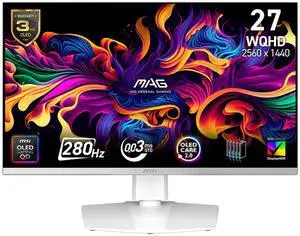
MSI 27" QHD 2K 1440P 280Hz with FreeSync Premium Pro & G-Sync Compatible 0.03ms HDR400 USB-C White OLED Gaming Computer Monitor with Height Adjustable, Swivel, Pivot & Tilt stand MAG272QPW QD-OLED X28
- Screen Size: 27"
- Refresh Rate: 280Hz
- Resolution: 2560 x 1440 (2K)
- Response Time: 0.03 ms
- Model #: MAG 272QPW QD-OLED X28
- Item #: N82E16824475502
- Return Policy: 15-Day Return Policy
$822.99
$17.95 Shipping
Color, Contrast
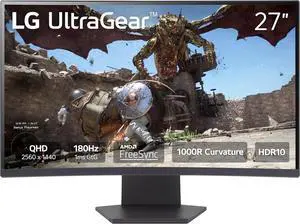
LG UltraGear 27" QHD 2K 1440P 180Hz with AMD FreeSync (Adaptive Sync) 1ms HDR10 1000R Curved Gaming Computer Monitor 27GS60QC-B
- Screen Size: 27"
- Refresh Rate: 180Hz
- Resolution: 2560 x 1440 (2K)
- Response Time: 1 ms
- Model #: 27GS60QC-B
- Item #: 9SIAMW5KBD6755
- Return Policy: View Return Policy
$534.99
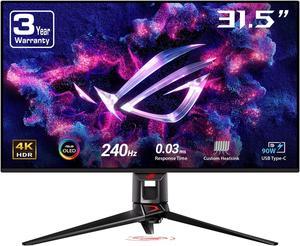
ASUS ROG Swift 32" UHD 4K 240Hz AMD FreeSync Premium Pro & G-SYNC Compatible 0.03ms HDR400 KVM USB-C OLED Gaming Monitor with Height Adjustable, Swivel & Tilt Stand PG32UCDM
- Screen Size: 32"
- Refresh Rate: 240Hz
- Resolution: 3840 x 2160 (4K)
- Response Time: 0.03 ms
- Model #: PG32UCDM
- Item #: 9SIA7BBKET7097
- Return Policy: View Return Policy
$2,630.34
Free Shipping
First off, the shipping. With ten days prior to Christmas, the site said it would arrive by Saturday before Christmas and it did, in pristine condition. Secondly, the monitor is so gorgeous, the blacks so black, that both my college-aged gamers and 6 of there friends haulted in their tracks and simply gasped a "Wow". One of my sons is a competitive eSports Captain for his college and he he was shocked at how good Overwatch played.
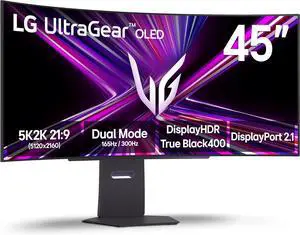
LG UltraGear 45" WUHD DUAL MODE 4K 165Hz FHD 330Hz FreeSync Premium Pro G-SYNC compatible 0.03ms USB-C HDR400 Curved OLED Gaming Computer Monitor with Height Adjustable, Swivel & Tilt stand 45GX950A-B
- Screen Size: 45"
- Refresh Rate: 165Hz
- Resolution: 5120 x 2160 (5K)
- Response Time: 0.03 ms (GtG)
- Model #: 45GX950A-B
- Item #: N82E16824026470
- Return Policy: 15-Day Return Policy
OUT OF STOCK
Sold Price: $2,236.99
$38.51 Shipping
Finally, an ultrawide that is 1440, I couldn't stand the 1440 monitors as their PPI was lower. Love this monitor!
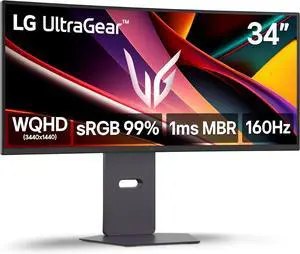
LG 34 inch UltraGear WQHD 1440p 160Hz 1ms G-Sync Compatible Gaming Monitor with USB Type-C 65W 34G600A-B
- Screen Size: 34"
- Refresh Rate: 160Hz
- Resolution: 3440 x 1440
- Response Time: 5ms (GtG at Faster), 1ms MBR
- Model #: 34G600A-B
- Item #: 9SIA7BBKJV5610
- Return Policy: View Return Policy
$507.26
Free Shipping
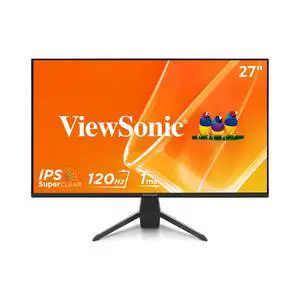
ViewSonic VX2770-MHD 27 Inch 1080p IPS Monitor with 120Hz, 1ms, Variable Refresh Rate, Eye Care, HDMI, VGA and DisplayPort Inputs
- Screen Size: 27"
- Refresh Rate: 120Hz
- Response Time: 3ms
- Display Colors: 16.7 Million
- Model #: VX2770-MHD
- Item #: 3D4-0021-00031
- Return Policy: Standard Return Policy
$194.99
$219.99
$15.78 Shipping
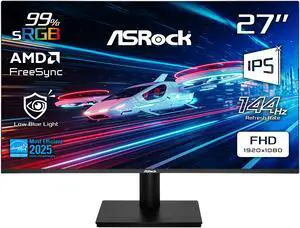
ASRock Phantom Gaming 27" Full HD 144Hz IPS with AMD FreeSync (Adaptive Sync) 1ms Computer Monitor for both Work and Gaming CL27FFB
- Screen Size: 27"
- Refresh Rate: 144Hz
- Resolution: 1920 x 1080
- Response Time: 1 ms
- Model #: CL27FFB
- Item #: N82E16824946008
- Return Policy: 15-Day Return Policy
$139.99
$169.99
$37.36 Shipping
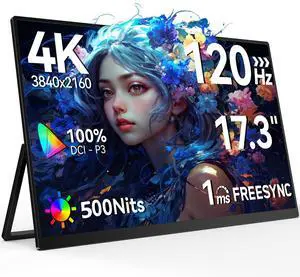
UPERFECT 17.3" 4K 120Hz Portable Gaming Monitor, 3840x2160 UHD, 500 Nits HDR, 0.1ms Fast IPS, 100% DCI-P3, USB-C/HDMI, VESA Mount, Kickstand Included, for Laptop PC PS5 Xbox Switch
- Screen Size: 17.3"
- Refresh Rate: 120Hz
- Resolution: 3840 x 2160 (4K)
- Response Time: 1 ms
- Model #: M173T01W-WJM
- Item #: 9SIBZF8KJS4936
- Return Policy: View Return Policy
$564.99
Free Shipping
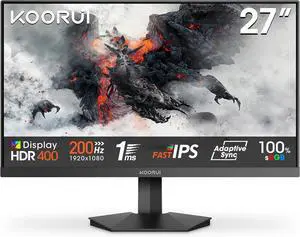
KOORUI 27" 1920 x 1080 200 Hz IPS Gaming Monitor FreeSync Premium (AMD Adaptive Sync) 89% DCI-P3 G2711P
- Screen Size: 27"
- Refresh Rate: 200Hz
- Resolution: 1920 x 1080
- Response Time: MPRT 1ms
- Model #: G2711P
- Item #: N82E16824685007
- Return Policy: 15-Day Return Policy
$153.99
$229.99
$14.83 Shipping