



Featured Brands















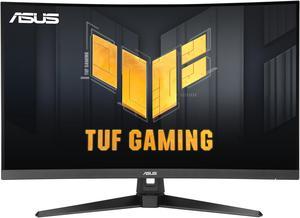
ASUS TUF Gaming 32" (31.5" viewable) QHD 2K 1440P 180Hz with AMD FreeSync (Adaptive Sync) 0.5ms 1500R ELMB Curved Gaming Computer Monitor VG32WQ3B
- Screen Size: 31.5"
- Refresh Rate: 180Hz
- Resolution: 2560 x 1440 (2K)
- Response Time: 0.50 ms
- Model #: 90LM0AP1-B011B1
- Item #: N82E16824281351
- Return Policy: 15-Day Return Policy
- $349.99
- $318.99 –
- Save: 8%
- More options from $318.99 - $457.99
- $31.84 Shipping
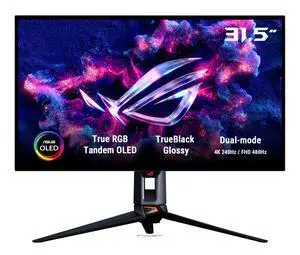
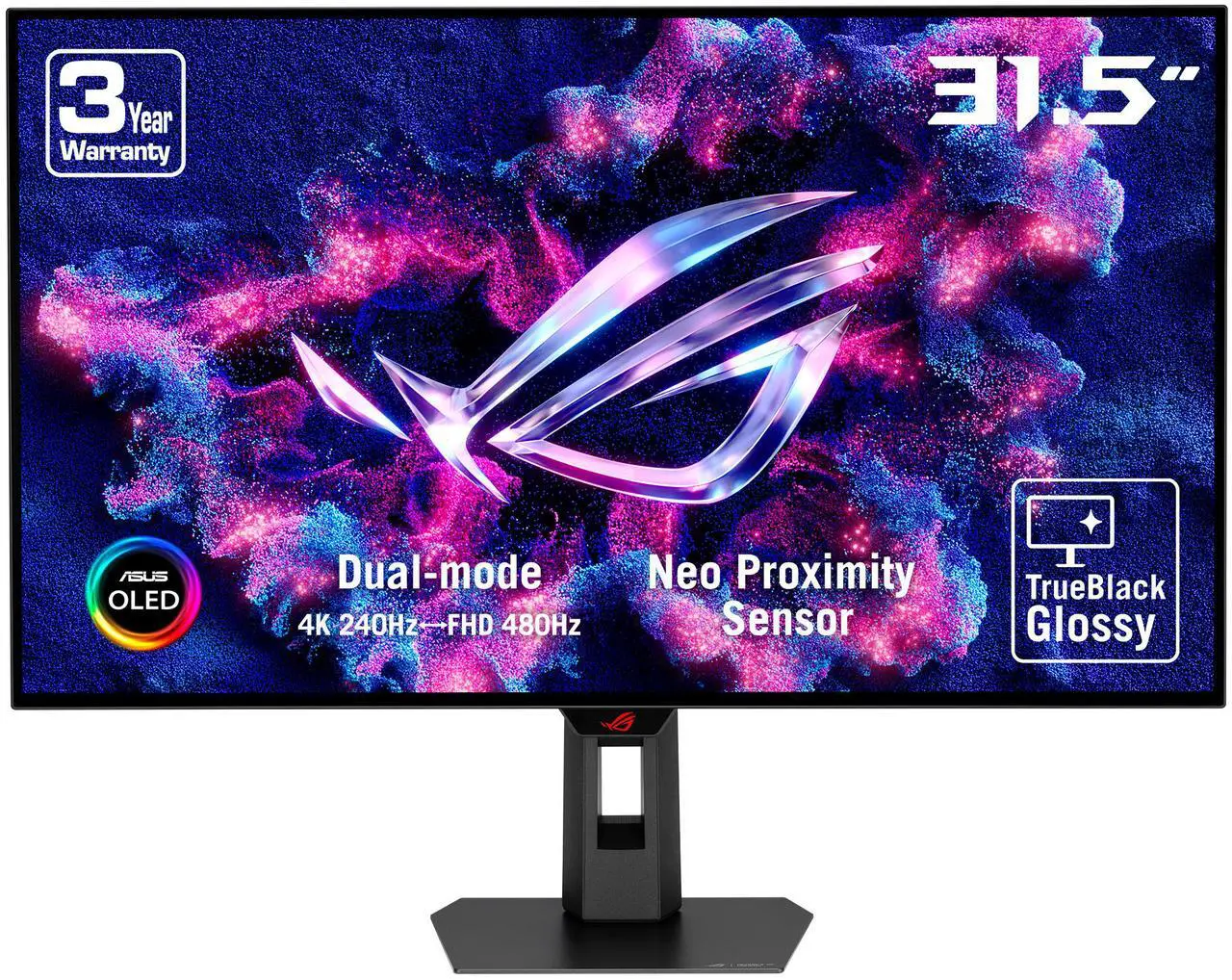
ASUS ROG 32" 4K 240Hz Tandem RGB OLED Gaming Monitor (PG32UCWM) - Dual Mode HD 480Hz, TrueBlack Glossy, Neo Proximity Sensor, 0.03ms, GaNFET technology, G-SYNC Compatible, DP2.1 for PS5 and Xbox
- Screen Size: 32" (31.5" actual Screen Size)
- Refresh Rate: 240Hz
- Resolution: 3840 x 2160
- Response Time: 0.03ms(GTG)
- Model #: PG32UCWM
- Item #: N82E16824281434
- Return Policy: 15-Day Return Policy
- $1,899.99 –
- $32.40 Shipping
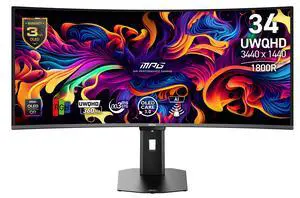
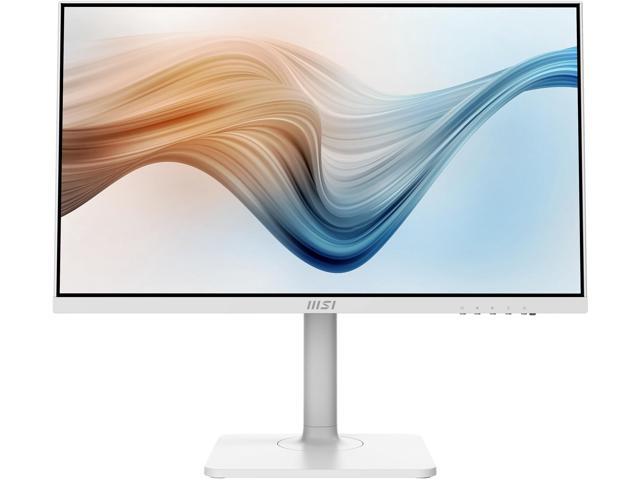
MSI 34 inch UltraWide QHD 1440P 360Hz AMD FreeSync Premium Pro & G-Sync Compatible USB-C OLED Curved Gaming Computer Monitor with Height Adjustable, Swivel, Pivot & Tilt Stand MPG 341CQR QD-OLED X36
- Screen Size: 34"
- Refresh Rate: 360Hz
- Resolution: 3440 x 1440
- Response Time: 0.03ms (GTG)
- Model #: MPG 341CQR QD-OLED X36
- Item #: N82E16824475549
- Return Policy: 15-Day Return Policy
- $1,299.99 –
- More options from $1,299.99 - $1,518.44
- Free Shipping
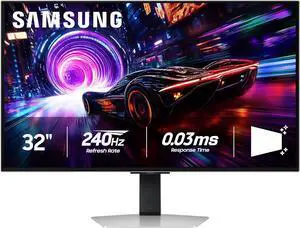
Samsung Odyssey G8 32" UHD 4K 240Hz FreeSync Premium Pro & G-Sync compatible 0.03ms HDR400 Glare Free OLED Gaming Computer Monitor with Height Adjustable, Swivel, Pivot & Tilt Stand LS32FG810SNXZA
- Screen Size: 32"
- Refresh Rate: 240Hz
- Resolution: 3840 x 2160 (4K)
- Response Time: 0.03 ms
- Model #: LS32FG810SNXZA
- Item #: N82E16824027368
- Return Policy: 15-Day Return Policy
- $1,699.99
- $899.99 –
- Save: 47%
- More options from $899.99 - $2,148.99
- $30.29 Shipping
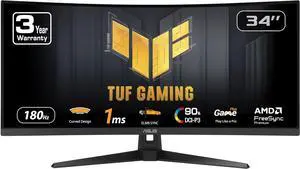
ASUS TUF Gaming 34" Ultrawide QHD 2K 1440P 180Hz with AMD FreeSync Premium (Adaptive Sync) 1ms Built-in Speakers ELMB SYNC 1500R Curved Gaming Computer Monitor VG34VQ3B
- Screen Size: 34"
- Refresh Rate: 180Hz
- Resolution: 3440 x 1440 (2K)
- Response Time: 1 ms
- Model #: VG34VQ3B
- Item #: N82E16824281324
- Return Policy: 15-Day Return Policy
- $449.99 –
- More options from $449.99 - $599.99
- $20.00 Shipping
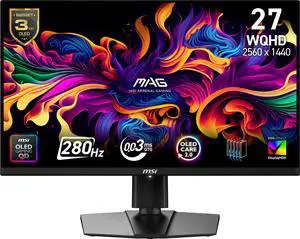
MSI 27 inch QHD 2K 1440P 280Hz AMD FreeSync Premium Pro & G-Sync Compatible 0.03ms HDR400 USB-C OLED Gaming Computer Monitor with Height Adjustable, Swivel, Pivot & Tilt stand MAG 271QP QD-OLED X28
- Screen Size: 27"
- Refresh Rate: 280Hz
- Resolution: 2560 x 1440 (2K)
- Response Time: 0.03 ms
- Model #: MAG 271QP QD-OLED X28
- Item #: N82E16824475503
- Return Policy: 15-Day Return Policy
- $729.99 –
- More options from $729.99 - $846.44
- Free Shipping
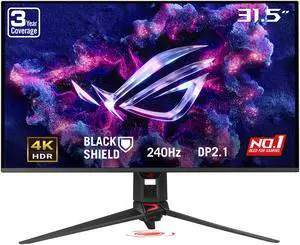
ASUS ROG Swift 32 inch UHD 4K 240Hz AMD FreeSync Premium Pro & G-Sync Compatible 0.03ms HDR500 USB-C GEN 3 OLED Gaming Computer Monitor with Height Adjustable, Swivel & Tilt Stand PG32UCDM3
- Screen Size: 31.5"
- Refresh Rate: 240Hz
- Resolution: 3840 x 2160 (4K)
- Response Time: 0.03 ms
- Model #: PG32UCDM3
- Item #: N82E16824281393
- Return Policy: 15-Day Return Policy
- $1,599.99
- $1,499.99 –
- Save: 6%
- $29.99 Shipping
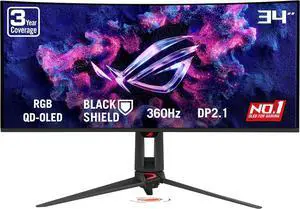
ASUS ROG SWIFT 34 inch QHD 2K 1440P 360Hz AMD FreeSync Premium Pro & G-SYNC Compatible HDR500 AUTO KVM USB-C Curved OLED Gaming Computer Monitor with Height Adjustable, Swivel & Tilt Stand PG34WCDN
- Screen Size: 34"
- Refresh Rate: 360Hz
- Resolution: 3440 x 1440
- Response Time: 0.03 ms
- Model #: PG34WCDN
- Item #: N82E16824281410
- Return Policy: 15-Day Return Policy
- $1,899.99
- $1,699.99 –
- Save: 10%
- $40.00 Shipping
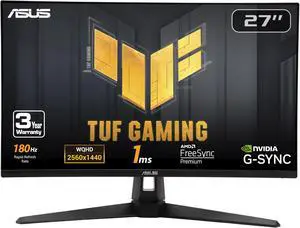
ASUS TUF Gaming 27" QHD 2K 1440P 180Hz IPS AMD FreeSync Premium & G-SYNC Compatible 1ms Built-in Speakers Gaming Computer Monitor with Swivel & Tilt Stand VG27AQ3A
- Screen Size: 27"
- Refresh Rate: 180Hz
- Resolution: 2560 x 1440 (2K)
- Response Time: 1 ms
- Model #: 90LM0940-B019B0
- Item #: N82E16824281271
- Return Policy: 15-Day Return Policy
- $299.99 –
- More options from $299.99 - $506.64
- Free Shipping
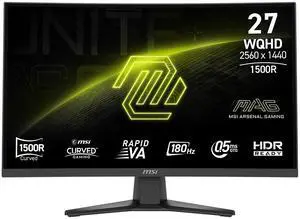
- Screen Size: 27"
- Refresh Rate: 180Hz
- Resolution: 2560 x 1440 (2K)
- Response Time: 0.50 ms
- Model #: MAG 275CQF E18
- Item #: N82E16824475507
- Return Policy: 15-Day Return Policy
- $249.99
- $199.99 –
- Save: 20%
- More options from $199.99 - $322.99
- $22.19 Shipping
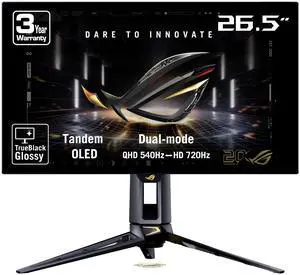
ASUS ROG Swift 27 inch (26.5" viewable) Dual Mode QHD 1440P 540Hz Full HD 720Hz AMD FreeSync Premium Pro & G-SYNC compatible 0.02ms HDR500 OLED Gaming Computer Monitor PG27AQWP-G
- Screen Size: 26.5"
- Refresh Rate: QHD@540Hz/HD@720Hz
- Resolution: 2560 x 1440 (2K)
- Response Time: 0.02ms (GTG)
- Model #: PG27AQWP-G
- Item #: N82E16824281415
- Return Policy: 15-Day Return Policy
- $1,699.99 –
- Free Shipping
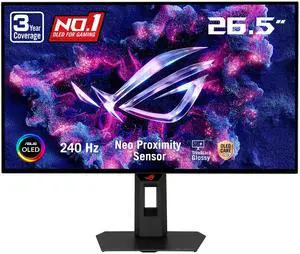
ASUS ROG Strix 27 inch QHD 2K 1440p 240Hz AMD FreeSync Premium Pro & G-Sync Compatible HDR400 OLED Gaming Computer Monitor with Height Adjustable, Pivot, Swivel & Tilt Stand XG27AQDMGR
- Screen Size: 26.5"
- Refresh Rate: 240Hz
- Resolution: 2560 x 1440 (2K)
- Response Time: 0.03 ms
- Model #: XG27AQDMGR
- Item #: N82E16824281408
- Return Policy: 15-Day Return Policy
- $675.99 –
- More options from $675.99 - $828.89
- Free Shipping
Related searches
- Overview
- Monitor Resolution
- Other Specs
- Make a Statement
- Monitor FAQ's
Computer Monitors
A crucial part of every system build, investing in a well-made computer monitor insures that you will see the results of all that recently-purchased computer hardware. Perhaps you spent days, weeks, and months choosing the right CPU and the best graphics card to play the games at the resolutions you want. However, if you blew your budget on all the horsepower and left none for the display, then you’re not going to really appreciate the intensity of all those pixels that your computer is rendering at incredible speeds. With games getting more graphically intense, you need to make sure your display can keep up so that you’re not stuck squinting at screen tears and dead pixels.
You’ve probably seen terms like HD and Full HD on the boxes of monitors and TVs, but what does that actually mean? As you may have guessed, HD simply refers to “High Definition”, which is just a quick way to refer to high quality video output. If you see the term “Full HD” on a monitor box, that’s just a shorthand to denote its resolution, which would be 1920 by 1080, also called 1080p. The reason why it’s specified as “Full HD” is because there are also some TVs and monitors that output at 720p (high definition but not quite as high as 1080p), which is 1280 by 720 pixels. 1080p is considered the current standard for monitors, and all of the popular manufacturers including Dell, Acer, Samsung, LG, BenQ and Viewsonic offer a variety of 1080p monitors in their product line ups.
When it comes to resolution, 4k is all the buzz right now. Game developers and graphics card manufacturers are focused on making and running games at 4k resolutions, which is twice the horizontal and vertical resolution of 1080p. Officially labeled as 4K UHD, the total pixel resolution is 3840 by 2160. That’s why there had to be a new term to define the resolution scale, because 4k is so much clearer and more vibrant than 1080p. In fact, many people would call it hyper-realistic, because of how many pixels are crammed into the display area. To make it easier to distinguish between the two resolution types, 1080p is often just referred to as 2k resolution.
As you can imagine, the more pixels there are to display, the more important it is that your monitor has a high refresh rate, especially when it comes to gaming. Typically, the standard has been 120 hertz refresh rate in gaming monitors, but Asus’ 27 inch MG279Q monitor features a 144 hertz refresh rate. The quicker a monitor can refresh the display, the more smooth the visual experience will be. The refresh rate in the monitor works in tandem with a low response time (which just specifies how quickly the monitor can send and receive new information) in order to make a seamless visual transition. Sometimes, if the response rate is not quick enough, some residual pixels can remain on the screen as the monitor is trying to refresh new ones. This is called ‘ghosting’. Although it’s standard to have a 4 millisecond response time on many gaming monitors, Samsung, LG, BenQ, Viewsonic, and more all offer 2k and 4k monitors that have 1 millisecond response times.
As far as the internal specs are concerned, response time and refresh rate are the main factors that contribute to a smooth, immersive viewing experience, but the physical panel type of the monitor can also play into this. First there’s the matter of how the monitor lights up: either with LCD or LED. The main difference lies in the material that is used to light the liquid crystals in the display. In LCD, it’s cold cathode fluorescent lamps (CCFL’s) and in LEDs, it’s tiny light emitting and low-energy consuming diodes. This is the preferred type in most monitors, because it consumes less power and produces less harsh light so that darker colors appear more vivid. Additionally, LED monitors can be much thinner than LCD ones.
Newer LCD monitors have improved with the implementation of IPS (In-plane switching) panels. For some it’s a matter of preference, but where the IPS panels have shown their strength is in accurate color reproduction, great for content creators who want to do photo editing or graphic design. The panel type you choose depends more on preference than anything else. Samsung is well known for championing the IPS panel in their monitors, and many people enjoy using them for gaming as well.
For some people, it’s not just the monitor specs that are important. Having a monitor that is fast, intuitive, and also looks nice on their desk is an essential part of a computer build that is designed to make a statement. Asus’ Predator X34 certainly shows off with its 34-inch curved IPS panel that also features Nvidia’s Gsync technology, which matches the gaming framerates with the monitor’s native refresh rate to prevent screen tearing. For those who want the style without the price tag, Samsung offers a 29 inch curved monitor with a 4 millisecond response time.
As touch navigation becomes more normalized due to mobile browsing, you may want to also consider a touch monitor for maximum accessibility. Planar offers a 22 inch optical touch screen monitor that is also extremely portable due to its USB connection type. For something you can use in meetings for presentations, Dell offers a capacitive touch screen monitor that also features an IPS panel.
When you’ve picked out the perfect display, don’t forget the essential accessories to go with it. For a 2 or 3-screen set up, Ergotron, Rosewill, and SIIG offer a variety of both stationary and swivel monitor mounts for both the wall and your desk. Soon, you’ll have your own personal command center that you’ll never want to leave. So, ready to get started?
What does 2k and 4k resolution mean?
They are a shorthand to describe how many pixels in total are displayed on the monitor. For 2k, that’s 1920 x 1080 in a 16:9 widescreen aspect ratio. For 4k, it’s 3840 by 2160 in a 16:9 widescreen aspect ratio.
What’s the difference between LCD and LED monitors?
Since monitors have to be lit in order for the viewer to see anything, the difference between the two types is in what is used to light up the crystals within the display. For LCD, that’s cold cathode fluorescent lamps (CCFL’s) and in LEDs, it’s tiny light emitting and low-energy consuming diodes. LED monitors tend to be thinner and more power-efficient, but improvements in the panel types have made LCDs more competitive.
Bestselling Monitor Reviews:
Matthew C.
10/9/2026 5:59:03 PM
Fantastic Monitor for gaming.
“ She likes playing her games better now that the blacks aren't grayed out in R.E.P.O. when walking around with the flashlight. ”
ASRock Phantom Gaming 27 inch QHD 2K 1440P 240Hz AMD FreeSync Premium 0.03ms HDR10 OLED White Gaming Computer Monitor with Height Adjustable, Swivel, Pivot & Tilt Stand PGO27QSA-WLecSight
10/4/2026 9:31:58 AM
Great Product ! Very impressive for a basic gamer !
“ On a daily basis, the built-in KVM switch and USB-C make jumping between a work laptop and the gaming setup totally effortless while keeping the desk super clean. ”
ASUS ROG Swift 32 inch UHD 4K 240Hz AMD FreeSync Premium Pro & G-Sync Compatible 0.03ms HDR500 USB-C GEN 3 OLED Gaming Computer Monitor with Height Adjustable, Swivel & Tilt Stand PG32UCDM3Anonymous
10/4/2026 12:03:04 AM
Great Monitor, Visually stunning
“ Totally recommend is you want to do gaming and creative work. ”
MSI 34 inch UltraWide QHD 1440P 360Hz AMD FreeSync Premium Pro & G-Sync Compatible USB-C OLED Curved Gaming Computer Monitor with Height Adjustable, Swivel, Pivot & Tilt Stand MPG 341CQR QD-OLED X36George
10/3/2026 7:49:17 AM
Great monitor
“ The only downside is that the AI Care sensor doesn't work well in a dark room; it turns the monitor off while I'm gaming, which is pretty annoying. ”
MSI 34 inch UltraWide QHD 1440P 360Hz AMD FreeSync Premium Pro & G-Sync Compatible USB-C OLED Curved Gaming Computer Monitor with Height Adjustable, Swivel, Pivot & Tilt Stand MPG 341CQR QD-OLED X36Wai C.
9/28/2026 6:38:22 AM
Incredible gaming monitor
“ Great for console gaming as it supports all common VRR formats and HDMI 2.1 ports. ”
MSI 34 inch UltraWide QHD 1440P 360Hz AMD FreeSync Premium Pro & G-Sync Compatible USB-C OLED Curved Gaming Computer Monitor with Height Adjustable, Swivel, Pivot & Tilt Stand MPG 341CQR QD-OLED X36ramiking45
9/27/2026 7:49:52 PM
A great OLED monitor that's almost perfect.
“ The monitor is wide and bright, with the text being clear and the games looking crispy when played. ”
MSI 34 inch UltraWide QHD 1440P 360Hz AMD FreeSync Premium Pro & G-Sync Compatible USB-C OLED Curved Gaming Computer Monitor with Height Adjustable, Swivel, Pivot & Tilt Stand MPG 341CQR QD-OLED X36Tremayne
9/27/2026 9:13:04 AM
Incredible 4K OLED Experience!
“ Blazing Fast Performance: A 240Hz refresh rate combined with 0.03ms response times provides incredible motion clarity for fast-paced gaming. ”
MSI 32 inch UHD 4K 240Hz Adaptive Sync HDR500 OLED Gaming Computer Monitor with Height Adjustable, Pivot, Swivel & Tilt Stand MPG 322UR QD-OLED X24Anonymous
9/26/2026 10:07:46 AM
Great Monitor
“ Great monitor for gaming and general computer things ”
ASUS TUF Gaming 34 inch Ultrawide QHD 2K 1440P 180Hz with AMD FreeSync Premium (Adaptive Sync) 1ms Built-in Speakers ELMB SYNC 1500R Curved Gaming Computer Monitor VG34VQ3B