




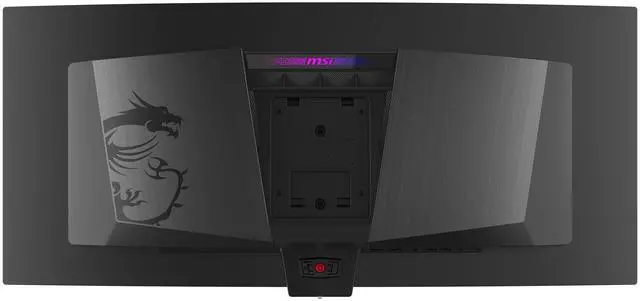
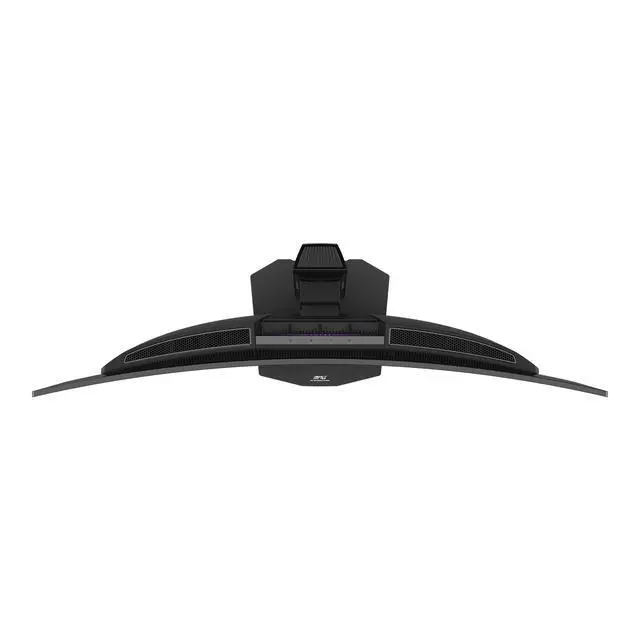



Monitor
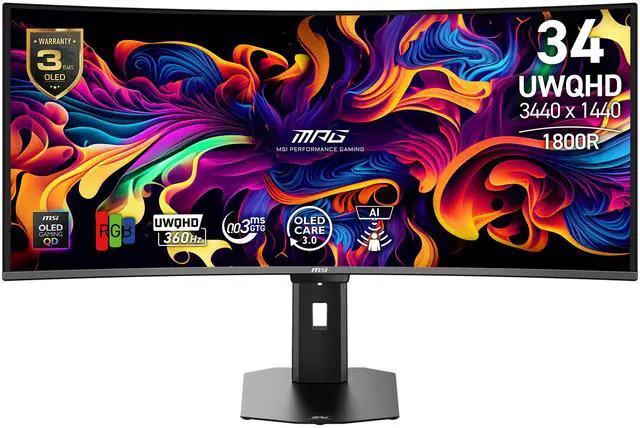
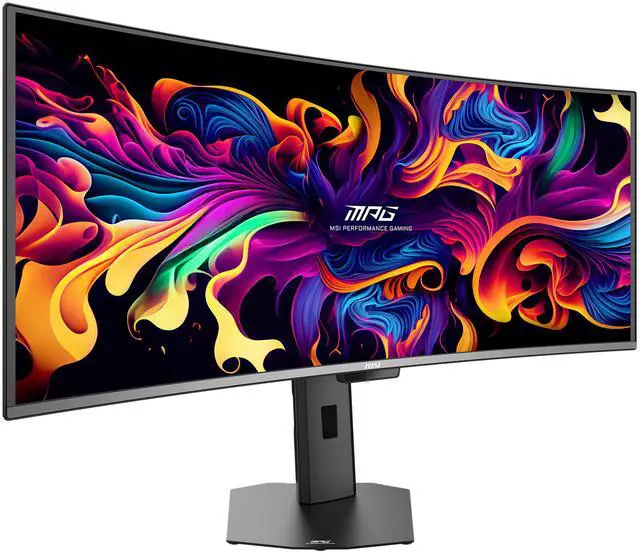
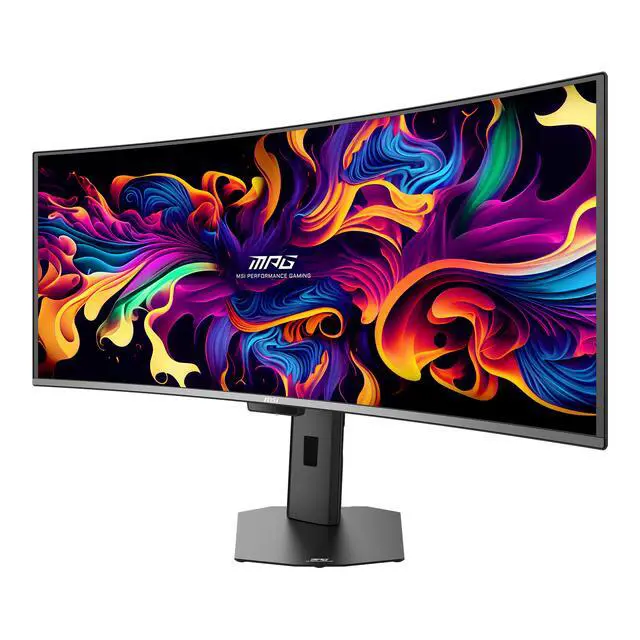
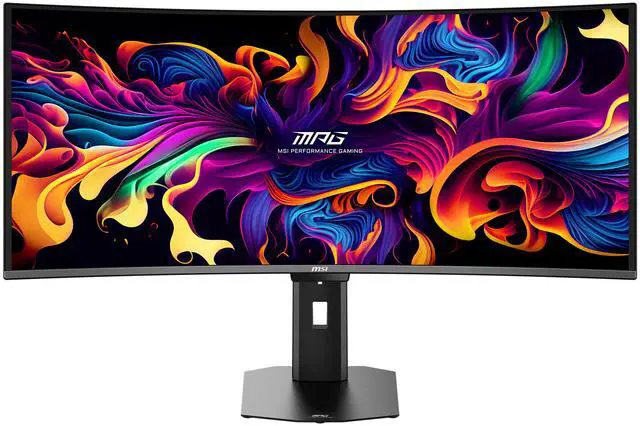
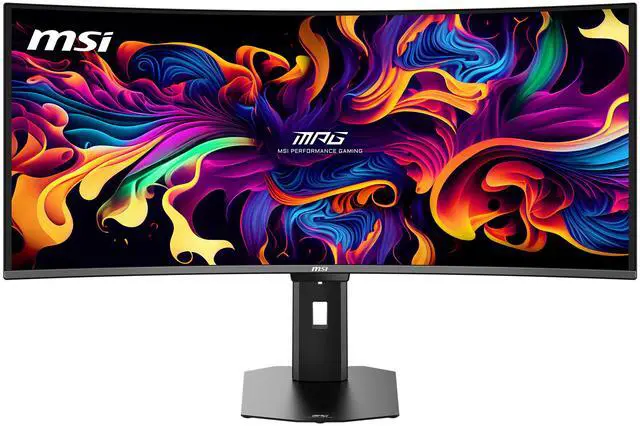
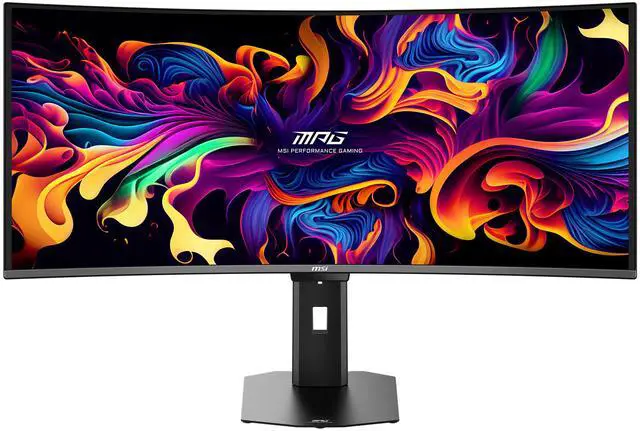
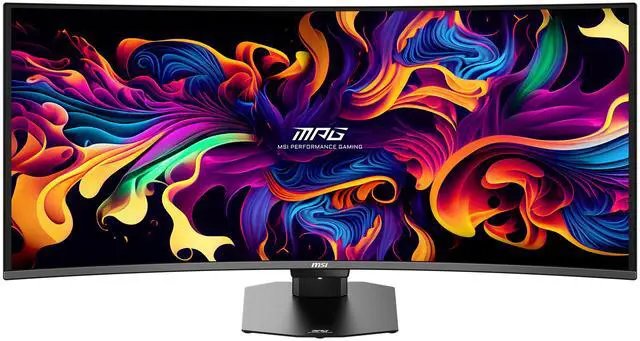
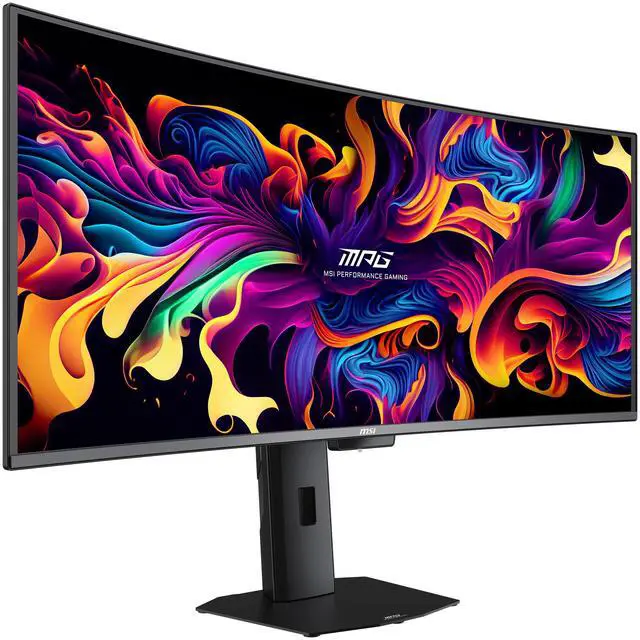
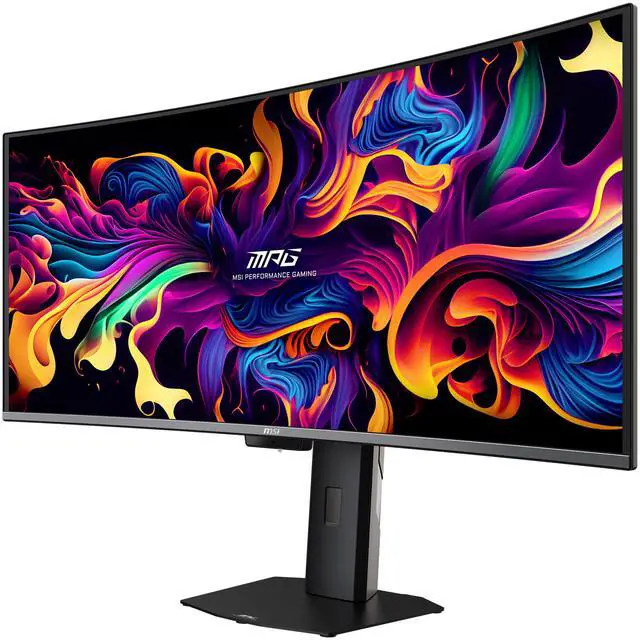
MPG 341CQR QD-OLED X36


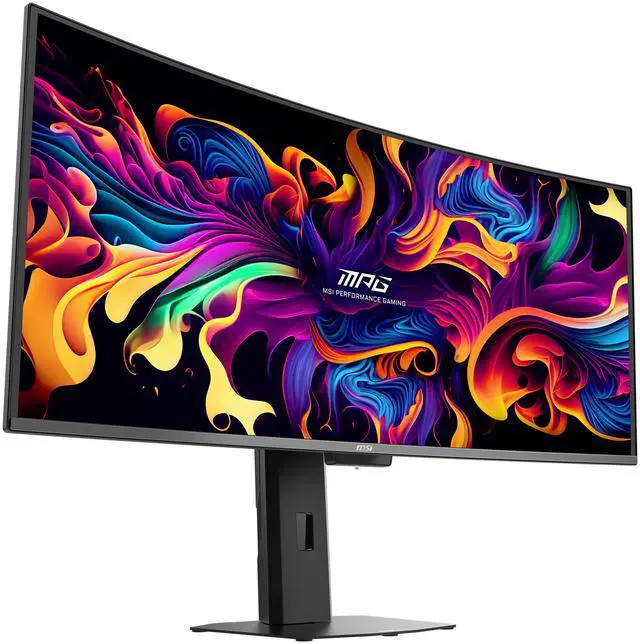
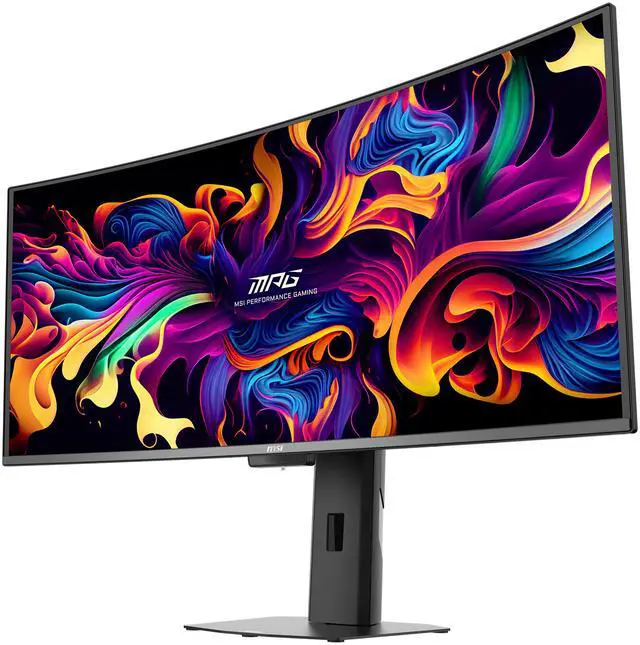
Experience immersive gaming with the MPG 341CQR QD-OLED X36. Featuring a 3440 x 1440 (UWQHD) QD-OLED panel, 360Hz refresh rate, and 0.03ms (GtG) response time, it delivers stunning clarity and speed. VESA ClearMR 18000 and DisplayHDR True Black 500 ensure vivid visuals with deep blacks and minimal motion blur. This 5th-gen Tandem QD-OLED fundamentally elevates display quality by utilizing an RGB Stripe sub-pixel layout to virtually eliminate color fringing and sharply enhance text clarity. At its core, the 5-layer Tandem OLED architecture, powered by EL Gen 3 technology, boosts light efficiency by 30%. MSI’s AI Care Sensor detects user presence and activates OLED protection when idle. Paired with OLED Care 3.0, it helps prevent burn-in and extends panel life. For console users, HDMI™ 2.1 supports 4K 120Hz, VRR, and ALLM.
overview

Meet the 5th-Gen QD-OLED
The new 5th-generation Tandem QD-OLED panel utilizes a 5-layer Tandem OLED design powered by EL Gen 3 technology, boosting light efficiency by 30%. It features a new RGB Stripe sub-pixel layout for sharper visuals, while the DarkArmor Film delivers 40% deeper blacks and a 2.5x more scratch-resistant screen surface. Furthermore, the display reaches a peak brightness of 1300 nits and is VESA DisplayHDR True Black 500 certified, ensuring exceptional dynamic range and a truly immersive visual experience.


See Everything, Win Everyting
Color Fringing Reduction
DarkArmor Film
AMD Freesync Premium Pro
Ultimate Contrast
The 5th-gen Tandem QD-OLED pixel arrangement utilizes the RGB Stripe layout, fundamentally elevating display quality. This design minimizes color fringing and significantly enhances the clarity of text.

This specialized film technology is designed to enhance light absorption and eliminate the distracting purple or reddish tints often visible on standard QD-OLEDs under ambient light. It boosts pure black levels by up to 40%, significantly improving contrast and delivering superior image performance. Furthermore, it upgrades the screen surface hardness from 2H to 3H, offering 2.5x better scratch resistance to effectively withstand daily wear and tear.


TEAR FREE, STUTTER Free fluid gaming
Gaming shouldn’t be a choice between choppy gameplay and broken frames. With the MSI gaming monitor, you’ll experience fluid, artifact-free performance. Enjoy tear-free and stutter-free gameplay with added support for HDR.
* Note: FreeSync technology requires both a monitor and an AMD Radeon™ graphics card with FreeSync support. Visit https://www.amd.com/freesync for complete details. Confirm compatibility with your system manufacturer before purchase.

This monitor delivers a superior HDR experience with 1300 nits peak brightness, infinite contrast ratio 1,500,000:1, and pure color saturation. It is VESA DisplayHDR™ True Black 500 certified, ensuring vibrant, true-to-life visuals with 99% DCI-P3 wide color gamut and high color accuracy of Delta E=2.

5-LAYER Tandem QD-OLED
5-layer tandem OLED panel and EL Gen 3 technology represents a groundbreaking display innovation, achieving lower power consumption and maintaining the peak 1300 nits of HDR performance through its 5-layer tandem structure. With EL Gen 3 technology, these advancements collectively improve light efficiency by up to 30%.

Superior Edge, Winning Edge
Uniform Luminance
Own Color
Wider Viewing
Uniform Luminance minimizes ABL effects, ensuring smooth transitions between light and dark scenes in HDR movies and games, eliminating sudden brightness fluctuations.
Default Peak 1300
Sudden brightness drop.


Cust. Peak 1300
Smooth brightness transition.


Cust. Peak 1300 (Lowest)
Brightness remains consistent..


Screen images simulated. Recorded footage may not accurately reflect actual brightness or color performance due to camera limitations. Brightness cannot exceed the curve limits due to panel hardware restrictions.
Fine-tune Color Saturation, Hue, and Gamma to match your visual preference. The monitor lets you shape color output to suit your style. Whether you're boosting contrast for a competitive edge to spot enemies faster or simply tuning colors to your liking, the monitor gives you full control over your in-game visuals.

The 21:9 ultrawide format significantly enhances gaming by providing a much wider Field of View (FOV) than 16:9, giving players a competitive edge by revealing more peripheral action.

Smaller Stand, Bigger Space
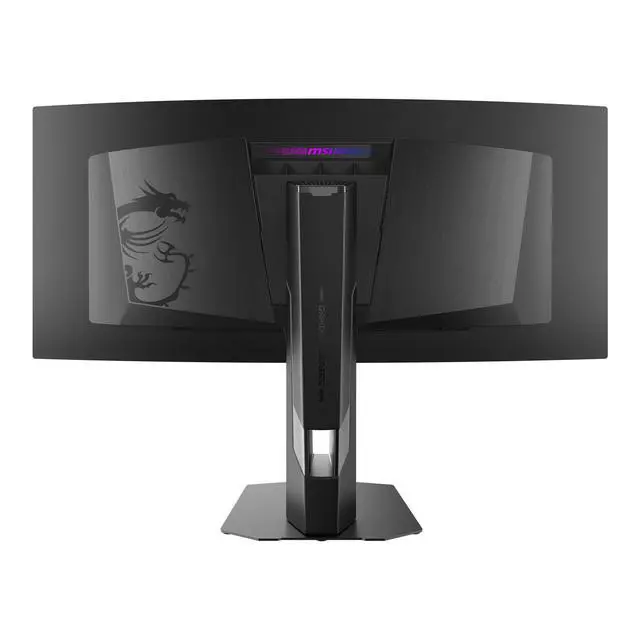
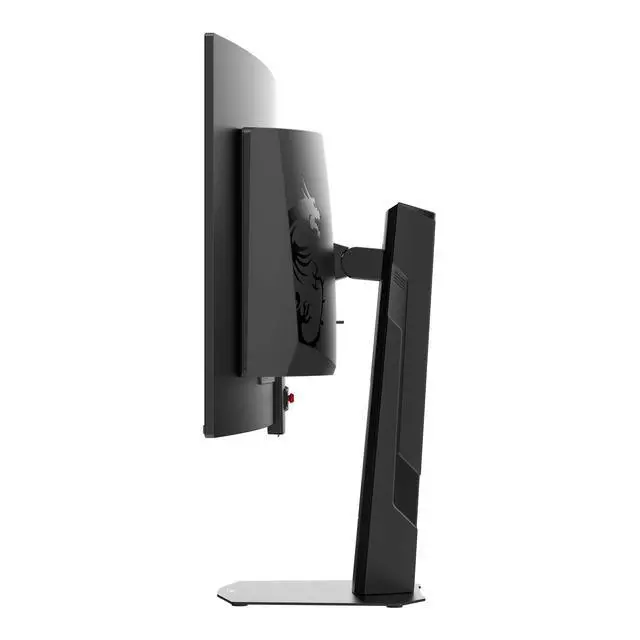
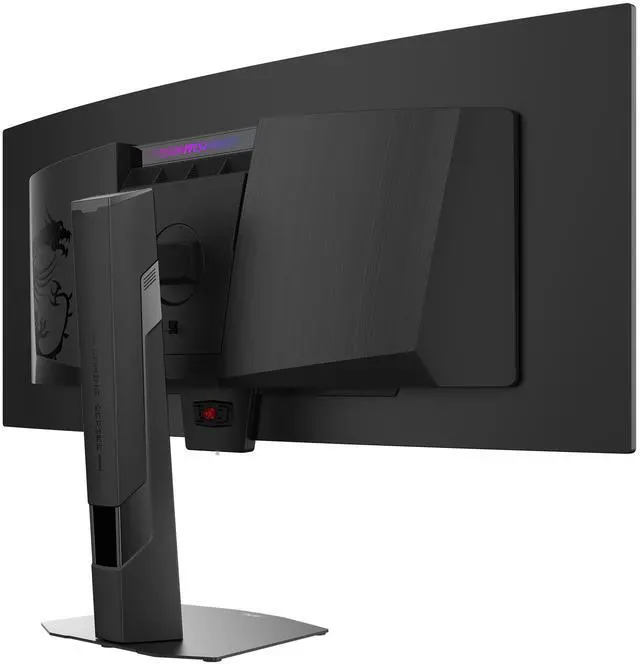
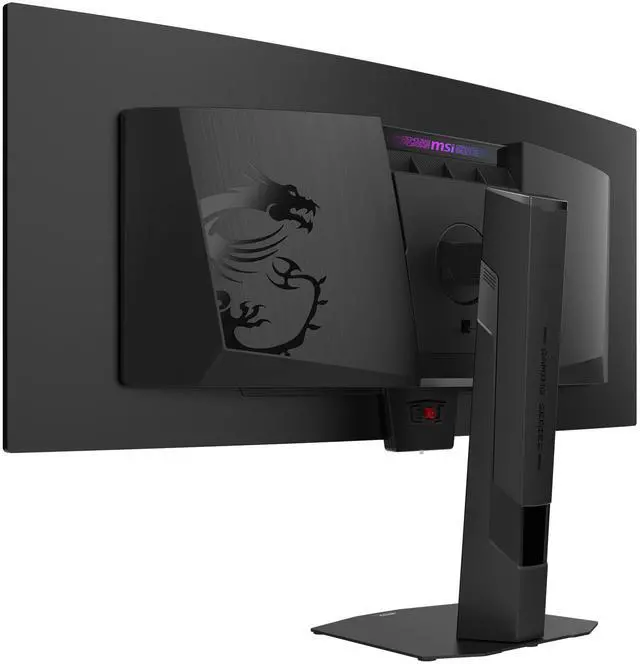
The MPG 341CQR QD-OLED X36 upgrades from the previous Y-shaped stand to a sleek new flat base. This design reduces its footprint by up to 62% and allows the monitor to sit much closer to the wall, maximizing available desk space for a cleaner, more efficient setup.

TrueBright™ Certification
The TrueBright™ Certification sets a new standard for perceived display quality, measuring brightness as the eye sees it rather than raw output. Applied directly to the panel, it ensures OLED delivers superior contrast and striking visual clarity.

LCD

QD-OLED
Super Low Motion Blur
Supports Super Low Motion Blur (SLMB) to significantly reduce ghosting and motion blur, ensuring fast-moving objects remain razor-sharp and easy to track. This technology inserts black frames between images to counteract image persistence, providing gamers with advanced motion clarity.

SLMB OFF
Motion blur visible, harder to focus on targets.

SLMB ON
Sharper motion with reduced blur — easier target tracking.
* Note: SLMB is available at 240Hz and 360Hz only and cannot be used simultaneously with VRR.
OLED Care 3.0
AI Care Sensor
Extended Interval
Panel Protection
AI Care Sensor
The AI Care Sensor technology uses a CMOS sensor to detect images every 0.2 seconds and, powered by an AI chip with an NPU (Neural Processing Unit) algorithm, accurately identifies human presence to prevent false detection and unintended screen turn-offs.
Real Human Detection
An AI chip with an integrated NPU algorithm then processes these images in real time to accurately identify human presence, distinguishing between people and inanimate objects. This ensures precise detection while minimizing false triggers, enabling smarter power management and a seamless user experience.

Wake on Approach & Lock on Leave
The AI Care Sensor intelligently detects whether a person is in front of the monitor using advanced presence detection. When it senses that the user has stepped away, the monitor automatically powers off to save energy. Once the user returns, it instantly turns the display back on, ensuring seamless convenience and a smarter, more responsive user experience.

Adaptive Dimming
Auto-dimming saves power, protects privacy, and prevents burn-in.

Auto Brightness and Color Temperature Control
Auto-adjusts brightness and color temperature for optimal viewing in any lighting.

Multi-Platform Support

Monitor Mode
Works seamlessly across Windows OS, macOS, Linux, and consoles.

System Mode
Integrated with Windows 11 presence interface for direct sensor control.
Smarter 24-Hour OLED Refresh
Protection Without Disruption
Protection Without Disruption
The panel refresh cycle has been extended from 16 to 24 hours, reducing interruptions during gameplay or work. Users will only see a reminder 30 minutes before the refresh, ensuring minimal disruption. The refresh still activates automatically when the monitor enters standby or powers off, maintaining full OLED protection without compromising your experience.

Confidence Guaranteed
MSI QD-OLED monitors deliver long-lasting, stunning visuals. Advanced heatsinks and graphene film improve cooling, while MSI OLED Care prevents burn-in and manages peak brightness automatically.
Multi-Icon Detection
When the system detects applications displayed on the screen, it automatically scans their shape and color, and then proceeds to reduce luminance automatically to prevent burn-in issues.

Boundary Detection
After a certain number of seconds, the boundary protection adjusts the luminance of the boundary between two images or image and background.

Taskbar Detection
When the system detects the TaskBar displayed on the desktop, it automatically scans its shape and then automatically reduces luminance to prevent burn-in issues.

Multi-logo Detection
When the system detects several static and prominently contrasting logo displayed on the screen, it automatically scans their shape and color, and then proceeds to reduce luminance automatically to prevent burn-in issues.

Pixel Shift
Pixel Shift moves the screen's pixels at regular intervals, ensuring that images are not displayed in the same position, thereby preventing static image retention.

Panel Protect
By doing Pixel Refresh, which is automatically activated if the screen is active for more than 4 hours.

Static Screen Detection
When the system detects that there are static images on the screen for a set period, it will automatically reduce brightness.

No Compromise on Privacy
All visual data is processed locally and in real time by an NPU-based chip, instantly converted into digital signals without any storage. No images are saved or transmitted, ensuring complete on-device privacy and protecting user data at all times.

AI NAVIGATOR
AI Menu
AI CROSSHAIR
AI VISION
AI Menu customizes display settings that auto-activate when you launch a game, including AI Crosshair, AI Vision, as well as brightness, contrast, and more. You can also easily export and import profiles to share with friends or apply them on a new monitor.

- Add Your Application
- Customize Profile Settings
- Apply Settings
- Quick Setup Share

The aim dot automatically changes color, making it visible at any time. If the color of the aim dot overlaps with the background color, it will be problematic for aiming.

The new AI Vision technology can not only reveal details in dark areas but also enhance overall brightness and saturate colors, bringing brightness to your day.

GAMING INTELLIGENCE
Intelligence APP
Firmware update
Optix Scope
Control your MSI gaming monitor easily with the MSI Remote Display app on your Android phone or the Gaming Intelligence app on your PC. Adjust settings like contrast, brightness, and black equalizer, and customize with MSI Mystic Light LED effects.

GAMING Intelligence APP

Remote display app

MPG 341CQR QD-OLED X36 can update the firmware which is simple and easy to use. This allows users to update the firmware on their own at any time when the latest version is released by MSI. This ensures that the screen is always in the best-optimized state.

The built-in aim magnifier provides multi-stage zooming with shortcut keys to quickly switch the magnification. The screen can maintain the magnification regardless of the weapon used.

PERSONALIZTION CONTROL

KVM
Control multiple devices via one set of keyboard, mouse, and MSI gaming monitor.

MYSTIC LIGHT
Provides soft ambient lighting that easily sync with any Mystic Light-enabled gaming product.

5-Way joystick
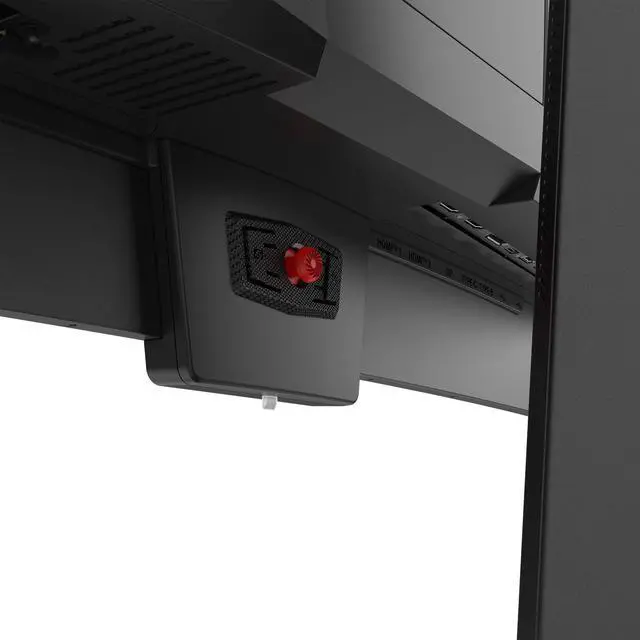
Designed with ergonomics in mind, the 5-way Joystick Navigator is relocated to the bottom center of the back for a more comfortable user experience.
Optimized Comfort by Design
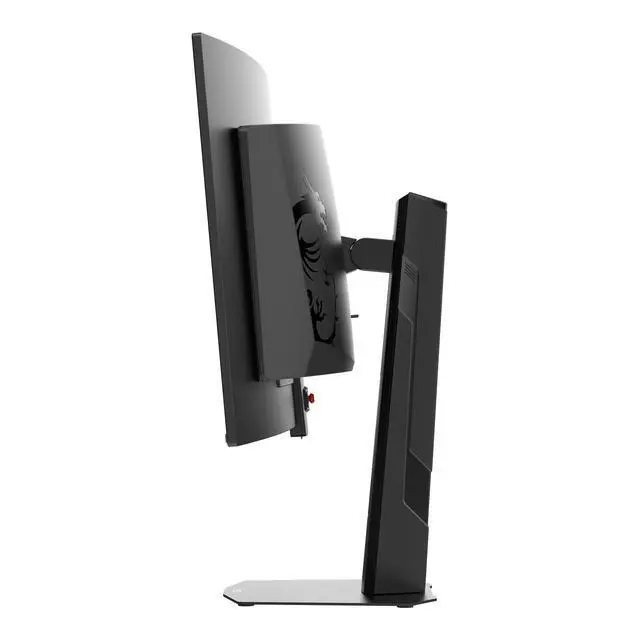
The MPG 341CQR QD-OLED X36 features a sleek, adjustable stand that lets you fine-tune height and tilt to your preference. For those seeking a clean, wall-mounted setup, the display also offers 100x100mm VESA-mount integration.

[ -30° ~ 30° ]

[ 0 ~ 110 mm ]

[ -5° ~ 15° ]
Console mode + HDMI™ 2.1
HDMI™ 2.1 provides full bandwidth up to 48Gbps, supporting VRR and ALLM for a smoother, low-latency console gaming experience at up to 120Hz. With built-in HDMI™ CEC (Consumer Electronics Control) technology, the monitor can communicate with controllers, allowing them to wake the monitor and adjust modes tailored to different devices.

Windows Dynamic Lighting Certification
The monitor has achieved Windows Dynamic Lighting Certification, enabling users to control and synchronize lighting effects across connected devices. Users can customize brightness, effects, and synchronization for a cohesive experience across compatible devices, ensuring seamless integration with Windows Dynamic Lighting.


Connectivity
Type-C Display
IO Ports
Type-C Display
With USB Type-C cable connection, allowing you to power your devices (up to 98W) and effortlessly display by DisplayPort Alt mode.


Panel Size: 34"
Panel Type: QD-OLED
Aspect Ratio: 21:9
Panel Resolution: 3440 x 1440 (UWQHD)
Refresh Rate: 360Hz
Response Time: 0.03ms (GtG)

Q1: What defines the 5th-Gen QD-OLED?
MPG 341CQR QD-OLED X36 features an optimized RGB Stripe sub-pixel layout for sharper text and reduced color fringing. Please refer to our blog for a detailed generation comparison. Link here: https://www.msi.com/blog/the-evolution-of-immersion-decoding-the-5th-gen-qd-oled-revolution-with-msi
Q2: What is DarkArmor Film?
A specialized film technology that enhances light absorption, eliminating purple or reddish tints. It deepens black levels by 40% and increases surface hardness to 3H for 2.5x better scratch resistance.
Q3: Why use Uniform Luminance to customize HDR curves?
Standard HDR often suffers from aggressive ABL (Auto Brightness Limiter), causing sudden dimming. Uniform Luminance lets you fine-tune brightness levels for smoother visuals in gaming and productivity. Please refer to our blog for a detailed generation comparison. Link here: https://www.msi.com/blog/the-unlocked-customize-hdr-brightness-apl-on-the-msi-mpg-341cqr-qd-oled-x36
Q4: What is the adjustable range for Uniform Luminance?
The APL (Average Picture Level) can be adjusted from 3% to 75% across 14 custom points.
Q5: What does the HDR Brightness feature do?
It allows users to fine-tune the overall brightness level while in HDR mode.
Q6: How do Color Customization settings enhance the experience?
Settings like Saturation, Six-Axis Color, and Gamma allow you to tailor visuals for specific scenarios, such as boosting enemy contrast in games or enriching colors for cinema.
Q7: Is this monitor suitable for office work or video editing?
Yes, this monitor is highly suitable for both because it offers professional-grade color accuracy for video editing and exceptional clarity that reduces eye strain during office work. Modern QD-OLEDs also include advanced "care" features to prevent burn-in, making them a reliable choice for long-term daily use in any professional setting.
Q8: Is 5th-gen QD-OLED a Tandem QD-OLED panel?
Yes. It features a multi-layer Tandem OLED structure with EL Gen 3 technology, boosting light efficiency by up to 30%.

MPG 341CQR QD-OLED X36
- The latest 5th-Gen QD-OLED Panel – A new RGB Stripe sub-pixel layout for sharper visuals
- DarkArmor Film- Delivers 40% deeper blacks and a 2.5x more scratch-resistant screen surface.
- Uniform Luminance - HDR Curve Customization allowing you to customize the HDR curve and enjoy a smoothly uniform HDR experience.
- MSI OLED Care 3.0 – AI Care Sensor reduced the risk of OLED image sticking / burn-in.
- Incredible HDR visual – VESA DisplayHDR True Black 500.
- Peak 1300 Nits-delivers a superior HDR experience with 1300 nits peak brightness.
- 5-layer tandem OLED panel with EL Gen 3 technology – Light efficiency up to 30%.
- Ensures the color meets the market standard – Delta E=2.
- Crystal-Clear Motion – VESA ClearMR 18000 certified.
- 3-Year Burn-In Warranty – Including coverage for OLED burn-in.