



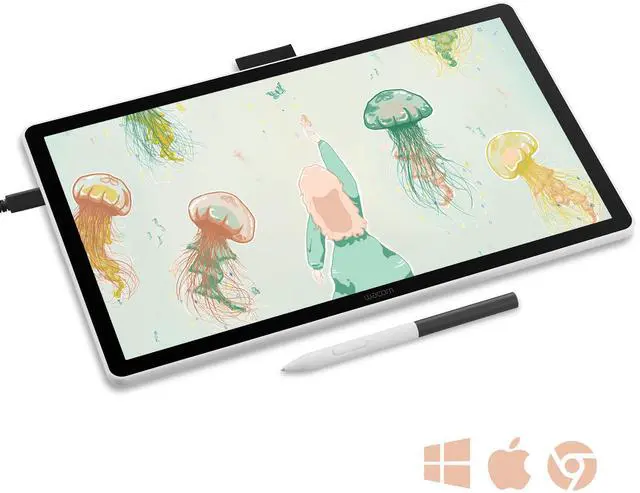



Wacom Wacom One WACOM ONE 14 12.2 x 6.9 in Active Area USB Drawing Tablets
- Redesigned with more drawing area, the laminated 14" crisp IPS HD display offers generous space with 98% sRGB color accuracy
- Paper-like texture that won't glare or smudge, keeping you in your creative zone longer
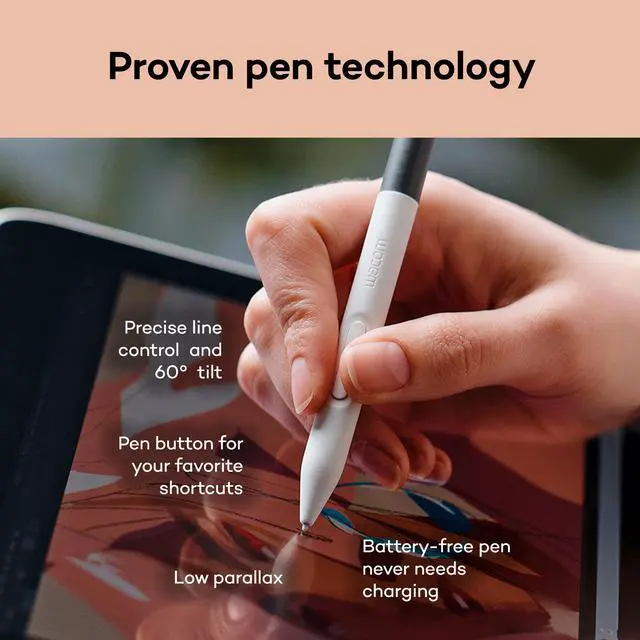
- Draw with the control that made Wacom a favorite; the battery-free pen never needs charging and captures everything from light lines to bold strokes with Wacom's responsive pressure sensitivity
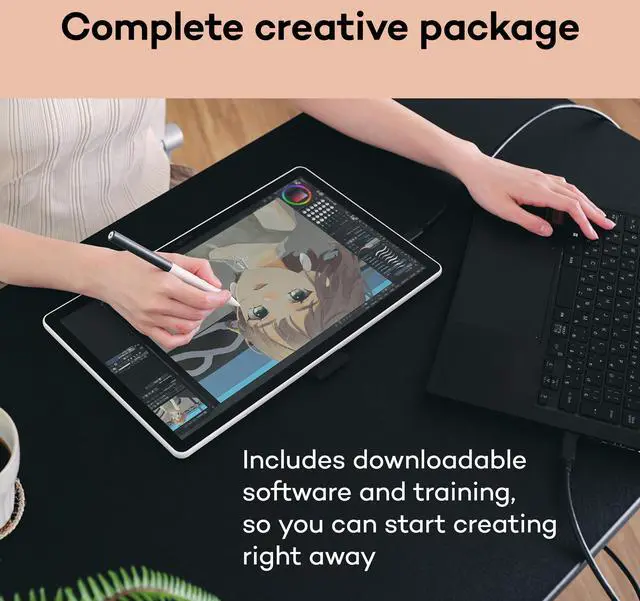
- Includes trials of Clip Studio Paint Pro, Magma (Blaze plan), Concepts & Foxit software, and Skillshare training courses, your jumpstart to creating beautiful art right away
- Wacom's proven reliability works seamlessly with your computer, no driver headaches, mysterious disconnects
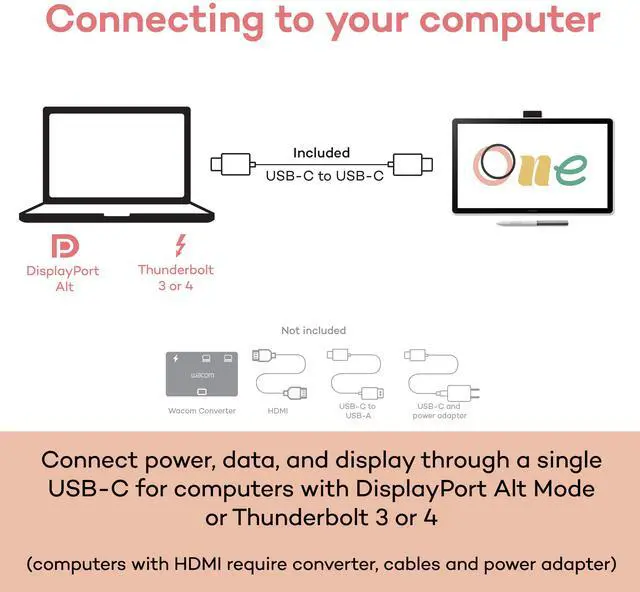
- COMPATIBILITY: PC (Windows 10 or later), Mac (OS 11 or later) and Chromebook; Easy plug-in via single USB-C: devices requiring HDMI require Wacom Converter, cables and power adapter (sold separately)
+
+
Overview
Specs
Reviews
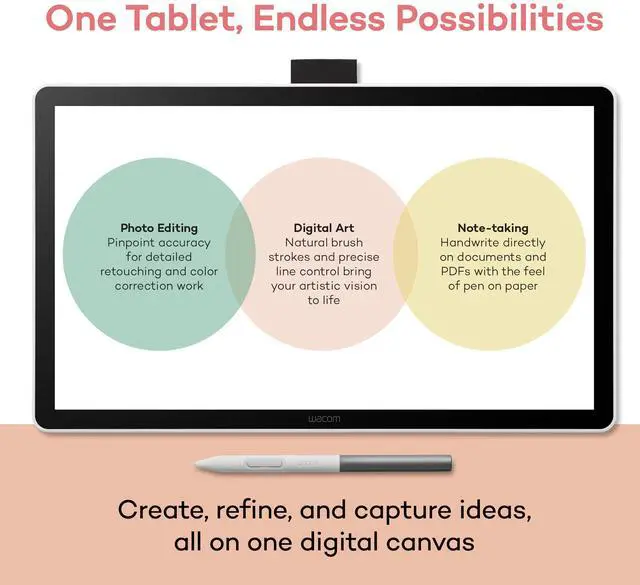
Start your digital adventure with the all-new Wacom One. Ideal for casual artists and visual thinkers. With the Wacom One drawing tablet with screen you can draw, sketch, edit photos, take notes, annotate, and discover your creative passion.
Warranty & Returns
Warranty, Returns, And Additional Information
Return Policies
- Return for refund until: January 31, 2027
- Return for replacement until: January 31, 2027
- This item is covered by Newegg.ca's Extended Holiday Return Policy.
- Read full return policy for details.
We want to ensure your holiday shopping this year is hassle-free. That’s why we’re automatically extending our return policies on almost every product! For purchases placed between November 1st, 2026 and December 31, 2026 you will have until January 31, 2027 to return your product.
Manufacturer Contact Info
- Manufacturer Product Page
- Manufacturer Website
- Support Phone: 1-800-922-6613
- Support Website
- View other products from Wacom
LOADING...
The Wacom One 14 is a 14-inch USB-C pen display for beginners, students, and casual artists who want to draw directly on screen, with a Full HD IPS display, 98% sRGB color coverage, and a battery-free pressure-sensitive pen.
Recommended For
- Beginning digital artists and students who want to practice drawing or sketching directly on a screen connected to a computer, with a battery-free pen and a textured drawing surface.
- Teachers and visual thinkers who use a computer to write on screen, mark up PDFs, or create digital whiteboards and lesson materials.
- Illustrators and hobby artists who work at a desk and want to draw on a 14-inch display with responsive pen input and a paper-like feel.
- Photo editors who use a compatible Windows, Mac, or Chromebook computer and want to make pen-based edits directly on a secondary screen.
Spec Summary
| Attribute | Value |
|---|---|
| Best For | Drawing and animation for students and teachers, with remote work also listed as a use |
| Display And Active Area | 14-inch IPS display with 1920 × 1080 resolution and a 12.2 × 6.9-inch active area |
| Pen And Drawing Controls | Battery-free pen with 4096 pressure levels and support for up to 60° tilt |
| Connectivity And Compatibility | USB-C connection; supports Thunderbolt 3, Thunderbolt 4, or USB-C with DisplayPort Alt Mode. HDMI or USB-C without DisplayPort Alt Mode requires the Wacom converter and cables, sold separately |
| System Compatibility | Compatible with Windows 10 and later, macOS 13 and later, and ChromeOS |
| Included Items | Wacom One 14, USB-C video cable, standard pen, replacement nib, and pen nib clip |
| Physical Details | Black; item weight is 0.75 kg |
| Model Identifiers | Wacom One series; model WACOM ONE 14 (DTC141W0) |