




Can I use this USB switch for my new model laptop? It only with USB-C ports.
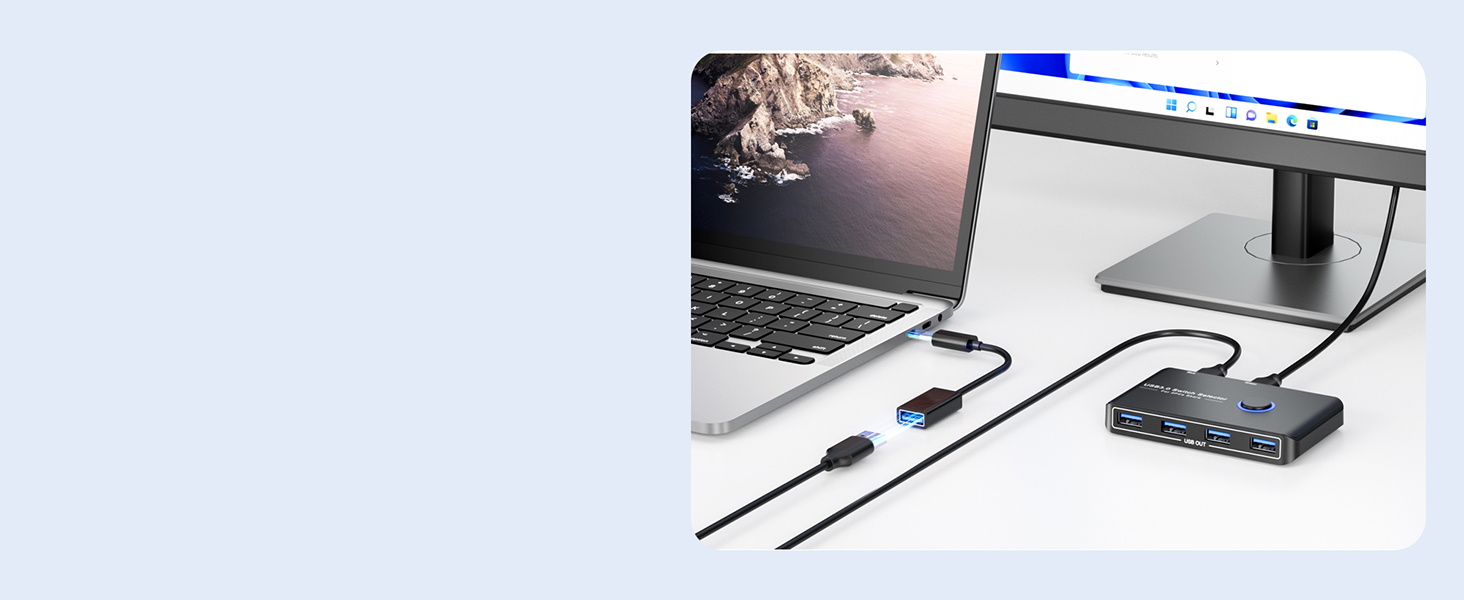
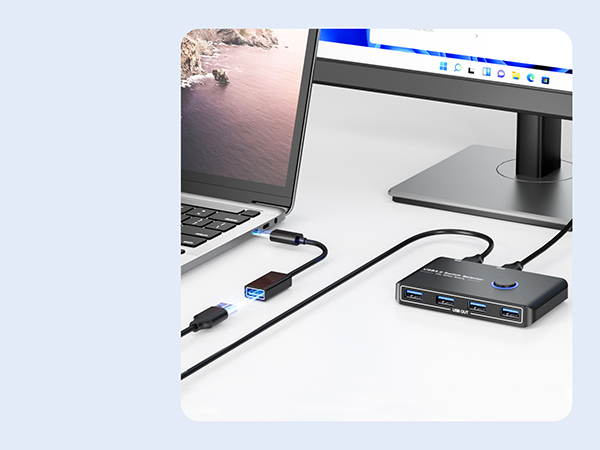
If you want to work with USB C host devices, you'll need a USB C to A adapter, as it won't work directly with a USB C to A cable.
Why the USB switch doesn't work? I only plug the digital video cameras.
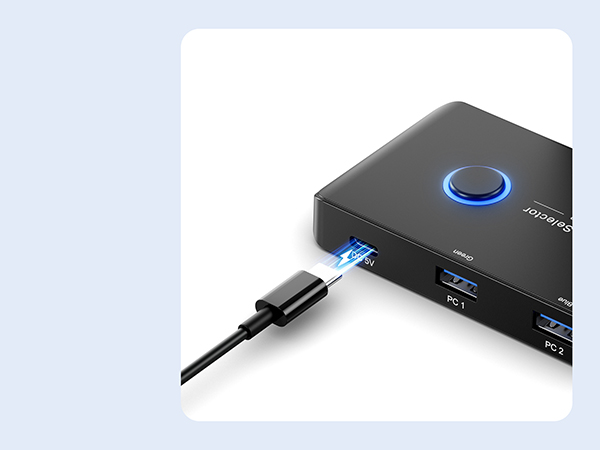
If the USB Switch is not working, it is recommended to provide power to try again. Only charging cable included, power adapter is NOT included.
I am using a auto usb kvm switch and i need to have more usb ports. Can this be added to the switch box?
This is a manual usb switch and could be added but it sounds like you want a hub.
Are the USB devices essentially disconnected from the computer not currently in use?
Yes. They are completely disconnected from the non-selected computer. There can be a bit of a delay for devices to be recognized when you switch. Same as if you were plugging them in fresh.
SPECIFICATION

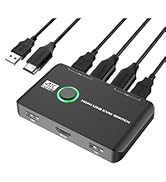
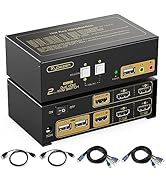
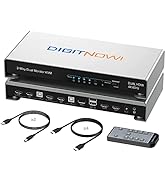
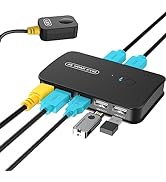
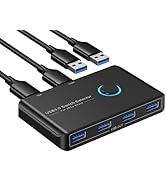
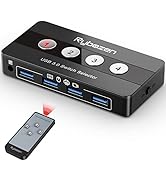
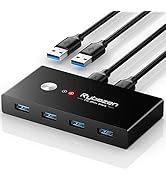
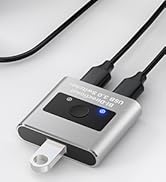

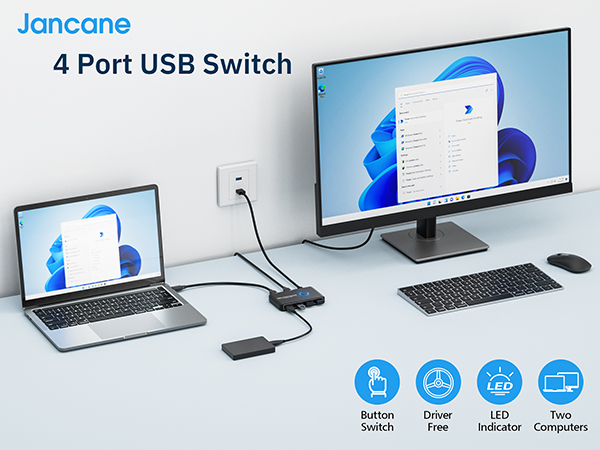
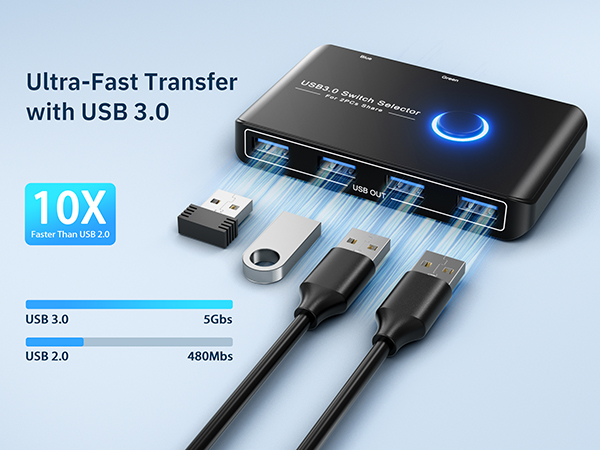
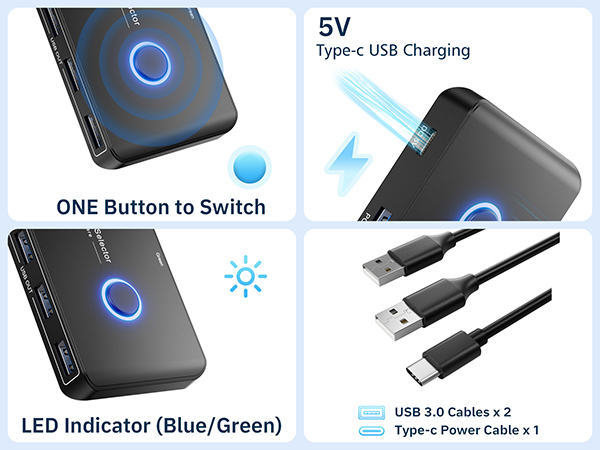
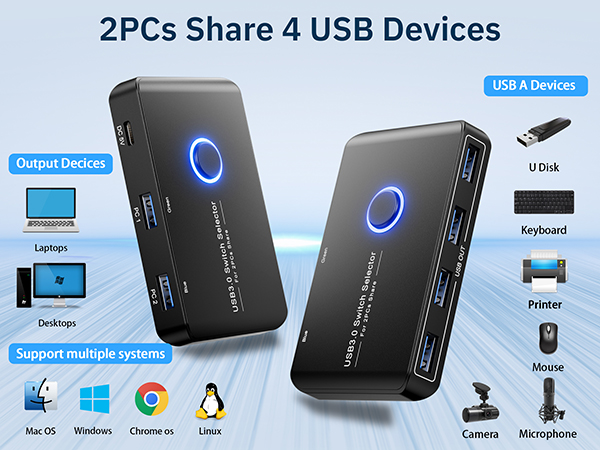
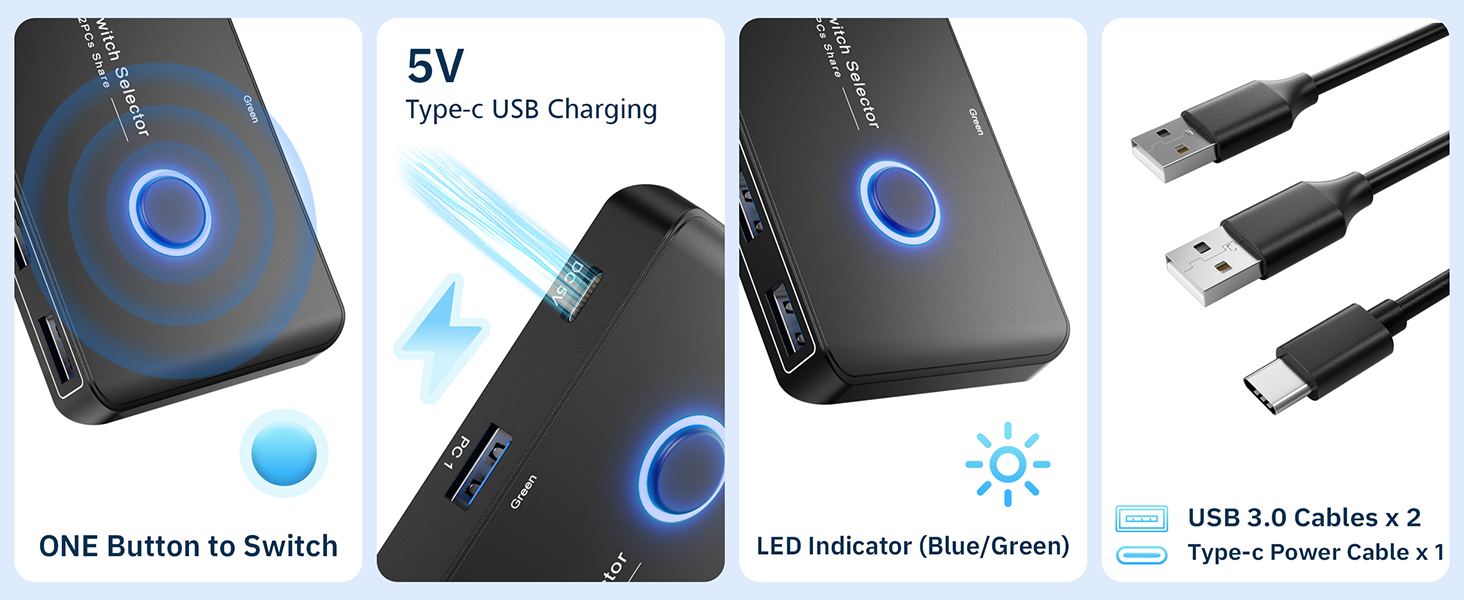
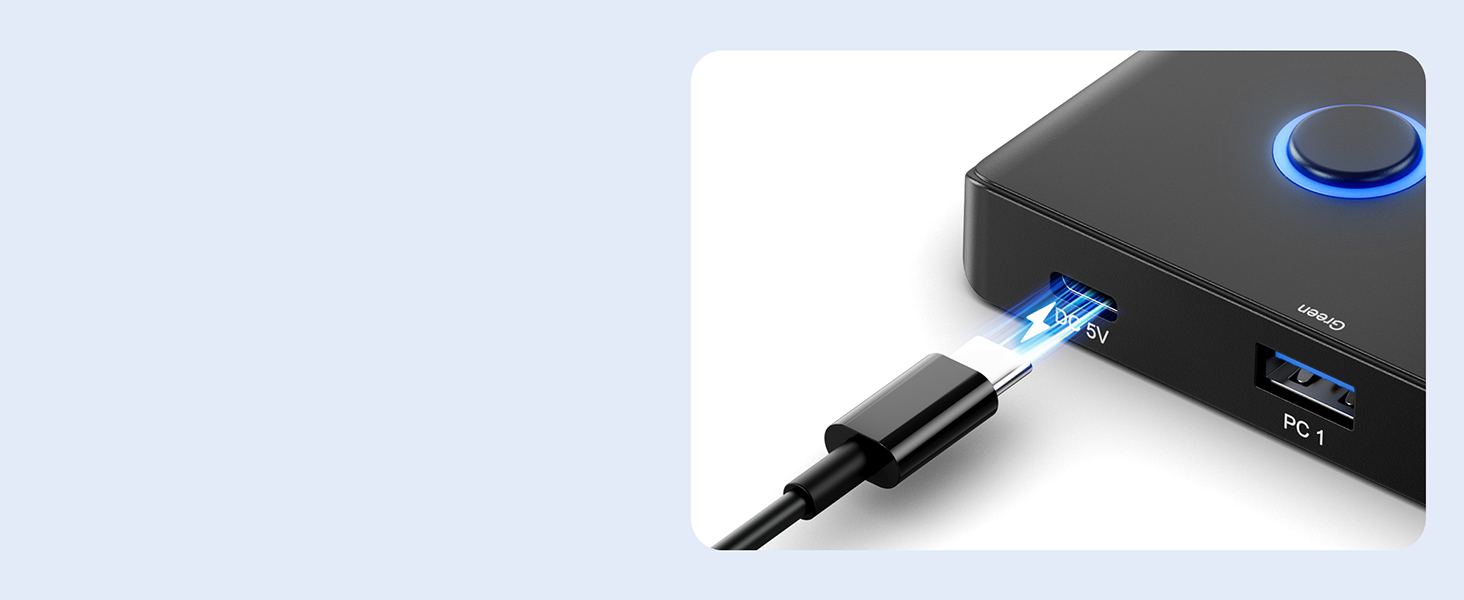
Includes a USB-C cable
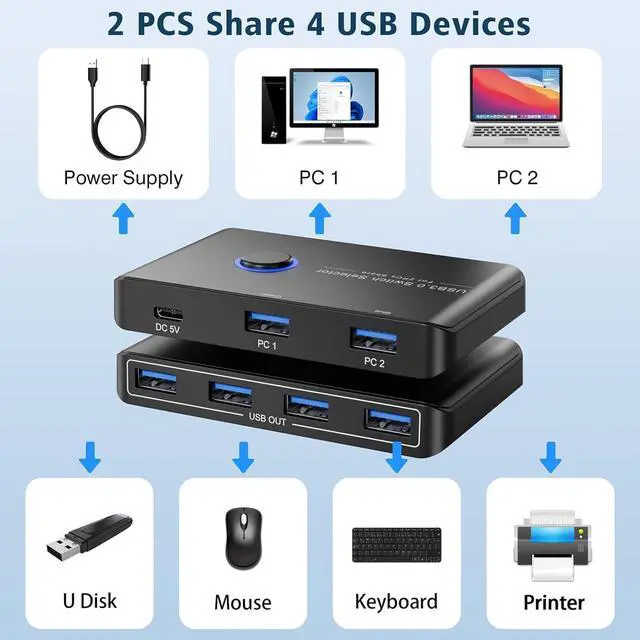
When you need to use some high-power devices, you could connect extra power for stable performance
How to connect with USB C laptop?
Use USB A to C adapter to connect USB C laptopp.
Can I use this USB switch for my new model laptop? It only with USB-C ports.
If you want to work with USB C host devices, you'll need a USB C to A adapter, as it won't work directly with a USB C to A cable.
Why the USB switch doesn't work? I only plug the digital video cameras.
If the USB Switch is not working, it is recommended to provide power to try again. Only charging cable included, power adapter is NOT included.
I am using a auto usb kvm switch and i need to have more usb ports. Can this be added to the switch box?
This is a manual usb switch and could be added but it sounds like you want a hub.
Are the USB devices essentially disconnected from the computer not currently in use?
Yes. They are completely disconnected from the non-selected computer. There can be a bit of a delay for devices to be recognized when you switch. Same as if you were plugging them in fresh.
SPECIFICATION
| Item name | USB 3.0 Switch |
|---|---|
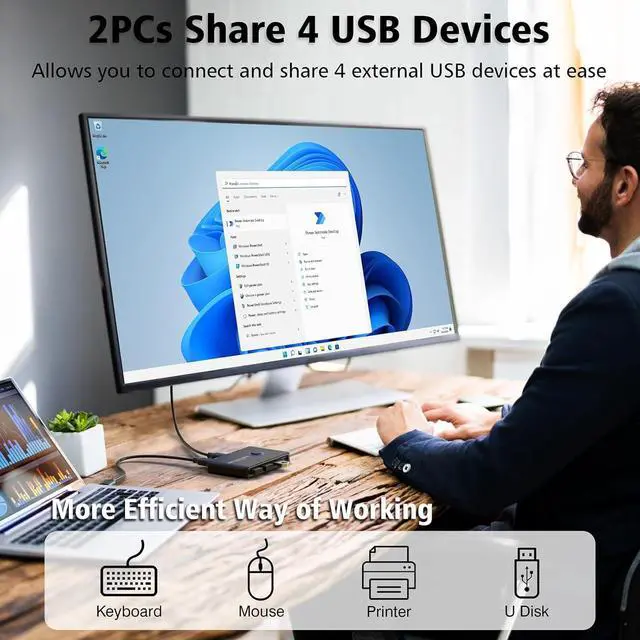
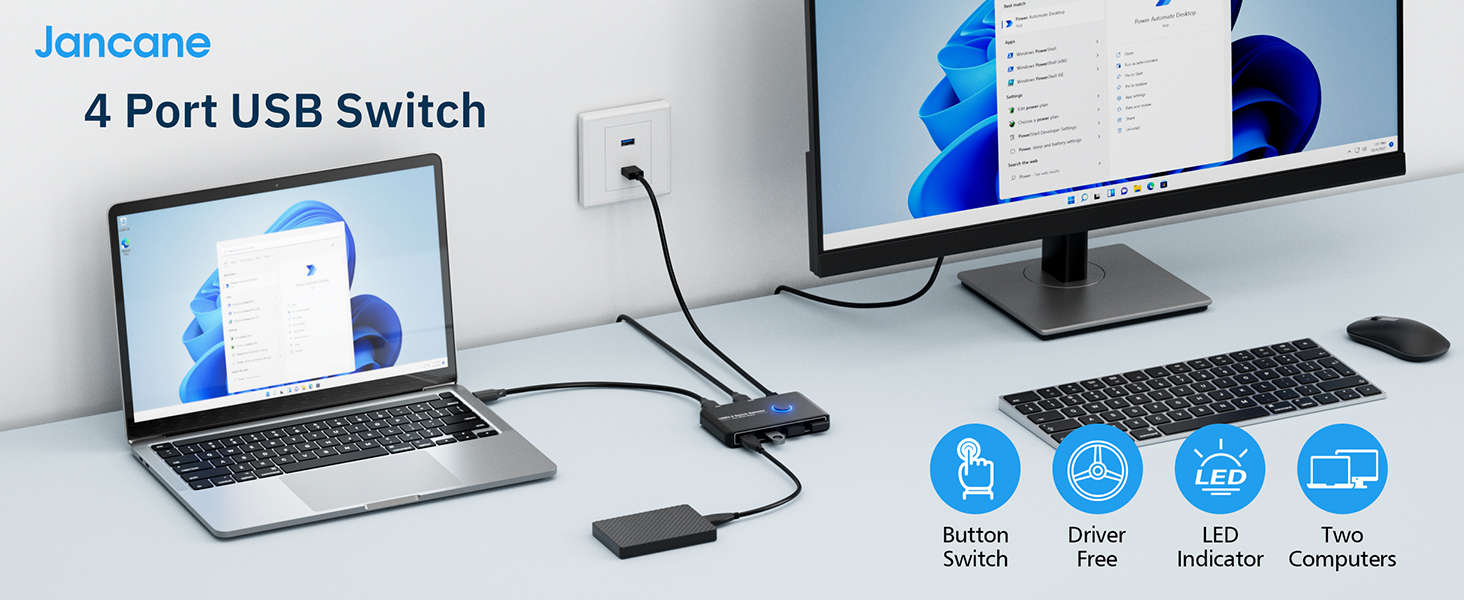
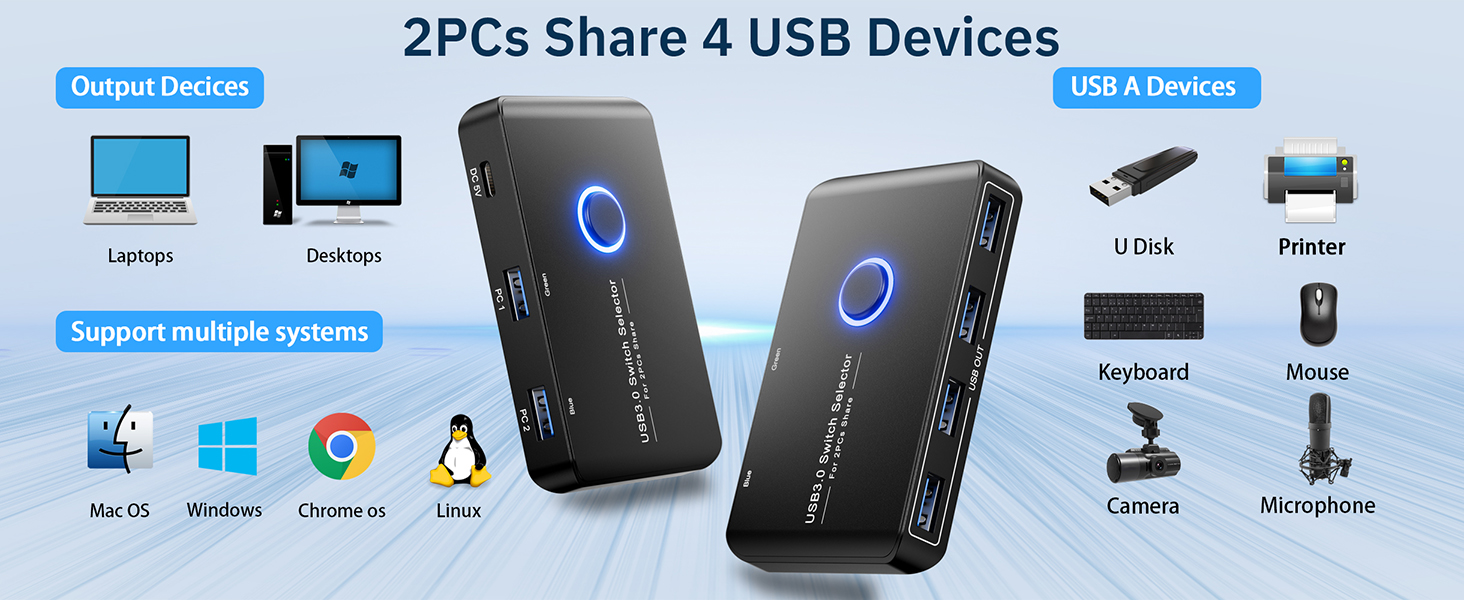
| Ideal for | 2 Computers Sharing 4 USB 3.0 Devices (backward compatibility USB 2.0 and 1.1) |
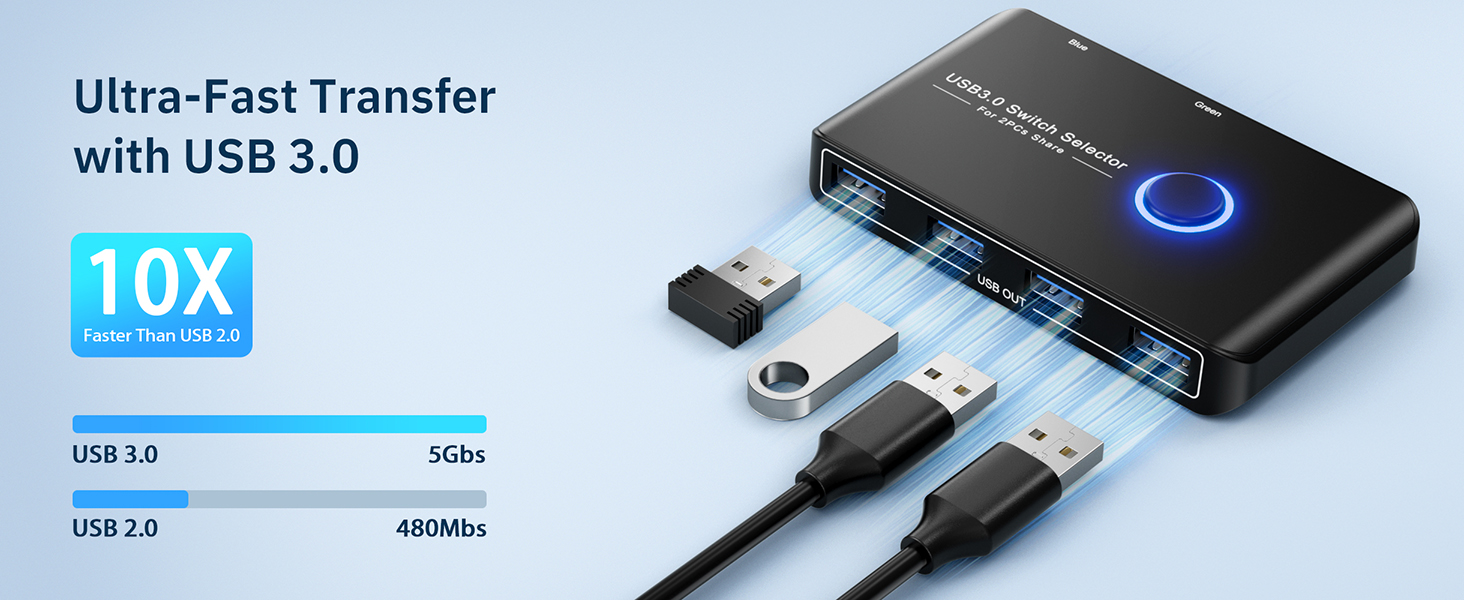
| Data Transfer Rates | 5Gbp/s |
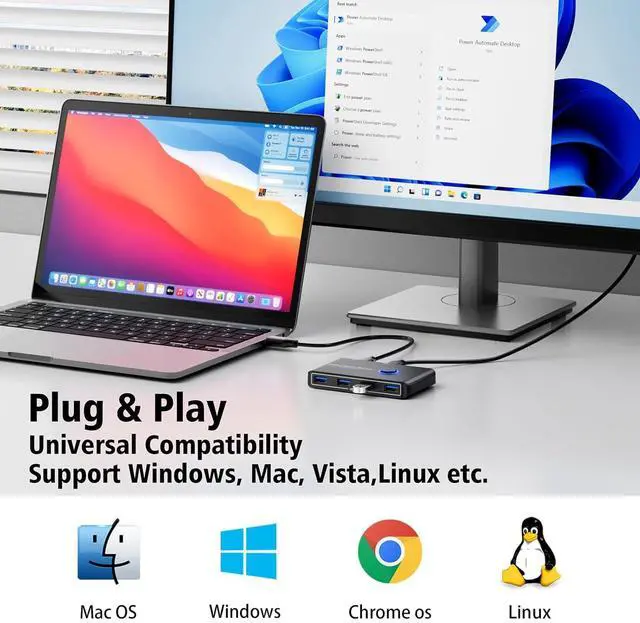
| Great Compatibility | Compatbile with Mac, Windows, Linux, and Chrome OS |
| Easy Installation | Plug-and-play, with no additional driver installation needed |
| Power | Type-C charging cable for high-powered devices |
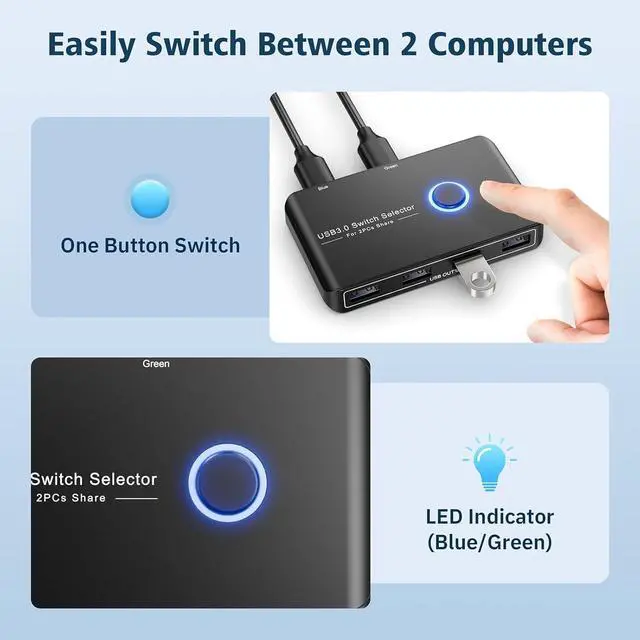
| LED indicator lights | (Blue/Green) allow you to know which computer is in control easily |
| Controller Type | Push Button |
| Switch Type | Push Button |
| Product Dimensions | 5.2 x 4.2 x 0.9 inches |
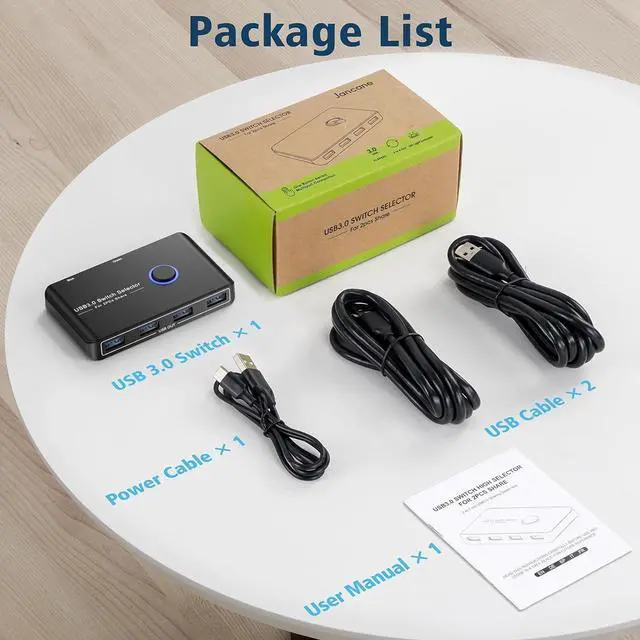
| Package Included | 1*USB 3.0 switcher, 2*USB 3.0 Cable, 1*User Manual |
KVM Switches
USB Switch
About us:
Devoted to research and making advanced KVM switches!
With a "user-first" mentality, we improve the products' quality and wide compatibility to meet user requirements.
With less money, you can still buy things as good as well-known brands.
