





MLEEDA
Simplify office and life--Convenient, Efficient, Enjoyable

MELLDA only focus on the R&D and production of KVM switch and USB switch.
Making users' office more convenient and efficient is our core value.
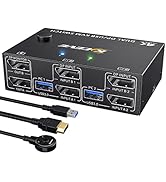
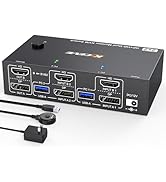
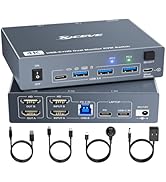
Dual Monitor KVM
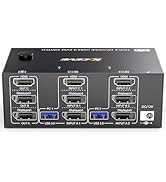
Triple Monitor KVM
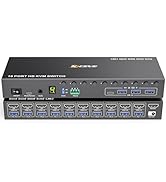
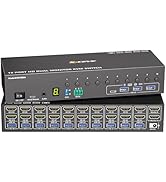
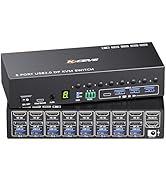
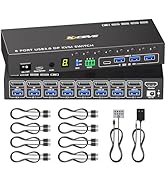
HDMI/DP 8/10 PC KVM Switch
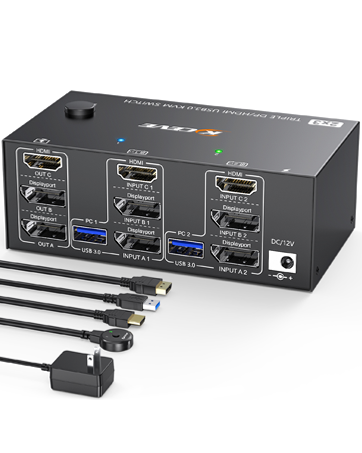
Triple Monitor KVM Switch
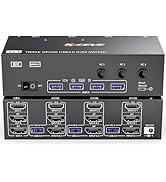
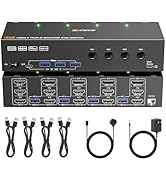
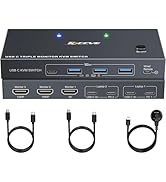
This KVM allows 2 computers to share 3 monitors and 4 USB 3.0 devices like keyboard mouse Hard disk.
Support mirror and extended modes.
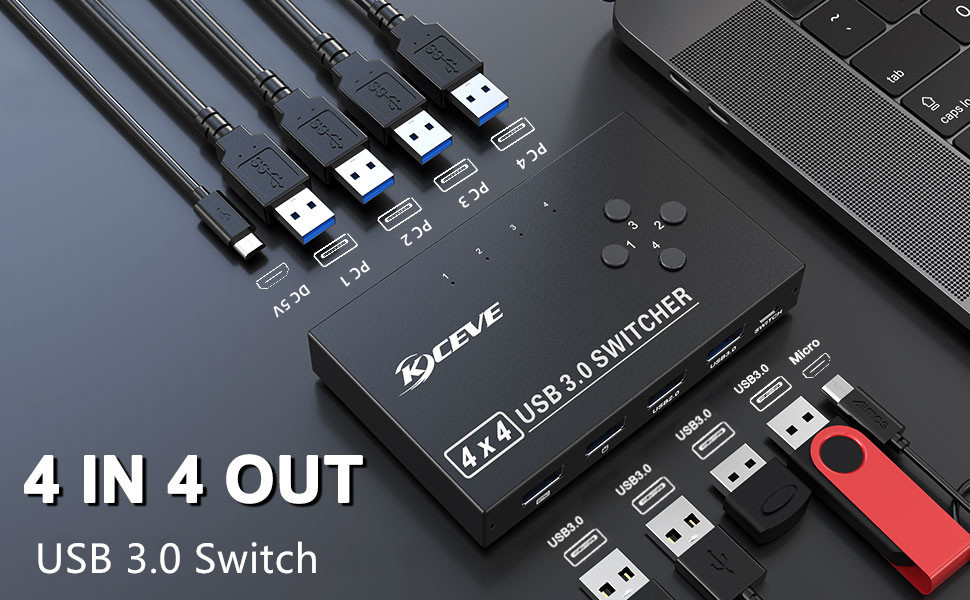
4 port USB 3.0 switch for 4 computers
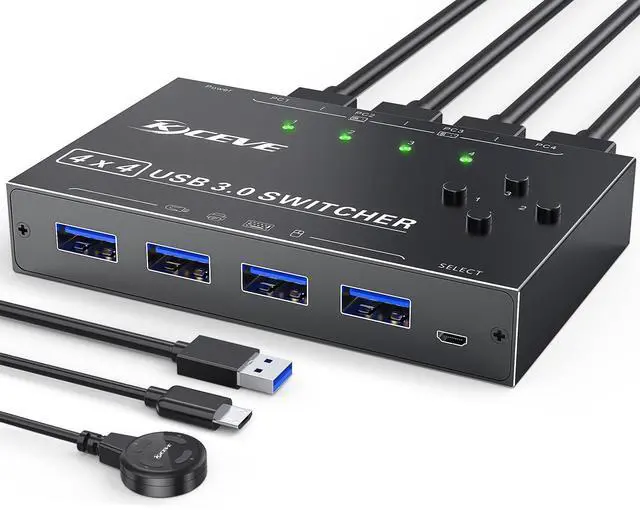
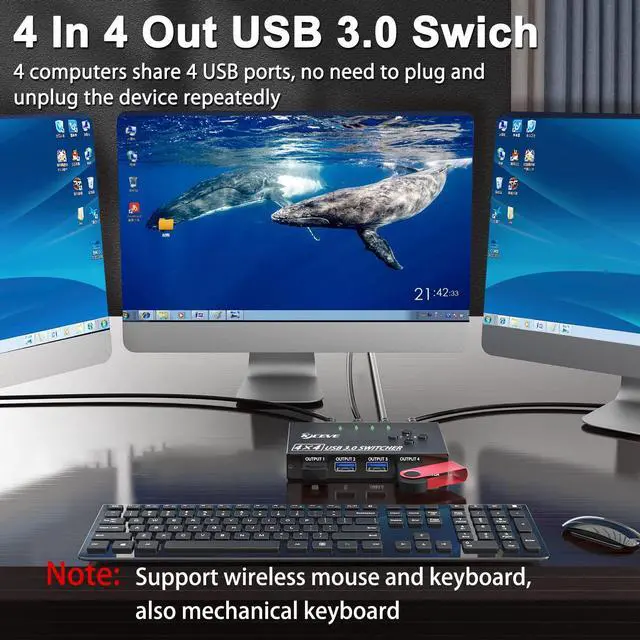
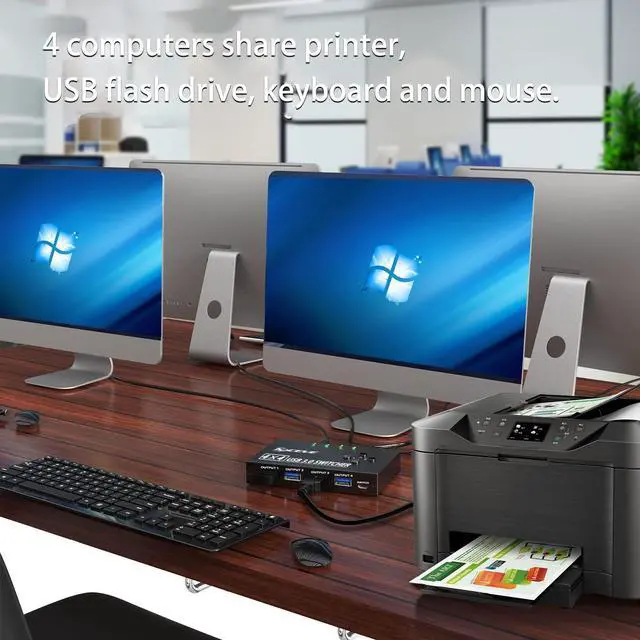
MLEEDA USB 3.0 switch is an excellent choice to expand your laptop’s USB 3.0 port into four, allows 4 computers to share 4 USB 3.0 or USB 2.0 devices, can easily switch between 4 Computers via a push button with LED indicates the active computer.
Ideal for sharing a printer or scanner in a small office environment.It's also great for use at home if you have multiple PCs or Macs.
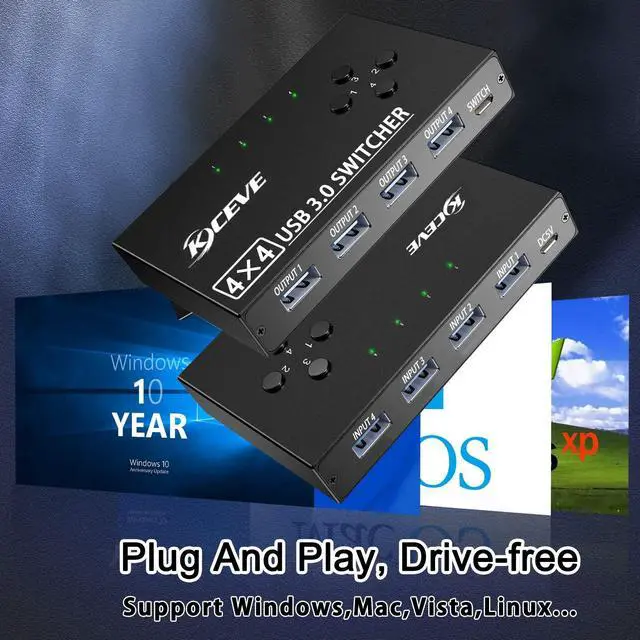
No Driver Needed, Plug and Play
This USB 3.0 switch is plug-and-play compatible, with no additional driver installation needed.USB bus-powered - No power adapter required.
Button and LED Indicator Design
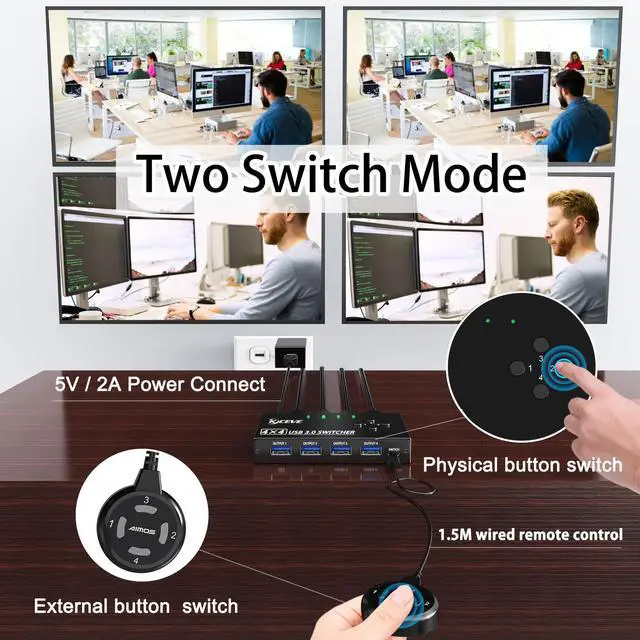
Easily switches between systems via push buttons with LED indicating the active computer.
Maximum Compatibility
Compatibility with Windows 10/8/8.1/7/Vista/XP and Mac OS, Linux, and Chrome OS.
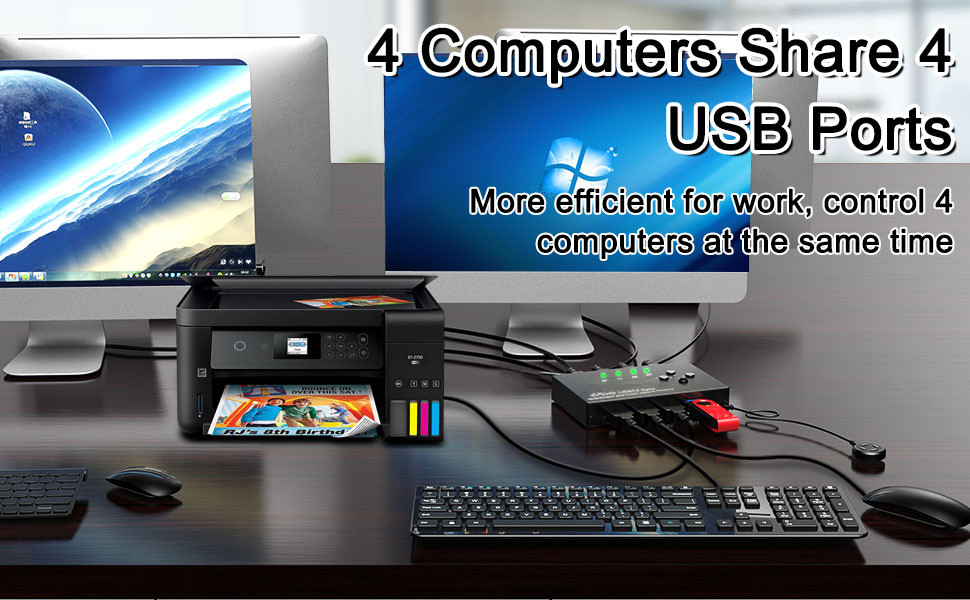
USB 3.0 Switch ideal for 4 Computers Share 4 USB Devices
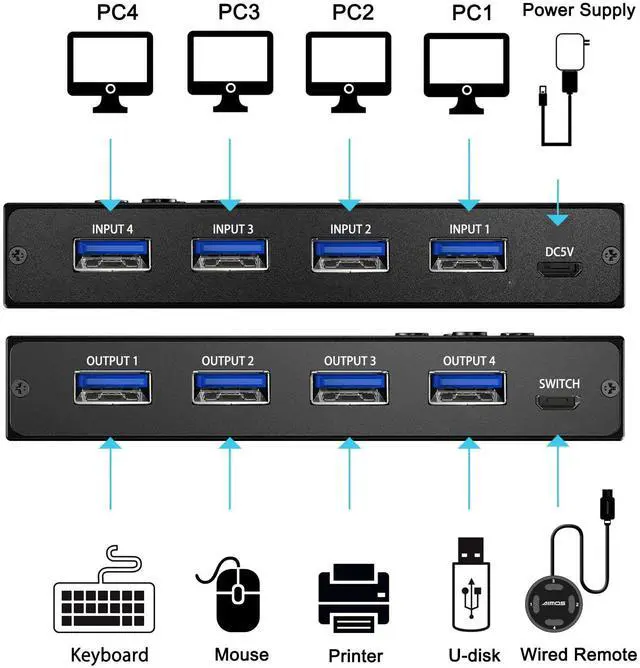
- 4 USB 3.0 ports (INPUT) connect up to four computers or laptops to the switch with the included USB-A 3.0 cables.
- 4 USB 3.0 ports (OUTPUT) connect up to four peripherals to the switch set the active host with a push of a button.
- Support multiple devices such as printers, scanners, mouse, keyboard, card reader,U disk, and other USB devices.
NOTE:
- Do not press the switch button while transferring data.
- This switch can not automatically switch to another computer,you can just switch it via the button; it also does not 'automatically' switch between ports.
- Using the provided 0.8M cables to connect the USB switch to your computers.
- If you want high data transfer rates, make sure the USB 3.0 cable is connected between the computer's USB 3.0 port and the USB 3.0 device.
- Please use a standard DC 5V USB power adapter (not included in the package).
- Any charger with higher voltage output is not allowed, this may affect product performance.
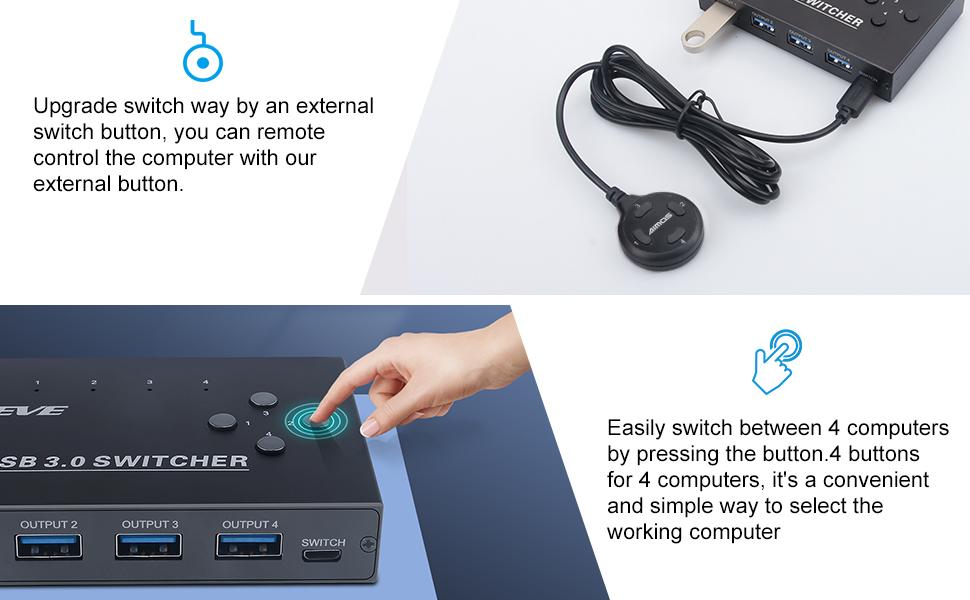
Wired remote control and One-Key switching
- An included Wired remote allows for quick, easy switching of the host computer with the push of a single button.
- Unique design includes four switch buttons to effortlessly swap between hosts with the push of a single button.
- Press the corresponding button to switch quickly,no need to press a button multiple times to cycle between hosts.
- Wired remote control (1.5m), say goodbye to messy cables on the desktop.
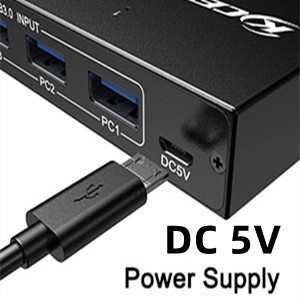
Micro USB female port for option power
- Designed for high power USB devices such as HDD, digital video camera,SSD etc.
- Important Note: Please use Standard 5V Adapter (Not Included) for powering. Any charger with higher voltage output is Not allowed.
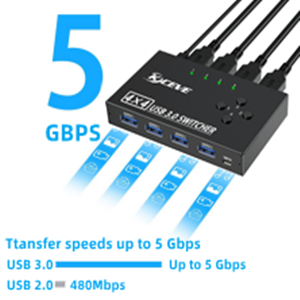
5 Gbps Ultra-Fast Speed
- 10x faster than USB 2.0 speed
- Plug & play, no driver required
- Compatible with USB 3.0 and USB 2.0/1.1
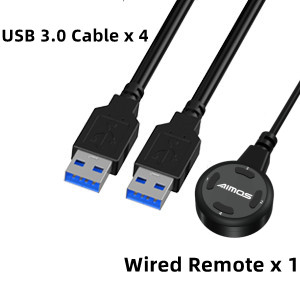
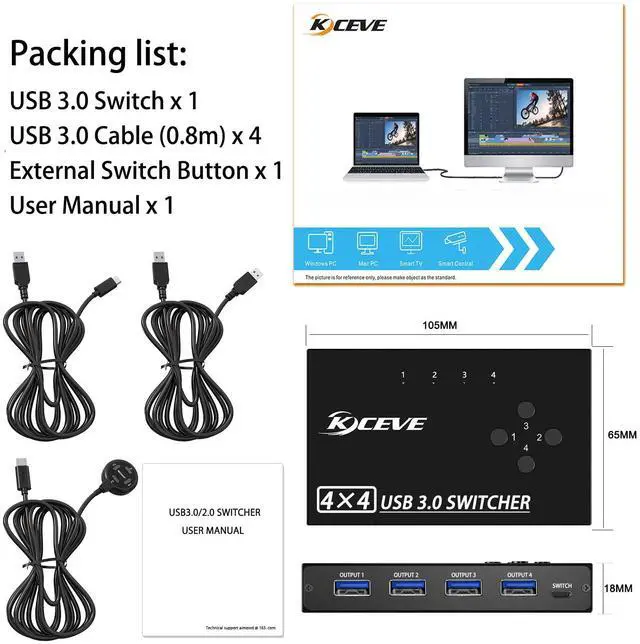
Packing List:
- USB 3.0 Switcher x 1
- USB 3.0 cable x 4
- Wired remote control x 1
- User Manual x 1
(NOTE: the power adapter is not included)
4 port USB 3.0 switch for 4 computers
MLEEDA USB 3.0 switch is an excellent choice to expand your laptop’s USB 3.0 port into four, allows 4 computers to share 4 USB 3.0 or USB 2.0 devices, can easily switch between 4 Computers via a push button with LED indicates the active computer.
Ideal for sharing a printer or scanner in a small office environment.It's also great for use at home if you have multiple PCs or Macs.
No Driver Needed, Plug and Play
This USB 3.0 switch is plug-and-play compatible, with no additional driver installation needed.USB bus-powered - No power adapter required.
Button and LED Indicator Design
Easily switches between systems via push buttons with LED indicating the active computer.
Maximum Compatibility
Compatibility with Windows 10/8/8.1/7/Vista/XP and Mac OS, Linux, and Chrome OS.
USB 3.0 Switch ideal for 4 Computers Share 4 USB Devices
- 4 USB 3.0 ports (INPUT) connect up to four computers or laptops to the switch with the included USB-A 3.0 cables.
- 4 USB 3.0 ports (OUTPUT) connect up to four peripherals to the switch set the active host with a push of a button.
- Support multiple devices such as printers, scanners, mouse, keyboard, card reader,U disk, and other USB devices.
NOTE:
- Do not press the switch button while transferring data.
- This switch can not automatically switch to another computer,you can just switch it via the button; it also does not 'automatically' switch between ports.
- Using the provided 0.8M cables to connect the USB switch to your computers.
- If you want high data transfer rates, make sure the USB 3.0 cable is connected between the computer's USB 3.0 port and the USB 3.0 device.
- Please use a standard DC 5V USB power adapter (not included in the package).
- Any charger with higher voltage output is not allowed, this may affect product performance.
Wired remote control and One-Key switching
- An included Wired remote allows for quick, easy switching of the host computer with the push of a single button.
- Unique design includes four switch buttons to effortlessly swap between hosts with the push of a single button.
- Press the corresponding button to switch quickly,no need to press a button multiple times to cycle between hosts.
- Wired remote control (1.5m), say goodbye to messy cables on the desktop.
Micro USB female port for option power
- Designed for high power USB devices such as HDD, digital video camera,SSD etc.
- Important Note: Please use Standard 5V Adapter (Not Included) for powering. Any charger with higher voltage output is Not allowed.
5 Gbps Ultra-Fast Speed
- 10x faster than USB 2.0 speed
- Plug & play, no driver required
- Compatible with USB 3.0 and USB 2.0/1.1
Packing List:
- USB 3.0 Switcher x 1
- USB 3.0 cable x 4
- Wired remote control x 1
- User Manual x 1
(NOTE: the power adapter is not included)
MLEEDA
Simplify office and life--Convenient, Efficient, Enjoyable
MELLDA only focus on the R&D and production of KVM switch and USB switch.
Making users' office more convenient and efficient is our core value.
Dual Monitor KVM
Triple Monitor KVM
HDMI/DP 8/10 PC KVM Switch
Triple Monitor KVM Switch
This KVM allows 2 computers to share 3 monitors and 4 USB 3.0 devices like keyboard mouse Hard disk.
Support mirror and extended modes.