



Meet Your Seller



KVM Switch 2 Monitors 2 Computers, HDMI KVM Switches 8K@60Hz, USB 3.0 Switch for 2 PC Share 2 Screens, Support Extended/Copy Mode with Desktop Controller with 2 USB Cables & Desktop Controller
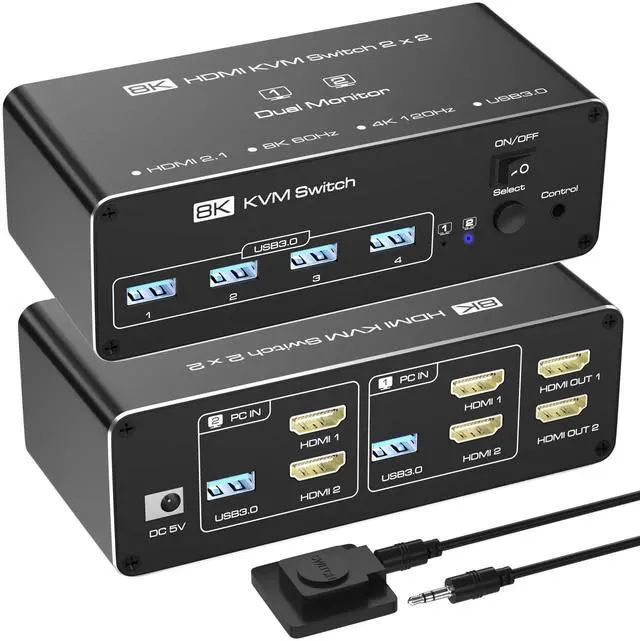
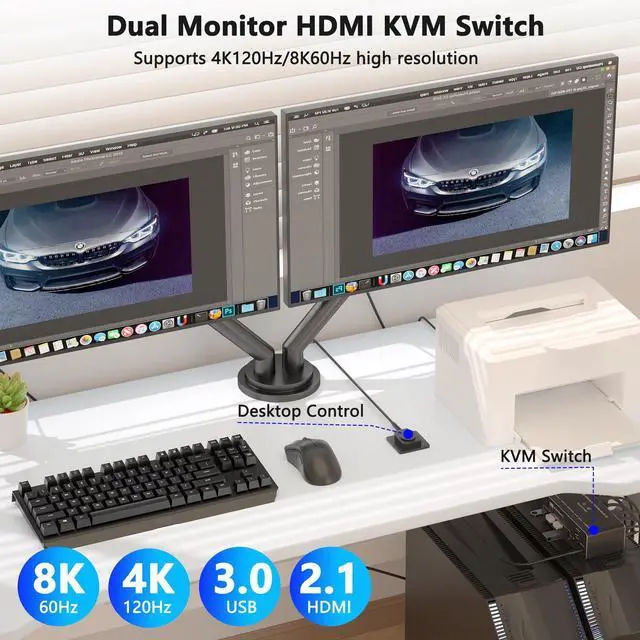
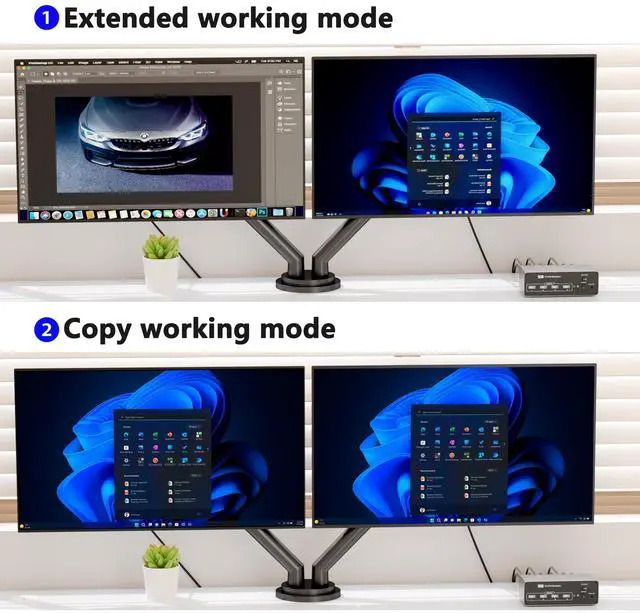
- [KVM Switch Dual Monitor HDMI]KVM switch 2 monitors 2 computers allows you to control 2 computers with just one set of keyboard and mouse, and sharing 2 HDMI monitors. USB KVM switch 2 ports support Extended & Copy Mode (only available on hosts that support dual display). Meet your need to switch freely between work computers and personal computers. The HDMI 1 and HDMI 2 ports on the product must be connected to the same computer.
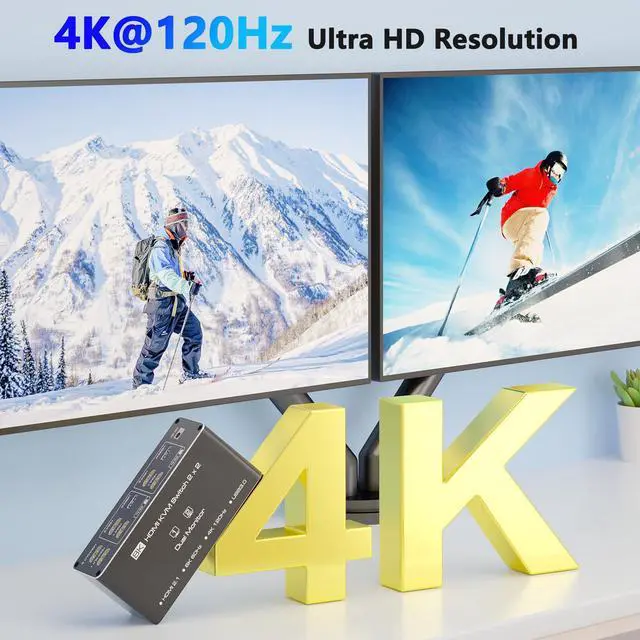
- [Dual Monitor KVM Switch Support Ultra HD 8K Visuals]The 8K HDMI KVM Switch supports resolutions up to 7680x4320@60Hz(8K@60Hz) and is backward compatible with4K@120Hz, 4K@60Hz, 4K@30Hz, 1440P@60Hz, and 1080P@60Hz, which makes the image display more detailed and realistic, clear and stable, and it can bring excellent visual experience. Note: If you need to output 8K@60Hz resolution, please make sure your HDMI cable, computer and monitor support 8K@60Hz.
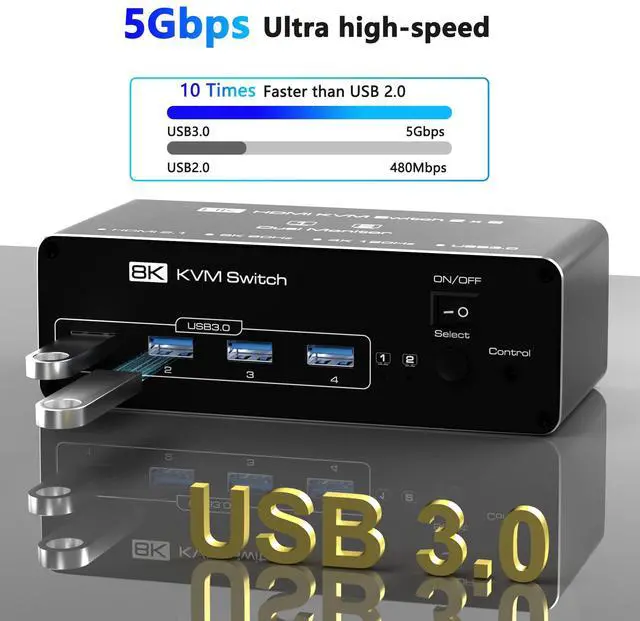
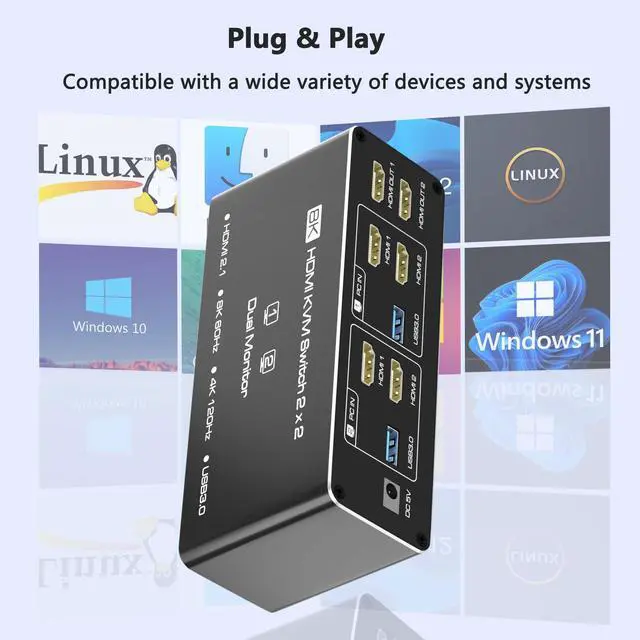
- [USB 3.0 KVM Switcher]This HDMI KVM switch 2 port is equipped with 4 USB 3.0 ports that can reach a maximum data transfer rate of 5Gbps, which is 10 times faster than USB 2.0 ports. Faster read speeds and increased productivity when sharing devices such as printers, cameras, scanners, or USB flash drives between two computers. It supports various systems such as Windows/Vista/XP and Mac OS, Linux, and Unix, and is plug-and-play.
+
+
Overview
Specs
Reviews
KVM Switch 2 Monitors 2 Computers, HDMI KVM Switches 8K@60Hz, USB 3.0 KVM Switches for 2 Computers Share Dual Monitor and 4 USB Devices, DisplayPort KVM with Wired Controller support Extend/Copy Mode
Additional Features
- [Button and Desktop Controller Switching]You can switch between 2 computers by pressing the button on the HDMI KVM switch or through the desktop controller. The desktop controller also hides the KVM for a tidier desktop. The KVM switch 2 monitors plug-and-play, is simple and easy to install. LED indicates the active computer. NOTE: Keyboard shortcuts (hotkeys) toggles are not supported.
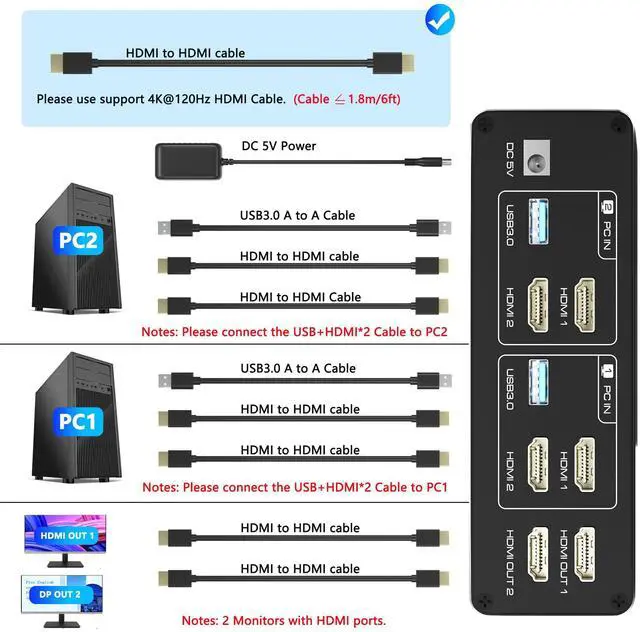
- [Read Before Buying]1. Each computer needs to be connected to the KVM switch via two HDMI cables instead of one; 2. In the entire setup, DP to HDMI and HDMI to DVI/VGA adapters are not supported; 3. Both computers need to have two HDMI outputs, and each monitor needs at least one HDMI input; only when these three conditions are met can the switch function.
- [Packing List]KVM Switch dual monitor kit includes: KVM Switchx1, 1.5m desktop controller*1, 1m USB3.0 cables*2, 5V power adapter*1, and user manual*1. If there is any problem with usage, please contact us via Amazon order number. Note: Users are required to provide their own HDMI cables (6 in total).
Warranty & Returns
Warranty, Returns, And Additional Information
Warranty
- Please contact the Seller directly for warranty information. Warranty information may also be found on the Manufacturer's website.
- CONTACT
Return Policies
- Return for refund within: 30 days
- Return for replacement within: 30 days
- This item is covered by Seaside Shop Return Policy
Manufacturer Contact Info
- For a directory of all our manufacturers, please click below.
- Manufacturers Directory
LOADING...