
• $69.99
Price alert
Shop it at NeweggBusiness.

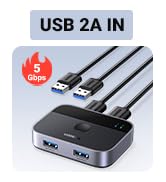
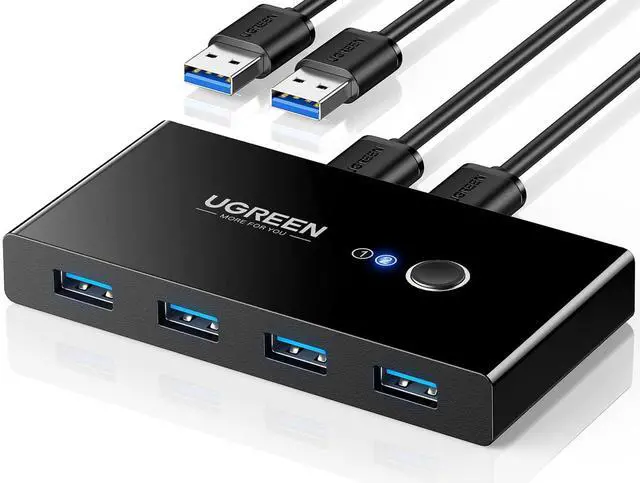
USB 3.0 Switch Selector 2 Computers Share 4 USB Ports USB Switcher USB for PC Laptop Keyboard Mouse Printer Scanner One Button Switch Adapter with 2 Pack USB 3.0 Cables

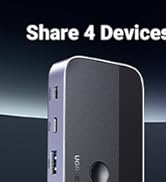
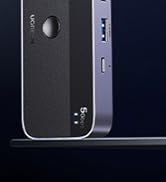
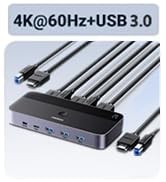
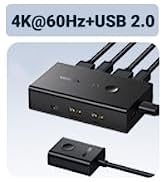
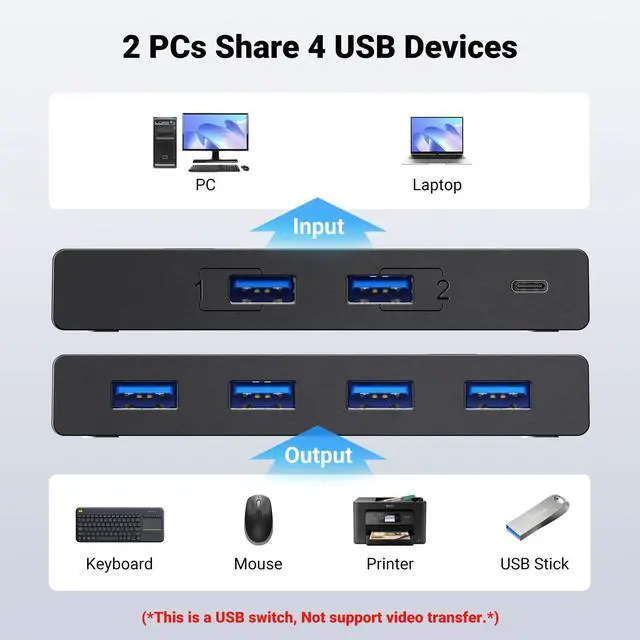
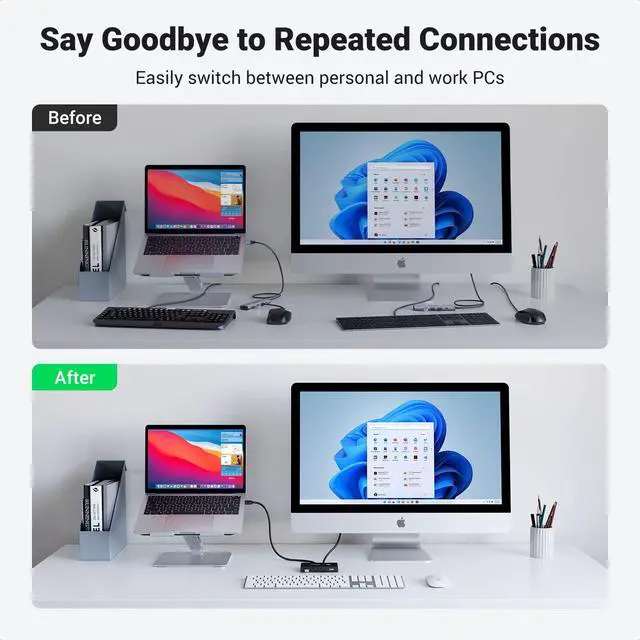
  • 2 PCs Share Multiple Devices: UGREEN 2 in 4 out USB 3.0 switch supports 2 computers share 4 USB devices like keyboards, mouses, U disk, printers, scanners, USB cameras, headphones, etc. It's convenient for you to switch freely between your work computer and personal computer, greatly improving work efficiency. (*Not a KVM switch and does not support a monitor or video transmission.*)
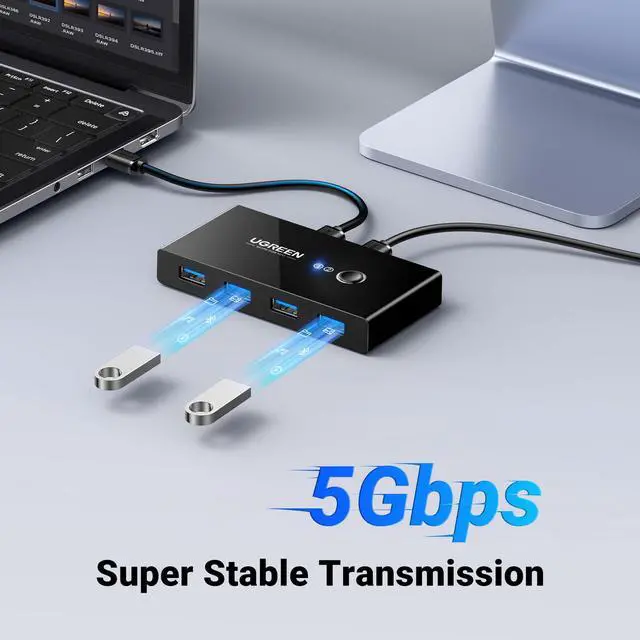
  • Transfer Files in Seconds: With the 4x USB 3.0 ports, UGREEN USB Switcher supports up to 5Gbps data transfer speed. You can easily transfer data from U disk, mobile hard disk to computer. It's backward compatible with USB 2.0, too. (*It is recommended to power supply when using multiple devices simultaneously to avoid disconnection due to insufficient power.*)
  • Wide Compatibility & Driver-free: UGREEN USB 3.0 Switch selector is plug-and-play for Windows, macOS, Chrome OS, and Linux computers. Just plug in and enjoy efficient work. (If the input PC only has a USB C port, please use a USB C to A adapter instead of a USB C to A cable, directly using the cable may not work.)
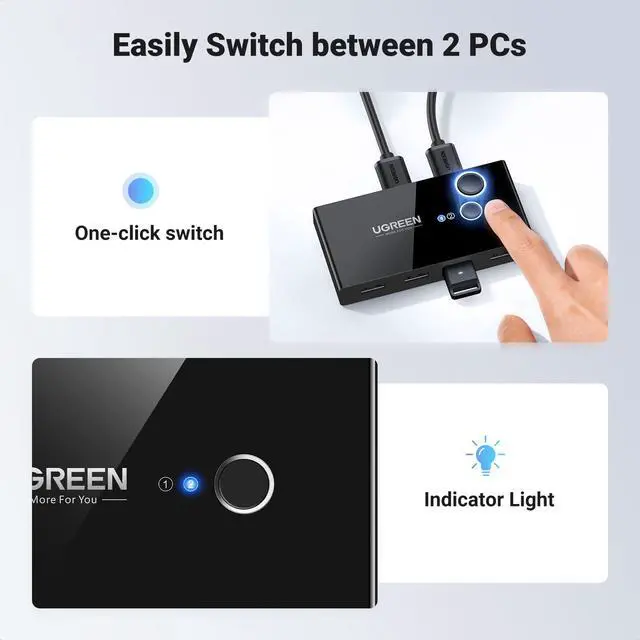
  • One-Button USB Switch: With the USB switcher button and LED indicator design, you can freely switch multiple USB devices between two computers with one click and clearly know the working status.
+
+
Overview
Specs
Reviews
usb kvm switch
usb kvm switch
usb switch
For USB C Laptop: If you want to work with USB C host devices, you'll need a USB C to A adapter, as it won't work directly with a USB C to A cable.
For input port: This USB switch doesn't support a monitor or any video transfer and there is no HDMI input.
For output port: The USB output port is only used for data transfer and doesn't support power supply or video transmission.
It's not suggested to connect the wireless device to the USB3.0 switch due to the 2.4Ghz interference.
If your wireless network is affected, please set your router frequency from 2.4GHz to 5GHz.
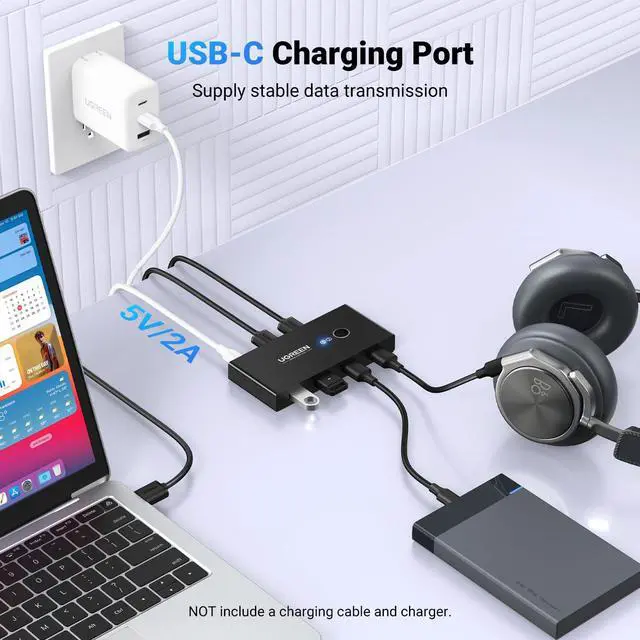
About Power Supply: Neither charging cable nor power adapter is included.
It can output 2A at max in total when a standard 5V power adapter is connected.
For Mouse Keyboard It's not suggested to connect mouse or keyboard with long usb extension cable.
Package Content: USB 3.0 Switch * 1; USB A to A Cable (5FT/1.5m) * 2

UGREEN USB Switch

https://m.media-amazon.com/images/S/aplus-media-library-service-media/c842add4-719e-4657-ba44-09b6aad583e8.__CR0,0,200,225_PT0_SX200_V1___.jpg

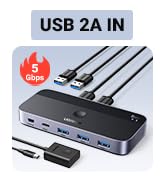
2 USB A IN Switch 3.0

https://m.media-amazon.com/images/S/aplus-media-library-service-media/3f37d3e8-a0bb-4405-85ee-84e3acab25d2.__CR0,0,200,225_PT0_SX200_V1___.jpg

2 USB A IN Switch 3.0

https://m.media-amazon.com/images/S/aplus-media-library-service-media/b36fc5ab-63d2-4f1b-8c4e-b2dd97a2ddab.__CR0,0,200,225_PT0_SX200_V1___.jpg

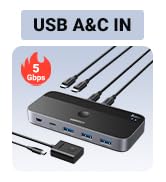
USB A & C IN Switch 3.0

https://m.media-amazon.com/images/S/aplus-media-library-service-media/d14c4e74-1ccc-4f42-b5f7-3534f1f6edb3.__CR0,0,200,225_PT0_SX200_V1___.jpg

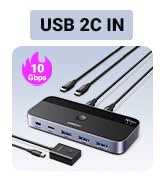
2USB C IN Switch 3.2

https://m.media-amazon.com/images/S/aplus-media-library-service-media/037afba0-bb4f-48c7-8631-50b2636349a8.__CR0,0,200,225_PT0_SX200_V1___.jpg

2 USB A IN Switch 3.0

Price
Product Type
2 In 4 Out 2 In 4 Out 2 In 4 Out 2 In 4 Out 2 In 2 Out
Input Port
UBS A UBS A USB A & C UBS C UBS A
Output Port
4USB A 1USB C & 3USB A 1USB C & 3USB A 1USB C & 3USB A 2 USB A
Transfer Speed
5 Gbps 5 Gbps 5 Gbps 10 Gbps 5 Gbps
Power Port
USB C USB C USB C No need /
Switch Mode
Button Button & Control Button & Control Button & Control Button
Material
ABS ABS & Aluminum ABS & Aluminum ABS & Aluminum ABS & Aluminum
usb kvm switch
usb kvm switch
USB SWITC H
For USB C Laptop: If you want to work with USB C host devices, you'll need a USB C to A adapter, as it won't work directly with a USB C to A cable.
For input port: This USB switch doesn't support a monitor or any video transfer and there is no HDMI input.
For output port: The USB output port is only used for data transfer and doesn't support power supply or video transmission.
It's not suggested to connect the wireless device to the USB3.0 switch due to the 2.4Ghz interference.
If your wireless network is affected, please set your router frequency from 2.4GHz to 5GHz.
About Power Supply: Neither charging cable nor power adapter is included.
It can output 2A at max in total when a standard 5V power adapter is connected.
For Mouse Keyboard It's not suggested to connect mouse or keyboard with long usb extension cable.
Package Content: USB 3.0 Switch * 1; USB A to A Cable (5FT/1.5m) * 2

UGREEN USB Switch

https://m.media-amazon.com/images/S/aplus-media-library-service-media/c842add4-719e-4657-ba44-09b6aad583e8.__CR0,0,200,225_PT0_SX200_V1___.jpg

2 USB A IN Switch 3.0

https://m.media-amazon.com/images/S/aplus-media-library-service-media/3f37d3e8-a0bb-4405-85ee-84e3acab25d2.__CR0,0,200,225_PT0_SX200_V1___.jpg

2 USB A IN Switch 3.0

https://m.media-amazon.com/images/S/aplus-media-library-service-media/b36fc5ab-63d2-4f1b-8c4e-b2dd97a2ddab.__CR0,0,200,225_PT0_SX200_V1___.jpg

USB A & C IN Switch 3.0

https://m.media-amazon.com/images/S/aplus-media-library-service-media/d14c4e74-1ccc-4f42-b5f7-3534f1f6edb3.__CR0,0,200,225_PT0_SX200_V1___.jpg

2USB C IN Switch 3.2

https://m.media-amazon.com/images/S/aplus-media-library-service-media/037afba0-bb4f-48c7-8631-50b2636349a8.__CR0,0,200,225_PT0_SX200_V1___.jpg

2 USB A IN Switch 3.0

Price
Product Type
2 In 4 Out 2 In 4 Out 2 In 4 Out 2 In 4 Out 2 In 2 Out
Input Port
UBS A UBS A USB A & C UBS C UBS A
Output Port
4USB A 1USB C & 3USB A 1USB C & 3USB A 1USB C & 3USB A 2 USB A
Transfer Speed
5 Gbps 5 Gbps 5 Gbps 10 Gbps 5 Gbps
Power Port
USB C USB C USB C No need /
Switch Mode
Button Button & Control Button & Control Button & Control Button
Material
ABS ABS & Aluminum ABS & Aluminum ABS & Aluminum ABS & Aluminum
USB 3.0 Switch Selector 2 Computers Share 4 USB Ports USB Switcher USB for PC Laptop Keyboard Mouse Printer Scanner One Button Switch Adapter with 2 Pack USB 3.0 Cables

Warranty & Returns

Warranty, Returns, And Additional Information

Warranty

  • Please contact the Seller directly for warranty information. Warranty information may also be found on the Manufacturer's website.
  • CONTACT

Return Policies

Manufacturer Contact Info

LOADING...