


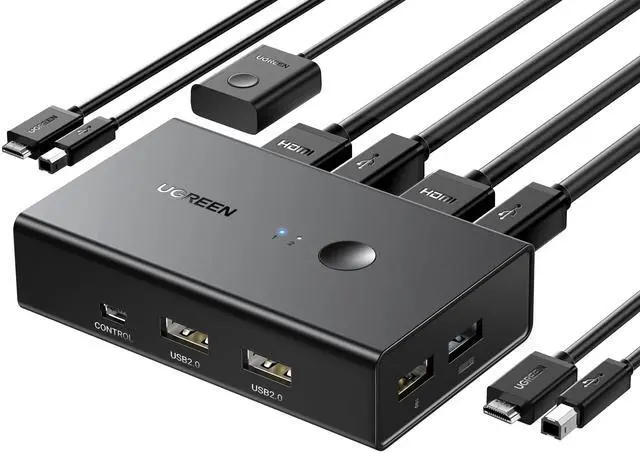
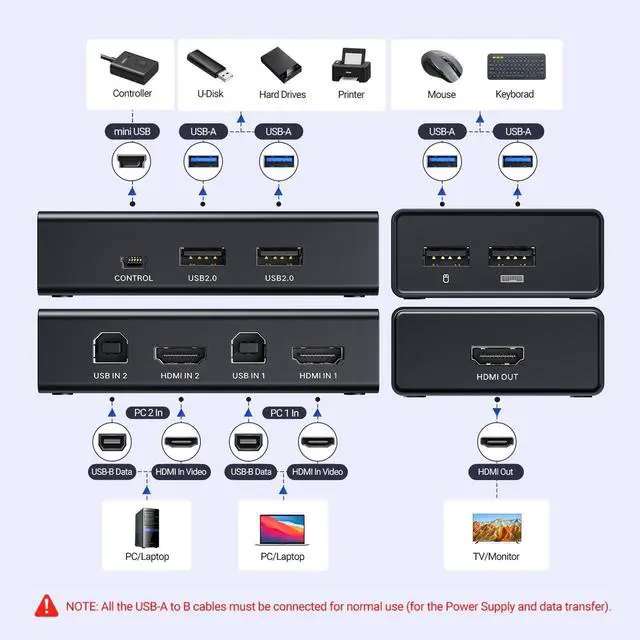
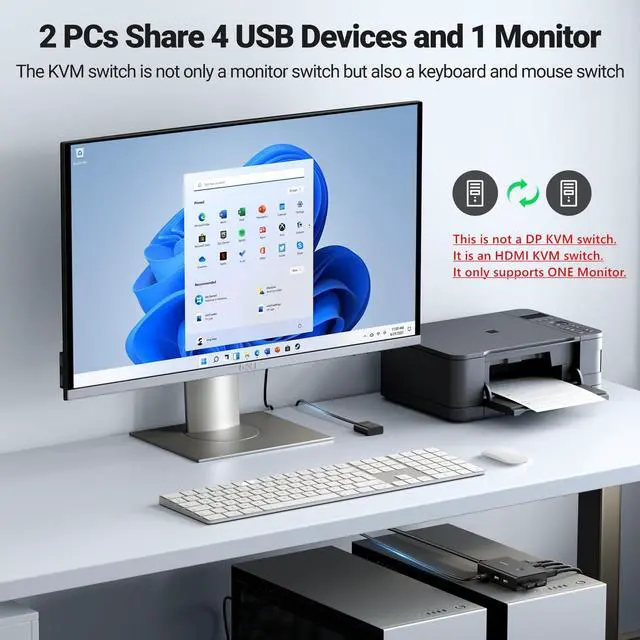
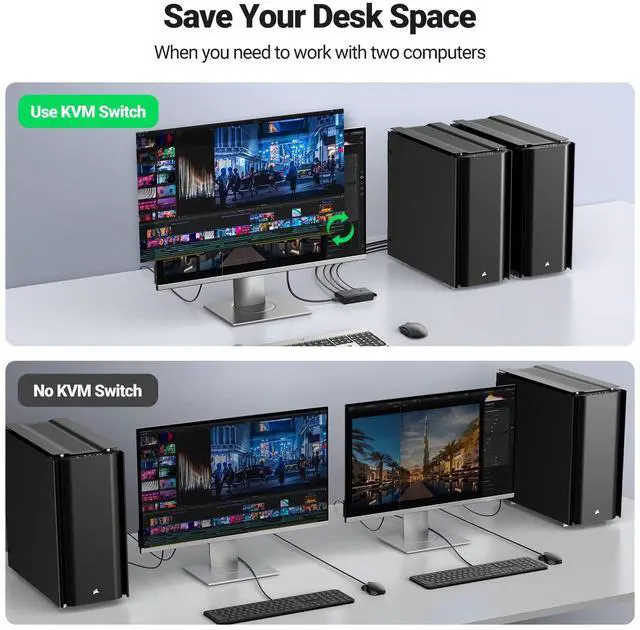


HDMI KVM Switch 1 monitor 2 computer
Merchant Video


What can I do if there is no hdmi signal at all?
1. Ensure that both two USB-B cables are connected to offer a power supply.
2. To achieve different resolutions, ensure the cable's AWG and length can meet the requirements.
Why does the screen turn black for a few seconds when switching?
It depends on the monitor. Generally, if the monitor is 4K@60Hz, the screen will be black for about 5-7s after switching, and when it is 1080P@60Hz, the screen will be black for about 3-5s after switching.
Can the HDMI or USB function be used separately?
Yes, when using the HDMI port separately, it is necessary to connect two USB-B cables to offer a power supply. Otherwise, it won't work. The power supply requires a current of more than 5V/500mA.
Can I connect the wireless keyboard and mouse with the USB interface?
Yes, you can, but it takes a longer time to sync than that of the wired one after making a switch.
Can the KVM Switch USB be connected to a hard drive?
No, it is not recommended to connect a hard drive, since the USB interface has overcurrent protection function, and the point is 1A. When the working current is higher than 1A, the wire might be short. making damage to hard disk.
Various Types and Interfaces KVM Switches
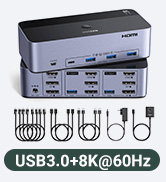
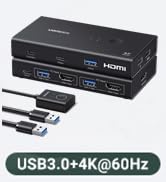
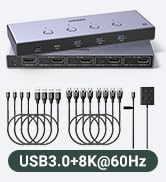
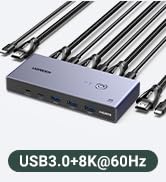
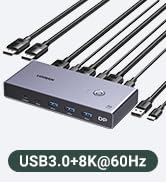
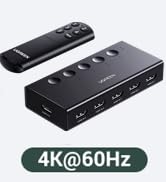
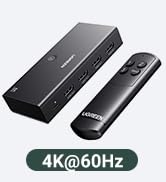
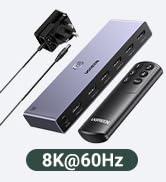
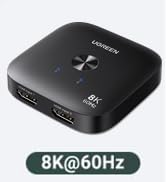
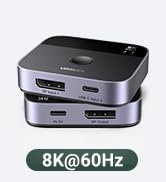
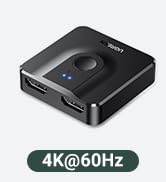
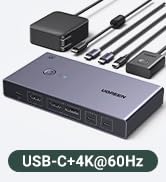
 HDMI KVM Switch 1 Out |  HDMI KVM Switch 2 Out | 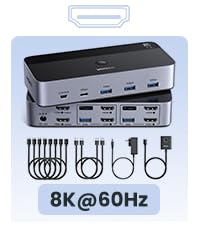 8K HDMI KVM Switch 2 Out |  HDMI DP KVM Switch 3 Out |  HDMI KVM Switch 1 Out |  8K HDMI KVM Switch 4 Out |  8K HDMI KVM Switch | |
|---|---|---|---|---|---|---|---|
Type | 2 Computers 1 Monitor | 2 Computers 2 Monitors | 2 Computers 2 Monitors | 2 Computers 3 Monitors | 2 Computers 1 Monitor | 4 Computers 1 Monitor | 2 Computers 1 Monitor |
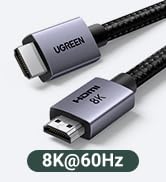
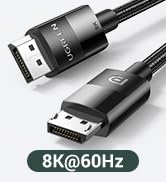
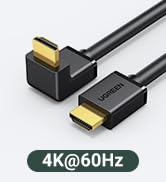
Resolution | 4K@60Hz | 4K@60Hz | 8K@60Hz | 8K@60Hz | 4K@60Hz | 8K@60Hz | 8K@60Hz |
Input & Output | HDMI Input & HDMI Output | HDMI Input & HDMI Output | HDMI Input & HDMI Output | HDMI+DP Input & HDMI+DP Output | HDMI Input & HDMI Output | HDMI Input & HDMI Output | HDMI Input & HDMI Output |
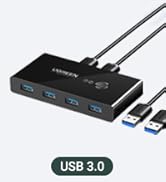
USB Type | USB 3.0 | USB 3.0 | USB 3.0 | USB 3.0 | USB 3.0 | USB 3.0 | USB 3.0 |
Transfer Speed | 5Gbps | 5Gbps | 5Gbps | 5Gbps | 5Gbps | 5Gbps | 5Gbps |
USB Ports | 3 USB-A Ports +1 USB-C Port | 3 USB-A Ports +1 USB-C Port | 3 USB-A Ports +1 USB-C Port | 3 USB-A Ports +1 USB-C Port | 3 USB-A Ports +1 USB-C Port | 3 USB-A Ports +1 USB-C Port | 3 USB-A Ports +1 USB-C Port |
Material | ABS | Aluminum+ABS | Aluminum+ABS | Aluminum+ABS | Aluminum+ABS | Aluminum | Aluminum |
Switch Way | Button & Controller | Button & Controller | Button & Controller | Button & Controller | Button & Controller | Button & Controller | Button & Controller |
Cable Included | 2*USB Cables | 4*HDMI Cables,2*USB Cables,etc | 4*HDMI Cables,2*USB Cables,etc | 4*DP+2*HDMI+2*USB Cables, etc | 2*HDMI Cables, 2*USB Cables | 4*HDMI Cables, 4*USB Cables | 2*USB A-C Cables,2*HDMI Cables |

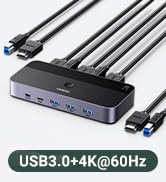
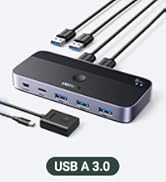
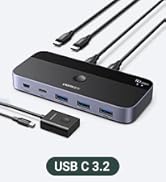
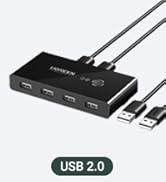
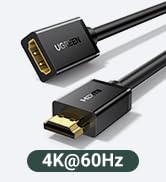
HDMI KVM Switch 1 monitor 2 computer
Merchant Video


What can I do if there is no hdmi signal at all?
1. Ensure that both two USB-B cables are connected to offer a power supply.
2. To achieve different resolutions, ensure the cable's AWG and length can meet the requirements.
Why does the screen turn black for a few seconds when switching?
It depends on the monitor. Generally, if the monitor is 4K@60Hz, the screen will be black for about 5-7s after switching, and when it is 1080P@60Hz, the screen will be black for about 3-5s after switching.
Can the HDMI or USB function be used separately?
Yes, when using the HDMI port separately, it is necessary to connect two USB-B cables to offer a power supply. Otherwise, it won't work. The power supply requires a current of more than 5V/500mA.
Can I connect the wireless keyboard and mouse with the USB interface?
Yes, you can, but it takes a longer time to sync than that of the wired one after making a switch.
Can the KVM Switch USB be connected to a hard drive?
No, it is not recommended to connect a hard drive, since the USB interface has overcurrent protection function, and the point is 1A. When the working current is higher than 1A, the wire might be short. making damage to hard disk.
Various Types and Interfaces KVM Switches
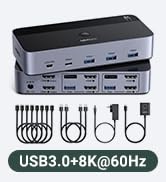
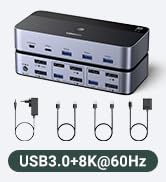
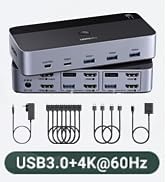
HDMI KVM Switch 1 Out | HDMI KVM Switch 2 Out | 8K HDMI KVM Switch 2 Out | HDMI DP KVM Switch 3 Out | HDMI KVM Switch 1 Out | 8K HDMI KVM Switch 4 Out | 8K HDMI KVM Switch |
|---|---|---|---|---|---|---|
| Type | ||||||
| 2 Computers 1 Monitor | 2 Computers 2 Monitors | 2 Computers 2 Monitors | 2 Computers 3 Monitors | 2 Computers 1 Monitor | 4 Computers 1 Monitor | 2 Computers 1 Monitor |
| Resolution | ||||||
| 4K@60Hz | 4K@60Hz | 8K@60Hz | 8K@60Hz | 4K@60Hz | 8K@60Hz | 8K@60Hz |
| Input & Output | ||||||
| HDMI Input & HDMI Output | HDMI Input & HDMI Output | HDMI Input & HDMI Output | HDMI+DP Input & HDMI+DP Output | HDMI Input & HDMI Output | HDMI Input & HDMI Output | HDMI Input & HDMI Output |
| USB Type | ||||||
| USB 3.0 | USB 3.0 | USB 3.0 | USB 3.0 | USB 3.0 | USB 3.0 | USB 3.0 |
| Transfer Speed | ||||||
| 5Gbps | 5Gbps | 5Gbps | 5Gbps | 5Gbps | 5Gbps | 5Gbps |
| USB Ports | ||||||
| 3 USB-A Ports +1 USB-C Port | 3 USB-A Ports +1 USB-C Port | 3 USB-A Ports +1 USB-C Port | 3 USB-A Ports +1 USB-C Port | 3 USB-A Ports +1 USB-C Port | 3 USB-A Ports +1 USB-C Port | 3 USB-A Ports +1 USB-C Port |
| Material | ||||||
| ABS | Aluminum+ABS | Aluminum+ABS | Aluminum+ABS | Aluminum+ABS | Aluminum | Aluminum |
| Switch Way | ||||||
| Button & Controller | Button & Controller | Button & Controller | Button & Controller | Button & Controller | Button & Controller | Button & Controller |
| Cable Included | ||||||
| 2*USB Cables | 4*HDMI Cables,2*USB Cables,etc | 4*HDMI Cables,2*USB Cables,etc | 4*DP+2*HDMI+2*USB Cables, etc | 2*HDMI Cables, 2*USB Cables | 4*HDMI Cables, 4*USB Cables | 2*USB A-C Cables,2*HDMI Cables |
HDMI/DP KVM Switch
HDMI/DP KVM Switch
HDMI Switch
HDMI Switch/KVM Switch
USB Switch/USB-C Switch
HDMI Cables and DP Cables