




100%









360°


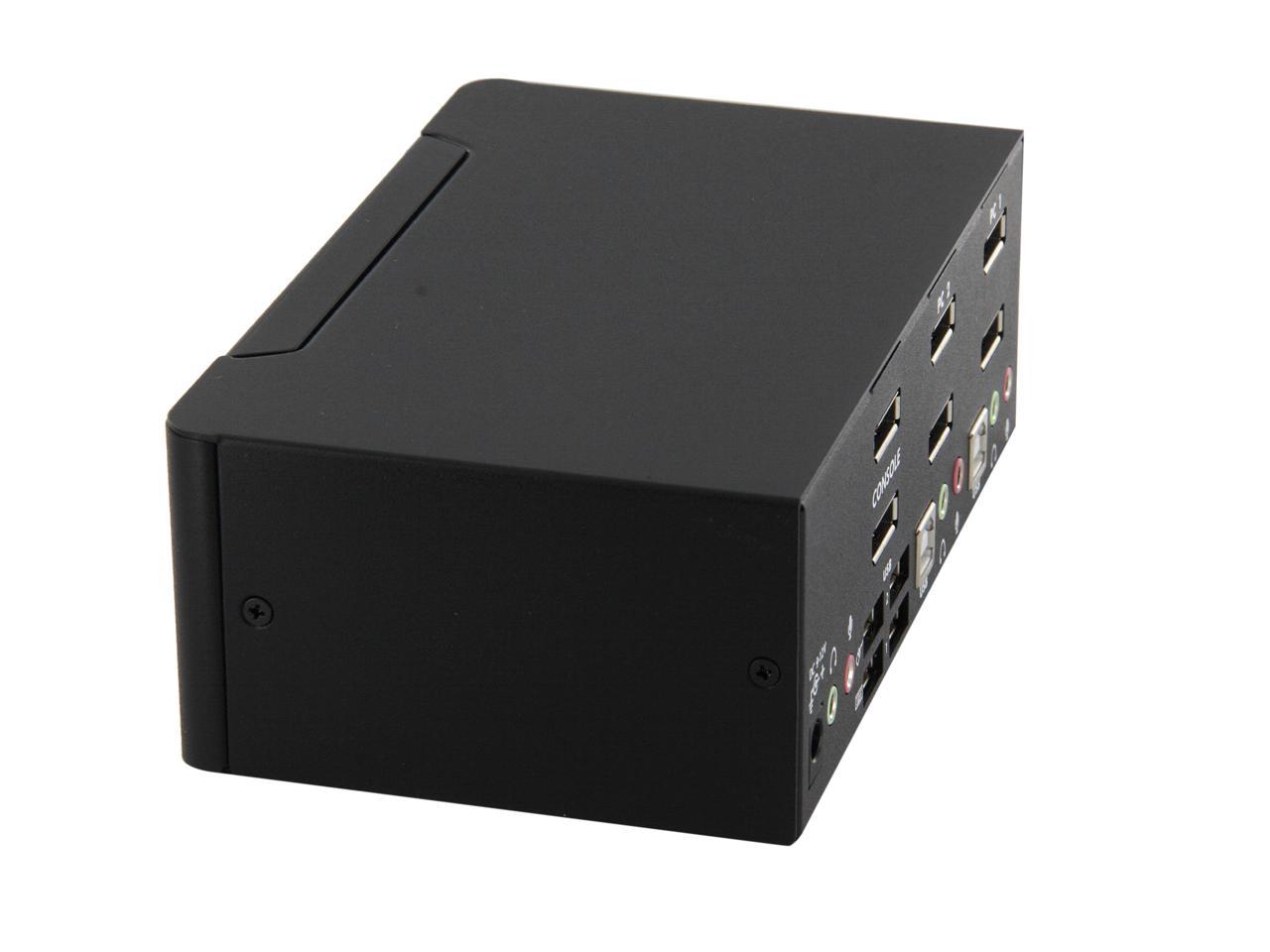
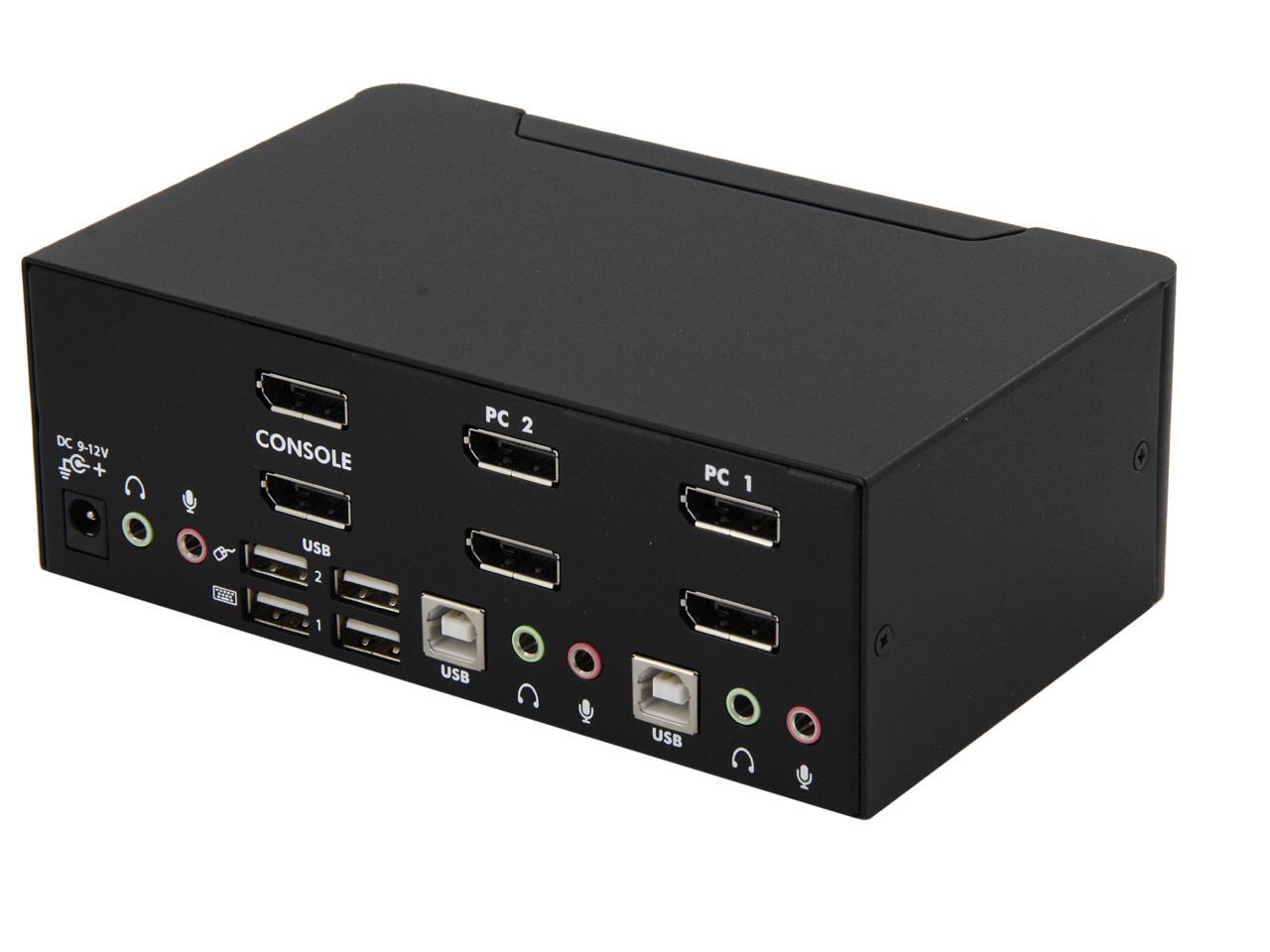
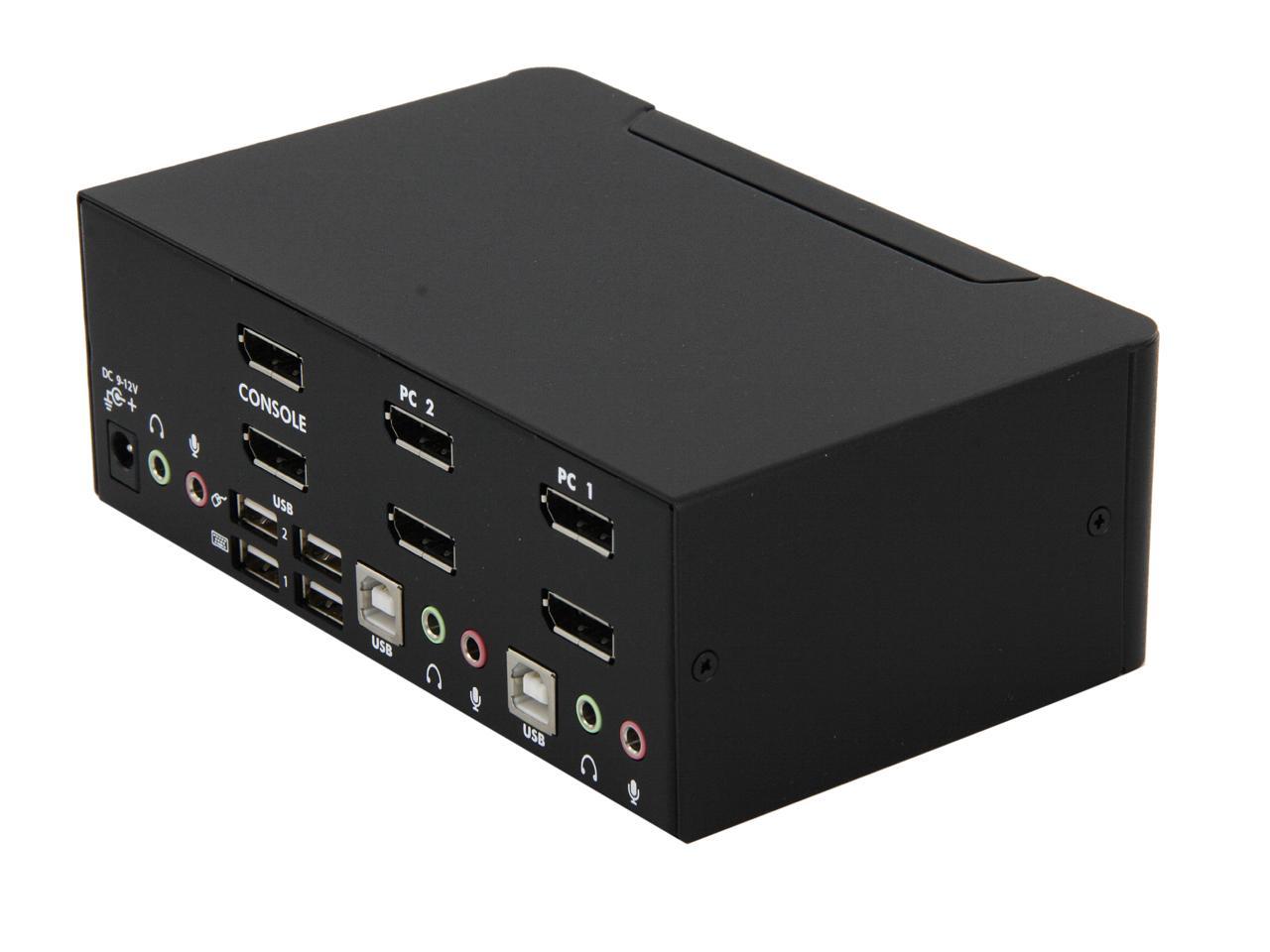
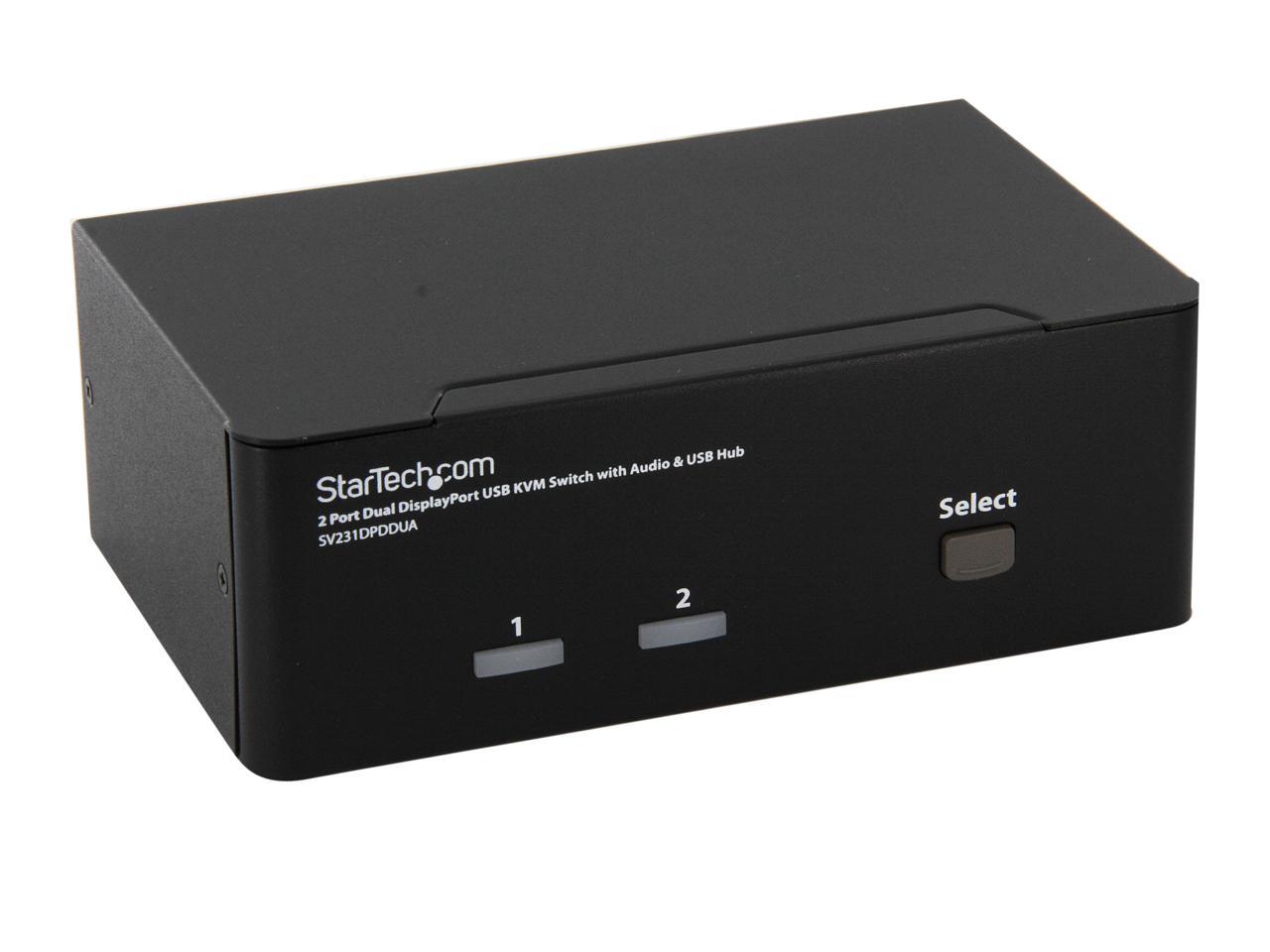
StarTech.com SV231DPDDUA 2 Port Dual DisplayPort USB KVM Switch with Audio & USB 2.0 Hub
- Control 2 high-resolution dual DisplayPort computers with a single console
- Compatible with DisplayPort equipped desktop and notebook computers and DisplayPort monitors
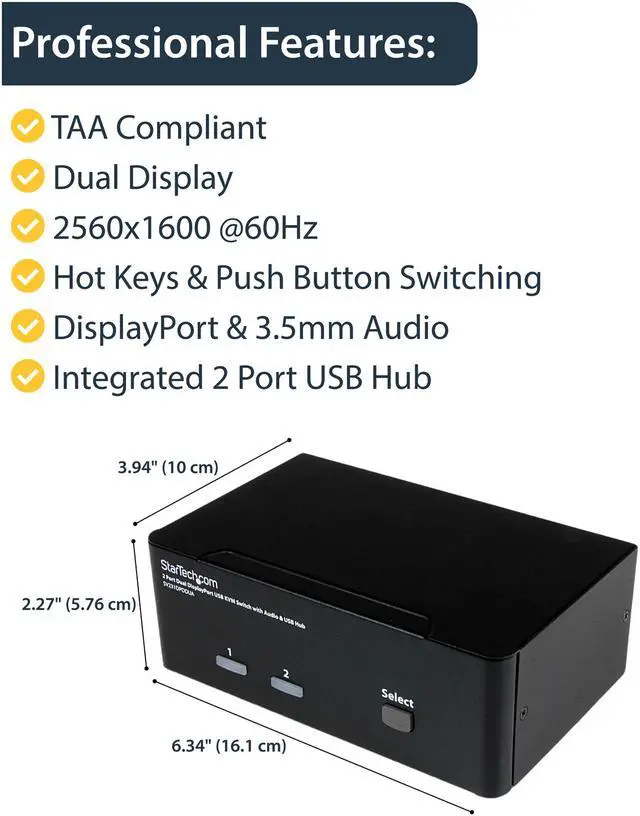
- Supports resolutions up to 2560 x 1600
- USB KVM Switch / DisplayPort KVM Switch / DisplayPort KVM / Desktop KVM Switch / DP KVM / DP KVM switch / USB keyboard and mouse with DisplayPort monitor
- Perfect for high-resolution applications such as Multimedia design, multimedia post-production and video editing
+
+
Overview
Specs
Reviews (16)
The SV231DPDDUA 2Port USB Dual DisplayPort KVM Switch combines the next generation of digital display interface standards with seamless USB KVM control of connected PC or Mac computers.
Warranty & Returns
Warranty, Returns, And Additional Information
Return Policies
- Return for refund until: January 31, 2027
- Return for replacement until: January 31, 2027
- This item is covered by Newegg.ca's Extended Holiday Return Policy.
- Read full return policy for details.
We want to ensure your holiday shopping this year is hassle-free. That’s why we’re automatically extending our return policies on almost every product! For purchases placed between November 1st, 2026 and December 31, 2026 you will have until January 31, 2027 to return your product.
Manufacturer Contact Info
- Manufacturer Product Page
- Manufacturer Website
- Support Phone: 1-800-265-1844
- Support Email: support@startech.com
- Support Website
- View other products from STARTECH
LOADING...
LOADING...
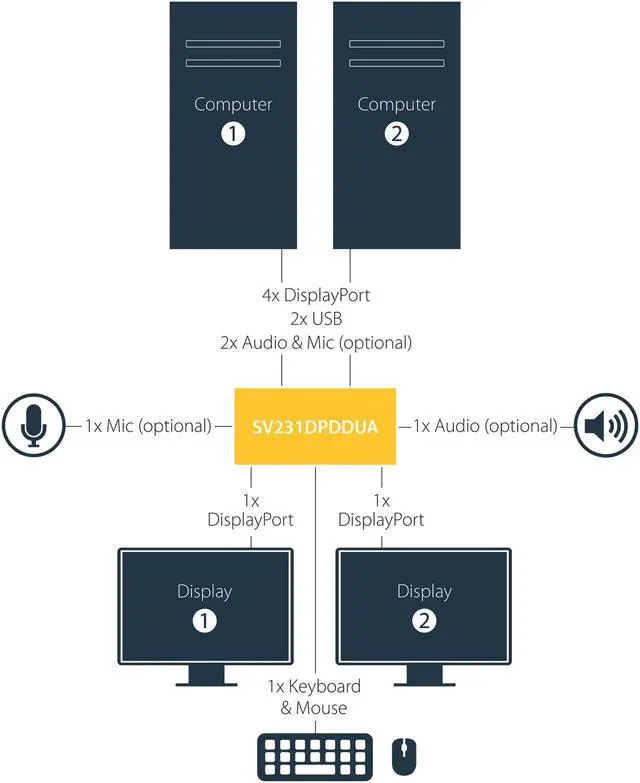
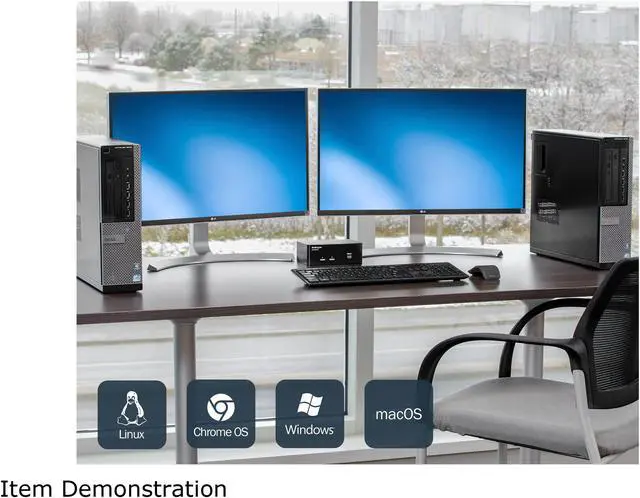
The StarTech.com SV231DPDDUA is a two-computer KVM switch that lets you share two DisplayPort monitors, a USB keyboard and mouse, audio, and USB peripherals, making it suitable for users who need one workstation setup for two Mac or PC computers.
Recommended For
- People who regularly switch between two DisplayPort computers at one desk and want to keep the same pair of monitors, keyboard, and mouse connected.
- Video-editing, multimedia post-production, and design users who work across two computers and want to switch dual displays and audio from one workstation.
- Work-from-home users with a docked work computer and a personal computer who want to share a dual-monitor desk setup instead of reconnecting peripherals each time.
- Users handling high-resolution, mostly static imaging—such as CAD or medical images—who prioritize a two-monitor view over high refresh rates.
Real-World Use Scenarios
- At a shared home-office desk, switch both monitors, keyboard, and mouse between a work computer and a personal desktop, so you can move between systems without reconnecting those devices each time.
- At a dual-monitor workstation used for design, photo work, or video editing, switch between two computers while keeping the same two-screen layout and shared USB peripherals. Check the resolution and refresh-rate limits of this SV231DPDDUA model against your displays before buying.
- For a desk shared by a laptop dock and a desktop, connect each system to its own KVM inputs and use the switch to move the monitors and USB controls between them. This works best when both computers provide the required DisplayPort connections through their video outputs or docks.
- In a small server room or IT work area, use one console to access either of two DisplayPort-equipped computers. Switching the keyboard, mouse, and displays can reduce the need for a separate console setup for each machine.
- At a multimedia desk with speakers or a microphone, switch between two computers and share the connected audio setup as well as the displays and USB devices, rather than moving those connections by hand.
Spec Summary
| Attribute | Value |
|---|---|
| Best For | Sharing a dual-DisplayPort workstation setup between two computers for multimedia design, post-production, or video editing |
| Computer And Display Support | Connects two computers to a dual-monitor DisplayPort setup; supports 2560 × 1600 at 60 Hz on each monitor and up to 3840 × 2400 per monitor at lower refresh rates. Compatible with Mac and PC systems |
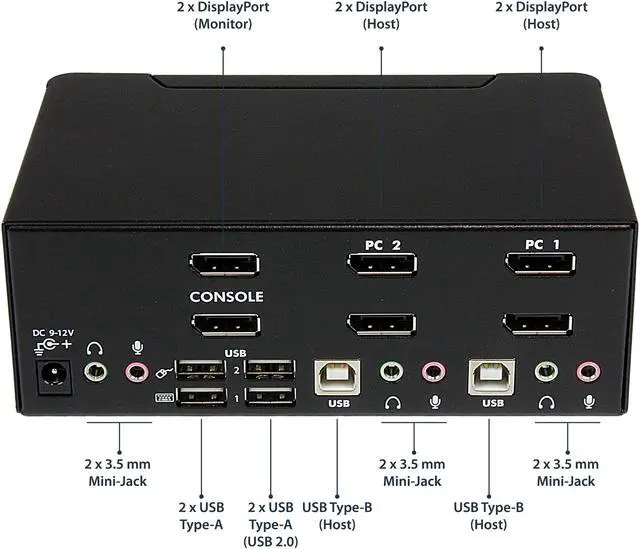
| Ports And Connectivity | Computer side: 2 USB-B, 4 DisplayPort, and 4 3.5 mm audio connectors. Console side: 2 DisplayPort, 4 USB-A, and 2 3.5 mm audio connectors |
| Switching And Peripheral Features | Switch between computers using front-panel buttons or keyboard hotkeys; USB 2.0 hub ports and audio can switch independently. Includes four plug-and-play USB console ports, with dedicated keyboard and mouse ports plus two hub ports. Supports user-defined scan intervals, hot-plug detection, and monitor detection via DDC2B; no driver installation required |
| Audio Support | Supports analog 2-channel audio and microphone over 3.5 mm connections, plus 7.1-channel high-definition digital audio over DisplayPort |
| Status Indicators | Two green online indicators and two red selected-PC indicators |
| Physical Design | Small-form-factor design with rear-panel connections; weighs 2.55 lb |
| Environmental Specifications | Operating temperature: 0°C to 40°C (32°F to 104°F); storage temperature: 20°C to 60°C (-4°F to 140°F); humidity: 0–80% RH |
| Model Identifiers | StarTech.com SV231DPDDUA; USB KVM switch |