





Founded in 2002, RAPOO has been engaged in computer peripherals development and manufacturing for over 20 years.
RAPOO keyboards share rank is No.1 and mice share rank is No.2 in China market (ZDC Report, 2022-2023). Our products are chosen and trusted by more than 100 million customers from 50+ countries and regions.
RAPOO focused on preserving the natural world, and building a sustainable business for our customers and the planet.



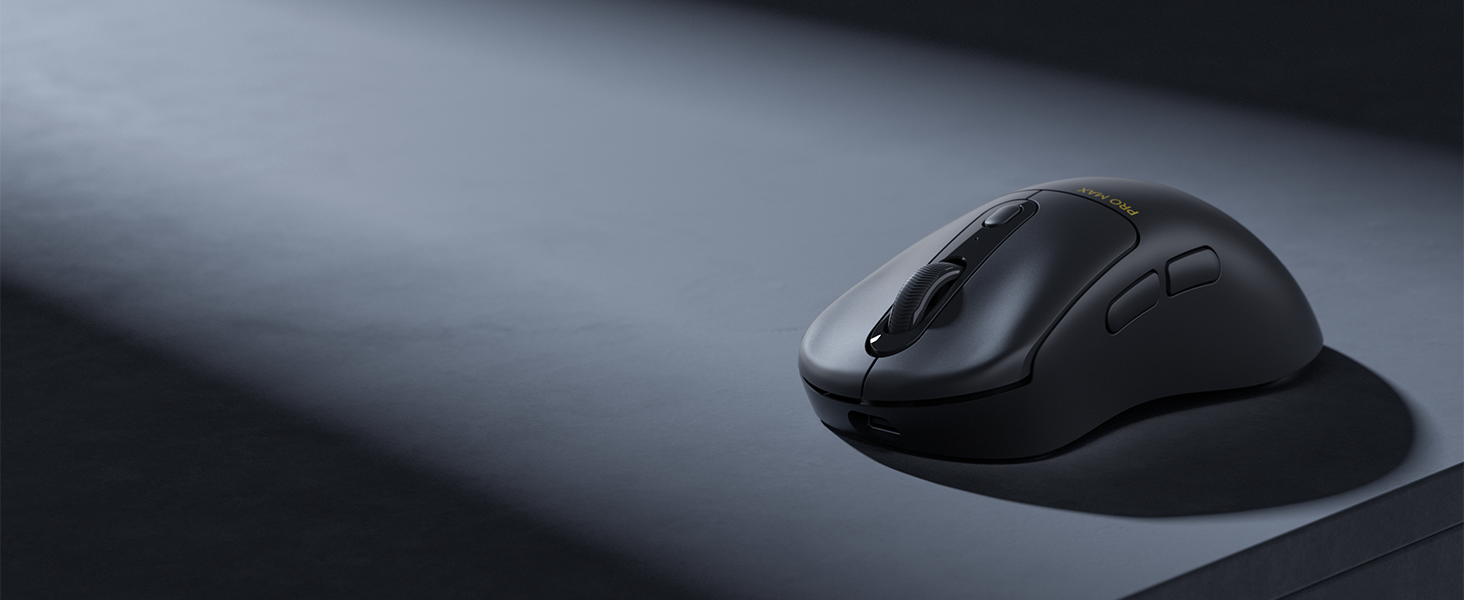
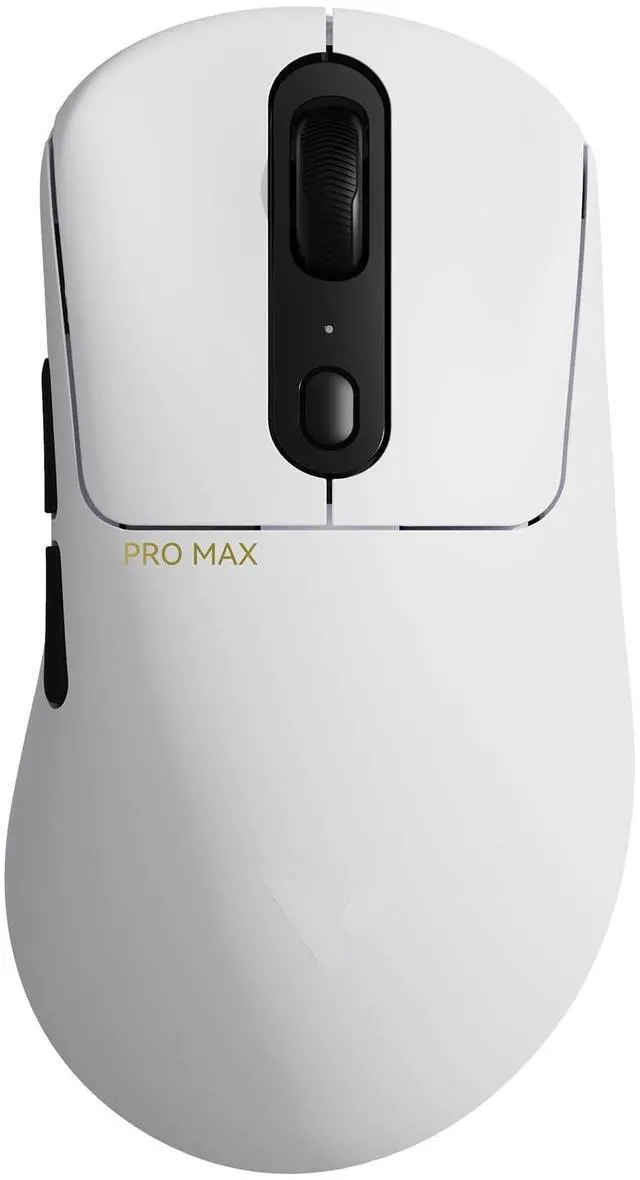
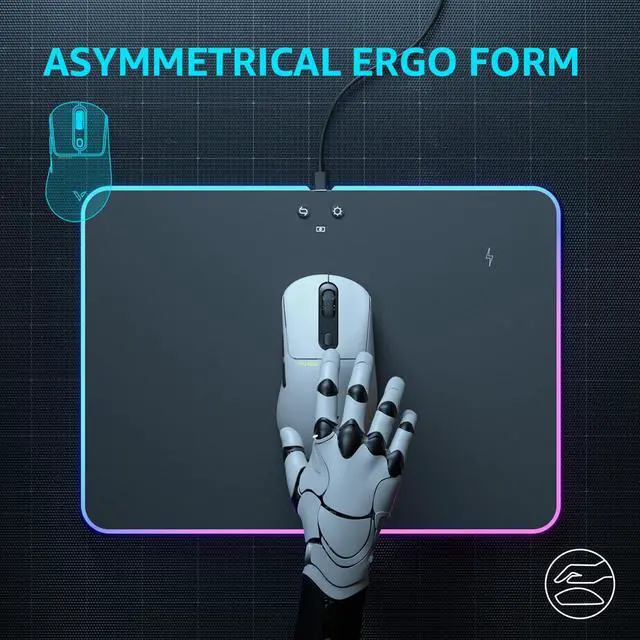
ICONIC ASYMMETRICAL DESIGN
Natural curve, relaxed support to palm and fingers. Always been a favorite among pro players.
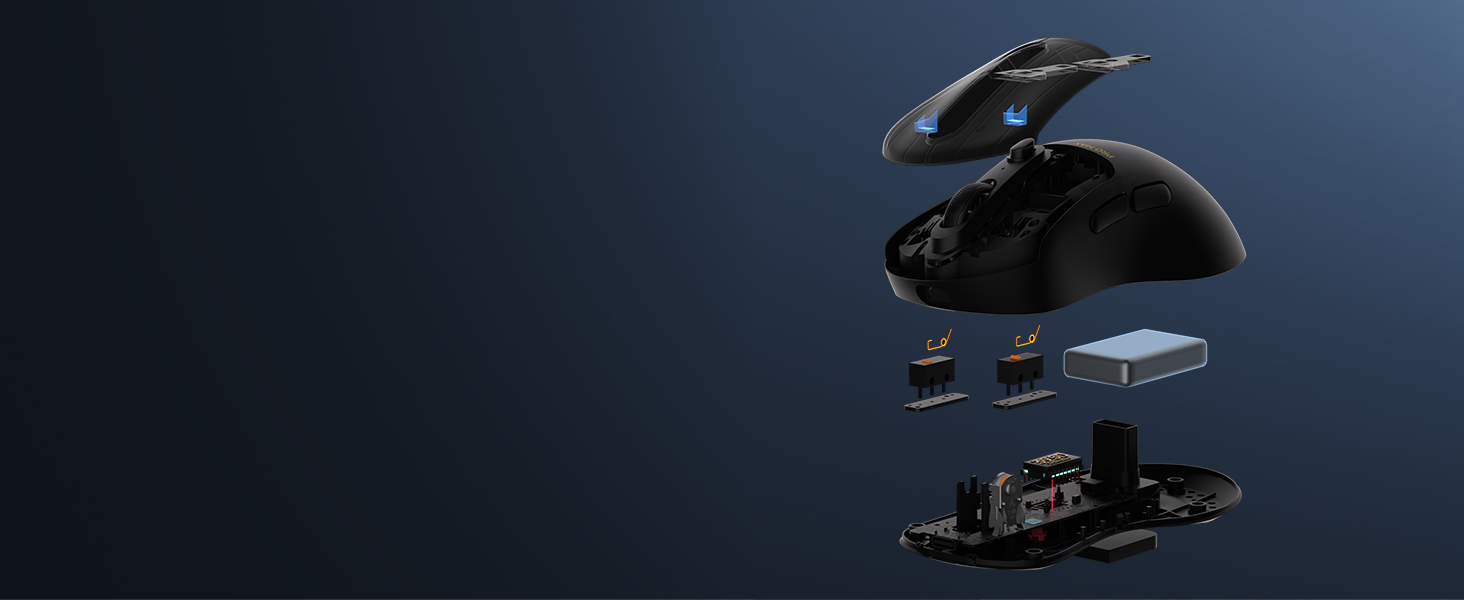
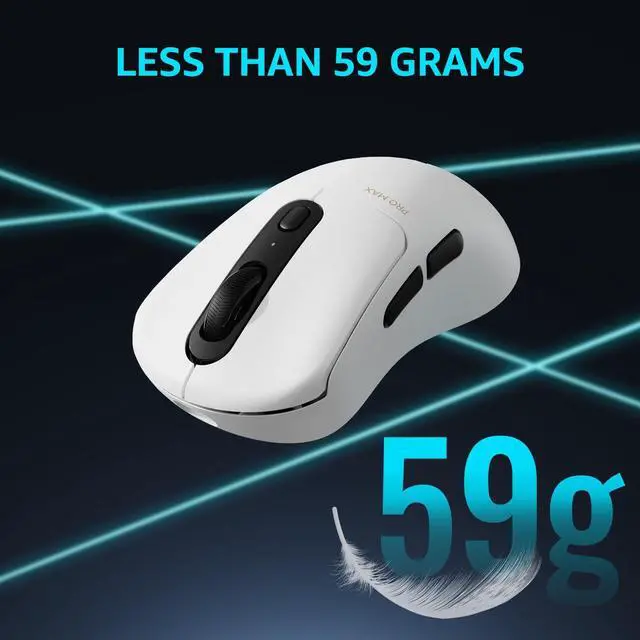
LESS THAN 59 GRAMS
All in on the esports angle - uncompromising in size, battery, button quantity or honeycomb shell.
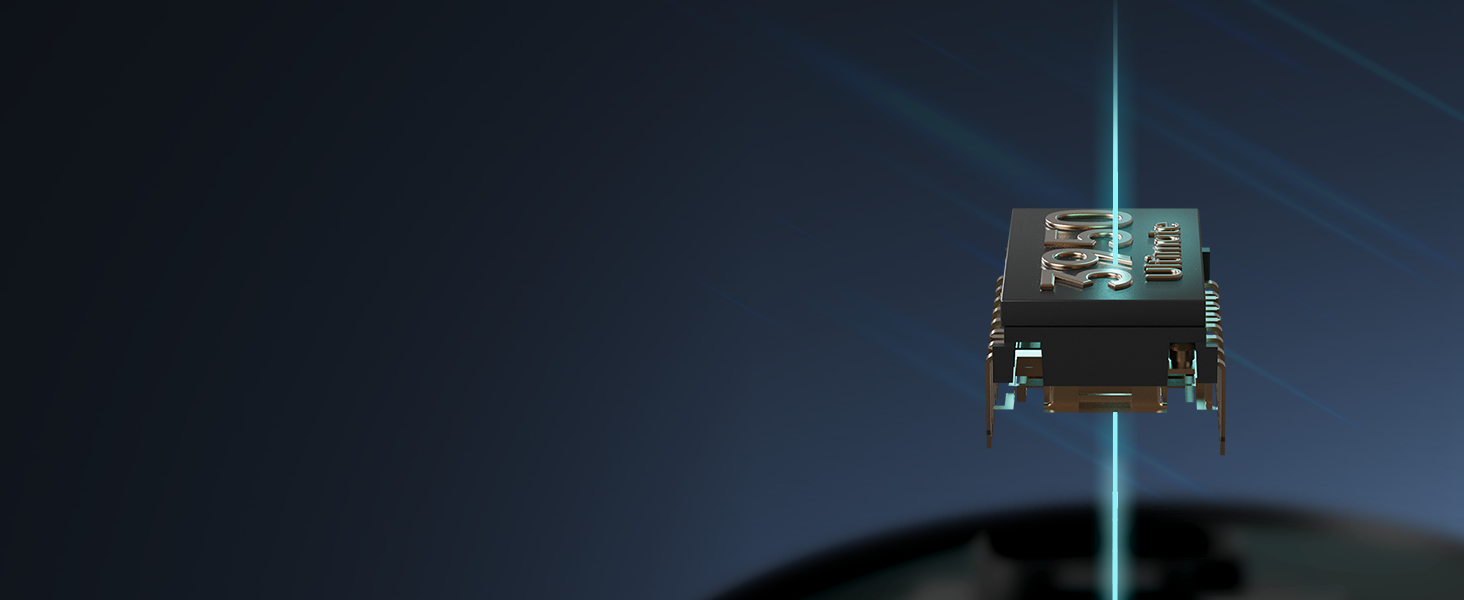
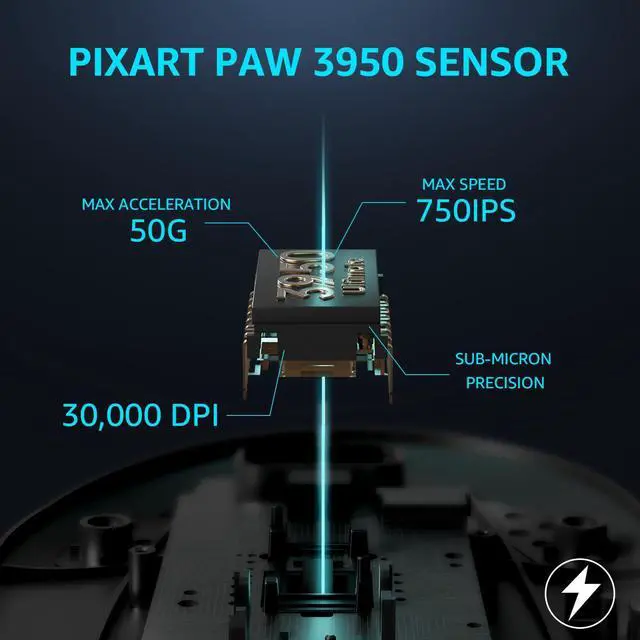
PIXART PAW 3950 ULTIMATE SENSOR
Delivers sub-micron precision with 30000DPI (10 intervals at 10-10050, 50 intervals at 10050-30000).
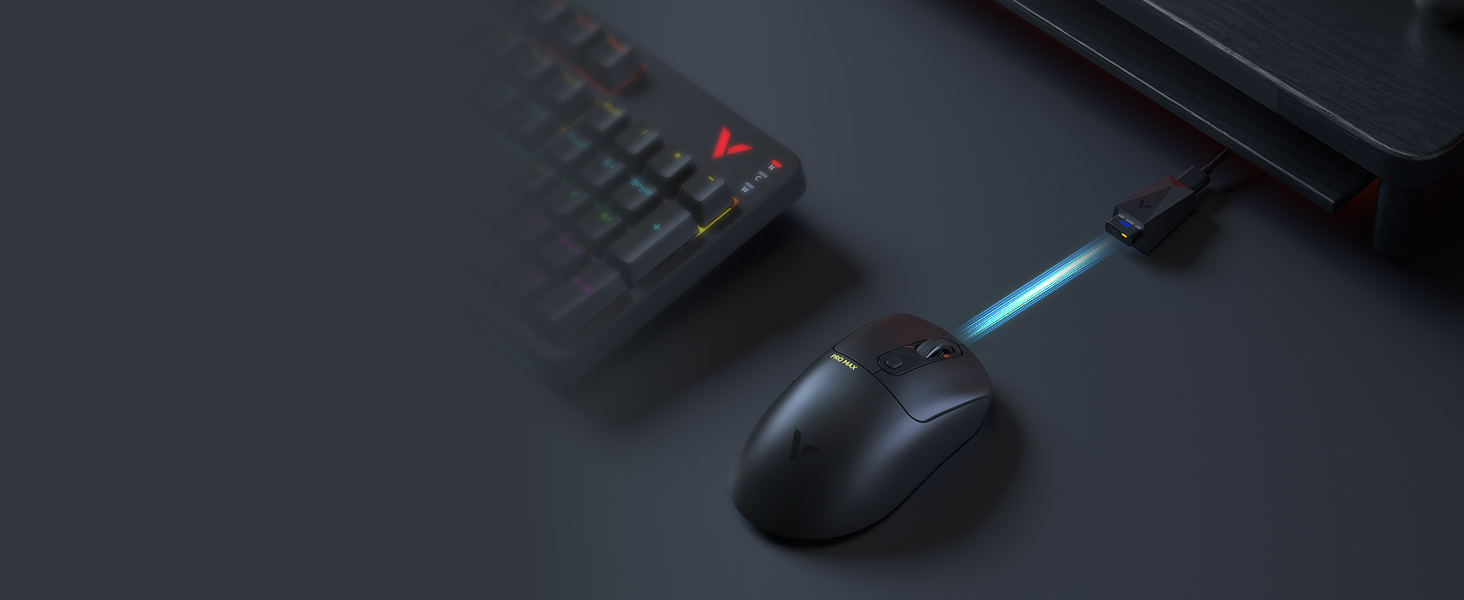
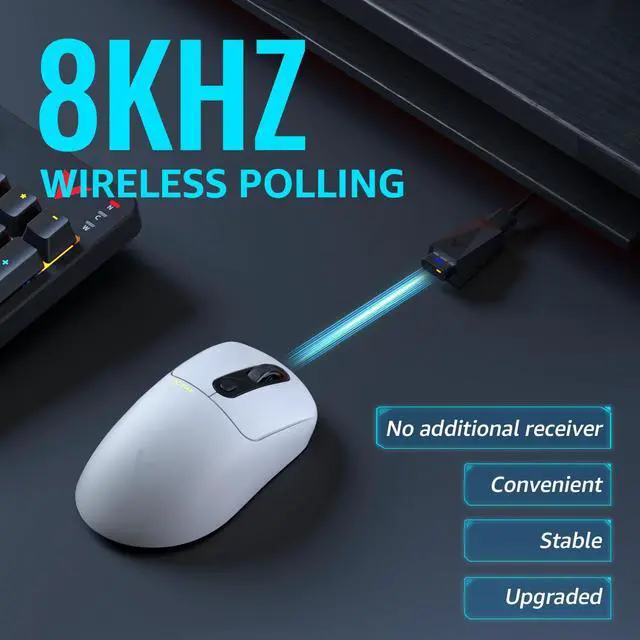
0.125MS RESPONSE TIME
Clutter-free setup, 8x faster than other 1000Hz mice, 8K wireless is the future of pro gaming.
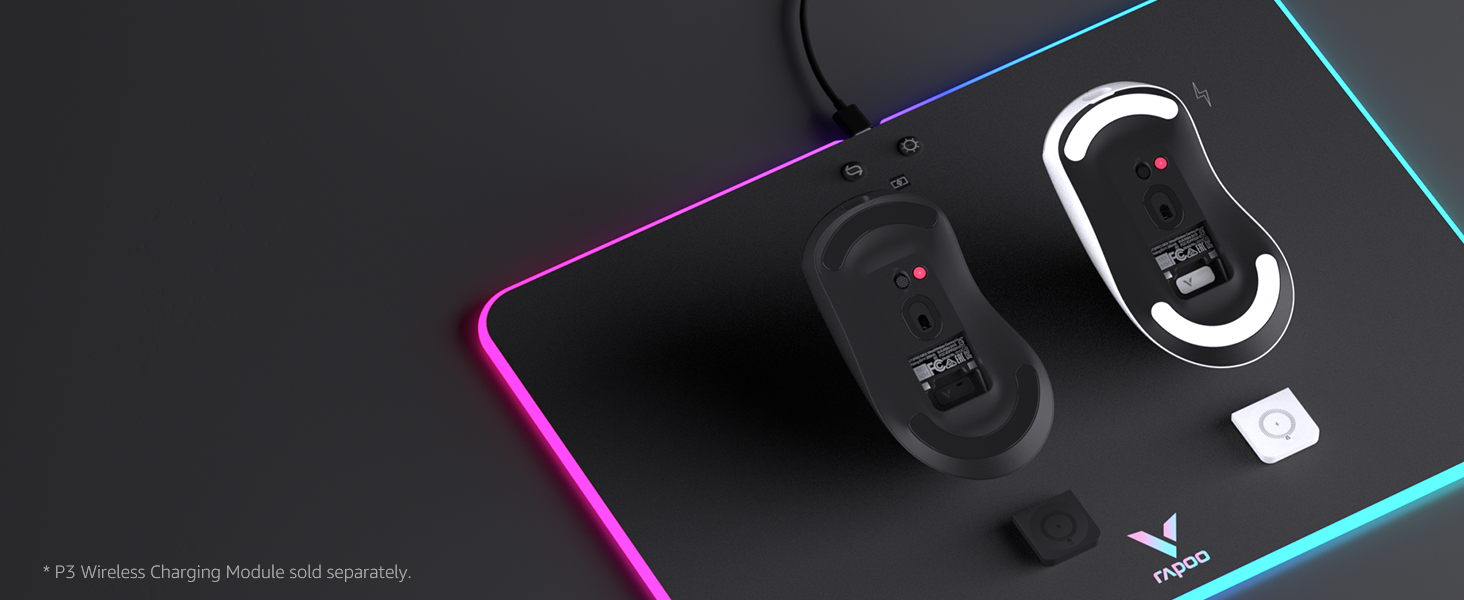
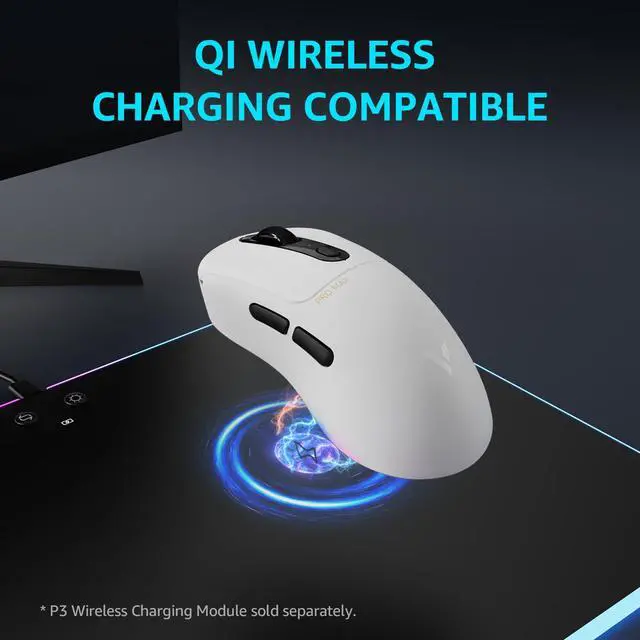
WORKS WITH QI WIRELESS CHARGER
Add P3 Wireless Charging Module* for continuous wireless charging while at gameplay.


OMRON 60M MICROSWITCH
High reliability, no double-clicking issues, up to 60-million long life. Equidistant left/right button travel for consistent click feedback.

1+8 PROGRAMMABLE BUTTONS
Optimize your gameplay with custom keybinds and macros, all 9 buttons can be bound to activate in-game commands and more.

ON-BOARD MEMORY
Support multi profiles for different games and uses, no need to reconfigure when rebooting the computer.

200 HOURS BATTERY LIFE
Our latest low-power technology extends battery life to 200 hours, with battery indicator on USB receiver.

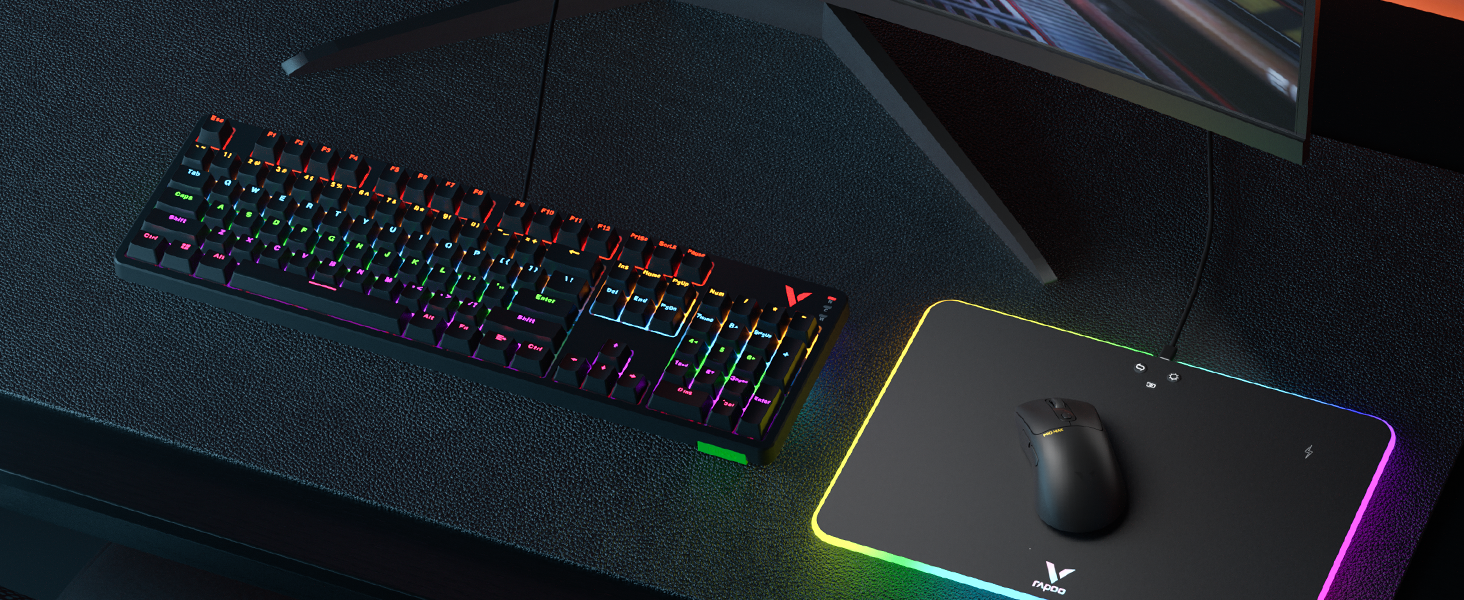
GEAR UP
Complete your pro gaming setup for tournament-level performance.
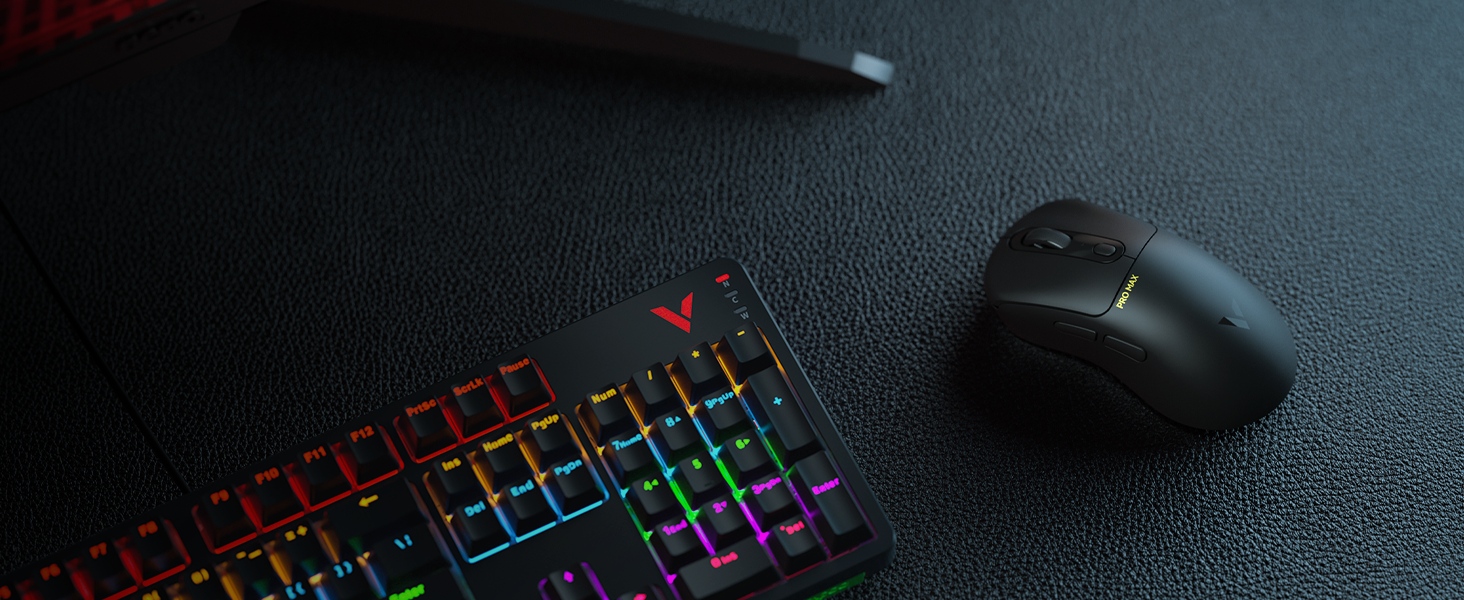
VT3PRO MAX WIRELESS GAMING MOUSE
Faster, lighter, longer battery life. Meet the future of pro esports.
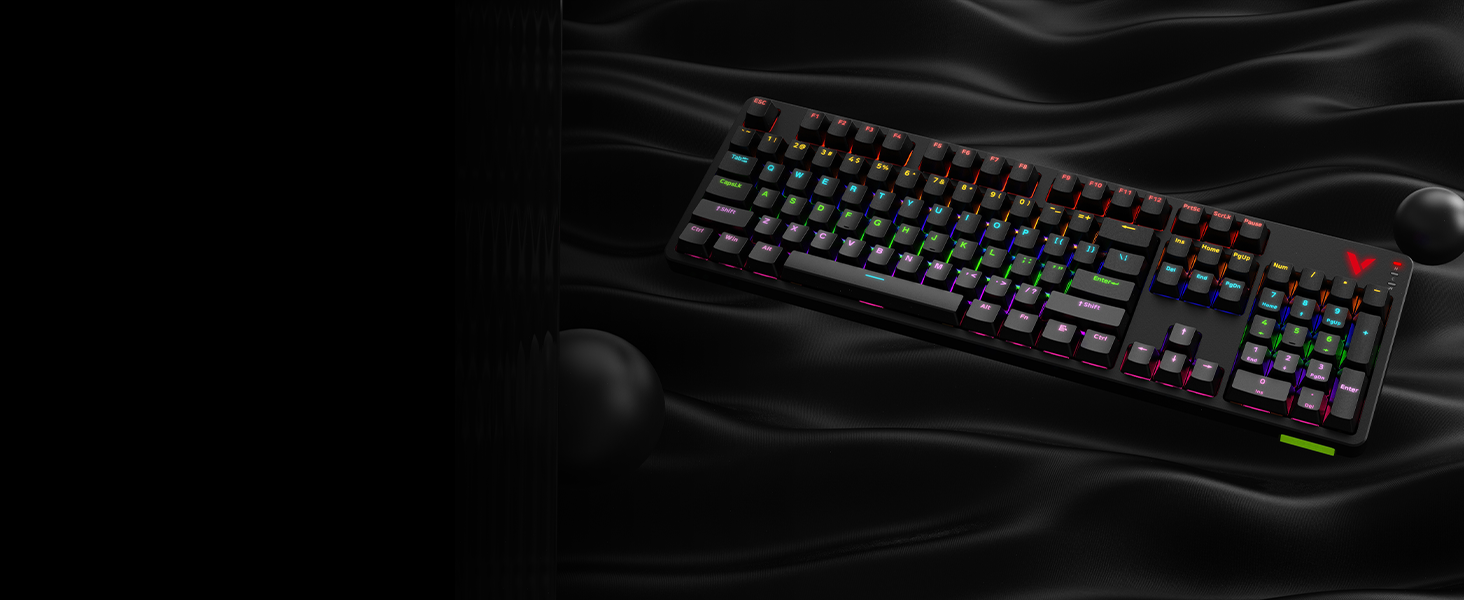
V500PRO 104 KEY MECHANICAL KEYBOARD
A new class of mechanical gaming keyboard. 100% Fully customizable, programmable, with on-board memory.
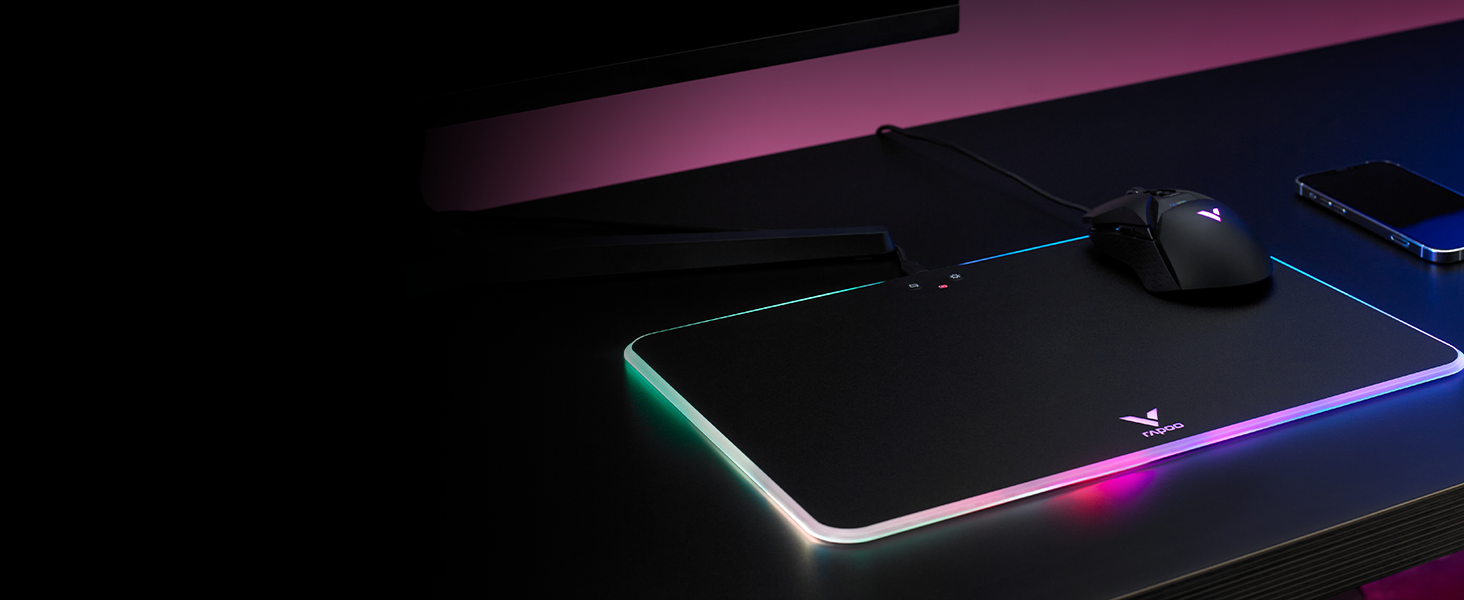
V10RGB WIRELESS CHARGING MOUSE MAT
Play without wires or battery limits, thanks to a revolution in wireless gaming charging.
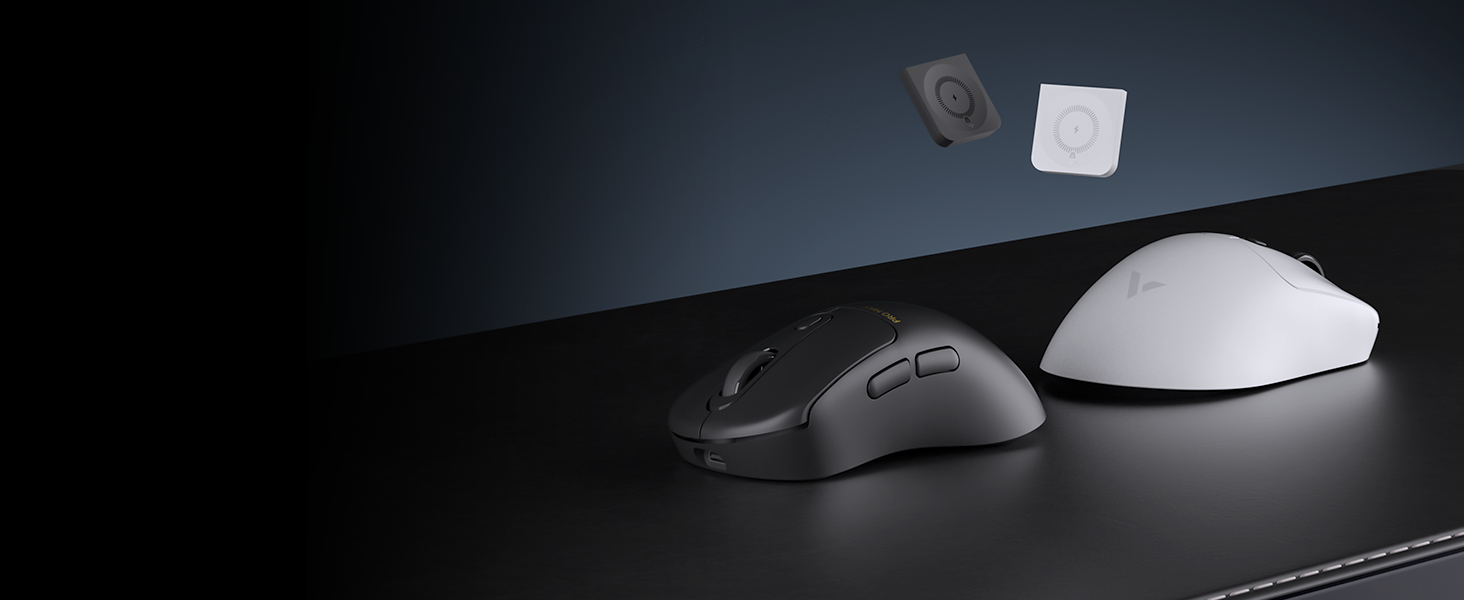
P3 WIRELESS CHARGING MODULE
Enables wireless charging for you mouse, make dead batteries a thing of the past.
Why this mouse still uses 2.4GHz wireless connection rather than Bluetooth in 2024?
2.4GHz offers better performance in responsiveness, stability, and precision with less lag compared to Bluetooth. Most operating systems limit Bluetooth polling rate to 125Hz (with 8ms latency), hence PRO GAMING MICE won’t adapt Bluetooth.
How to download the mouse driver?
Please go to RAPOO official website (see at the packaging and manual), select [Download Center], search with keyword [VT3PRO MAX], then click the download button.
What can I do to customize the mouse for Mac while the driver only supports Windows?
You can set your configurations on a Windows computer, and use the mouse on Mac --- all the settings will be directly read and applied as VT3PRO MAX has on-board memory.
I have set the polling rate to 8000Hz, but on test software it only reaches 3000+ on average, why this error happens?
For 8KHz polling, your game must support 8K and your setup must meet: Intel i7 9th gen processor or higher CPU; 240Hz refresh rate or higher monitor, with G-sync/FreeSync off; update to Windows 11 Moment 3 (KB5027303) or later version.
How can I tell the battery is running out and needs to recharge?
We have added battery indicator on the USB dongle: 100%-80% (green), 80%-60% (yellow), 60%-40% (orange), 40%-20% (red), less than 20% (red light flashes), charging (green light breathing), charging complete (green light steady).

ICONIC ASYMMETRICAL DESIGN
Natural curve, relaxed support to palm and fingers. Always been a favorite among pro players.
LESS THAN 59 GRAMS
All in on the esports angle - uncompromising in size, battery, button quantity or honeycomb shell.
PIXART PAW 3950 ULTIMATE SENSOR
Delivers sub-micron precision with 30000DPI (10 intervals at 10-10050, 50 intervals at 10050-30000).
0.125MS RESPONSE TIME
Clutter-free setup, 8x faster than other 1000Hz mice, 8K wireless is the future of pro gaming.
WORKS WITH QI WIRELESS CHARGER
Add P3 Wireless Charging Module* for continuous wireless charging while at gameplay.


OMRON 60M MICROSWITCH
High reliability, no double-clicking issues, up to 60-million long life. Equidistant left/right button travel for consistent click feedback.
1+8 PROGRAMMABLE BUTTONS
Optimize your gameplay with custom keybinds and macros, all 9 buttons can be bound to activate in-game commands and more.
ON-BOARD MEMORY
Support multi profiles for different games and uses, no need to reconfigure when rebooting the computer.
200 HOURS BATTERY LIFE
Our latest low-power technology extends battery life to 200 hours, with battery indicator on USB receiver.
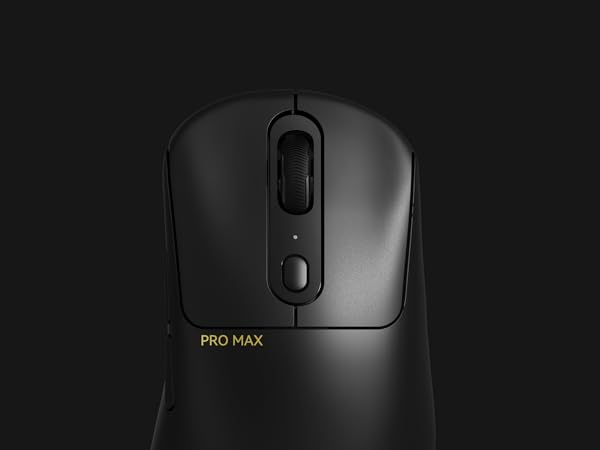
Omron 60M Microswitch
Built to last over 60 million clicks, adapts C+ click technology to reduce travel distance, refine click sound, and improve register speed.
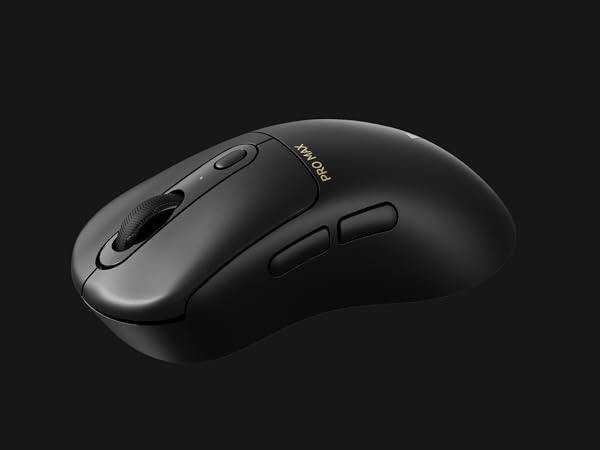
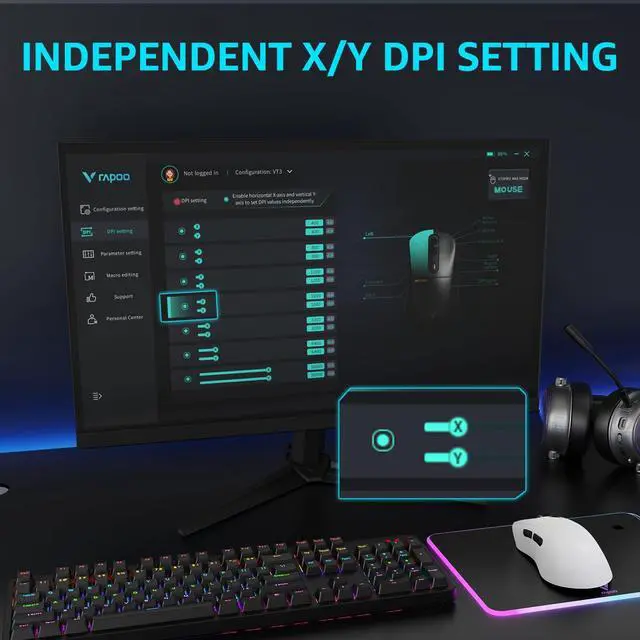
Independent X/Y DPI
Set independent x-axis and y-axis DPIs to refine your tracking and movements on widescreen monitors, quick switch by clicking the DPI button.
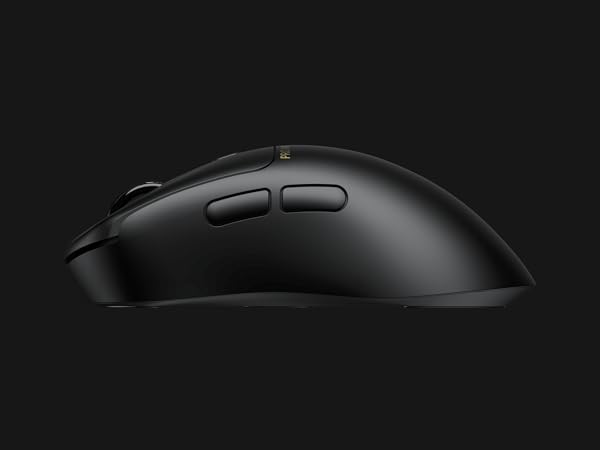
Programmable Side Buttons
The programmable forward/back buttons make browsing websites easier, you can also assign function keys, shortcuts, or macro to streamline your game sessions.
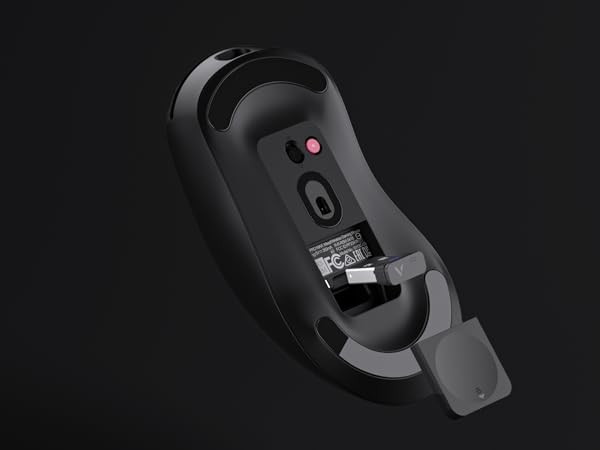
Magnetic Storage Compartment
Keeps USB receiver safe, packed and ready to go to tournaments.
GEAR UP
VT3PRO MAX WIRELESS GAMING MOUSE
V500PRO 104 KEY MECHANICAL KEYBOARD
V10RGB WIRELESS CHARGING MOUSE MAT
P3 WIRELESS CHARGING MODULE


Complete your pro gaming setup for tournament-level performance.
Faster, lighter, longer battery life. Meet the future of pro esports.
A new class of mechanical gaming keyboard. 100% Fully customizable, programmable, with on-board memory.
Play without wires or battery limits, thanks to a revolution in wireless gaming charging.
Enables wireless charging for you mouse, make dead batteries a thing of the past.
Why this mouse still uses 2.4GHz wireless connection rather than Bluetooth in 2024?
2.4GHz offers better performance in responsiveness, stability, and precision with less lag compared to Bluetooth. Most operating systems limit Bluetooth polling rate to 125Hz (with 8ms latency), hence PRO GAMING MICE won’t adapt Bluetooth.
How to download the mouse driver?
Please go to RAPOO official website (see at the packaging and manual), select [Download Center], search with keyword [VT3PRO MAX], then click the download button.
What can I do to customize the mouse for Mac while the driver only supports Windows?
You can set your configurations on a Windows computer, and use the mouse on Mac --- all the settings will be directly read and applied as VT3PRO MAX has on-board memory.
I have set the polling rate to 8000Hz, but on test software it only reaches 3000+ on average, why this error happens?
For 8KHz polling, your game must support 8K and your setup must meet: Intel i7 9th gen processor or higher CPU; 240Hz refresh rate or higher monitor, with G-sync/FreeSync off; update to Windows 11 Moment 3 (KB5027303) or later version.
How can I tell the battery is running out and needs to recharge?
We have added battery indicator on the USB dongle: 100%-80% (green), 80%-60% (yellow), 60%-40% (orange), 40%-20% (red), less than 20% (red light flashes), charging (green light breathing), charging complete (green light steady).
Founded in 2002, RAPOO has been engaged in computer peripherals development and manufacturing for over 20 years.
RAPOO keyboards share rank is No.1 and mice share rank is No.2 in China market (ZDC Report, 2022-2023). Our products are chosen and trusted by more than 100 million customers from 50+ countries and regions.
RAPOO focused on preserving the natural world, and building a sustainable business for our customers and the planet.