




hero-video
Merchant Video


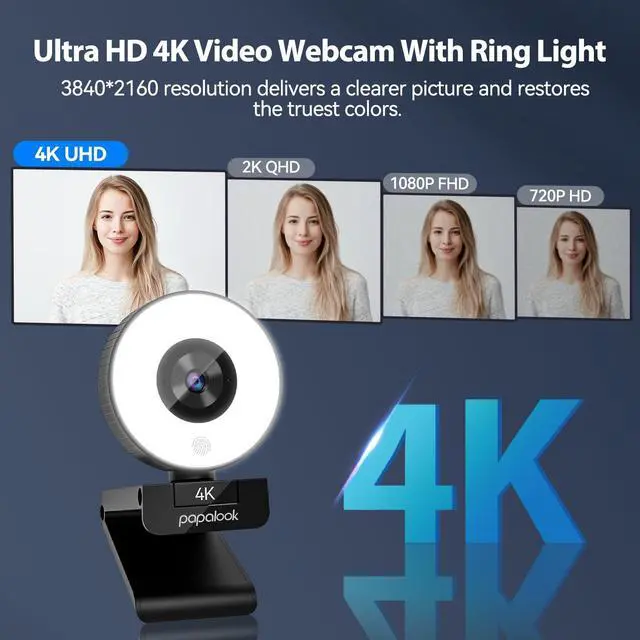
How come I’m not seeing 4K resolution with PAPALOOK PA552 4K?
The operating system and applications running must support 4K video, and a 4K monitor is required.
How do I check if my monitor supports 4K quality?
In the "Settings" - "Screen" - "display resolution" in the highest value can choose "3840x2160", it shows that the display can support 4K quality.
How to verify that the webcam is 4K quality?
After plugging in the webcam, you can find "Camera"--"Settings"--"Photo Settings" - "Photo Quality", and select the maximum value of "3840x2160".
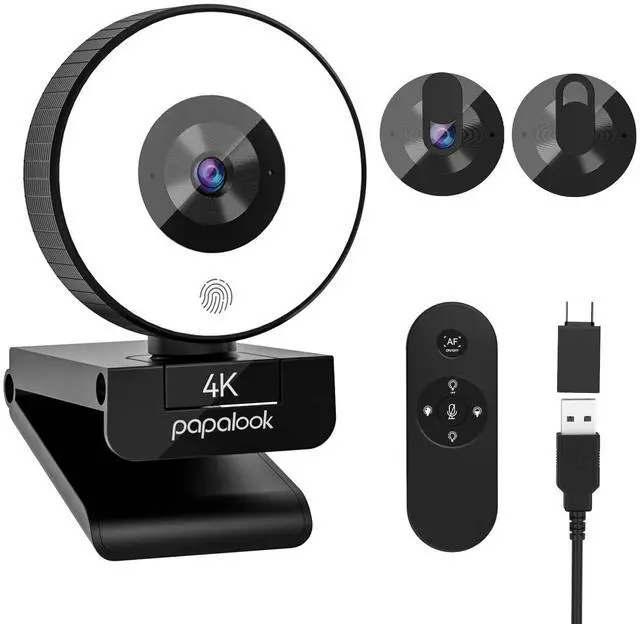
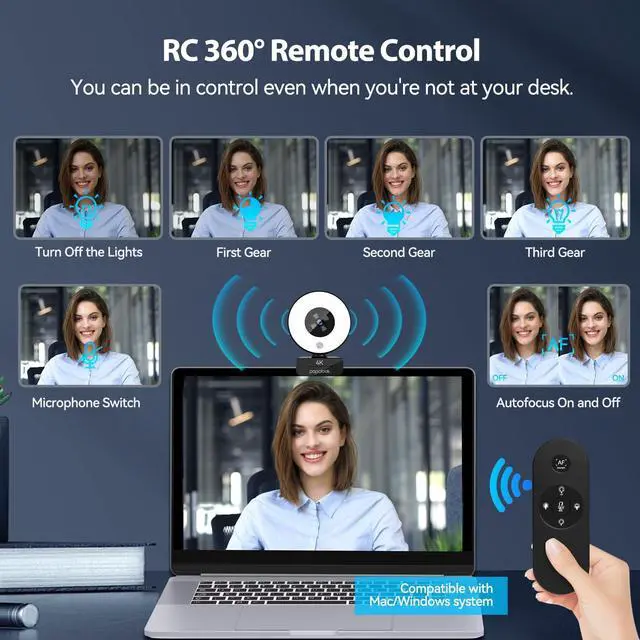
Why don't the buttons on the remote control work?
Remove the insulating paper when using for the first time. Please replace the batteries in time after using for a long time.
Does this webcam works with windows hello?
Sorry. It can't do that.
hero-video
Merchant Video


How come I’m not seeing 4K resolution with PAPALOOK PA552 4K?
The operating system and applications running must support 4K video, and a 4K monitor is required.
How do I check if my monitor supports 4K quality?
In the "Settings" - "Screen" - "display resolution" in the highest value can choose "3840x2160", it shows that the display can support 4K quality.
How to verify that the webcam is 4K quality?
After plugging in the webcam, you can find "Camera"--"Settings"--"Photo Settings" - "Photo Quality", and select the maximum value of "3840x2160".
Why don't the buttons on the remote control work?
Remove the insulating paper when using for the first time. Please replace the batteries in time after using for a long time.
Does this webcam works with windows hello?
Sorry. It can't do that.