shippingWe‘re shipping as usual! The Canada Post strike only affects certain remote deliveries and PO Boxes. Details
shipping Holiday Shipping Details & Extended Holiday Returns
  • In Stock
  • Sold by Newegg
  • New
SubCategory
Show More
Brands
Show More
Price
Show More
Cartridge Color
All Top Brands
Availability
Condition
Current Promotion
Discount
Sold by
Useful Links
Customer Ratings
Sort By:
View:
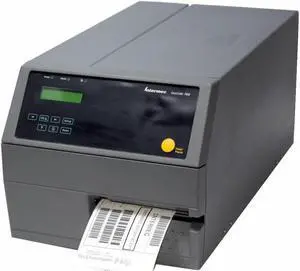
Intermec EasyCoder PX4i Thermal Label Printer
Quick View
Intermec EasyCoder PX4i Thermal Label Printer
  • Printer Type: Industrial
  • Memory: 16 MB
  • Cutter: Tear Off
  • Media Type: Ticket
  • Model #: PX4B911000300040
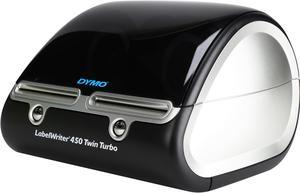
DYMO LabelWriter 450 Twin Turbo Dual Roll Label and Postage Printer for PC and Mac (1752266)
Quick View
DYMO LabelWriter 450 Twin Turbo Dual Roll Label and Postage Printer for PC and Mac (1752266)
  • Printer Type: Desktop
  • Media Type: Address, shipping, file, folder and barcode labels, plus name badges and more labels - all from your PC or Mac
  • Interface: USB
  • Windows Compatible: Windows XP or Windows Vista (32-bit, 64-bit)
  • Model #: 1752266
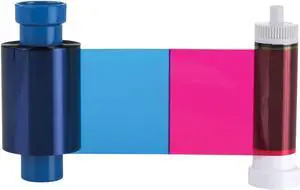
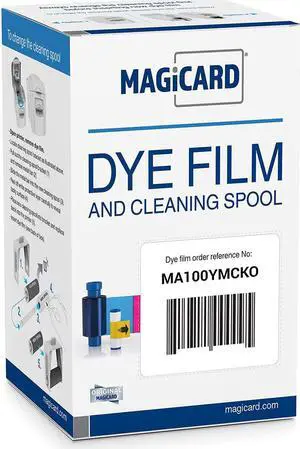
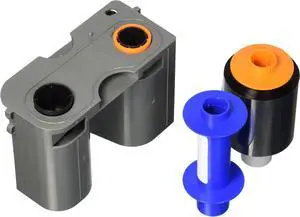
Magicard MA100YMCKO Pronto Color Ribbon - 100 Prints
Quick View
  •  
  • $173.99 
  • Free Shipping
Bodno Magicard MA100YMCKO Color Ribbon - YMCKO - 100 Prints Software Demo
Quick View
  •  
  • $268.99 
  • Free Shipping
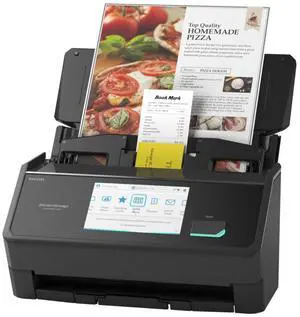
Ricoh ScanSnap iX2500 Sheet Fed Document Scanner (PA03860-B005)
Quick View
#1 Best Seller
in Document Scanners
Ricoh ScanSnap iX2500 Sheet Fed Document Scanner (PA03860-B005)
  • Brand: Ricoh
  • Series: ScanSnap
  • Part Number: PA03860-B005
  • Type: Sheet Fed
  • Model #: PA03860-B005
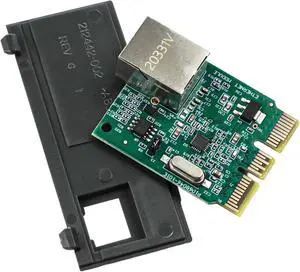
P1080383442 Ethernet Module Upgrade for Zebra ZD410 & ZD420 Label Printing
Quick View
  •  
  • $157.99 
  • Free Shipping
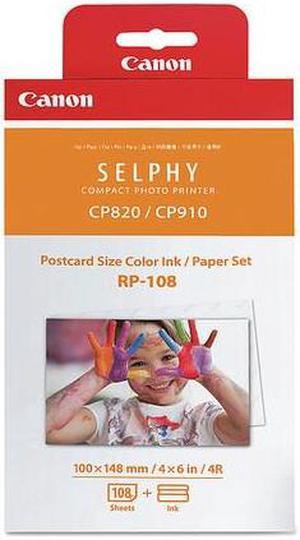
Canon 8568B001 RP-108 High-Capacity Color Ink/Paper Set
Quick View
Canon 8568B001 RP-108 High-Capacity Color Ink/Paper Set
  • Compatible Products: SELPHY CP1300 Black Wireless Compact Photo Printer & Battery Pack Bundle PCP-CP400 SELPHY CP910 White Wireless SELPHY CP910 Black Wireless SELPHY CP1300 Black Wireless Compact Photo Printer Card Size Paper Cassette PCC-CP400 SELPHY CP910 Blue Wireless SELPHY CP1300 White Wireless Compact Photo Printer SELPHY CP1200 Black Wireless Compact Photo Printer
  • Model #: 8568B001
  •  
  • $64.47 
  • Free Shipping
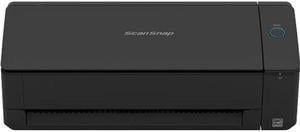
Ricoh ScanSnap iX1300 Document Scanner - Black
Quick View
Ricoh ScanSnap iX1300 Document Scanner - Black
  • USB Ports: USB 3.2
  • Package Contents: ScanSnap iX1300 scanner Welcome Guide Safety Precautions AC Cable AC Adapter USB 3.2 Type-B Cable
  • Color: Black
  • Model #: PA03805-B105
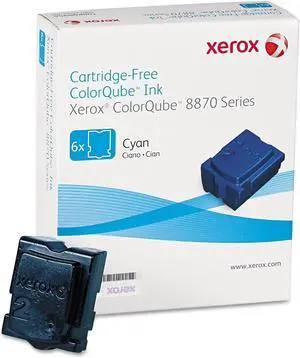
Xerox, XER108R00950, 108R00950/51/52/53 Ink Sticks
Quick View
  •  
  • $372.99 
  • Free Shipping
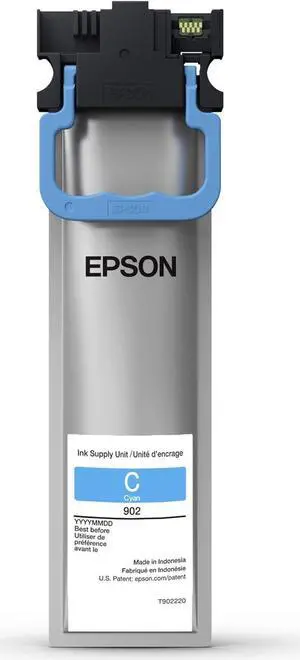
Epson T902220 DURABrite Ultra Ink Pack - Standard Capacity Cyan
Quick View
  •  
  • $256.99 
  • Free Shipping
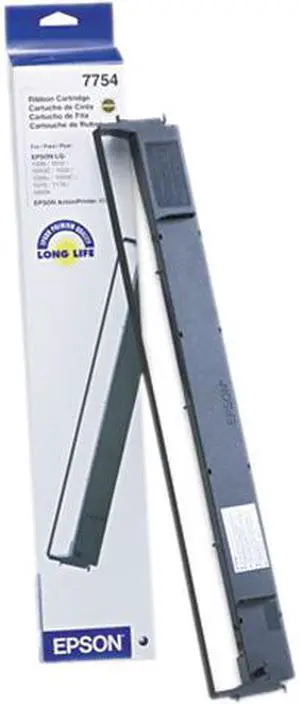
EPSON 7754 Black Fabric Ribbon Cartridge
Quick View
EPSON 7754 Black Fabric Ribbon Cartridge
  • Compatibility: ActionPrinter L-750 Impact Printer, ActionPrinter-4500 Impact Printer, ActionPrinter-5500 Impact Printer, LQ-1000 Impact Printer, LQ-1010 Impact Printer, LQ-1050 Impact Printer, LQ-1070 Impact Printer, LQ-1070+ Impact Printer, LQ-1170 Impact Printer
  • Model #: 7754
  •  
  • $46.28 
  • Free Shipping
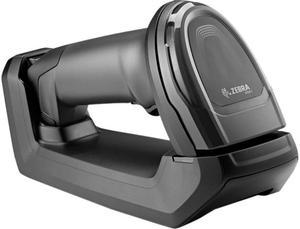
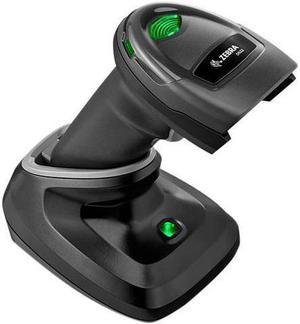
Zebra Barcode Scanner
Quick View
Zebra Barcode Scanner

Limited time offer, ends 12/19
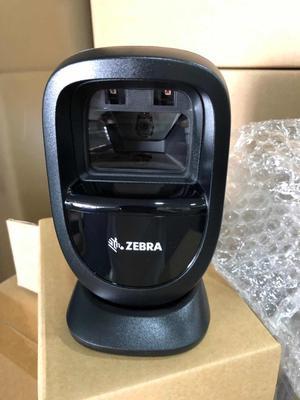
  • Series: DS8100
  • Part Number: DS8178-SR7U0000PFW
  • Form Factor: Handheld
  • Connectivity: Cordless
  • Model #: DS8178-SR7U0000PFW
Zebra DS9308 DS9308-SR00004ZZCN Desktop USB 1D 2D Barcode Scanner Barcode Reader
Quick View
Zebra DS9308 DS9308-SR00004ZZCN Desktop USB 1D 2D Barcode Scanner Barcode Reader

Limited time offer, ends 12/19
  • Model #: DS9308-SR00004ZZCN525
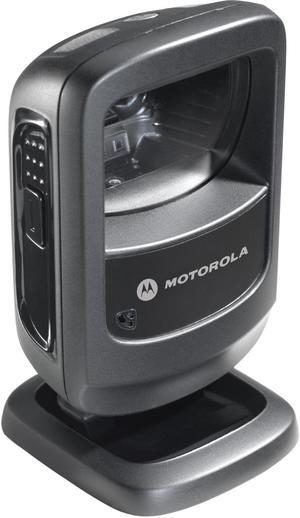
Zebra DS9208 Desktop Bar Code Reader
Quick View
Zebra DS9208 Desktop Bar Code Reader

Limited time offer, ends 12/19
  • Part Number: DS9208-SR4NNU23Z
  • Form Factor: Presentation
  • Connectivity: Corded
  • Scan Engine: 2D Imager
  • Model #: DS9208-SR4NNU23Z
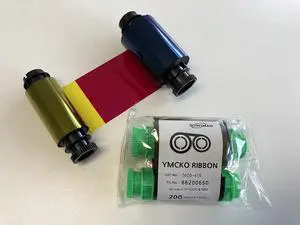
POINTMAN - Ribbon Nuvia Ymcko Color Ymcko-200 Prints
Quick View
  •  
  • $222.99 
  • Free Shipping
Fargo HDP5600 - 84514 UV Color Ribbon - YMCFK - 500 prints
Quick View
  •  
  • $595.99 
  • Free Shipping
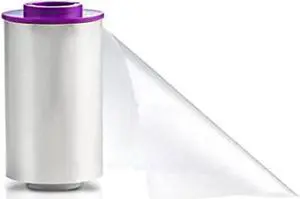
Fargo 084053 HDP Retransfer Film for HDP5000 / HDPii  1500 Images
Quick View
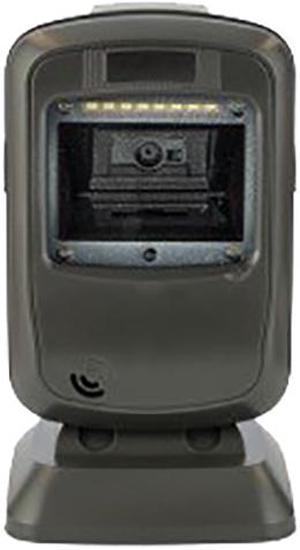
Star Micronics 37950440 Barcode Scanner
Quick View
Star Micronics 37950440 Barcode Scanner
  • Connectivity: Corded
  • Scan Engine: 2D/1D
  • Interfaces Supported: USB
  • Pitch: ±50 degree
  • Model #: 37950440
  •  
  • $228.54 
  • Free Shipping
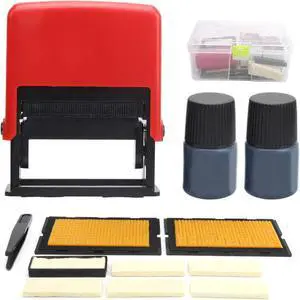
for B2.5 Adjustable Date Coding Machine, Manual Stamping Printing, for Industrial Use
Quick View
  •  
  • $87.99 
  • Free Shipping
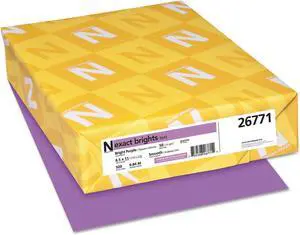
Exact Brights Laser, Inkjet Print Copy & Multipurpose Paper
Quick View
  •  
  • $133.99 
  • Free Shipping
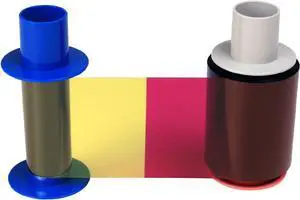
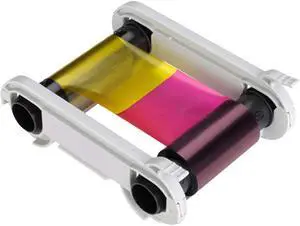
Fargo Ribbon Cartridge - YMCKO
Quick View
Fargo Ribbon Cartridge - YMCKO
  • Model #: BAOCAHB00K0XNVOO
  •  
  • $126.99 
  • Free Shipping
Bodno Evolis Primacy R6F003AAA Color Ribbon - YMCKOK - 200 Prints Software Demo
Quick View
  •  
  • $241.99 
  • Free Shipping
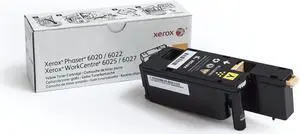
Xerox 106R02758 Genuine Yellow Toner Cartridge for the Phaser 6022 or WorkCentre 6027
Quick View
  •  
  • $154.99 
  • Free Shipping
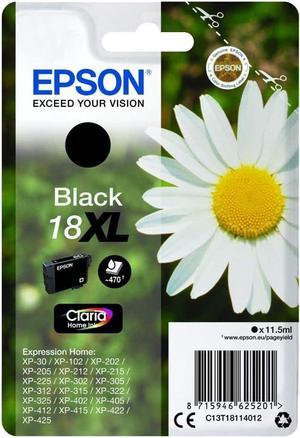
Epson 18XL Ink Cartridge Black
Quick View
Epson 18XL Ink Cartridge Black
  • Model #: EB008392HPQ
  •  
  • $103.99 
  • Free Shipping
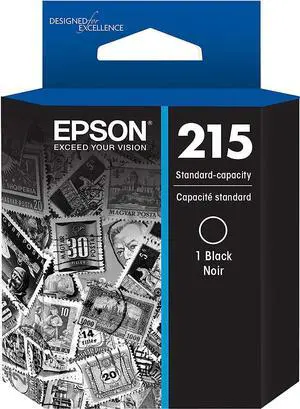
Epson 215 DURABrite Ultra Standard Capacity Ink Cartridge, Black (T215120)
Quick View
  •  
  • $131.99 
  • Free Shipping

Choosing the Right Printer for Your Office Needs

When it comes to office solutions, printers and scanners are essential tools for any business. Whether you need to print important documents, scan invoices, or create professional-quality marketing materials, having the right equipment is crucial. In this article, we will explore the different types of printers and scanners available in the market and provide tips on how to choose the best one for your office.

All-in-One Printers: Versatility and Convenience

all-in-one printers, also known as multifunction printers, are a popular choice for offices. These devices combine the functionality of a printer, scanner, copier, and sometimes even a fax machine into a single unit. They offer versatility and convenience, allowing you to perform multiple tasks without the need for separate devices. All-in-one printers are available in both inkjet and laser options, catering to different printing needs and budgets.

Specialized Printers for Specific Tasks

In addition to all-in-one printers, there are specialized printers designed for specific tasks. For example, 3D printers are ideal for creating prototypes or intricate models, while barcode and label printers are perfect for businesses that require efficient inventory management. laser printers are known for their fast printing speeds and high-quality output, making them suitable for offices with high-volume printing needs. inkjet printers, on the other hand, are more cost-effective and can produce vibrant color prints.

Choosing the Right Supplies

Once you have selected the right printer for your office, it is important to choose the right supplies to ensure optimal performance and longevity. When it comes to inkjet printers, using high-quality ink cartridges is essential to achieve the best print quality and prevent clogging. For laser printers, it is important to choose the right type of toner cartridges that are compatible with your printer model. Additionally, investing in high-quality paper can make a significant difference in the final print results.

FAQs: Common Questions about Printers and Scanners

Q: How often should I replace the ink cartridges?A: The frequency of replacing ink cartridges depends on your printing volume. However, it is recommended to replace them when the print quality starts to degrade.
Q: Can I use third-party ink cartridges with my printer?A: While it is possible to use third-party ink cartridges, it is important to ensure compatibility with your printer model. Using incompatible cartridges may result in poor print quality or damage to the printer.
Q: How do I clean the scanner glass?A: To clean the scanner glass, use a soft, lint-free cloth slightly dampened with glass cleaner. Gently wipe the glass surface to remove any smudges or debris.
Q: What is the difference between optical and interpolated resolution in scanners?A: Optical resolution refers to the actual hardware resolution of the scanner, while interpolated resolution is achieved through software enhancements. Optical resolution provides more accurate and detailed scans.
Q: How can I improve the scanning speed?A: To improve scanning speed, reduce the scanning resolution, use black and white mode instead of color, and ensure that the scanner is connected to a high-speed USB port.