Description:
Note:
This product is 110v. If it needs to be used at 220v/230v, it needs to use a voltage converter 300w. The product does not include a voltage converter
Color: black
Material: ABS shell
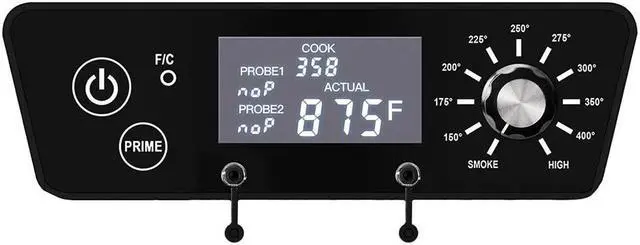
Screen: LCD display
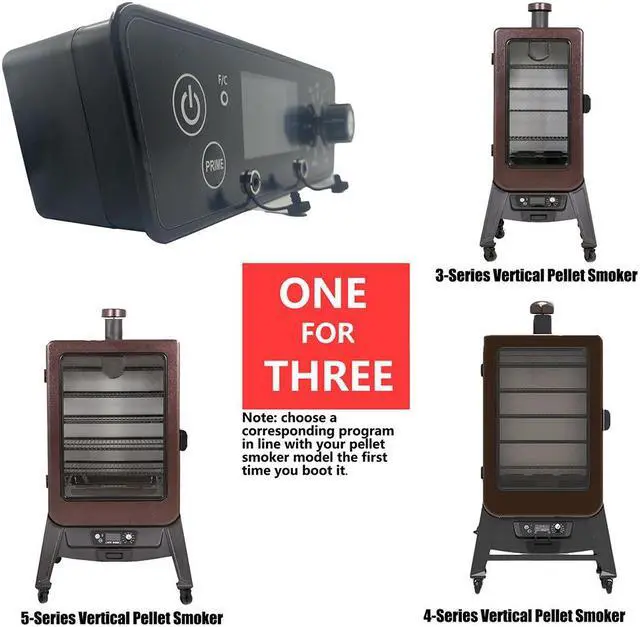
Compatible with: For Pit Boss PBV3, PBV4 and PBV5 series
Include1pc
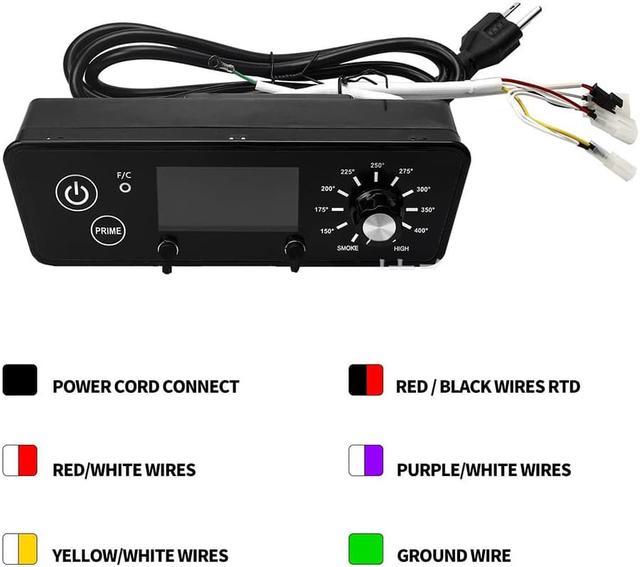
P7 X.5 Controller is designed for Pit boss 3/4/5 Series Control board replacementit has 3 built-in program versions(3.5, 4.5, 5.5) for 3/4/5 Series. You can use it as normal by simply selecting a corresponding program version in line with the Model.
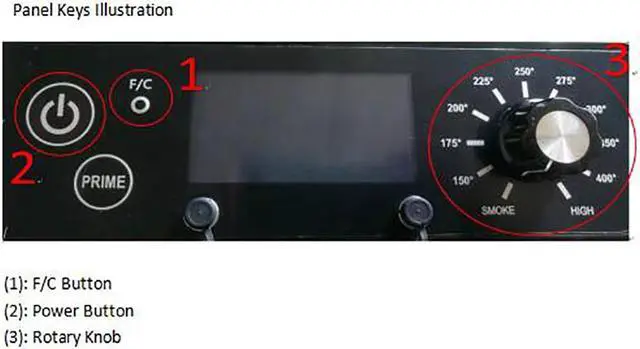
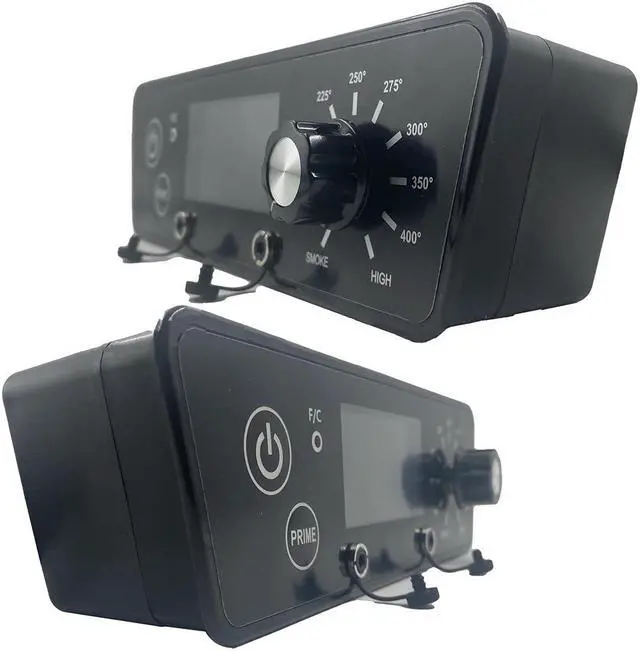
1. Panel Keys Illustration
(1): F/C Button
(2): Power Button
(3): Rotary Knob
2. Setting Steps
(1) Hold the F/C Button;
(2) Open the external power supply;
(3) Release the F/C button;
(4) Press the power button to enter the Program Version Setting Mode;
(5) Select a program version
<1> Rotary Knob : Display shows the current program version P-3, P-4 or P-5(for 3/4/5 Series);
<2> Rotate the Knob onto 150 degrees, display shows C-3 and program is set as 3.5 version for 3 Series ;
<3> Rotate the Knob onto 175 degrees, display shows C-4 and program is set as 4.5 version for 4 Series;
<4> Rotate the Knob onto 200 degrees, display shows C-5 and program is set as 5.5 version for 5 Series;
<5> Rotate the Knob onto other degrees, display shows, indicating that it cannot be selected;
<6> After selecting the right version, press the F/C Button, the corresponding version will be displayed as P-3, P-4 or P-5, indicating that the setting is done;
<7> Turn off the external power supply to exit the Program Version Setting Mode;
<8> Turn on the external power supply, it can be used as normal.


 We‘re shipping as usual! The Canada Post strike only affects certain remote deliveries and PO Boxes. Details
 Holiday Shipping Details & Extended Holiday Returns


