



Meet Your Seller

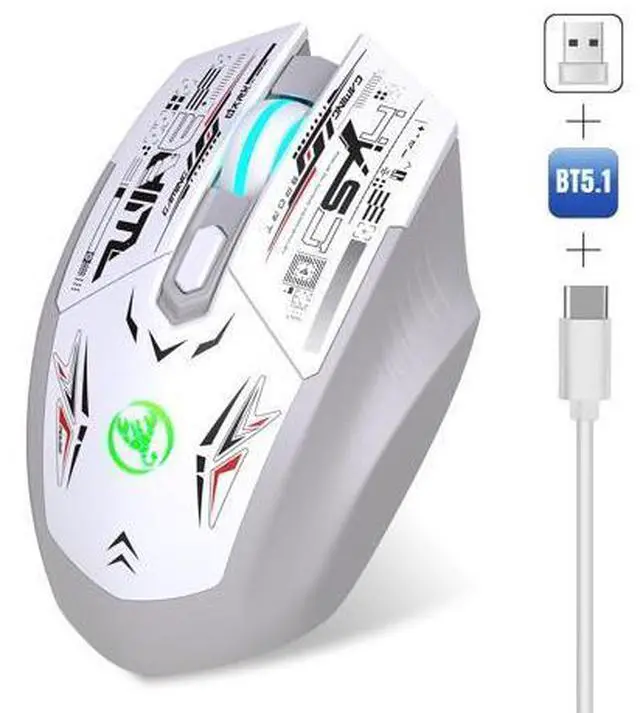
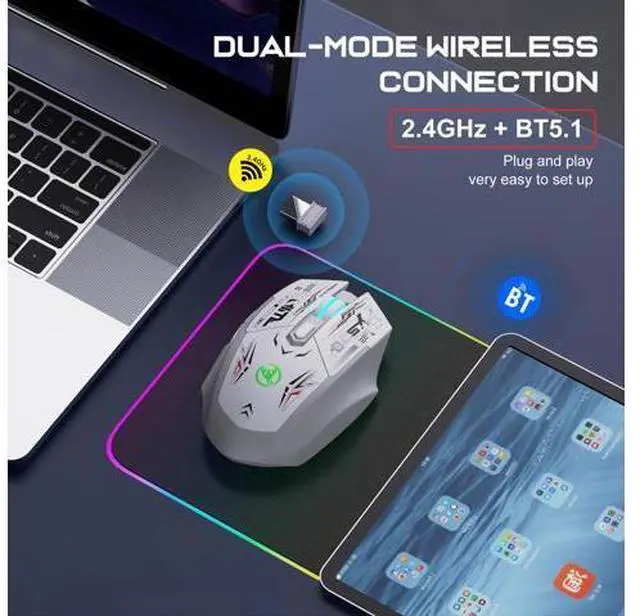
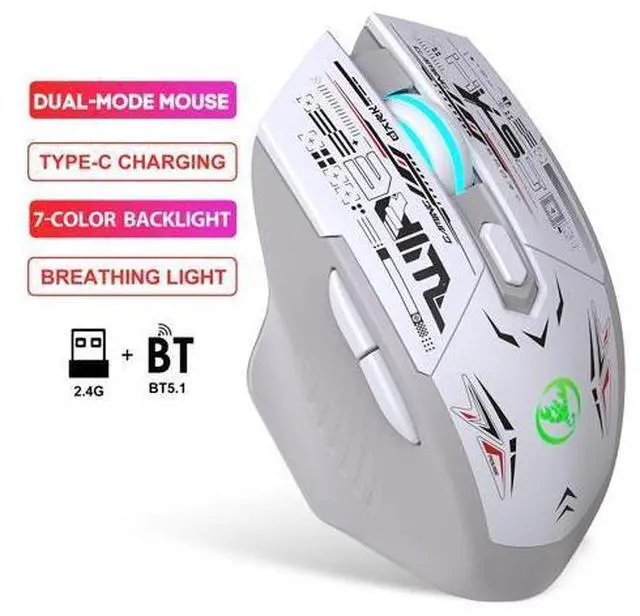
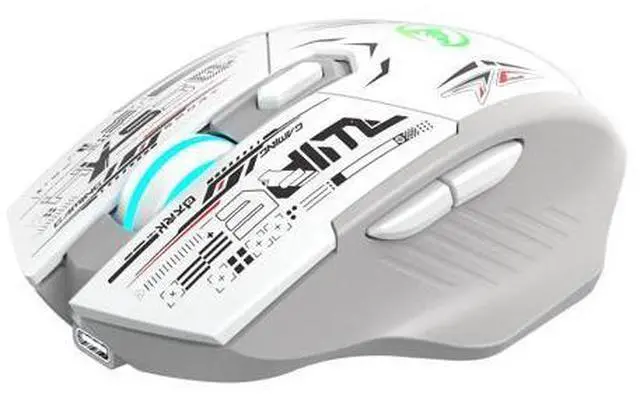


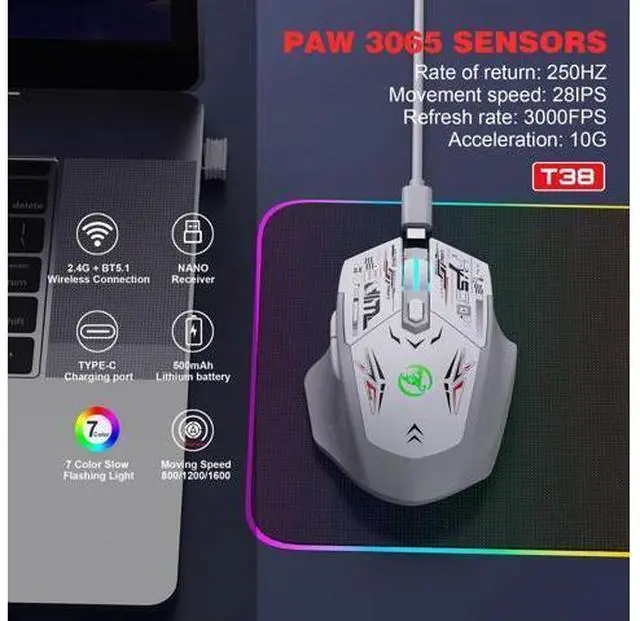


HXSJ T38 dual-mode wireless Bluetooth computer game rechargeable mouse, silent mouse
Limited time offer, ends 11/01 By Kepler Forge
- Parameters:; Model: T38 Dual-Mode Rechargeable Wireless mouse; Connection mode: 2.4G + BT5.1; IC model: PAW3065 Sensors; Rate of return: 250HZ; Movement speed: 28IPS; Refresh rate: 3000FPS; Acceleration: 10G; Number of keys: 6 keys; Lighting: Colorful luminescence; Number of key presses: 5 million times (Silent switch); DPI: 800-1200-1600 three levels of DPI adjustable (default 1200dpi); Battery capacity: 500mAh; Charging indicator light: red, the indicator light goes out after fully charged.
+
+
Overview
Specs
Reviews
System Support: Windows 98/Me/2000/XP/Vista/Win 7/Win8/Win10/Win11 or Linux and latest......
How to use: 2.4G
mode: 1. Unplug the USB receiver and insert the USB receiver into the USB port of the computer. 2. Switch the mode switch of the mouse to 2.4G mode. 3. At this time, the mouse can be used in 2.4G mode.
BT 5.1 Mode: 1. Switch the mode switch of the mouse to BT 5.1 mode. 2. The red light will flash quickly, and your computer will be able to search for the Bluetooth name "BT 5.1 Mouse". 3. After connecting via Bluetooth, the mouse can be used normally. 4. If the Bluetooth mouse is disconnected, to reconnect, you need to press the left, middle and right keys simultaneously for 3 seconds to turn on the Bluetooth mode before you can reconnect to a new device.
Note: If the mouse moves slowly or there is a delay, please charge it in time using the USB port of the computer. Do not use the fast charging of mobile phones. Otherwise, the charging current may be too large and cause damage to the mouse.
How to use: 2.4G
mode: 1. Unplug the USB receiver and insert the USB receiver into the USB port of the computer. 2. Switch the mode switch of the mouse to 2.4G mode. 3. At this time, the mouse can be used in 2.4G mode.
BT 5.1 Mode: 1. Switch the mode switch of the mouse to BT 5.1 mode. 2. The red light will flash quickly, and your computer will be able to search for the Bluetooth name "BT 5.1 Mouse". 3. After connecting via Bluetooth, the mouse can be used normally. 4. If the Bluetooth mouse is disconnected, to reconnect, you need to press the left, middle and right keys simultaneously for 3 seconds to turn on the Bluetooth mode before you can reconnect to a new device.
Note: If the mouse moves slowly or there is a delay, please charge it in time using the USB port of the computer. Do not use the fast charging of mobile phones. Otherwise, the charging current may be too large and cause damage to the mouse.
Warranty & Returns
Warranty, Returns, And Additional Information
Warranty
- Please contact the Seller directly for warranty information. Warranty information may also be found on the Manufacturer's website.
- CONTACT
Return Policies
- Return for refund within: 30 days
- Return for replacement within: 90 days
- This item is covered by Kepler Forge Return Policy
Manufacturer Contact Info
- For a directory of all our manufacturers, please click below.
- Manufacturers Directory
LOADING...