
Your Browsing History



How to Use)
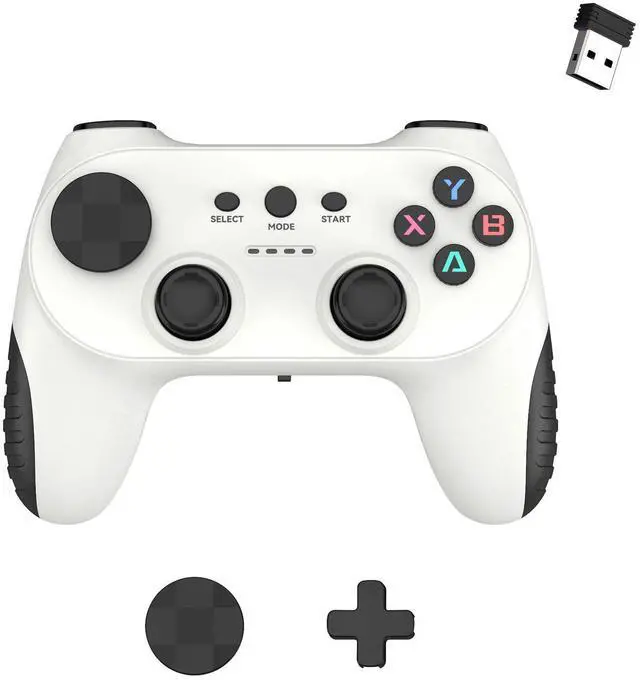
1. lnsert the receiver into the USB interface of the smart Android TV/ set-top box/computer and otherhosts. 2. Insert the battery into the Android specification port of the controller, turn the power switchto the ON position. The LED light will flash. The controller and the receiver will automatically connectAfter successful connection, the LED light will remain on constantly. lf the connection is unsuccessful,please unplug and replug the receiver and the controller, and then turn on the device again.