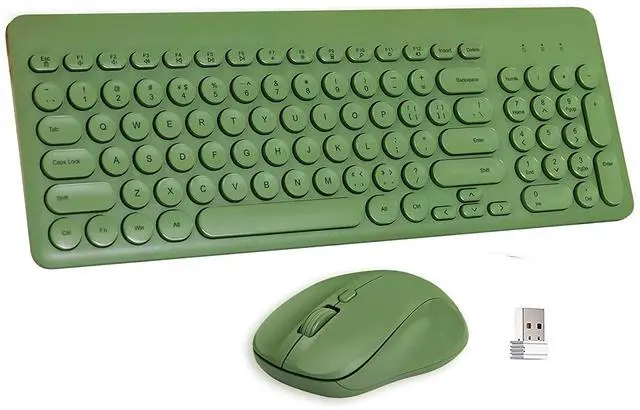
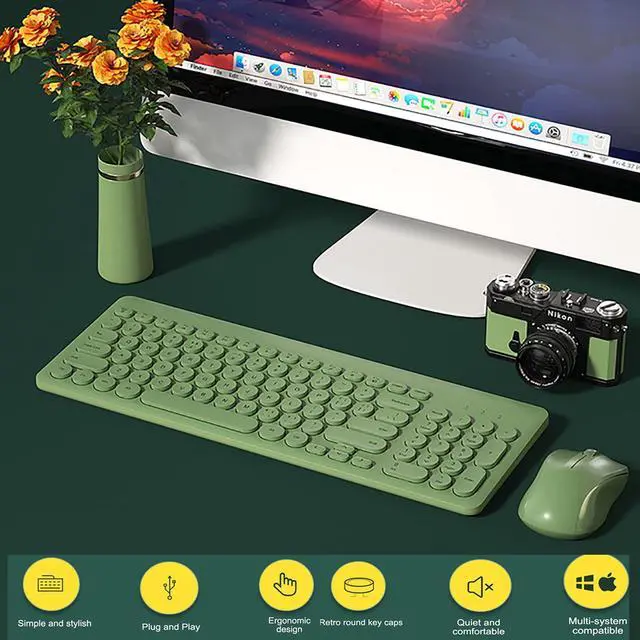
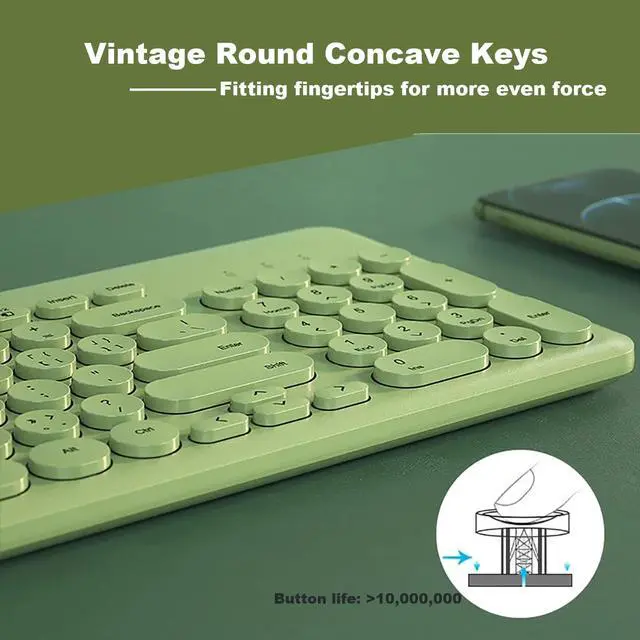
Welcome to Our JieruiDeng shop, hope you love this cute keyboard mouse wich combines fashion and functionality into one set
- Its sweet cute mixed colors design, brightens your mood during long work
- Ultra slim and light design, easy to carry in a backpack or 15 inch computer bag
- Typewriter standard keyboard, it's super soft to touch
- Cute round keycaps with UV process, the letter will not fade after long typing
Full sized Keyboard with 12 multimedia keys (FN F1~F12)
(Some multimedia functions may not be available with Mac Os)
FN+Esc=Lock ScreenFN+F1=MuteFN+F2=Volume-FN+F3=Volume+
FN+F4=PreviousFN+F5=Pause/PlayFN+F6=NextFN+F7=Brightness-
FN+F8=Brightness+FN+F9=CalculatorFN+F10=SearchFN+F11=Set up
FN+F12=Connect Projection
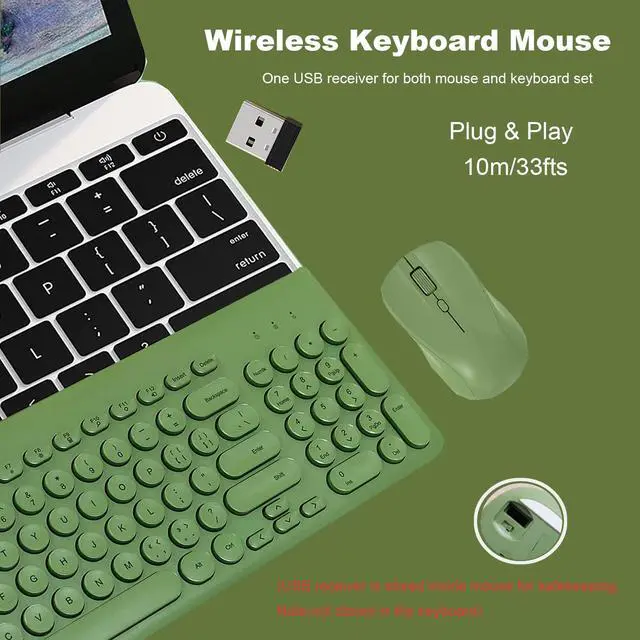
Plug and play keyboard mouse
Step 1: Simply plug the usb receiver into your devices
Step 2: Put 2 AAA batteries into the keyboard and 1 AA battery into the mouse
Step 3: Flip the switch on the mouse to the "On" position
Product Parameter
Connection with computer: 2.4G wireless
Transmission Distance: 10m
Power supply: Battery (not include)
Mouse Button: 4
Mouse DPI: 800-1200-1600DPI
Button life: >10, 000, 000
Key stroke: 3.0 ±02MM
Keystroke force: 52±7G
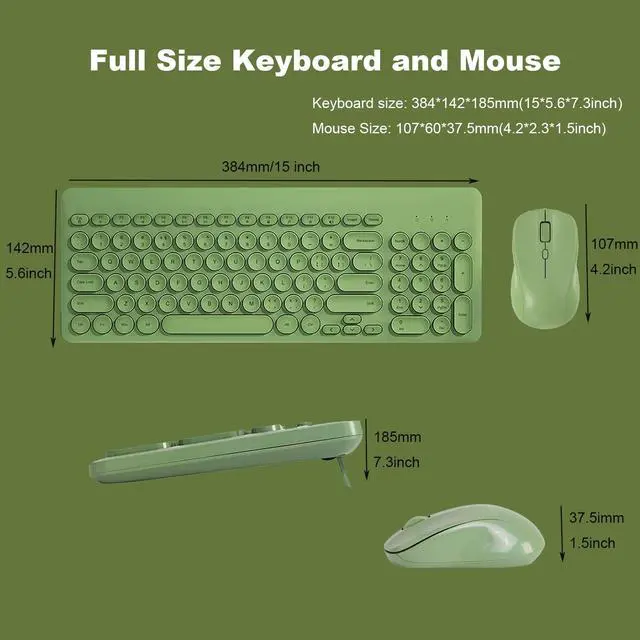
Keyboard size: 384*142*185mm(15* 5.6 * 7.3 inch)
Mouse Size: 107*60* 37.5 mm( 4.2 * 2.3 * 1.5 inch)
Support system: MAC/WIN/2000/XP/VISTA
Packing list: Keyboard *1, Mouse*1; USB Receiver*1; Manual *1; Type C OTG*1
How to re-paring if the the mouse keyboard combo can not work
-Keyboard Paring: Put batteries into the compact keyboard, press and hold ESC plus +, then plug usb receiver to your device.
-Mouse Paring: Put battery into the optical mouse, switch power button on, press and hold Left, Middle, Right buttons for 5 seconds, then plug USB receiver into your device