
Your Browsing History
Ships from China.

Meet Your Seller

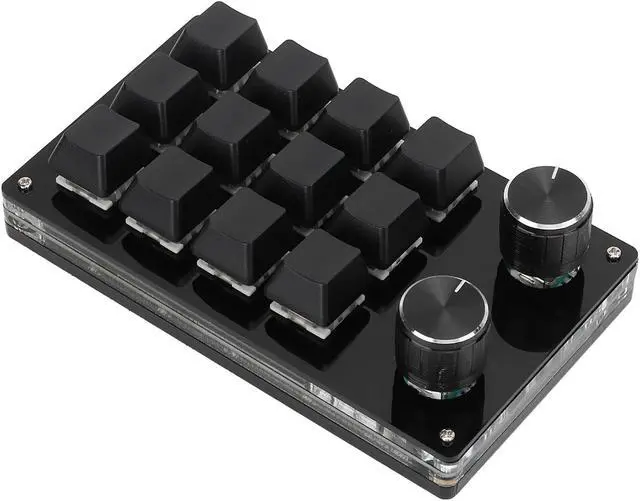
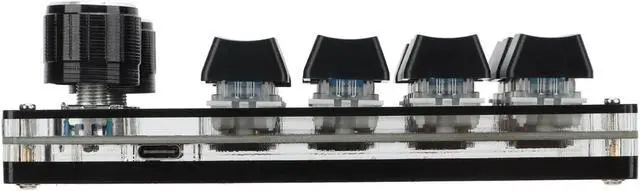
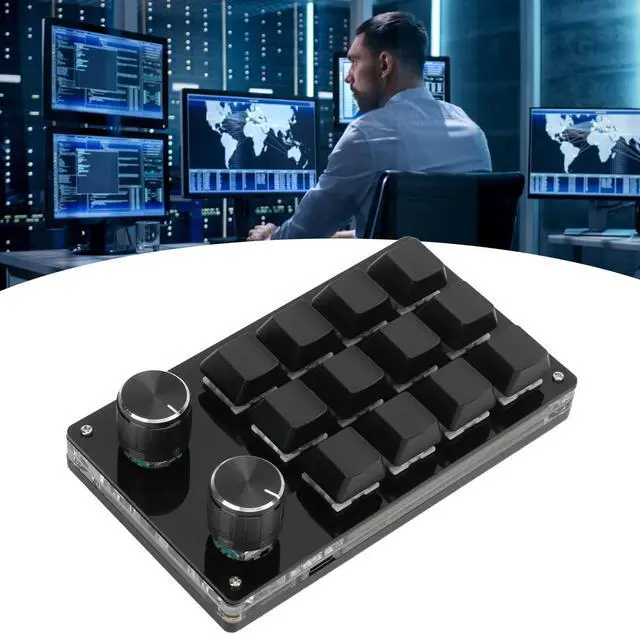
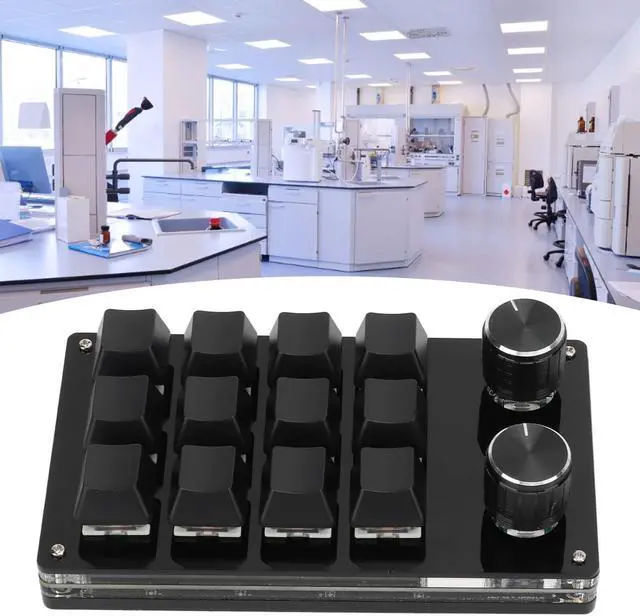
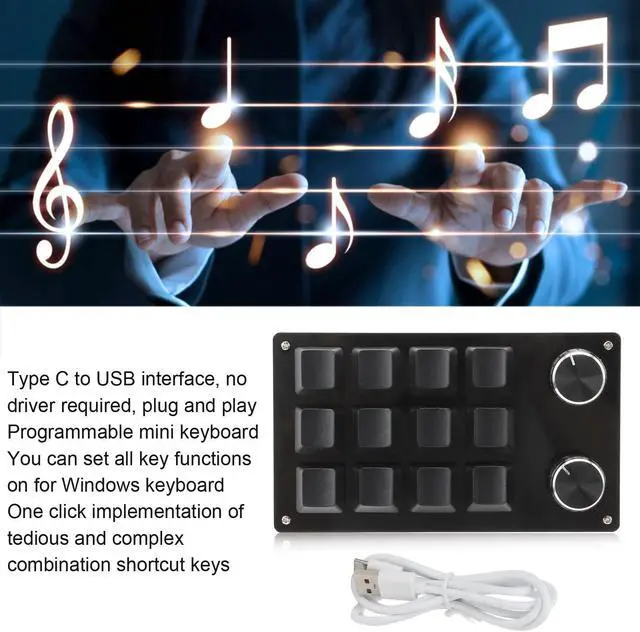


Acrylic and PCB ro Mechanical Keyboard,One Handed ro Mechanical Keyboard 12 Key Multifunction DIY Programmable Keypad for Office Gaming Lab (Black)
- Settable Knob: The knob can also be set, with functions such as, play the previous song, the song, volume up, volume down, pause, play and other functions.
- MULTIFUNCTION - The mini keyboard with multi functions, you can set all the key functions on the for Windows keyboard, and realize complicated and complex shortcut keys with one key.
- Bring You Convenience: This is a 12 key programmable keyboard with adjustment knob, you can set the shortcut keys to reduce the cumbersome process.
- Portable and easy to use:Type C to USB interface, no driver required, plug and play, computer and multiple keyboards do not conflict, easy to carry.
- Settable Knob: The knob can also be set, with functions such as, play the previous song, the song, volume up, volume down, pause, play and other functions.
+
+
Overview
Specs
Reviews
Specification:
Item Type: ro Mechanical Keyboard
Material: Acrylic, PCB
Usage: Suitable for office, games, music, media, industrial control, laboratory, production line testing and other fields
Button Life: Up to 50 Million Times
Type: Dustproof Green Shaft
Quantity of Keys: 12 Keys
Size: Approx. 132 x 77 x 38mm / 5.2 x 3 x 1.5 in (L x W x H)
Current and Voltage: DC 5V/1A
Working Temperature: -10-50
How to Use:
1. Small keyboard, open the custom software on the computer.
2. On the custom software, click the key setting area or Knob setting area (yellow area) and then click the key key1-key12 or any key of knob 1 or knob 2 (green area) to be set; If selected, it will appear red.
3. Click the function key corresponding to the simulated keyboard on the custom software, click download, prompting download success, the custom keypad can be used. For example, if you want to set small keyboard key 1 as the shortcut key of copy (Ctrl+C), click Key Setting area on the software, click KEY1, then click Ctrl and C on the software simulation keyboard, click Download, and the message download successful is displayed.
Package List:
1 x Keyboard
1 x USB Cable
Item Type: ro Mechanical Keyboard
Material: Acrylic, PCB
Usage: Suitable for office, games, music, media, industrial control, laboratory, production line testing and other fields
Button Life: Up to 50 Million Times
Type: Dustproof Green Shaft
Quantity of Keys: 12 Keys
Size: Approx. 132 x 77 x 38mm / 5.2 x 3 x 1.5 in (L x W x H)
Current and Voltage: DC 5V/1A
Working Temperature: -10-50
How to Use:
1. Small keyboard, open the custom software on the computer.
2. On the custom software, click the key setting area or Knob setting area (yellow area) and then click the key key1-key12 or any key of knob 1 or knob 2 (green area) to be set; If selected, it will appear red.
3. Click the function key corresponding to the simulated keyboard on the custom software, click download, prompting download success, the custom keypad can be used. For example, if you want to set small keyboard key 1 as the shortcut key of copy (Ctrl+C), click Key Setting area on the software, click KEY1, then click Ctrl and C on the software simulation keyboard, click Download, and the message download successful is displayed.
Package List:
1 x Keyboard
1 x USB Cable
Warranty & Returns
Warranty, Returns, And Additional Information
Warranty
- Please contact the Seller directly for warranty information. Warranty information may also be found on the Manufacturer's website.
- CONTACT
Return Policies
- Return for refund within: 30 days
- Return for replacement within: 90 days
- This item is covered by Truespan Living Return Policy
Manufacturer Contact Info
- For a directory of all our manufacturers, please click below.
- Manufacturers Directory
LOADING...