
Your Browsing History

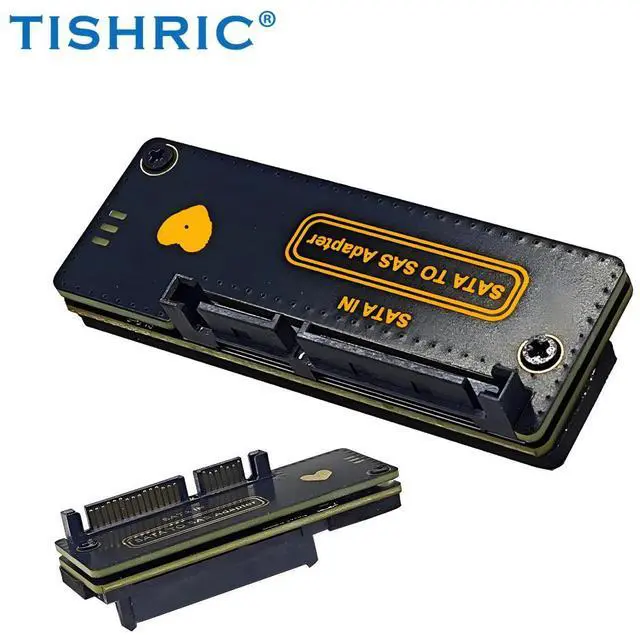
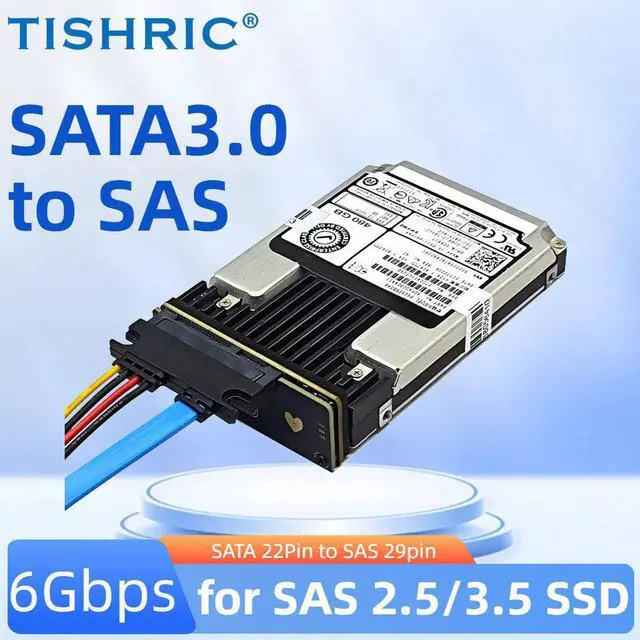
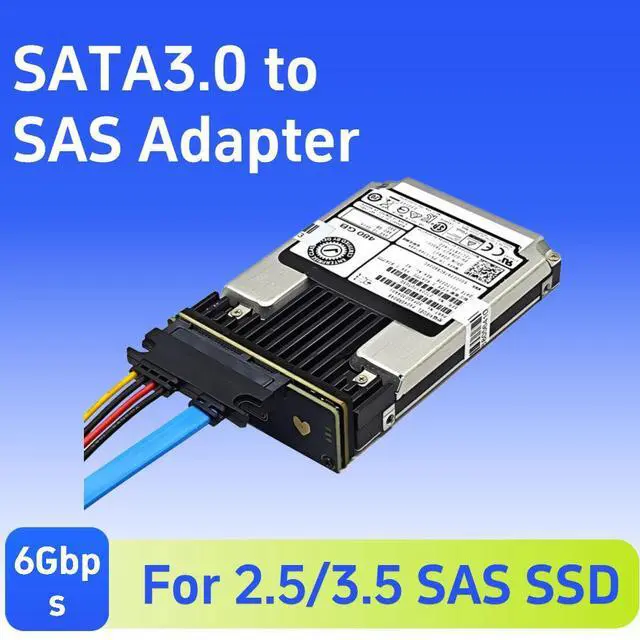
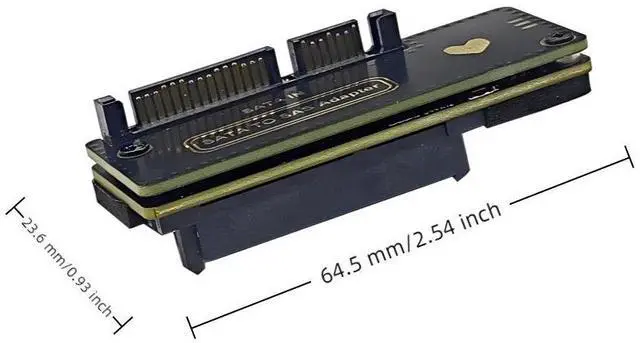
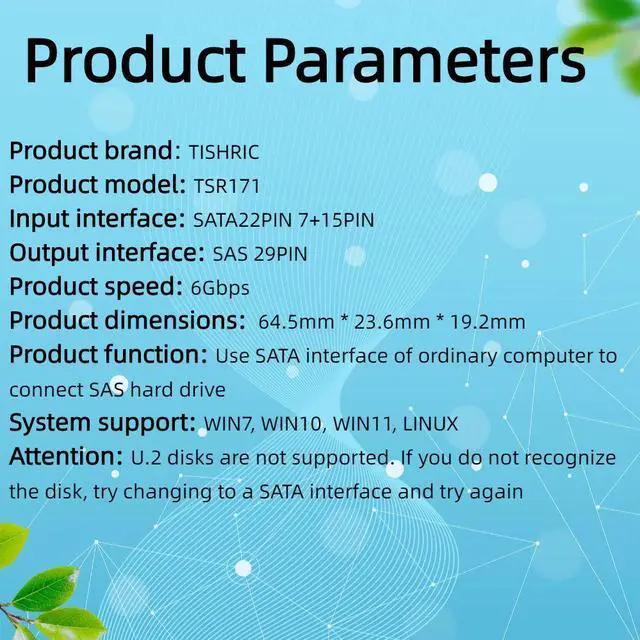
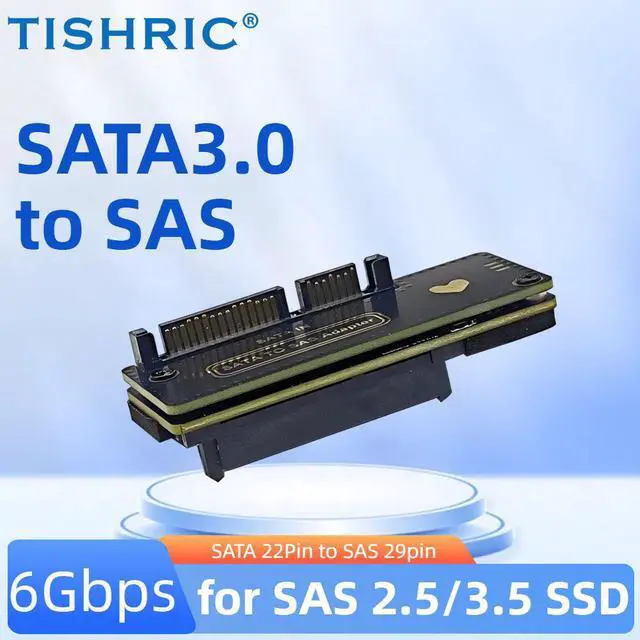



Installation steps:
1. Turn off the computer and disconnect the power cord2. Open the computer box and find the SATA 7PIN slot and SATA15PIN power cord that can beused.
3. Gently insert the adapter card into the SAs hard drive and ensure that it is firmly securedin the hard drive slot of the chassis
4. Insert the SATA cable and SATA hard drive power cable into the adapter card, and insertthe other end of the SATA data cable into the motherboard SATA port.5. Close the computer box again and reconnect the 220V power cord.6. Start the computer and check whether the newly added SATA device is successfullyrecognized in the operating system.
PS1: In some cases, it may be necessary to update the motherboard driver or Bl0s toproperly recognize newly added hardware devices. PS2: The sectors of SAs hard drives are512/520/528, which only support 512 sectors. Hard drives with 520/528 sectors cannot beused. PS2: SAS hard drives are used on servers and have added many security protectionchecks and encryption mechanisms. The boot recognition will be 10-20 seconds slower thanordinary SATA, which is a normal phenomenon. Please be cautious if you mind.