



Meet Your Seller



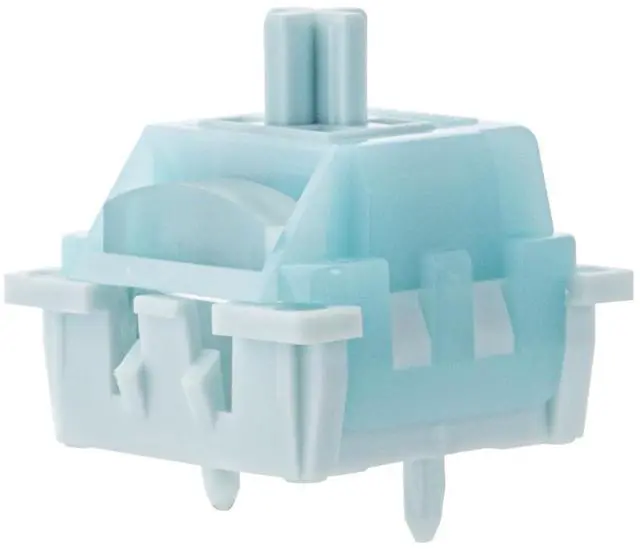
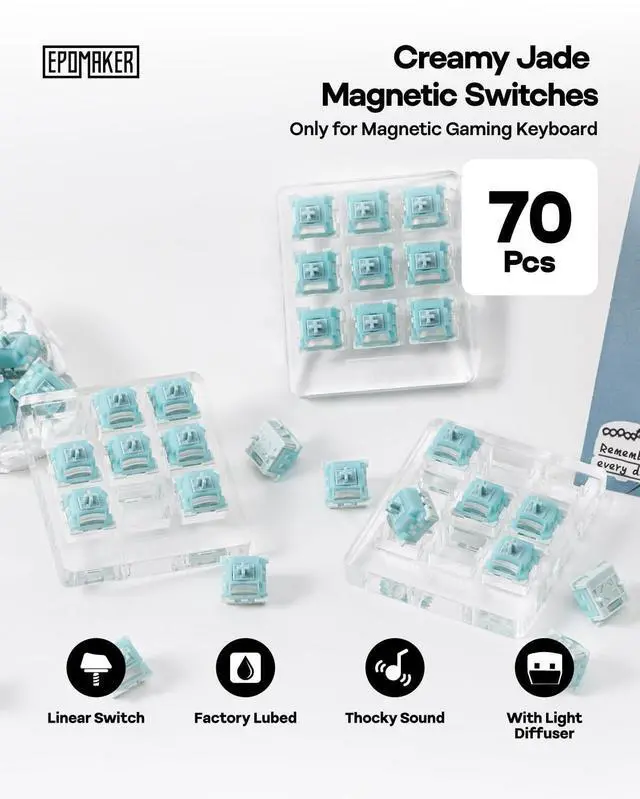




Creamy Jade Magnetic Switches, 70Pcs Factory Pre-lubed, with Light Diffuser & Thocky Sound, Linear Hall Effect Switches for Magnetic Gaming Keyboard
Limited time offer, ends 11/04 By Glovibe Tech
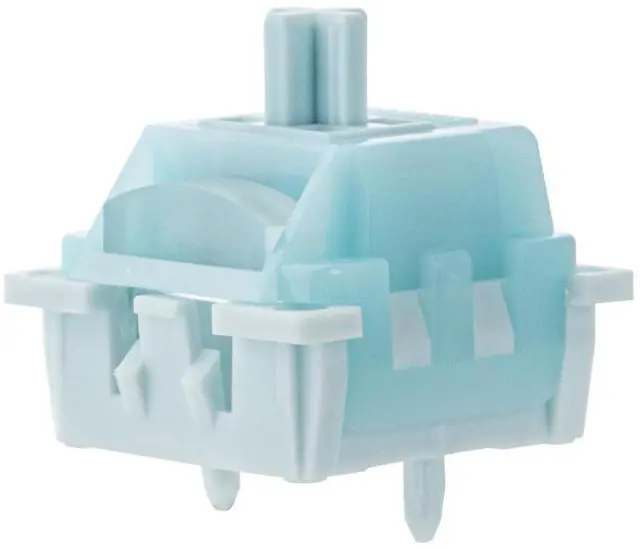
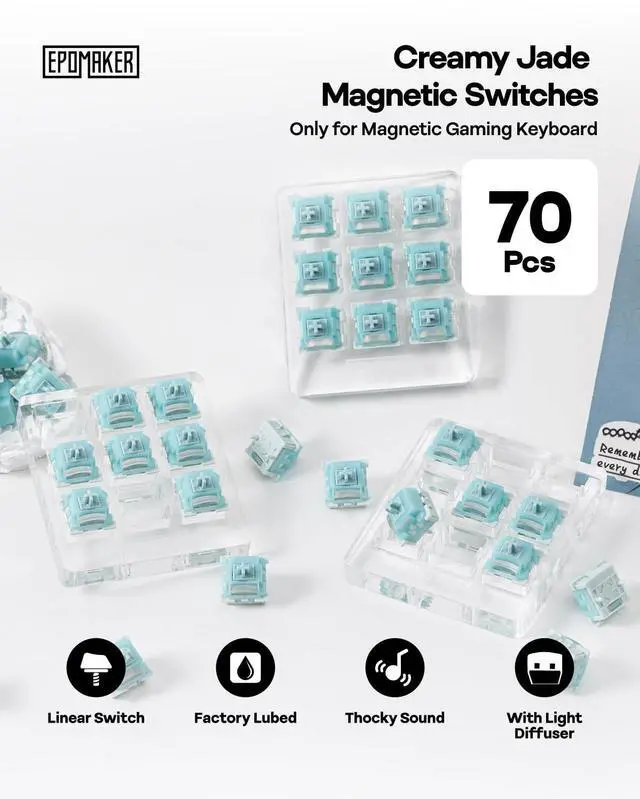
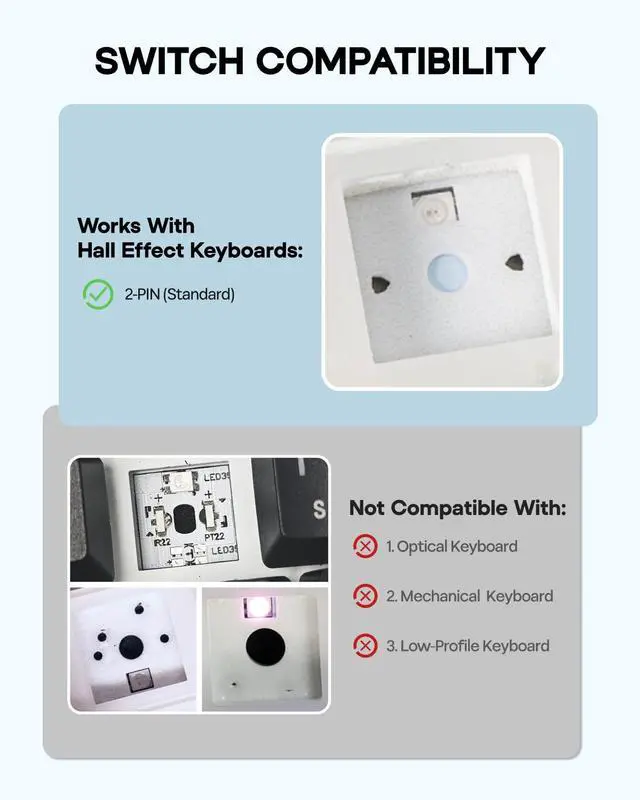
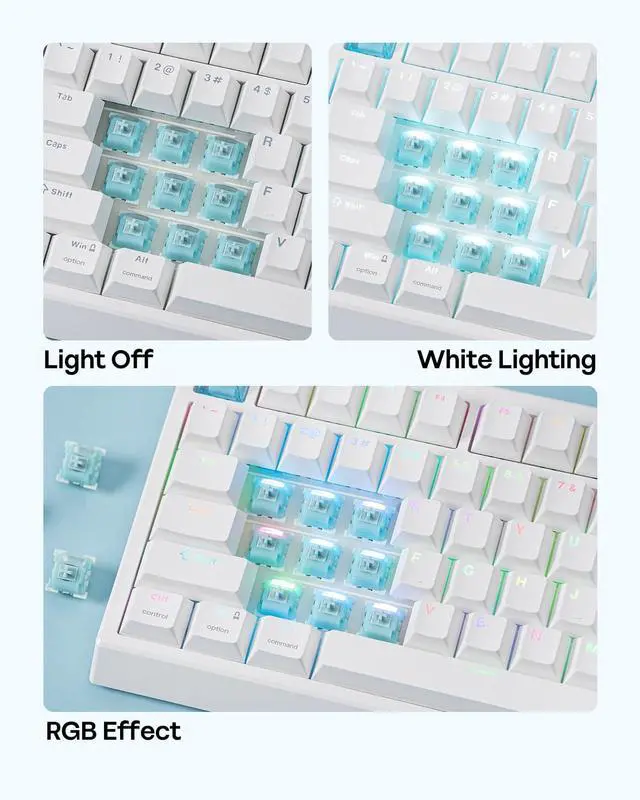
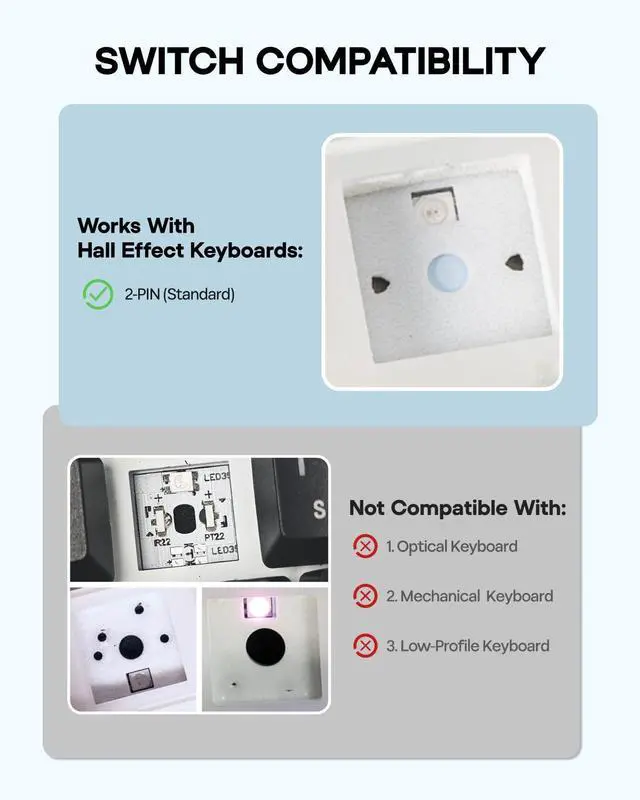
- Tip: The magnetic switch is designed for magnetic keyboards (Hall effect keyboards), not for mechanical keyboards.; Experience the Next Generation of Magnetic Switches: The Creamy Jade magnetic switch is a true blessing for Hall Effect keyboard enthusiasts. Designed as a linear Hall Effect switch for mainstream HE (magnetic) gaming keyboards, it delivers an incredibly smooth and responsive typing experience. Factory pre-lubed, it not only produces a deeply satisfying thock sound but also completely eliminates any scratchiness or gritty feel. Paired with a 20mm long spring, the rebound is quicker and crisper, making every keystroke feel sharp and decisive.; Precision Engineered Specifications: With an initial force of 30gf (min) and an end force of 55gf (max), and a total travel of 3.50±0.1mm. The initial magnetic flux is 95+15GS, and the bottom magnetic flux is 580+50GS. This force range ensures a light, agile feel during high-speed operation while delivering just the right amount of feedback at bottom-out, effectively reducing finger fatigue after prolonged use. The well-designed gradient between initial and bottom magnetic flux not only guarantees consistent triggering but also gives the switch its distinctive thocky deep sound profile.
+
+
Overview
Specs
Reviews
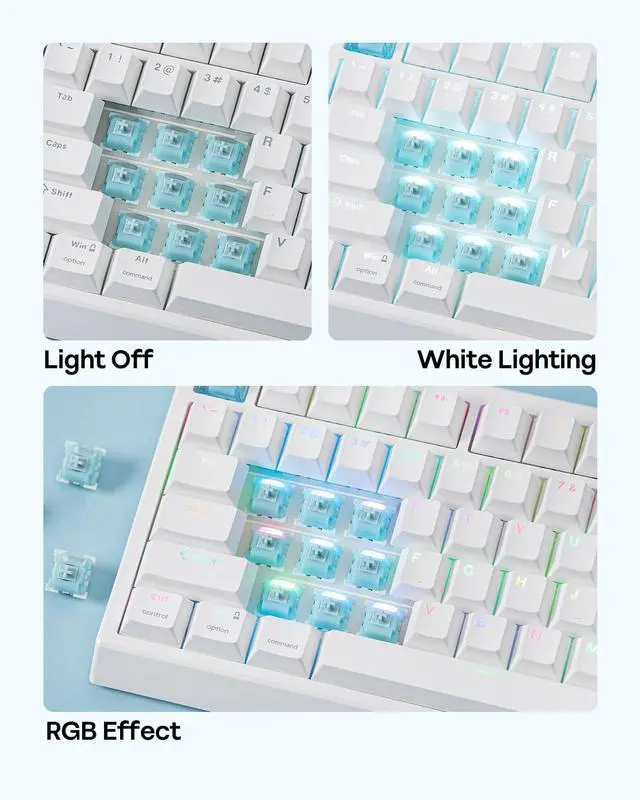
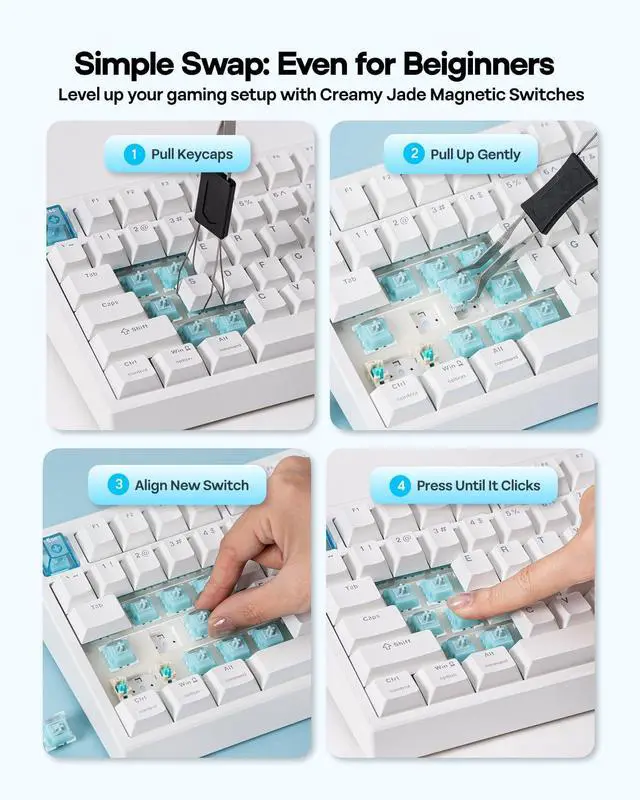
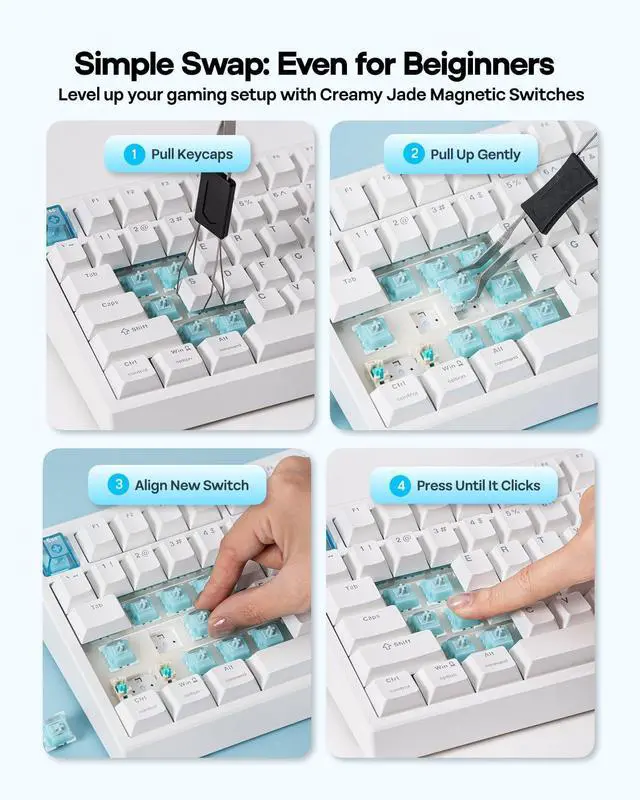
Product description Meet the EPOMAKER Creamy Jade Magnetic Switch Engineered exclusively for magnetic (Hall effect) keyboards, the Creamy Jade Magnetic Switch utilizes a standard "2-pin" configuration, offering seamless compatibility with the majority of HE gaming keyboards. Click to play video Delivers pure, interference-free RGB illumination, ensuring the keyboard's backlight colors remain accurate and distortion-free. How to change the switches Remove keycaps with a keycap puller Remove the old switch with a switch puller Align the new switch in the correct orientation Gently press it into the PCB until you hear a click
Warranty & Returns
Warranty, Returns, And Additional Information
Warranty
- Please contact the Seller directly for warranty information. Warranty information may also be found on the Manufacturer's website.
- CONTACT
Return Policies
- Return for refund within: 30 days
- Return for replacement within: 90 days
- This item is covered by Glovibe Tech Return Policy
Manufacturer Contact Info
- For a directory of all our manufacturers, please click below.
- Manufacturers Directory
LOADING...