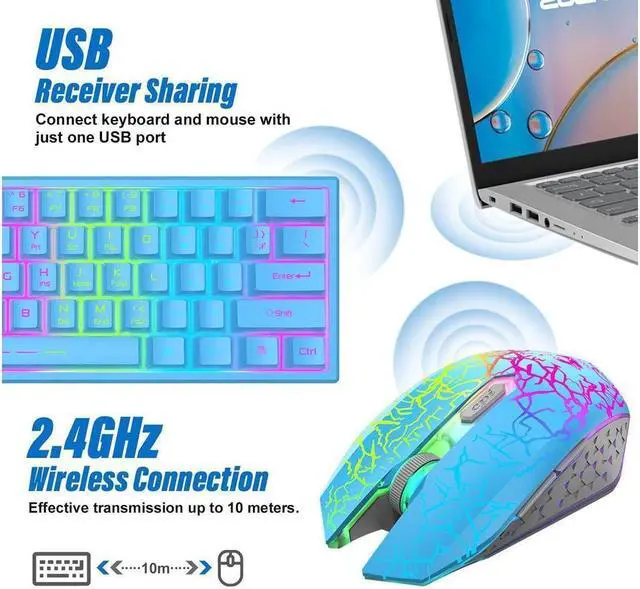
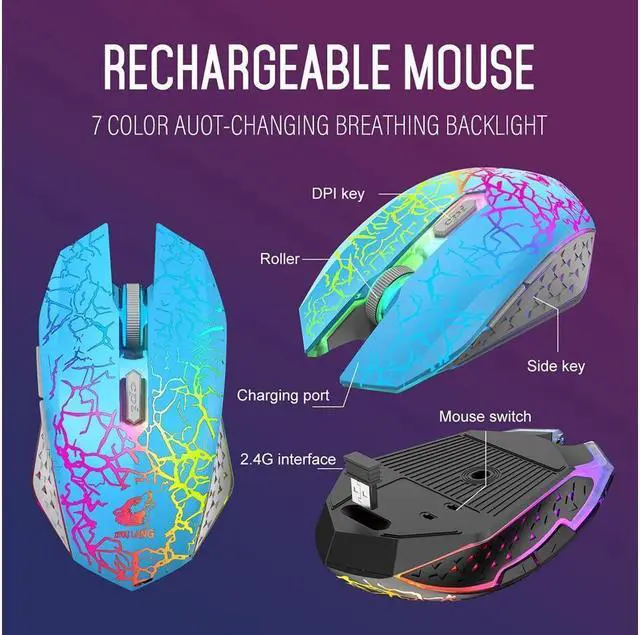
- 1 The keyboard and the mouse share one USB receiver, which place in the bottom of the mouse, insert the receiver into the computer USB port, they will auto connect.
- 2 Please make sure you turn on the keyboard and mouse before using, and they are not away from the receiver over 10 meters.
- 3 For better using, please make sure the keyboard and mouse is fully charged in their first use.
- 4 The keyboard will auto enter sleep mode if no operation in 2 minutes, and press any key can wake it up.
- 5 The keyboard and mouse can be charged by using DC 5V adapter, but cannot support quick charger adapter, or the built-in battery will be damaged.
- Pull out the receiver, turn on the keyboard switch, and press ESC+K for 1 second at the same time, the keyboard enters the code matching mode, and the indicator light is always on.I
- nsert the USB receiver within 20 seconds to pair the code successfully.
- Unplug the receiver
- Turn on the mouse switch, press and hold the right key + scroll wheel button for 3 seconds to release, and insert the receiver within 3 seconds to perform code matching.
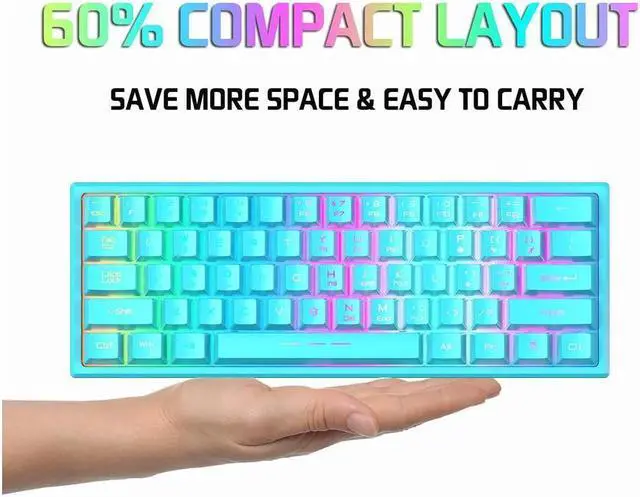
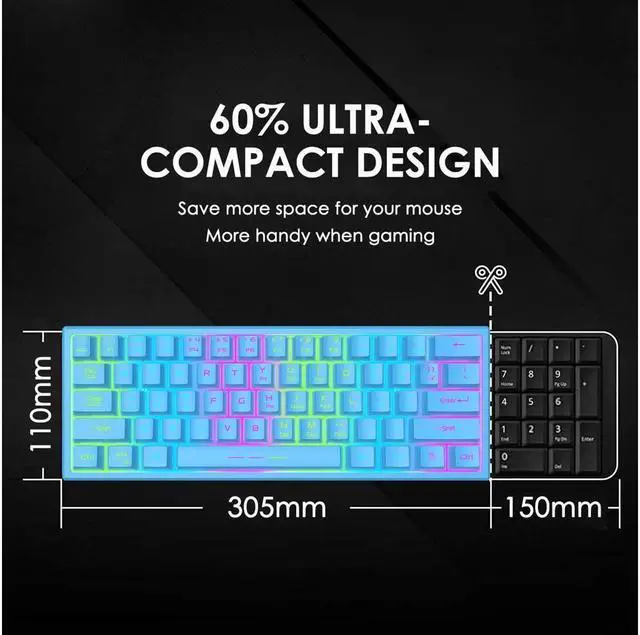
60% Compact keyboard, 100% Portablethis 60 percent wireless gaming keyboard is more compact and space-saving to sit on your desk and leave more room for your mouse movement. Its easier and super portable to travel with or carry around when youre out.
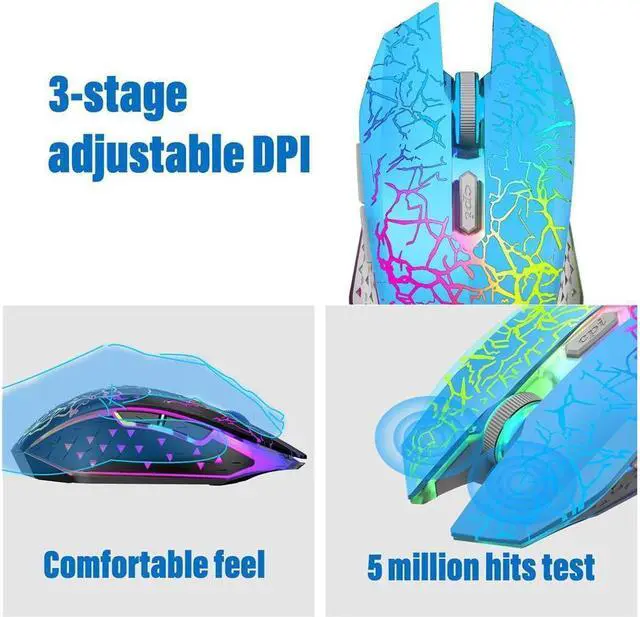
2.4G wireless keyboard and mouse3 in 1 keyboard and mouse set and mousepad, the wireless keyboard and mouse share a 2.4G dongle, just insert a USB dongle, you can use keyboard and mouse at the same time, keyboard and mouse have no signal interference, no delay, 29 anti -ghosting keys
Rechargeable keyboard and mousethe gaming keyboard is equipped with 3000 mAh battery, and the mouse is equipped with 1000 mAh battery. It only takes 4 hours to charge the keyboard and mouse, and it can be used continuously for more than 48 hours. There is no need to purchase additional batteries. Two charging cable is included in the package(type-c charging cable for the keyboard).