


- Free 15-day Returns
$25.49
Ships from China.


Meet Your Seller

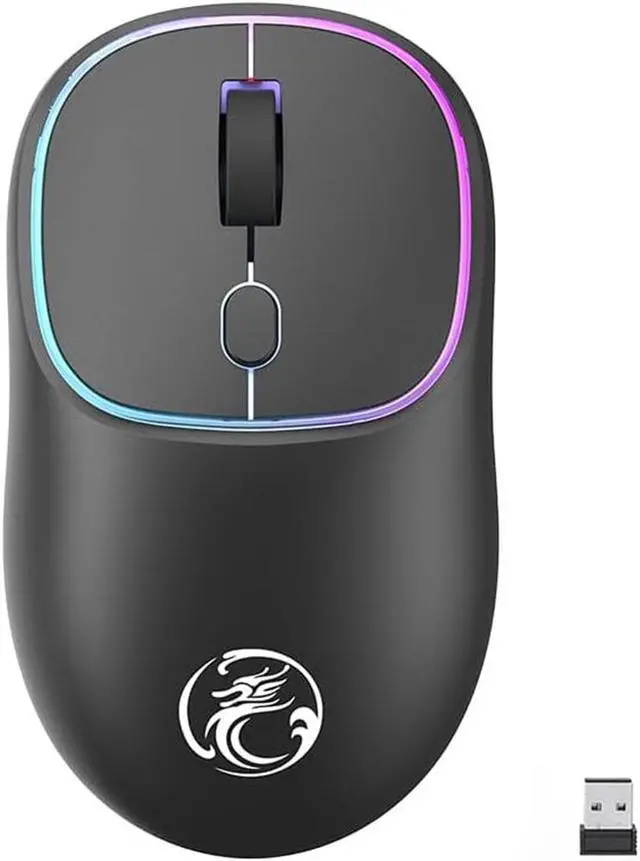


Wireless Gaming Mouse for Laptop, 2.4 GHz with USB Receiver Gaming Mice for Computer - Rechargeable Portable Silent LED Wireless Mouse for MacBook air, pro,i-Pad, Mac, Chrome-book, PC (Black)
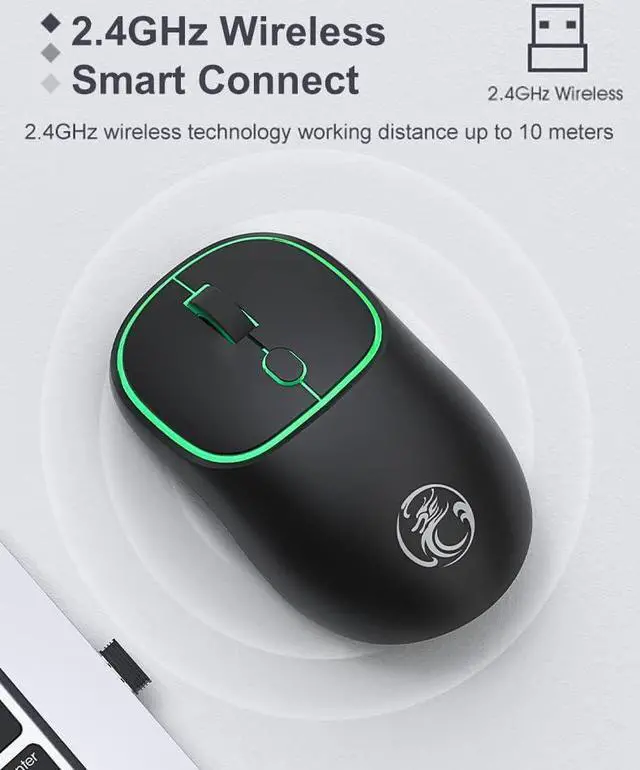
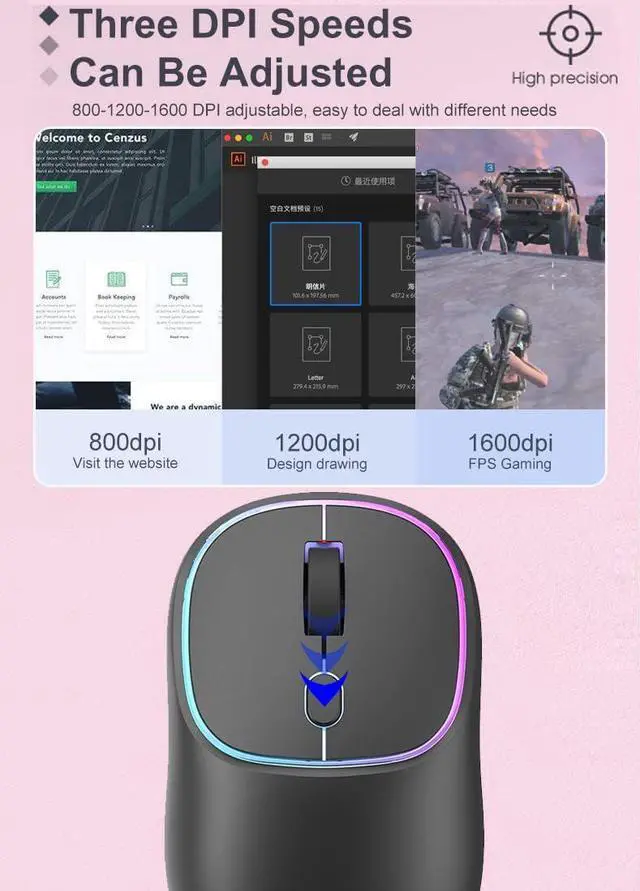
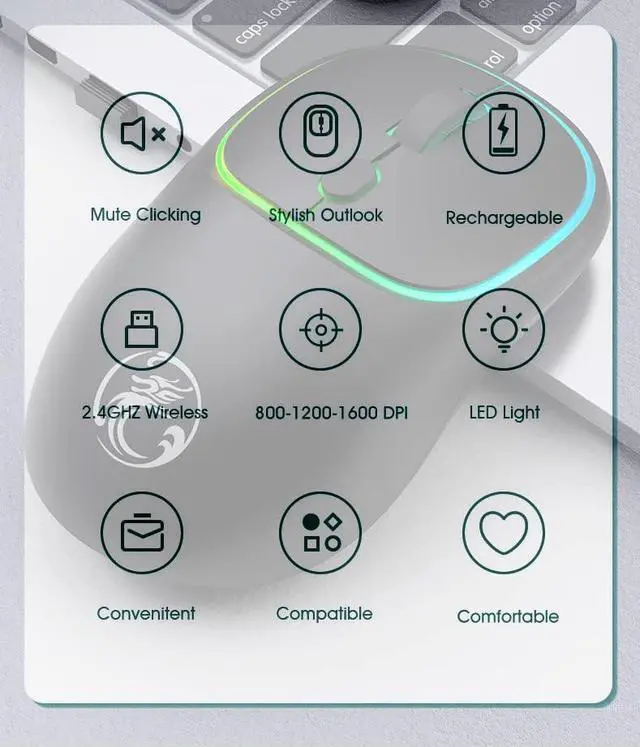
- [Plug and Play] No need to install any driver. 2.4GHz wireless technology offers a powerful and reliable connection with an effective range of up to 10 meters. Advanced optical tracking technology with fast click and high responsiveness. 3-level adjustable DPI (800/1200/1600DPI), free to meet daily work needs.
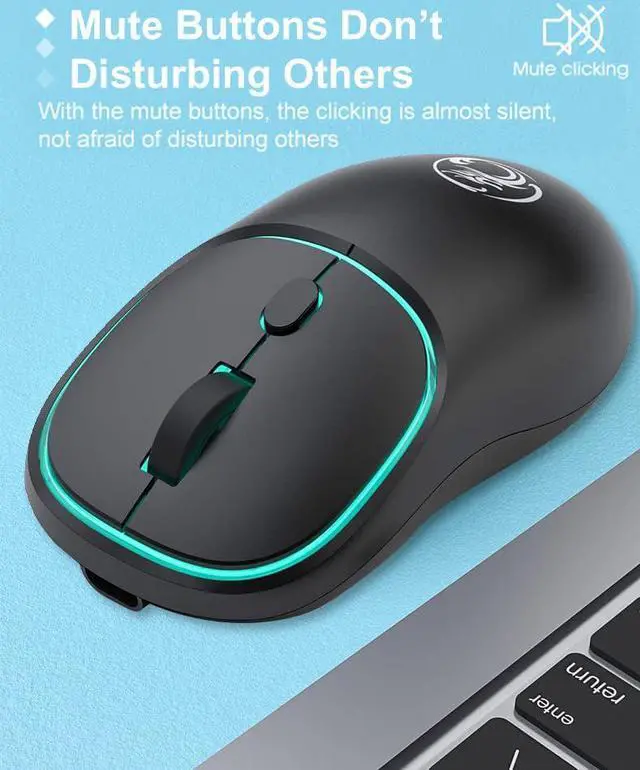
- [Mute Click] Silent button reduces 90% noise, making it an ideal wireless mouse for office, conference room, library, bedroom, helps you focus on your work, study, without disturbing others around you.
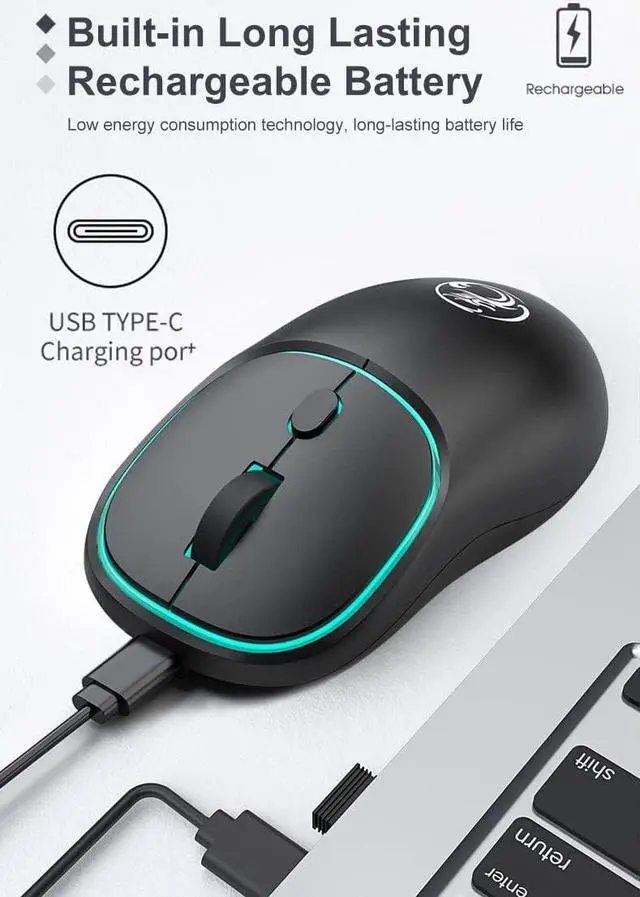
- [Rechargeable Design] Built-in long-life lithium-ion battery, you can use up to 168 hours after fully charged, standby time is very long. Energy-saving functions, automatic sleep mode and wake-up mode are installed to save energy.
- [Wide Compatibility] Compatible with Windows XP, Vista, 7, 8 and 10/Vista etc. Suitable for desktop, laptop, PC, and devices with USB port.
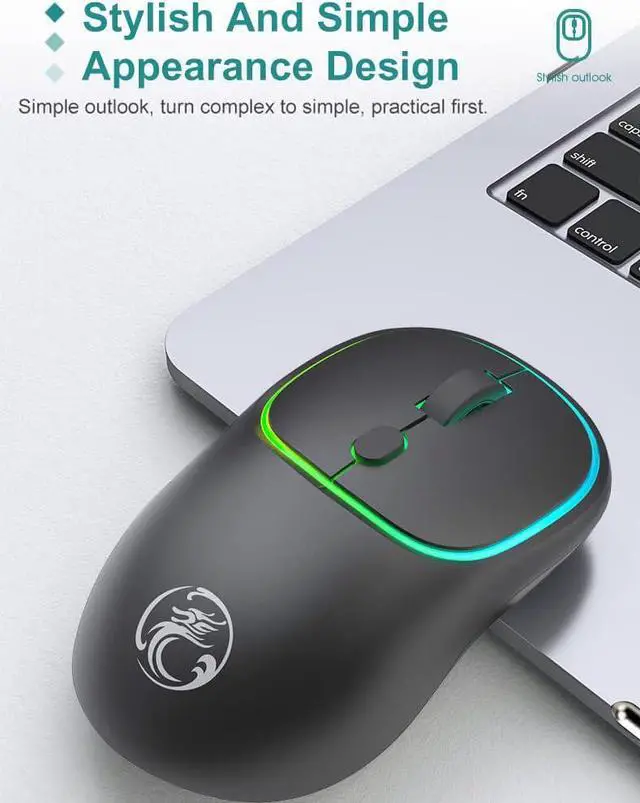
- [Ergonomic Design] Good surface coating technology gives you a comfortable touch. User-friendly design.
+
+
Overview
Specs
Reviews
How to use the wireless mouse: The way of connection is very simple: plug and play
Suitable for: win7/8/10/XP/iMac USB port, 2010-2023 MacBook Pro, MacBook Air, MacBook and any USB port, laptop
and desktop: Take out the USB wireless receiver at the bottom of the mouse and plug it into the computer USB port and the mouse will start working.
Packing List:
Rechargeable wireless mouse x1,
USB wireless receiver X1 (It is taken out from the bottom of the mouse),
USB-TypC charging line x1.
User Manual x1.
How do I charge the wireless mouse?
This is a rechargeable mouse. You don't need to buy other batteries. It already has a built-in lithium battery. It can be charged like a cell phone. There is a USB charging cable in the box.
Note:
1. If the mouse pointer does not move or cannot be used, or the connection is suddenly lost during use, you need to charge it for about 3 hours. Use your computer's USB port to charge, or use an adapter with an output voltage of no more than 5V to charge.
2. This is a wireless mouse, plug and play, and you don't need to pair it with your computer like a bluetooth mouse.
Suitable for: win7/8/10/XP/iMac USB port, 2010-2023 MacBook Pro, MacBook Air, MacBook and any USB port, laptop
and desktop: Take out the USB wireless receiver at the bottom of the mouse and plug it into the computer USB port and the mouse will start working.
Packing List:
Rechargeable wireless mouse x1,
USB wireless receiver X1 (It is taken out from the bottom of the mouse),
USB-TypC charging line x1.
User Manual x1.
How do I charge the wireless mouse?
This is a rechargeable mouse. You don't need to buy other batteries. It already has a built-in lithium battery. It can be charged like a cell phone. There is a USB charging cable in the box.
Note:
1. If the mouse pointer does not move or cannot be used, or the connection is suddenly lost during use, you need to charge it for about 3 hours. Use your computer's USB port to charge, or use an adapter with an output voltage of no more than 5V to charge.
2. This is a wireless mouse, plug and play, and you don't need to pair it with your computer like a bluetooth mouse.
Warranty & Returns
Warranty, Returns, And Additional Information
Warranty
- Please contact the Seller directly for warranty information. Warranty information may also be found on the Manufacturer's website.
- CONTACT
Return Policies
- Return for refund within: 15 days
- Return for replacement within: 30 days
- This item is covered by fadaoe Return Policy
Manufacturer Contact Info
- For a directory of all our manufacturers, please click below.
- Manufacturers Directory
LOADING...