


- Free 30-day Returns
$67.18
Ships from China.
Sold by BrightTeng Media Store
Shipped by BrightTeng Media Store

Meet Your Seller

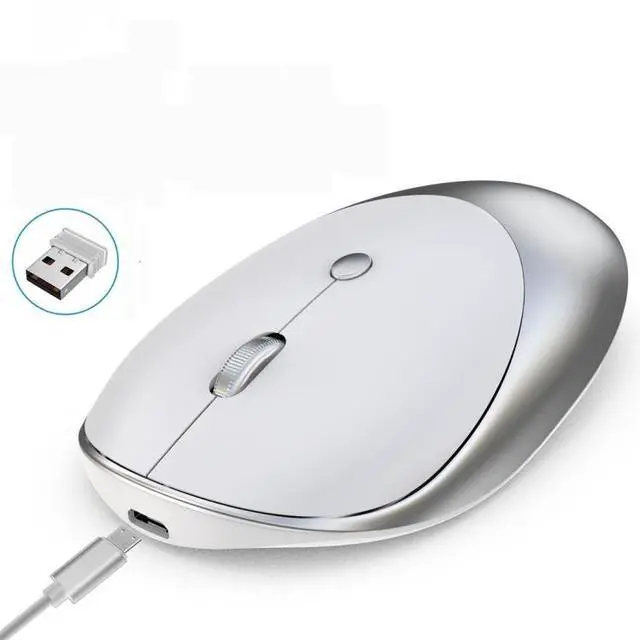
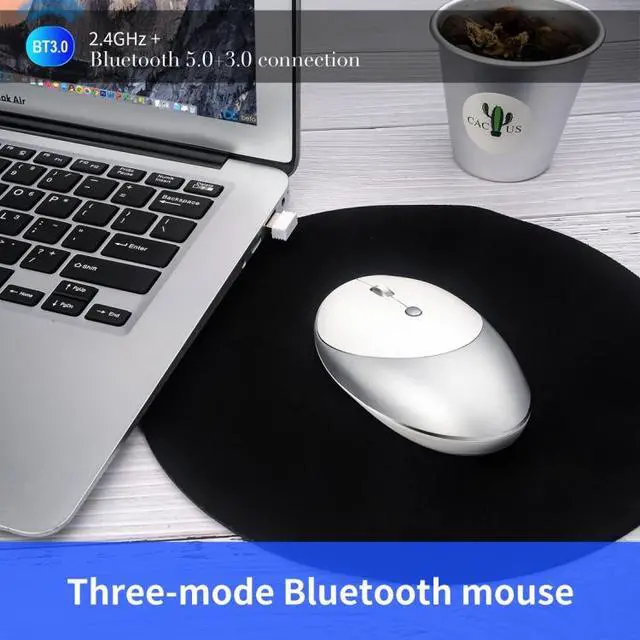


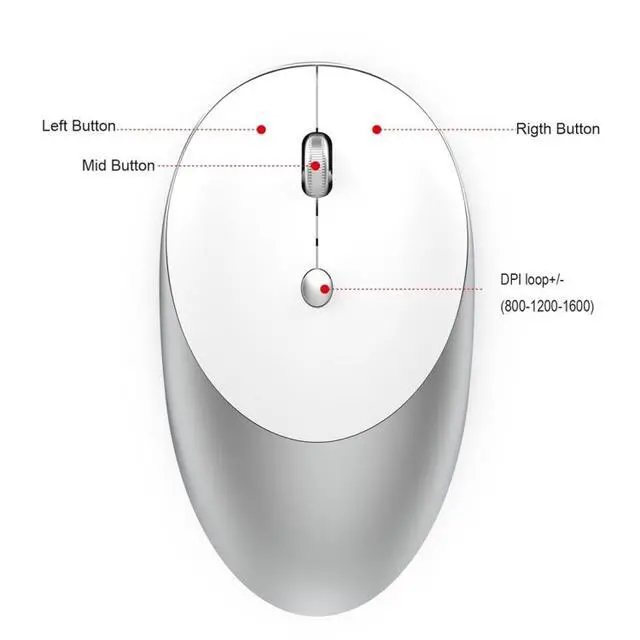


HXSJ T36 2.4G Bluetooth 5.0+3.0 Three-mode Silent Design Wireless Bluetooth Mouse (Silver)
Limited time offer, ends 11/01 By BrightTeng Media Store
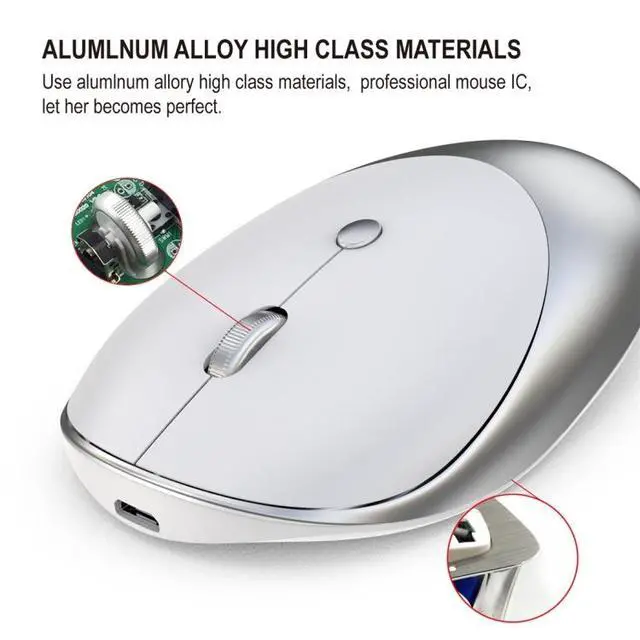
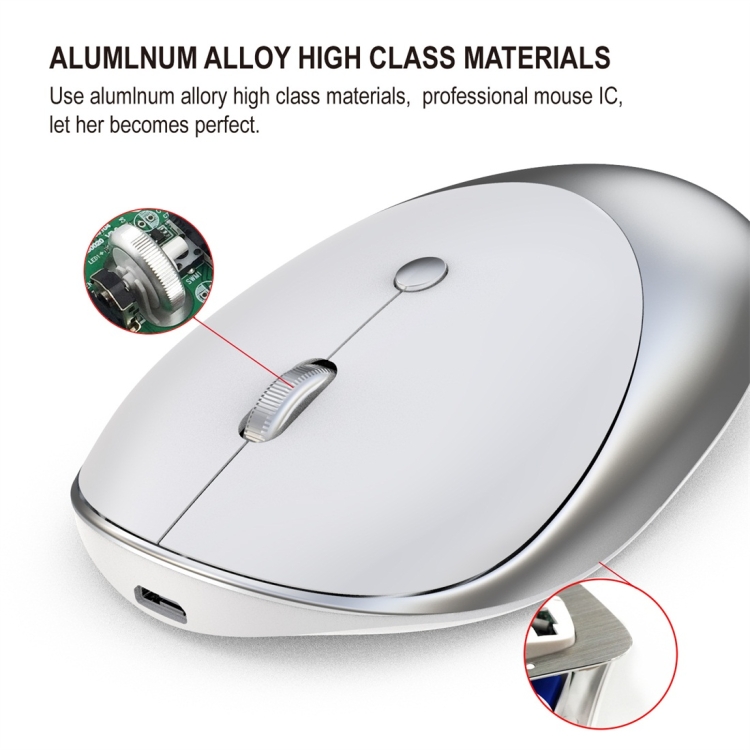
- Material:ABS+Metal
- Rechargeable:Built-inrechargeable500mAhbattery
- Accuratetracking:ProfessionalICpositioningaccuracy
- Silencekey:Optionalclicksilence
+
+
Overview
Specs
Reviews
1. Material: ABS+Metal
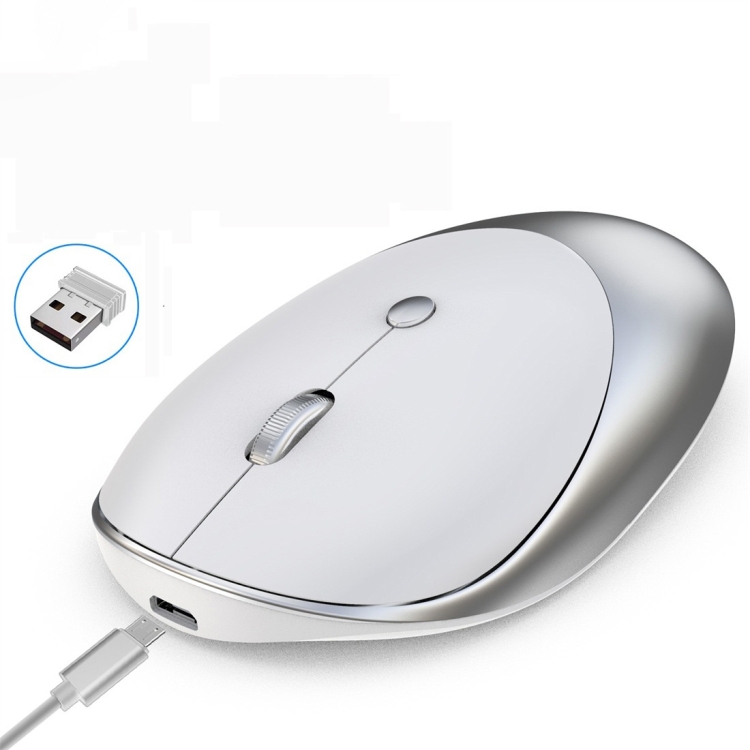
2. Rechargeable: Built-in rechargeable 500mAh battery
3. Accurate tracking: Professional IC positioning accuracy
4. Silence key: Optional click silence
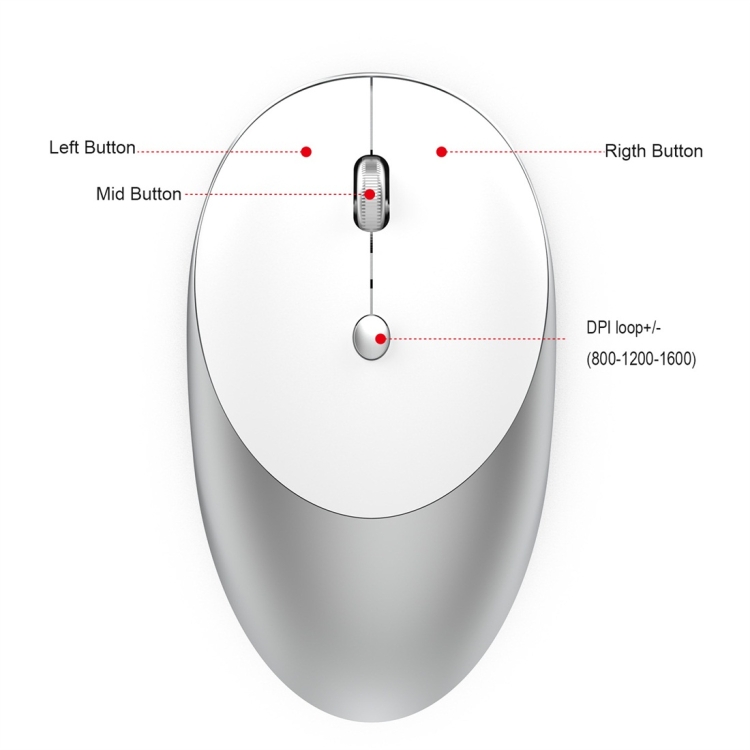
5. High resolution: Max1600 DPI high resolution for fluid motion
6. Fashionable slim design: Slim design for sleek look and portable use
7. Key life: 5 million times
8. Wireless distance: 10m
9. Charging cable length: 80cm
10. Resolution: 1600dpi(Default)
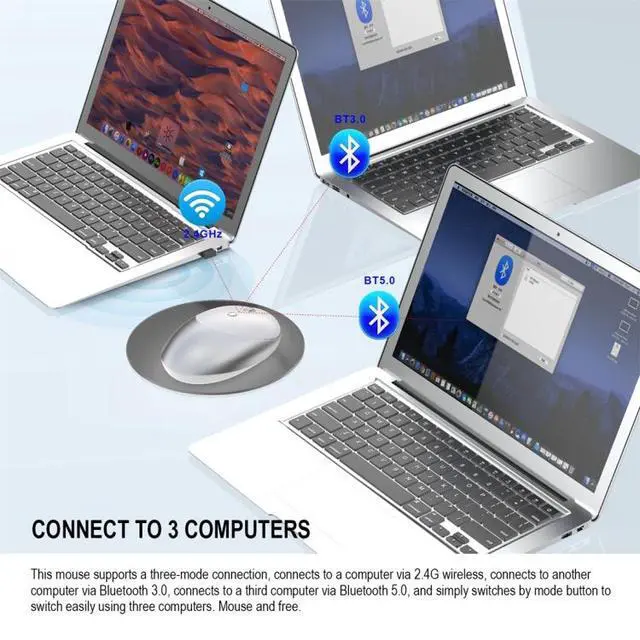
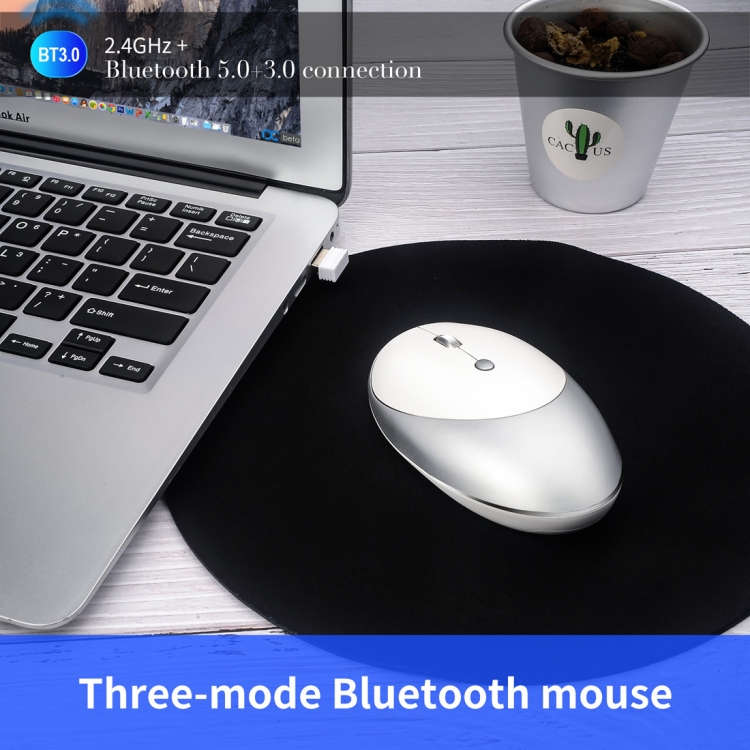
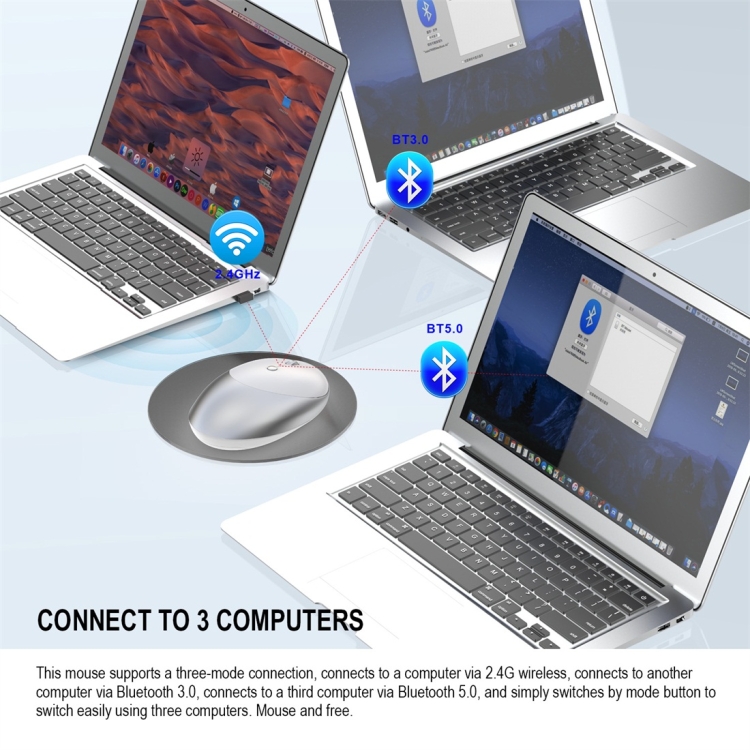
11. Operation mode:photoelectric+Bluetooth 3.0/5.0
12. Rated voltage / current: 3.7V / 10mA
14. System requirements: Windows 98 / Me / 2000 / XP / Vista / Win 7 / Win8 / 10/Vista Mac OS or latest.
15. Product weight: 75g
16. Item size: 10.9x6.4x2.8cm
How to use:
For 2.4G Wireless Mode:
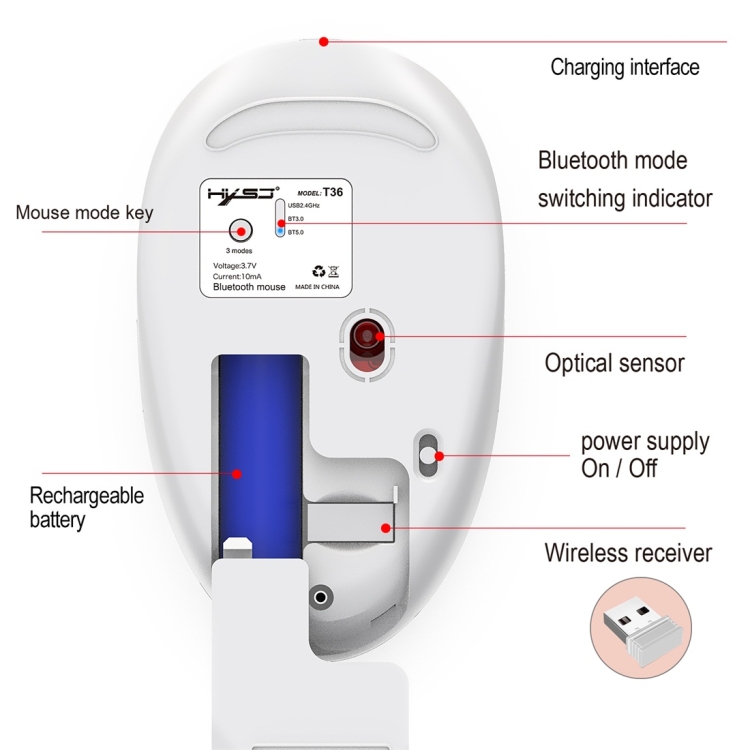
Click mouse mode key--Mode indicator red light on--plug receiver into computer USB port--con net ed
1. Set the mouse switch to ON and the optical sensor to red.
2. Plug the receiver into the computer USB port. Press the mode button once.
3. The red LED flashes and the installation is done automatically.


2. Rechargeable: Built-in rechargeable 500mAh battery
3. Accurate tracking: Professional IC positioning accuracy
4. Silence key: Optional click silence
5. High resolution: Max1600 DPI high resolution for fluid motion
6. Fashionable slim design: Slim design for sleek look and portable use
7. Key life: 5 million times
8. Wireless distance: 10m
9. Charging cable length: 80cm
10. Resolution: 1600dpi(Default)
11. Operation mode:photoelectric+Bluetooth 3.0/5.0
12. Rated voltage / current: 3.7V / 10mA
14. System requirements: Windows 98 / Me / 2000 / XP / Vista / Win 7 / Win8 / 10/Vista Mac OS or latest.
15. Product weight: 75g
16. Item size: 10.9x6.4x2.8cm
How to use:
For 2.4G Wireless Mode:
Click mouse mode key--Mode indicator red light on--plug receiver into computer USB port--con net ed
1. Set the mouse switch to ON and the optical sensor to red.
2. Plug the receiver into the computer USB port. Press the mode button once.
3. The red LED flashes and the installation is done automatically.
Warranty & Returns
Warranty, Returns, And Additional Information
Warranty
- Please contact the Seller directly for warranty information. Warranty information may also be found on the Manufacturer's website.
- CONTACT
Return Policies
- Return for refund within: 30 days
- Return for replacement within: 90 days
- This item is covered by BrightTeng Media Store Return Policy
Manufacturer Contact Info
- For a directory of all our manufacturers, please click below.
- Manufacturers Directory
LOADING...