






 EX-G PRO |  EX-G |  EX-G Left Hand |  Relacon |  bitra |  Replacement ball | |
|---|---|---|---|---|---|---|
| Customer Reviews | — | — | — | — | — | — |
| Price | — | — | — | — | — no data | — |
| Style | Thumb | Thumb | Thumb | Handheld | Thumb | - no data |
| Hand Orientation | Right | Right | Left | Ambidextrous | Right | - no data |
| Connection | USB 2.4GHz + Wired + Bluetooth | USB 2.4GHz / Wired | USB 2.4GHz | Bluetooth / USB 2.4GHz | Bluetooth / USB 2.4GHz | - no data |
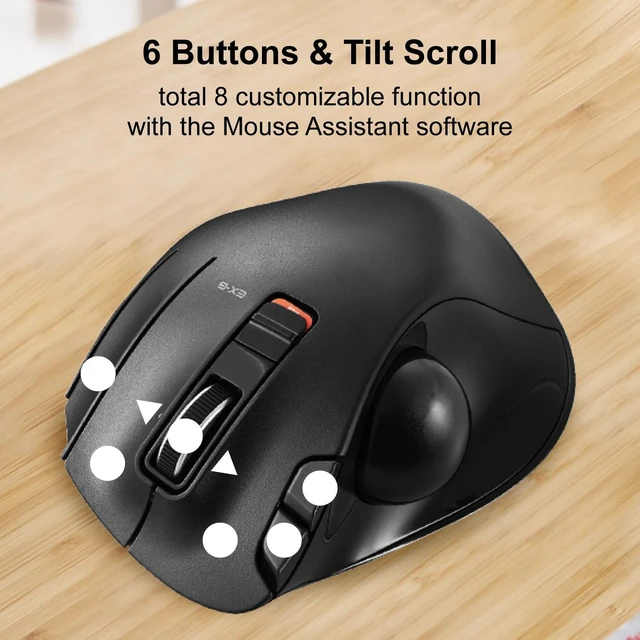
| Buttons | 8 | 6 | 6 | 10 | 5 | - no data |
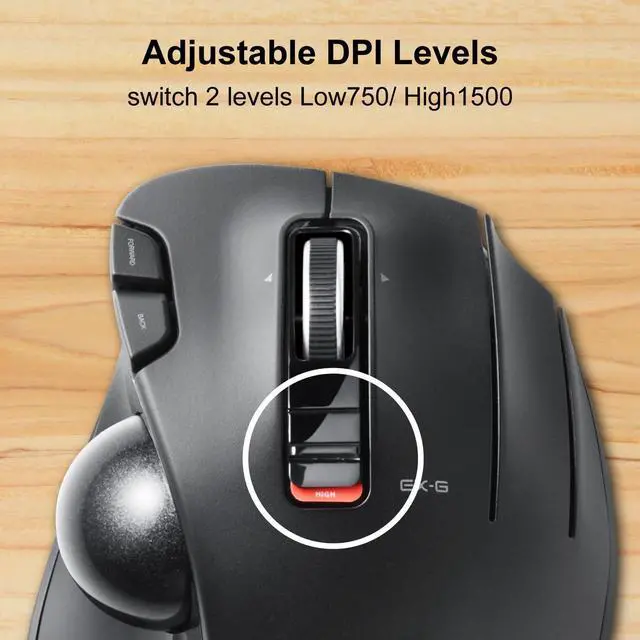
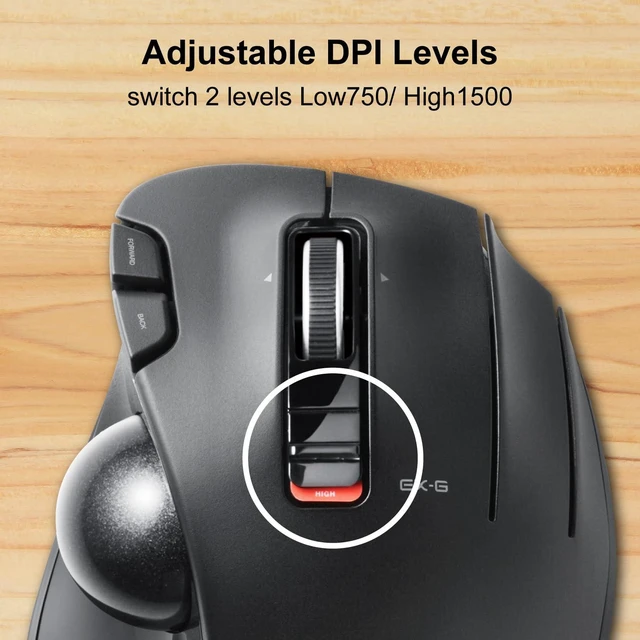
| DPI switch | 500/1000/1500 | 750/1500 | 750/1500 | 500/1000/1500 | 750/1500 | - no data |
| Ball Size | 34mm | 34mm | 34mm | 25mm | 25mm | 34mm |
 DEFT PRO |  HUGE |  DEFT |  bitra |  Tilt-adjustable Pad |  FITTIO wrist rest | |
|---|---|---|---|---|---|---|
| Customer Reviews | — | — | — | — | — | — |
| Price | — | — | — no data | — no data | — | — |
| Style | Index Finger | Index Finger | Index Finger | Index Finger | - no data | - no data |
| Hand Orientation | Right | Right | Right | Right | - no data | - no data |
| Connection | USB 2.4GHz + Wired + Bluetooth | USB 2.4GHz / Wired | USB 2.4GHz / Wired | Bluetooth / USB 2.4GHz | - no data | - no data |
| Buttons | 8 | 8 | 8 | - no data | - no data | - no data |
| DPI switch | 500/1000/1500 | 500/1000/1500 | 750/1500 | 750/1500 | - no data | - no data |
| Ball Size | 44mm | 52mm | 34mm | 34mm | - no data | - no data |
Mouse Assistant

STEP1
1. Go to the "ELECOMUSA " website. (Not ELECOMUS website)Click "Mouse Assistant" in the middle of the top.
2. Select "WINDOWS" or "MAC" for installation. (When installing on a PC running security software, it is recommended to temporarily deactivate it before installation.)
3. Click "MOUSE ASSISTANT MANUAL" if you want detail about it.

STEP2
1. Save to your computer. (If you have any problem or question, please contact ELECOM on this website.)
2. Installation is now complete. If successfully installed, the Mouse Assistant icon is visible in the indicator as shown in the image. Let's open it!!

STEP3
1. Select your language. Click "OK". Then the window is closed automatically. Please open it again.(Setup required each time it is opened)
2&3. Button Function Assignments
4. Scroll speed adjustment
5. Arrow: Manual & Help

EX-G Trackball
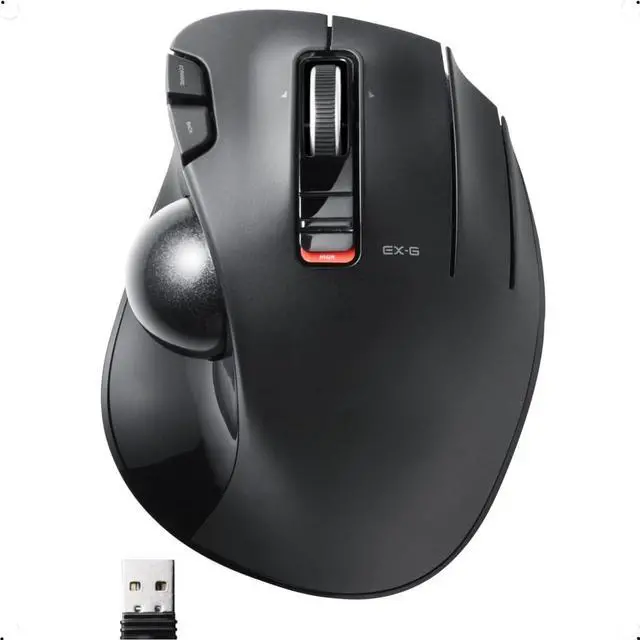
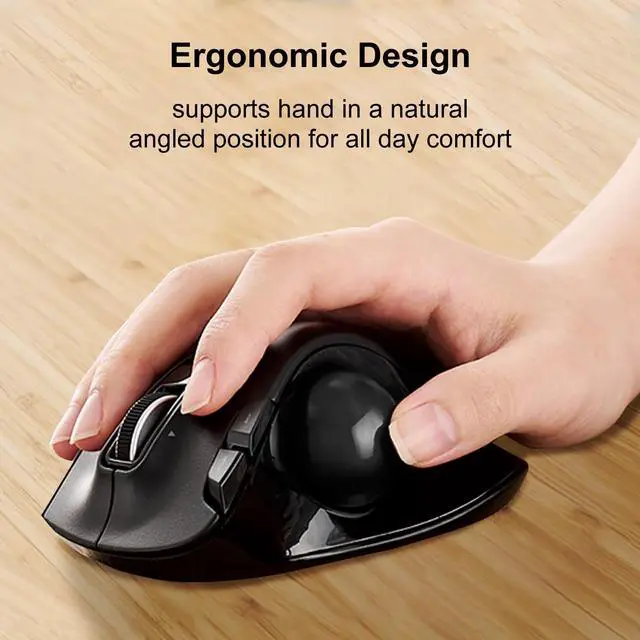
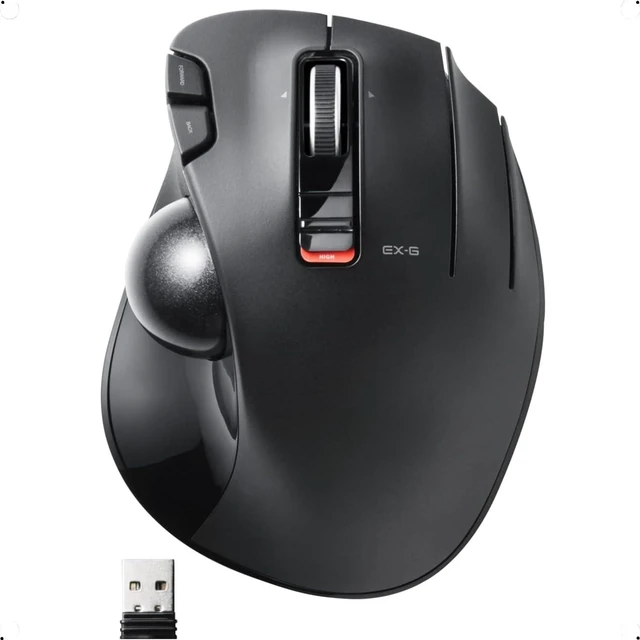
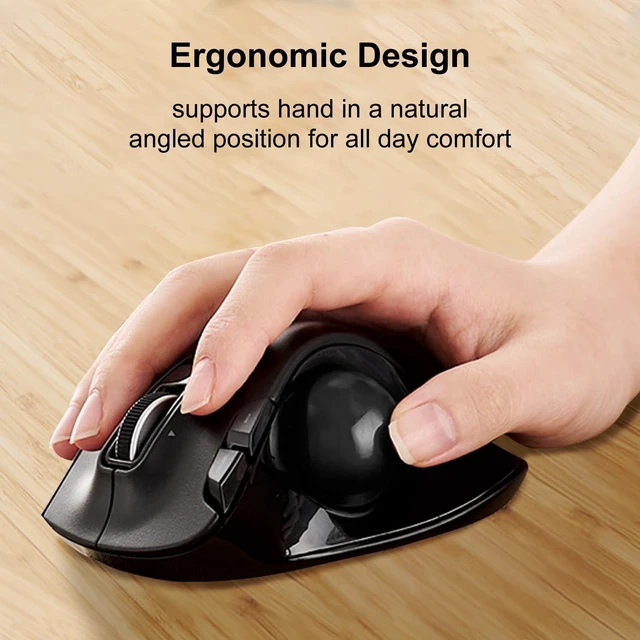
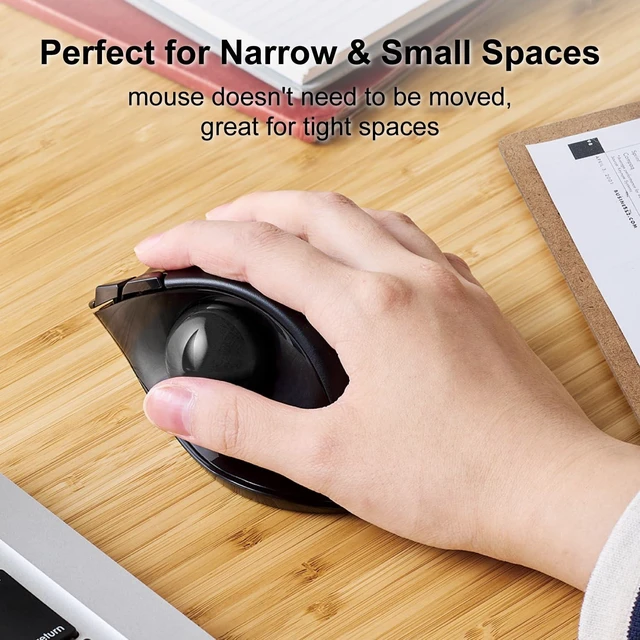
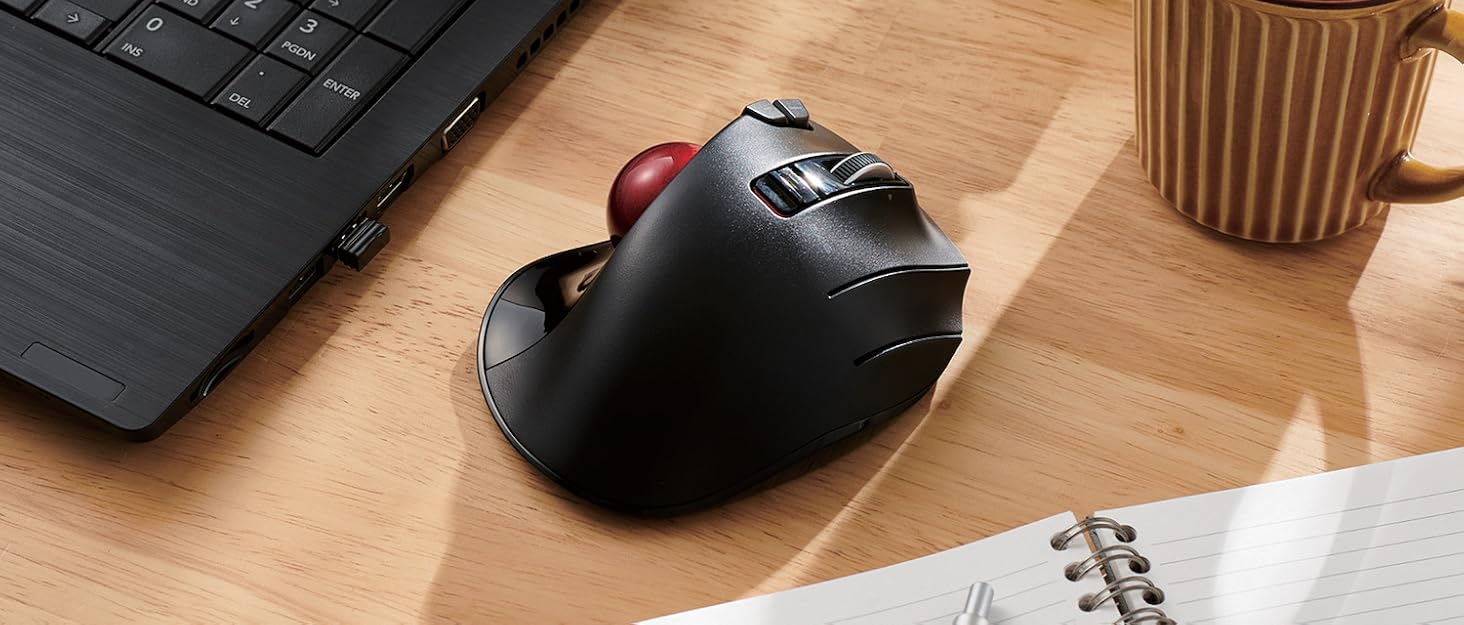
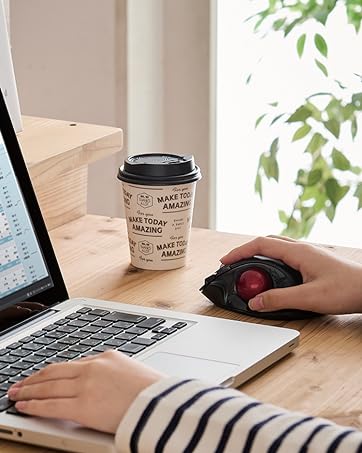
Exactly-Grip Ergonomic (EX-G). This series focuses on ergonomic design and reducing the burden on the wrist and arm.
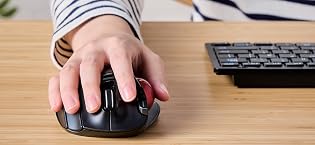
A large artificial ruby of 2.5 mm in diameter is used for the support sphere. A thumb-operated wireless trackball with solid basic performance and unprecedented new functions, realizing advanced pointer tracking performance.

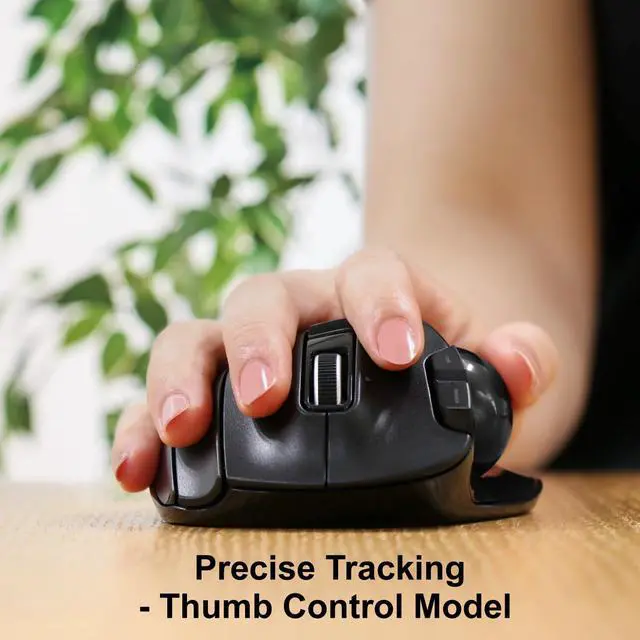
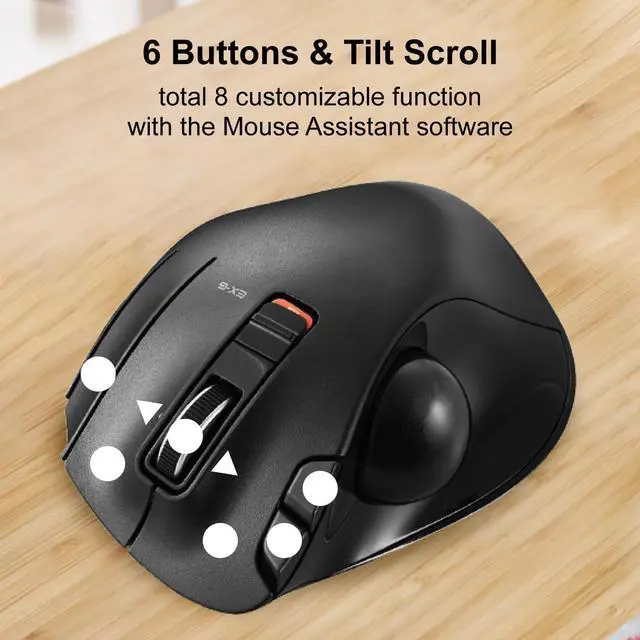
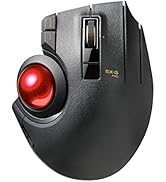
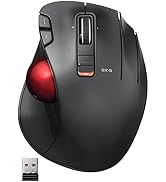
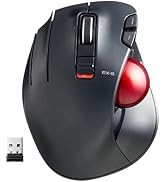
Thumb Model Features
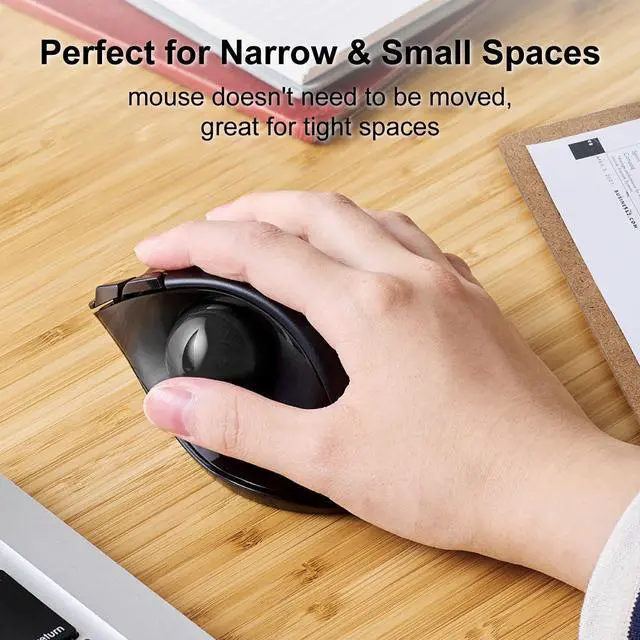
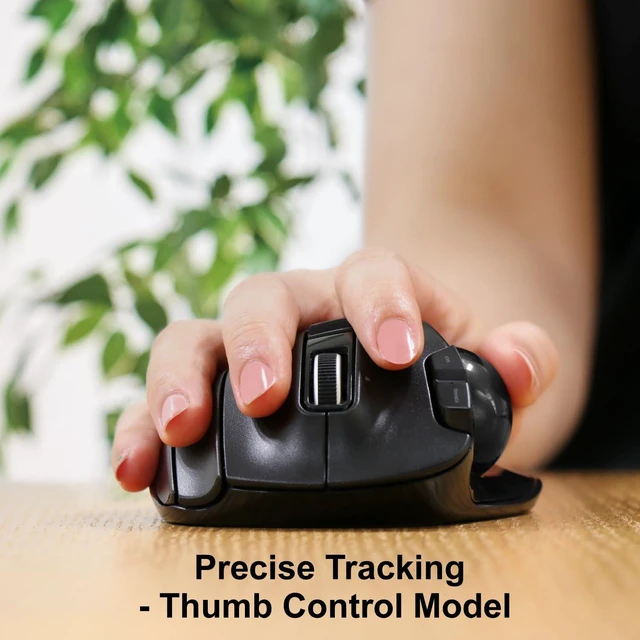
The shape and the placement of each button are similar to those of a mouse, making it easy for people who have used a mouse before to get used to the shape.
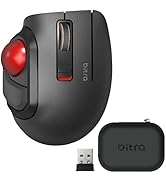
Thumb Model

Index-Finger Model Features
To equip with a larger ball than the thumb type. This has the advantage of making it easier to control the fine movements of the cursor. The feel of the operation is unique and requires some getting used to.
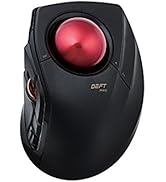
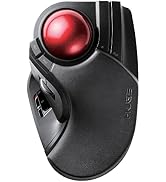
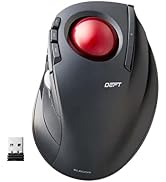
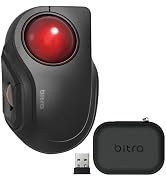
Index-Finger Model
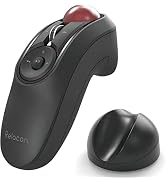
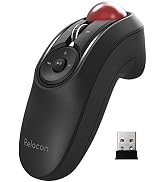
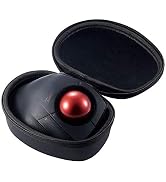
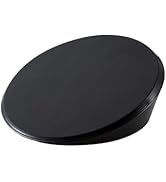
Handy Model & Accessories
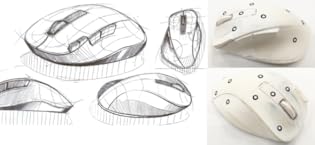
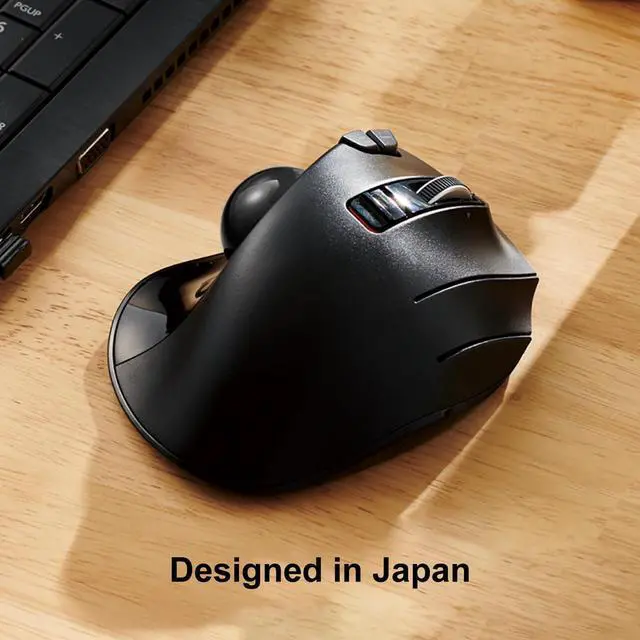
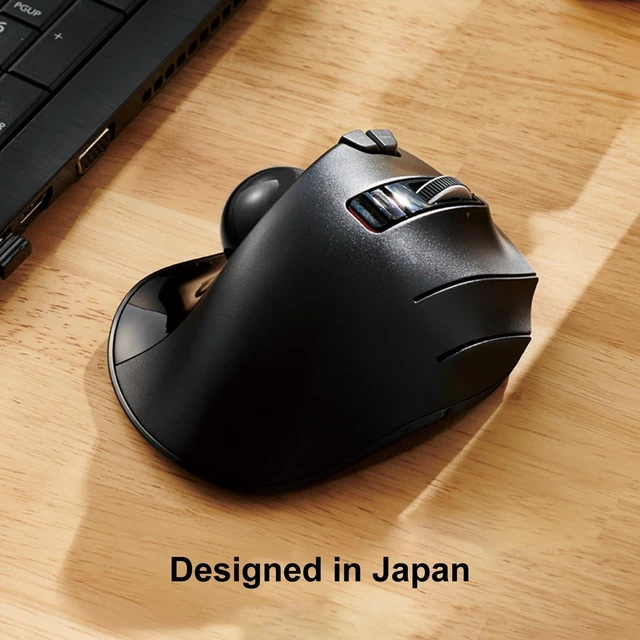
Japan Design
High design quality has been recognized by numerous design awards, including the Good Design Award, as well as by many users.

ELECOM is a Japanese consumer goods company with a simple mission: create quality products that deliver the most comfort and convenience for its customers. With a track record boasting some of the most innovative yet accessible products ever created, ELECOM has consistently raised the standards of excellence for technology products while taking care of its customers and employees.
EX-G PRO | EX-G | EX-G Left Hand | Relacon | bitra | Replacement ball | |
|---|---|---|---|---|---|---|
| Customer Reviews | — | — | — | — | — | — |
| Price | — | — | — | — | — no data | — |
| Style | Thumb | Thumb | Thumb | Handheld | Thumb | - no data |
| Hand Orientation | Right | Right | Left | Ambidextrous | Right | - no data |
| Connection | USB 2.4GHz + Wired + Bluetooth | USB 2.4GHz / Wired | USB 2.4GHz | Bluetooth / USB 2.4GHz | Bluetooth / USB 2.4GHz | - no data |
| Buttons | 8 | 6 | 6 | 10 | 5 | - no data |
| DPI switch | 500/1000/1500 | 750/1500 | 750/1500 | 500/1000/1500 | 750/1500 | - no data |
| Ball Size | 34mm | 34mm | 34mm | 25mm | 25mm | 34mm |
DEFT PRO | HUGE | DEFT | bitra | Tilt-adjustable Pad | FITTIO wrist rest | |
|---|---|---|---|---|---|---|
| Customer Reviews | — | — | — | — | — | — |
| Price | — | — | — no data | — no data | — | — |
| Style | Index Finger | Index Finger | Index Finger | Index Finger | - no data | - no data |
| Hand Orientation | Right | Right | Right | Right | - no data | - no data |
| Connection | USB 2.4GHz + Wired + Bluetooth | USB 2.4GHz / Wired | USB 2.4GHz / Wired | Bluetooth / USB 2.4GHz | - no data | - no data |
| Buttons | 8 | 8 | 8 | - no data | - no data | - no data |
| DPI switch | 500/1000/1500 | 500/1000/1500 | 750/1500 | 750/1500 | - no data | - no data |
| Ball Size | 44mm | 52mm | 34mm | 34mm | - no data | - no data |
Mouse Assistant
STEP1
1. Go to the "ELECOMUSA " website. (Not ELECOMUS website)Click "Mouse Assistant" in the middle of the top.
2. Select "WINDOWS" or "MAC" for installation. (When installing on a PC running security software, it is recommended to temporarily deactivate it before installation.)
3. Click "MOUSE ASSISTANT MANUAL" if you want detail about it.
STEP2
1. Save to your computer. (If you have any problem or question, please contact ELECOM on this website.)
2. Installation is now complete. If successfully installed, the Mouse Assistant icon is visible in the indicator as shown in the image. Let's open it!!
STEP3
1. Select your language. Click "OK". Then the window is closed automatically. Please open it again.(Setup required each time it is opened)
2&3. Button Function Assignments
4. Scroll speed adjustment
5. Arrow: Manual & Help
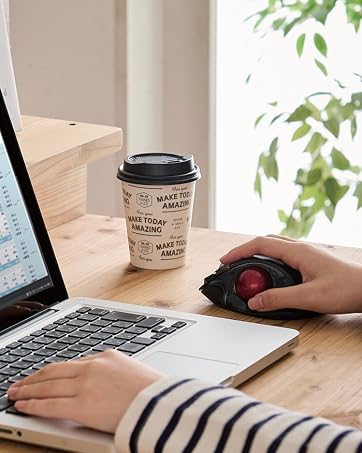
EX-G Trackball
Exactly-Grip Ergonomic (EX-G). This series focuses on ergonomic design and reducing the burden on the wrist and arm.
A large artificial ruby of 2.5 mm in diameter is used for the support sphere. A thumb-operated wireless trackball with solid basic performance and unprecedented new functions, realizing advanced pointer tracking performance.
Thumb Model Features
The shape and the placement of each button are similar to those of a mouse, making it easy for people who have used a mouse before to get used to the shape.
Thumb Model
Index-Finger Model Features
To equip with a larger ball than the thumb type. This has the advantage of making it easier to control the fine movements of the cursor. The feel of the operation is unique and requires some getting used to.
Index-Finger Model
Handy Model & Accessories
Japan Design
High design quality has been recognized by numerous design awards, including the Good Design Award, as well as by many users.
ELECOM is a Japanese consumer goods company with a simple mission: create quality products that deliver the most comfort and convenience for its customers. With a track record boasting some of the most innovative yet accessible products ever created, ELECOM has consistently raised the standards of excellence for technology products while taking care of its customers and employees.
