




ABOUT ATTACK SHARK
The logo of ATTACK SHARK is a shark. Shark is the overlord of the sea, a natural hunter, and dominates the game world.
ATTACK SHARK is a premium gaming peripherals brand dedicated to delivering high-performance e-sports mice, mechanical keyboards, and accessories for gamers.
ATTACK SHARK will serve players in the global market with affordable prices, high standards, customization and continuous innovation.
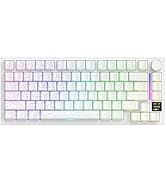
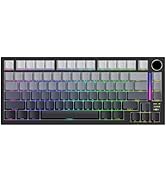
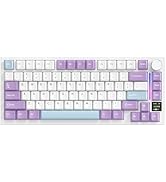
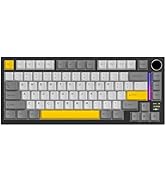
X820Ultra Mechanical Keyboard
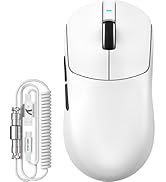
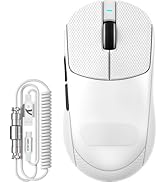
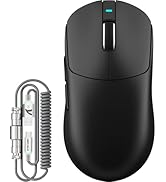
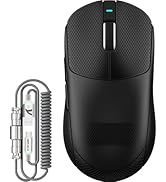
X8Plus&RGB Coiled Cable
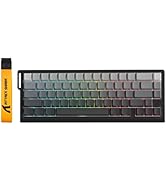
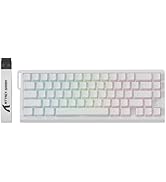
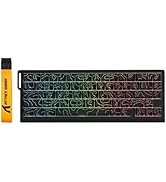
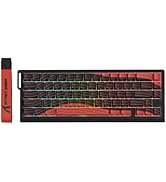
X68PRO HE Keyboard
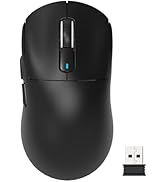
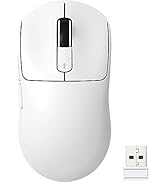
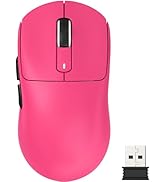
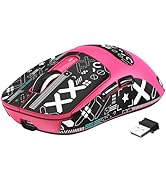
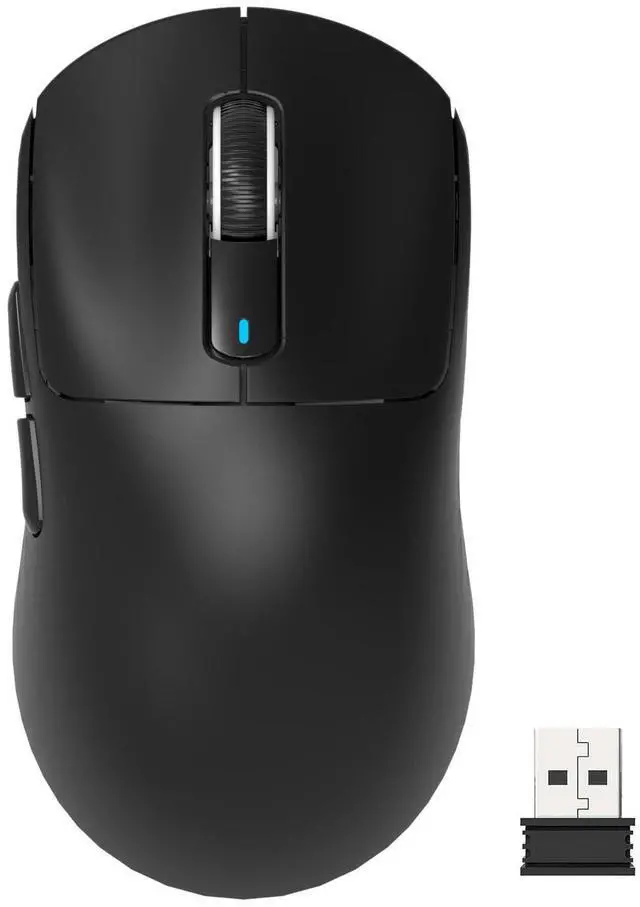
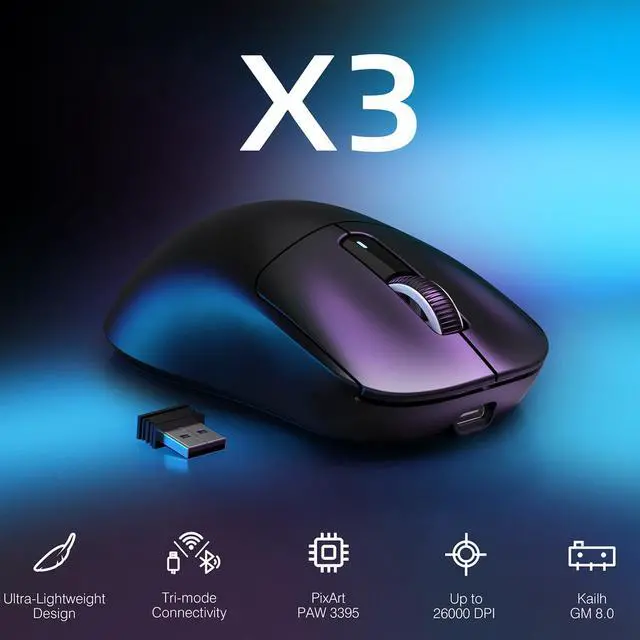
X3 Wireless Gaming Mouse
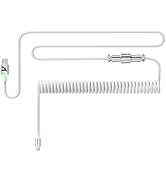
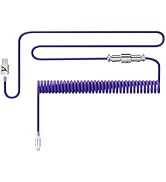
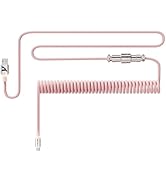
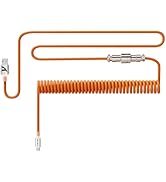
C01 Ultra RGB Coiled Cable
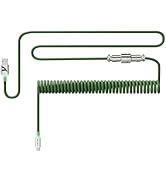
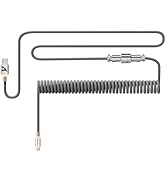
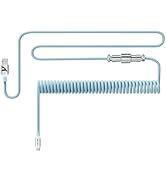
C01 Ultra RGB Coiled Cable
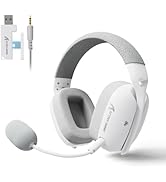
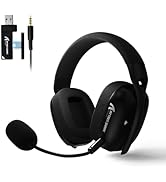
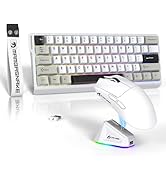
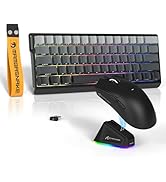
Headset & Gaming Setup
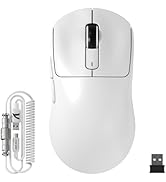
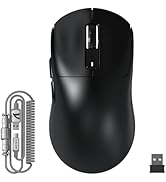
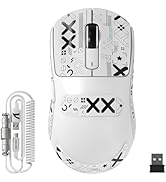
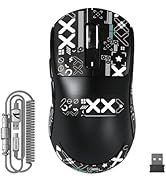
X3MAX Wireless Gaming Mouse
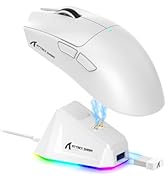
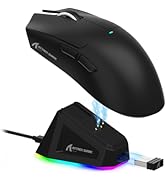
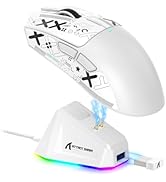
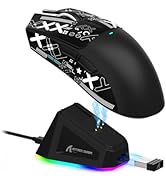
X11 Wireless Gaming Mouse
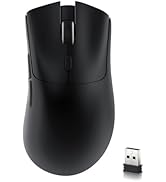
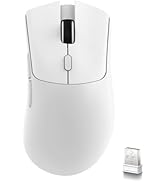
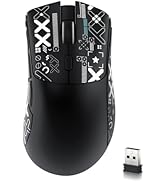
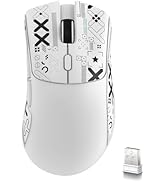
R1 Wireless Gaming Mouse
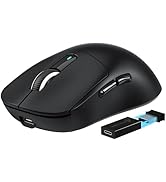
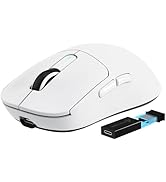
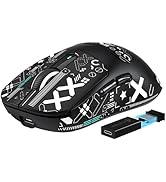
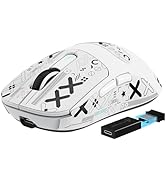
X3PRO Wireless Gaming Mouse
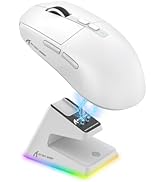
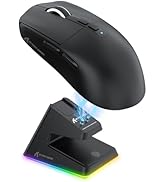
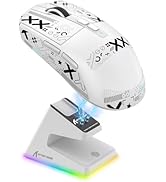
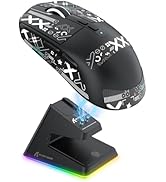
X6 Wireless Gaming Mouse
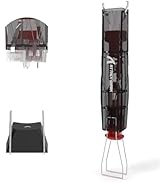
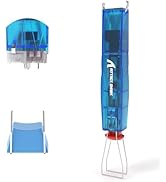
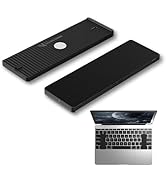
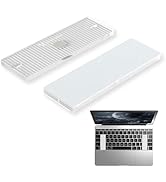
Accessories


PRODUCT PARAMETER
Is the mouse compatible with consoles?
Yes, the mouse is compatible with consoles, but the game must support mouse and keyboard. Please check with the system manufacturer for a full list of compatible titles, or the game's support page if you have a specific title in mind.
Can you assign macros to the mouse buttons?
Yes, you can download driver from our official website to assign them to the different buttons. Select your mouse, click on the button to reassign, select Macro, then customize and assign the macro.
Where can I find the USB Wireless dongle for the X3?
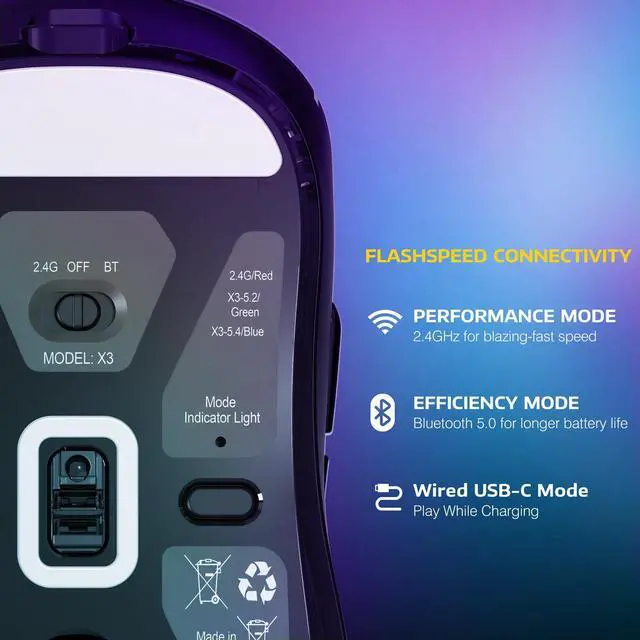
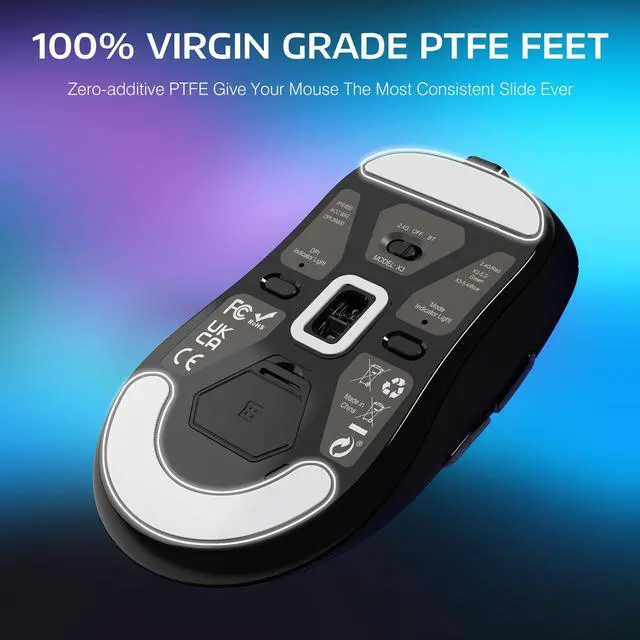
The USB wireless dongle is stored in a compartment on the underside of the mouse itself. Simply remove the cover to store or remove your USB dongle.


PRODUCT PARAMETER
| Product Model | X3 |
|---|---|
| Sensor Model | PixArt PAW 3395 |
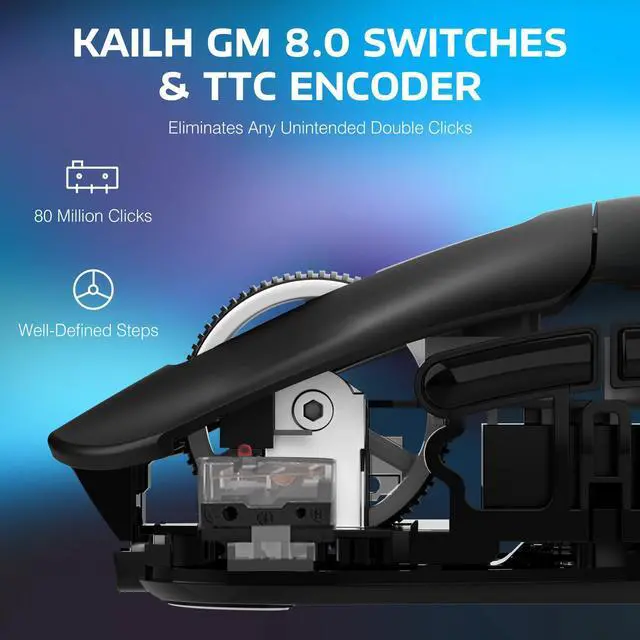
| Switches Model | Kailh GM8.0 Switches, 80 Million Click |
| Connection Method | 2.4Ghz Wireless/Bluetooth/USB-C Wired |
| Polling Rate | 125/250/500/1000 Hz |
| DPI | 800/1600/2400/3200/5000/26000 |
| Acceleration | 50G ACC |
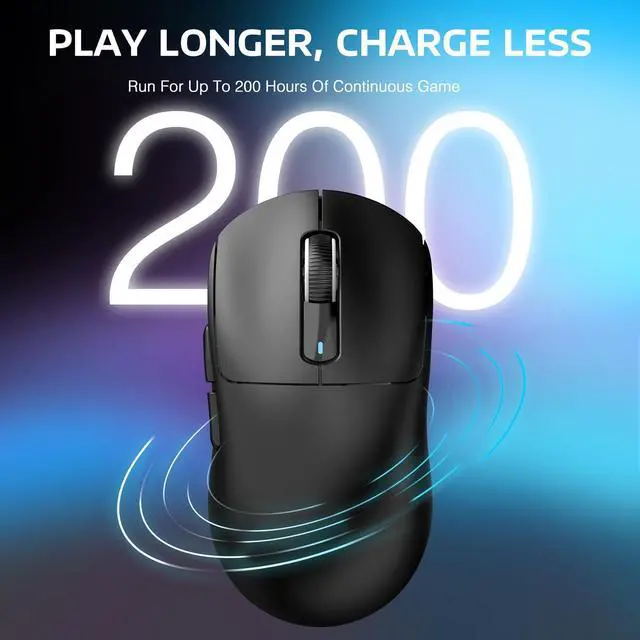
| Theoretical Battery Life | Up to 200Hrs |
| Button | 5 Programmable Buttons |
| Bluetooth Pairing Name | X3-5.2 mouse/X3-5.4 mouse |
| System Support | Window7/8/10/11/Mac Os |
| Supported devices | PC, Mac, Smartphone, Tablet |
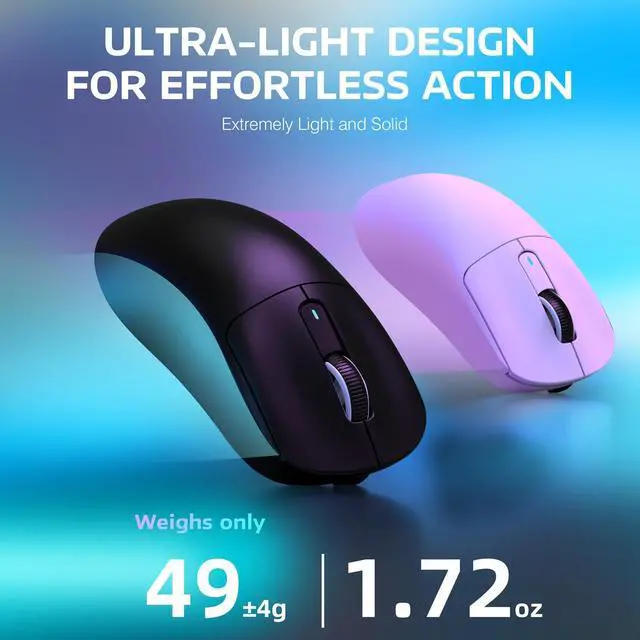
| Mouse Size | 118.5*61*39.7 mm |
| What's in the package | X3 Mouse *1, 2.4G Receiver *1, USB-C Cable *1, Manual *1 |
Is the mouse compatible with consoles?
Yes, the mouse is compatible with consoles, but the game must support mouse and keyboard. Please check with the system manufacturer for a full list of compatible titles, or the game's support page if you have a specific title in mind.
Can you assign macros to the mouse buttons?
Yes, you can download driver from our official website to assign them to the different buttons. Select your mouse, click on the button to reassign, select Macro, then customize and assign the macro.
Where can I find the USB Wireless dongle for the X3?
The USB wireless dongle is stored in a compartment on the underside of the mouse itself. Simply remove the cover to store or remove your USB dongle.
ABOUT ATTACK SHARK
The logo of ATTACK SHARK is a shark. Shark is the overlord of the sea, a natural hunter, and dominates the game world.
ATTACK SHARK is a premium gaming peripherals brand dedicated to delivering high-performance e-sports mice, mechanical keyboards, and accessories for gamers.
ATTACK SHARK will serve players in the global market with affordable prices, high standards, customization and continuous innovation.
X820Ultra Mechanical Keyboard
X8Plus&RGB Coiled Cable
X68PRO HE Keyboard
X3 Wireless Gaming Mouse
C01 Ultra RGB Coiled Cable
C01 Ultra RGB Coiled Cable
Headset & Gaming Setup
X3MAX Wireless Gaming Mouse
X11 Wireless Gaming Mouse
R1 Wireless Gaming Mouse
X3PRO Wireless Gaming Mouse
X6 Wireless Gaming Mouse
Accessories