
Your Browsing History
- Free 30-day Returns
$69.99
Ships from Hong Kong.


Meet Your Seller

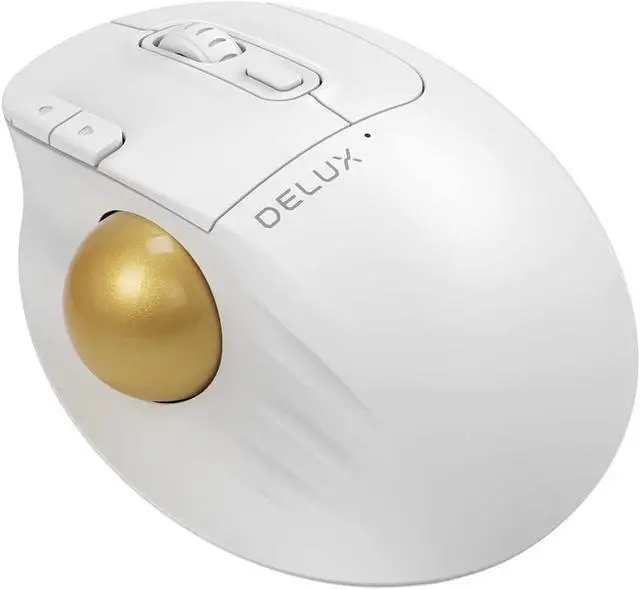



MT1 Bluetooth Trackball Mouse, Wireless Ergonomic Rollerball Mouse with 2400DPI, Smooth Easy Thumb Control, 3 Devices Connection, Red Ball, Compatible for Windows, PC, Mac White
- Model: Ergo Trackball Mouse MT1DB (Black)
- Connection: 2.4G wireless (with USB receiver), Dual BT channel (BT 3.0 and BT 5.0)
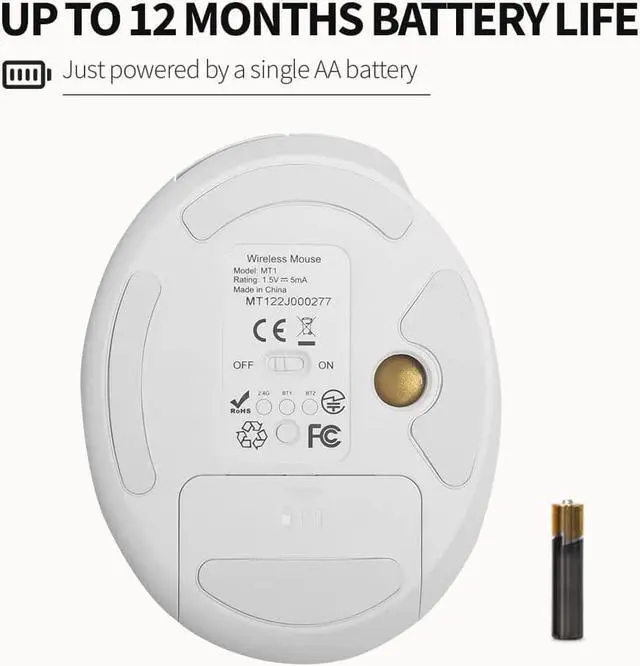
- Battery: Up to12 Month Battery life with one Single AA Battery(Not included)
- Keys: Left/Right/Scroll Wheel/DPI/Forward/Backward Button and Track Ball
- Key Switch lifespan: 10 million
- DPI: 400/800/1200/1600/2400
- Weight: 143g
- Dimension: 128*101*47mm
- Compatible System: Windows 7/8/10/Mac OS
+
+
Overview
Specs
Reviews
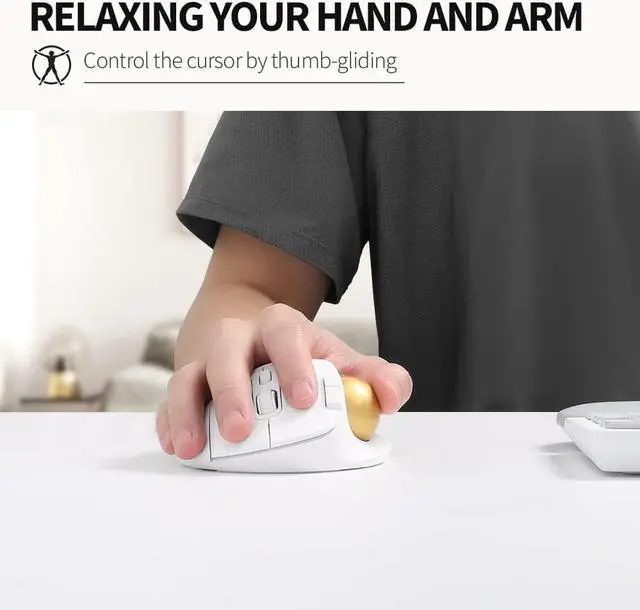
[Sculpted Ergonomic Shape] Keep controlling in a natural position, relax your hand and arm, easy thumb control, offer you all-day comfort, be more productive with comfortable control
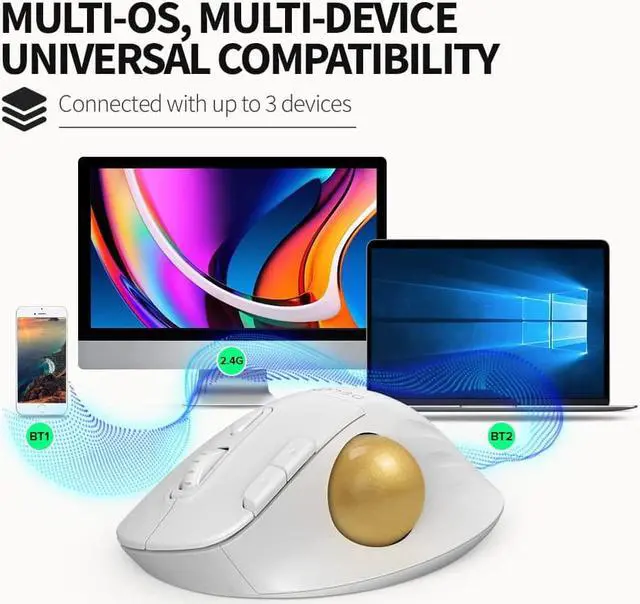
[Multi-Devices Workflow] Build the connection by USB receiver or BT, connect with up to 3 devices( 2.4G wireless, and BT 5.0 (BT1+BT2) ), and with multi-OS compatibility, compatible with Windows, PC, Mac, interconnecting your devices, building your workflow
[One Year Endurance with a Single AA Battery] Just powered by a AA battery, offer it 12 months battery life, forget the hassle of frequently charging
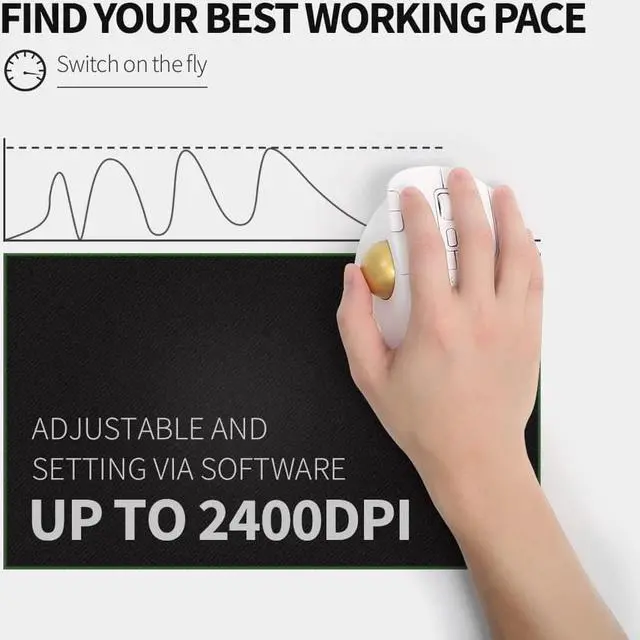
[High Precision and Adjustable Tracking] Up to 2400DPI, 5 levels for setting, adjust on the fly, select the best tracking speed for different working situations
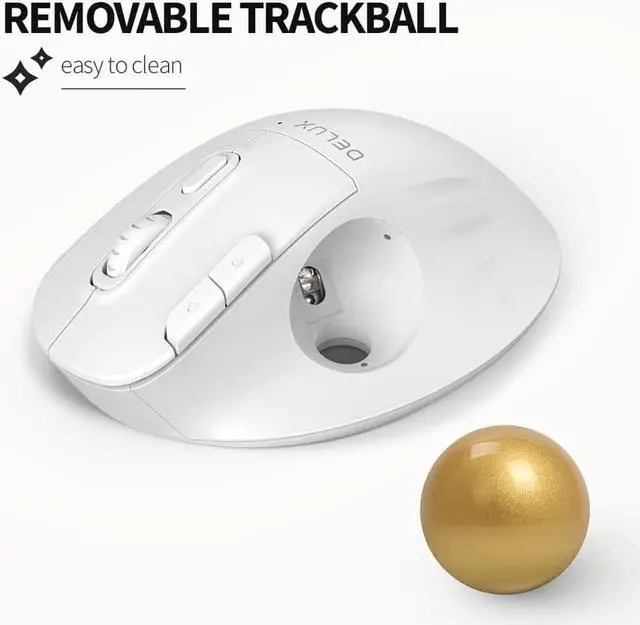
[Removeable Red Ball] Removable ball design, easy to clean, keep smooth tracking; and especially using a red transparent finish coating ball, compared with other colors, offer the best precision tracking
[Get More Done] Tips: only for Windows OS, via the driver, there are 4 sections for setting, Light section-setting the effects of the light; Button section-programing the mouse button with the function desired; Macro section-creating your automation; Other setting section-adjusting DPI, polling rate and scroll speed, etc. Creating your customization, improving your working efficiency
[Multi-Devices Workflow] Build the connection by USB receiver or BT, connect with up to 3 devices( 2.4G wireless, and BT 5.0 (BT1+BT2) ), and with multi-OS compatibility, compatible with Windows, PC, Mac, interconnecting your devices, building your workflow
[One Year Endurance with a Single AA Battery] Just powered by a AA battery, offer it 12 months battery life, forget the hassle of frequently charging
[High Precision and Adjustable Tracking] Up to 2400DPI, 5 levels for setting, adjust on the fly, select the best tracking speed for different working situations
[Removeable Red Ball] Removable ball design, easy to clean, keep smooth tracking; and especially using a red transparent finish coating ball, compared with other colors, offer the best precision tracking
[Get More Done] Tips: only for Windows OS, via the driver, there are 4 sections for setting, Light section-setting the effects of the light; Button section-programing the mouse button with the function desired; Macro section-creating your automation; Other setting section-adjusting DPI, polling rate and scroll speed, etc. Creating your customization, improving your working efficiency
Warranty & Returns
Warranty, Returns, And Additional Information
Warranty
- Please contact the Seller directly for warranty information. Warranty information may also be found on the Manufacturer's website.
- CONTACT
Return Policies
- Return for refund within: 30 days
- Return for replacement within: 90 days
- This item is covered by Corn Electronics Return Policy
Manufacturer Contact Info
- For a directory of all our manufacturers, please click below.
- Manufacturers Directory
LOADING...