




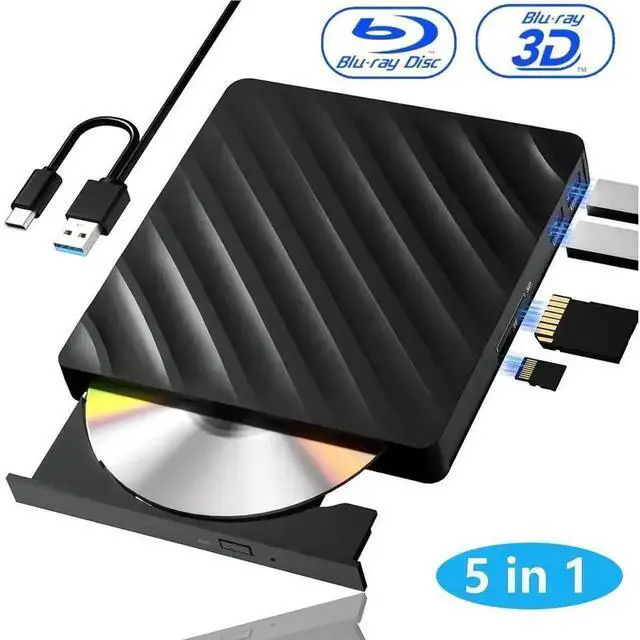
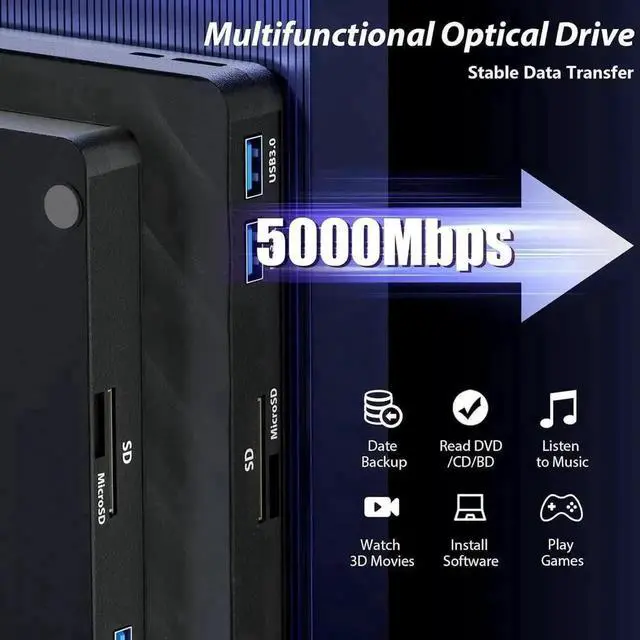
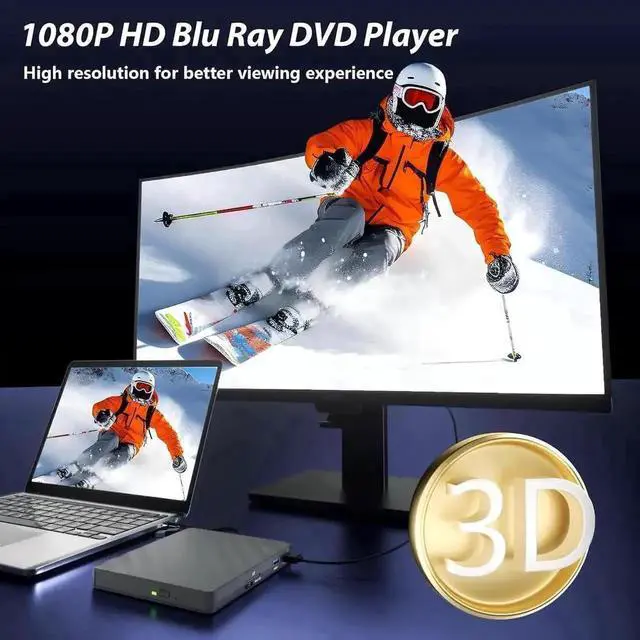
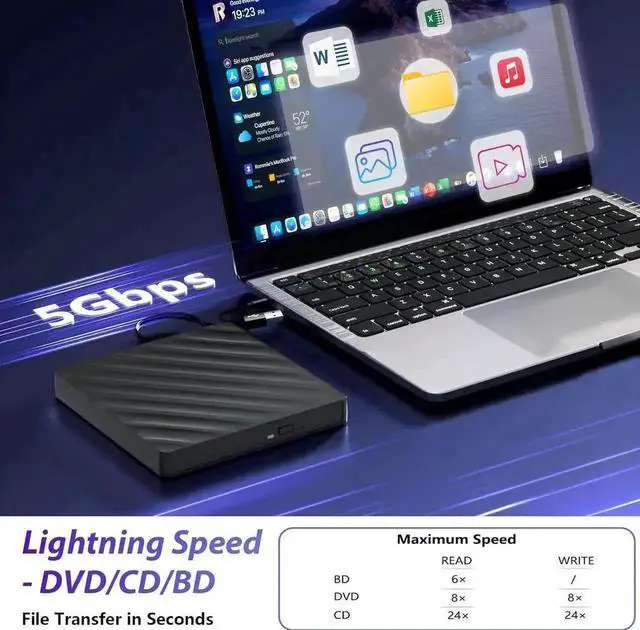


Why does the optical drive disconnect when reading the content of the optical disc?
This problem might be caused by insufficient power. Here are some suggested solutions: 1. Use a hub with an external power adapter. 2. System adjustment: Uncheck the option to allow the computer to shut down this device to save power.
Make sure the cables and connections are correct; the cables must be inserted into the computer, not the hub. If possible, try connecting the optical drive to a different port on another computer and test it.
Why doesn't the optical drive work properly or stops running after receiving the goods
Make sure the optical disc is clean and free of scratches. Use a soft cloth to wipe the disc in a circular motion. Also, check if the disc is supported by the drive. Ensure the drive is properly connected and firmly inserted into the computer. For external drives, try using different ports to rule out connection issues.