


- Free 30-day Returns
$326.99
Ships from Hong Kong.
Sold by XinjintongLimited
Shipped by XinjintongLimited

Meet Your Seller

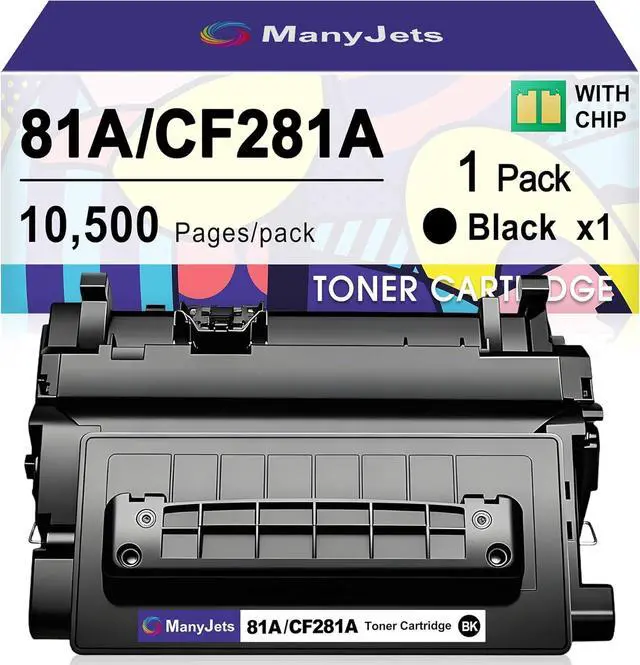


81A CF281A Black Toner Cartridge Compatible for HP 81A 81X CF281A CF281X, Replacement for HP LaserJet Enterprise MFP M605 M604 M604dn M605dn M605x M606 M630 M630f Printer (1 Pack)
- What Will You Get: 1 Pack CF281A 81A Black Toner Cartridges compatible for HP 81A CF281A Black toner cartridge
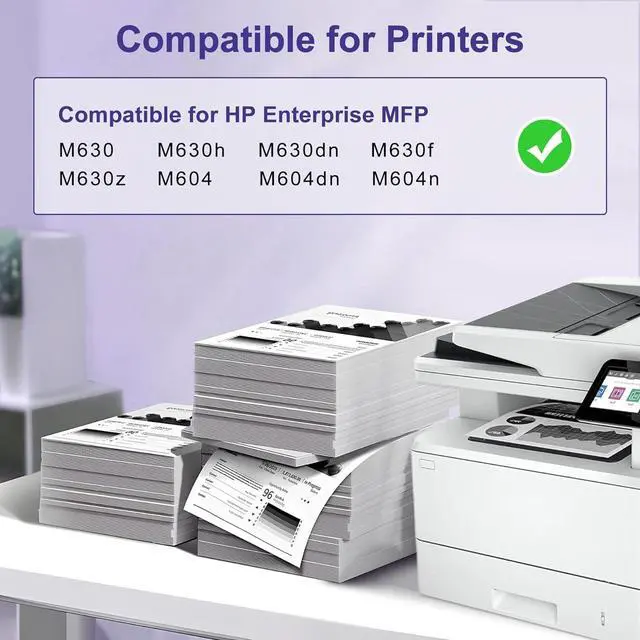
- Compatible Printer Models: The CF281A 81A toner cartridges replacement for HP Enterprise MFP M630 M630h M630dn M630f M630z M604 M604dn M604n Printers Warm Tips: Please confirm your printer model before placing order
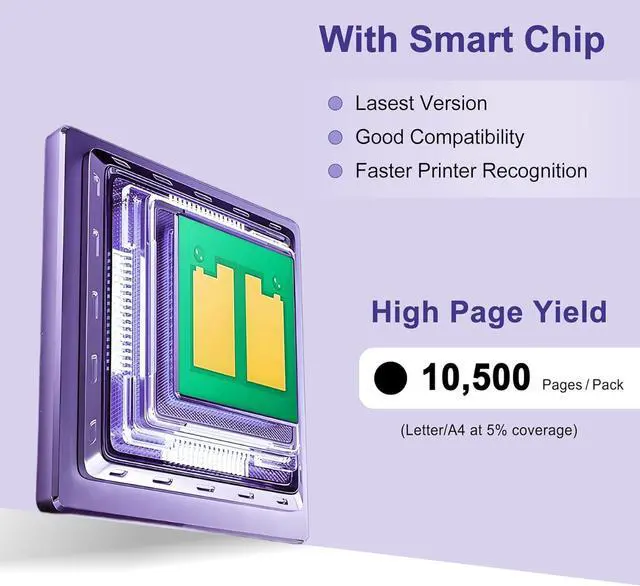
- With Smart Chip: The 81a Toner Cartridge Black comes with a smart chip for seamless compatibility with the firmware. Simply install the 81A 81X Toner Cartridge and start printing
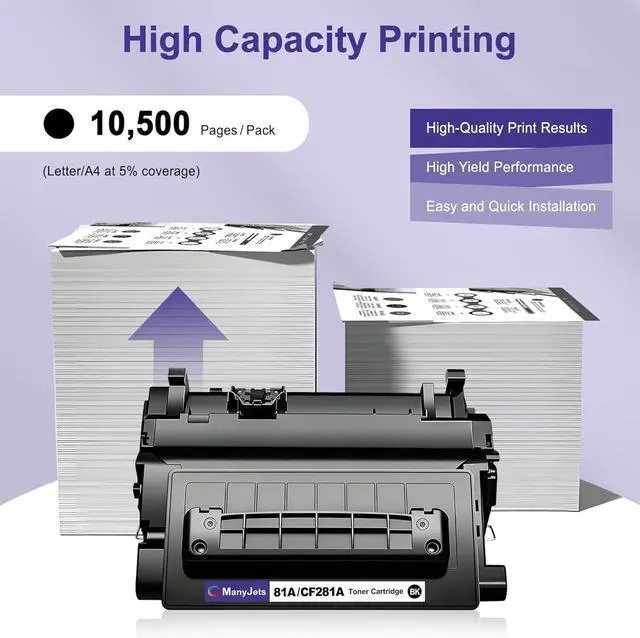
- High Page Yield: Each CF281A black toner cartridge replacement for HP 81A Black Toner Cartridge produces up to 10,500-Page Yield Get sharp text and vibrant colors for professional results every time. (Based on 5% coverage, A4/Letter size)
- Wide Range Of Uses: The 81A CF281A Compatible Toner Cartridge Replacement for HP 81A CF281A 81X CF281X is perfect for contracts, invoices, school handouts, and professional reports. Can be used by a wide range of home users, schools, small business
+
+
Overview
Specs
Reviews
Provide stable and reliable printing performance to meet your printing needs
Product Information:
Compatible printer models:
Compatible for HP Enterprise MFP M630 M630h M630dn M630f M630z M604 M604dn M604n Printers
Product model: CF281A black toner cartridge compatible for HP 81A CF281A 81X CF281X
Packaging includes:
CF281A 81A Black Toner Cartridge 1-Pack Replacement for HP 81A 81X
Product Features :
(1) Reliability, stability and rich colors
(2) High print capacity: Each cf281a cf281x for hp 81a black toner cartridge can print up to 10,500 pages (on A4 paper with a 5% coverage rate)
(3) Easy to install and use
Easy installation
Step 1: Shake the toner cartridge left and right 3 to 5 times to disperse the energy of the toner
Step 2: Pull out the tape on the side of the toner cartridge
Step 3: Remove the protective cover from the toner cartridge
Step 4: Insert the toner cartridge into the printer and then close the front door
Warm reminder:
1.Please confirm your printer model before placing an order
2.All the photos in the operation instruction are for reference only. The real appearance is subject to the final product you received
3. Do not touch the chip
We have confidence in our products and believe that you will be very satisfied after receiving them.
If you have any questions about the product, you can contact us directly.
Thank you very much for your choice and support.
Product Information:
Compatible printer models:
Compatible for HP Enterprise MFP M630 M630h M630dn M630f M630z M604 M604dn M604n Printers
Product model: CF281A black toner cartridge compatible for HP 81A CF281A 81X CF281X
Packaging includes:
CF281A 81A Black Toner Cartridge 1-Pack Replacement for HP 81A 81X
Product Features :
(1) Reliability, stability and rich colors
(2) High print capacity: Each cf281a cf281x for hp 81a black toner cartridge can print up to 10,500 pages (on A4 paper with a 5% coverage rate)
(3) Easy to install and use
Easy installation
Step 1: Shake the toner cartridge left and right 3 to 5 times to disperse the energy of the toner
Step 2: Pull out the tape on the side of the toner cartridge
Step 3: Remove the protective cover from the toner cartridge
Step 4: Insert the toner cartridge into the printer and then close the front door
Warm reminder:
1.Please confirm your printer model before placing an order
2.All the photos in the operation instruction are for reference only. The real appearance is subject to the final product you received
3. Do not touch the chip
We have confidence in our products and believe that you will be very satisfied after receiving them.
If you have any questions about the product, you can contact us directly.
Thank you very much for your choice and support.
Warranty & Returns
Warranty, Returns, And Additional Information
Warranty
- Please contact the Seller directly for warranty information. Warranty information may also be found on the Manufacturer's website.
- CONTACT
Return Policies
- Return for refund within: 30 days
- Return for replacement within: 90 days
- This item is covered by XinjintongLimited Return Policy
Manufacturer Contact Info
- For a directory of all our manufacturers, please click below.
- Manufacturers Directory
LOADING...