• $88.99
Ships from Hong Kong.
Price alert
Shop it at NeweggBusiness.

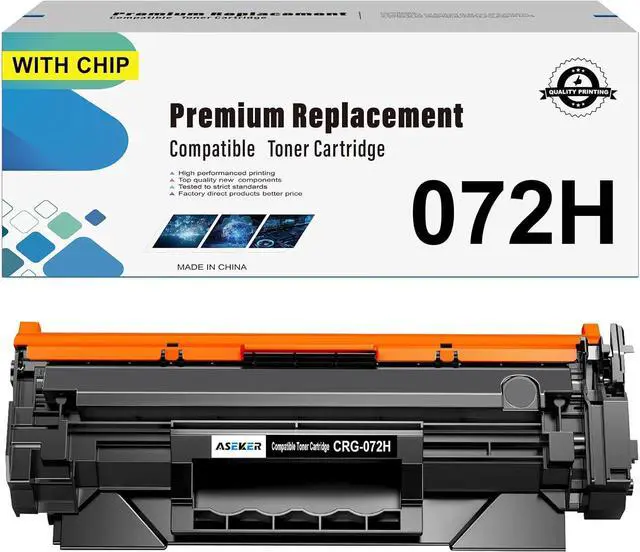
072H CRG072H CRG-072H Toner Cartridge Compatible for Canon ImageCLASS MF284dw MF286dw MF287dw MF284 MF288 MF288dw MF289dw LBP170 LBP171dw LBP172dw Printers High Capacity 4100 Pages (Black*1)

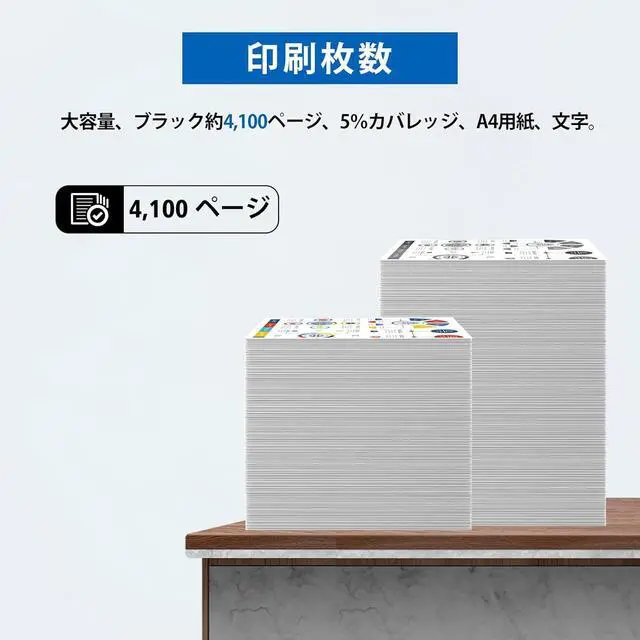
  • Package Contents - - Include 1 pack black compatible 072H CRG-072H toner cartridge, High capacity, up to 4,100 pages, 5% coverage at A4 pager. Tips: This 072H toner cartridge with a data chip can indicate Toner Level.
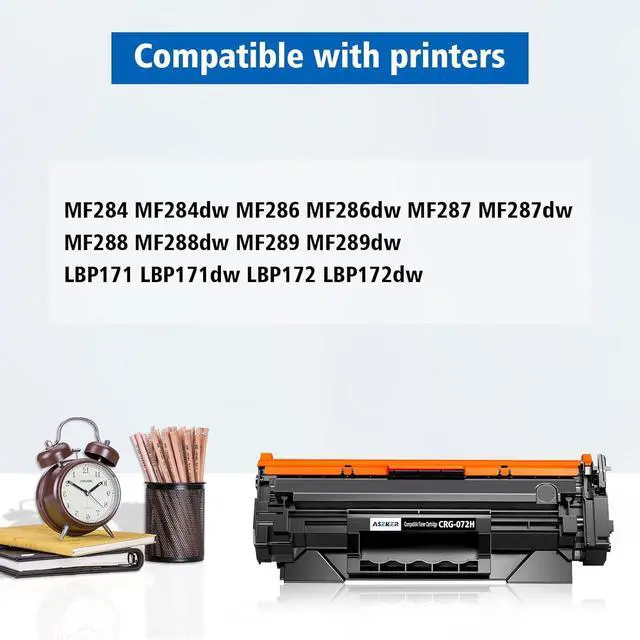
  • Compatible Printers - -Compatible for use in Canon imageCLASS MF284 MF284dw MF286 MF286dw MF287 MF287dw MF288 MF288dw MF289 MF289dw LBP170 LBP171dw LBP172dw Printers. Compatible for Canon i-SENSYS MF284 MF284dw MF286 MF286dw MF287 MF287dw MF288 MF288dw MF289 MF289dw LBP170 LBP171dw LBP172dw Printers
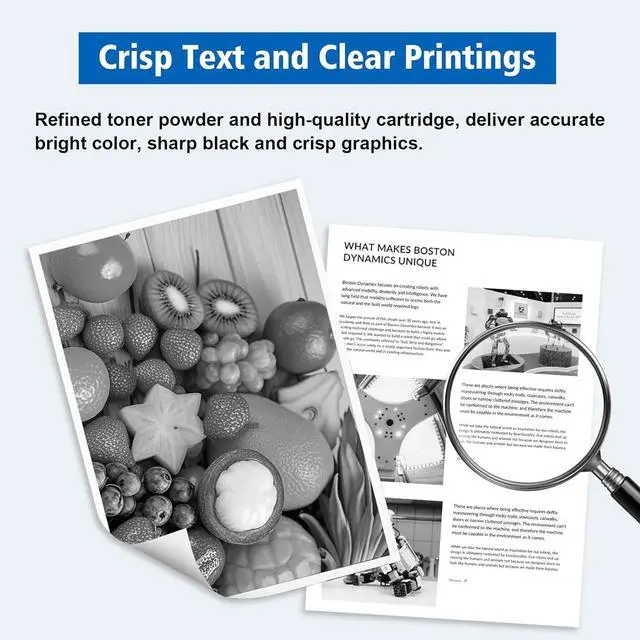
  • Print Advantages - - Refined toner powder and high-quality cartridge, deliver accurate bright color, sharp black and crisp graphics.
  • Reliable Warranty - - Timely after-sales and quality assurance services, let you to enjoy the fun of printing easily.
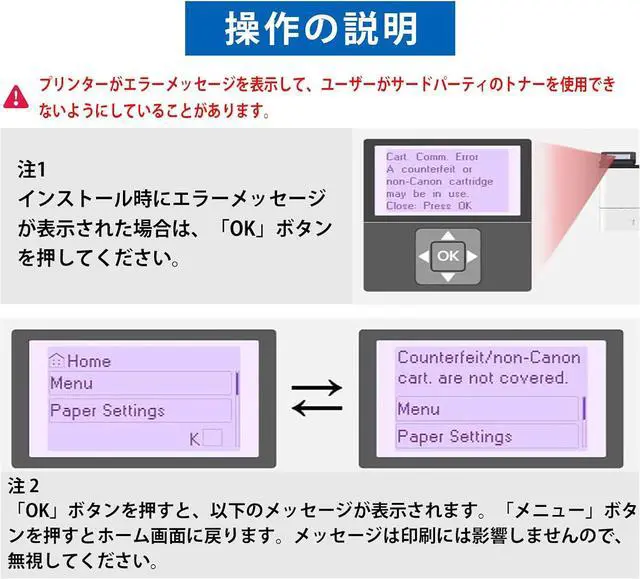
  • Important Note - - This is a Non-OEM product. Before installing a compatible toner cartridge, CANON Genuine mode must be turned off. The steps are as follows: Menu > Admin Settings > Device Management > CANON Genuine Mod
+
+
Overview
Specs
Reviews
Package Contents - - Include 1 pack black compatible 072H CRG-072H toner cartridge, High capacity, up to 4,100 pages, 5% coverage at A4 pager. Tips: This 072H toner cartridge with a data chip can indicate Toner Level.
Compatible Printers - -Compatible for use in Canon imageCLASS MF284 MF284dw MF286 MF286dw MF287 MF287dw MF288 MF288dw MF289 MF289dw LBP170 LBP171dw LBP172dw Printers. Compatible for Canon i-SENSYS MF284 MF284dw MF286 MF286dw MF287 MF287dw MF288 MF288dw MF289 MF289dw LBP170 LBP171dw LBP172dw Printers
Print Advantages - - Refined toner powder and high-quality cartridge, deliver accurate bright color, sharp black and crisp graphics.
Reliable Warranty - - Timely after-sales and quality assurance services, let you to enjoy the fun of printing easily.
Important Note - - This is a Non-OEM product. Before installing a compatible toner cartridge, CANON Genuine mode must be turned off. The steps are as follows: Menu > Admin Settings > Device Management > CANON Genuine Mode > Off. When the prompt "A non-CANON ink cartridge may be inserted" appears, press the "OK" key and the toner cartridge will work normally.

Warranty & Returns

Warranty, Returns, And Additional Information

Warranty

  • Please contact the Seller directly for warranty information. Warranty information may also be found on the Manufacturer's website.
  • CONTACT

Return Policies

Manufacturer Contact Info

LOADING...