Smart Ink - Your smart cartridge choice!
Your printer is something you use every day, making printer ink one of the things you have to buy regularly. Unfortunately, replacing printer ink can be expensive, especially if you think your ink needs to come from the same manufacturer as your printer.
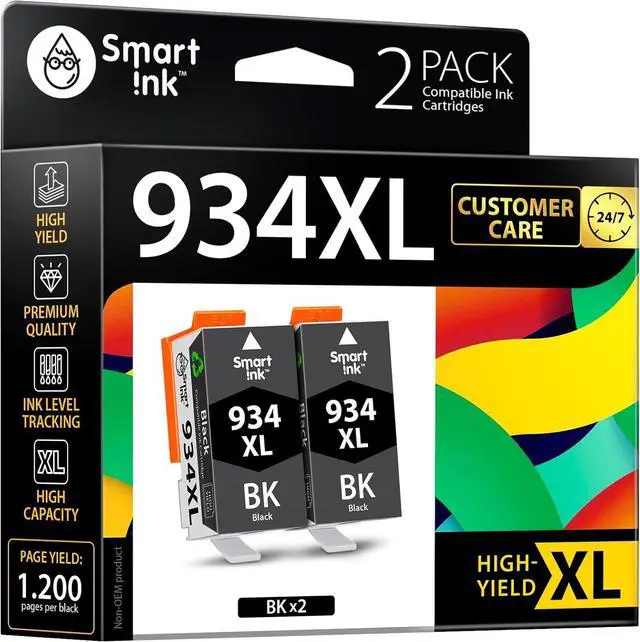
With its vibrant colors and professional quality, the Compatible Ink Cartridges produced by Smart Ink are the ticket to replacing ink quickly and more affordably.
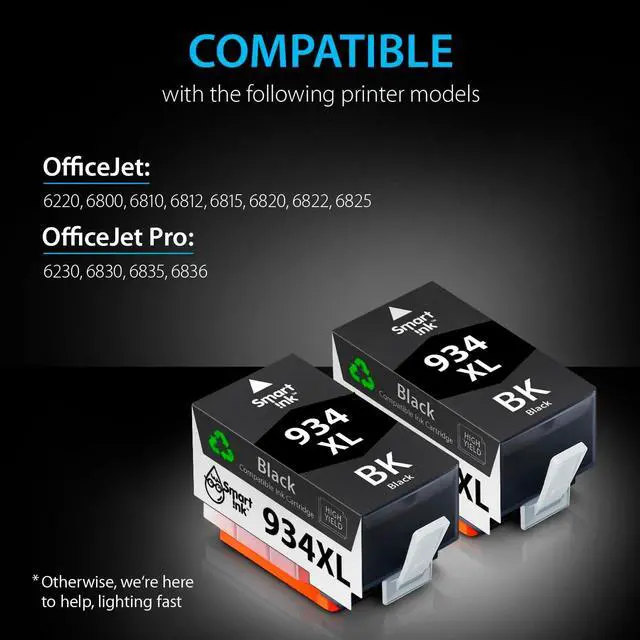
These cartridges are compatible with many HP printers. You can use these cartridges for HP OfficeJet 6220 6800 6810 6812 6815 6820 6822 6825 OfficeJet Pro 6230 6830 6835 6836 printers.
These Compatible 934 XL 935 XL 934XL 935XL Ink Cartridges can print out up to 1200 pages per XL Black, 825 pages per XL color cartridges (at 5% page coverage).
User Manual (added to each set)
If your printer displays a "Non-Genuine" message, press "Proceed"/"Continue"/"Accept" or "OK" to continue.
If you receive the error "Ink Cartridge not recognized" or "Missing or damaged ink," remove the indicated cartridge. Then use a dry, lint-free cloth to gently wipe the copper-colored contacts on the cartridge and carriage to remove any buildup. Replace the cartridge and make sure that it clicks securely into the corresponding slot.
If you get "Ink out/Empty/Low Ink" error, remove and reinstall indicated cartridge until it firmly seats into the slot. If all the cartridges are correctly installed, press "OK" or "Continue" to clear the message, and resume printing.





 We‘re shipping as usual! The Canada Post strike only affects certain remote deliveries and PO Boxes. Details
 Holiday Shipping Details & Extended Holiday Returns


